

What is a Warehouse Dashboard? A Warehouse Dashboard is a digital management interface that helps…
Warehouse Dashboard: Integrating Daily Warehouse Tasks
Reading Time: 8 minutes
What is a Warehouse Dashboard?
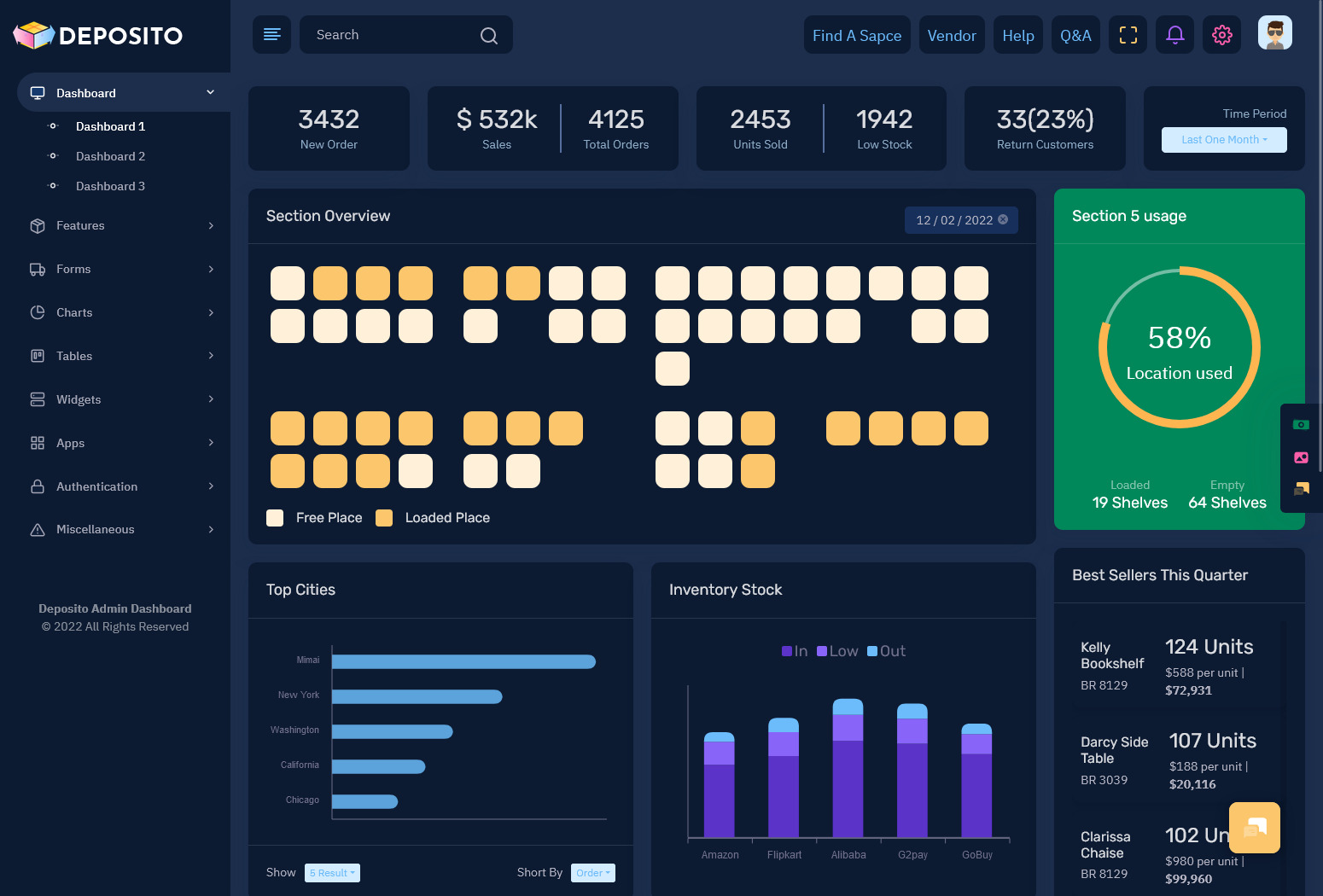
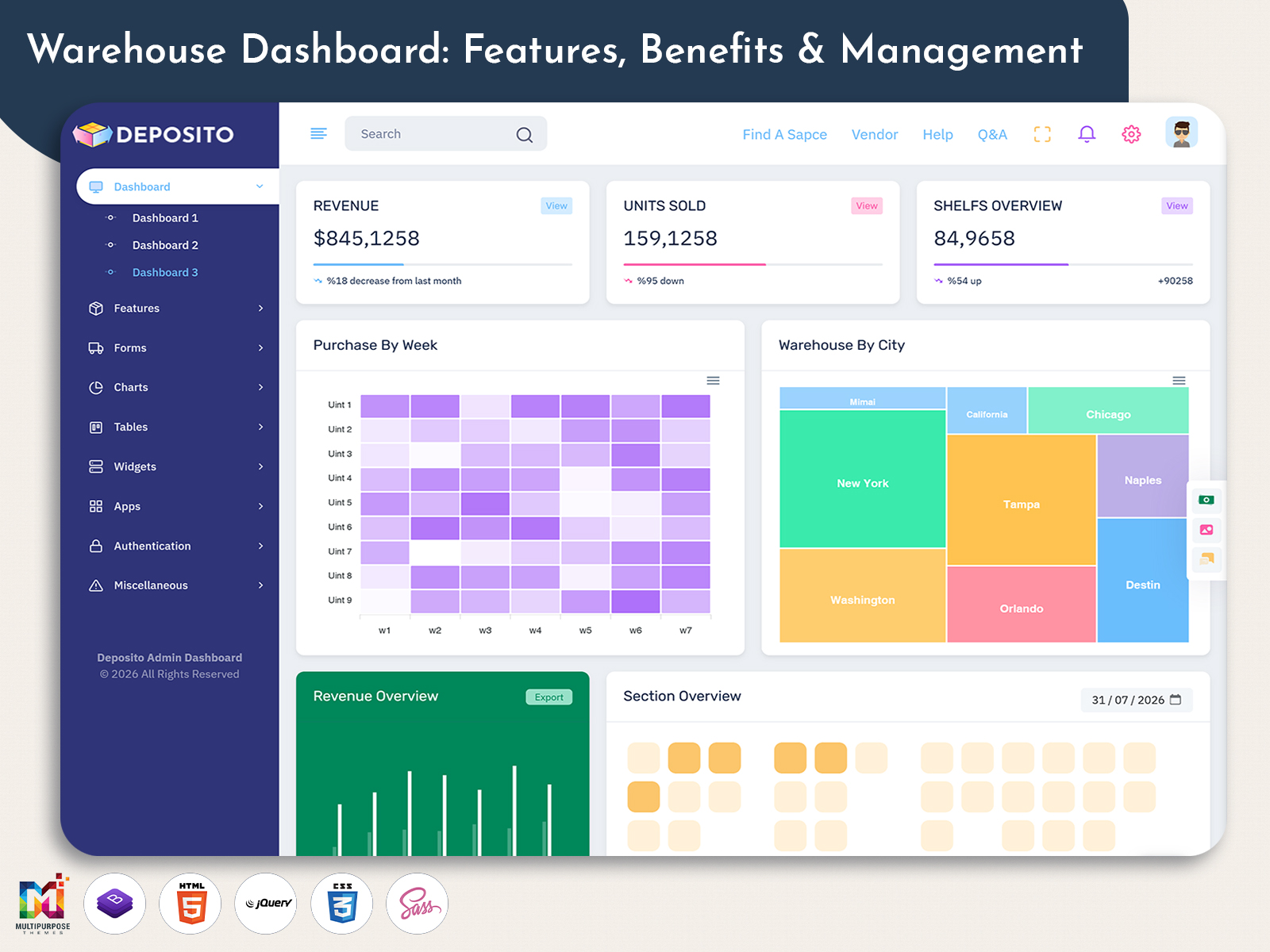
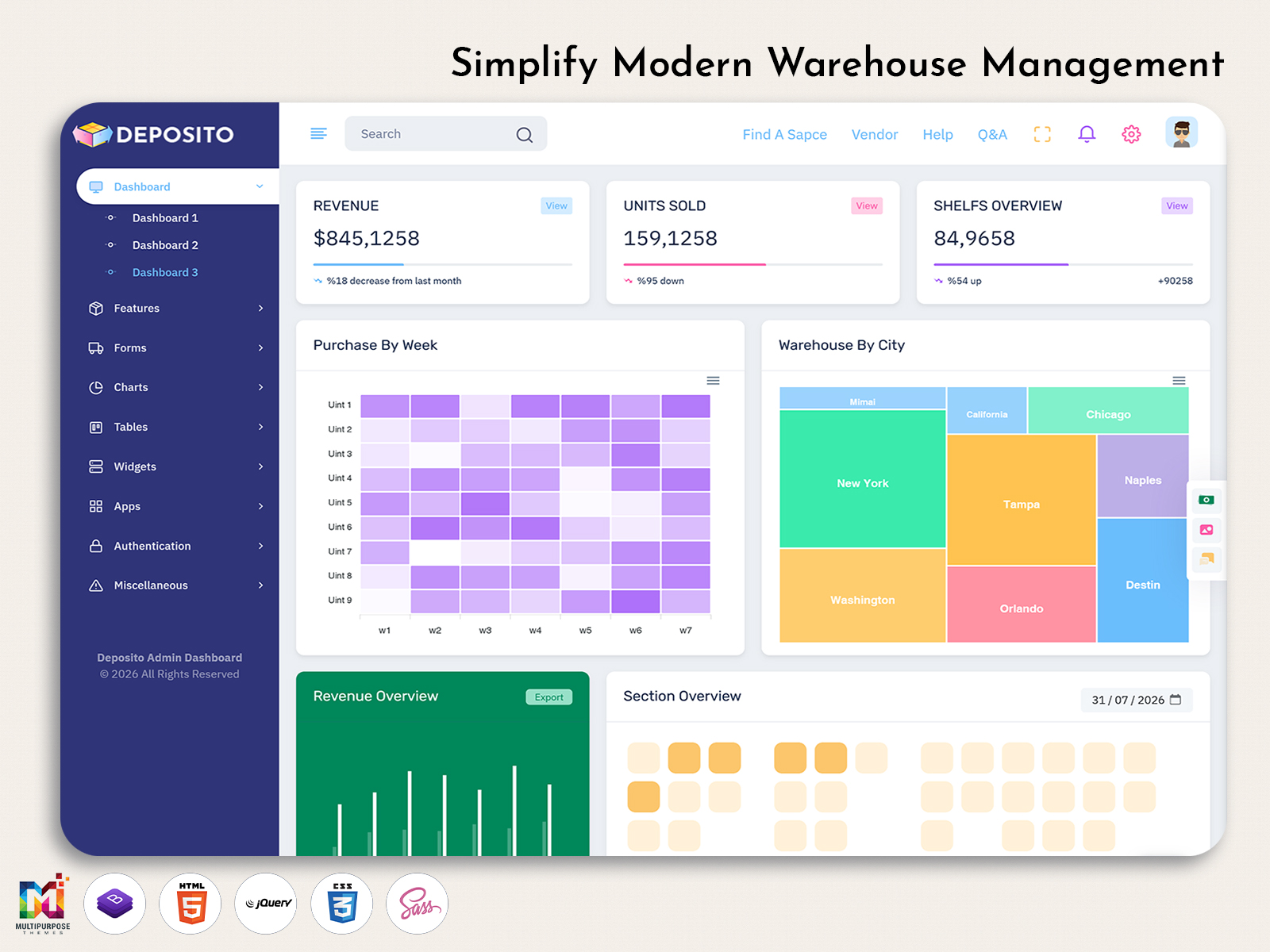
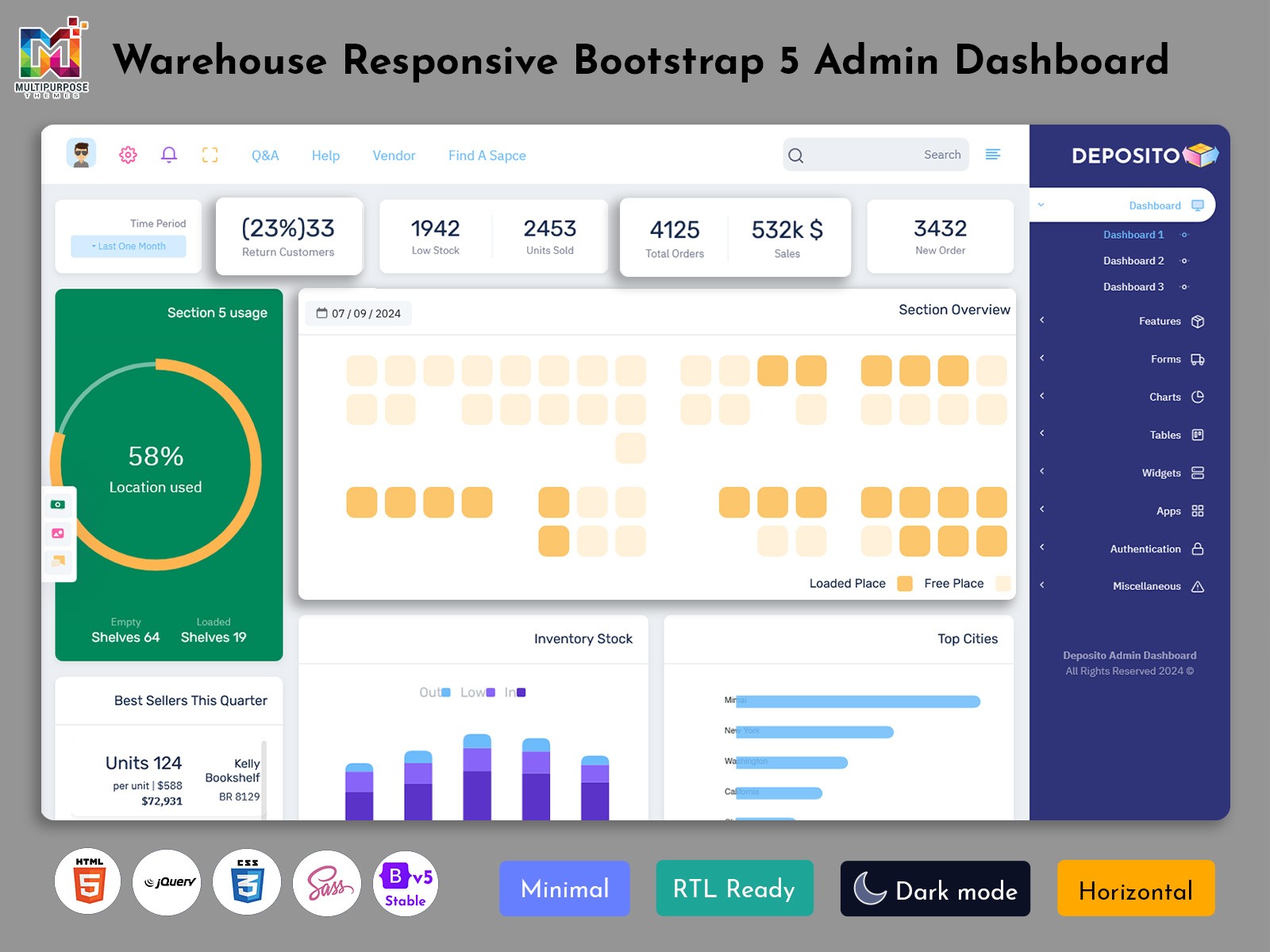
The Warehouse Dashboard is a tool made to help manage what happens inside a warehouse. It brings together parts of daily work. Like receiving goods storing items, moving products picking orders, shipping, buying and internal tasks. Into one place. This gives people who work in the warehouse a picture of what’s going on and what needs attention.
Watch Full Video
A warehouse is not a place to store things. It’s where products come in from suppliers move around the building wait to be processed get packed for orders and then leave. At the time workers need to work together to get things done. Procurement teams plan what’s coming next. Supervisors make sure nothing slows down or goes wrong.
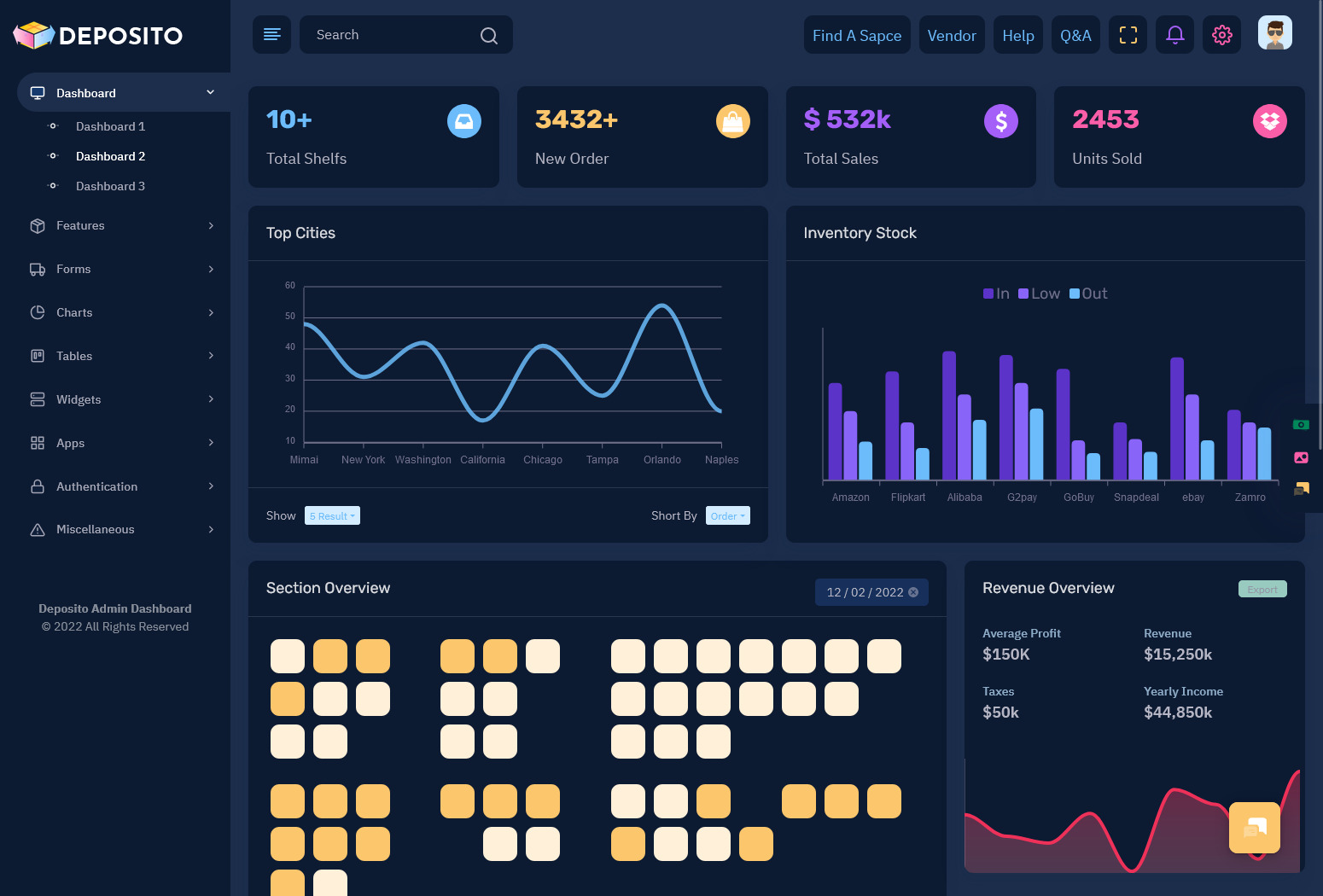
A Storage Dashboard can help with organizing the storage side. It shows data about storage areas, locations, sections. What’s happening there. This is useful for businesses that handle different products or have multiple storage areas.
The Procurement Dashboard looks at another part of the process. Decisions about buying items affect what comes into the warehouse and when. If buying info is kept separate from warehouse planning it’s harder to get ready for goods.
A KPI Dashboard gives managers numbers to check how the warehouse is performing.. Numbers alone don’t tell the whole story. Managers often need to know why something changed and what activity caused it.
That’s where a Workflow Dashboard comes in. It organizes tasks by their status. Who’s responsible and how far along they are. Of just showing what happened it helps teams see what’s waiting what’s being done and what still needs to be finished.
The goal of a Warehouse Dashboard is to connect data to real warehouse work. It should help teams coordinate without making the screen too cluttered.
How the Warehouse Dashboard Integrates Different Warehouse Choices
Warehouse tasks are all connected. Buying something affects when goods arrive. The arrival of goods changes how much storage space remains free. The way items are stored changes how easy it’s to find them. Picking items affects when they’re packed and sent out. Looking at each task separately can miss these links.
An organized warehouse dashboard creates a shared space where these linksre easier to see. For instance, there could occur a situation where the purchasing manager will want to know if the goods will fit in the store. The warehouse manager will be interested in the date of arrival of the consignment.
The Storage Dashboard shows where things are. The Procurement Dashboard shows what’s coming. Everyone can view things differently. Role-based access makes sure each worker sees the role-based access info that each worker needs for the job.
Another key part is handling problems. Warehouse processes are meant to run but sometimes things go wrong. Goods may arrive late. The amount received might not match what was expected.
A dashboard can help bring these issues to the people. Status markers, alerts, filters and task lists can separate events from normal work.
This means the dashboard is more than a screen of numbers. Users can start with a picture and then dive into details that need attention.
The dashboard doesn’t make all the decisions. It gives a setup of information so managers and workers can make decisions with the context.
VIEW DEMO BUY NOW
Features of a Warehouse Dashboard
1. Storage Area Organization
A Storage Dashboard organizes info around warehouse zones, shelves, sections or other location details. This helps users see where products and activities are. It also makes it easier to find location‑based data. Location‑based data becomes clearer when users can see where products and activities are located. Finding location‑based data is much simpler when the place of each product and activity is obvious.
2. Procurement Coordination
Procurement Dashboard links purchase information with warehouse requirements. By making use of Procurement Dashboard, you can have all the details concerning delivery, procurement, suppliers, and other things in one place.
3. Operational KPI View
A KPI Dashboard shows performance measures in a clear way. Of showing every number it focuses on metrics that help meet management goals.
4. Task-Based Workflow
The task status workflow dashboard is segmented into the task status categories such as pending, assigned, in progress or under review to help teams keep track of their pending work and the distribution of their workload.
5. Exception Identification
Unplanned events can mess up what happens in a warehouse. A dashboard can help managers focus on things. It can show tasks that need attention, strange activity or things that are waiting for approval. This way managers don’t have to check every part of the work.
6. Role-Based Views
Warehouse workers, supervisors, buying staff and managers all need info. Role-based views reduce clutter. Give each person access to tools they actually need.
7. Search and Filtering
As products, locations, tasks and transactions grow, finding specific info gets harder. Search, sort and filter tools help users find results by location, status, category, date or other details.
8. Activity History
An activity history gives context when checking an issue. Authorized users can look at status changes, actions or task updates to understand how a situation developed.
VIEW DEMO BUY NOW
Making Warehouse Management Connected
The warehouse operates by teamwork. People who receive goods manage storage, pick items, talk to suppliers and oversee tasks all have roles. Their work depends on each other.
A Workflow Dashboard makes these connections clearer. When a task has a status, a person in charge a location and a next step teams can understand their jobs without needing calls, messages or manual updates.
Storage planning is another area where connected info helps. A Storage Dashboard doesn’t just show how much space is used. It can also show details about areas, where itemsre what’s happening there.
This helps managers see warehouse space as part of the picture. A spot might be empty, but not suitable for a product. Another area might be nearly full while new goods are already scheduled to arrive. Organized details help with planning.
Procurement is also linked to warehouse work. A Procurement Dashboard can show what’s coming next so warehouse staff can plan how those items fit into their work.
This doesn’t mean everyone needs the screen. The dashboard can offer views through shared data. Each team gets the context they need without added complexity.
Performance tracking can sit on top of these areas. A KPI Dashboard gives managers an overview of indicators. Detailed pages let users check what’s behind a number.
For example if a number changes managers should be able to go to the related warehouse area of just stopping at the number. This links numbers to work.
This layered setup makes the dashboard easier to use. Storage gives location context. Procurement gives supply context. KPIs give performance context. Workflow gives action context. Of putting every tool on one screen the goal is to arrange info based on how warehouse teams actually use it.
Benefits of Warehouse Dashboard
1. Better Team Coordination
A Warehouse Dashboard gives teams a shared space to see the info. This makes it easier to understand task status how work depends on each other and who is responsible. Without relying on records or repeated messages.
2. Clear Storage Decisions
A Storage Dashboard gives a digital view of where things are. By organizing areas and activities teams can make storage choices with context of using old records.
3. Improved Buying Awareness
A Procurement Dashboard connects buying activity with warehouse needs. This helps teams see what’s coming and think about how it fits into work.
4. Focused Performance Reviews
A KPI Dashboard lets managers focus on numbers instead of checking every detail. When a number changes they can go to the warehouse area to see what’s happening.
5. Clearer Task Assignments
The Workflow Dashboard displays the status of tasks whether they are pending, assigned, in-progress or completed. It helps to distribute the responsibilities especially when there are multiple stakeholders involved or multiple departments involved.
6. Faster Problem Detection
Warehouse problems aren’t always obvious. A dashboard can highlight events helping managers focus on areas that need help rather than checking every normal record.
7. Support, for Growing Business
As warehouse work grows, the number of products, locations, workers, suppliers and tasks can increase a lot. A structured dashboard gives a foundation that can grow with workflow and management tools.
How Multipurpose Themes Supports Warehouse Dashboard Projects
Multipurpose Themes offers ready‑to‑use admin dashboard and web application templates, for projects that involve warehouse, inventory, procurement, storage, KPI and workflow. I find Multipurpose Themes helpful because it supplies these dashboard and web application templates. The current warehouse collection displays dashboard concepts that cover warehouse management, inventory, storage, procurement, KPI tracking and workflow interfaces. Developers can use these templates to create apps that’re specific to warehouses or start building screens from the beginning. You can adjust these templates to fit your brand, change the navigation, update components and meet project- needs.. You will still need to add backend functionality, databases, permissions, business rules and integrations based on what the application requires. The current warehouse content from MPT shows that these dashboards can function as parts of a warehouse management system.
Conclusion
The Warehouse Dashboard is a useful tool that I can use in my future career when working for companies that need management of storage, buying, performance, and daily processes in the warehouse. The interconnection of all these processes becomes apparent when each process is analyzed as such.
The Storage Dashboard may be used for organizing information related to storage, whereas the Procurement Dashboard may be utilized for displaying procurement-related information. The KPI Dashboard can aid management in monitoring performance indicators, and the Workflow Dashboard can link such information to activities and roles.
The real value comes from how these areas work. The dashboard isn’t, for storing information. Its meant to show information in a way that helps people spot problems quickly and take action.
For businesses and developers who are looking for a warehouse dashboard template the main considerations should be structure, flexibility, ease of use, responsive design, ability to customize and performance with the application they plan to use.
VIEW DEMO BUY NOW
Frequently Asked Questions
1. What is the main purpose of a Warehouse Dashboard?
The main purpose of a Multipurpose Themes Warehouse Dashboard is to provide a space for managing and viewing warehouse activities. It can connect storage details buying activity, daily tasks, performance measures and workflow statuses so that authorized users can see their roles and the current situation in the warehouse.
2. How does a Storage Dashboard help warehouse teams?
A Storage Dashboard can organize information about warehouse locations, areas, shelves or storage sections. This helps team members understand where products or activities are located. It also supports planning when storage conditions change or when new goods arrive.
3. What details can be handled through a Procurement Dashboard?
A Multipurpose Themes Procurement Dashboard can manage information about buying activities, suppliers, expected arrivals, purchase requests and other buying processes supported by the application. Linking buying details to warehouse operations helps teams prepare for products and plan their needs.
4. Why is a KPI Dashboard helpful for warehouse management?
A KPI Dashboard gives a view of performance measures. It allows managers to assess how things are going without having to review every record. The useful KPIs depend on the warehouse’s goals how it operates, the business model and the data available in the management system.
5. What is the job of a Workflow Dashboard in warehouse operations?
A Workflow Dashboard helps organize tasks based on their status. Who is responsible. It can show which tasks are pending, assigned in progress completed or need review. This makes it easier to track responsibilities when multiple warehouse workers or departments are involved in tasks.
6. Can a Warehouse Dashboard be changed for warehouse locations?
Yes a Multipurpose Themes Warehouse Dashboard can be set up to support locations if the system behind it is designed for that. Users may be able to sort or separate data by building, area or warehouse. The exact setup depends on the database, permissions and business needs.
7. What should businesses think about before choosing a Warehouse Dashboard template?
Businesses should consider the template’s design how it works on devices the components it includes how easy it is to customize the quality of help documentation and how well it fits with their development environment. They should also check if the design supports their needs, for storage, procurement, workflow, reporting and access control before making a choice.

Related Posts


This Post Has 0 Comments