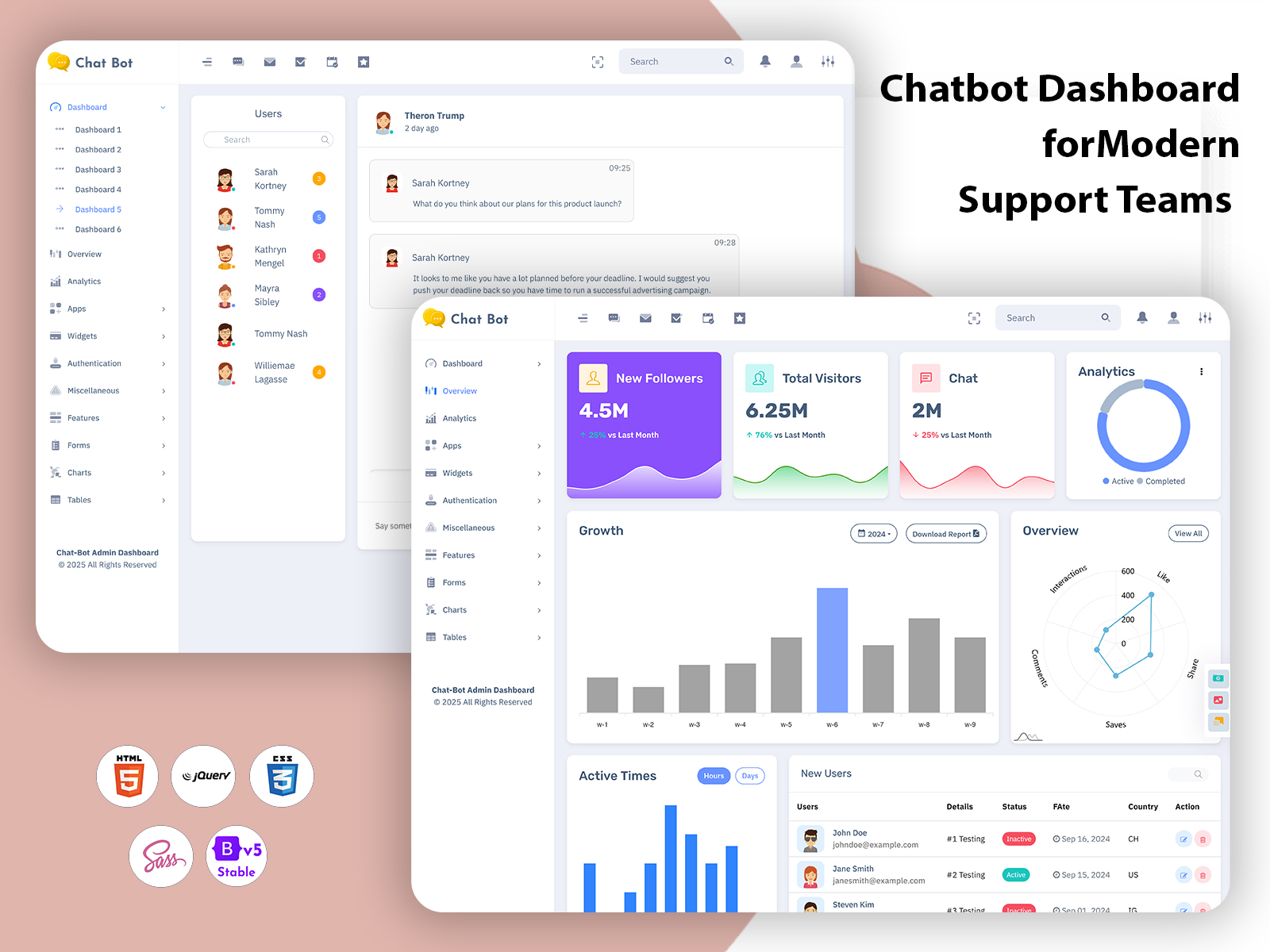
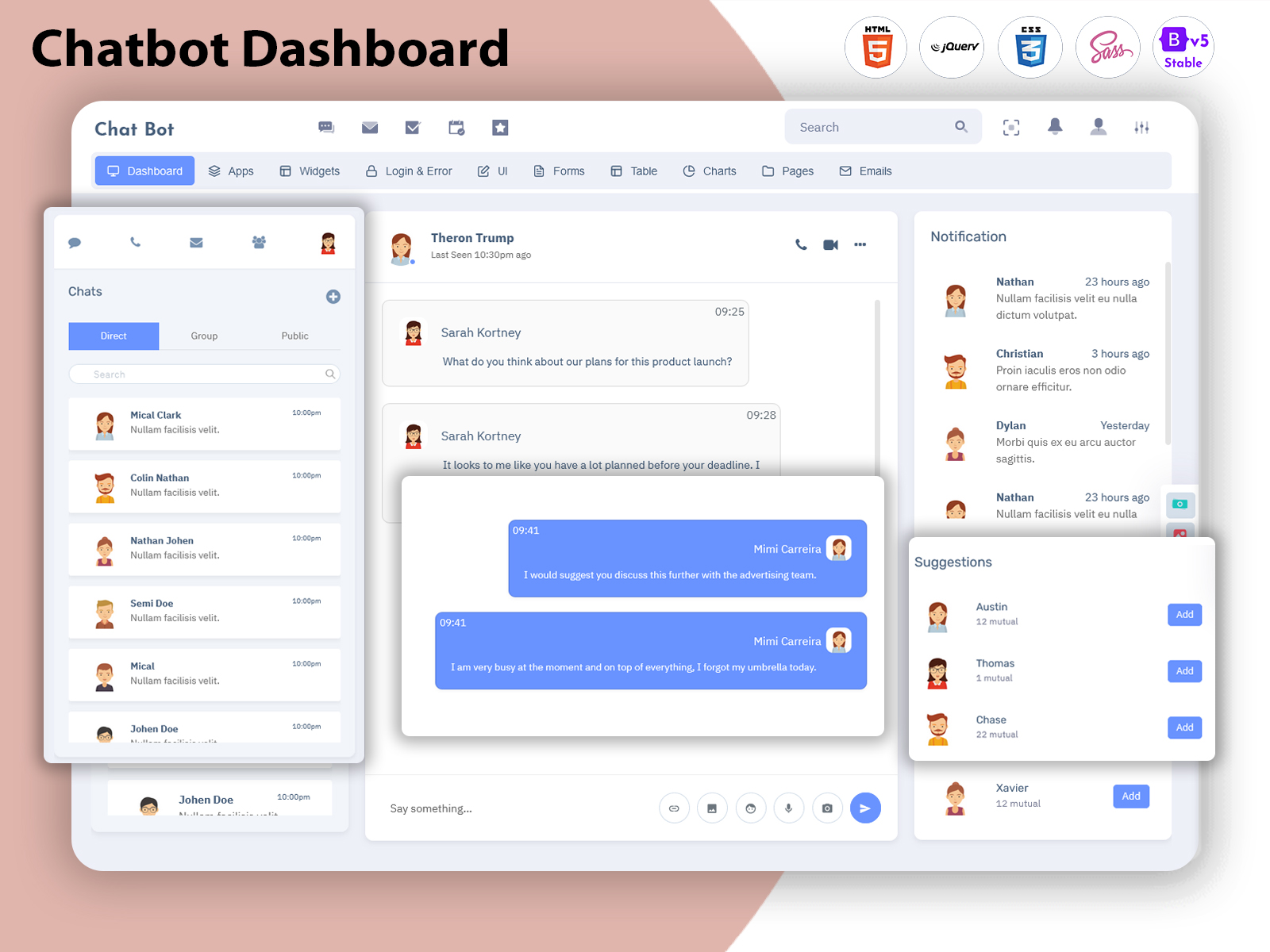
A chatbot interface does more than just show messages. It has to help the user…
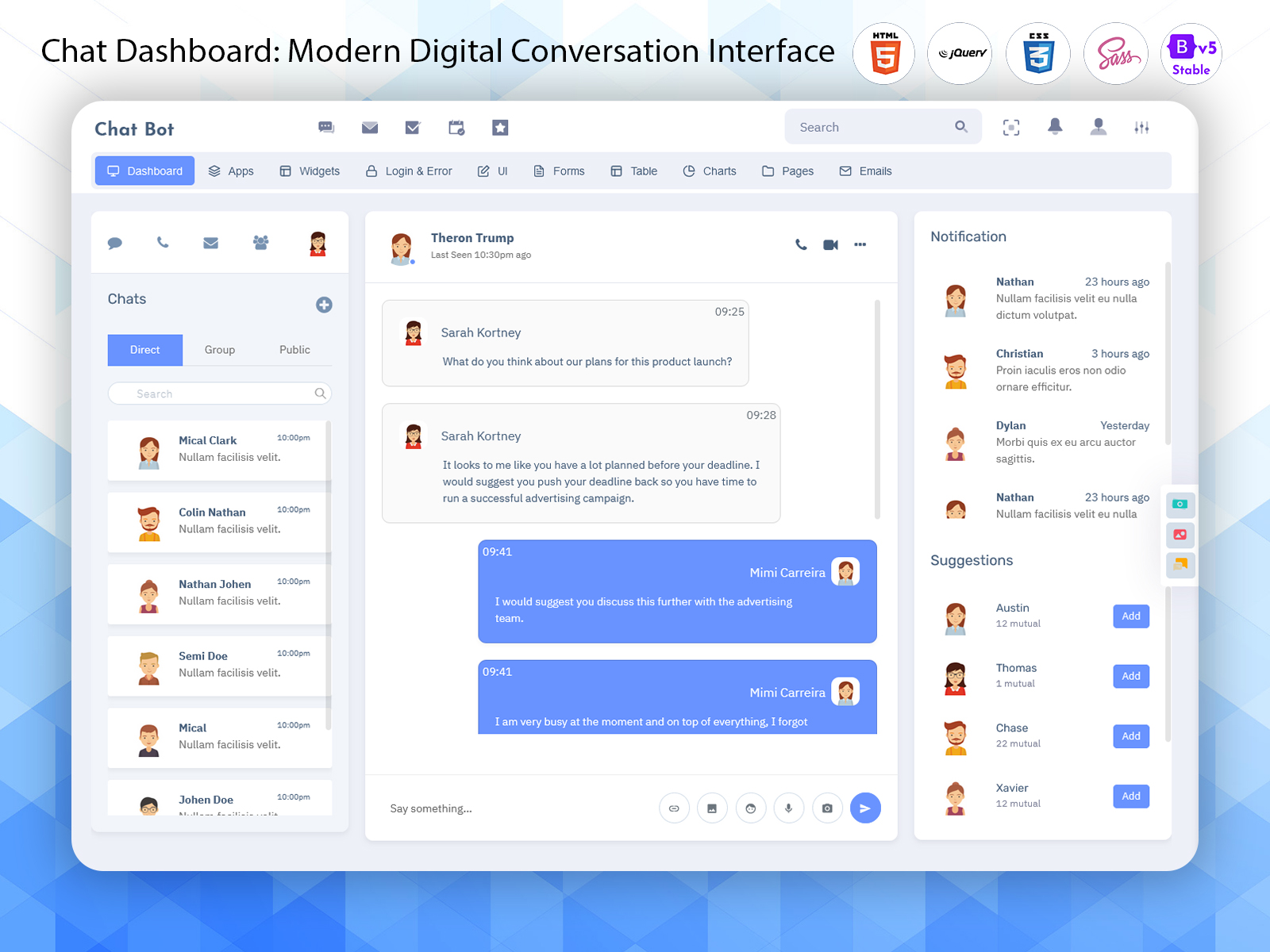
Chat Dashboard: A Modern Conversation Interface
Reading Time: 8 minutes
What is a Chat Dashboard?
A Chat Dashboard is a centralized interface designed to organize and manage digital conversations in a clear and convenient way. As businesses increasingly communicate with customers through websites, applications, and online services, the number of messages and interactions can grow quickly. A dedicated dashboard gives teams a structured place to view conversations, understand user activity, and manage communication-related tasks.
Watch Full Video
Unlike a simple messaging window, a chat dashboard is designed for broader management. It can provide areas for conversations, contacts, notifications, conversation history, user details, and other useful information. Instead of treating every message as an isolated interaction, the dashboard provides a wider view of communication activity.
A Web Chatbot UI can be particularly useful for businesses that provide automated assistance through their websites. Customers may use a chatbot to ask questions, find information, request support, or begin a service interaction. The dashboard gives administrators and support teams a more organized environment for handling these conversations.
A Web Based Chatbot UI Design can also be suitable for different types of online platforms. A company may use it for customer assistance, while a software business may use it for product support or user communication. The same type of interface can serve different purposes when the layout and available sections match the needs of the organization.
For businesses and developers looking for ready-made interface solutions, Chatbot UI Kit Examples can provide useful inspiration when selecting a suitable dashboard design. Instead of beginning with an empty administrative screen, a ready-made UI kit can provide a structured visual environment with commonly required interface elements.
A Web Chatbot UI may also make it easier to separate different conversations and identify the information associated with each user. This becomes important when a business handles many conversations at once. A clear layout can help users move between conversations without making the interface feel crowded or confusing.
Another important part of a chat dashboard is accessibility. Team members may need to check conversations from different devices or locations. A responsive interface can make the dashboard more practical for modern working environments where communication management is not always limited to a single desktop.
The value of a Chat Dashboard ultimately comes from organization. It gives communication teams a place where conversations and related information can be reviewed in a more structured manner. This can make digital communication easier to follow and provide a more convenient experience for the people responsible for managing it.
Whether used for customer service, internal communication, SaaS products, online communities, or chatbot-based assistance, a suitable dashboard can provide a professional workspace for handling modern conversations.
Features of Chat Dashboard
1. Conversation Workspace
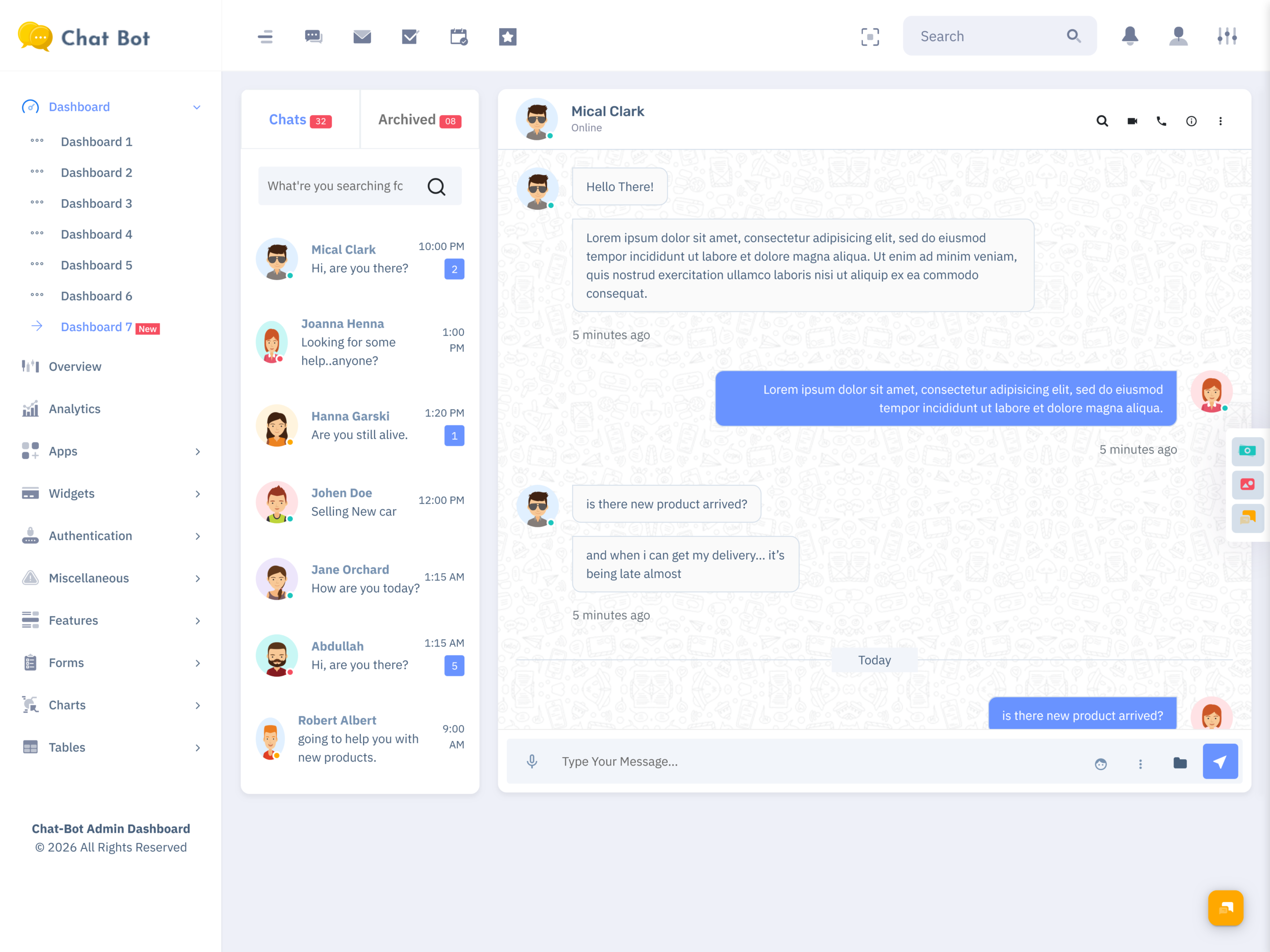
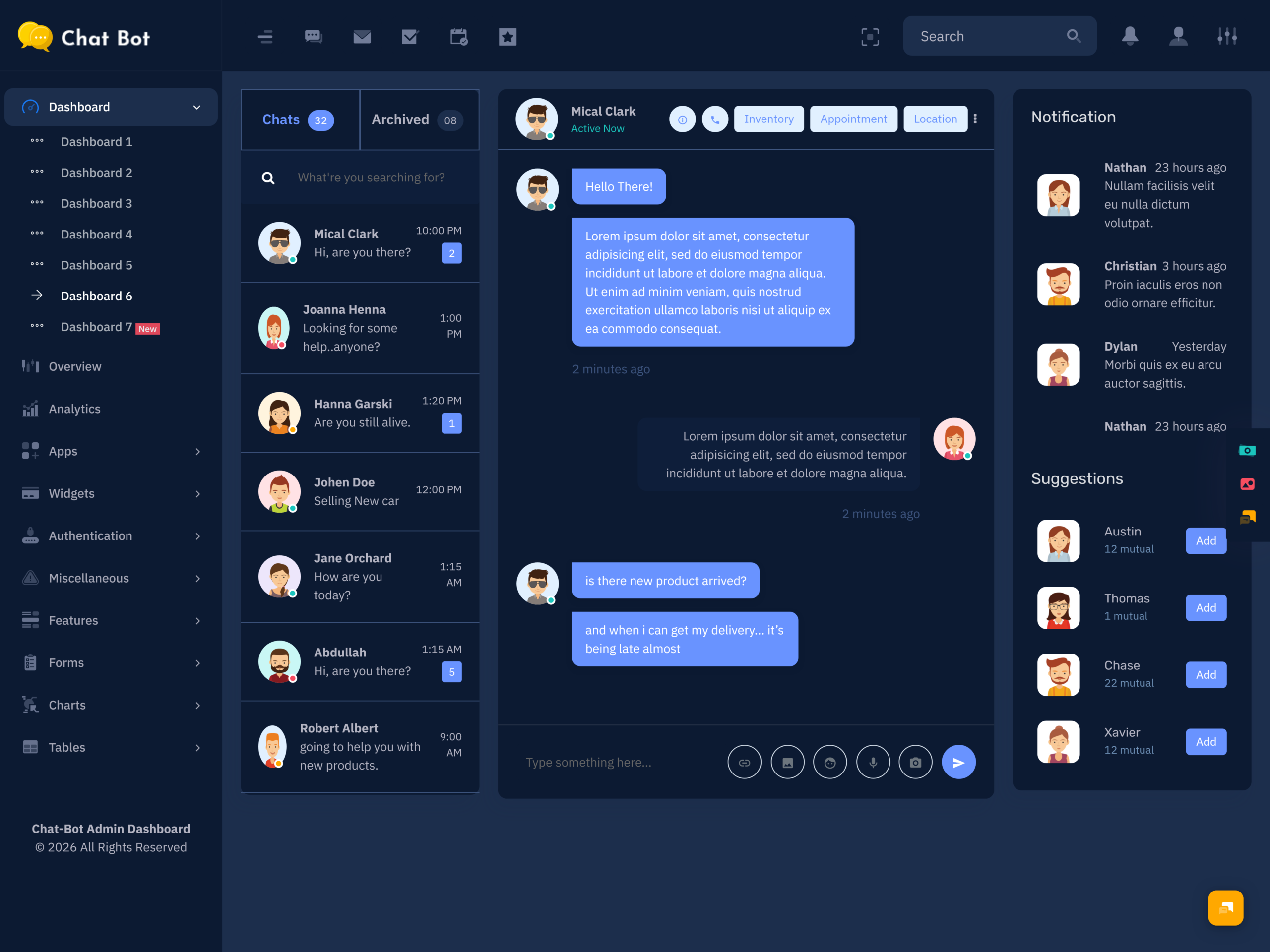
A Chat Dashboard can provide a dedicated workspace where users can view and manage individual conversations. Keeping messages within an organized interface makes it easier to move between different discussions, understand ongoing communication, and locate the conversation that requires attention without searching through unrelated application sections.
2. Contact Information Panel
A contact panel can keep important user information close to the conversation area. Depending on the dashboard, this may include basic profile details, contact information, or interaction-related records. Having this context nearby can help support teams understand who they are communicating with before responding.
3. Conversation History
Previous messages can provide valuable context when a user returns with another question. A dashboard with conversation history allows authorized users to review earlier interactions instead of treating every new message as a completely separate request. This can make communication more consistent and reduce repeated questions.
4. Message Status Indicators
Clear indicators can help users understand the condition of a conversation or message. Visual status information may show whether a message has been received, read, or requires attention. These small interface elements can make a busy chat workspace easier to understand and navigate.
5. Search and Filtering
As the number of conversations grows, finding a particular discussion can become difficult. Search and filtering options give users a faster way to locate relevant conversations or contacts. This can be especially useful for support teams that need to revisit an older interaction without manually scrolling through every chat.
6. Notification Area
A notification area can keep users informed about new conversations, important updates, or activities requiring attention. Instead of continuously checking every section of the dashboard, users can rely on visible alerts to recognize new developments. This makes the interface more practical for teams managing active communication.
7. Flexible Interface Layout
A flexible layout allows different parts of the chat experience to remain organized without taking unnecessary screen space. Conversation lists, message areas, contact details, and supporting sections can be arranged logically. This helps create a comfortable Web Chatbot UI where users can focus on the conversation itself.
VIEW DEMO BUY NOW
How a Chat Dashboard Makes Digital Communication Easier
Digital communication can become complicated when a business receives messages from many customers or users throughout the day. A simple chat window may be enough for an individual conversation, but managing a larger communication workload requires better organization. A Chat Dashboard provides a broader workspace where conversations and supporting information can be viewed together.
One of its most useful roles is helping users maintain context. When a customer contacts a business several times, previous conversations may contain important information about the issue. Having that history available can prevent the support team from asking the same questions again. It also helps create a smoother experience for customers who expect the business to understand their previous interactions.
A Web Chatbot UI can be particularly useful for businesses that use automated conversations as part of their customer journey. A visitor may begin by asking a basic question and later require assistance from a human representative. A well-organized dashboard can provide a more convenient environment for reviewing such conversations and understanding what the user has already discussed.
Chatbot UI Kit Examples can also help businesses and product teams evaluate different approaches to presenting conversations. Some interfaces may prioritize a larger message area, while others may give more space to user information or conversation lists. Choosing a layout that matches the intended use can make the final communication experience more comfortable for its users.
Another important consideration is the volume of communication. A small business may only handle a limited number of conversations each day, while a growing company may receive hundreds or thousands of messages. As communication increases, basic message lists can become difficult to manage. A dedicated dashboard provides a more structured environment for dealing with this growth.
A Web Based Chatbot UI Design can also support businesses that want communication to remain accessible through a browser. Users can work with a web-based interface rather than depending on a separate desktop application. This can be convenient for teams that operate across different locations or use multiple devices during their work.
The visual organization of a dashboard can also affect how quickly users understand what they are seeing. When conversation lists, contact information, notifications, and message areas are clearly separated, users can move through the interface with less confusion. This is particularly important for support teams that may need to handle several conversations during busy periods.
A ready-made chat dashboard can save businesses and developers from starting with a completely empty interface. It provides a prepared visual foundation that can be used as part of a larger communication project. For teams looking for professional Chatbot UI Kit Examples, ready-made dashboard designs can offer different styles and layouts to consider.
A Web Chatbot UI is therefore not only about sending and receiving messages. It is about creating an organized environment around those conversations. When users can find discussions, understand context, and access relevant information comfortably, communication becomes easier to manage.
For businesses that depend on digital conversations, the right dashboard can become an important part of their daily workflow. It brings structure to communication without taking away the simple and direct nature that makes chat such a popular way to interact online.
VIEW DEMO BUY NOW
Benefits of Chat Dashboard
1. Keeps Conversations Organized
A Chat Dashboard brings multiple conversations into a structured environment. Users can move between discussions while keeping relevant information accessible. This can reduce confusion when communication volume increases and gives teams a clearer way to handle customer, user, or internal conversations.
2. Saves Time During Communication
Finding previous messages or locating a specific conversation can consume unnecessary time when communication is poorly organized. A dashboard can provide convenient access to conversations, contacts, and supporting information. This allows users to spend more time responding and less time searching for basic details.
3. Provides Better Conversation Context
Previous messages often contain information that matters to the current discussion. A dashboard with conversation history lets users review earlier interactions before continuing the conversation. This can make responses more consistent and reduce the need for customers to repeatedly explain the same situation.
4. Supports Growing Communication Volumes
As a business gains more customers, the number of conversations can increase quickly. A dedicated dashboard provides a structured workspace for handling this growth. Organized conversation lists, user information, and supporting interface elements can make larger communication workloads easier to manage.
5. Improves User Experience
A clean Web Chatbot UI can make digital conversations easier for both administrators and users. When important information is presented clearly, users can understand where to look and what action to take. This can create a smoother communication experience without making the interface unnecessarily complicated.
6. Offers a Professional Workspace
A well-presented Web Based Chatbot UI Design gives communication teams a dedicated environment for their daily work. A professional interface can make conversations feel more organized and provide a consistent visual experience for businesses that depend on digital messaging as part of their service.
7. Useful Across Different Projects
Chat dashboards are not limited to one type of business. They can support customer service, SaaS platforms, online communities, internal communication, and chatbot-based services. This flexibility makes a ready-made dashboard useful for teams with different communication goals and operational requirements.
Conclusion
A Chat Dashboard provides a structured environment for managing modern digital conversations. As businesses increasingly depend on online communication, simply having a chat window is not always enough. Teams need a convenient way to organize conversations, review context, locate users, and keep important communication information within reach.
A Web Chatbot UI can support customer-facing communication, while a Web Based Chatbot UI Design can provide a browser-friendly environment for businesses and online services. Ready-made Chatbot UI Kit Examples can also help businesses and developers explore different interface styles when looking for a suitable dashboard solution.
The real value of a chat dashboard comes from organization and usability. It should make conversations easier to follow rather than add unnecessary complexity. When the layout is clear and the right information is available, communication teams can work more comfortably even as the number of conversations increases.
For businesses that rely on chat-based communication, selecting a suitable ready-made dashboard can provide a professional and practical workspace. The right interface can support smoother conversations, easier information access, and a more organized approach to managing digital interactions.
VIEW DEMO BUY NOW
FAQs
1. What is a Chat Dashboard used for?
A Multi purpose themes Chat Dashboard is used to organize and manage digital conversations from a centralized interface. It can provide areas for messages, contacts, conversation history, notifications, and other communication-related information. Businesses can use it to manage customer conversations, chatbot interactions, internal communication, or other online messaging activities.
2. What is the difference between a Web Chatbot UI and a regular chat interface?
A Multi purpose themes Web Chatbot UI is generally designed for chatbot or browser-based communication experiences, while a basic chat interface may only focus on sending and receiving messages. A broader dashboard can include additional areas for managing conversations, users, history, notifications, and other information related to communication.
3. What are Chatbot UI Kit Examples useful for?
Chatbot UI Kit Examples are useful when businesses, designers, or developers want to explore different ready-made interface styles for chat-based projects. They can provide ideas for conversation layouts, message areas, contact panels, and supporting interface elements without requiring users to start their visual planning from an empty screen.
4. Can a Web Based Chatbot UI Design be used for customer support?
Yes. A Multi purpose themes Web Based Chatbot UI Design can be suitable for customer support because visitors can interact with a business directly through a browser. It can provide a convenient communication channel for common questions, assistance requests, product information, and other customer-facing interactions.
5. Is a Chat Dashboard suitable for small businesses?
Yes. Small businesses can also benefit from a chat dashboard when they communicate with customers online. Even with a smaller number of conversations, having messages and contact information organized in one place can make communication easier to manage and provide a more professional working environment.
6. Can a ready-made Chat Dashboard be customized?
The level of customization depends on the particular dashboard or UI kit. Many ready-made interfaces are intended to provide a flexible visual foundation that can be adapted to different projects. Businesses should check the specific template’s available components and compatibility before selecting it for their communication requirements.
7. How should I choose a Chat Dashboard for my project?
Start by considering the type and volume of conversations your project handles. Then look at the interface structure, conversation layout, contact information, search options, responsiveness, and overall usability. A Multi purpose themes Chat Dashboard should make communication easier to organize and should fit naturally into the workflow of the people using it.

Related Posts