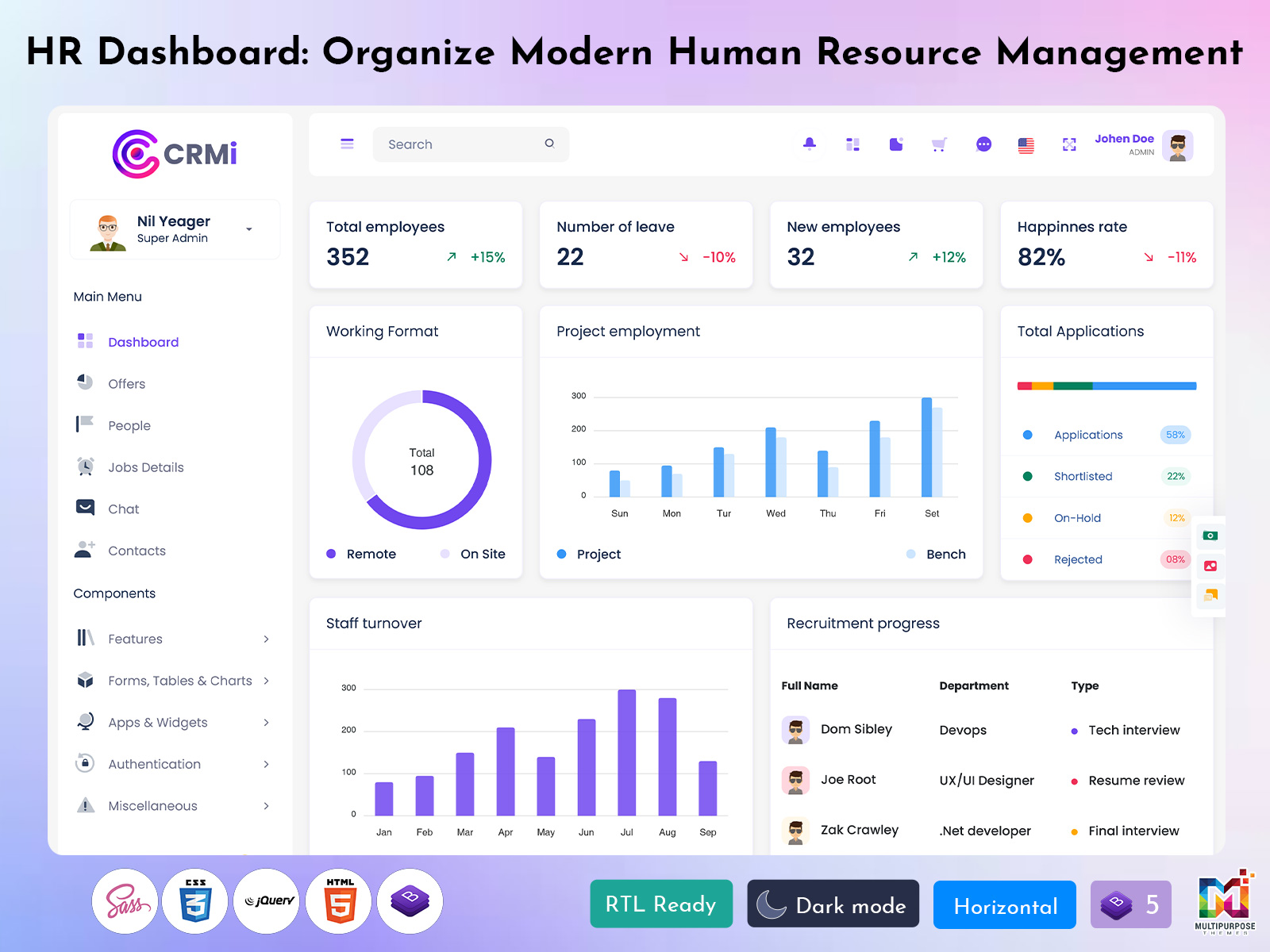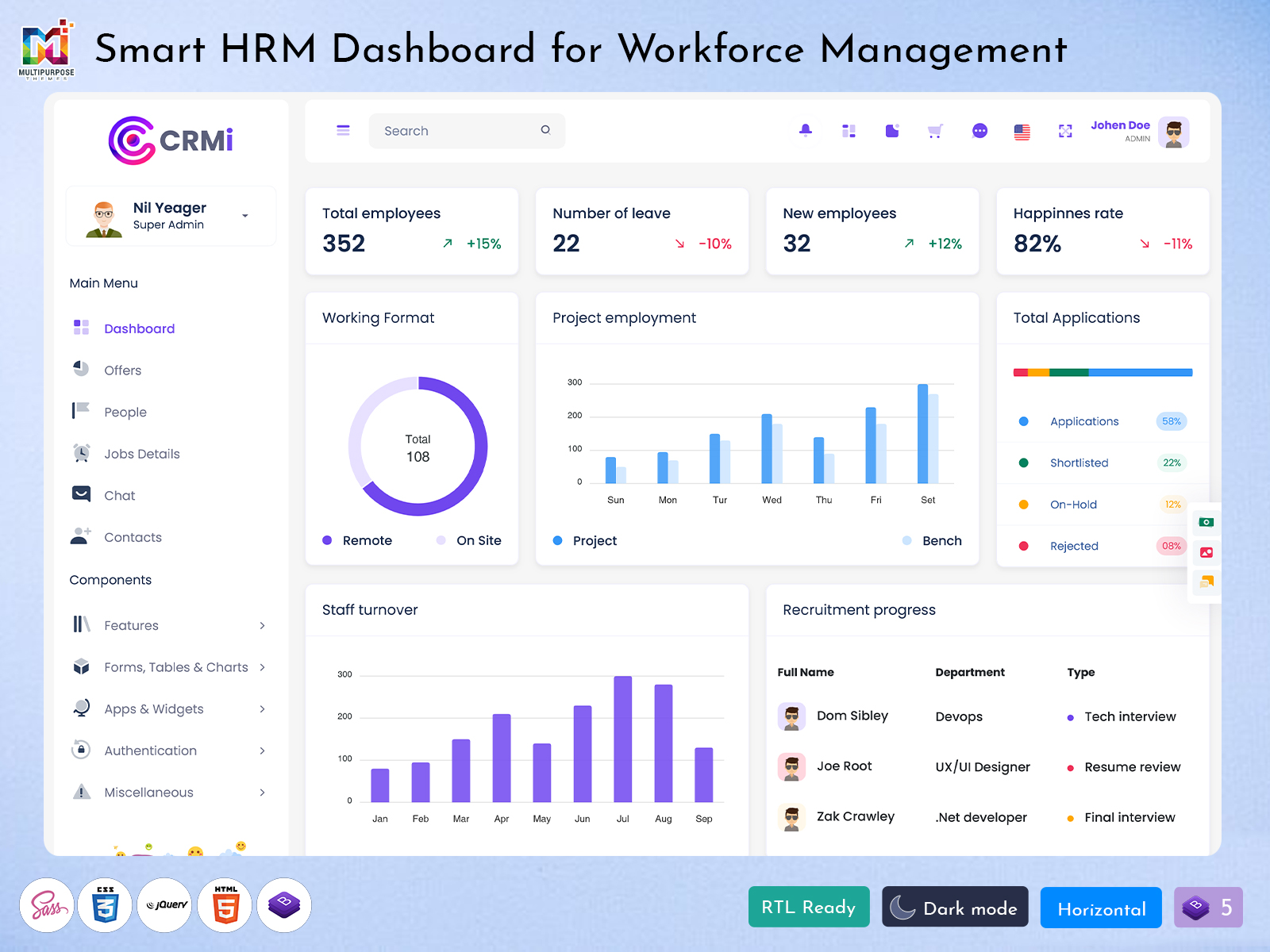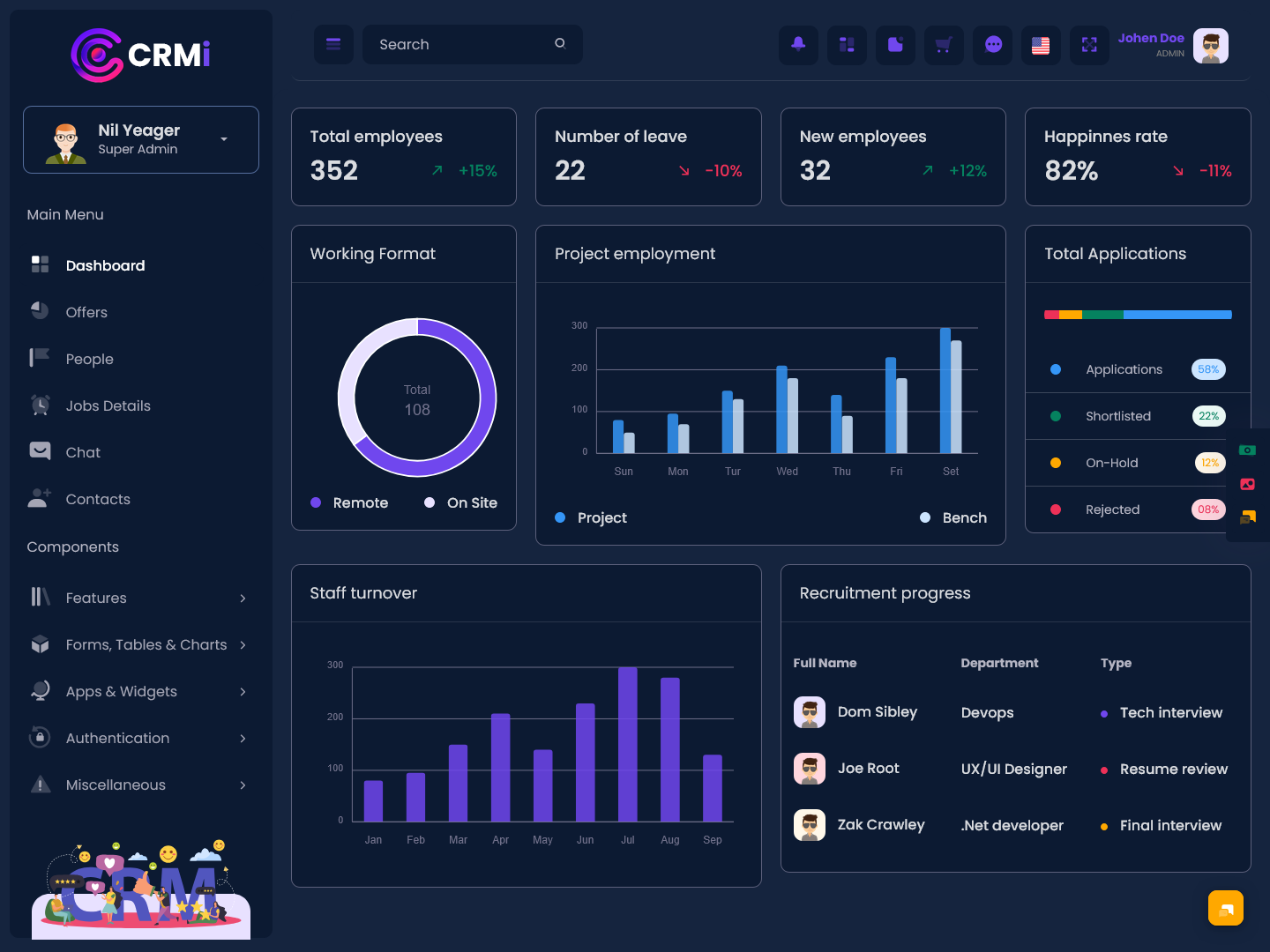
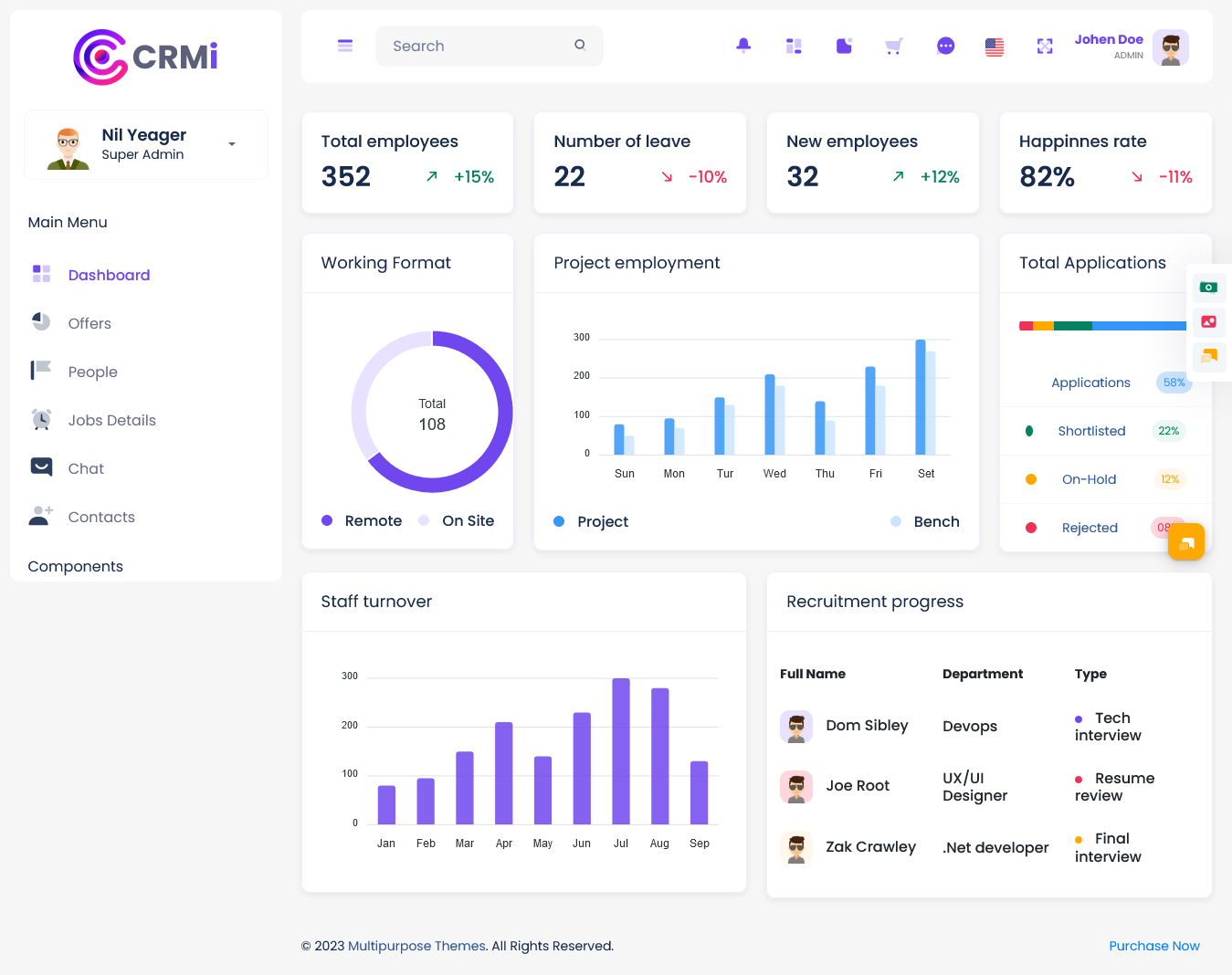
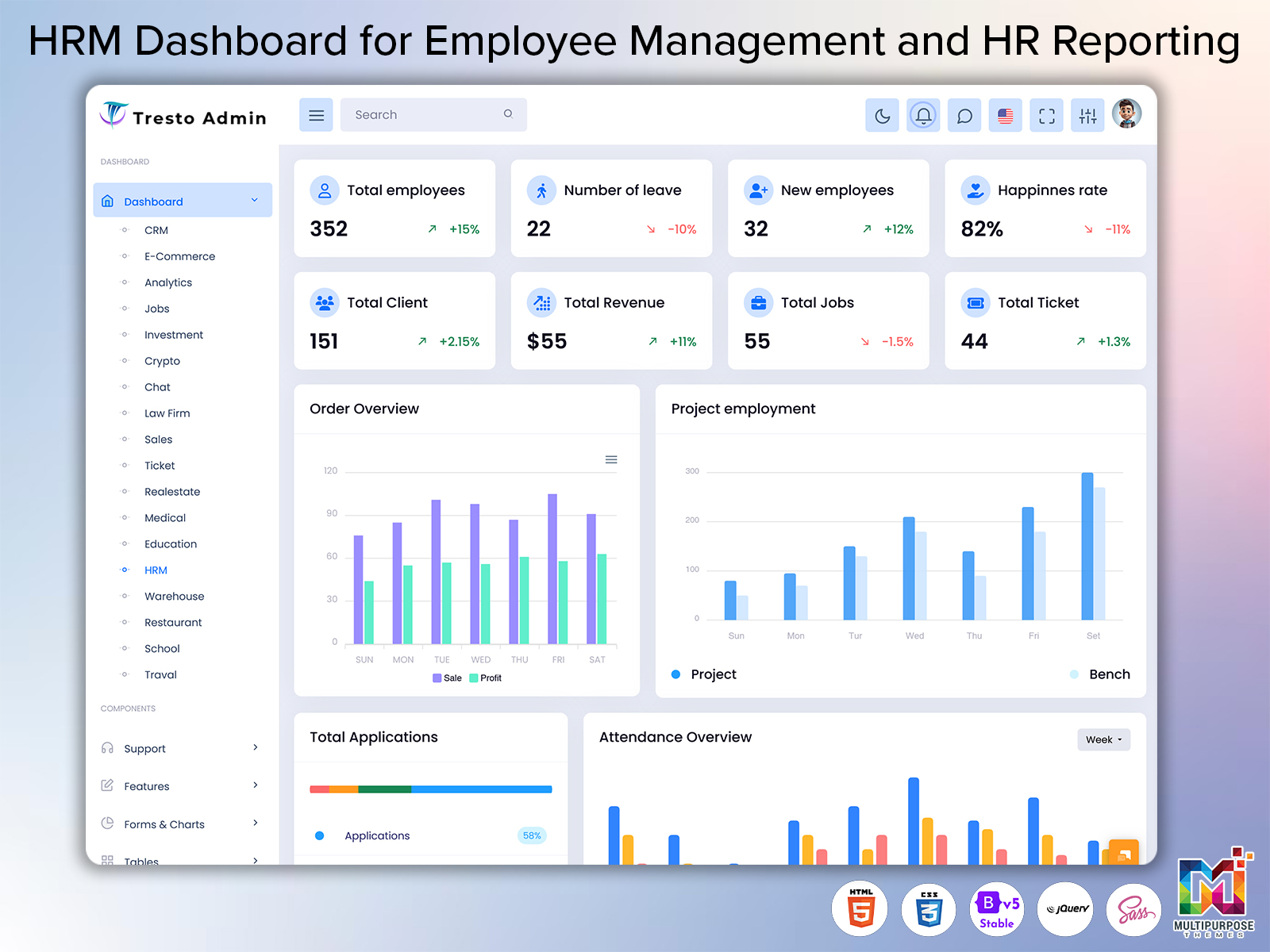
Human resource management includes ongoing activities that are connected to an employees time in a…
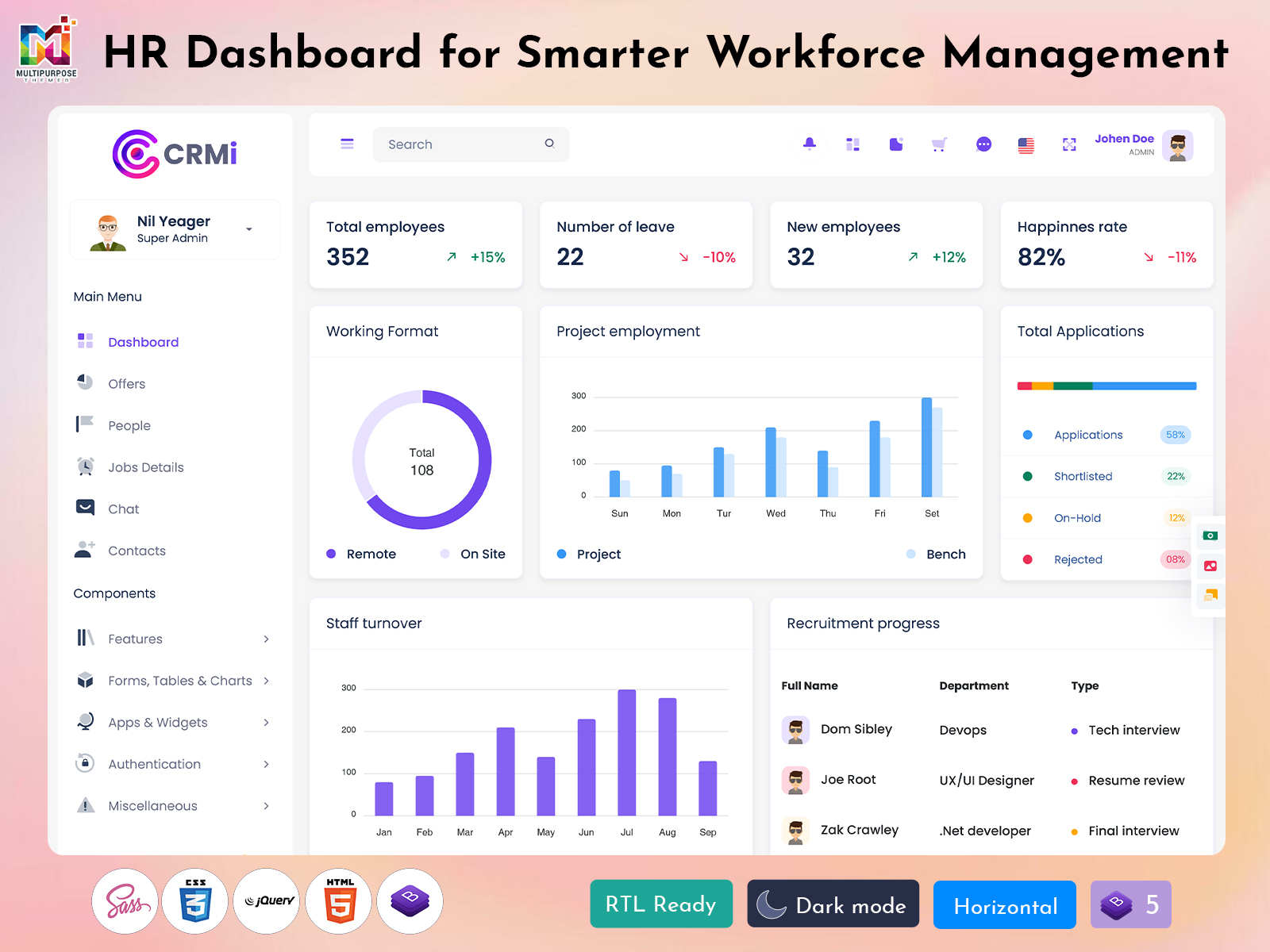
HR Dashboard: A Smarter Way to Organize Modern Workforce Management
Reading Time: 8 minutes
What is an HRM Dashboard?
An HRM dashboard is a centralized digital workspace that helps organizations manage and understand their workforce-related activities through one organized interface. Instead of depending on separate files, spreadsheets, emails, and disconnected systems, HR teams can work with important employee information through a single management environment.
Watch Full Video
Human resource management involves many ongoing responsibilities, and these activities can become difficult to coordinate as an organization grows. Employee information, attendance records, leave requests, recruitment activities, payroll-related data, and workforce updates all require regular attention. An HRM dashboard brings these areas into a structured environment so HR professionals can manage their daily responsibilities more efficiently.
A well-designed HRms dashboard template can provide developers with a practical foundation for building an HR management application. Rather than creating every administrative screen from the beginning, developers can customize an existing interface according to the organization’s workflow, branding, employee structure, and technical requirements.
The value of an HRMs dashboard is not simply in displaying information. A useful dashboard should help HR teams understand what is happening, locate relevant information quickly, and manage routine activities without unnecessary complexity. When the interface is designed around real HR processes, it can become a valuable part of an organization’s daily operations.
Why HRM Dashboards Are Important for Modern Organizations
As companies grow, managing employee information manually becomes increasingly difficult. A small organization may initially manage HR activities using spreadsheets and separate documents, but this approach can become harder to maintain when the workforce expands.
An HRM dashboard provides a more organized environment for handling these increasing responsibilities. Instead of maintaining several disconnected records, HR teams can work through a centralized system designed around their regular activities.
An HRMs dashboard can also help create consistency within an organization. When HR professionals follow a common digital process, information can be managed in a more structured way. This can make routine activities easier to track and reduce unnecessary dependence on individual methods.
For developers, an hrms dashboard template can make the initial interface development more manageable. The foundation can be adapted to match the company’s employee structure, administrative process, and visual identity.
The dashboard should ultimately support people rather than make their work more complicated. When the interface reflects actual HR responsibilities, it can help teams spend less effort dealing with scattered information and more time focusing on workforce management.
VIEW DEMO BUY NOW
Features of HRM Dashboard
1. Centralized Workforce Workspace
An HRM dashboard provides a common digital environment for organizing workforce-related information. Instead of moving between unrelated systems, authorized HR users can work through a structured interface. This centralized approach creates a clearer starting point for daily HR activities and allows the dashboard to be adapted around the organization’s employee management process.
2. Employee Information Management
An HRms dashboard template can provide an organized foundation for handling employee-related information within an HR application. Developers can customize the interface according to the company’s workforce structure and administrative requirements. A centralized approach makes employee information easier for authorized users to access while maintaining a consistent management environment.
3. Attendance and Workforce Visibility
An HRMs dashboard can help HR teams understand workforce activity through a centralized interface. Presenting relevant information in an organized manner makes it easier to review current situations without depending on multiple sources. The interface can be customized according to the organization’s attendance processes and the way HR teams normally review workforce information.
4. Leave Management Environment
Managing employee leave can involve regular requests, approvals, and administrative updates. An HRM dashboard can provide a dedicated digital environment for handling this process within the wider HR system. Keeping leave-related information connected to the main application can make the overall workflow easier to understand and maintain for authorized HR users.
5. Recruitment Management Support
Recruitment creates a continuous flow of candidate and hiring information. An hrms dashboard template can provide a structured interface for incorporating recruitment-related activities into an HR management application. Developers can adapt the design to reflect the organization’s hiring process, allowing recruitment work to remain connected with the broader workforce management environment.
6. Responsive Administrative Interface
An HRM dashboard should remain comfortable to use across different screen sizes. Responsive design gives HR teams greater flexibility when accessing workforce information from desktops, laptops, tablets, or other devices. A well-adapted interface can maintain readability and usability without forcing users to work from a single screen size.
7. Flexible Dashboard Structure
Every organization manages employees differently, so a fixed HR interface may not suit every business. An hrms dashboard template can provide a flexible foundation that developers can customize around company policies, workforce structures, user responsibilities, and branding. This flexibility allows the final dashboard to support the organization’s own HR workflow.
The Role of HRM Dashboard in Employee-Centered Management
Human resources is not only about maintaining records. It also involves creating a better experience for employees throughout their relationship with an organization.
An HRM dashboard can support this employee-centered approach by giving authorized users easier access to relevant information. Employees may interact with an HR system during different stages of their employment, while HR professionals use the same environment to manage administrative responsibilities.
A centralized dashboard can help connect these interactions. Instead of treating employee information as isolated records, the system can provide a more connected view of workforce management.
An hrms dashboard template can support this type of development by providing an interface foundation that can be customized for both HR administrators and employee-facing requirements.
However, employee experience should remain simple. Employees should not have to understand complicated administrative processes just to complete routine HR activities. Clear navigation and straightforward presentation can make the system easier for everyone involved.
This approach can also encourage better adoption. When employees find an HR system easy to use, they are more likely to interact with it regularly and correctly.
How an HRM Dashboard Can Improve Administrative Coordination
HR departments often work with information that is connected across several responsibilities. Employee records can influence administrative processes, workforce activity can affect planning, and recruitment can contribute to future staffing requirements.
An HRM dashboard can provide a shared environment where these related activities are easier to understand. Instead of treating every HR process as a separate task, the dashboard can help create a more connected administrative experience.
This can be especially useful when multiple HR professionals work together. A common interface gives teams a consistent environment for accessing and managing authorized information.
An HRMs dashboard can also help organizations establish clearer internal processes. When activities are handled through a structured digital system, it becomes easier to define how information should move between different stages of an HR workflow.
The dashboard does not replace HR professionals or their judgment. Instead, it gives them a more organized environment in which to perform their responsibilities.
This distinction is important because HR management involves human decisions. Technology should make relevant information easier to access while leaving important decisions with the appropriate people.
VIEW DEMO BUY NOW
Benefits of HRM Dashboard
1. Centralized Employee Information
An HRM dashboard gives HR teams a common environment for working with employee-related information. This can reduce the need to depend on scattered records and separate files. Having information organized within one system can make routine HR administration easier and help authorized users find relevant records more efficiently.
2. Saves Administrative Effort
An HRms dashboard template can help create a structured environment for recurring HR activities. By organizing commonly used information within one interface, the system can reduce unnecessary navigation and manual searching. This allows HR professionals to spend more time on meaningful workforce responsibilities instead of repeatedly locating basic information.
3. Supports Better Workforce Visibility
An HRMs dashboard can provide HR teams with a clearer view of workforce activity. Bringing relevant information into a centralized interface makes it easier to understand the current situation across the organization. Better visibility can support planning and help HR professionals identify areas that require additional attention.
4. Improves Process Consistency
A centralized HR management environment can encourage teams to follow a more consistent approach to daily administration. An HRM dashboard gives users a shared structure for working with employee information and HR processes. This can reduce differences between individual working methods and create a more organized administrative experience.
5. Supports Employee Experience
A thoughtfully designed HR dashboard can make routine employee interactions easier. When employees can access relevant information through a clear interface, they may spend less time trying to understand the system. An hrms dashboard template can be adapted to create an employee-friendly experience alongside the organization’s administrative requirements.
6. Adapts to Organizational Growth
As companies expand, HR requirements often become more complicated. An HRMs dashboard can provide a flexible environment that evolves with the workforce. A customizable structure allows developers to introduce changes without completely redesigning the entire application, making the system more suitable for long-term organizational growth.
7. Creates a More Organized HR Workflow
An HRM dashboard can bring different workforce activities into a connected management environment. This can make it easier for HR professionals to follow their daily responsibilities and understand how different processes relate to one another. A structured workflow can reduce confusion and create a smoother experience for HR teams.
HRM Dashboard for Growing Businesses
Small organizations often begin with simple HR processes. As the number of employees increases, however, managing workforce information manually can become increasingly difficult.
An HRM dashboard can provide a centralized structure that grows with the organization. It can help businesses move from fragmented administrative processes toward a more connected digital environment.
For growing companies, this can be especially valuable because HR responsibilities tend to expand alongside the workforce. More employees can mean more records, requests, approvals, recruitment activity, and administrative coordination.
An hrms dashboard template can give developers a starting point for creating a system that is ready to evolve. Instead of developing an entirely new interface whenever the company grows, the existing structure can be customized and expanded.
An HRMs dashboard can therefore become part of the organization’s long-term workforce infrastructure. Its usefulness comes from its ability to remain relevant as people, processes, and business requirements change.
Conclusion
An HRM dashboard provides organizations with a centralized environment for managing workforce information and everyday human resource activities. By organizing relevant information within one interface, it can make HR administration more structured and easier to manage.
An HRMs dashboard template can give developers a practical foundation for creating this type of application. With appropriate customization, the interface can be adapted to different organizations, user roles, workflows, and employee requirements.
An HRMs dashboard should not simply focus on displaying a large amount of information. Its real purpose is to help HR professionals and employees interact with workforce-related processes in a clear and practical way.
As organizations continue to grow, an adaptable HR management interface can become increasingly valuable. A thoughtfully designed dashboard can support better information access, more consistent workflows, and a smoother employee experience while giving businesses room to accommodate future changes.
VIEW DEMO BUY NOW
Frequently Asked Questions
1. What is an HRM dashboard used for?
A MultiPurpose Themes HRM dashboard is used to organize and manage workforce-related information through a centralized interface. It can support HR teams in handling employee information, workforce activities, administrative processes, and other HR responsibilities. The exact functions depend on the organization’s requirements and the type of HR management application being developed.
2. What is an HRMS dashboard template?
An HRM dashboard template is a pre-designed interface foundation used for developing an HR management application. It can provide developers with an initial structure for creating administrative screens and workforce-related interfaces. The template can then be customized according to the organization’s branding, workflow, user roles, and technical requirements.
3. Is an HRM dashboard useful for small businesses?
Yes. A small business can use a MultiPurpose Themes HRM dashboard to create a more organized approach to employee management. Even when the workforce is relatively small, centralizing HR information can reduce dependence on separate files and manual processes. As the business grows, the dashboard can be adapted to support additional requirements.
4. Can an HRMS dashboard template be customized?
Yes. An HRM dashboard template can be customized according to the requirements of the HR application. Developers can adjust the interface structure, visual design, navigation, information presentation, and other elements. The extent of customization depends on the technology, template structure, and functionality required by the organization.
5. Who can use an HRMs dashboard?
An HRMs dashboard can be used by different authorized users, including HR administrators, HR managers, department managers, and employees. Each user does not necessarily need the same access. The system can be structured around responsibilities so users can work with information relevant to their role.
6. What should businesses consider when choosing an HRM dashboard?
Businesses should consider usability, customization, responsiveness, scalability, user access, workflow requirements, and future expansion. The selected dashboard should support the organization’s actual HR processes instead of simply providing a large number of interface elements. A flexible design is particularly useful when employee numbers and administrative requirements are expected to grow.
7. Can MultiPurpose Themes be used for HRM dashboard development?
Yes.MultiPurpose Themes can be used as a starting point for HRM dashboard development when its available dashboard structure matches the project’s requirements. Developers can customize the selected template to suit their organization’s branding, workforce processes, user roles, and application needs. The final implementation should always be adapted to the specific HR workflow rather than used as an unchanged interface.

Related Posts