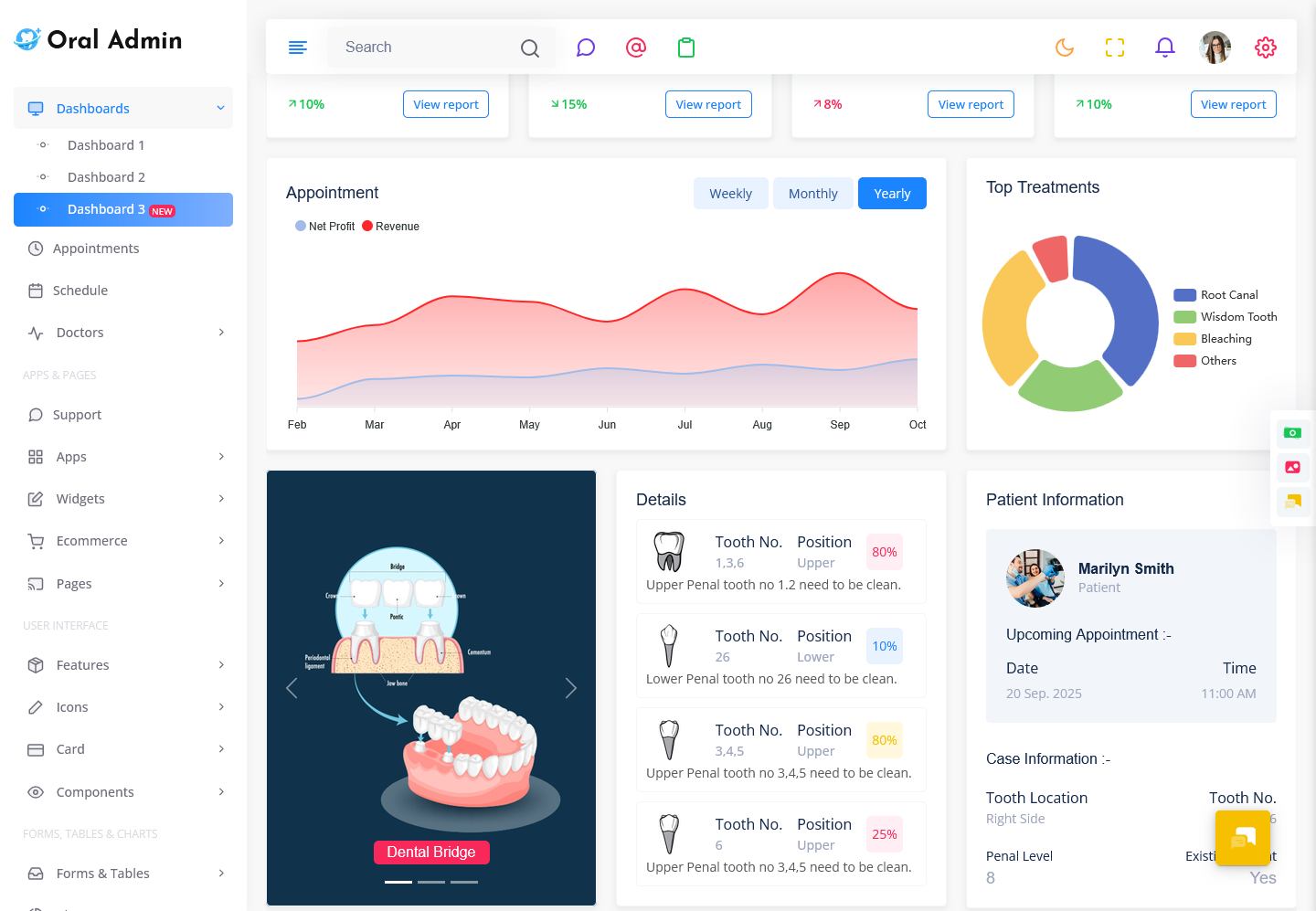
Introduction A Dental Dashboard is a digital workspace that is designed to bring together the…
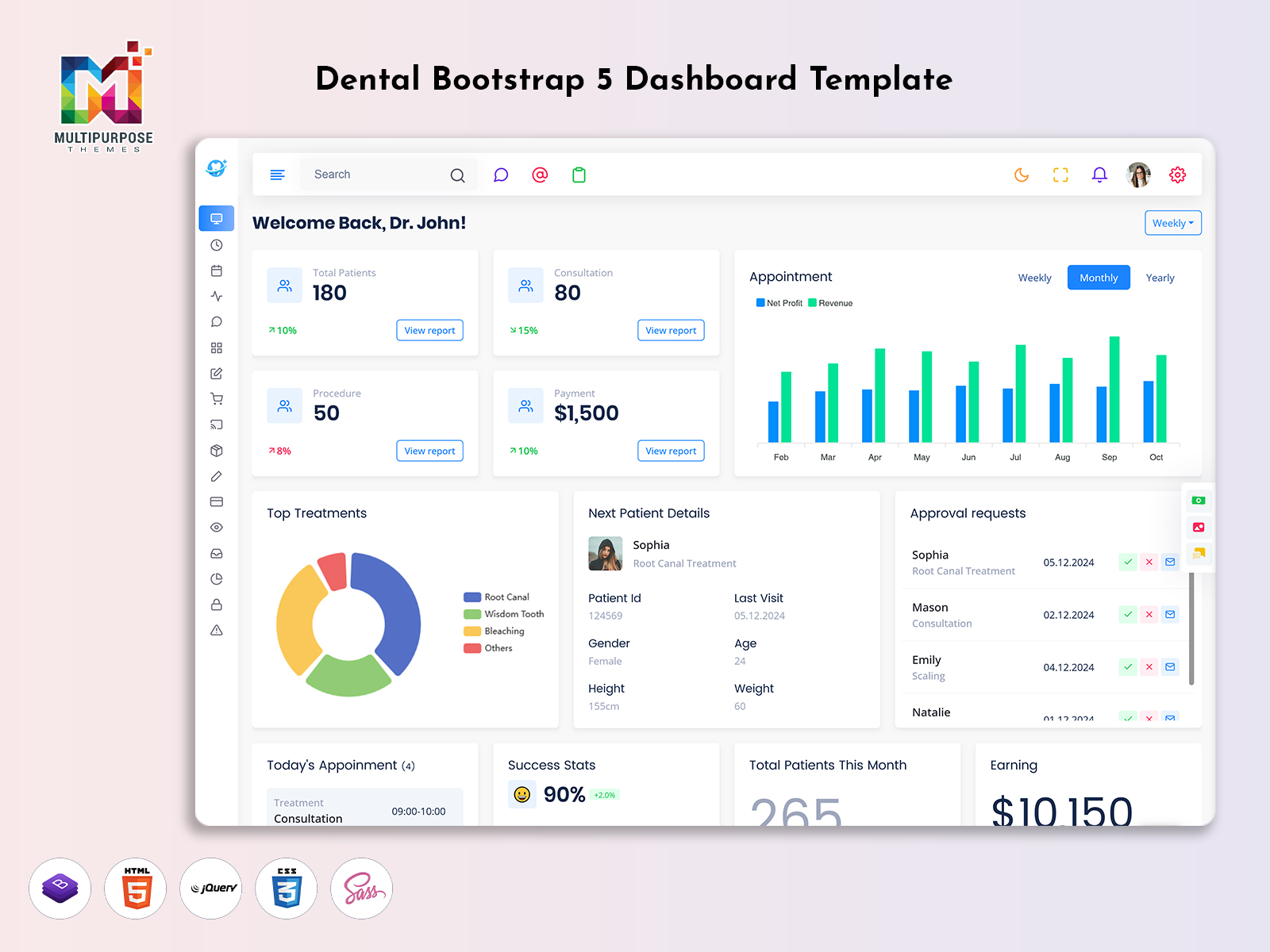
Dental Dashboard: A Smarter Way to Organize Modern Dental Practice Operations
Reading Time: 7 minutes
What is a Dental Dashboard?
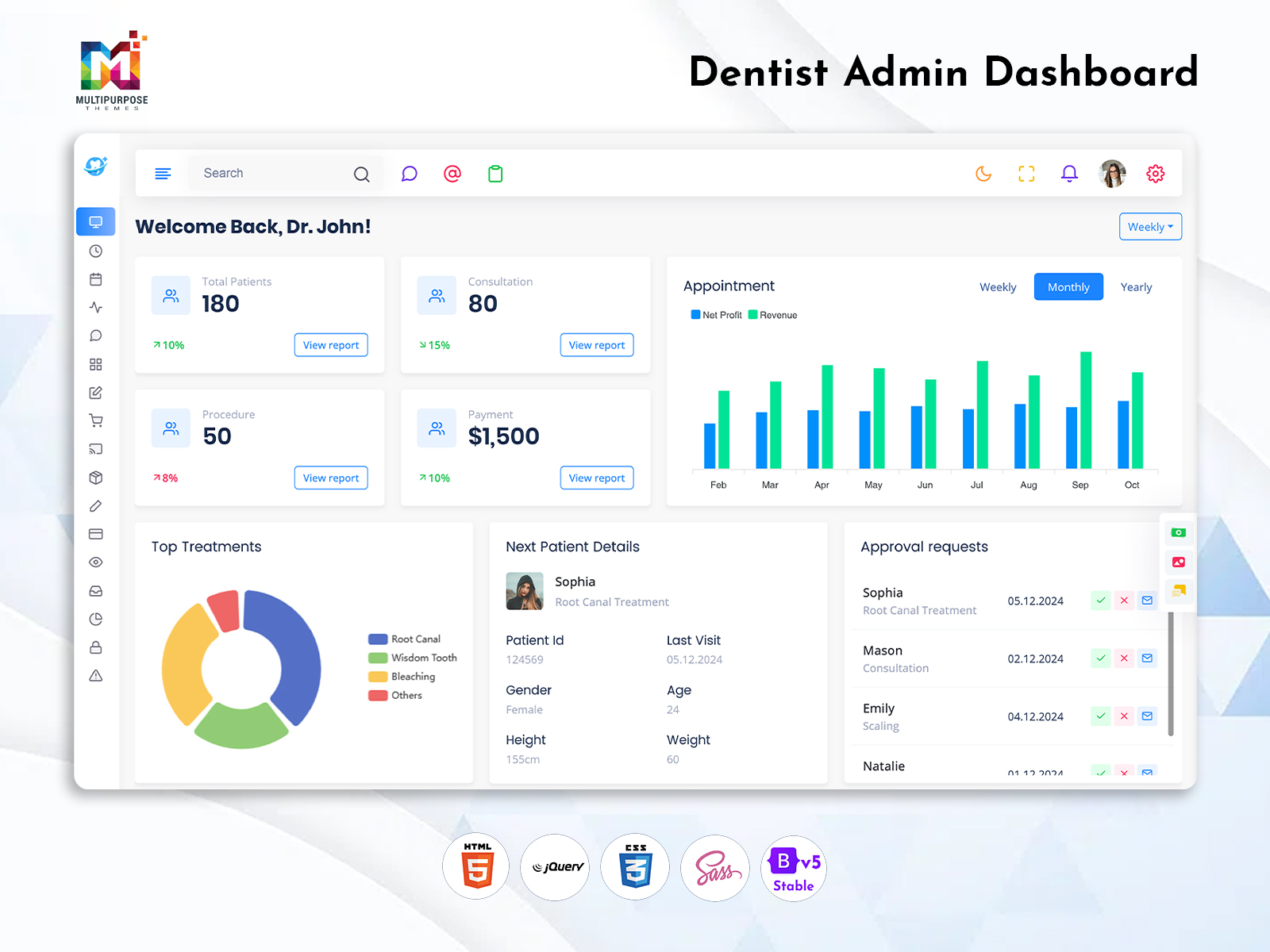
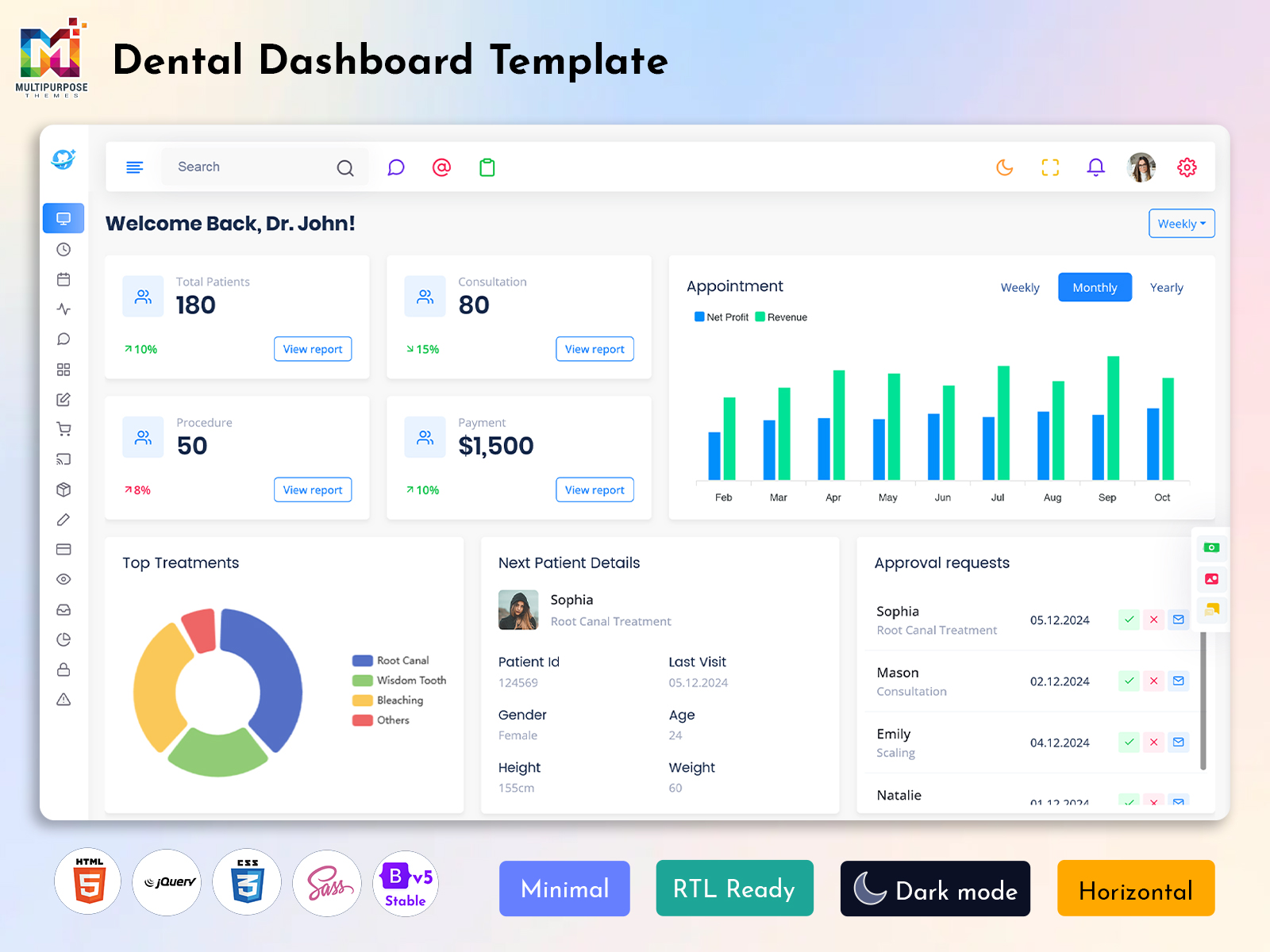
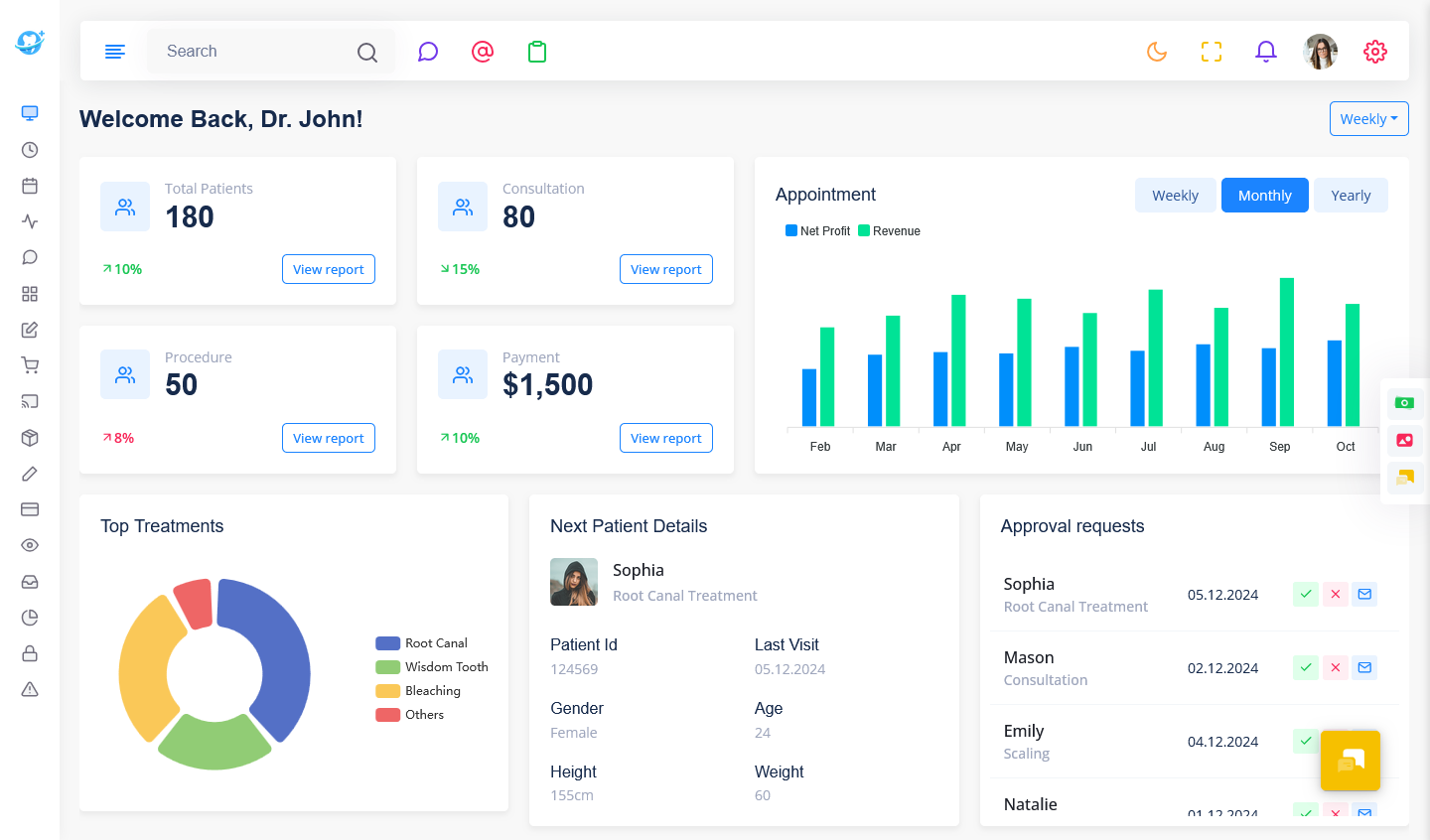
A Dental Dashboard is a centralized digital workspace designed to help dental clinics, practices, and healthcare teams organize important administrative information in one place. Instead of depending on separate files, spreadsheets, or disconnected systems, dental professionals can use a structured interface to access relevant information and manage everyday practice activities more efficiently.
Watch Full Video
Running a dental practice involves more than providing dental care. Clinics also need to coordinate appointments, manage patient-related information, organize staff responsibilities, monitor administrative activities, and maintain smooth communication. As the practice grows, handling these responsibilities manually can become time-consuming and difficult to coordinate.
A Dental Admin Dashboard provides a common environment where authorized users can work with information according to their responsibilities. A dentist may require a different view from a receptionist or practice manager, so the dashboard can be designed around different user needs.
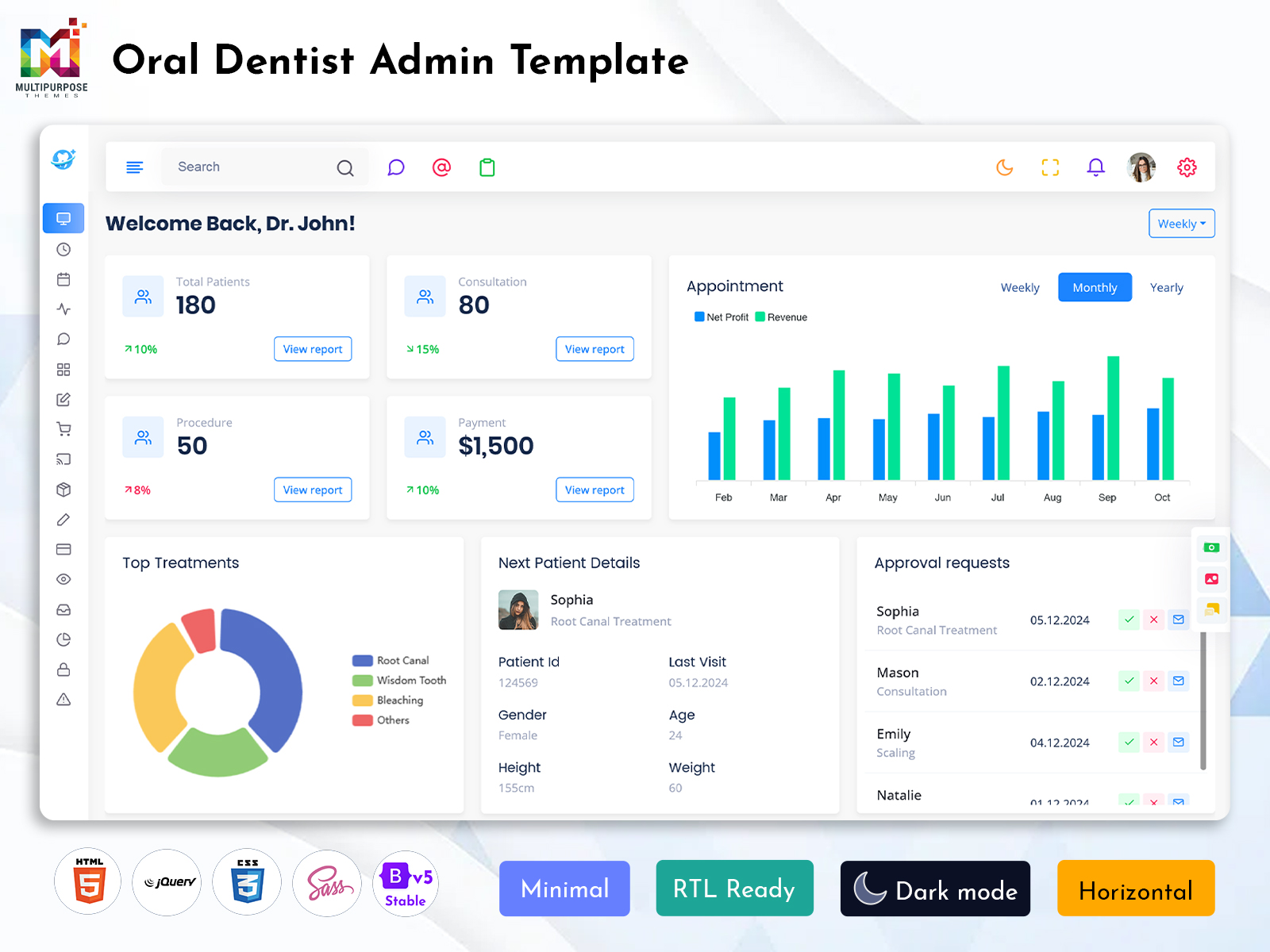
For developers, a Dental Admin Template can provide a useful starting point for creating a customized dental management application. Instead of designing every administrative page from scratch, developers can adapt an existing interface structure according to the clinic’s workflow, branding, user roles, and technical requirements.
A Dentist dashboard can also be designed around the practical needs of dental professionals. The objective is not to overload users with information but to provide a clear digital workspace that supports their daily activities.
Why is a Dental Dashboard Important?
Dental practices handle a continuous flow of information throughout the day. Appointments change, patients arrive at different times, staff responsibilities shift, and administrative tasks need regular attention.
Without an organized system, employees may spend unnecessary time checking different records or communicating for basic updates.
A Dental Dashboard can provide a centralized workspace where relevant information is easier to access. This can help staff follow a more consistent process during daily operations.
For a practice manager, a Dental Admin Dashboard can offer a broader view of administrative activities. For dental professionals, a Dentist dashboard can provide an interface designed around their working requirements.
The importance of the dashboard becomes greater as a practice grows. A small clinic may manage information through simple tools, but larger practices often need a more structured digital environment.
A flexible Dental Admin Template can provide a foundation for developing such a system while allowing developers to customize it according to the clinic’s specific requirements.
VIEW DEMO BUY NOW
Features of Dental Dashboard
1. Centralized Practice Workspace
A Dental Dashboard provides a common digital environment for organizing information related to dental practice operations. Instead of relying on disconnected records, authorized users can work through one structured interface. This can make daily administration easier to follow and give dental teams a clearer view of relevant practice information.
2. Administrative Management Interface
A Dental Admin Dashboard can create a dedicated workspace for managing administrative responsibilities within a dental practice. Its structure can be adapted according to the organization’s workflow and user requirements. This helps practice managers work with relevant information through a consistent environment without unnecessary navigation.
3. Dentist-Focused Interface
A Dentist dashboard can be designed around the information and workflow needs of dental professionals. The interface can provide a more focused working environment while keeping unnecessary administrative information out of the main workspace. This allows dentists to interact with the system in a way that suits their professional responsibilities.
4. Flexible Practice Structure
A Dental Admin Template provides developers with a foundation for creating a customized dental management interface. The structure can be modified according to the clinic’s branding, workflow, user access, and application requirements. This flexibility makes it possible to develop a dashboard that reflects the actual way a dental practice operates.
5. Responsive User Experience
A Dental Dashboard can be designed to work across supported screen sizes, allowing authorized users to access the management environment from different devices. This can be useful for dental teams who move between reception areas, treatment rooms, offices, and other parts of the practice during their working day.
6. Role-Based Accessibility
Different members of a dental practice have different responsibilities. A Dental Admin Dashboard can be structured so authorized users receive access appropriate to their roles. This creates a more organized experience and prevents users from being overwhelmed by information that is not relevant to their everyday responsibilities.
7. Customizable Management Environment
A Dental Admin Template can provide a flexible starting point for developing a dental practice application. Developers can customize the interface according to specific business requirements, visual identity, navigation preferences, and user needs. This allows the final dashboard to feel more relevant to the clinic instead of following a fixed generic structure.
VIEW DEMO BUY NOW
Dental Dashboard for Growing Dental Practices
A dental clinic may start with a small team and limited administrative requirements. As the practice becomes more successful, the number of patients, staff members, appointments, and responsibilities can increase.
This growth can make manual management increasingly difficult.
A Dental Dashboard can provide a structured digital environment that evolves with the practice. Instead of maintaining separate methods for every new responsibility, the clinic can use a centralized system.
A Dental Admin Template can be useful during development because it provides a reusable interface foundation. Developers can customize the structure as the practice introduces new requirements.
A growing dental organization may also have different users with different access requirements. A Dental Admin Dashboard can be adapted to accommodate these differences while maintaining a consistent overall experience.
This makes the dashboard useful not only for current operations but also for future practice expansion.
Building a Future-Ready Dental Management System
Technology requirements can change as a dental practice develops. A clinic may add more employees, expand to another location, introduce new services, or change its internal workflow.
A flexible dashboard can help the practice adapt to these changes.
A Dental Admin Template can provide a foundation that developers can modify when new requirements appear. This reduces the need to completely redesign the administrative interface whenever the practice changes.
A scalable Dental Dashboard can therefore become a long-term part of the practice’s digital environment.
The objective should be to build an interface that works well today while leaving enough room for future development.
This makes scalability and customization important considerations when creating a dental management application.
Benefits of Dental Dashboard
1. Centralizes Practice Information
A Dental Dashboard brings relevant practice information into one structured environment. This can reduce the need to work with disconnected records and make information easier for authorized users to access. A centralized workspace can also help dental teams maintain a more consistent approach to everyday practice administration.
2. Simplifies Administrative Work
A Dental Admin Dashboard can make regular administrative activities easier to organize. Practice managers can work through a consistent interface rather than depending on several separate tools. This can reduce unnecessary navigation and help staff spend more time handling important responsibilities instead of searching for information.
3. Supports Dentist Workflows
A Dentist dashboard provides a focused environment designed around the requirements of dental professionals. It can reduce exposure to unnecessary administrative information and create a simpler working experience. This allows dentists to interact with relevant information through an interface that better matches their daily professional responsibilities.
4. Improves Team Coordination
A centralized Dental Dashboard can give authorized members of the practice access to a common management environment. This can make it easier for teams to work with consistent information and follow established processes. Better coordination can reduce confusion and support smoother communication between different members of the dental practice.
5. Supports Practice Growth
As a dental practice expands, its administrative requirements can become more complicated. A Dental Admin Template can provide a flexible foundation that can be adapted as new users, locations, and workflows are introduced. This allows the digital management environment to develop alongside the practice rather than becoming outdated quickly.
6. Provides Flexible Customization
A Dental Admin Template can be customized according to the specific requirements of a dental organization. Developers can modify the interface, branding, navigation, and user experience. This allows businesses to create a management environment that reflects their actual workflow instead of relying on a fixed system that may not fit their needs.
7. Creates a More Organized Workflow
A well-planned Dental Dashboard can give staff a predictable digital workspace for everyday activities. When information is arranged logically, users can move through their responsibilities with less confusion. This can help create a smoother administrative process and make the overall practice management experience more organized.
Conclusion
A Dental Dashboard provides a centralized digital environment for organizing dental practice information and supporting everyday administrative activities. It can help clinics create a more structured workflow while making relevant information easier for authorized users to access.
A Dental Admin Dashboard can provide practice managers with a broader management environment, while a Dentist dashboard can offer a more focused workspace for dental professionals.
For developers, a Dental Admin Template can provide a flexible foundation for building customized dental management applications. The template can be adapted according to branding, workflow, user roles, and technical requirements.
The real value of a dental dashboard comes from its ability to make practice management simpler and more organized. A clean, scalable, and user-focused interface can support dental teams while providing enough flexibility to grow with the practice.
VIEW DEMO BUY NOW
Frequently Asked Questions
1. What is a Dental Dashboard used for?
A Multi Purpose Themes Dental Dashboard is used to organize important information related to dental practice management within a centralized interface. It can help authorized users manage administrative responsibilities, access relevant information, and maintain a more consistent workflow throughout the clinic.
2. Who can use a Dental Admin Dashboard?
A Dental Admin Dashboard can be used by practice managers, dental administrators, reception teams, and other authorized staff. Access can be structured according to individual responsibilities so users can work with information that is relevant to their roles.
3. What is a Dental Admin Template?
A Dental Admin Template is a pre-designed interface foundation that developers can use to create dental practice management applications. It provides a structured starting point that can be customized according to the clinic’s branding, workflow, navigation, user roles, and technical requirements.
4. Can a Dentist dashboard be customized?
Yes. A Multi Purpose Themes Dentist dashboard can be customized according to the requirements of dental professionals and the organization using it. Developers can adjust the interface structure, branding, navigation, and information presentation to create a more focused experience for dentists.
5. Can a dental dashboard support multiple users?
Yes. A Multi Purpose Themes dental dashboard can be designed for multiple authorized users with different responsibilities. Administrators, dentists, reception staff, and managers can receive appropriate access according to their roles. This allows the practice to use one centralized system while maintaining a more organized user experience.
6. Is a Dental Dashboard suitable for a growing clinic?
Yes. A flexible Dental Dashboard can support a growing practice by providing a structured digital environment that can be adapted as the clinic adds employees, services, locations, or workflows. A scalable design allows developers to modify the system as the practice’s requirements become more advanced.
7. Can Multi Purpose Themes be used for dental dashboard development?
Yes. Multi Purpose Themes can provide admin dashboard templates that developers may use as a starting point for dental management applications. The selected template should be customized according to the clinic’s branding, workflow, user roles, and technical requirements so the final dashboard is suitable for the intended dental practice.

Related Posts