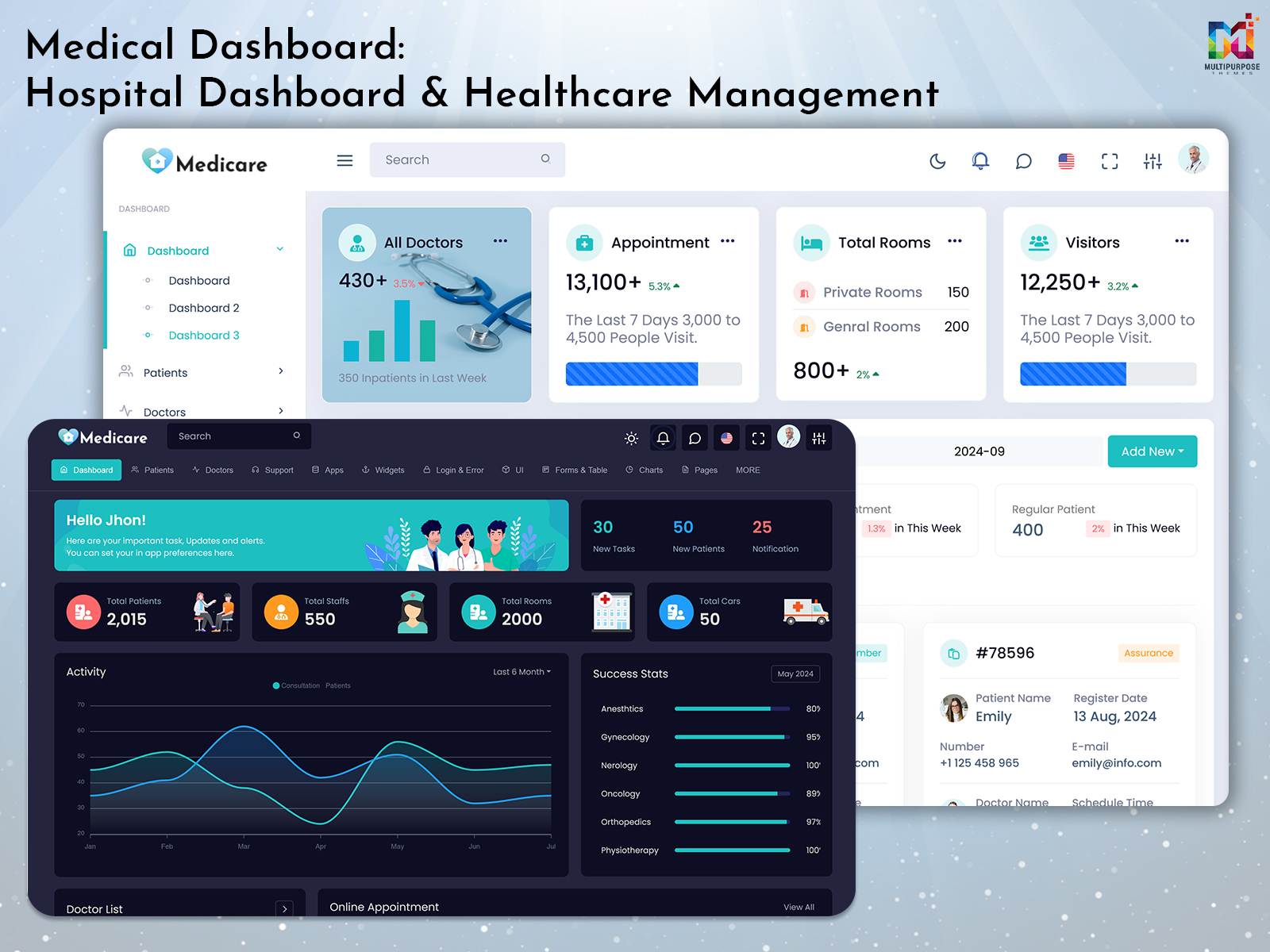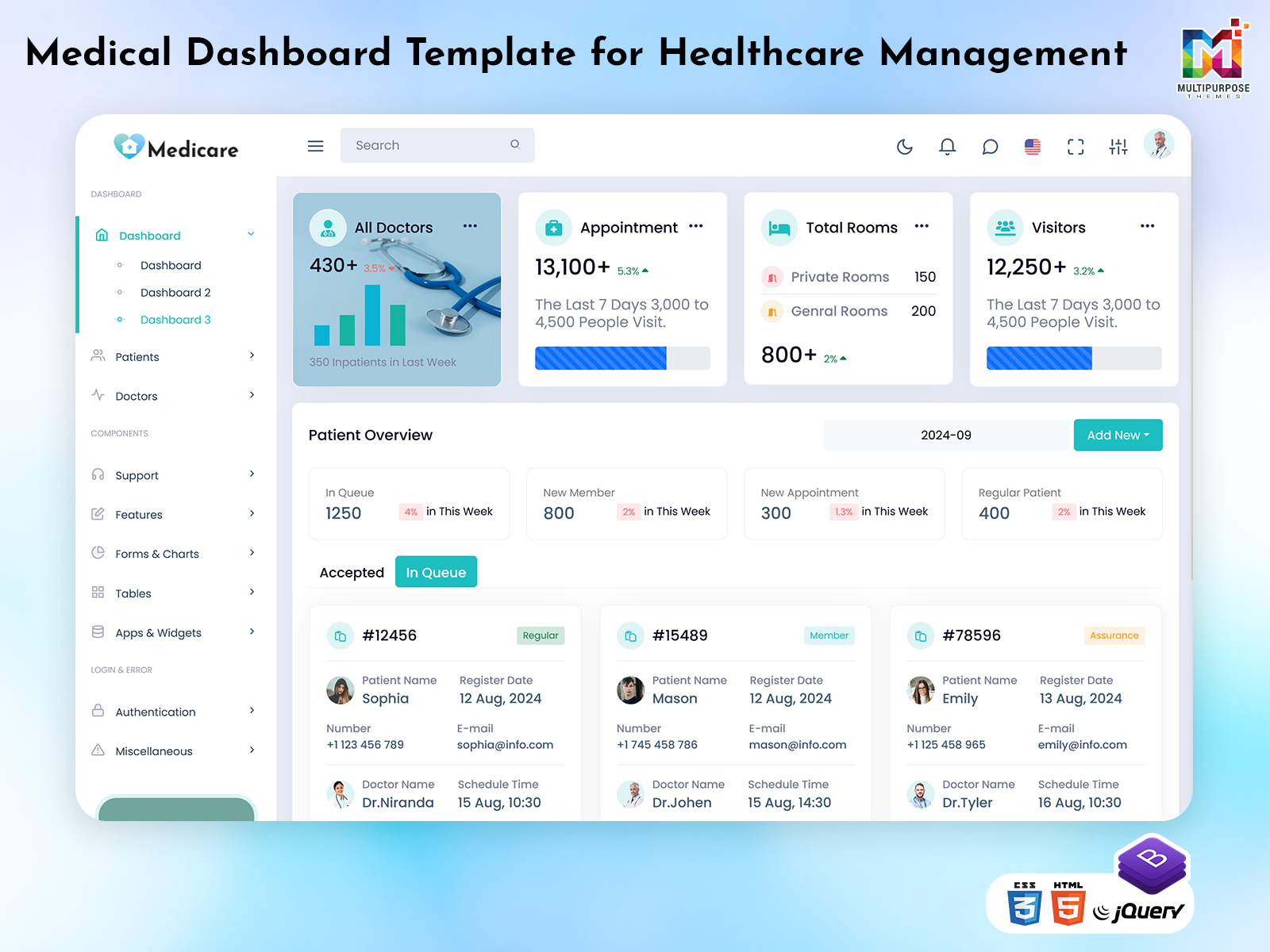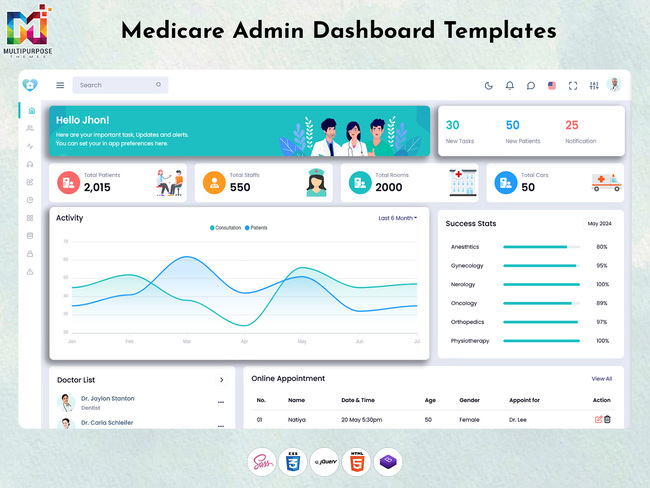
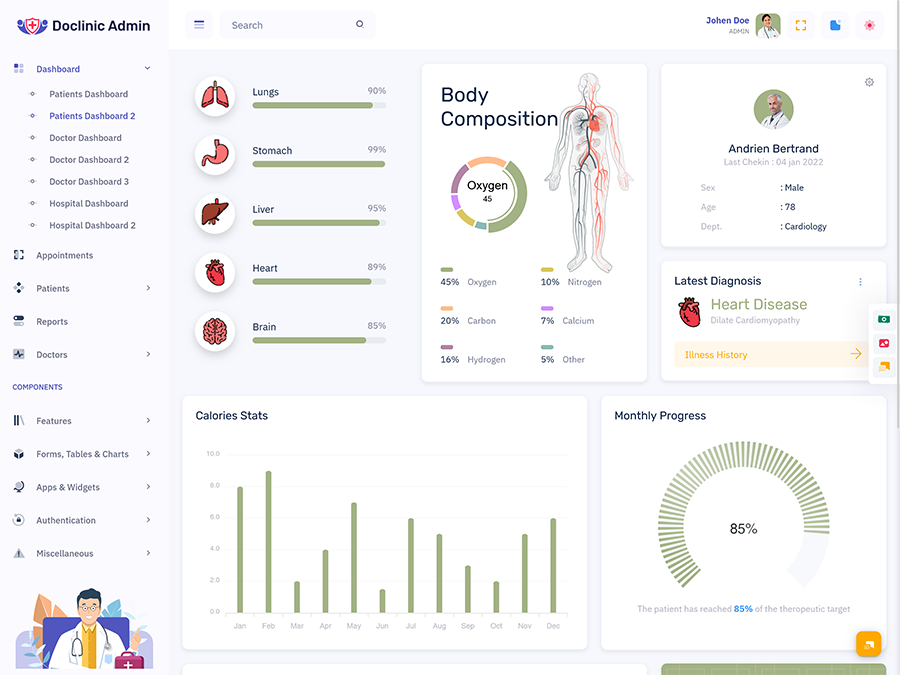
Running a hospital involves a flow of information. Patient details, appointments, doctors, admissions, billing, medical…
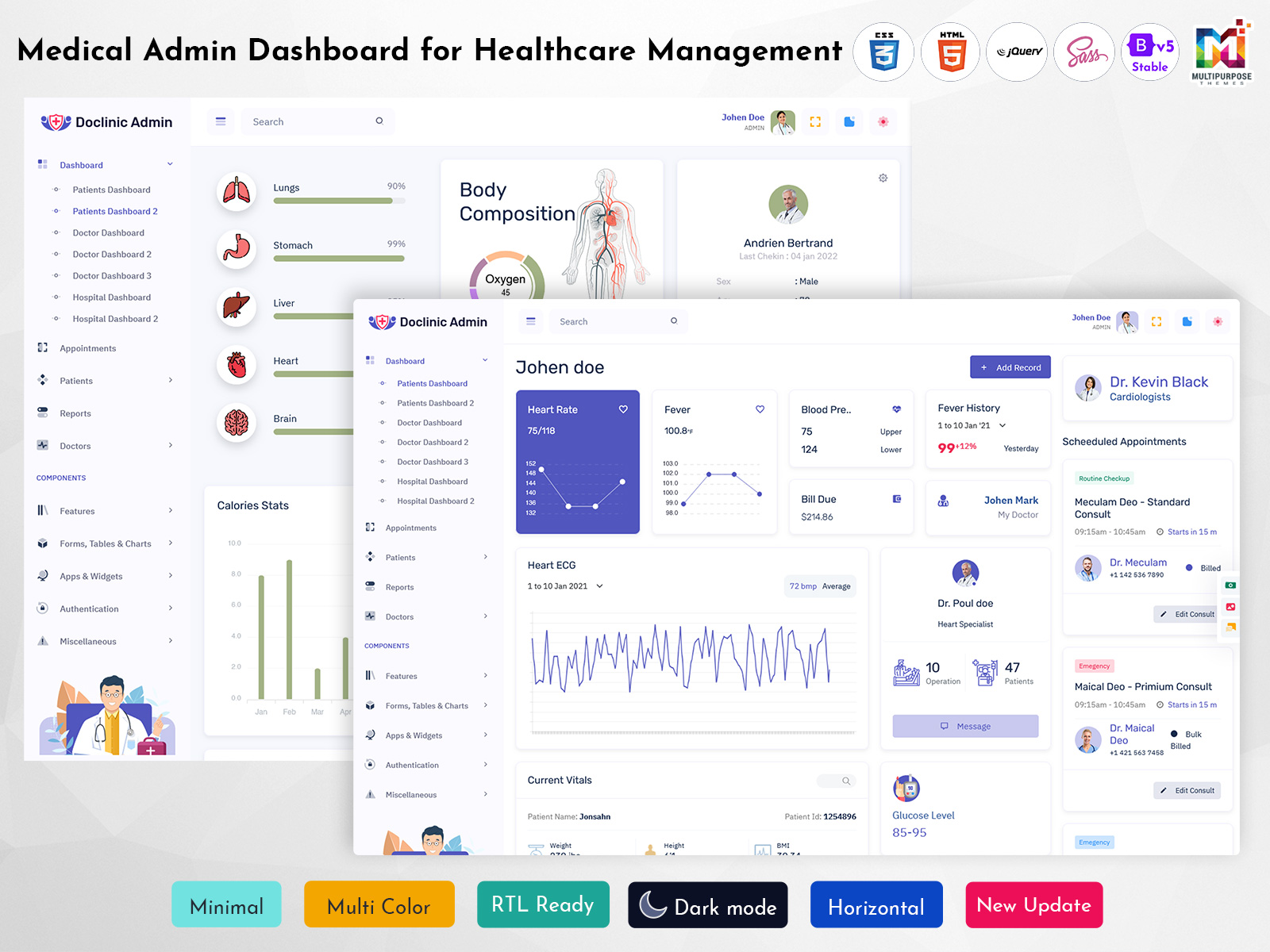
Medical Admin Dashboard for Modern Healthcare Management
Reading Time: 7 minutes
What is a Medical Dashboard?
A Medical Dashboard is a centralized digital interface designed to organize healthcare-related information in a clear and accessible way. It can bring different types of medical and administrative information into one structured environment, helping authorized healthcare staff review important information without depending on multiple disconnected screens.
Watch Full Video
Modern healthcare organizations handle a wide range of activities every day. Doctors may need to review patient information, medical teams may coordinate care, and administrators may manage operational activities. When these responsibilities are handled through separate systems, finding relevant information can become time-consuming.
A well-planned dashboard provides a common workspace where healthcare teams can access information according to their responsibilities. It does not replace professional medical judgment. Instead, it helps organize information so authorized users can work with it more efficiently.
A Medical Dashboard Template can provide developers with a starting point for creating such an interface. Rather than designing every screen from the beginning, developers can customize an existing dashboard structure according to the healthcare organization’s workflow, branding, user roles, and technical requirements.
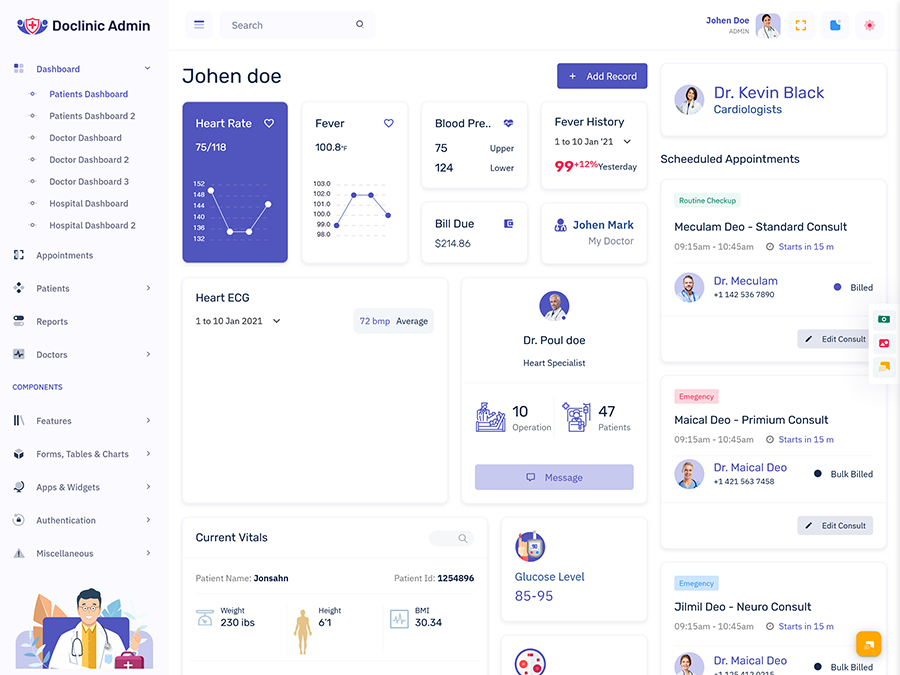
A Doctor Dashboard can provide a more focused environment for physicians. Since doctors and administrators do not always require the same information, separating their experiences can make the overall application easier to use.
Similarly, a Doctor Dashboard Template can serve as a flexible foundation for building a physician-focused interface while allowing developers to modify its design according to the requirements of a specific healthcare application.
The main purpose of a medical dashboard is to make healthcare information more organized and accessible while supporting the daily workflow of authorized professionals.
Why is a Medical Dashboard Important?
Healthcare organizations manage large amounts of information, and the need for organized digital systems continues to increase. When information is spread across different tools, healthcare staff may have to spend additional time finding what they need.
A Medical Dashboard can create a centralized environment for accessing relevant information. It can help teams maintain a more structured workflow while reducing unnecessary movement between separate screens.
For a Medical Admin, a centralized dashboard can provide a practical workspace for reviewing information related to healthcare operations. The exact structure can vary according to the size and purpose of the organization.
Doctors may require a different experience. A Doctor Dashboard can provide a focused interface designed around physician workflows, allowing doctors to work with information relevant to their responsibilities.
A Medical Dashboard Template can also help developers build these experiences more efficiently. The template can be customized to match the organization’s visual identity and functional requirements.
The importance of a dashboard therefore comes from its ability to organize information and support people in their everyday work.
VIEW DEMO BUY NOW
Features of Medical Dashboard
1. Centralized Healthcare Workspace
A Medical Dashboard creates a common digital environment for organizing relevant healthcare information. Instead of requiring authorized users to work through several disconnected screens, the dashboard can bring important information into a structured interface. This can make everyday navigation easier while providing a consistent workspace for healthcare teams.
2. Doctor-Focused Interface
A Doctor Dashboard can provide physicians with an interface designed around their specific working requirements. Rather than displaying broad administrative information, the dashboard can focus on relevant medical workflows. This creates a cleaner environment where doctors can navigate the application more comfortably while working with information available to them.
3. Flexible Medical Administration
A Medical Admin may have responsibilities that extend across different areas of a healthcare organization. A dashboard can provide a centralized environment that supports these responsibilities while maintaining a clear structure. The interface can be customized according to the organization’s administrative workflow, user permissions, and operational requirements.
4. Customizable Dashboard Foundation
A Medical Dashboard Template gives developers a structured foundation for building a healthcare management interface. Instead of beginning with an empty project, developers can adapt the existing design according to the application’s requirements. This can include changes to branding, navigation, layouts, user roles, and other interface elements.
5. Responsive Healthcare Interface
A Doctor Dashboard Template can be designed to provide a responsive experience across supported devices. Healthcare professionals may work from different locations and screens, so maintaining usability across screen sizes can be valuable. A responsive structure can help keep navigation and information presentation consistent throughout the application.
6. Role-Based User Experience
A Medical Dashboard can support different experiences for different types of authorized users. Doctors, administrators, and other healthcare staff may not need access to the same information. Designing the interface around user responsibilities can make the application easier to navigate while helping users focus on relevant areas.
7. Scalable Dashboard Structure
A Medical Dashboard Template can provide a flexible structure that can evolve as the healthcare application grows. New workflows, users, and organizational requirements may appear over time. A customizable dashboard allows developers to adapt the interface rather than completely redesigning the application whenever requirements change.
VIEW DEMO BUY NOW
How a Medical Dashboard Supports Healthcare Teams
Healthcare work involves coordination. Doctors, administrators, and other staff may need to work with related information while performing different responsibilities.
A Medical Dashboard can create a shared digital environment that supports this coordination.
The dashboard does not mean every user should see everything. Instead, it can provide access based on the user’s role and responsibilities.
For example, a Doctor Dashboard can provide physicians with a focused workspace, while a Medical Admin can use a broader administrative interface.
This separation can make the application easier to understand and reduce unnecessary information.
A well-designed dashboard can also create consistent navigation. When users become familiar with the structure of the application, they can move through their regular tasks with greater confidence.
This makes the dashboard a practical part of the healthcare workflow rather than simply another digital reporting interface.
Benefits of Medical Dashboard
1. Improves Information Organization
A Medical Dashboard creates a centralized environment for relevant healthcare information. This can reduce the need to move between multiple disconnected interfaces and provide users with a more consistent workspace. Organized information can make daily digital tasks easier to follow for authorized healthcare professionals and administrative teams.
2. Supports Doctors
A Doctor Dashboard gives physicians a focused digital environment that can be designed around their responsibilities. By reducing unrelated administrative information, the interface can remain more relevant to the doctor’s workflow. This can make navigation simpler and help professionals work with the system more comfortably.
3. Simplifies Administration
A Medical Admin can benefit from having a structured environment for managing administrative responsibilities. A centralized dashboard can make relevant information easier to access and create a consistent working process. This can reduce unnecessary navigation and help administrative teams maintain a more organized digital workflow.
4. Saves Development Effort
A Medical Dashboard Template provides developers with a starting structure instead of requiring every interface element to be designed from scratch. Developers can customize the foundation according to project requirements, allowing more attention to be given to application functionality, user experience, and healthcare-specific needs.
5. Provides Flexible User Experiences
A Doctor Dashboard Template can be adapted for physician-focused applications, while other dashboard views can support administrative users. This flexibility allows healthcare applications to provide role-appropriate experiences instead of forcing every user to interact with an identical interface.
6. Supports Future Expansion
Healthcare applications can grow as organizations add users, departments, and workflows. A flexible Medical Dashboard can evolve alongside these changes. Customizable structures make it easier to introduce new requirements without completely replacing the existing interface, providing a stronger foundation for long-term application development.
7. Creates Consistent Navigation
A well-designed dashboard establishes familiar navigation patterns throughout the healthcare application. Users can become comfortable with the interface when information is organized logically and presented consistently. This can make regular interaction easier for doctors, administrators, and other authorized healthcare staff.
How a Medical Dashboard Can Improve Digital Workflow
Digital healthcare systems should make everyday work more organized rather than creating additional complexity.
A Medical Dashboard can support this by bringing relevant information into a structured workspace.
Doctors can use a Doctor Dashboard designed around their responsibilities, while administrative teams can work through views that match their own requirements.
The value of the system depends heavily on usability. A dashboard should make it easy for users to understand where they are, what information they are viewing, and where they should go next.
A Medical Dashboard Template can help developers create this structure more efficiently, but customization remains important.
The final interface should reflect the actual workflow of the healthcare organization rather than simply using a template without modification.
Conclusion
A Medical Dashboard provides a centralized and organized environment for managing healthcare-related information. It can support different user groups by creating interfaces that reflect their responsibilities rather than forcing everyone to work through the same experience.
A Doctor Dashboard can provide physicians with a focused workspace, while a Medical Admin can use a broader administrative environment. For developers, a Medical Dashboard Template or Doctor Dashboard Template can provide a flexible foundation that can be customized according to the application’s needs.
The success of a medical dashboard depends on more than its visual appearance. It should be easy to understand, responsive, scalable, and aligned with the real workflow of the healthcare organization.
When these elements are considered carefully, a medical dashboard can become a valuable part of a modern healthcare application’s digital experience.
Frequently Asked Questions
1. What is a Medical Dashboard used for?
A MultiPurpose Themes Medical Dashboard is used to organize healthcare-related information within a centralized digital interface. It can provide different views for doctors, administrators, and other authorized users, helping each group work with information relevant to its responsibilities.
2. What is a Doctor Dashboard?
A MultiPurpose Themes Doctor Dashboard is a physician-focused interface designed around the digital requirements of doctors. It provides a more focused environment than a general administrative dashboard and can be customized according to the workflow of a clinic, hospital, or healthcare application.
3. What is a Medical Dashboard Template?
A Medical Dashboard Template is a pre-designed interface foundation that developers can use when building healthcare-related applications. It provides an initial structure that can be modified according to branding, navigation requirements, user roles, functionality, and the specific workflow of the healthcare organization.
4. Can a Doctor Dashboard Template be customized?
Yes. A MultiPurpose Themes Doctor Dashboard Template can be customized according to the requirements of a healthcare application. Developers can modify its visual design, navigation, user experience, branding, and other interface elements to create a dashboard that fits the intended physician workflow.
5. Who can use a Medical Dashboard?
A medical dashboard can be used by doctors, Medical Admin teams, nurses, healthcare managers, and other authorized professionals, depending on the application’s design. User access should be structured according to responsibilities so that each person can work with appropriate information.
6. Is a Medical Dashboard Template suitable for hospitals and clinics?
Yes. A MultiPurpose Themes Medical Dashboard Template can be adapted for different healthcare environments, including clinics, hospitals, medical centers, and healthcare applications. The final interface should be customized according to the organization’s size, workflow, user roles, branding, and technical requirements.
7. Can Multi Purpose Themes be used for a medical dashboard?
Yes.MultiPurpose Themes can provide dashboard and admin template designs that developers may use as a starting point for healthcare-related applications. The selected template should be customized according to the medical application’s workflow, user roles, branding, and functional requirements before being used as the final product.

Related Posts