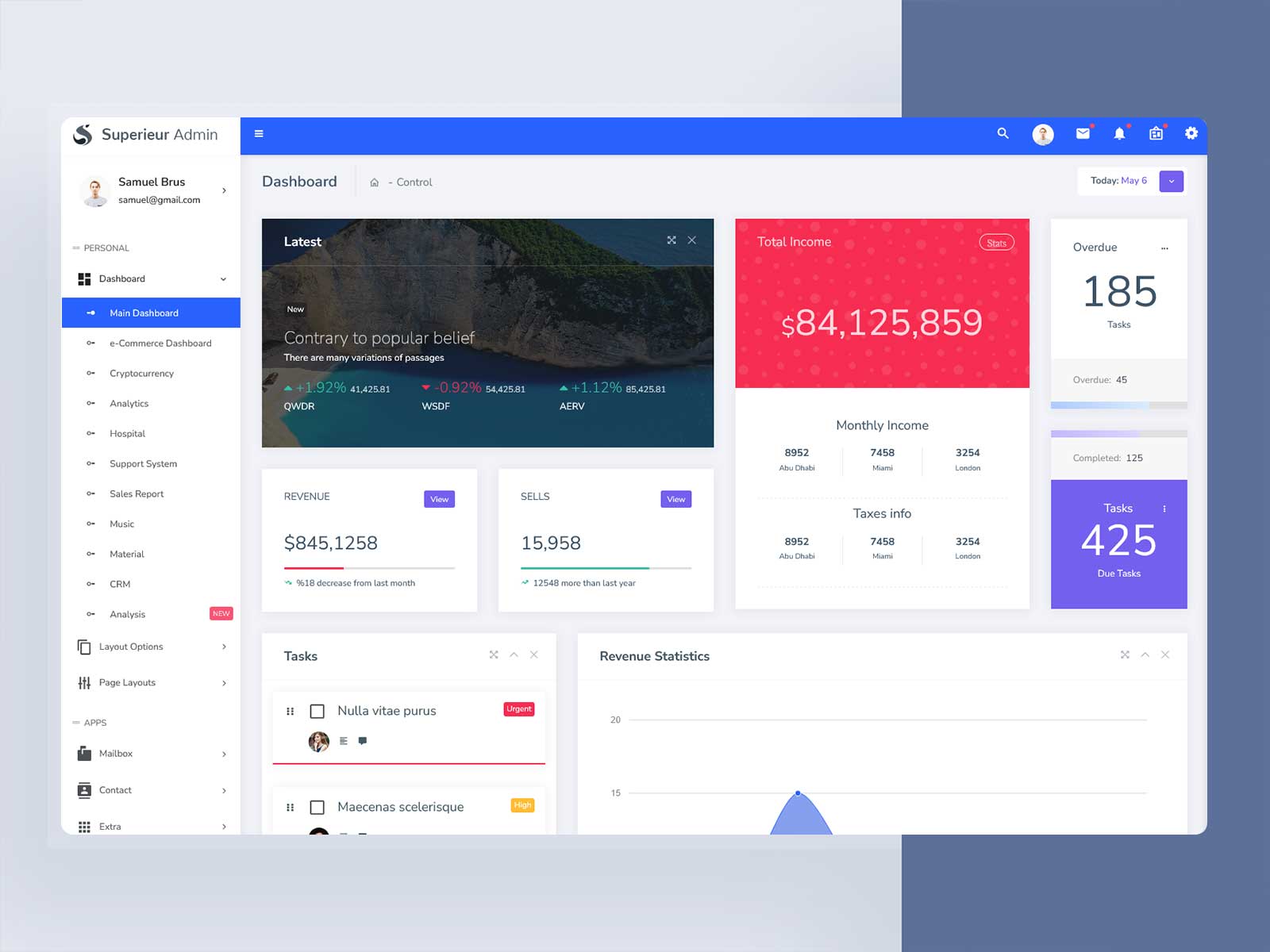
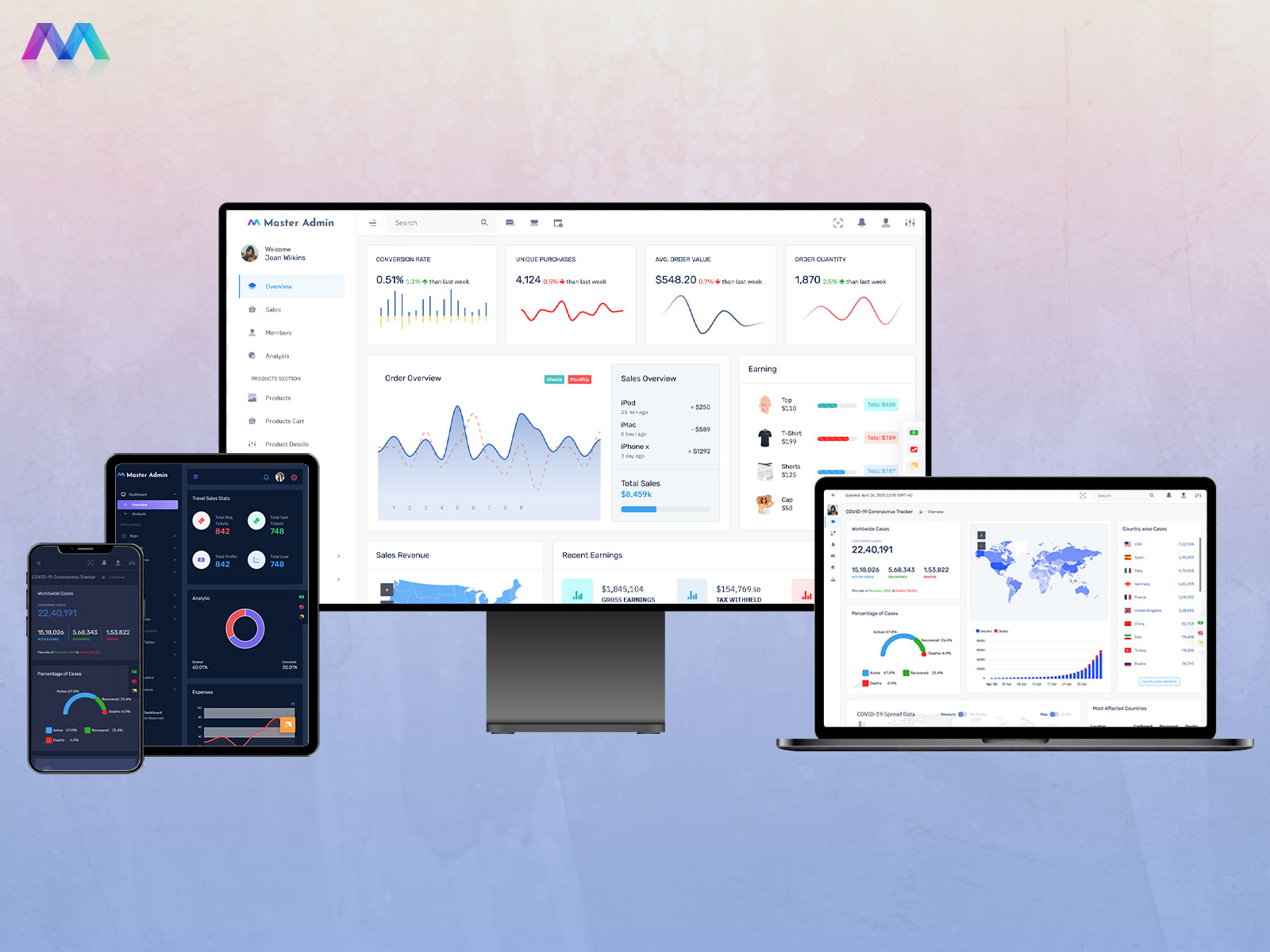
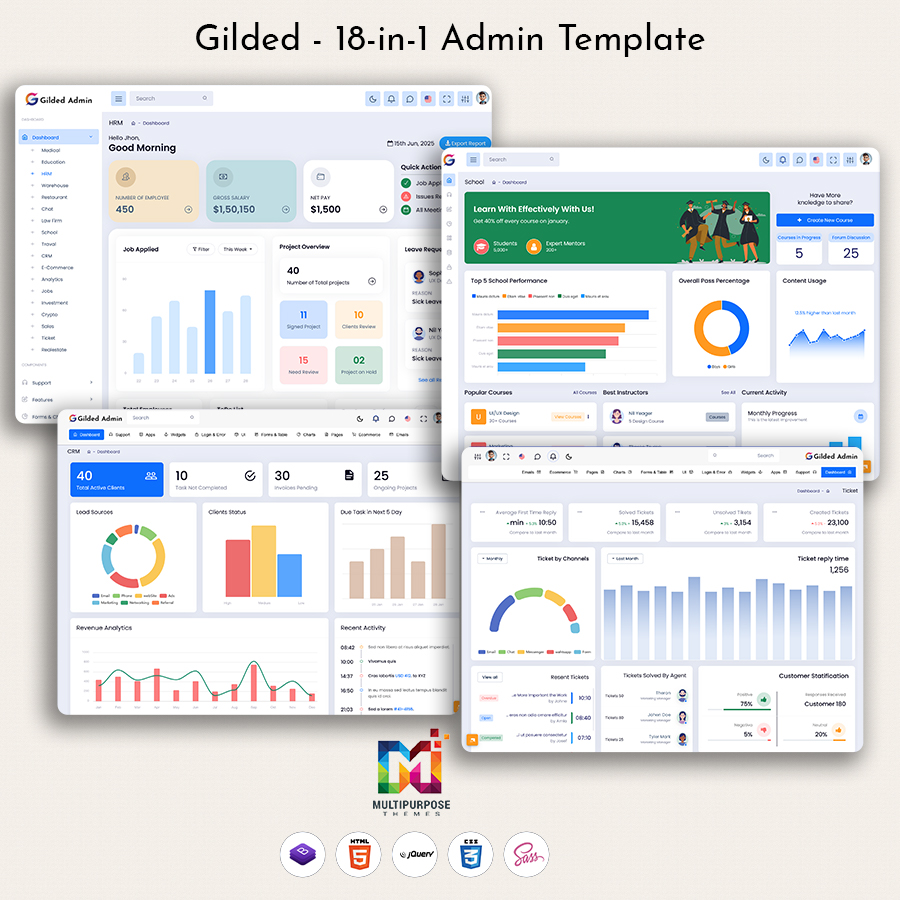
In today’s digital world, every business depends on powerful web applications to manage operations, users,…
Admin Template: A Beginner’s Guide to Choosing the Perfect One
Reading Time: 6 minutes
When you start working on a new web project, it becomes much easier to build a professional application when you have a strong and structured interface to rely on. At Multi-Purpose Themes, we offer high-quality Admin Templates and Admin Dashboard solutions designed for both developers and businesses. Our templates provide a practical foundation for creating organized, responsive, and user-friendly web applications while helping teams reduce the time and effort required for dashboard development.
Dashboard Templates provide layouts and components to help you create your application interface for data, users, reports, analytics, forms, tables and other important parts of the application. If your project uses Bootstrap framework, you will find very useful Bootstrap 5 Admin Templates in our collection.
Whether you are building a CRM, an eCommerce platform, a SaaS application, a business management system or any other web-based project picking the right Bootstrap 5 Dashboard Template can give your project a foundation. In this guide we will look at the features you should pay attention to. We will also help you understand how to choose the Admin Template for your project.
Watch Full Video
BUY NOWDEMO
What Are Admin Templates?
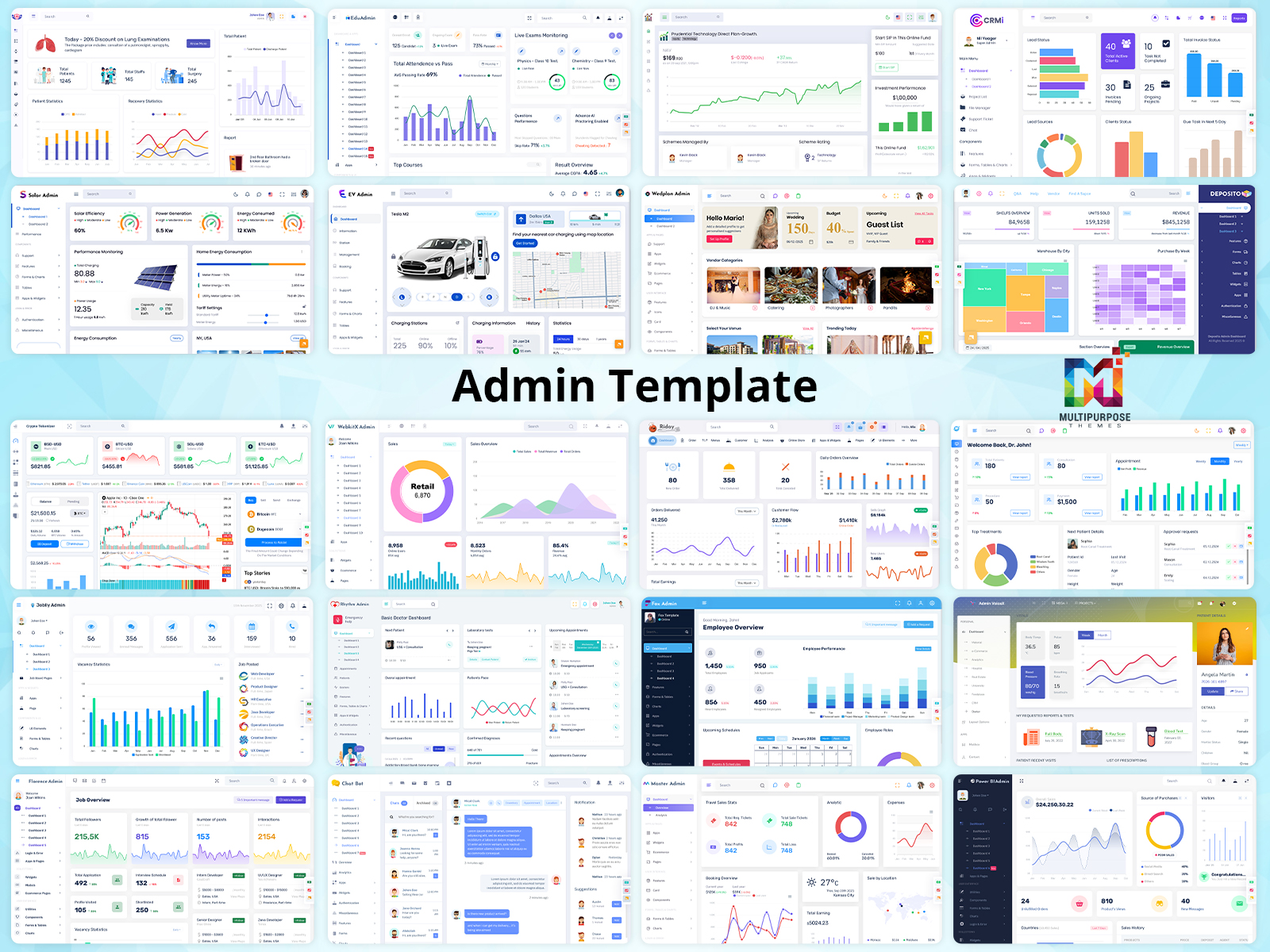
Admin Templates refer to ready-made dashboard templates that offer an organized starting point for managing websites and web applications. They incorporate various important elements like charts, tables, forms, user handling, analytics, and navigation, thus enabling users to manage their business processes better.
Our Dashboard Templates come with modern design layouts and responsive components that can be customized for different kinds of projects. No matter if you are building a business dashboard, CRM, e-commerce site, SaaS, or management system, an admin template will make your project creation easier and more professional.
A Bootstrap 5 Admin Template is especially useful for developers who work with Bootstrap. It gives them layouts and reusable UI components. These components can be changed to fit the needs of each project. In the way a Bootstrap 5 Dashboard Template offers a flexible base, for showing data. It helps with tracking activities. Managing key app functions. Both templates make development faster and easier.
An admin dashboard isn’t merely a layout of charts and tables; it’s a crucial part of the system as it allows users to check their performance, organize data, set preferences, and take appropriate decisions. Therefore, selecting a versatile and scalable Admin Template contributes to successful achievement of both the development process and daily management.
Why Choose Multi-Purpose Themes for Your Admin Dashboard?
Opting for the perfect Admin Template can streamline the development process and provide your online project with a sophisticated, well-arranged interface from scratch. Multi-Purpose Themes provides numerous high quality admin templates and dashboard templates characterized by stylish design, functionality, responsive layout, and versatile customization.
Dashboard Templates can be used for a variety of projects belonging to different fields. It doesn’t matter whether you develop a CRM system, e-commerce website, SaaS application, business management system, educational portal, healthcare website, financial software, or any other web-based project; there is a template for you to use.
With our Bootstrap 5 Admin Templates developers get UI components that’re ready to use. These include charts, tables, forms, cards, navigation menus, analytics sections and data management elements. The components can help save time during development. They also help keep the look and feel consistent, across the dashboard.
Another benefit is personalization. You can change layouts, colors, fonts, navigation, components, and other user interface elements to get the control panel that fits your brand and your workflow. Mobile design ensures that dashboards are easy to use and accessible on computers, tablets and smartphones.
Whether you are embarking on a fresh project or revamping an old application, Multi-Purpose Themes gives you the flexibility to have Admin Templates that can evolve as your needs change. Our templates have everything from intuitive interfaces to customizability that makes for the ideal base for creating your admin dashboard.
Define Your Project Needs First
The process of selecting the most suitable Admin Template requires careful consideration of your project aims and objectives, as well as the type of functions you will need to use. Take the time to study the types of information that will be collected, managed and analyzed, for example, user data, products, sales, lessons, reports, statistics, and other activity-related information. In addition, think about functional requirements that your team will have to work with regularly, such as tables, charts, filters, forms, notices, and tracking system.
Consider how the dashboard will be used and what the requirements of each user are. For example, an administrator might need full control of all users and settings, managers might only care about reports and performance, and everyone else might need access to certain actions or information.
Once these requirements are clear you can pick a Dashboard Template that matches your work process instead of choosing one just because it looks good. Whether you are building an eCommerce platform, a CRM, a SaaS application, an education system or a business management solution the right Bootstrap 5 Admin Template should offer the flexibility the features and the ability to grow that your project needs now and, in the future.
.
Create a Clean and Easy-to-Navigate Admin Dashboard
A neat and organized Admin Template enables users to quickly locate the needed functions and manage information effortlessly. A good Admin Dashboard UI must have a consistent visual style regarding colors, fonts, visual symbols, cards, tables, and other elements. These menus must be structured, easy to use, and grouped sensibly so users can comfortably navigate through different menu items. Key functionalities like reports, analytics, user management, and settings must also be located in a simple way because consistency makes dashboards more comprehensible and user-friendly.
Easy navigation is just as critical. The menus need to be organized in an obvious way, easy to access, and logical, making sure that users can easily switch from one section to another. Critical aspects like analytics, reporting, user management, and settings must also be easy to find.
A Bootstrap 5 Admin Template that is well-designed should also mix simplicity with functionality. Staying away from many animations and unneeded parts of the interface keeps the dashboard clear and makes it easier to use. With a layout and a flexible menu your Dashboard Template is simpler to change, fix and grow as your project expands.
Customize Your Admin Dashboard to Match Your Needs
According to this feature of the Admin Template, a web project can have many goals, users, workflows, and design needs, which is why flexibility is an important aspect in making a decision to purchase a dashboard. A good template will create a good base and allow you to customize it according to your ideas.
Multi-Purpose Themes admin templates allow for easy creation of dashboards in line with your unique requirements through flexible designs and user interface building blocks. You can customize your design with respect to your brand guidelines by customizing colors, typography, navigation, cards, tables, charts, buttons, and many other interface design aspects.
Our Bootstrap 5 Admin Templates also help you change parts that’re already there, move things around, put in new parts or take out things you don’t need. No matter if you are creating a CRM system, a store, a SaaS tool, a business control system or a dashboard, for a specific industry you can change the template to match your way of working.
Customization refers not only to modifying the looks of the application. Customization also contributes to enhancing usability, which is realized through the capability to arrange the information and features in accordance with the behavior of users. A flexible Admin Dashboard UI allows building a high-quality, uniform, and scalable graphical user interface and saves developers from the need to develop all components from the ground up.
Check for Responsive Design
A modern Admin Dashboard should work smoothly across desktops, tablets, and smartphones. Choose a responsive Dashboard Template where menus, charts, buttons, and content automatically adapt to different screen sizes.
A Bootstrap 5 Admin Template provides a strong foundation for creating mobile-friendly dashboards that remain easy to navigate and use on any device.
Consider Performance and Speed
A fast Admin Dashboard improves productivity and user experience. Choose a Dashboard Template with optimized code, lightweight assets, responsive components, and efficient data loading to keep pages and charts running smoothly.
A well-optimized Bootstrap 5 Admin Template can handle data-heavy dashboards more efficiently while providing a smooth experience across devices.
Free VS Paid Dashboard Template
| Feature | Free Admin Template | Premium Admin Template |
| Cost | Free to use | Paid |
| Design & Layouts | Basic layouts | Modern, professionally designed layouts |
| UI Components | Essential components | Advanced and extensive components |
| Customization | Basic customization | Extensive customization options |
| Responsive Design | Usually responsive | Fully optimized for all devices |
| Dashboard Options | Limited dashboard layouts | Multiple dashboard layouts and use cases |
| Framework Support | May vary | Often supports popular frameworks such as Bootstrap 5 |
| Updates | Limited or occasional | Regular updates and improvements |
| Support | Community-based or limited | Dedicated customer support |
| Best For | Learning, testing, and small projects | Business, SaaS, CRM, eCommerce, and larger applications |
Make the Right Choice for Your Admin Dashboard
Choosing the right Dashboard Template starts with understanding your project requirements. Focus on essential factors such as usability, responsive design, performance, customization, framework compatibility, and available features rather than choosing a template based only on its appearance.
Before selecting an Admin Template, identify the features your project needs and compare them with the available options. Check the documentation, explore the demo, review customization possibilities, and make sure the template can grow with your application.
A well-designed Bootstrap 5 Admin Template can provide a strong foundation for building professional dashboards while reducing development time. Taking the time to evaluate your options carefully can help you choose a reliable, flexible, and user-friendly Bootstrap 5 Dashboard Template that supports your project in the long term.

Related Posts