

In today’s fast-moving digital world, education is no longer limited to classrooms and physical books.…
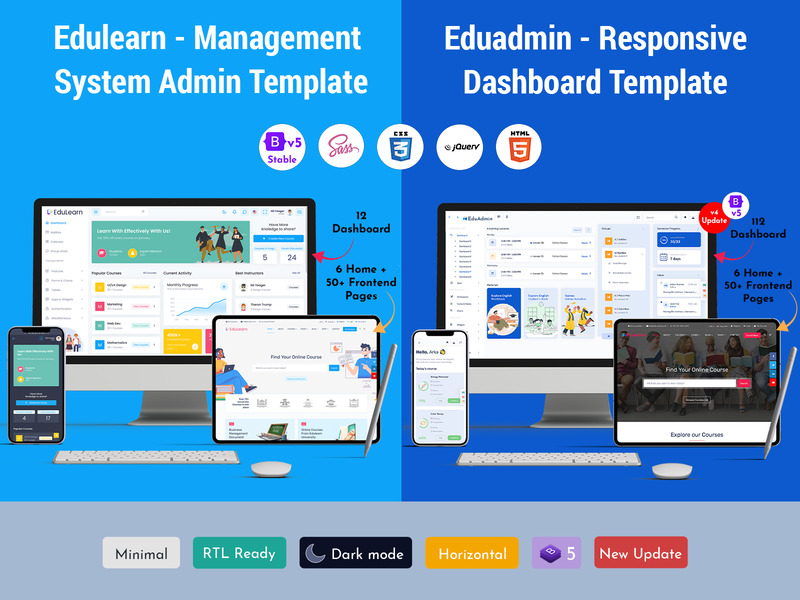
Why Your LMS Dashboard Is the Real Engine Behind Every Successful Online Course
Reading Time: 4 minutes
You built a great course. The content is solid. The lessons are well-organized. But learners are dropping off. Engagement is low. And you have no idea why. The problem might not be your content at all. It could be your LMS Dashboard.
An LMS Dashboard is the control center of any Learning Management System. It’s the first screen learners and instructors see. It sets the tone for the entire learning experience. And yet, most course creators treat it as an afterthought.
That’s a costly mistake. In this article, we’ll look at what makes a great Learning Management System Dashboard, what features it needs, and why the right LMS Dashboard Template can change everything for your online course platform.
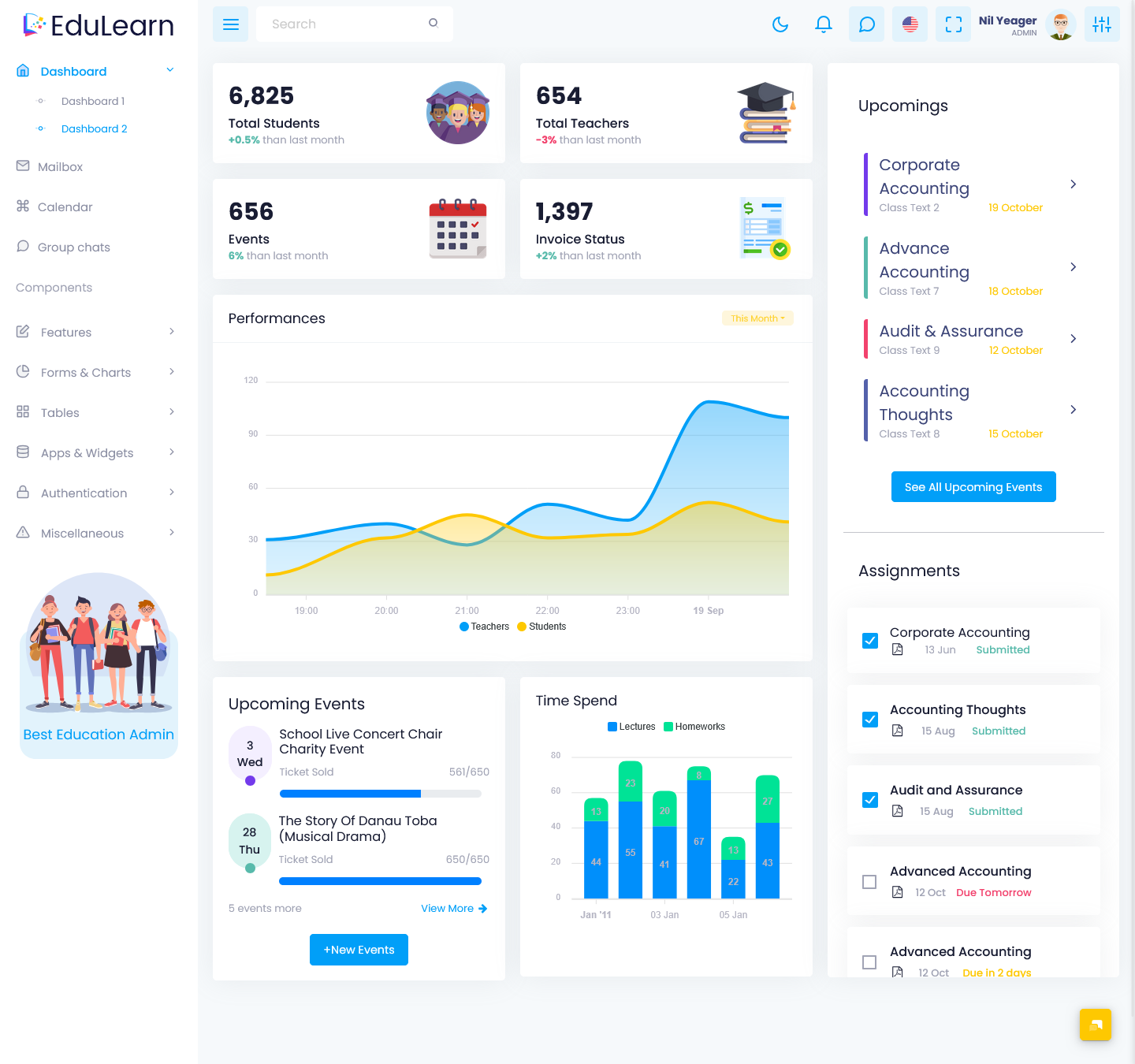
EduLearn Admin
BUY NOW DEMO
What Is an LMS Dashboard, Exactly?
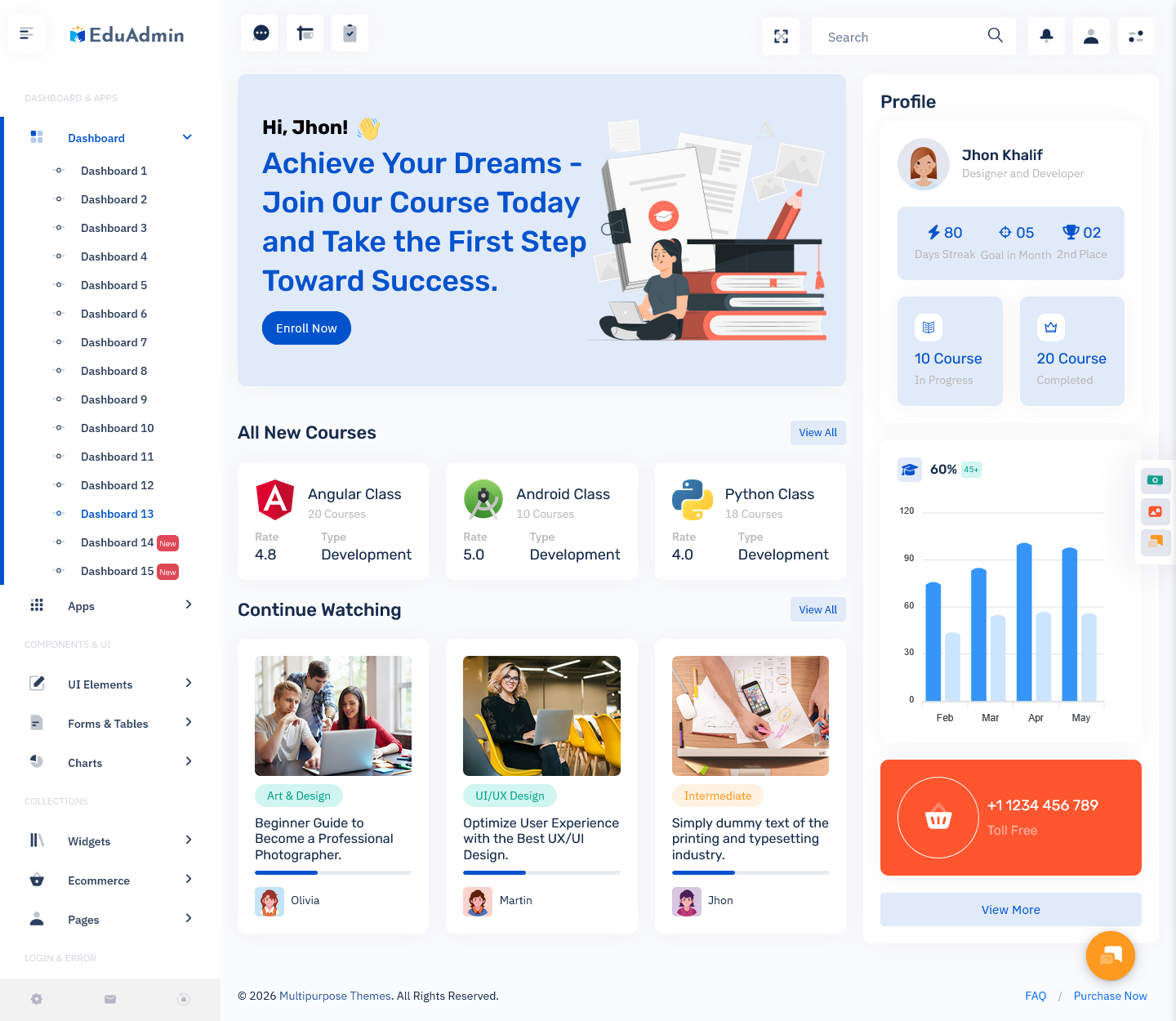
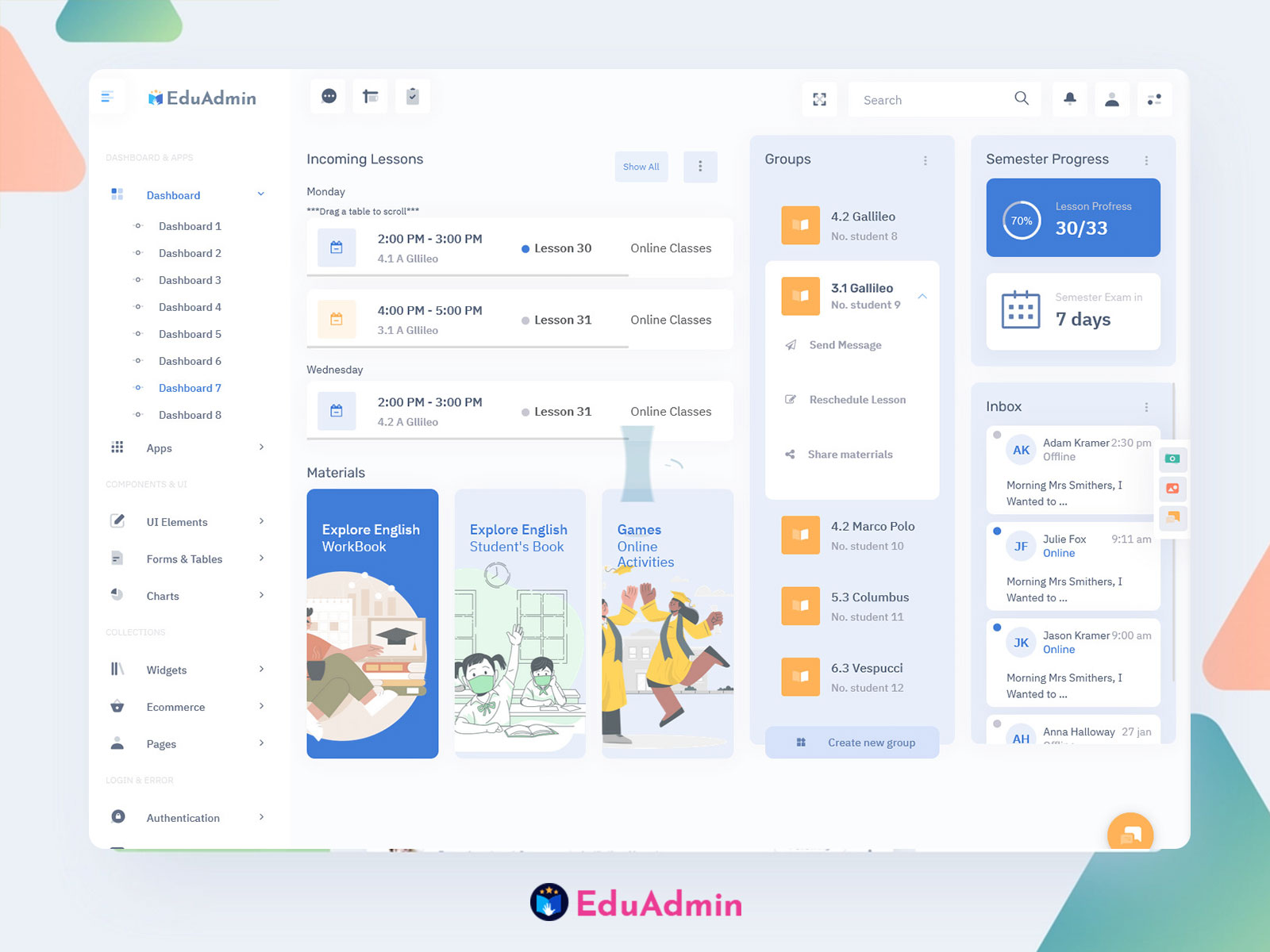
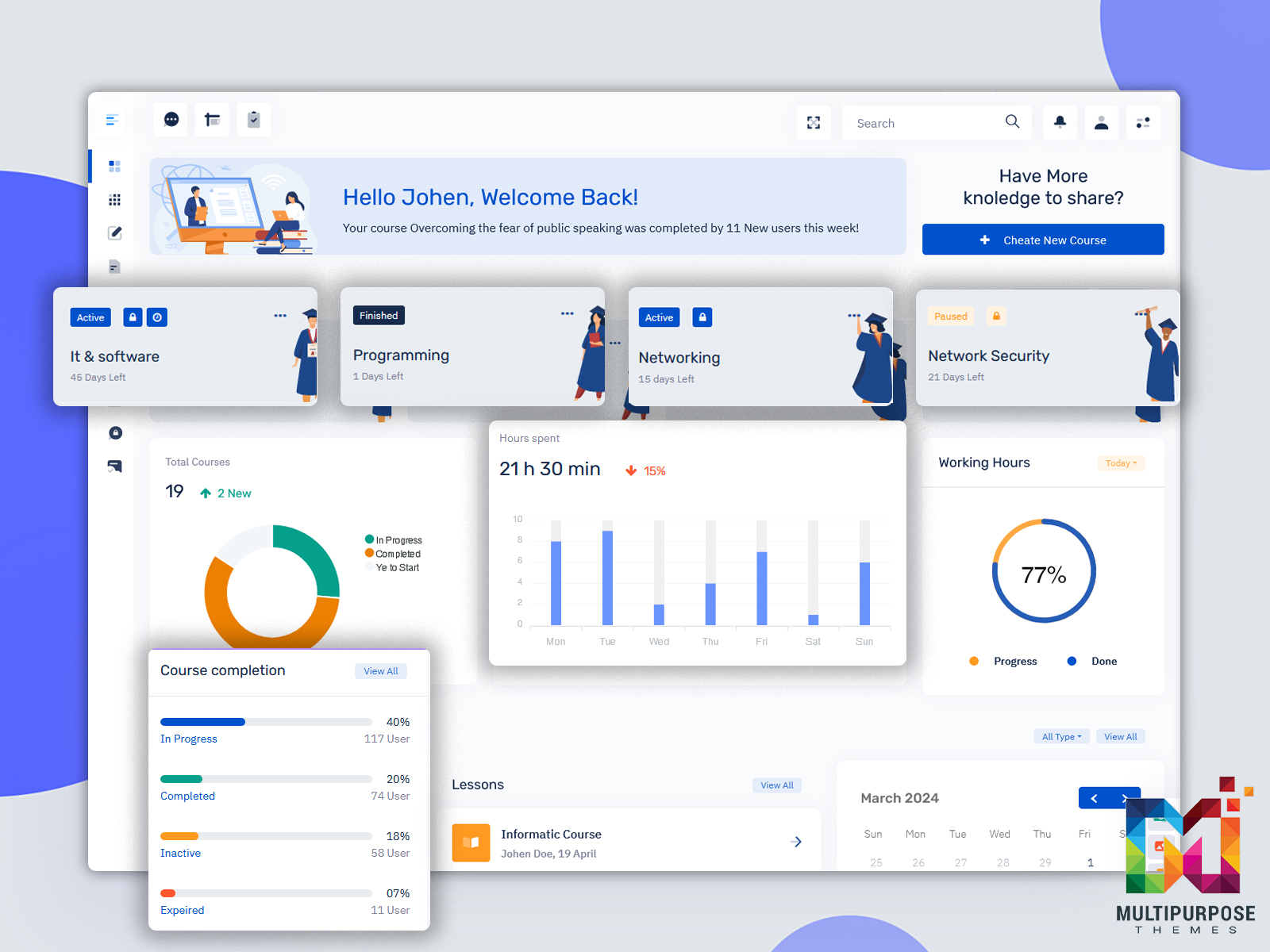
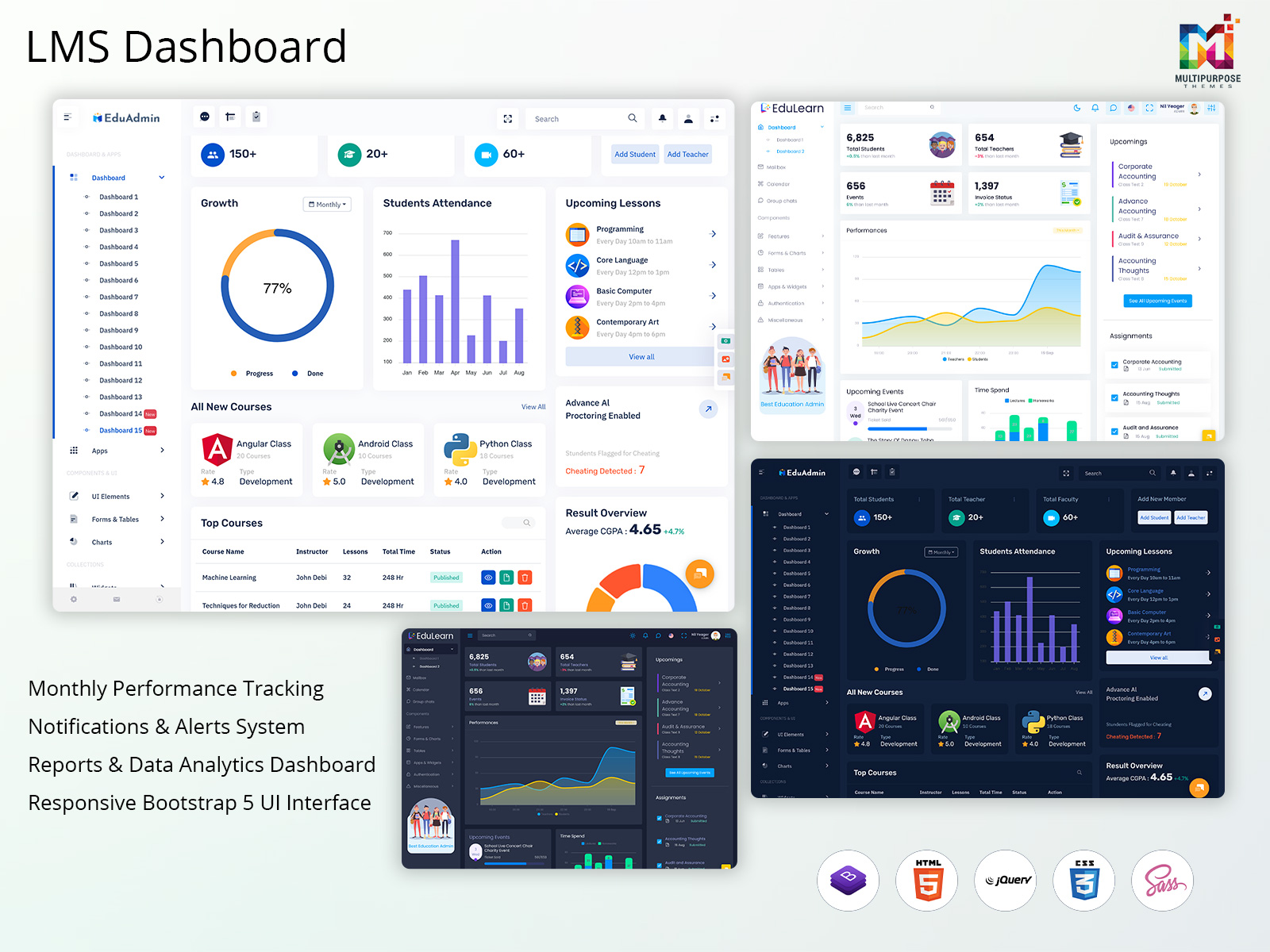
Think of it like the cockpit of a plane. A pilot doesn’t fly blind. They need gauges, indicators, and controls, all in one place. Your LMS Dashboard Template works the same way. For learners, it shows their enrolled courses, progress, upcoming deadlines, and recent activity. For instructors, it shows who is learning, who is falling behind, and which lessons are getting skipped.
A well-designed online course dashboard gives everyone the right information at the right time. No digging. No guessing. Everything sits right in front of you. Without a clean dashboard, learners feel lost. They don’t know where to start or what to do next. When people feel confused, they leave. It’s that simple.
EduAdmin
BUY NOW DEMO
The Features That Actually Matter
Not all dashboards are built the same. Some are cluttered. Some are bare. The best ones find the middle ground. Here’s what a strong LMS Dashboard should include:
- Progress tracking – Learners want to see how far they’ve come. A simple progress bar does more for motivation than any pep talk.
- Course shortcuts – Quick access to recently viewed lessons saves time and keeps learners in flow.
- Notifications and reminders – Deadlines, new content, and instructor messages should appear clearly without overwhelming the screen.
- Completion badges or certificates – Visual rewards give learners a reason to push through tough modules.
- Instructor analytics – Enrollment numbers, quiz scores, and drop-off points help instructors improve their courses over time.
- Mobile-friendly layout – Many learners access courses from their phones. A responsive dashboard makes that experience smooth.
- Search functionality – Learners should find any lesson or module in seconds, not minutes.
Every feature on this list serves one purpose: reducing friction. The less effort it takes to learn, the more learning actually happens.
Why the Right LMS Dashboard Template Saves You Time and Money
Building a earning Dashboard from scratch is expensive. It takes developers, designers, and months of testing. Most course creators don’t have that kind of time or budget. That’s where an LMS Admin Template comes in.
A good Bootstrap 5 Admin Template gives you a professional, ready-to-use layout. You customize it with your brand colors, logo, and course structure. Then you launch. No need to reinvent the wheel. But not every template is worth your time. A cheap, generic template will look outdated fast. Worse, it might not scale when your learner base grows.
When you shop for an LMS Dashboard Template, look for these qualities:
- Clean, modern design that doesn’t feel dated
- Easy customization without needing to code
- Built-in support for progress tracking and analytics
- Compatibility with popular LMS platforms like Moodle, Canvas, or TalentLMS
- Responsive design that works on all screen sizes
A great Admin Template isn’t just about looks. It’s about function. The design should guide the user’s eye naturally from one section to the next.
How a Better Dashboard Directly Improves Learner Outcomes
Here’s something most people miss: your Learning Management System Dashboard doesn’t just display information. It shapes behavior. When learners see their progress clearly, they feel motivated to continue. When they see a course is 70% complete, they think, “I’m almost there.” That thought keeps them going.
When learners can’t find what they need, they give up. A messy online course dashboard creates frustration. Frustration kills motivation. And without motivation, no course – no matter how good – will get finished. Studies in UX (user experience) design confirm this. Users make decisions about a platform within the first 10 seconds of seeing it. If the dashboard looks cluttered or confusing, learners mentally check out before they even start the first lesson. This means your dashboard design is not just a technical choice. It’s a business decision.
Common Dashboard Mistakes to Avoid
Even experienced course creators fall into these traps:
- Too much information on one screen – More data doesn’t mean more clarity. Prioritize what learners need most.
- No clear next step – Every time a learner logs in, the dashboard should answer one question: “What should I do now?”
- Ignoring mobile users – If your online course dashboard looks broken on a phone, you’re losing learners every day.
- Skipping analytics – Instructors who don’t track data can’t improve. Build analytics into your workflow from day one.
- Outdated design – A dashboard that looks like it was built in 2012 sends the wrong message about your course quality.
Fix these issues and you’ll see a noticeable bump in completion rates.
Choosing the Right LMS for Your Dashboard Needs
Your dashboard is only as good as the platform behind it. Some LMS platforms give you full design control. Others lock you into rigid templates.
Before you commit to a platform, ask these questions:
- Can I customize the LMS Dashboard without hiring a developer?
- Does the platform offer built-in analytics for instructors?
- How does the dashboard look on mobile devices?
- Can I use a third-party LMS Dashboard Template, or am I stuck with default designs?
- Is the interface intuitive for first-time learners?
Platforms like Teachable, Thinkific, and TalentLMS offer solid built-in dashboards. Open-source options like Moodle give you more control but require more technical work. Match the platform to your skill level and your learners’ expectations.
Final Words
Your course content matters. But your Learning Management System LMS Dashboard is what learners interact with every single day. It’s what they see first. It’s what guides their journey. And it’s what keeps them coming back.
Invest in a strong LMS Dashboard Template. Prioritize clean design and clear navigation. Track your data. And always design with the learner’s experience in mind.

Related Posts


This Post Has 0 Comments