

In today’s competitive business environment, companies must manage customer relationships efficiently to stay ahead. Businesses…
Stop Guessing, Start Selling: What Your CRM Dashboard Is Really Telling You
Reading Time: 5 minutes
A lot of sales teams log into their CRM every morning, glance at the numbers, and move on. They see the data but don’t really read it. That’s a missed opportunity. Your CRM dashboard is one of the most powerful tools in your business, but only if you know how to use it.
This guide breaks down what a CRM dashboard actually does, why the right CRM dashboard template changes everything, and how to turn your data into real decisions.
Watch Video
What Is a CRM Dashboard?
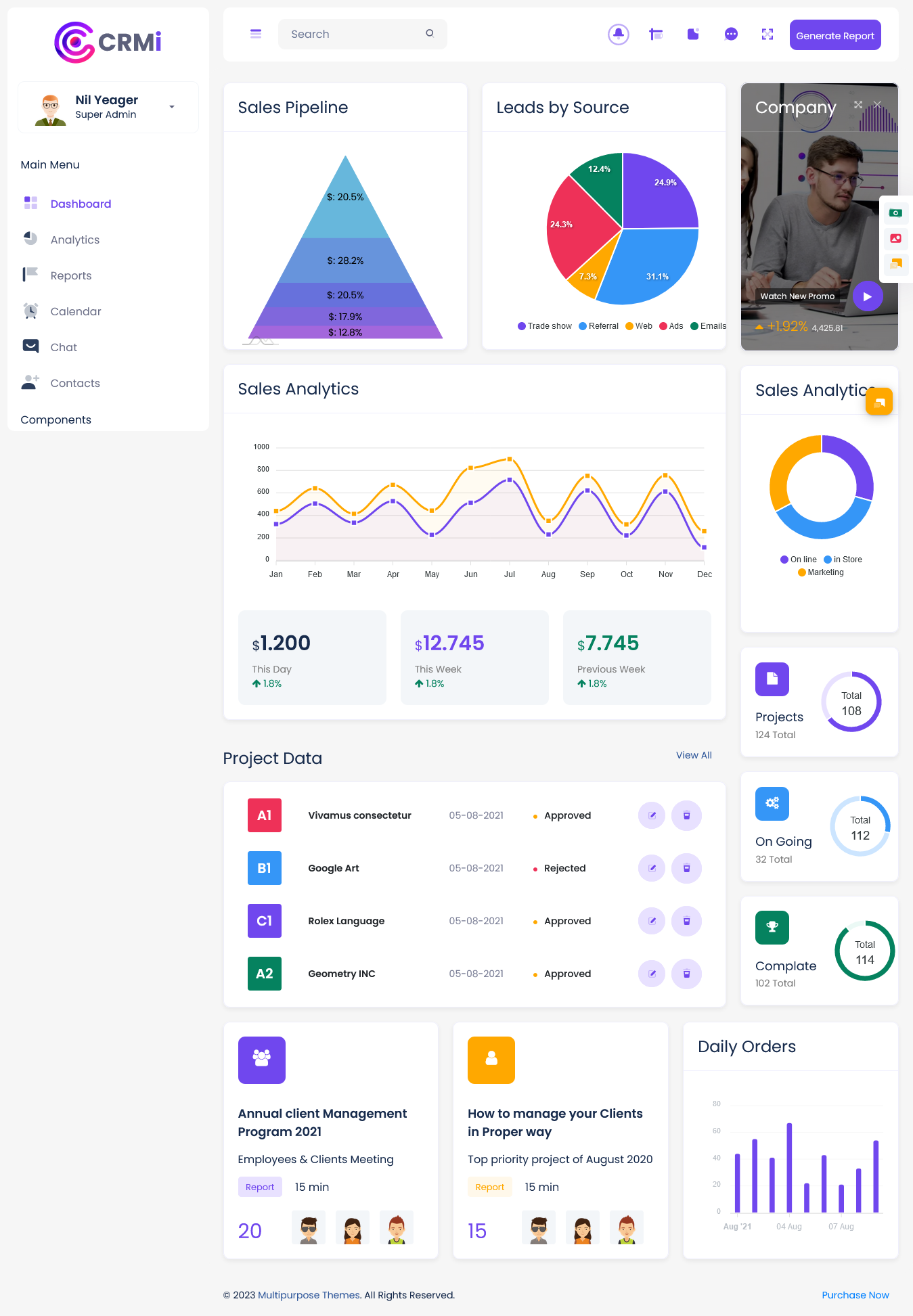
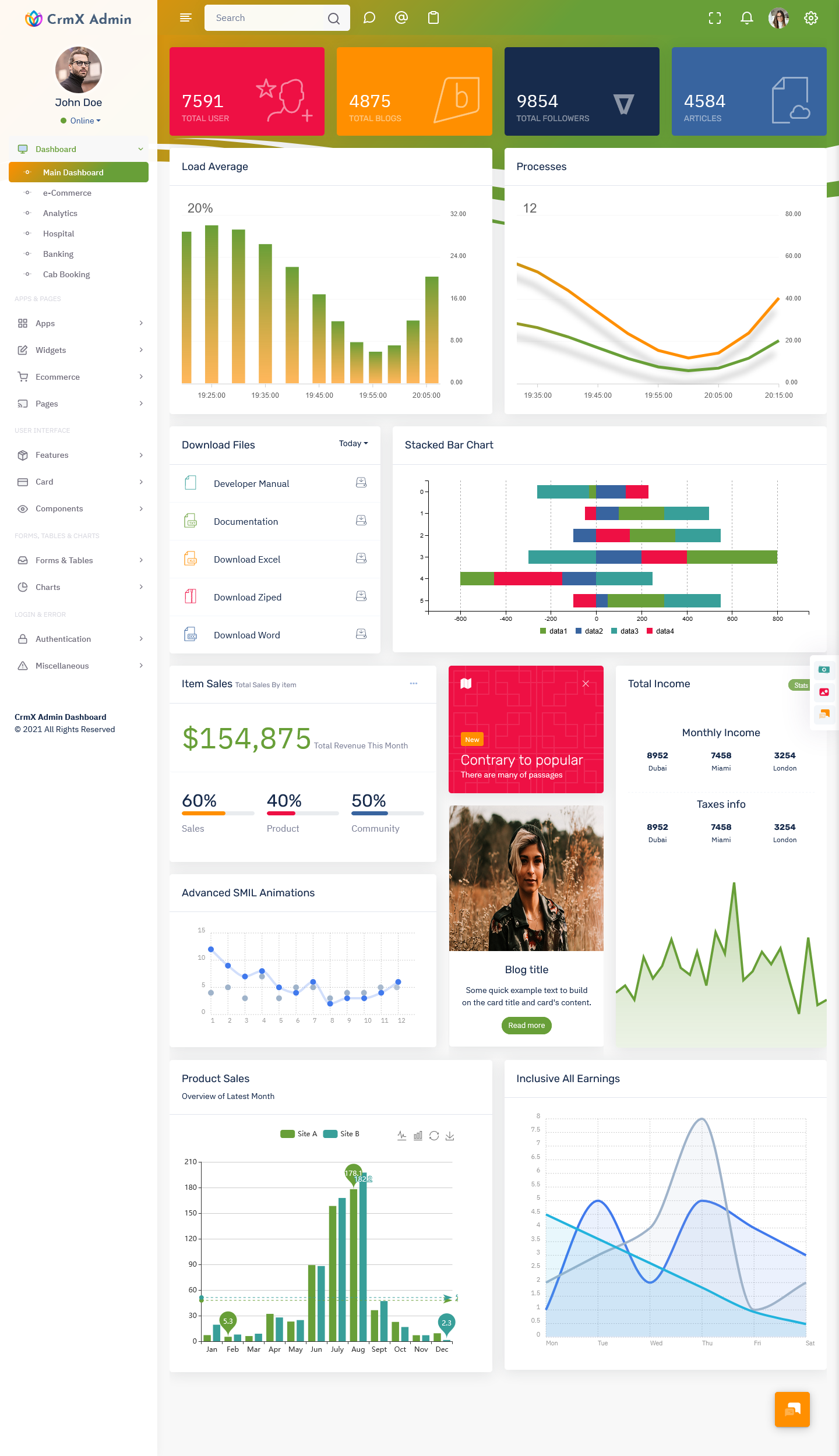
A CRM dashboard is a visual screen that shows your key sales and customer data in one place. Think of it like the dashboard in your car. You don’t read a manual every time you drive. You just glance at your speed, fuel level, and engine light. A CRM dashboard works the same way.
It pulls data from your customer relationship management system and displays it as charts, graphs, and numbers. You can see how many leads you have, where they are in the sales pipeline, how your team is performing, and which deals are close to closing.
The goal is simple: give you a clear picture of your business without digging through spreadsheets.
Why Most People Use Their CRM Dashboard Wrong
Here’s the honest truth. Most people open their CRM dashboard just to check a number, not to understand a story. They look at total revenue or lead count and call it a day.
But a dashboard is designed to show patterns. If your leads are growing but your closed deals are not, that tells you something. If one rep is crushing it while others fall behind, that tells you something too. The data is talking. You just have to listen.
The problem is often the setup. A messy, overcrowded dashboard makes it hard to focus. That’s where a good CRM dashboard template comes in.
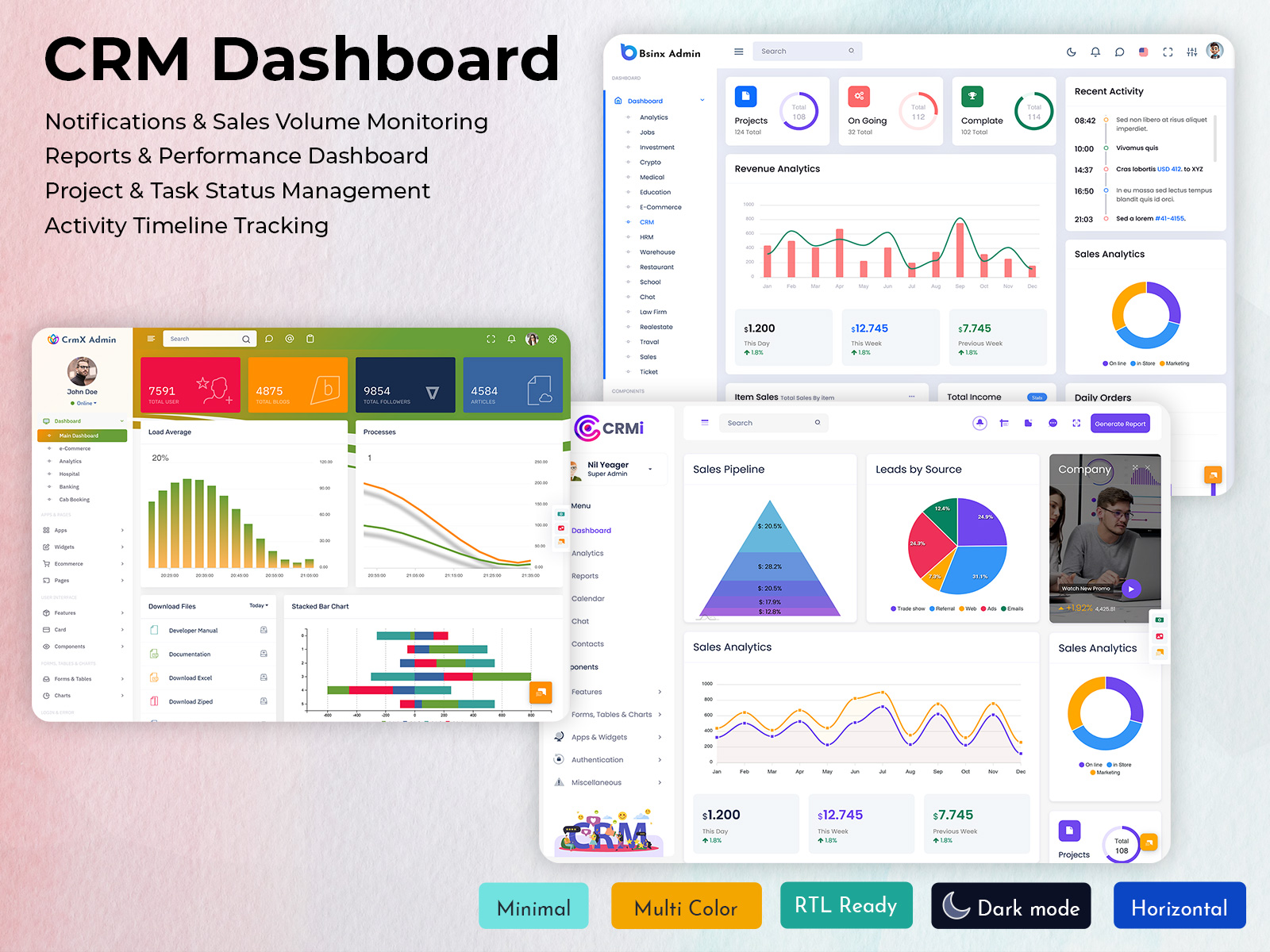
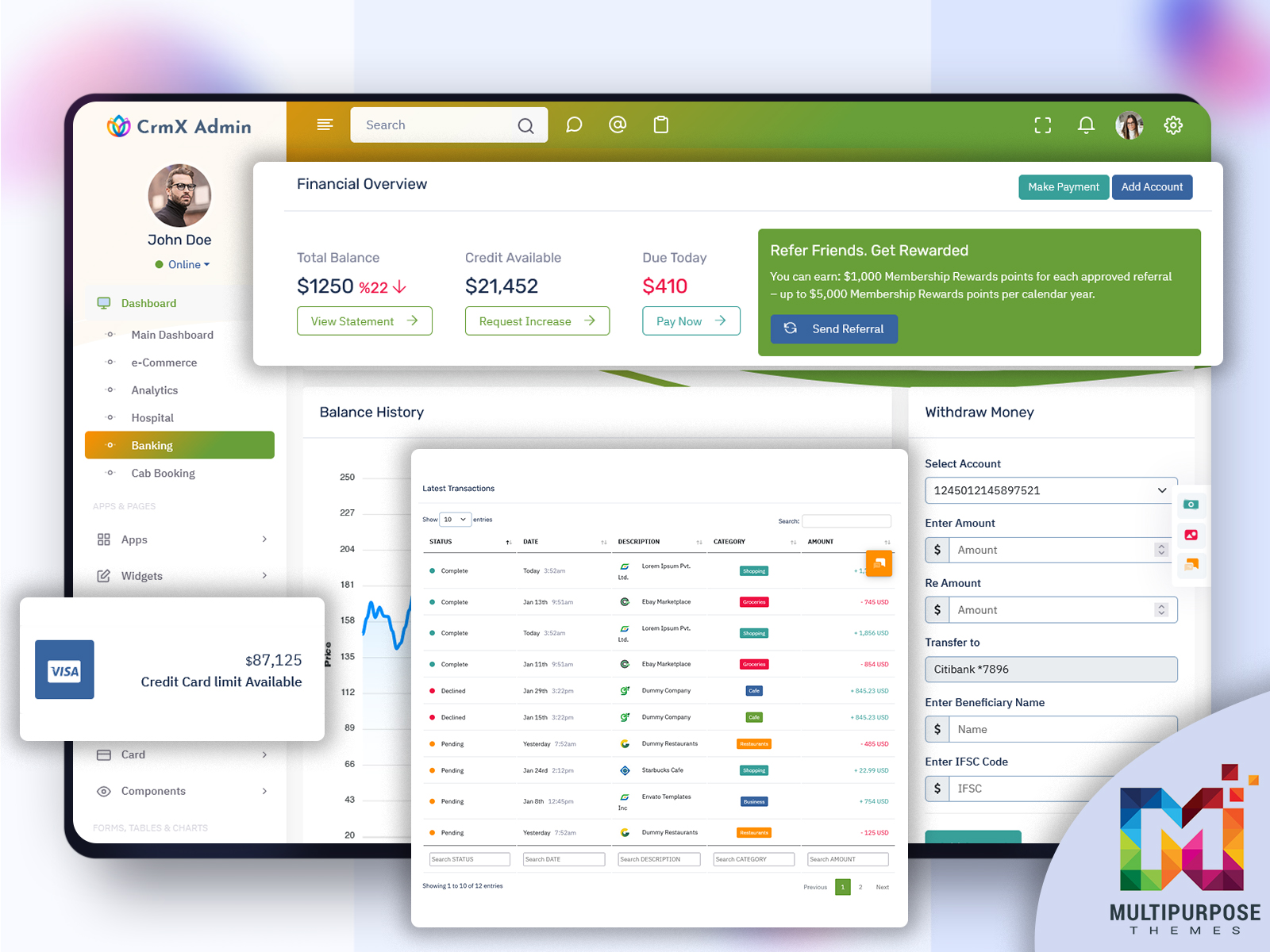
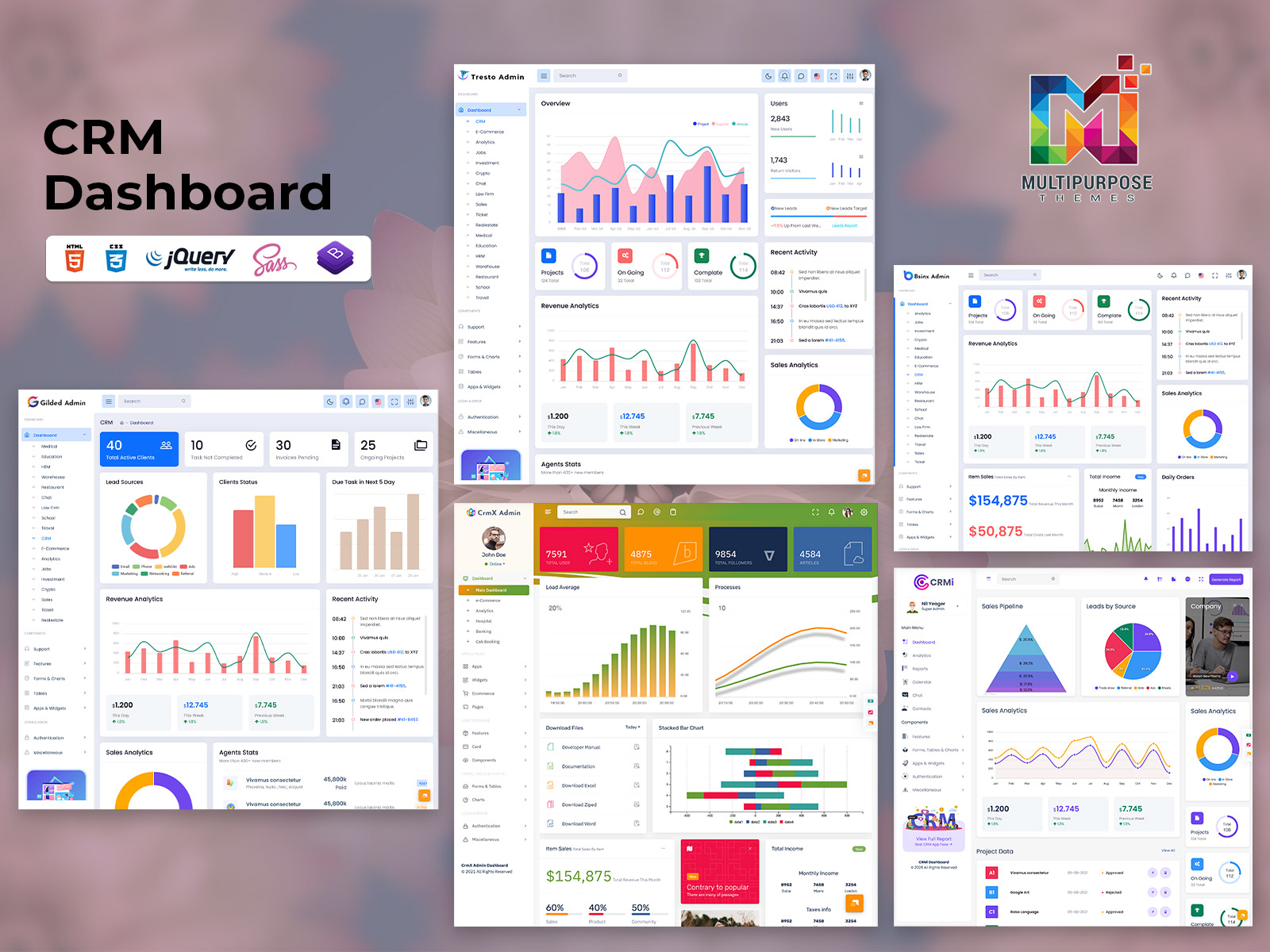
Explore Dashboards of CRM Admin
CRMi Admin – CRM Dashboard
BUY NOW DEMO
CrmX Admin – CRM Dashboard
BUY NOW DEMO
BsinX Admin – CRM Dashboard

BUY NOW DEMO
How a CRM Dashboard Template Fixes the Clutter
A CRM dashboard template is a pre-built layout that organizes your metrics in a smart, clean way. Instead of building your dashboard from scratch, you start with a structure that already works.
Good templates group related data together. Sales activity sits in one section. Pipeline health sits in another. Customer support metrics have their own space. This layout makes it easy to spot what matters fast.
Templates also save time. Setting up a custom dashboard from zero can take hours. A solid CRM dashboard template cuts that down to minutes. You plug in your data, adjust the labels, and you’re ready to go.
Most modern CRM tools like HubSpot, Salesforce, and Zoho offer built-in templates. There are also third-party options if you want more flexibility or a unique design.
The Metrics That Actually Matter
Not every metric deserves a spot on your dashboard. Here are the ones worth tracking closely.
Lead conversion rate shows how many of your leads turn into paying customers. A low rate means your follow-up process or targeting needs work.
Sales cycle length tells you how long it takes to close a deal. A shorter cycle usually means a smoother process. A longer one could mean friction somewhere in your pipeline.
Revenue by rep breaks down individual performance. This helps managers coach the right people and reward top performers.
Pipeline value shows the total worth of all your open deals. It gives you a forecast of potential income.
Customer churn rate tracks how many customers you’re losing. This one is easy to ignore but really important. Keeping a current customer is cheaper than finding a new one.
When you build or choose a CRM dashboard template, make sure these metrics are front and center.
Customizing Your Dashboard for Your Business
Every business is different. A small real estate agency has different needs than a large e-commerce store. That’s why customization matters.
Start by asking what decisions you make every day. Do you decide how to split your team’s workload? Add task and activity tracking. Do you manage recurring clients? Add renewal dates and contract values.
Your CRM dashboard should answer your most common questions without you having to search. If you have to click through three menus to find a number you check daily, that number belongs on your dashboard.
Also, keep it clean. Less is more. A Admin dashboard with 20 charts is overwhelming. Stick to 6 to 10 key metrics. You can always create separate dashboards for different teams or purposes.
Sharing Dashboards With Your Team
A CRM dashboard isn’t just for managers. When your whole team can see the same data, everyone stays on the same page. Reps know where they stand. Managers don’t have to send weekly update emails. Everyone works from the same source of truth.
Most CRM platforms let you share dashboards or create role-based views. A sales rep might see their personal pipeline and daily tasks. A manager might see team totals and revenue forecasts. An executive might see high-level revenue and customer growth numbers.
Using a shared CRM dashboard template across your team also creates consistency. Everyone uses the same layout, so there’s no confusion about where to find information.
Reviewing and Updating Your Dashboard Regularly
Your business changes. Your dashboard should too. Set a reminder every quarter to review what’s on your CRM dashboard. Ask yourself if each metric still matters. Remove what’s outdated. Add what’s new.
For example, if you launched a new product line, you might want to track leads and deals specifically tied to that product. If you hired a new team, you might need a fresh view for that group.
A dashboard that made sense six months ago might be out of date today. Keeping it current means keeping it useful.
Start Simple, Then Build
If you’re new to all this, don’t stress about building the perfect setup right away. Start with a basic CRM dashboard template and learn what each metric means for your business. Watch how the numbers change week to week.
Over time, you’ll get a feel for what’s normal and what’s a red flag. You’ll start to notice patterns. You’ll make faster, smarter decisions.
That’s the real power of a CRM dashboard. It doesn’t just show you data. It helps you think more clearly about your business. And that clarity is what separates teams that react to problems from teams that prevent them.

Related Posts


This Post Has 0 Comments