

In today’s fast-moving digital world, businesses need smarter tools to manage customer relationships. This is…
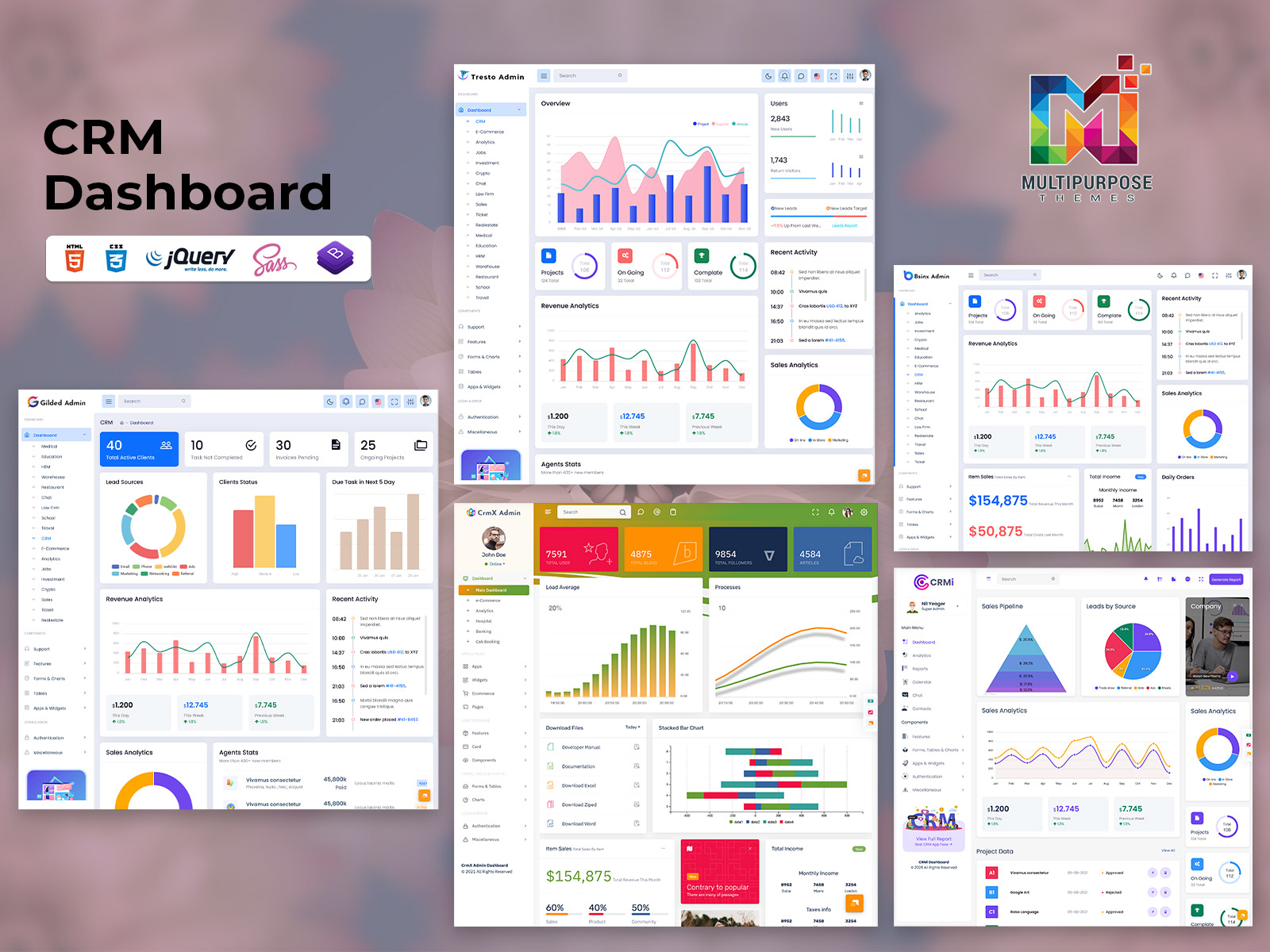
Stop Flying Blind: How a CRM Dashboard Puts You Back in Control of Sales
Reading Time: 5 minutes
Every sales team has that one meeting. The manager asks, “Where are we this month?” and everyone stares at spreadsheets. Nobody agrees. Nobody knows. This is exactly the problem a CRM Dashboard solves.
A CRM Dashboard gives your whole team one clear view of the business. You stop guessing and start acting. Let’s break down what it does, why it matters, and how to pick the right one for your team.
What Is a CRM Dashboard?
A CRM dashboard is a visual screen inside your customer relationship management tool. It pulls data from different parts of your sales process and shows it in one place. Think of it like the dashboard in your car. You don’t need to open the hood to know your speed, fuel level, or engine temperature. The dashboard tells you at a glance.
Your CRM Admin Dashboard works the same way. It shows you how many leads came in this week, how many deals are close to closing, and how your reps are performing. You see all of this without digging through rows of data.
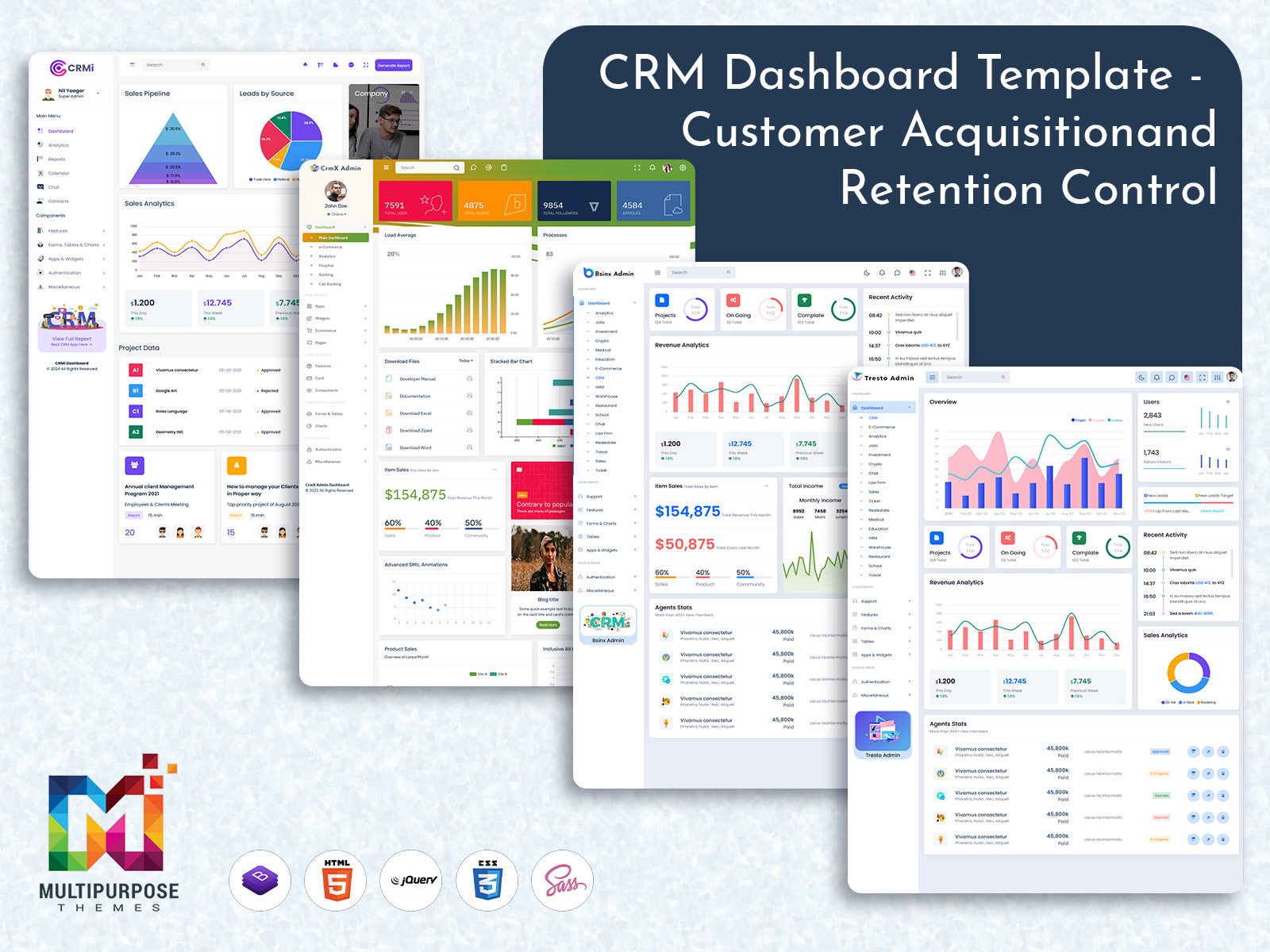
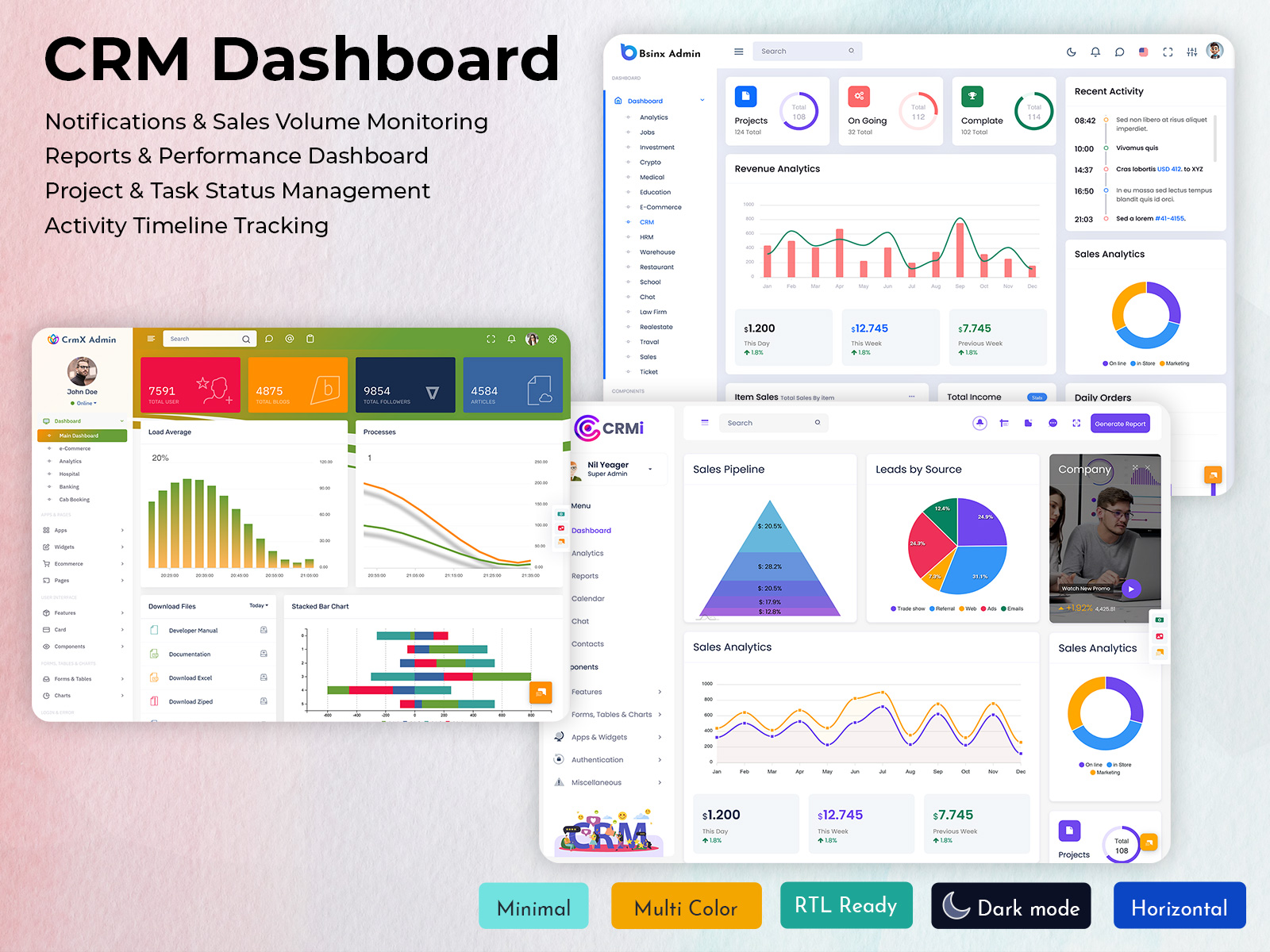
Explore Dashboard of CRM
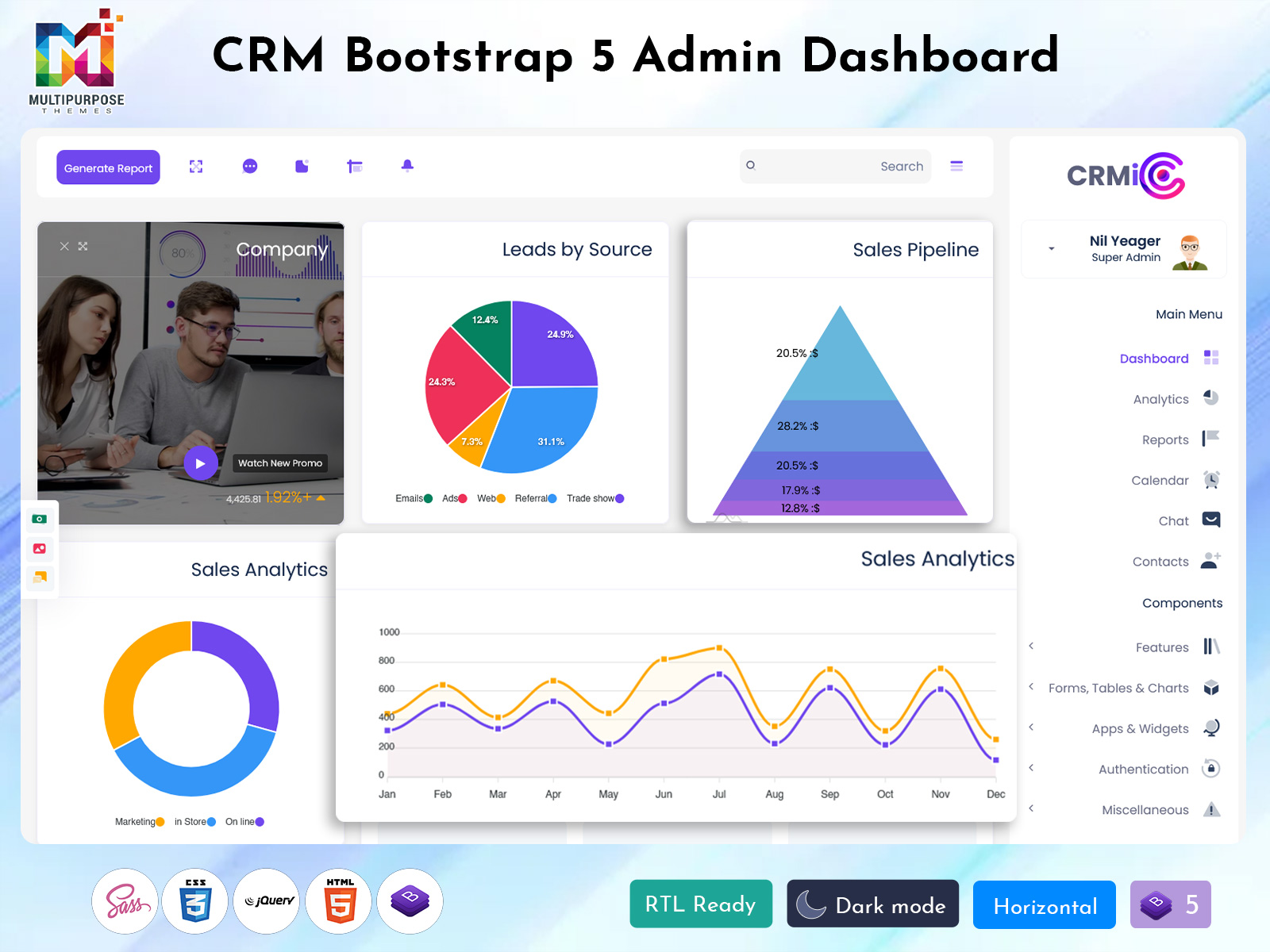
CRMi Admin
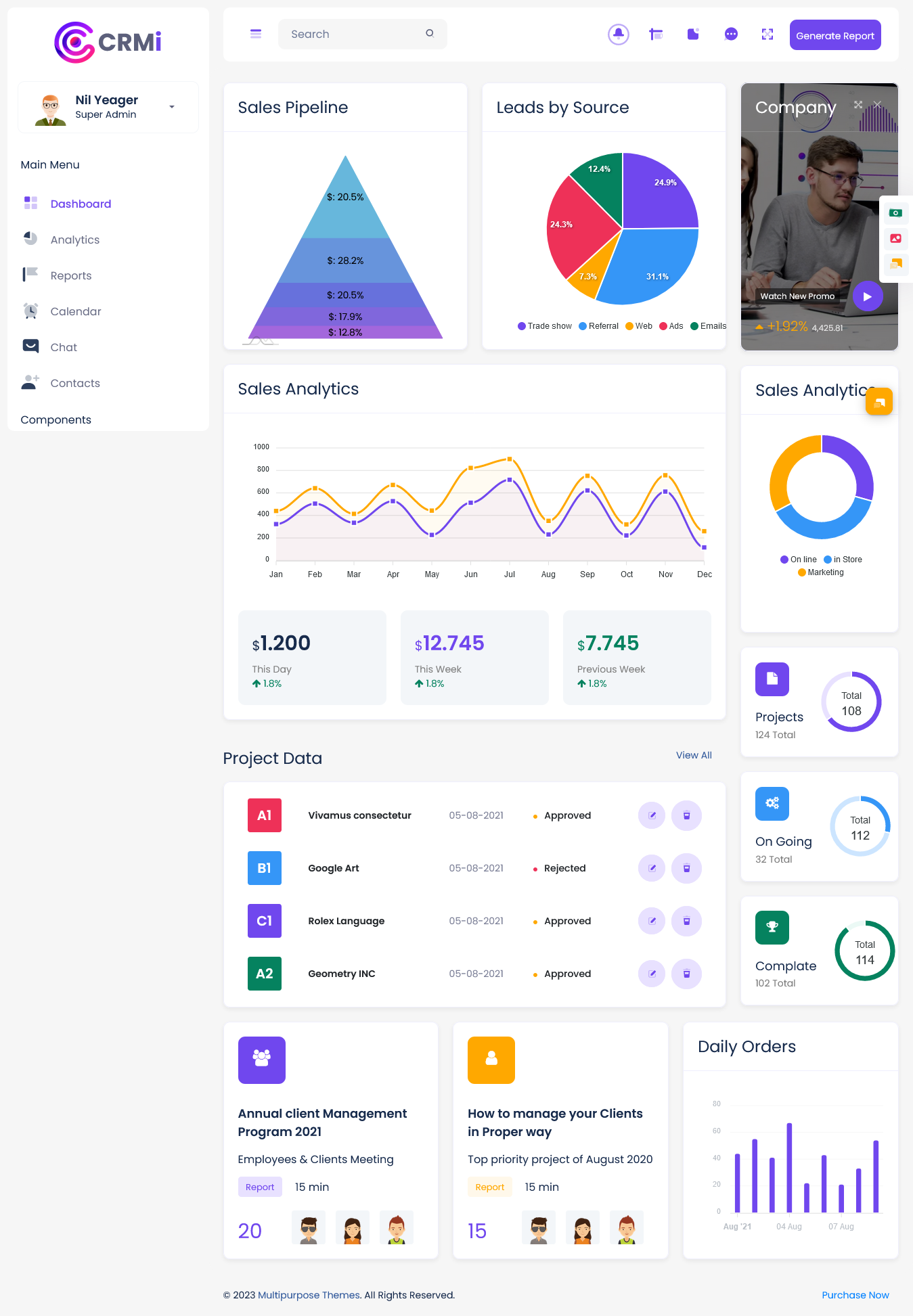
BUY NOW DEMO
CrmX Admin
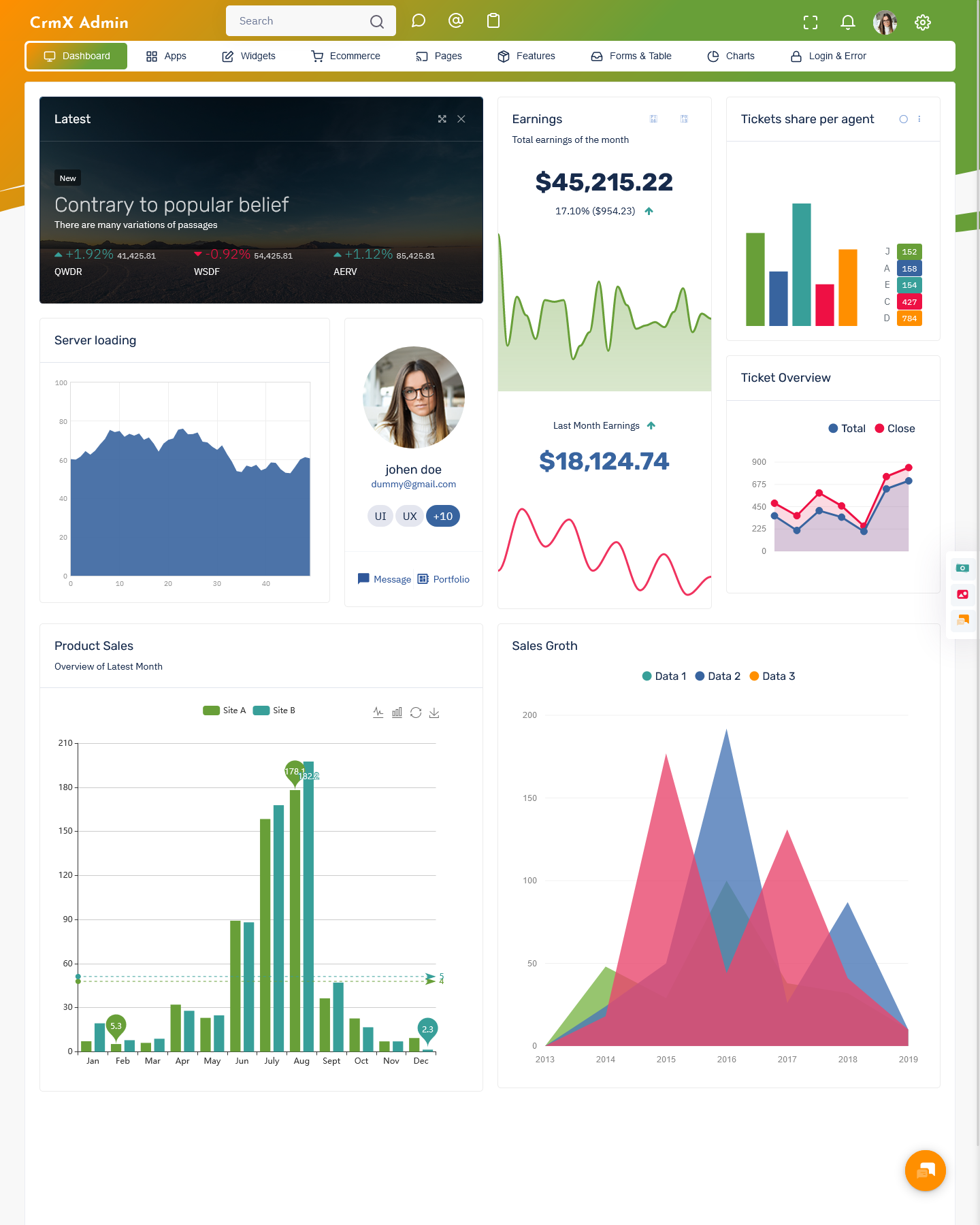
BUY NOW DEMO
Gilded Admin
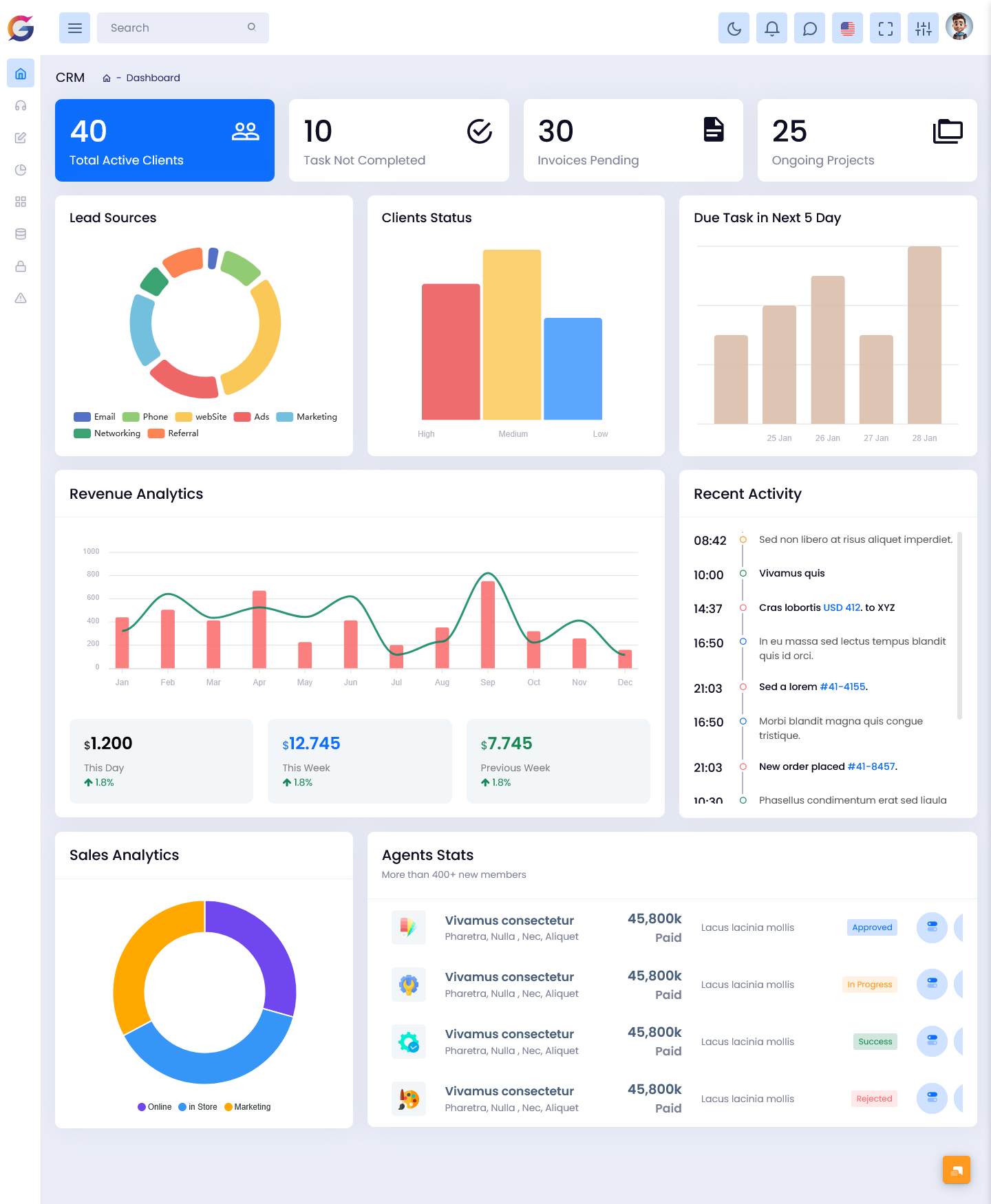
BUY NOW DEMO
Tresto Admin
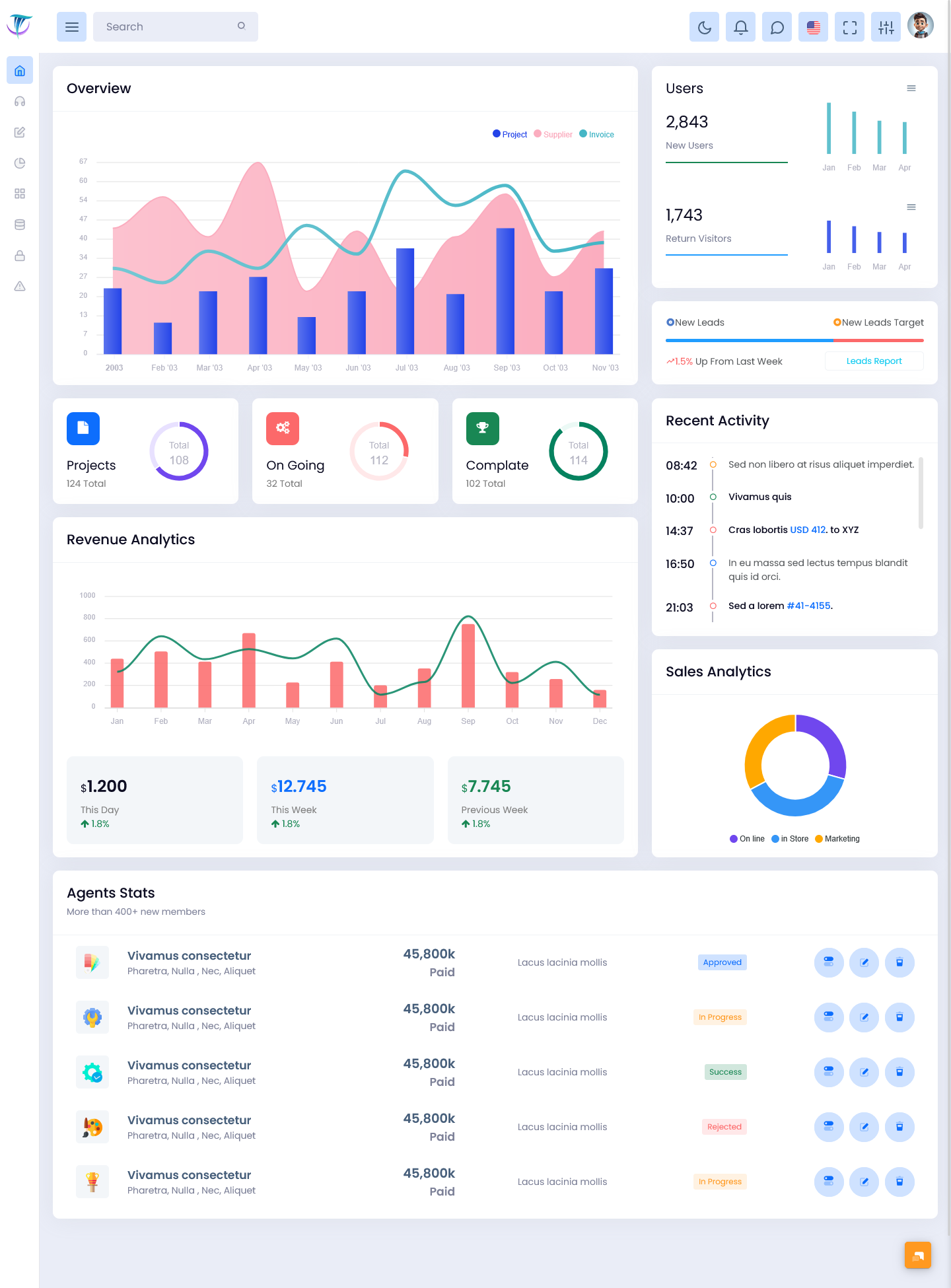
BUY NOW DEMO
BsinX Admin
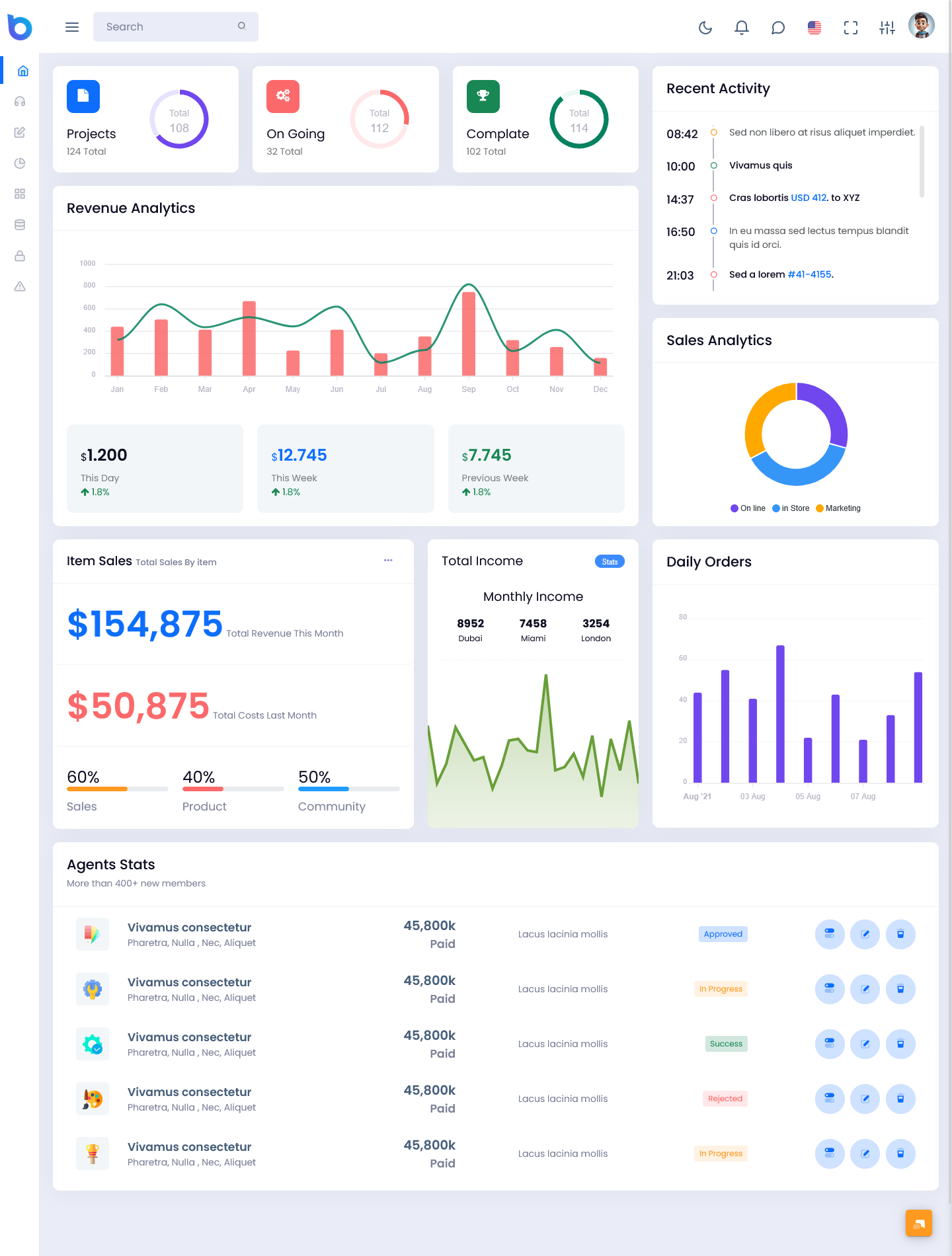
BUY NOW DEMO
Why Your Team Needs One
Sales teams waste a lot of time pulling reports. A rep checks one tool for lead counts. A manager opens another file for revenue data. Then someone builds a slide deck from scratch for the weekly meeting. That whole process can take hours.
A Bootstrap 5 Admin Dashboard cuts all of that out. The data updates on its own. Your team logs in and sees exactly what is happening right now. No manual pulling. No outdated numbers. No confusion.
Here are a few key benefits:
- Saves time – your team stops building reports by hand
- Reduces errors – live data means no copy-paste mistakes
- Improves focus – reps know which leads to chase today
- Boosts accountability – everyone sees their own numbers clearly
- Speeds up decisions – managers act on facts, not guesses
These benefits add up fast. Teams that use a CRM dashboard close deals faster because they always know where things stand.
What Should a Good Dashboard Show?
Not every CRM dashboard is built the same. A good one shows the metrics that matter most to your sales cycle. Here are the most useful ones to track:
- Total leads – how many new contacts came in this week or month
- Deal pipeline – where each deal sits in your process
- Conversion rate – what percent of leads turn into paying customers
- Revenue forecast – how much money is expected to close this period
- Rep performance – who is hitting targets and who needs support
- Follow-up tasks – which contacts need a call or email today
When these numbers are visible every day, your team stays aligned. You don’t need a long meeting to catch up. Everyone already knows the score.
How a CRM Dashboard Template Saves You Setup Time
Building a dashboard from scratch takes time. You have to pick the right widgets, connect data sources, and arrange everything in a way that makes sense. Most teams don’t have hours to spend on that.
This is where a CRM dashboard template comes in. A Bootstrap 5 Dashboard Template gives you a pre-built layout that is ready to use. You plug in your data, and your dashboard is live in minutes. Templates are designed by people who have already figured out what works. You get the benefit of that experience without doing all the heavy lifting yourself.
Most CRM tools offer a built-in CRM dashboard template when you sign up. Some tools give you several templates to choose from based on your industry. A real estate team needs different metrics than a software company. Templates let you start with a layout that already fits your world.
If you are just getting started with CRM tools, always look for a platform that includes templates. It shortens your learning curve by a lot.
How to Choose the Right CRM Dashboard for Your Business
There are dozens of CRM tools on the market. Each one has its own style of CRM dashboard. Here is what to look for when comparing your options:
- Ease of use – can your whole team learn it in a day?
- Customization – can you add or remove the metrics you care about?
- Mobile access – can you check your dashboard on your phone?
- Integrations – does it connect with your email, calendar, and other tools?
- Template library – does it include a solid CRM dashboard template to start fast?
Popular tools like HubSpot, Salesforce, Zoho, and Pipedrive all offer strong dashboard features. HubSpot is great for beginners. Salesforce is powerful for large teams. Zoho is budget-friendly. Pipedrive is clean and visual. Try a free trial before you commit to any of them.
Common Mistakes Teams Make With Dashboards
Even a great CRM dashboard won’t help if your team uses it the wrong way. Watch out for these common mistakes:
Adding too many metrics. When everything is on the screen, nothing stands out. Pick your top five to seven numbers and stick with those. Not updating contact records. A dashboard is only as good as the data behind it. If reps don’t log their calls and notes, the numbers will be wrong.
Ignoring the dashboard after setup. Some teams set it up and then forget to check it. Make it part of your daily routine. Open it every morning before you start your day. Not sharing it with the full team. Your dashboard should be visible to everyone, not just managers. When reps see their own numbers, they stay motivated.
Make the Dashboard Work for You
A CRM dashboard is not just a fancy screen. It is the command center for your sales team. When you use it every day, you make better decisions, close more deals, and waste less time on tasks that don’t move the needle.
Start with a solid CRM dashboard template so you don’t have to build everything from zero. Customize it over time as you learn what your team needs most. Keep it simple, keep it updated, and check it daily.
The teams that win in sales are not always the ones with the biggest budgets. They are the ones who know exactly where they stand at every moment. A CRM dashboard gives you that clarity. And clarity is what turns a good sales team into a great one.

Related Posts


This Post Has 0 Comments