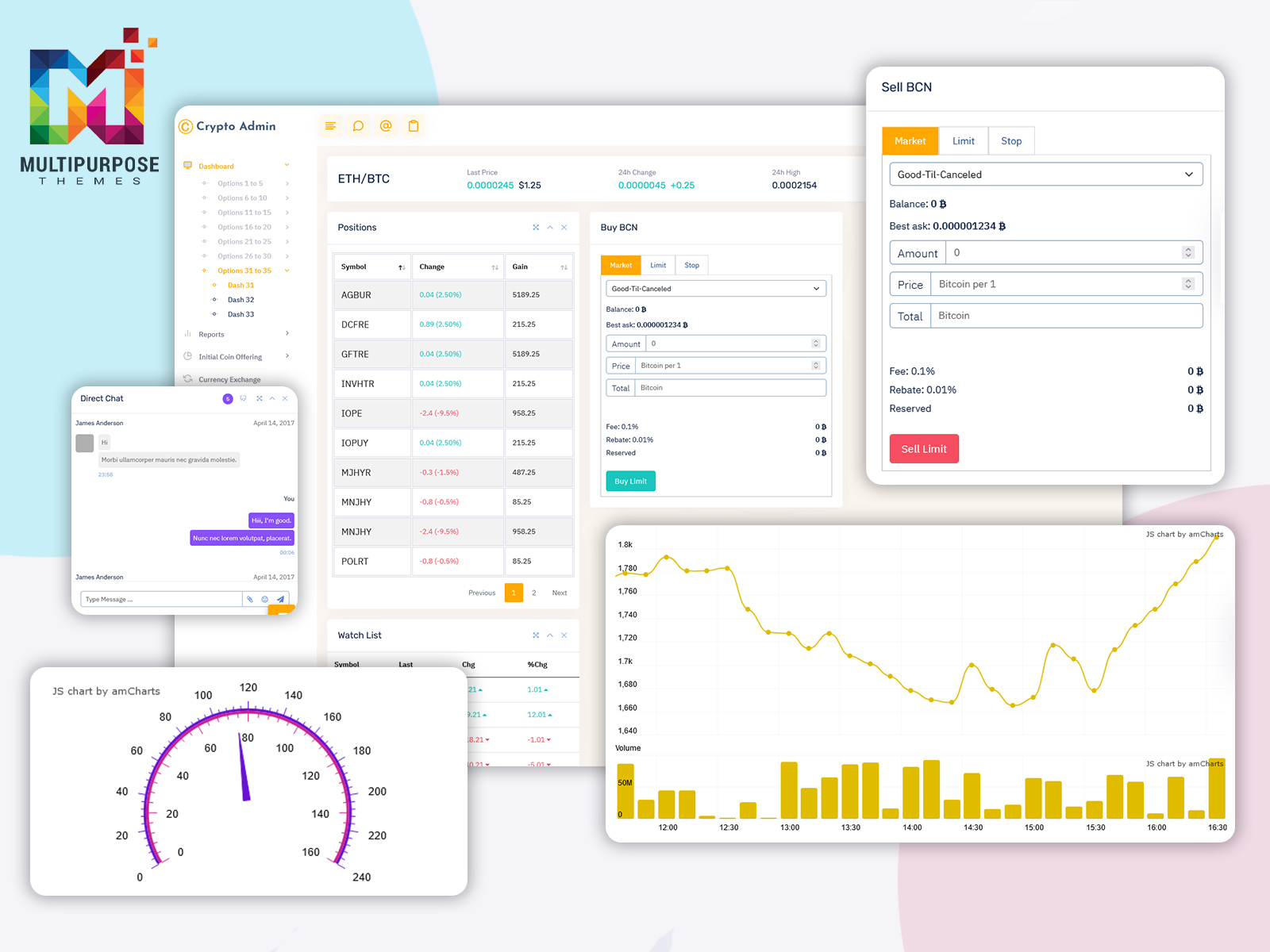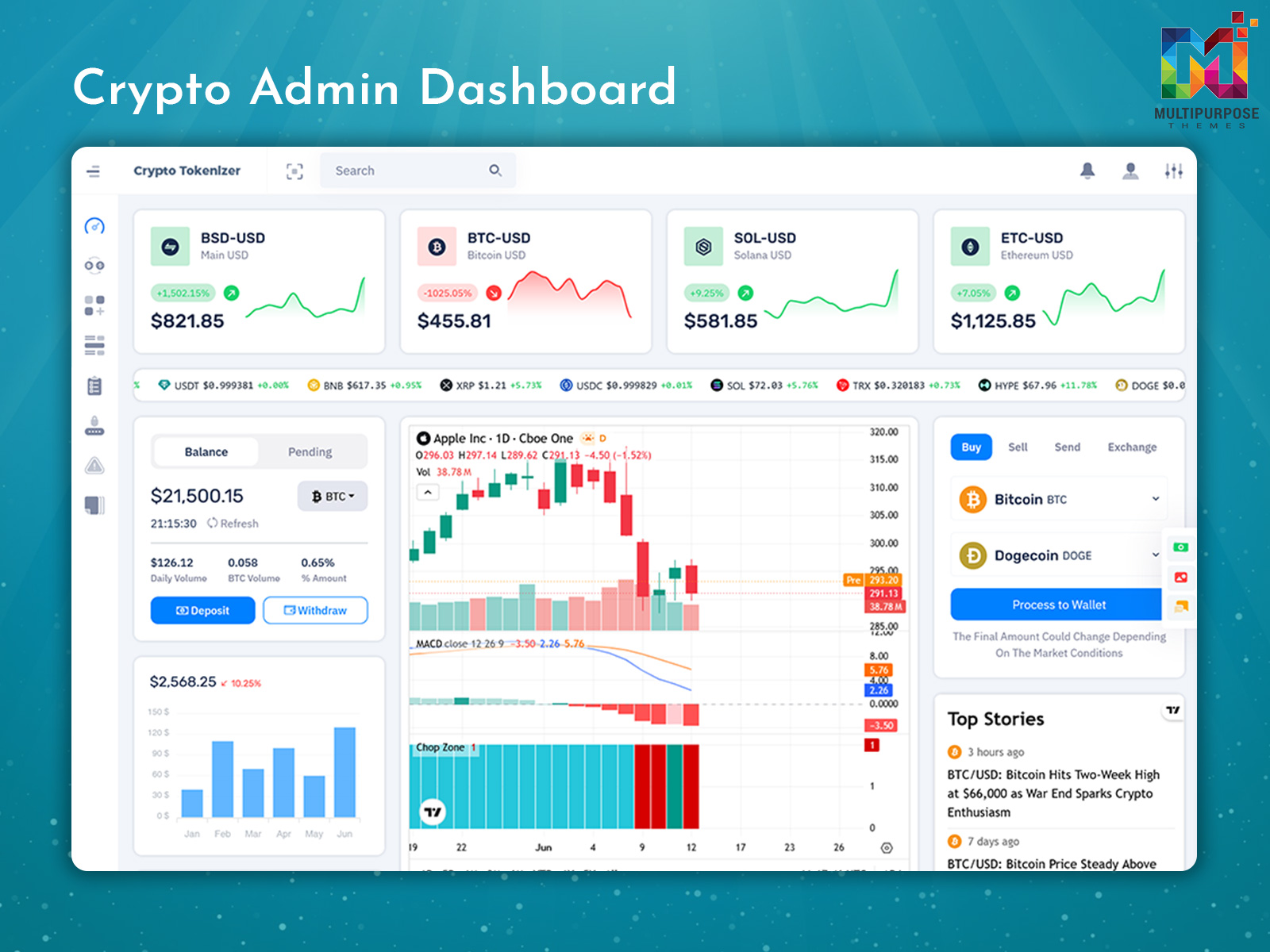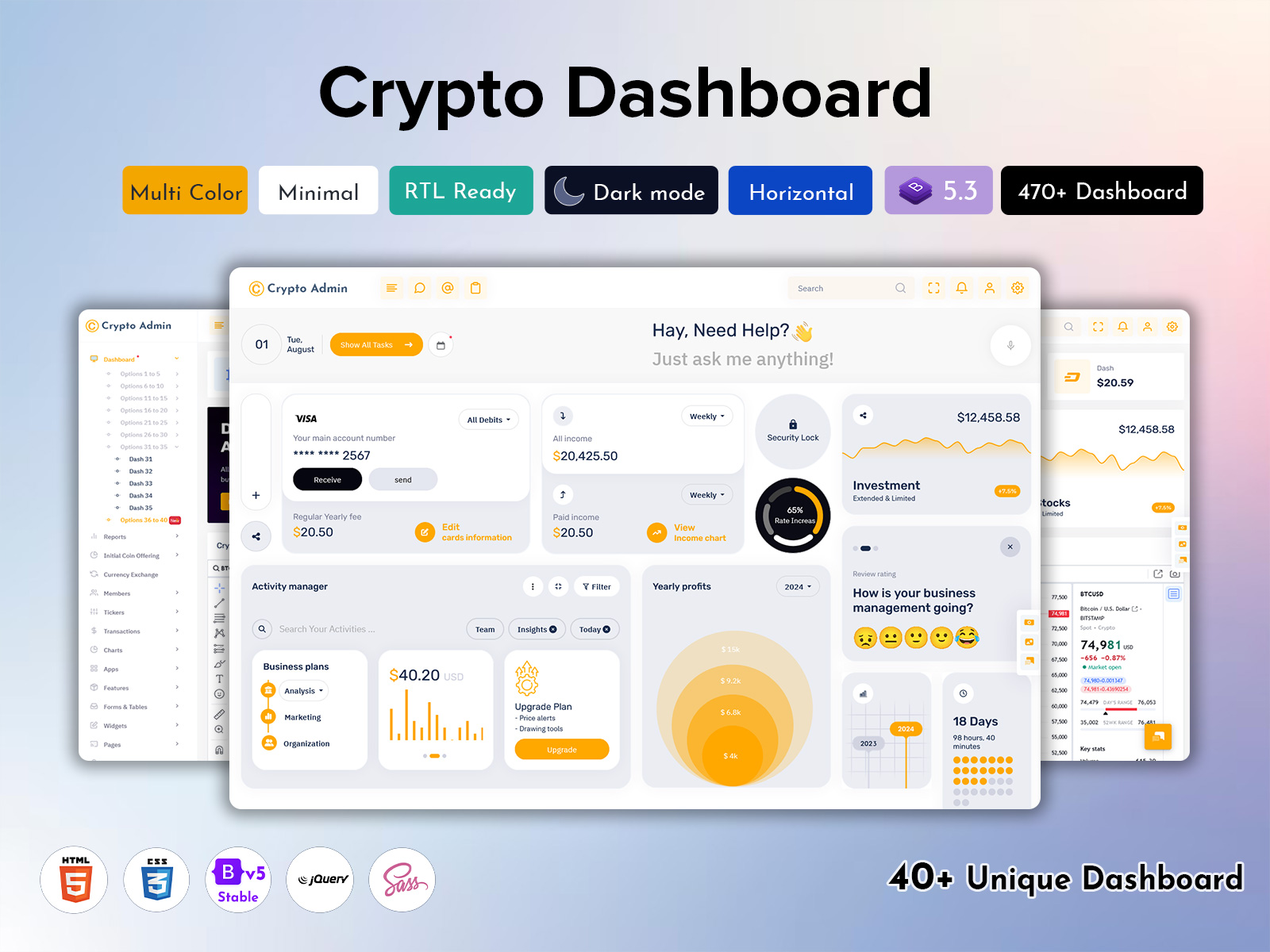
A Crypto Admin Dashboard is a powerful digital solution designed to help users manage cryptocurrency…
Powerful CRM Admin Panel Dashboard for Scalable Business Apps in 2026
Reading Time: 7 minutes
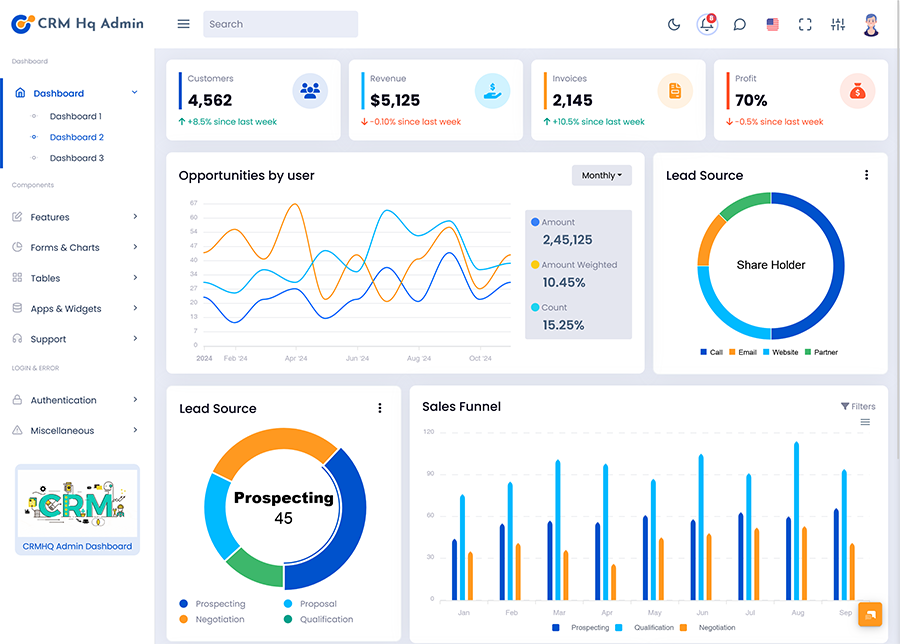
This CRM Admin Panel Dashboard is designed to simplify the way businesses manage their daily operations and customer relationships. It brings all important information into one clean and organized interface, helping teams track sales, monitor customers, and manage projects without confusion or delay. Instead of switching between multiple tools, users get a complete overview of their business activity in one place.
Watch Full Video
The dashboard is built to improve decision-making through clear visuals, real-time updates, and easy navigation. It helps sales and management teams understand performance trends, customer behavior, and ongoing tasks in a more structured way. Whether it is handling leads, tracking progress, or reviewing reports, everything is presented in a simple and accessible format.
This system is created to support faster workflows, reduce manual effort, and improve overall productivity. It is suitable for businesses of all sizes that want better control over their operations and a smarter way to manage data and performance in one unified platform.
What is a CRM Dashboard and Why Does It Matter?
A CRM dashboard is a central interface that brings together all customer-related data, sales activities, and business performance metrics in one organized view. It acts as a control panel where teams can quickly understand what is happening across different departments without digging through multiple reports or systems. By presenting data in a visual and structured format, it helps users stay updated on leads, deals, customer interactions, and ongoing tasks in real time.
The importance of a CRM dashboard lies in its ability to simplify decision-making and improve business efficiency. Instead of relying on scattered information, managers and teams can access accurate insights instantly, which reduces delays and improves response time. It also helps identify sales trends, customer behavior patterns, and performance gaps that need attention. For growing businesses, this becomes essential because it supports better planning, faster execution, and stronger customer relationships through a unified and transparent data system.
Key Features of a Modern CRM Admin Dashboard Template
1. Sales Revenue Monitoring
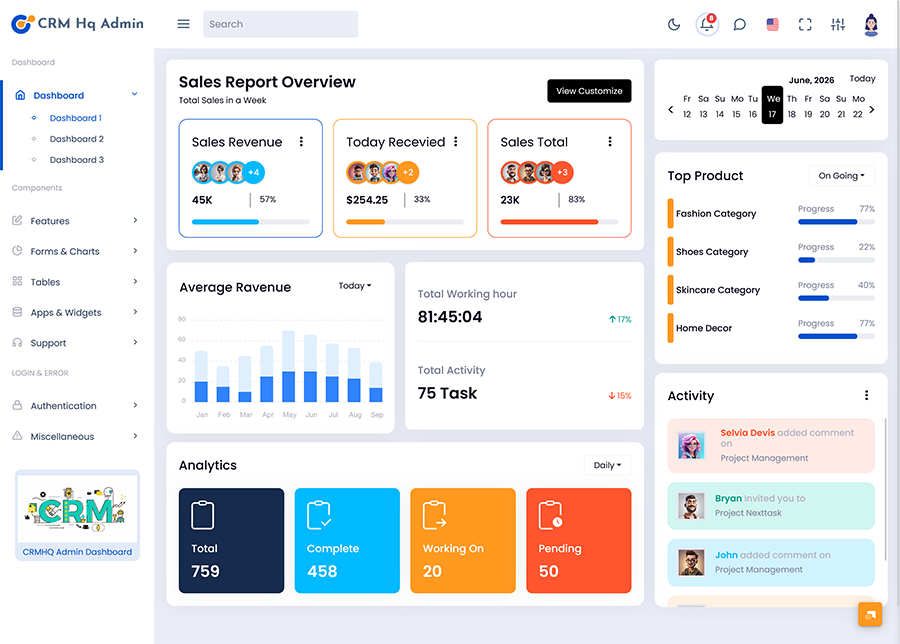
Sales revenue monitoring helps businesses track income performance in real time through clear visual reports and charts. It allows teams to understand which products or services are generating the most revenue and where improvements are needed. With this feature, decision-makers can quickly analyze financial growth patterns and adjust strategies to increase profitability. It also supports forecasting by comparing past and current sales data, making it easier to plan future targets and budgets more effectively.
2. Customer Activity Tracking
Customer activity tracking provides a complete view of user interactions, including purchases, inquiries, and engagement history. It helps businesses understand customer behavior and identify potential leads based on activity patterns. This feature ensures that every interaction is recorded and accessible, improving communication and personalization. It also supports better customer retention by allowing teams to respond quickly to user needs and build stronger relationships over time.
3. Team Performance Analysis
Team performance analysis helps managers evaluate how effectively employees are handling tasks, sales targets, and customer management. It provides detailed insights into productivity levels, task completion rates, and overall contribution. This feature supports fair performance evaluation and helps identify top performers as well as areas that need improvement. It also encourages accountability and better coordination within teams by offering transparent performance data.
4. Business Reporting Tools
Business reporting tools allow users to generate detailed reports on sales, customers, and operational performance. These reports can be customized to focus on specific metrics or time periods, making analysis more flexible and accurate. This feature reduces manual reporting effort and ensures that data is always updated and reliable. It also helps stakeholders make informed decisions based on structured and easy-to-understand business insights.
5. Administrative Controls
Administrative controls provide secure access management and system configuration options for different user roles. It allows administrators to control permissions, manage user accounts, and maintain data security across the platform. This feature ensures that sensitive information is protected while allowing smooth workflow operations. It also helps maintain system stability and ensures that only authorized users can access critical business functions.
VIEW DEMO BUY NOW
How a CRM Platform Dashboard Improves Business Operations
A CRM Platform Dashboard improves business operations by bringing all essential functions such as sales tracking, customer management, and reporting into one unified system. It removes the need for multiple tools by centralizing data, making it easier for teams to access information quickly and work in a more organized way. This improves coordination between departments and ensures that everyone is working with the same updated data.
It also enhances decision-making by providing real-time insights into performance, customer behavior, and sales trends. Managers can instantly identify issues, track progress, and adjust strategies without delays. This leads to faster responses, better customer service, and improved efficiency across daily operations. By simplifying complex workflows, a CRM dashboard helps businesses save time, reduce errors, and increase overall productivity while maintaining better control over projects and customer relationships.
Product Performance Insights in CRM Analytics Dashboard
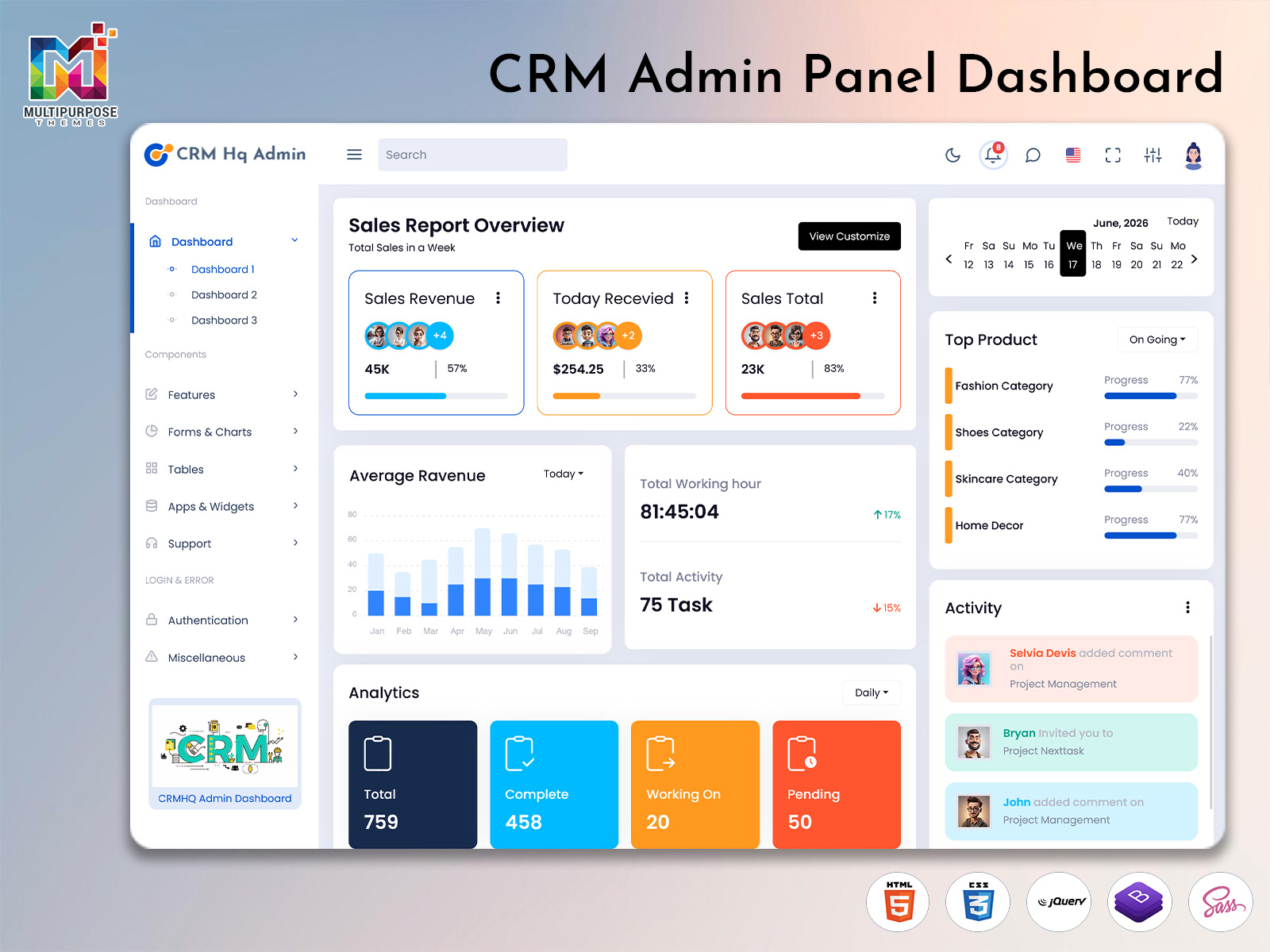
A modern CRM Analytics Dashboard helps businesses monitor product performance through detailed sales tracking, customer demand analysis, and category-based reporting. By organizing product information into visual reports and progress indicators, management teams can quickly identify best-performing categories and areas that require additional attention. These insights support better inventory planning, marketing strategies, and revenue optimization while helping organizations understand customer purchasing behavior.
1. Fashion Category Performance Analysis
Fashion products often generate significant customer engagement and sales activity. The dashboard helps businesses monitor revenue trends, category growth, and customer preferences through detailed analytics and performance metrics.
2. Shoes Category Sales Tracking
Sales monitoring tools provide visibility into footwear demand, order volume, product popularity, and purchasing patterns. These insights assist decision-makers in improving product planning and inventory management.
3. Skincare Category Growth Monitoring
Skincare analytics help businesses evaluate customer interest, product performance, repeat purchases, and category expansion opportunities. Detailed reports support more effective product strategies and marketing initiatives.
4. Home Decor Category Revenue Insights
Home decor performance tracking allows organizations to monitor sales activity, category profitability, customer trends, and product demand. These insights help improve business planning and support long-term growth objectives.
5. Category Comparison and Business Intelligence
Comparative analytics enable businesses to evaluate performance across multiple product categories simultaneously. This functionality helps management teams identify top-performing segments, allocate resources effectively, and make data-driven business decisions.
Benefits of Using a CRM Dashboard
A CRM Dashboard helps businesses centralize customer information, sales performance, project activities, and operational data within a single interface. Instead of managing information across multiple spreadsheets or disconnected systems, teams can access real-time insights through organized reports, analytics, and performance indicators. This improves visibility across departments, simplifies workflow management, and enables faster decision-making. Managers can monitor business progress, evaluate team productivity, and identify growth opportunities using accurate data presented through intuitive visual elements.
Another significant advantage is improved efficiency and customer relationship management. CRM platforms help organizations track leads, monitor sales pipelines, manage ongoing projects, and analyze customer interactions more effectively. Features such as performance analytics, project monitoring, revenue reporting, and activity tracking allow businesses to optimize operations while reducing manual effort. By providing better control over business processes and customer engagement, a CRM Dashboard supports productivity, operational growth, and long-term business success.
VIEW DEMO BUY NOW
Business Performance Analytics Through CRM Analytics Dashboard
A CRM Analytics Dashboard helps organizations evaluate operational progress through structured performance metrics and real-time reporting tools. By displaying critical business indicators in a centralized environment, decision-makers can quickly understand project status, team productivity, and workflow efficiency. Analytical insights make it easier to identify completed activities, ongoing assignments, pending tasks, and overall business performance without relying on manual reporting methods. This improves visibility across departments while supporting better planning and resource allocation.
1. Total Performance Overview
This section provides a complete summary of overall activities, helping management teams monitor business operations, track objectives, and measure organizational progress through consolidated analytics.
2. Complete Task Analytics
Completed activity tracking helps businesses evaluate productivity levels, achieved milestones, and successfully finished assignments. These insights support performance measurement and operational assessment.
3. Work in Progress Monitoring
Ongoing task management allows teams to review current activities, project development stages, and active workflows. This visibility helps improve coordination and resource utilization.
4. Pending Activity Tracking
Pending task analytics identify unfinished responsibilities, delayed processes, and outstanding requirements. Administrators can use this information to prioritize actions and improve workflow efficiency.
Conclusion
A CRM Dashboard brings everything a business needs into one simple and powerful system, helping teams manage customers, sales, and daily operations with ease. It improves visibility across all activities and ensures that important data is always available in real time. By using a structured CRM Platform Dashboard, businesses can reduce confusion, improve communication, and maintain better control over their entire workflow.
Overall, this system supports faster decision-making and smarter business planning by turning complex data into clear insights. From tracking performance to managing customer relationships, it helps organizations stay organized and efficient. Whether for small teams or large enterprises, a well-designed CRM Dashboard becomes an essential tool for growth, productivity, and long-term success.
FAQs
1. What is a CRM dashboard used for?
A CRM dashboard is used to manage customer data, track sales activities, and monitor business performance in a single system. It provides real-time insights into leads, deals, and customer interactions. Businesses looking for ready-made solutions can explore modern dashboard designs from MultiPurpose Themes to improve workflow efficiency and management.
2. How does a CRM dashboard help improve business performance?
A CRM dashboard improves business performance by organizing data, simplifying reporting, and helping teams make faster decisions. It reduces manual work and improves visibility across sales and customer operations. MultiPurpose Themes offers advanced dashboard templates designed to boost productivity and business control.
3. What features are included in a CRM dashboard?
A CRM dashboard usually includes sales tracking, customer management, analytics charts, reporting tools, task tracking, and performance monitoring. These features help businesses operate smoothly and efficiently. MultiPurpose Themes provides feature-rich CRM dashboard templates suitable for all business types.
4. Why is a CRM dashboard important for companies?
A CRM dashboard is important because it centralizes all business data and improves decision-making. It helps companies track customers, monitor sales, and manage teams effectively. MultiPurpose Themes delivers modern dashboard UI designs that support better business organization.
5. Is a CRM dashboard useful for small businesses?
Yes, small businesses can use CRM dashboards to manage customers, track leads, and improve sales without complex systems. It helps them stay organized and grow faster. MultiPurpose Themes provides easy-to-use dashboard templates for startups and small companies.
6. What is the difference between CRM software and CRM dashboard?
CRM software is the complete system for managing customer relationships, while a CRM dashboard is the visual interface that displays key data like sales, reports, and customer insights. MultiPurpose Themes offers complete CRM UI kits and dashboard templates for both needs.
7. Can a CRM dashboard improve sales performance?
Yes, it improves sales performance by showing real-time data, identifying opportunities, and tracking customer behavior. This helps sales teams focus on high-conversion leads. MultiPurpose Themes designs dashboards that support strong sales growth.
8. Where can I find CRM dashboard templates?
You can find professional CRM dashboard templates at MultiPurpose Themes, which offers modern UI kits and admin templates for CRM systems, web apps, and business platforms.
9. Is a CRM dashboard customizable?
Yes, CRM dashboards are highly customizable, allowing businesses to adjust layouts, widgets, and features based on their needs. MultiPurpose Themes provides flexible and responsive dashboard templates for easy customization.
10. Who should use a CRM dashboard?
CRM dashboards are useful for sales teams, managers, startups, enterprises, and service-based businesses that need better customer tracking and performance management. MultiPurpose Themes creates solutions suitable for all business sizes.

Related Posts