Human resource management includes ongoing activities that are connected to an employees time in a…
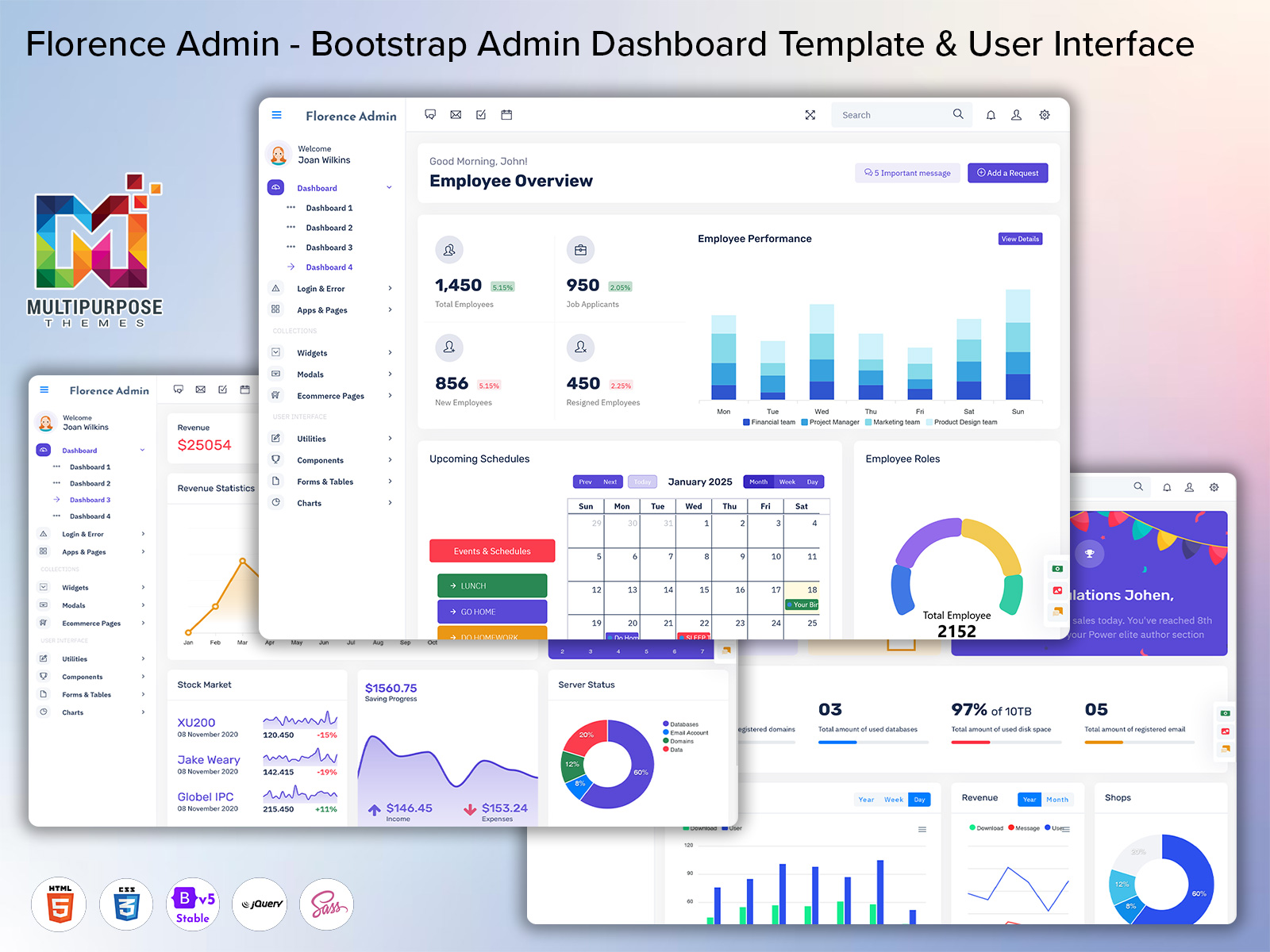
Modern HRM Dashboard Platform for Employee & Workforce Control System
Reading Time: 7 minutes
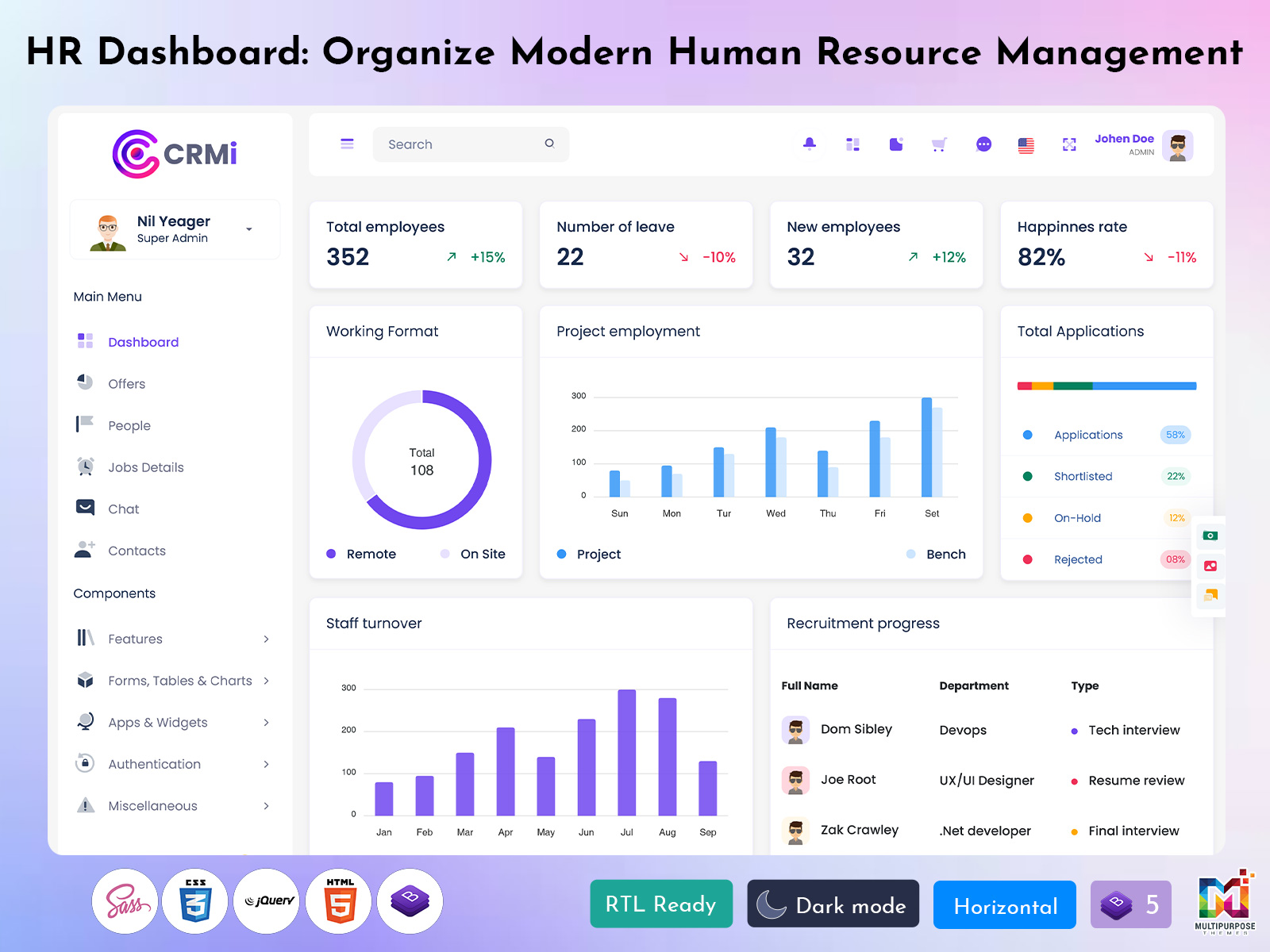
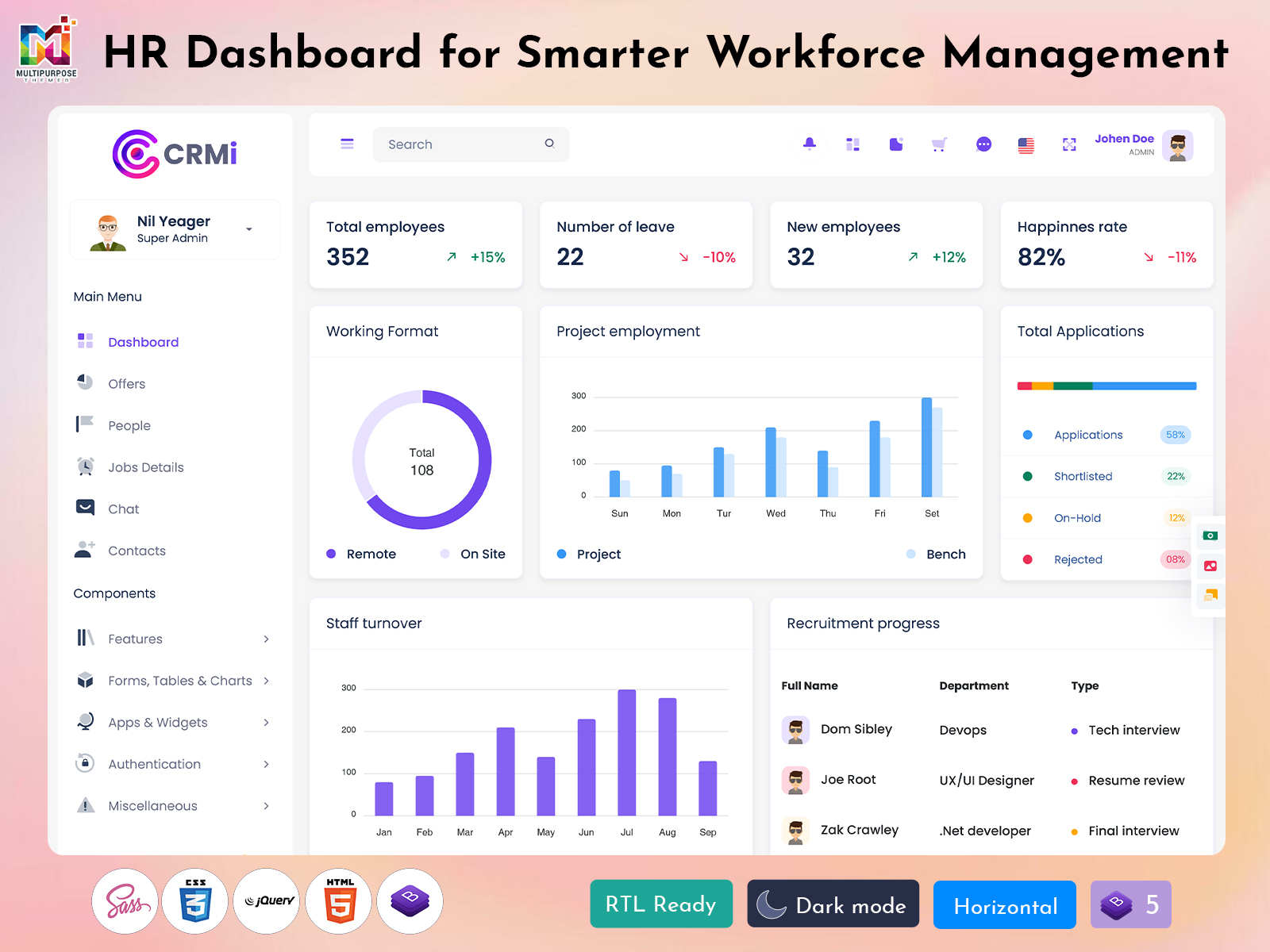
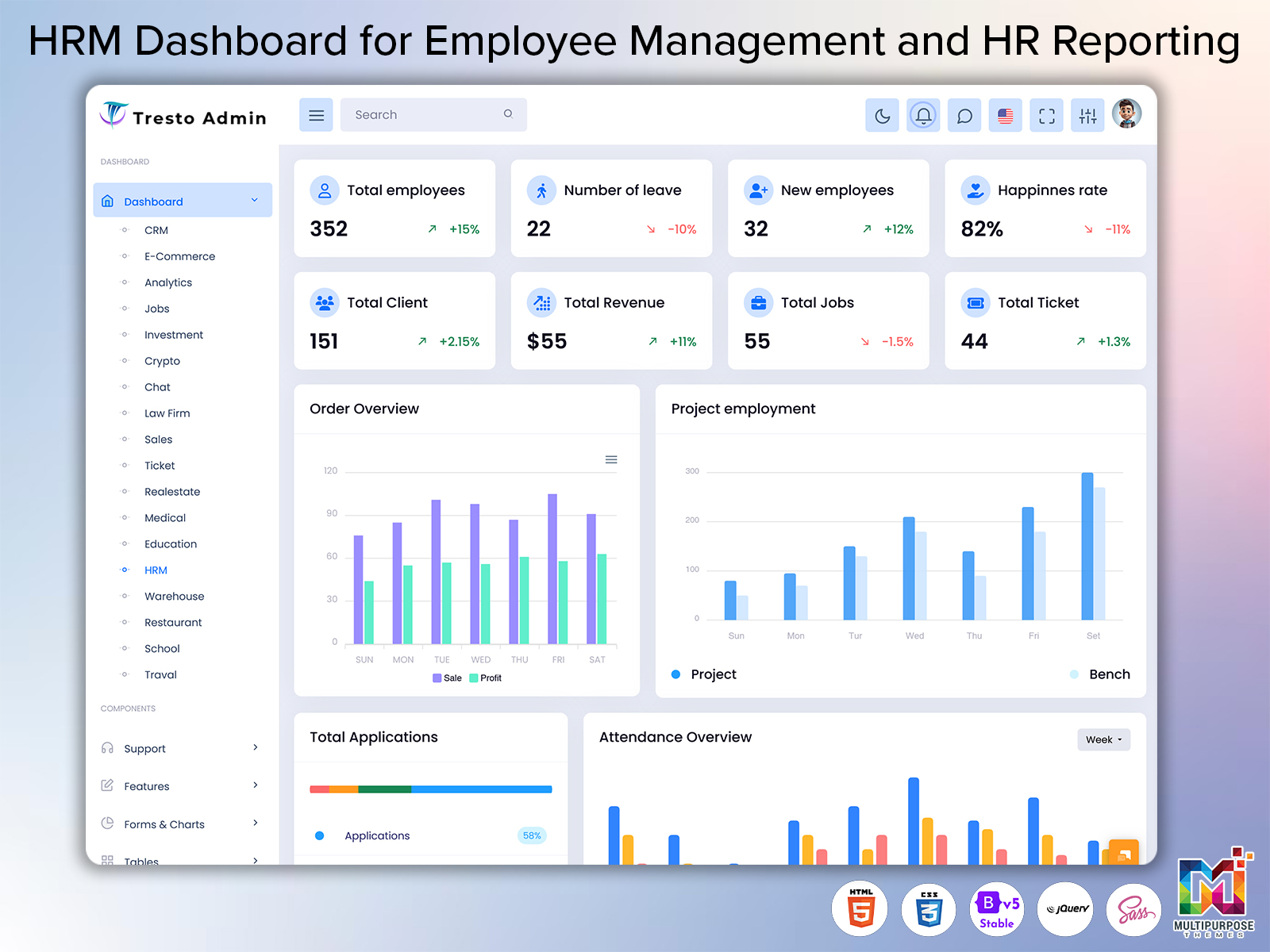
A HRM Dashboard based system is designed to simplify employee management, attendance tracking, payroll handling, and overall HR operations in a single digital platform. It brings all essential workforce data into one structured interface where HR teams can easily monitor performance, manage employee records, and handle daily tasks without switching between multiple tools. With the help of HRMS Dashboard and HRM Dashboard Design, organizations can create a smooth and organized workflow that improves efficiency and reduces manual effort.
Watch Full Video
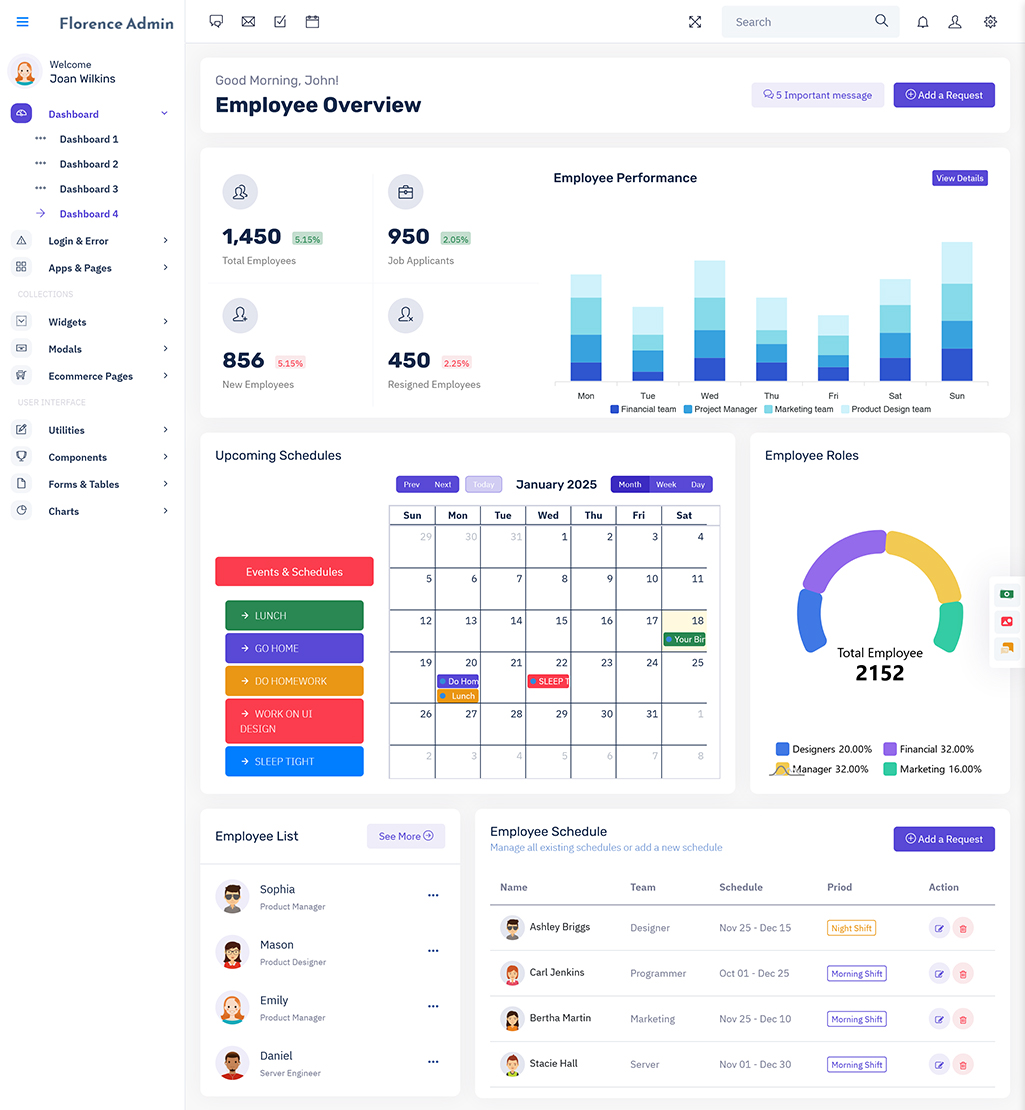
Modern businesses rely on systems like HRM Software WebApp and HRM WebApplication Kit to manage large teams and complex HR processes. These platforms combine HRM Admin Dashboard Template and HRM Bootstrap 5 Dashboard features to ensure responsive and user-friendly access across devices. HR teams can track HRM Employee Dashboard, HRM Employee List, and HRM Employee Charts in real time, making workforce monitoring more transparent and accurate.
Additionally, solutions such as HRM Ui Framework and HRM Admin Ui Kit enhance usability and improve dashboard interaction. This makes HRM Dashboards more powerful for handling HRM Project Management, HRM Project Dashboard, and HRMS Management Dashboard tasks efficiently. Overall, it creates a smart digital environment for modern HR operations.
Understanding HR Management Dashboard System
A HRM Admin Panel is a centralized digital interface that helps organizations manage all human resource activities in one place. It combines employee data, attendance records, payroll details, and performance tracking into a single structured system. With tools like HRM Admin Panel Dashboard and HRM Software Dashboard, HR teams can easily access real-time information and make faster decisions without depending on manual reporting or scattered files.
Modern solutions such as HRM WebApp Dashboard Design and HRM Admin Dashboard is built to simplify complex HR operations. They allow businesses to visualize workforce data through charts, reports, and analytics in a clean format. Features like HRM Employee Dashboard, HRM Employee List, and HRM Employee Charts help in tracking individual and team performance efficiently. Additionally, HRM Ui Framework and HRM Bootstrap 5 Dashboard ensure smooth navigation and responsive performance across all devices, making HR management more flexible, organized, and user-friendly.
HRMS Application Usage Areas
A modern HR system is widely adopted across multiple industries to streamline employee management and improve operational efficiency. A HRMS Management Software helps organizations centralize workforce data, track attendance, manage payroll, and monitor employee performance in real time. It is especially useful in companies where handling large employee data manually becomes complex and time-consuming. With structured dashboards like HRM Software Dashboard and HRM Admin Panel Dashboard, businesses can simplify HR operations and improve decision-making.
1. Corporate Companies
Large organizations use HRM Project Management Dashboard and HRM Employee Dashboard to handle employee records, performance tracking, and internal communication. It helps HR teams manage thousands of employees efficiently.
2. IT and Software Industry
Tech companies rely on HRM WebApplication Kit and HRM WebApp Dashboard Design to manage remote teams, project allocation, and productivity tracking in real time.
3. Educational Institutions
Schools and universities use HRM Employee List and HRM Employee Charts to manage teaching staff, attendance, and academic scheduling in an organized way.
4. Healthcare Sector
Hospitals use HRM Dashboard Ui Kit and HRM Admin Ui Kit to manage doctors, nurses, and staff schedules efficiently with accurate reporting systems.
5. Manufacturing Units
Factories implement HRM Bootstrap 5 Dashboard and HRM Project Dashboard to track shift workers, attendance, and production-related workforce planning.
VIEW DEMO BUY NOW
HRMS Workflow Mechanism Explained
A modern HRM Software Dashboard works through a structured digital process where all employee and organizational data is collected, processed, and displayed in a centralized system. When an HR team accesses the platform, the HRM Admin Panel Dashboard pulls real-time information such as attendance, payroll, and performance records. This data is then converted into visual insights like charts and reports, helping managers understand workforce activity without manual calculations or scattered files.
In the second stage, systems like HRM WebApp Dashboard Design and HRM Bootstrap 5 Dashboard ensure smooth interaction and continuous updates across all modules. HR teams can manage HRM Employee Dashboard, HRM Employee List, and HRM Employee Charts efficiently while monitoring HRMS Management Dashboard and HRM Project Management Dashboard activities in real time. The HRM Ui Framework and HRM Admin Ui Kit further enhance usability by providing a clean and responsive interface across devices. This structured workflow ensures faster decision-making, better coordination, and improved HR operations within organizations.
Secure Workforce Data Management System
A modern HRMS Management Dashboard is built with strong security layers to protect sensitive employee and organizational data. Since HR systems handle confidential details like payroll, attendance records, and personal employee information, security becomes a top priority. The HRM Admin Panel Dashboard ensures controlled access where only authorized users can view or modify critical data. This reduces risks of data leaks, unauthorized access, and system misuse.
Advanced systems like HRM Software Dashboard and HRM WebApp Dashboard Design use encryption and secure authentication methods to safeguard information. Every activity within the HRM Admin Ui Kit and HRM Ui Framework is monitored through secure protocols, ensuring data integrity at all levels. Features such as HRM Bootstrap 5 Dashboard and HRM WebApplication Kit also support role-based access control, allowing different permissions for HR managers, employees, and administrators. Additionally, HRM Employee Dashboard and HRM Employee List data are stored securely with backup systems to prevent data loss. This ensures a safe, reliable, and transparent HR environment for organizations of all sizes.
Key Business Advantages Overview
A modern HRM Dashboard Ui Kit provides multiple advantages that help organizations simplify workforce management and improve overall efficiency. It centralizes employee data, payroll information, and performance tracking into one structured system, reducing the need for manual record keeping. This makes HR operations faster, more accurate, and easier to manage across departments.
1. Faster Workforce Management
With HRM Admin Panel Dashboard and HRM Software Dashboard, HR teams can quickly handle employee records, attendance, and payroll processing. This reduces delays and improves daily operational speed.
2. Improved Employee Tracking
Tools like HRM Employee Dashboard and HRM Employee Charts allow managers to monitor staff performance, attendance, and productivity in real time, ensuring better workforce evaluation.
3. Better Project Coordination
Using HRM Project Management Dashboard and HRM Project Dashboard, companies can assign tasks, track progress, and manage resources effectively across multiple projects.
4. Enhanced User Experience
The HRM Ui Framework and HRM Bootstrap 5 Dashboard provide a smooth and responsive interface, making it easy for users to navigate and operate the system across devices.
5. Centralized HR Operations
With HRMS Management Dashboard and HRM Admin Ui Kit, all HR activities are managed in one place, improving communication, reducing confusion, and increasing organizational efficiency.
Future of HRMS Digital Systems
The future of a HRM Bootstrap 5 Dashboard is moving toward smarter automation, AI-driven insights, and highly personalized workforce management. Organizations are rapidly adopting digital HR platforms to replace traditional manual processes, making HR operations more predictive and efficient. In the coming years, HR systems will focus more on real-time analytics, employee behavior prediction, and intelligent decision support to improve workforce productivity and business outcomes.
Modern platforms like HRM Software WebApp and HRM WebApplication Kit are expected to evolve with advanced automation features, where routine HR tasks such as attendance tracking, payroll calculation, and performance evaluation will be fully automated. With improvements in HRM Ui Framework and HRM Admin Dashboard Ui Kit, user experience will become more interactive and simplified. Additionally, HRM Project Management Dashboard and HRM Employee Dashboard will integrate deeper analytics to help organizations manage talent, projects, and workforce distribution more effectively. Overall, future HR systems will become more intelligent, cloud-based, and highly scalable for global business needs.
Core HRMS System Features Overview
Modern HR systems are built with advanced capabilities that simplify employee management and improve overall organizational efficiency. A HRM Admin Dashboard Template acts as a central hub where HR teams can manage attendance, payroll, recruitment, and performance data in one structured interface. It reduces manual workload and ensures faster access to important workforce information.
1. Employee Management System
The HRM Employee Dashboard and HRM Employee List allow HR teams to maintain complete employee records, track profiles, and manage workforce details efficiently. It helps in organizing staff data in a clear and structured manner.
2. Performance Tracking Tools
With HRM Employee Charts and HRM Software Dashboard, organizations can monitor employee productivity, attendance patterns, and performance trends through visual analytics and reports.
3. Project & Task Management
The HRM Project Management Dashboard and HRM Project Dashboard help assign tasks, track progress, and manage internal projects effectively. It improves coordination between teams and ensures timely completion of work.
Conclusion
A modern HRMS Software Dashboard plays a crucial role in transforming traditional human resource management into a fully digital and automated process. It brings together employee records, attendance systems, payroll processing, and performance tracking into a single unified platform. This helps HR teams reduce manual work, improve accuracy, and manage workforce operations in a more organized and efficient way.
With advanced solutions like HRM Admin Panel Dashboard, HRM WebApp Dashboard Design, and HRM Project Management Dashboard, businesses can easily monitor employee activities, manage projects, and analyze performance in real time. The integration of HRM Ui Framework, HRM Bootstrap 5 Dashboard, and HRM Admin Ui Kit ensures a smooth and responsive experience across all devices. Overall, this system improves productivity, enhances decision-making, and provides a scalable solution for modern workforce management.
VIEW DEMO BUY NOW
FAQs
1. What is a HRM Dashboard used for in workforce management?
A HRM Dashboard is used to manage employee records, attendance, payroll, and performance data in one centralized system. It helps HR teams access real-time information and improves decision-making efficiency.
2. How does HRMS Software help organizations?
HRMS Software automates HR tasks such as attendance tracking, payroll processing, and employee management. It reduces manual workload, minimizes errors, and improves overall operational speed.
3. What is the purpose of HRM Admin Panel Dashboard?
The HRM Admin Panel Dashboard acts as a control system for HR operations. It allows administrators to manage employees, assign roles, track performance, and monitor organizational activities.
4. Why is HRM Employee Dashboard important?
The HRM Employee Dashboard helps track individual employee performance, attendance, and task updates. It improves transparency and allows managers to evaluate productivity easily.
5. How does HRM Project Management Dashboard work?
The HRM Project Management Dashboard helps assign tasks, track project progress, and manage team workloads. It ensures better coordination and timely completion of projects.
6. Is HRM Bootstrap 5 Dashboard mobile-friendly?
Yes, HRM Bootstrap 5 Dashboard is fully responsive and works smoothly on mobile, tablet, and desktop devices. It ensures consistent performance across all screen sizes.
7. What is HRM Ui Framework used for?
HRM Ui Framework is used to create structured and user-friendly HR interfaces. It improves navigation, enhances usability, and makes HR systems easier to operate.

Related Posts