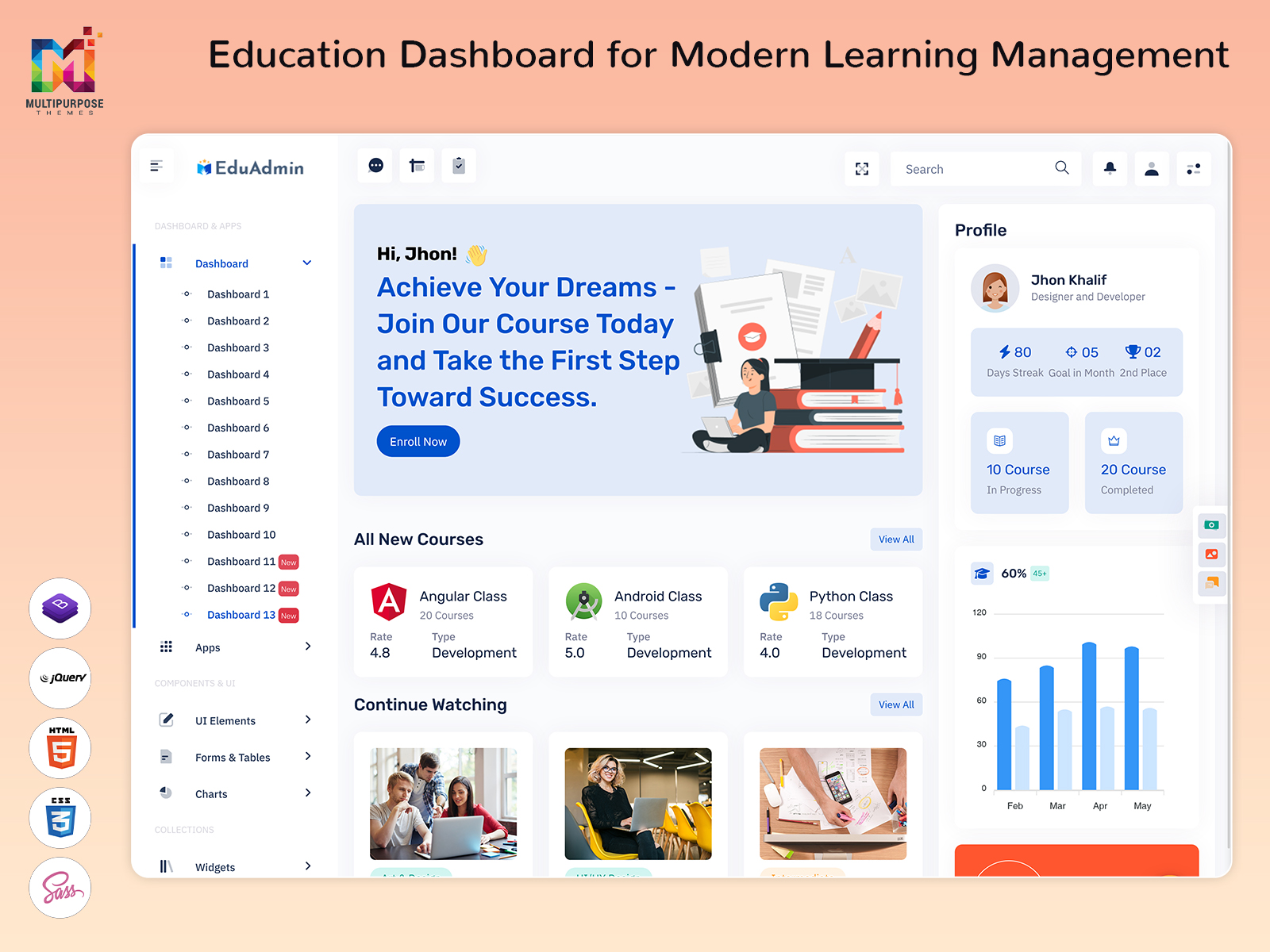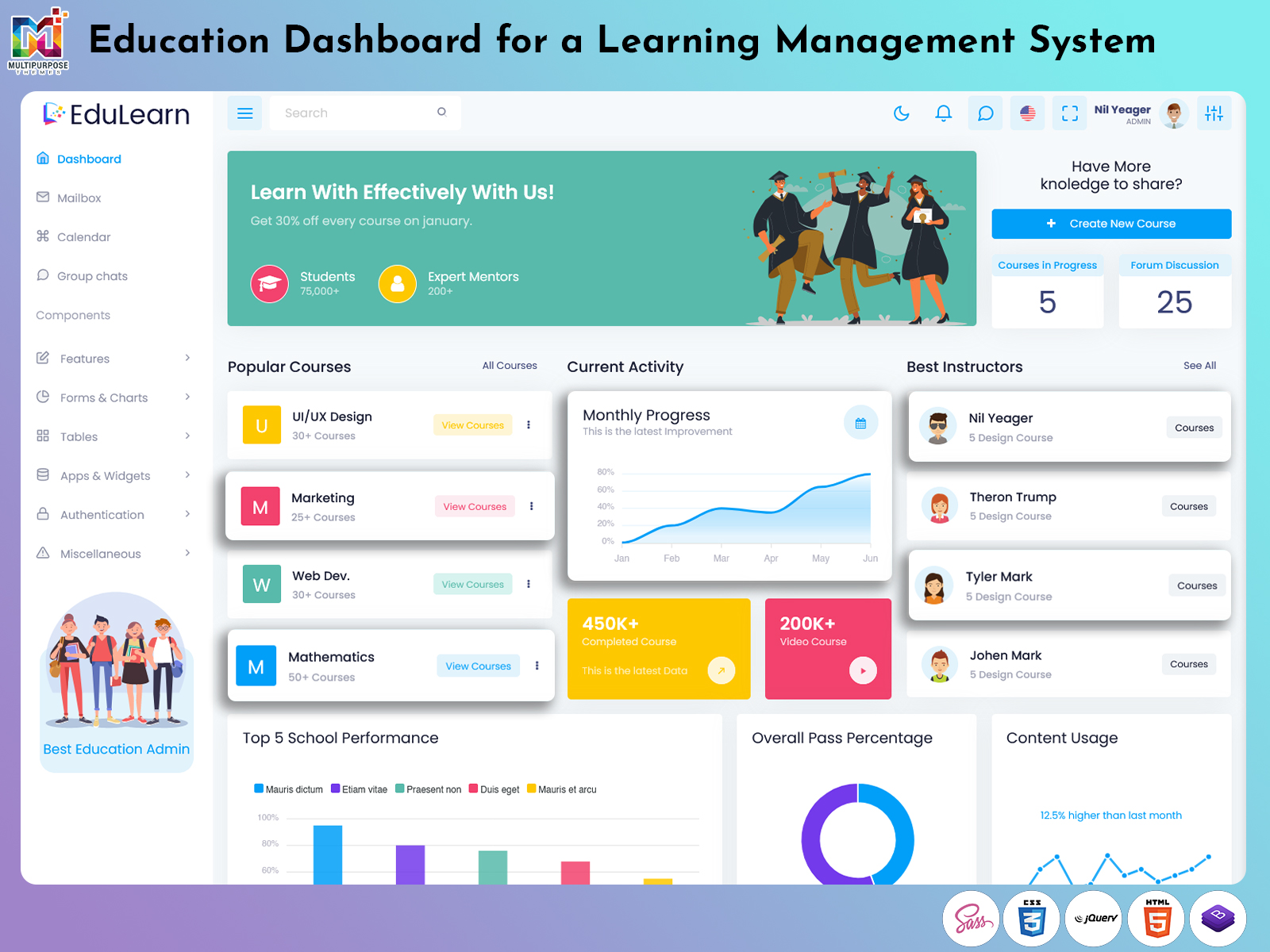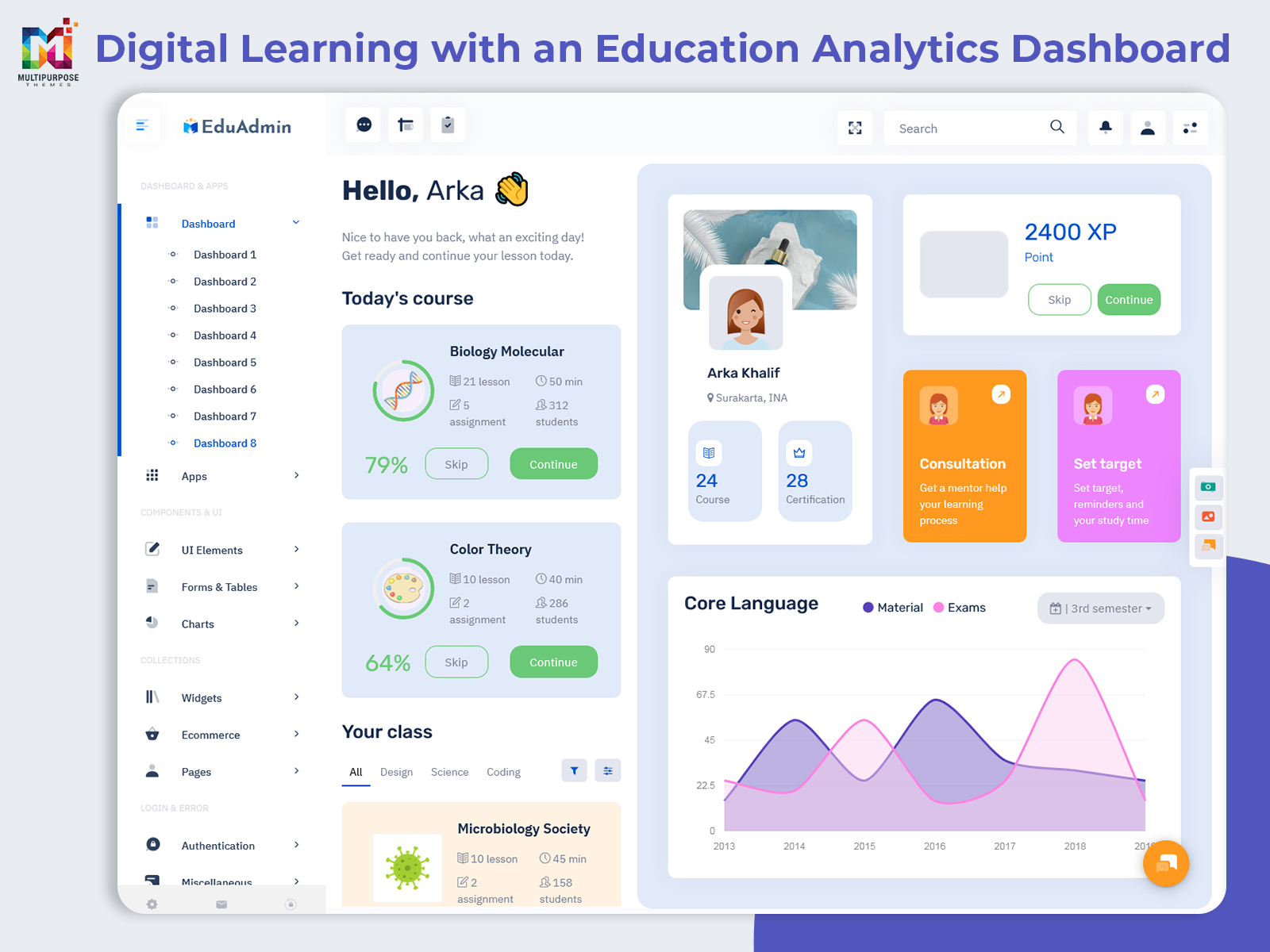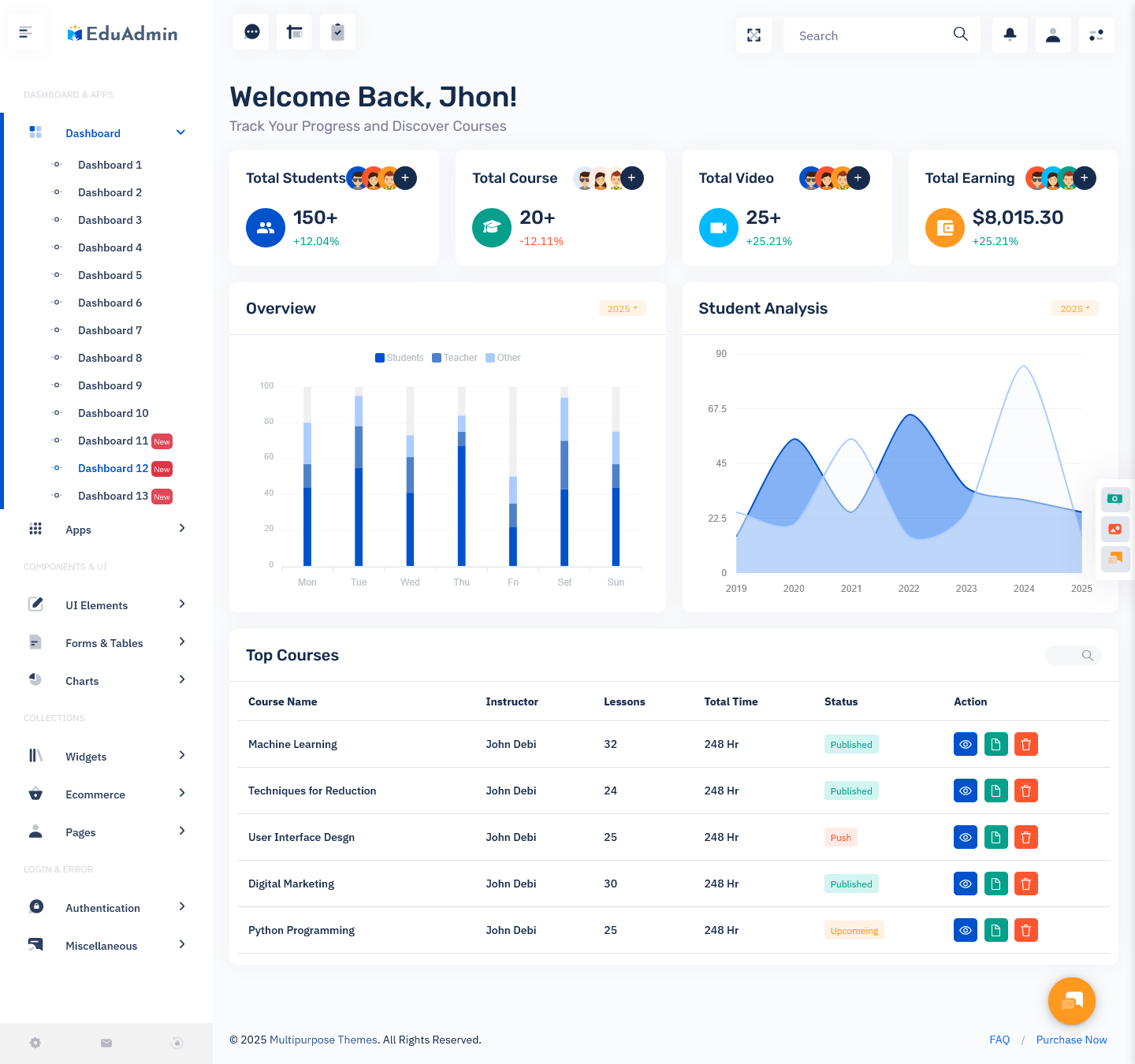
Education is no longer inside a school or a college. Schools, coaching institutes, universities, training…

Education Management System for Modern Learning
Reading Time: 8 minutesHelping Users Navigate Their Learning Journey
An Education Dashboard can provide that organized digital environment. Instead of keeping course details, learner information, academic activities, and platform-related data scattered across different sections, a dashboard can bring relevant information closer to the people who need it.
The purpose of an education dashboard is not to show every available piece of information at once. It should help students, teachers, and administrators understand their current activities and find the next action naturally. This makes the structure and usability of the dashboard just as important as the information it contains.
For developers building educational platforms, a Courses Dashboard Template can provide a useful starting point. It can establish the basic visual structure while allowing the development team to customize the interface according to the institution, learning platform, user roles, and technical requirements.
Watch Full Video
What is an Education Dashboard?
An Education Dashboard is a digital interface designed to organize information and activities related to learning and education. It can be used by students, teachers, administrators, training organizations, coaching centers, universities, and online learning platforms.
The information shown on the dashboard depends on the user’s role. A student may need a simple view of learning activities, while an instructor may require tools related to course management. Administrators may need a broader understanding of the platform and its users.
A Learning Management System Dashboard can provide a central environment for managing learning-related activities within an online education platform. It can connect different parts of the learning experience while giving users an interface that matches their specific responsibilities.
For developers, an Education Software Dashboard can serve as the administrative and operational interface behind an education-focused application. The dashboard can be customized around the platform’s actual workflow rather than forcing every education project to follow the same structure.
Why an Education Dashboard Matters
An Education Dashboard can be viewed as the starting point of a digital learning journey. When students or teachers enter a platform, they should not have to spend time figuring out where to begin. The dashboard should provide enough context to help them understand their current position and available options.
For a student, this might mean seeing what learning activities are relevant today. For an instructor, it could mean understanding which courses require attention. For administrators, the priority may be maintaining a broader view of the educational platform.
This difference shows why one generic dashboard is not always suitable for every user. The same educational system can contain several dashboard experiences, each designed around a particular role.
The most effective approach is to identify the user’s main tasks first and then organize the interface around those tasks. This can create a dashboard that feels natural instead of one that simply collects unrelated cards, statistics, and navigation links.

VIEW DEMO BUY NOW
Features of Education Dashboard
1. Course Information Management
An Education Dashboard can provide a structured place for organizing course-related information. Users can reach relevant learning areas without moving through multiple unrelated pages. This creates a clearer experience for platforms that offer several courses, subjects, programs, or educational resources.
2. Learning Activity Visibility
A Learning Management System Dashboard can give users a clear view of ongoing learning activities. Presenting relevant information in one place helps students and instructors understand what is currently happening within the learning environment and where their attention may be required next.
3. Student Information Organization
Educational platforms may serve many learners, each with different activities and requirements. A dashboard can organize student-related information into a structured environment, helping authorized users access relevant records and understand learner activity without relying on disconnected files or manually maintained information.
4. Course-Based Interface
A Courses Dashboard Template can provide a starting structure for platforms where course organization is a central requirement. It allows developers to establish a dedicated learning-focused interface and then adjust the design according to the platform’s subjects, users, branding, and educational workflow.
5. User-Friendly Navigation
Learning platforms should be approachable even for users who are not highly comfortable with technology. A clear Education Dashboard can use simple navigation patterns and logical information grouping, allowing users to move between learning areas without spending unnecessary time understanding how the interface is organized.
6. Responsive Learning Environment
Students and teachers may access educational platforms from different devices throughout the day. A responsive dashboard can adapt to various screen sizes while keeping important information accessible. This creates a more consistent learning experience across computers, tablets, and smartphones.
7. Customizable Dashboard Structure
An Education Software Dashboard can be adapted according to the requirements of different institutions and learning platforms. Developers can adjust the interface around specific user roles, information needs, branding, and workflows, creating an educational system that feels relevant rather than relying on a completely fixed design.
Helping Users Navigate Their Learning Journey
One of the most meaningful aspects of an Education Dashboard is its ability to provide direction. Learning platforms can contain a large amount of educational content, but having more content does not automatically make learning easier.
Students need to know where they are, what they should focus on, and how to continue their learning journey. A dashboard can create that sense of direction by bringing relevant information into a simple starting point.
For example, someone using Your Learning App may have access to several courses, but not every course requires attention at the same time. The dashboard can help the learner understand which areas are active or relevant without forcing them to search through the entire platform.
The same idea applies to instructors. Teachers may manage multiple courses and need to switch between different responsibilities. A well-planned dashboard can provide context and reduce the effort required to find commonly used areas.
This makes the dashboard part of the learning experience itself. It should not feel like an additional layer placed on top of educational content. Instead, it should help users move through the platform naturally.
VIEW DEMO BUY NOW
Benefits of Education Dashboard
1. Makes Learning More Organized
An Education Dashboard brings relevant learning information into one structured environment. Students can understand where they are within the platform, while instructors and administrators can manage their respective responsibilities more easily. This creates a cleaner digital experience for everyone using the education system.
2. Saves Time for Users
Users should not need to search through several pages whenever they want to continue a learning activity. A dashboard can provide direct access to commonly needed areas, reducing unnecessary navigation and allowing students, teachers, and administrators to spend more time on meaningful educational tasks.
3. Supports Better Learning Engagement
A clear dashboard can make it easier for students to return to their learning activities. When relevant courses and information are visible within a familiar environment, learners can understand where to continue instead of spending time searching for their next educational activity.
4. Helps Manage Multiple Courses
Educational platforms can contain many subjects and learning programs. A dashboard gives users a structured way to work with multiple courses without treating every course as a completely separate system. This can make large learning environments easier to navigate and maintain.
5. Improves Platform Administration
An Education Software Dashboard can help administrators work with information related to the educational platform. Having a structured administrative environment can make routine management more convenient and provide a clearer way to understand the different areas that require attention.
6. Creates a Consistent User Experience
A consistent interface helps users become familiar with an education platform over time. When navigation, layouts, and information structures behave predictably, students and teachers can spend less time learning the software itself and more time using it for educational purposes.
7. Supports Digital Education Growth
As educational organizations expand their online services, they need interfaces that can handle changing requirements. A flexible dashboard can provide a foundation for adding courses, users, learning activities, and new services without forcing the entire platform to be redesigned each time.
Learning Management System Dashboard for Modern Education
Online education platforms can become complicated as the number of courses and learners increases. A Learning Management System Dashboard can provide a central structure for organizing this growing amount of information.
However, the dashboard should not attempt to display everything simultaneously. Students need a focused experience, while instructors and administrators may need access to different information.
Role-based dashboard design can solve this problem by providing each user with an interface built around their responsibilities. This creates a more focused platform while keeping the overall education system connected.
As digital learning continues to expand, dashboards will become increasingly important for creating organized learning environments. Their success will depend less on the number of features and more on how naturally those features fit into the user’s journey.
Conclusion
An Education Dashboard can make digital learning platforms easier to understand, manage, and use. By organizing course information, learner activities, educational resources, and administrative tasks within a structured environment, it can support different users without making the platform unnecessarily complicated.
A Courses Dashboard Template can provide developers with a useful starting point for course-focused applications, while an Education Software Dashboard can support the management side of an educational platform. A Learning Management System Dashboard can connect learning activities within a broader digital environment.
For learners using Your Learning App, the dashboard should provide direction rather than distraction. It should make it easier to understand what is available, where to continue, and how to move through the learning experience.
The strongest education dashboards are built around real user needs. With clear navigation, adaptable layouts, simple information presentation, and a focus on learning, an Education Dashboard can become an important part of a modern digital education platform.
VIEW DEMO BUY NOW
Frequently Asked Questions
1. What is the purpose of an Education Dashboard?
A Multi Purpose Themes Education Dashboard provides a central digital space for organizing learning-related information and activities. It can be used by students, teachers, administrators, and educational organizations. The exact content depends on the platform, but the main goal is to make educational information easier to access and create a more organized digital learning experience.
2. What is a Learning Management System Dashboard?
A Learning Management System Dashboard is an interface used within an online learning platform to organize information and activities related to education. It can provide different experiences for students, instructors, and administrators, depending on their responsibilities. A well-designed dashboard should help each user reach the areas they need without unnecessary navigation.
3. What should I look for in a Courses Dashboard Template?
When choosing a Courses Dashboard Template, consider its responsiveness, layout, customization options, framework, code structure, and ability to support your intended learning workflow. You should also check whether it can accommodate multiple courses and user roles. A template should provide a flexible foundation rather than limit future development.
4. Can an Education Dashboard be used for schools and universities?
Yes. A Multi Purpose Themes Education Dashboard can be adapted for schools, universities, colleges, coaching centers, training organizations, and online learning businesses. The interface can be adjusted according to the institution’s requirements. Students, teachers, and administrators can also receive different dashboard views so that each group sees information relevant to its responsibilities.
5. How can an Education Software Dashboard help administrators?
A Multi Purpose Themes Education Software Dashboard can give administrators a structured environment for managing different areas of an educational platform. It can help them access relevant information, maintain platform organization, and work with administrative activities from one interface. The exact functions should be based on the organization’s workflow and management requirements.
6. Can I build Your Learning App with an Education Dashboard?
Yes. Multi Purpose Themes Your Learning App can use an Education Dashboard as the main interface for organizing courses and learning activities. Developers can create a learner-focused experience and customize the dashboard according to the application’s educational model. The interface should remain simple enough for students while providing the information they need to continue learning.

Related Posts