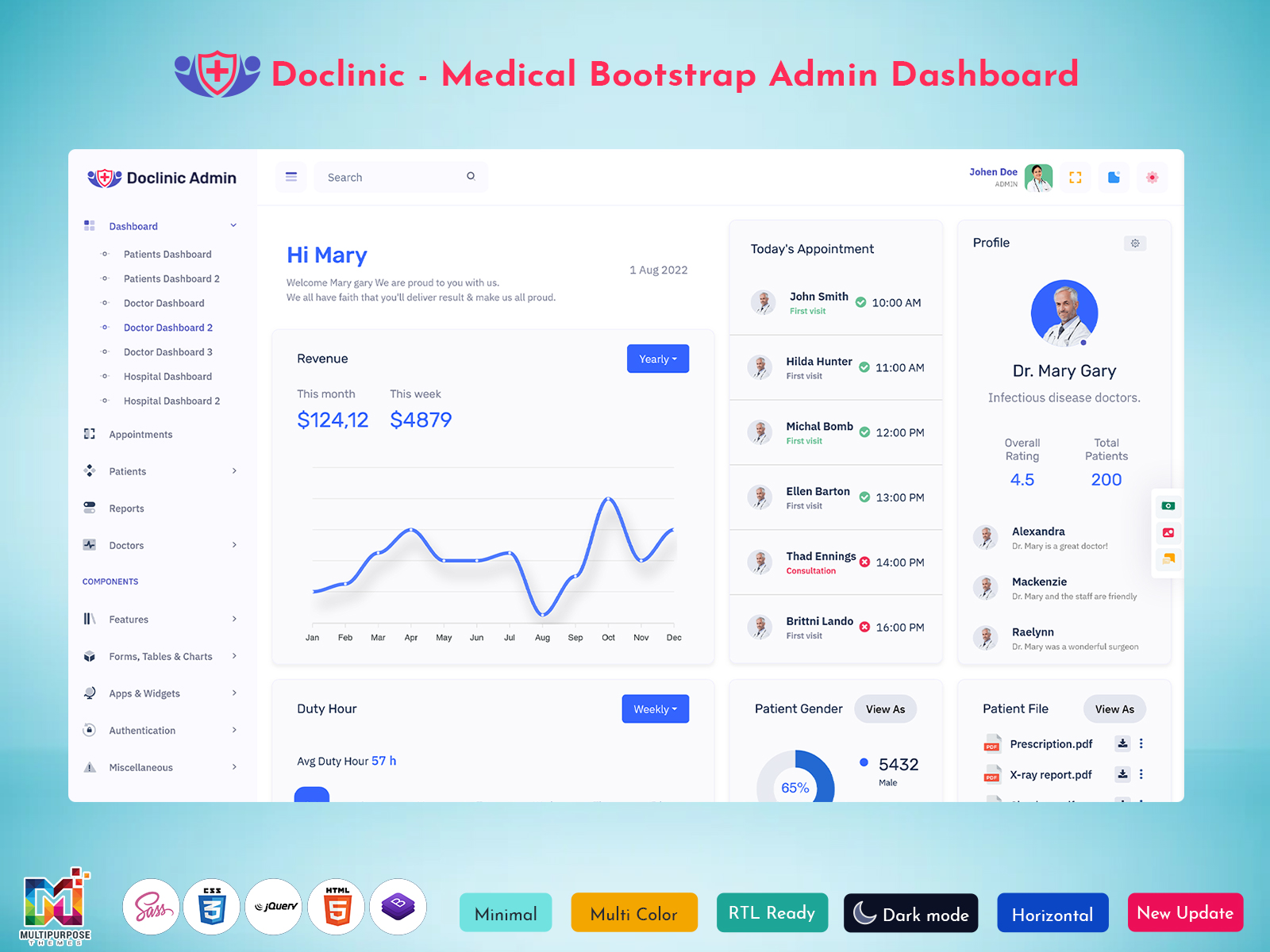
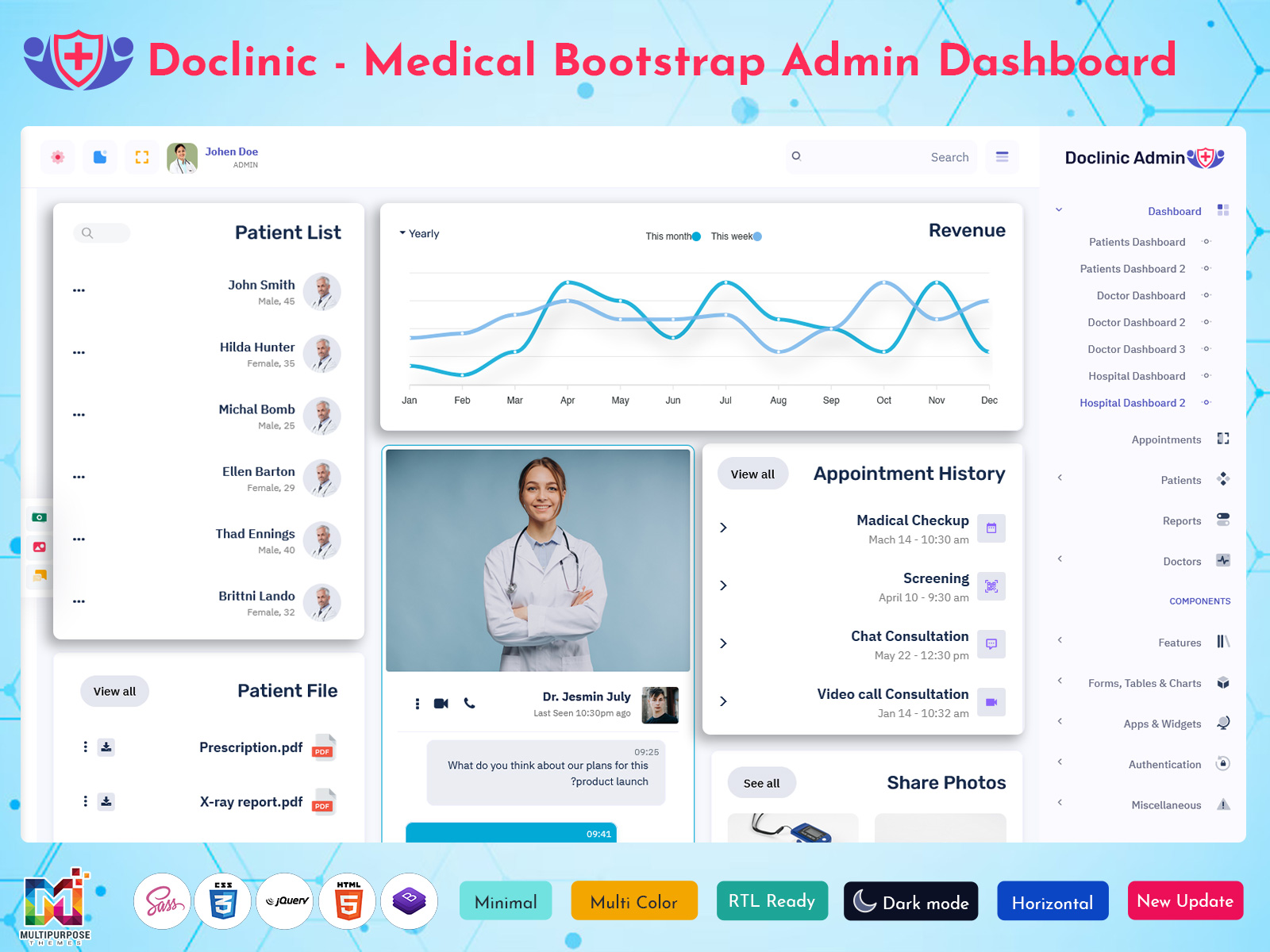
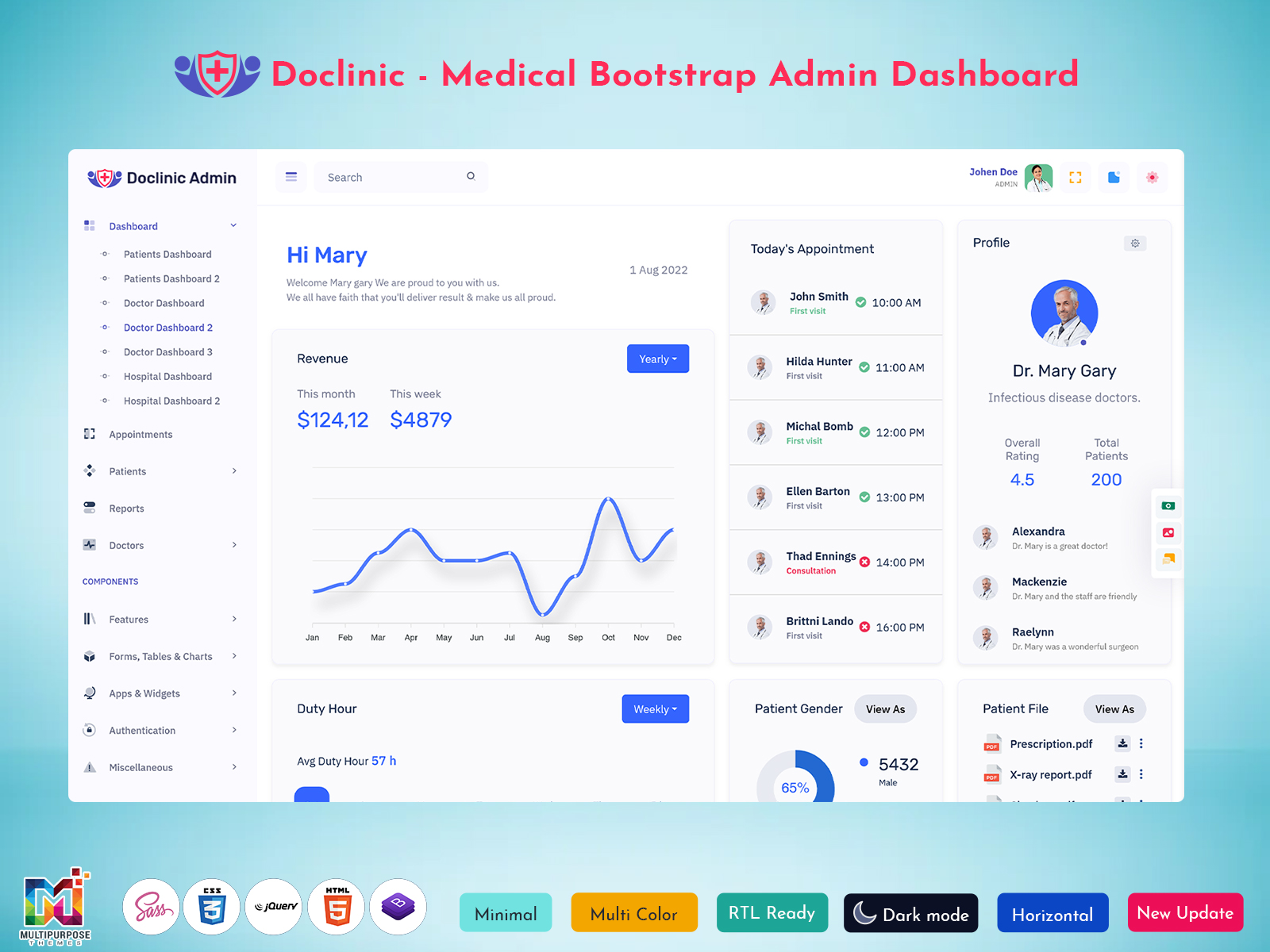
Healthcare applications often need to address several types of information and activities. Doctors may review…
Doctor Dashboard: A Smart Way to Manage Modern Healthcare Services
Reading Time: 6 minutes
Healthcare is changing rapidly, and doctors are expected to handle more than patient consultations. It does everything like managing appointments and maintaining records to reviewing reports and coordinating with staff, daily tasks can immediately become overwhelming. This is where a Doctor Software Dashboard becomes an important part of healthcare management. An advanced doctor dashboard helps healthcare professionals to organize information at one place. Instead of switching between spreadsheets, paper files, and different software tools.These all things Doctors can access from a single screen. It helps to increase efficiency, saves valuable time , and offers better patient care.
Watch Full Video
Whether you are running a small clinic or a multi-specialty hospital, a well-designed dashboard can simplify healthcare management while improving productivity and patient satisfaction.
What is a Doctor Dashboard?
A doctor dashboard is an online management interface which is designed for healthcare professionals. It brings all together important information like appointments, patient records, prescriptions, medical reports, and performance metrics into one single platform.Instead of spending time searching through multiple systems. Doctors can immediately access the information whenever they require it. A dashboard offers a clear overview of daily activities and helps healthcare providers stay organized throughout the day.
A Doctor Dashboard Template is particularly useful for businesses developing healthcare applications because it reduces development time while providing all the necessary modules required in a medical management system.
How a Doctor Dashboard Works
A doctor dashboard works by collecting data from different sections of a healthcare system and showing all the components in a single interface. Information like appoints system’s information, patient all databases, billing software, and laboratory reports is synchronized automatically. When a doctor logs into the dashboard patients, and necessary notifications. The system updates in real-time, ensuring that all information remains accurate and accessible.
For example, if a patient books an appointment online, the dashboard instantly updates the doctor’s schedule. Similarly, when laboratory results are uploaded, the doctor receives a notification and can review the report without waiting for physical documents.Many healthcare organizations also use a Doctor Admin Template to assign permissions, monitor user activities, and generate performance reports. This ensures that both doctors and administrators can collaborate efficiently while maintaining data security.
Why a Doctor Dashboard is Necessary
Healthcare professionals deal with a bulk of information every day. Managing all information manually is a time-consuming process and causes delays, error and increased workload.A doctor dashboard solves these all problems by creating a centralized environment for healthcare management.one of the main reasons why dashboards are essential is time management. Doctors spend a significant portion of their day handling administrative tasks. By automating routine activities, dashboards allow them to focus more on patient care.
Another important factor is accuracy. Digital systems reduce the chances of misplaced files, incorrect entries, and scheduling conflicts. Patient information remains organized and can be retrieved within seconds.A Doctor Software Dashboard also improves communication among healthcare teams. Nurses, administrators, and doctors can access relevant information based on their roles, ensuring better coordination and smoother operations.
VIEW DEMO BUY NOW
Features of a Doctor Dashboard
1. Main Dashboard with Analytics
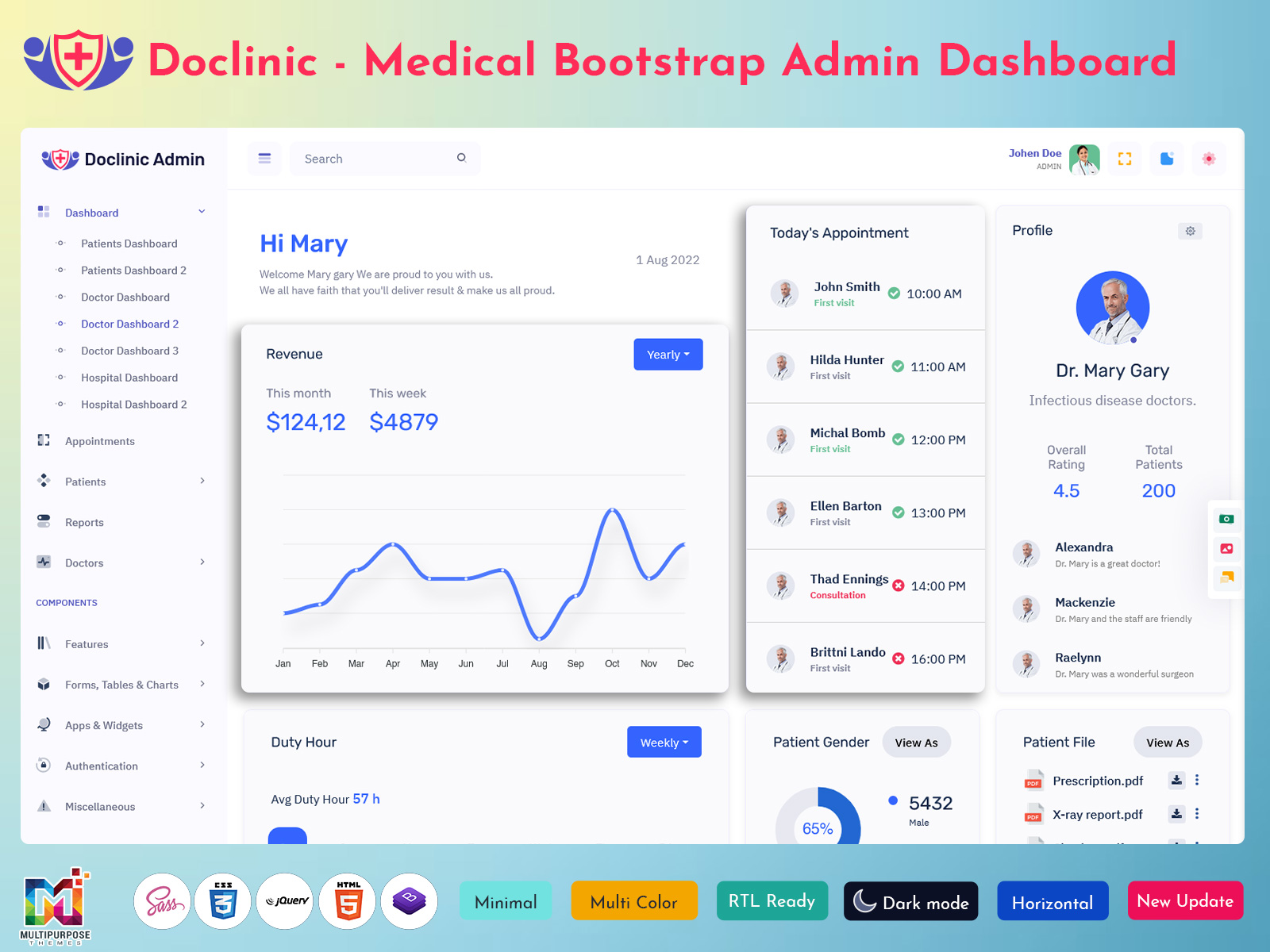
The dashboard mainly presents key healthcare metrics in a simple visual format, which is easy to understand for everyone. Doctors can see appointments, number of patients, consultation trends, and daily activities with the help of charts and summary cards. This monitoring offers valuable insights and helps healthcare providers to make informed decisions while improving operational efficiency across clinics and hospitals.
2. Appointments
This appointment component allows doctors to manage their schedules without any confusion, because this dashboard is user-friendly and Doctors can see their upcoming consultations, reschedule bookings, and receive reminders. It helps to reduce missed appointments and ensures that healthcare organizations can manage their time successfully during the day.
3. Patient Details
This patient component contains important information, including medical history, prescriptions, contact details, and past consultations history. Doctors can immediately access patient records during visits, making interactions more informed and helping deliver personalized healthcare services.
4. Reports
The reports module provides access to laboratory results, treatment summaries, and medical documents. Doctors can review, download, and share reports when needed. Having reports available digitally helps speed up diagnosis and improves collaboration between healthcare teams.
5. Doctor Details
Doctor features include the professional information about the doctors, including specialization, availability qualifications, and experience. Administrators can update profiles very easily, ensuring that accurate information is available for scheduling and internal management purposes.
How a Doctor Dashboard Simplifies Modern Problems
The healthcare organisation faces several challenges, like growing patient volumes, improving documentation requirements, and limited time for administrative work. So this Doctor Dashboard helps to solve these issues through automation and centralized management, one of the biggest problems in this era was healthcare is fragmented information. Patient records, appointments, and reports are often stored in different systems. This dashboard combines everything into a single platform, and reducing confusion also improves accessibility.
Another challenge is managing appointments manually. Double bookings and scheduling errors can negatively impact patient experience. With automated scheduling features, doctors can maintain an organized calendar without manual intervention. Data security is another increasing concern. Advanced dashboards are designed with secure authentication methods and role-based access controls to protect sensitive patient information
VIEW DEMO BUY NOW
Benefits of Using a Doctor Dashboard
1. Reduces Waiting Time for Patients
This doctor dashboard helps healthcare organizations to manage appointments more Responsively by providing a clear view of schedules and patient queues. Doctors can quickly explore upcoming consultations and access information of the patients in advance. This reduces unwanted waiting time, increases flow of the clinic, and makes a better experience for patients visiting healthcare facilities.
2. Helps Doctors Handle Multiple Clinics
Many healthcare professionals work with multiple clinics or hospitals. This dashboard allows access to schedules, patient records, and reports from a centralized platform. With the help of cloud-based accessibility, doctors can stay connected with their regular work regardless of location. It ensures continued patient care and better management of multiple healthcare organizations.
3. Improves Coordination Between Departments
Effective communication is essential in healthcare environments. A Doctor Dashboard enables receptionists, nurses, laboratory teams, and doctors to access relevant information in real time. This improves coordination between departments, minimizes misunderstandings, and ensures that patients receive timely services without delays caused by disconnected systems or manual information sharing.
4. Supports Quick Emergency Response
In emergency situations, every second matters. A doctor dashboard offers quick access to patient histories, allergies, past treatments, and diagnostic reports. This allows healthcare professionals to make informed decisions quickly and respond more effectively. Faster access to critical information can significantly increase treatment outcomes in urgent medical situations.
5. Makes Healthcare Data More Actionable
Healthcare organizations create and manage many types of different data in large amounts every day. This doctor dashboard transforms this information into easy-to-understand charts, summaries, and monitoring. Doctors and admins can identify trends, analyze the performance of organizations, and plan resources more effectively. These insights support better decision-making and contribute to continuous improvements in healthcare delivery.
Conclusion
The future of healthcare depends on efficiency, accessibility, and data-driven decision-making. A Doctor Dashboard provides all these advantages while simplifying everyday operations for healthcare professionals.From managing appointments and reviewing reports to maintaining patient records and analyzing performance, dashboards have transformed the way healthcare organizations operate. They not only improve productivity but also contribute to better patient outcomes.
A customizable Doctor Dashboard Template offers an excellent starting point for businesses developing healthcare solutions, while a Doctor Admin Template helps administrators maintain control over the entire system.
FAQs
1. What is a Doctor Dashboard?
A MultiPurpose Themes Doctor Dashboard is a centralized digital solution designed to help healthcare professionals manage their daily activities efficiently. It brings together appointments, patient records, reports, schedules, and analytics in one place. By providing quick access to important information, it helps doctors improve productivity and deliver better healthcare services to their patients.
2. Is it really useful?
Yes, a Doctor Dashboard is extremely useful for modern healthcare organizations. It reduces manual work, minimizes paperwork, and helps doctors manage their time more effectively. By automating routine tasks and providing real-time updates, it enables healthcare professionals to focus more on patient treatment and less on administrative responsibilities.
3. Who can use it?
A MultiPurpose Themes Doctor Dashboard can be used by doctors, clinic owners, hospital administrators, nurses, healthcare startups, and medical support teams. It is flexible enough to meet the needs of both small healthcare centers and large hospitals. Different users can access specific features based on their roles and responsibilities within the organization.
4. Is it easy to manage?
Yes, MultiPurpose Themes Doctor Dashboard Template solutions are developed with user-friendly interfaces that are easy to understand and navigate. Even individuals with limited technical knowledge can use them comfortably. Features are organized clearly, allowing users to manage appointments, patient details, and reports without requiring extensive training or technical expertise.
5. Can a Doctor Dashboard support multiple doctors?
Absolutely. Modern MultiPurpose Themes dashboard systems are designed to support multiple healthcare professionals within a single platform. Each doctor can have a separate profile, schedule, and patient list. This makes it easier for hospitals and clinics to manage teams efficiently while maintaining organized records and secure access for every user.
6. Can the dashboard be accessed remotely?
Yes , many cloud-based doctor admin template solutions support remote access. Authorized users can securely log in from laptops, tablets or mobile whenever required. This flexibility is particularly beneficial for doctors who work at multiple hospitals. It helps them stay connected and access important information without being physically present at the clinic.

Related Posts