What is a Restaurant Dashboard? The Restaurant Dashboard is the center. The Restaurant Dashboard holds…
Restaurant Management Software: Simplify Daily Operations
Reading Time: 8 minutes
What is a Restaurant Dashboard?
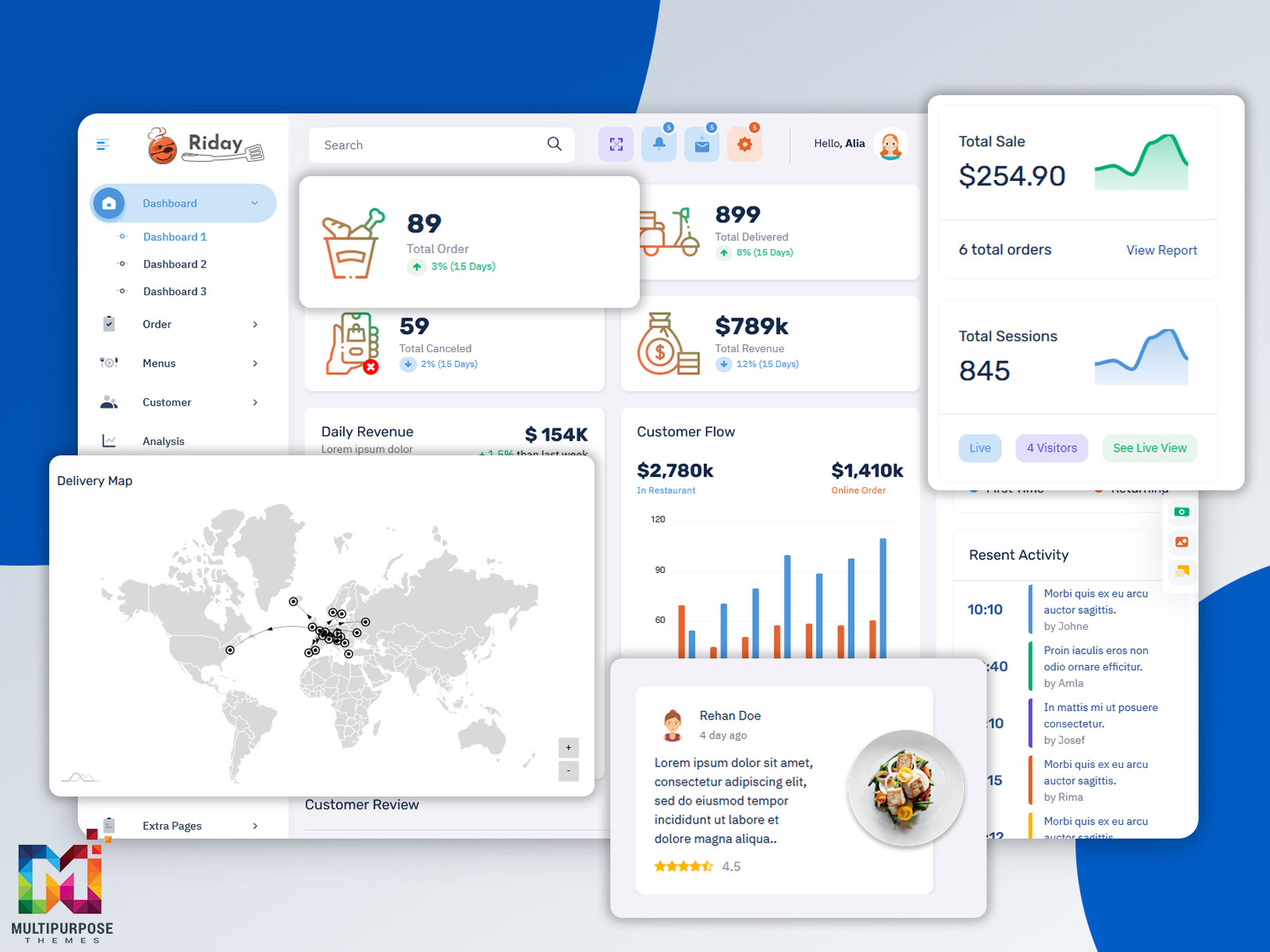
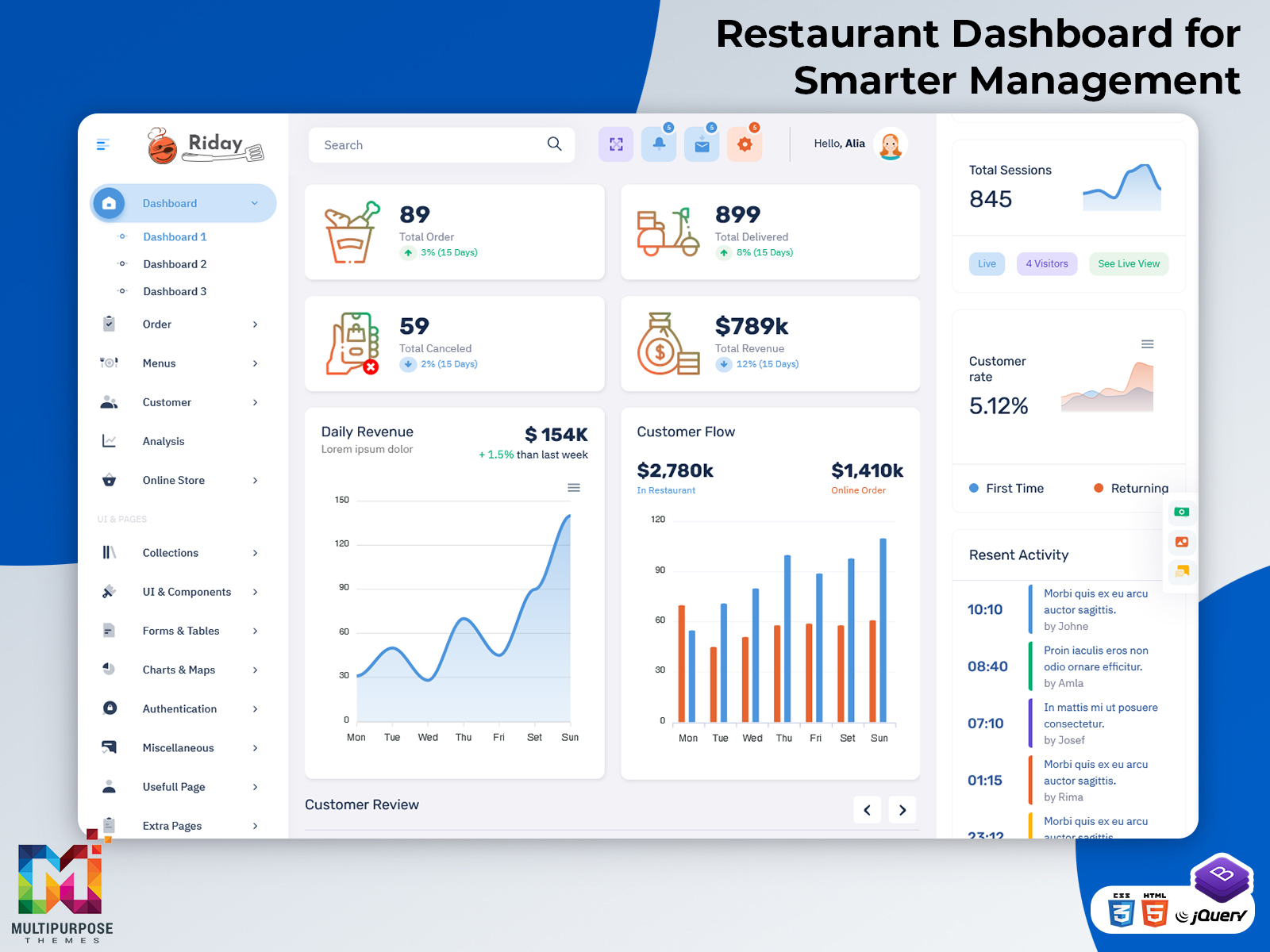
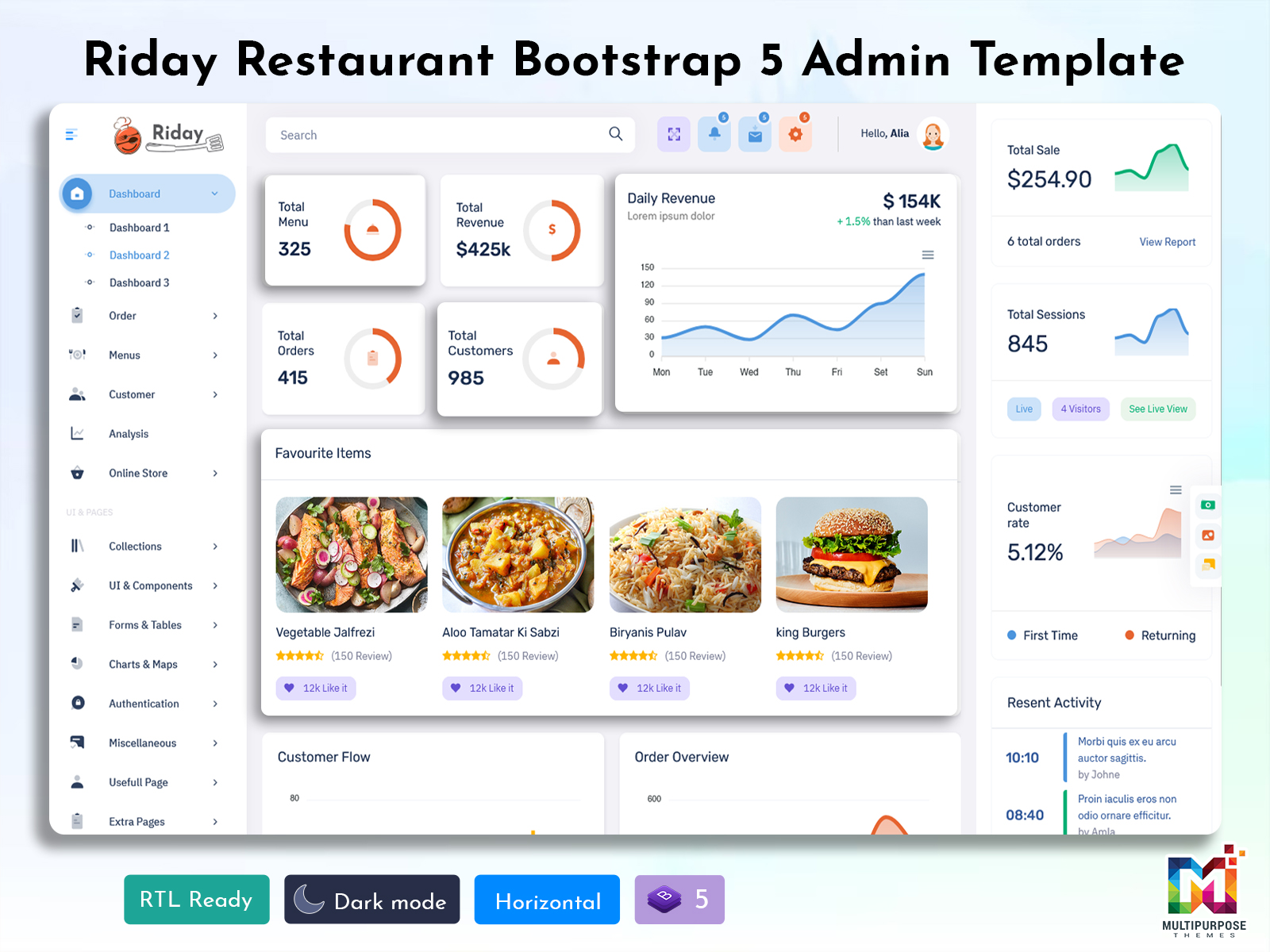
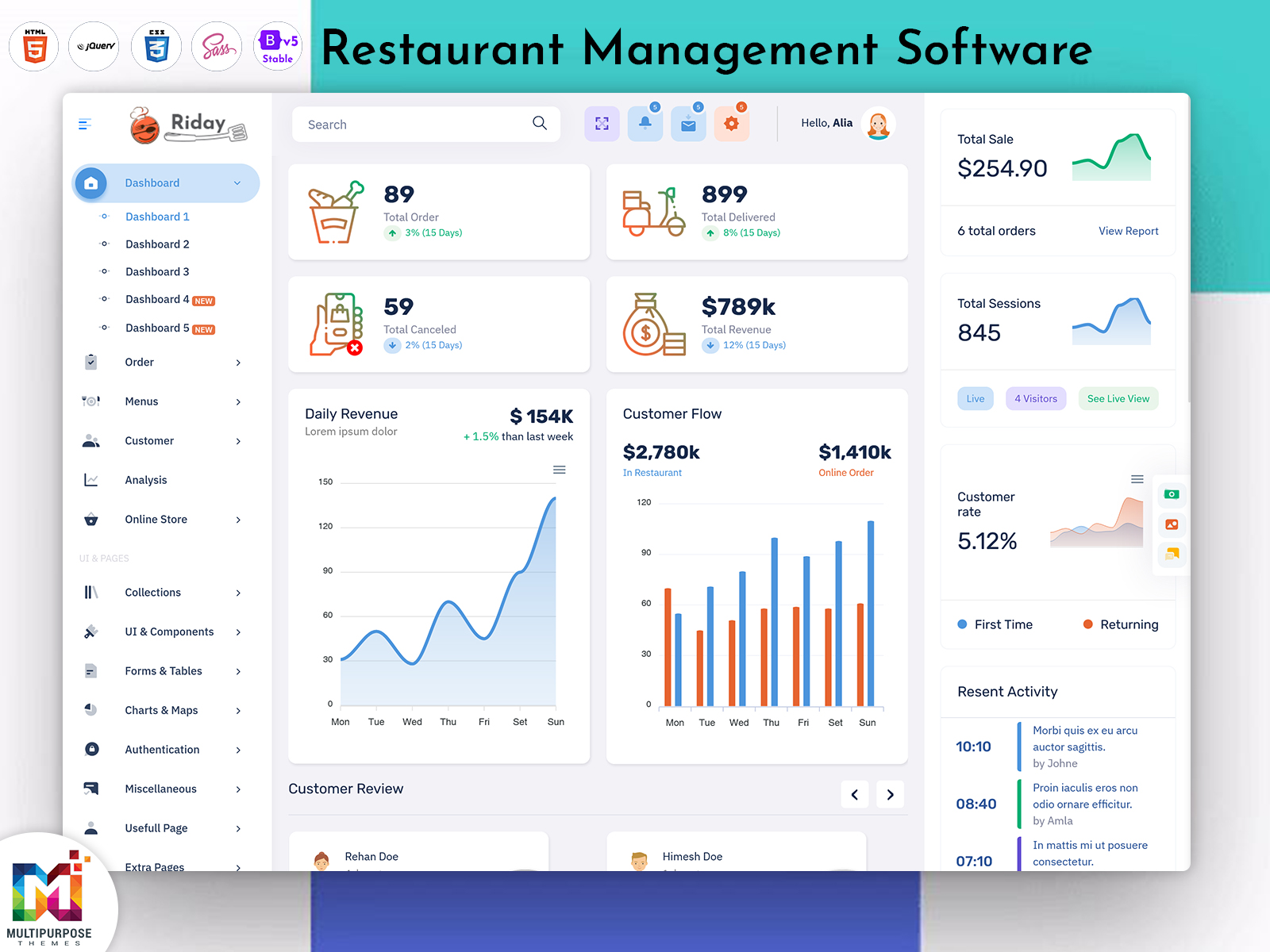
A Restaurant Dashboard is a centralized interface that helps restaurant owners, managers, and staff keep track of important business activities from one organized place. A restaurant handles many tasks every day, including taking orders, checking sales, managing tables, monitoring ingredients, preparing bills, and coordinating staff. Keeping all these activities organized can become difficult when information is spread across different systems or records.
Watch Full Video
A dashboard brings selected information together in a visual and easy-to-follow format. Instead of checking individual reports for every activity, users can get a quick understanding of what is happening across the restaurant. This makes the dashboard useful for both routine monitoring and reviewing business performance.
Modern restaurants also rely heavily on digital systems. A Food Ordering System can manage incoming orders, while Restaurant Billing Software can help handle payments and invoices. Restaurant Inventory Management can keep track of ingredients and stock movement. A Restaurant Dashboard can provide a broader administrative view of information generated through these different activities.
For example, a restaurant manager may want to know how the business is performing during a particular shift. They may need to check the number of orders, sales activity, table status, popular menu items, or inventory conditions. Rather than opening several unrelated sections, a dashboard can provide an organized starting point for reviewing these areas.
A Restaurant Management Software solution can also benefit from a dashboard because it gives users a more convenient administrative workspace. Depending on the system, different users may be able to access information according to their responsibilities. A manager may need a wider business overview, while another employee may only require order or billing-related information.
A restaurant dashboard can be useful for different types of food businesses, including cafés, quick-service restaurants, fine-dining establishments, cloud kitchens, food courts, and multi-location restaurant groups. Each business may have different priorities, but the basic need remains the same: important information should be easy to access.
The purpose of a Restaurant Dashboard is therefore not simply to display attractive charts. It is designed to make restaurant information more understandable and daily administration more organized. When relevant information is presented clearly, managers can spend less time searching through records and more time focusing on customers, staff, service quality, and business operations.
For restaurants looking for a ready-made administrative interface, a dashboard template can provide a structured environment for managing restaurant-related information. It can serve as a convenient starting point for businesses and teams that want a professional-looking workspace for their daily restaurant activities.
Features of Restaurant Dashboard
1. Order Activity Overview
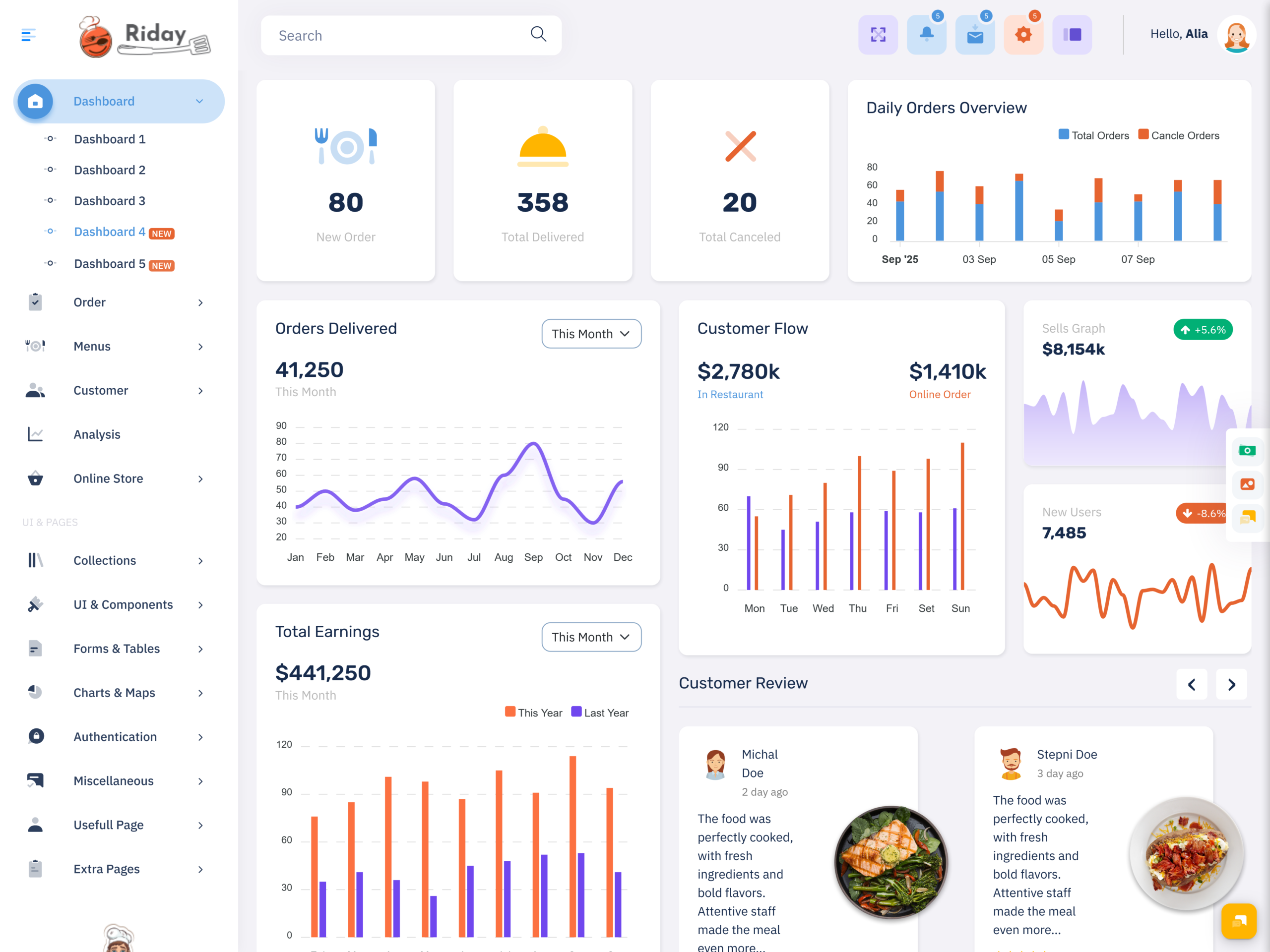
A Restaurant Dashboard can provide a clear view of incoming and completed orders. Managers can review order activity without checking individual records repeatedly. This helps restaurant teams understand the current workload and keep track of busy periods when faster coordination between the kitchen, service staff, and billing team may be required.
2. Sales Monitoring
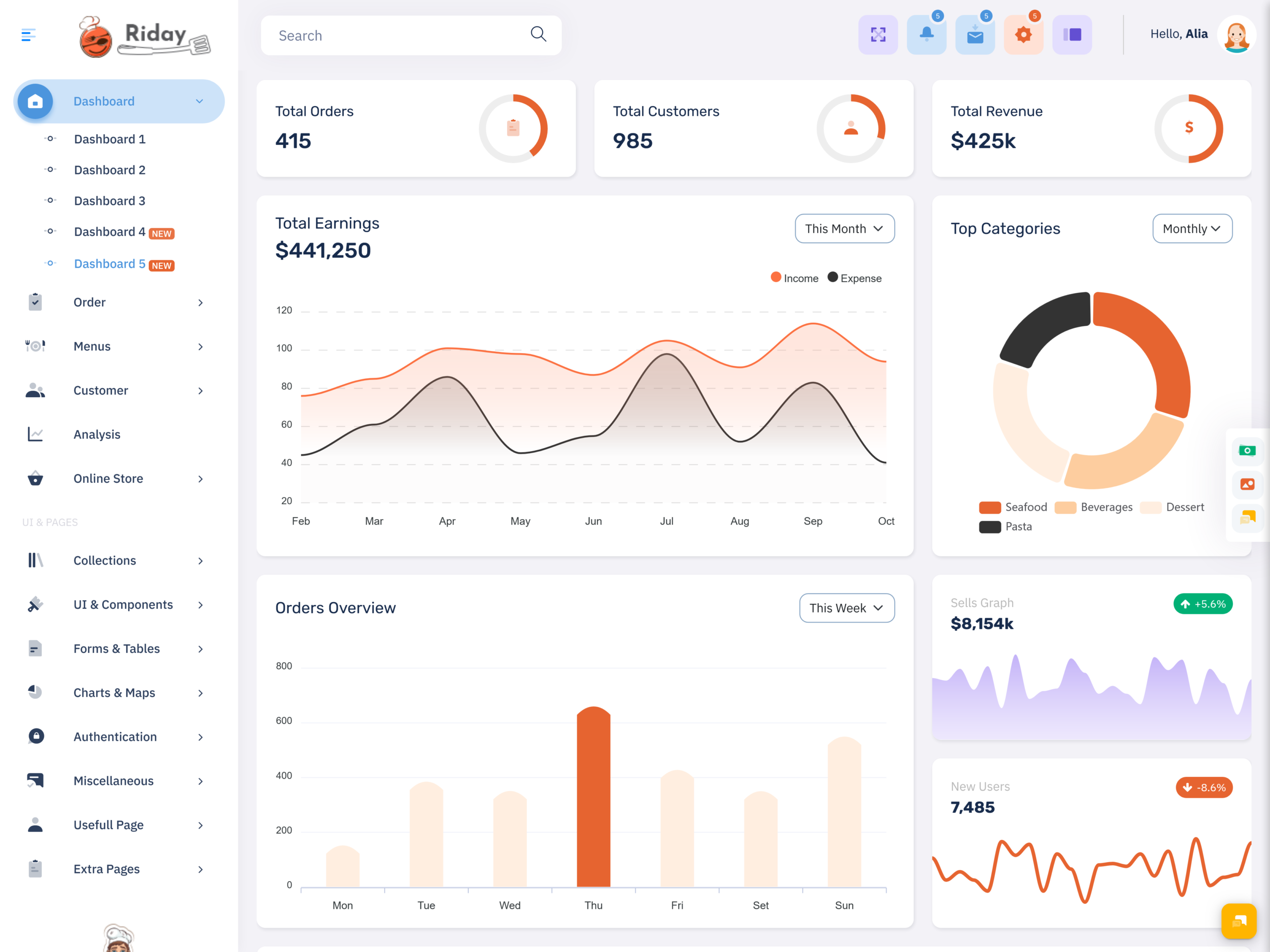
Sales information can help restaurant managers understand how the business is performing during different periods. A dashboard can organize relevant sales figures in an easy-to-read format. Managers can use this view to compare activity and identify changes without depending entirely on lengthy financial reports.
3. Table Status Management
For dine-in restaurants, knowing the condition of tables is important for smooth service. A dashboard can provide a visual overview of available, occupied, reserved, or recently cleared tables. This gives staff a convenient reference when managing customer seating and coordinating table turnover during busy hours.
4. Menu Performance View
Not every menu item receives the same level of customer interest. A dashboard can provide useful information about product or dish performance, helping managers understand which offerings receive more attention. This information can support future decisions related to menu planning, promotions, pricing, and customer preferences.
5. Billing Information
Restaurant Billing Software can generate important information about completed transactions, payment activity, and billing records. A dashboard can present selected billing information in a more convenient format, allowing managers to review payment-related activity without navigating through every individual transaction whenever they need a general overview.
6. Inventory Visibility
Ingredients are essential to restaurant operations, and their availability can affect menu service. A dashboard can provide a convenient view of inventory conditions, helping managers notice items that may need attention. When connected with Restaurant Inventory Management, this information can support better awareness of stock movement and ingredient requirements.
7. Food Order Tracking
A Food Ordering System can generate a steady flow of order information throughout the day. A dashboard can help managers review this activity in a centralized interface. This can make it easier to understand order volume, identify busy periods, and coordinate restaurant operations around changing customer demand.
VIEW DEMO BUY NOW
How a Restaurant Dashboard Helps Improve Everyday Restaurant Operations
Running a restaurant requires constant attention. Customers expect quick service, accurate orders, fresh food, smooth payments, and a comfortable experience. Behind these expectations are many activities taking place simultaneously. Kitchen teams prepare meals, servers handle customers, cashiers process payments, and managers monitor the overall operation. A Restaurant Dashboard can give managers a clearer view of these activities.
One of the main advantages is that it reduces the need to search through multiple sources of information. A restaurant may use separate systems for ordering, billing, inventory, and customer management. When a manager needs to understand the overall situation, checking each system individually can take time. A centralized dashboard provides a more convenient starting point for reviewing important information.
For example, order activity can change significantly during lunch, dinner, weekends, or special events. A manager who can see current order activity may be better prepared to coordinate staff and kitchen operations. Instead of relying only on assumptions about how busy the restaurant is, the dashboard provides information that can support more informed decisions.
A Food Ordering System is particularly useful in restaurants that receive orders through digital channels. Online orders can arrive alongside dine-in and takeaway requests, creating additional pressure during busy periods. Having a clear overview of order activity can help managers understand the workload and coordinate different service channels more effectively.
Billing is another area where organized information can be useful. Restaurant Billing Software can generate a large number of transaction records throughout the day. Managers may not need to inspect every transaction, but they may still want to understand overall billing activity. A dashboard can provide a summarized view while keeping detailed records available when required.
Inventory is equally important. Restaurant Inventory Management involves tracking ingredients, supplies, and stock movement. If an important ingredient becomes unavailable, the restaurant may need to remove certain dishes from the menu or find alternatives. A dashboard can make inventory-related information easier to notice and can support better awareness of items that need attention.
A Restaurant Management Software environment can bring several restaurant functions together, giving managers a more unified administrative experience. Rather than viewing ordering, billing, and inventory as completely separate responsibilities, the dashboard can provide a broader picture of how these activities relate to daily restaurant operations.
The dashboard can also be useful when reviewing past activity. Managers may want to compare business performance across different days, shifts, or periods. Looking at organized information can help them recognize patterns, such as consistently busy evenings or stronger demand for particular menu items.
The real value of a restaurant dashboard comes from making information easier to use. It does not replace restaurant staff or management decisions. Instead, it gives managers a clearer reference point for understanding operations, coordinating teams, and responding to changing business conditions.
For growing restaurants, this can become even more valuable. As customer volume increases and more ordering channels are introduced, the amount of operational information also grows. A well-organized dashboard can provide a structured administrative environment that helps businesses keep up with this increasing complexity.
VIEW DEMO BUY NOW
Benefits of Restaurant Dashboard
1. Saves Management Time
A Restaurant Dashboard gives managers a centralized place to review important restaurant information. Instead of checking separate records for orders, sales, billing, and inventory, they can begin with a summarized view. This can make routine monitoring quicker and leave more time for managing customers and staff.
2. Improves Operational Visibility
Restaurant operations involve many activities happening simultaneously. A dashboard gives managers a broader view of these activities and helps them understand what is happening during a shift. This improved visibility can make it easier to notice changes in workload, sales activity, ordering patterns, or inventory conditions.
3. Supports Better Order Management
When a restaurant receives orders through multiple channels, keeping track of them can become challenging. A dashboard can provide a convenient overview of order activity generated through a Food Ordering System. This helps managers understand demand and coordinate restaurant operations around changing order volumes.
4. Helps Monitor Inventory
Ingredients need regular attention because their availability directly affects food preparation. A dashboard connected with Restaurant Inventory Management can give managers a clearer view of stock-related information. This can help them notice items requiring attention and support better planning around ingredient requirements.
5. Makes Billing Review Easier
Restaurant Billing Software can create numerous transaction records throughout the day. A dashboard can organize selected billing information into a convenient summary, allowing managers to review payment activity without going through every individual transaction. This makes financial monitoring more comfortable during busy restaurant operations.
6. Supports Business Planning
Organized restaurant information can provide useful context when making future decisions. Managers can review patterns in sales, orders, menu activity, and other areas to understand how the business is performing. These observations can support decisions related to staffing, promotions, menu planning, and operating schedules.
7. Creates a More Organized Workspace
A Restaurant Management Software dashboard can bring several restaurant activities into one administrative environment. This reduces the need to constantly switch between unrelated screens and gives managers a more structured workspace. A clear interface can make everyday restaurant administration easier to follow and manage.
Conclusion
A Restaurant Dashboard can simplify the way restaurant owners and managers monitor their daily business activities. From orders and sales to tables, billing, menu performance, and inventory, it provides a centralized environment where important information can be reviewed more conveniently.
The value of the dashboard is not limited to displaying data. It can help managers understand restaurant activity, recognize changes, coordinate teams, and maintain better awareness of everyday operations. A Food Ordering System can provide order information, Restaurant Billing Software can generate transaction details, and Restaurant Inventory Management can provide stock-related information. A dashboard can bring selected parts of this information into a more organized administrative view.
For restaurants using Restaurant Management Software, having a dedicated dashboard can make the overall management experience more structured. It can be useful for independent restaurants as well as businesses operating multiple food outlets.
The right dashboard should match the restaurant’s workflow and provide information that users actually need. When designed around practical requirements, it can become a useful part of restaurant administration and support smoother day-to-day operations.
VIEW DEMO BUY NOW
FAQs
1. What is a Restaurant Dashboard used for?
A Multi purpose themes Restaurant Dashboard is used to provide a centralized view of important restaurant activities. Depending on the system, it can show information related to orders, sales, tables, billing, menu performance, customers, and inventory. It gives managers a convenient starting point for monitoring daily restaurant operations.
2. Can a Restaurant Dashboard work with a Food Ordering System?
Yes, a Multi purpose themes Restaurant Dashboard can be used alongside a Food Ordering System when the system supports the required connection. This can give managers a more convenient way to review incoming order activity, understand busy periods, and coordinate restaurant operations around orders received through digital channels.
3. Why is Restaurant Inventory Management important?
Restaurant Inventory Management helps businesses keep track of ingredients and other supplies needed for daily food preparation. Good inventory awareness can reduce the chances of unexpected shortages and help restaurants plan purchasing more effectively. It can also help managers understand how stock is being used across the business.
4. What does Restaurant Billing Software do?
Restaurant Billing Software is used to manage billing and payment-related activities. Depending on the software, it may handle bills, invoices, payment records, and transaction information. When combined with a dashboard, selected billing information can be presented in a more convenient format for restaurant managers.
5. Who should use Restaurant Management Software?
Multi purpose themes Restaurant Management Software can be useful for restaurant owners, managers, supervisors, and businesses operating one or multiple food outlets. It can help organize different administrative activities and provide a more structured way to manage areas such as ordering, billing, inventory, staff operations, and business monitoring.
6. Is a Restaurant Dashboard useful for small restaurants?
Yes. Small restaurants can also benefit from a centralized dashboard because it can make routine monitoring easier. Even when there are fewer orders or employees, managers still need to keep track of sales, billing, inventory, and customer activity. A simple dashboard can provide a convenient overview without unnecessary complexity.
7. What should I look for in a Restaurant Dashboard?
Look for a dashboard that matches your restaurant’s actual workflow and provides the information your team regularly needs. Important considerations include order visibility, billing information, inventory monitoring, sales tracking, ease of navigation, responsive design, and whether the interface can support your restaurant as its operations grow.

Related Posts