

Managing the whole warehouse at this time is more hard than ever. Businesses have to…
Procurement Dashboard: A Smarter Approach to Organizing Warehouse Operations
Reading Time: 8 minutes
What is a Warehouse Dashboard?
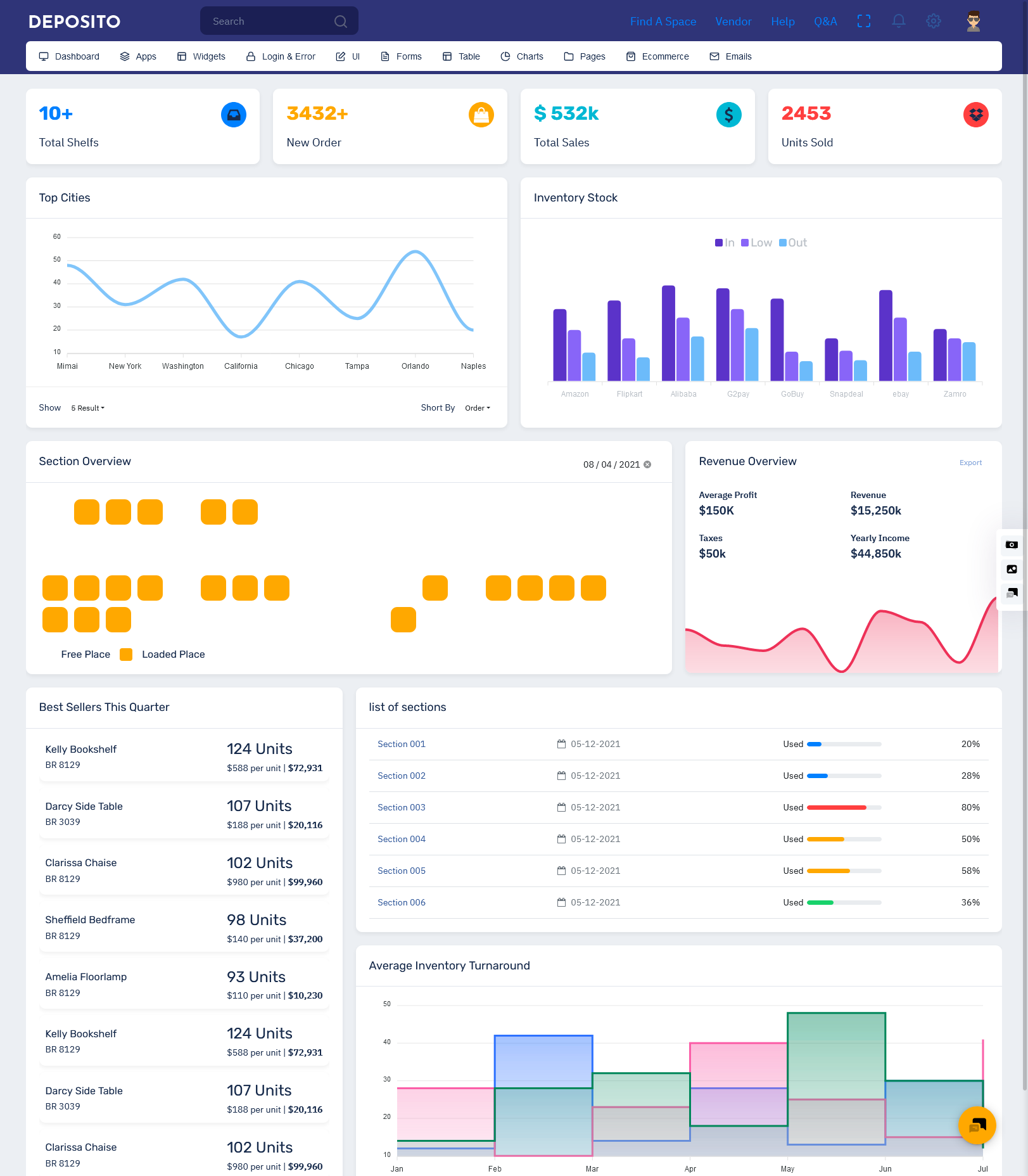
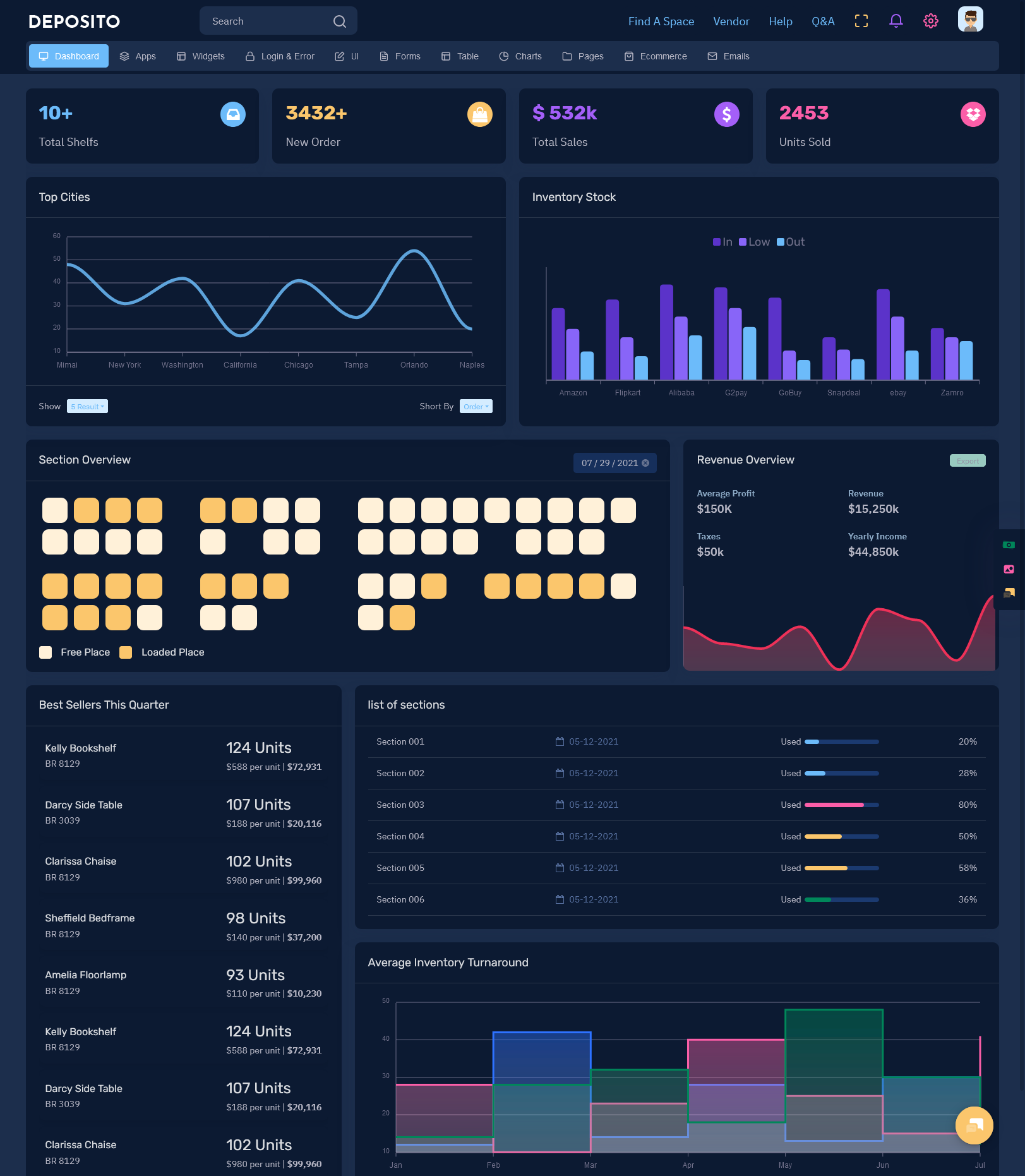
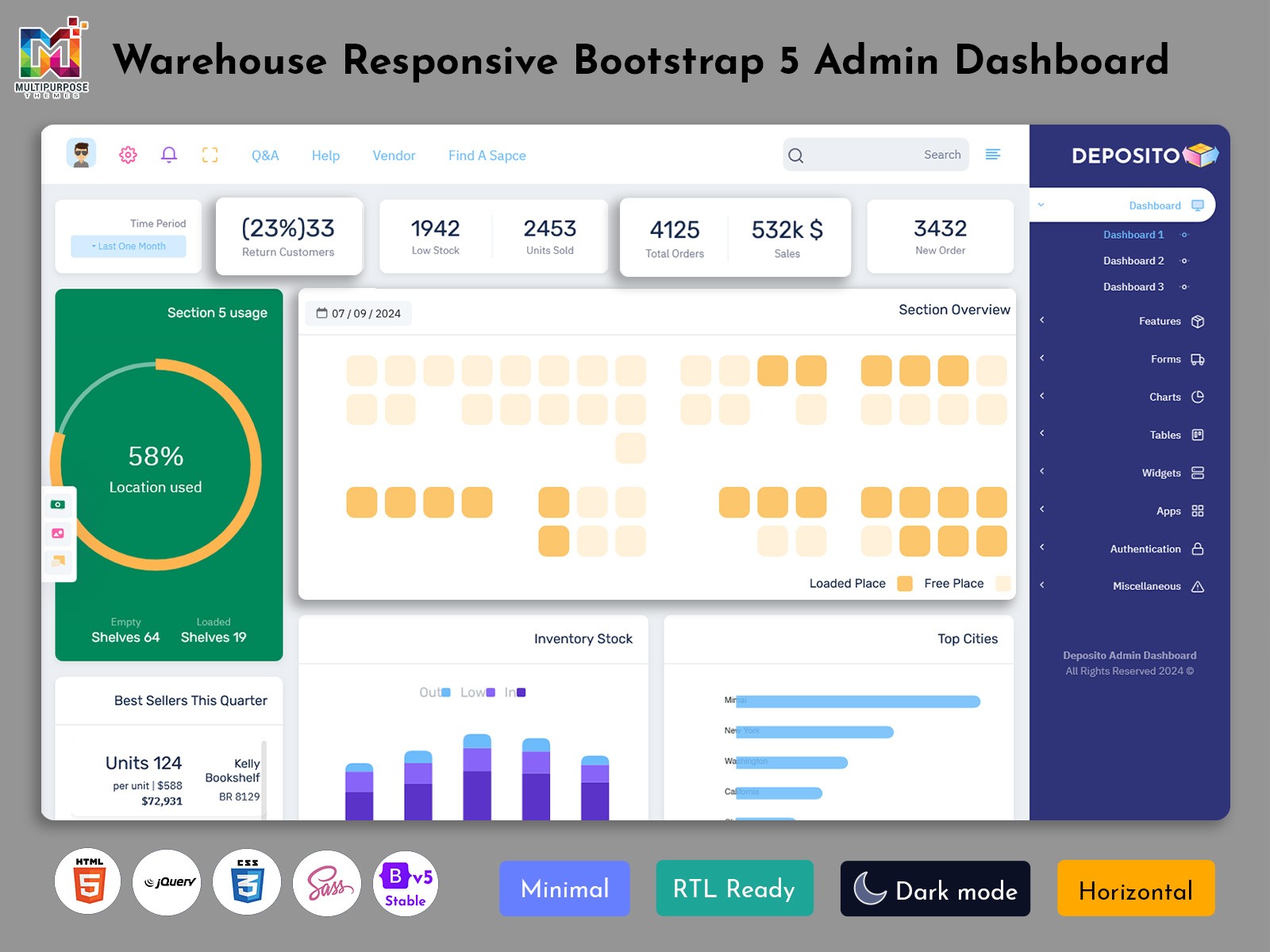
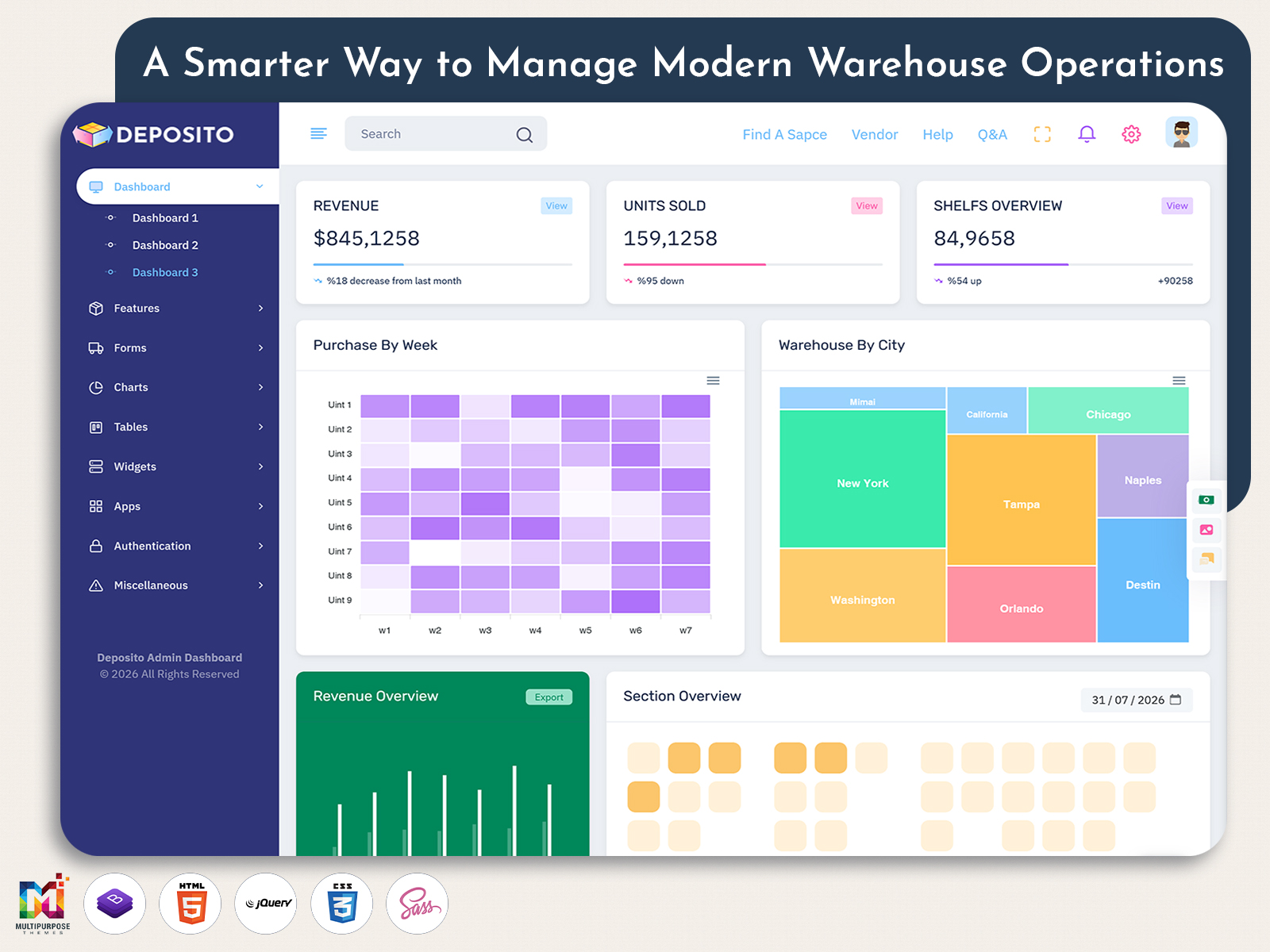
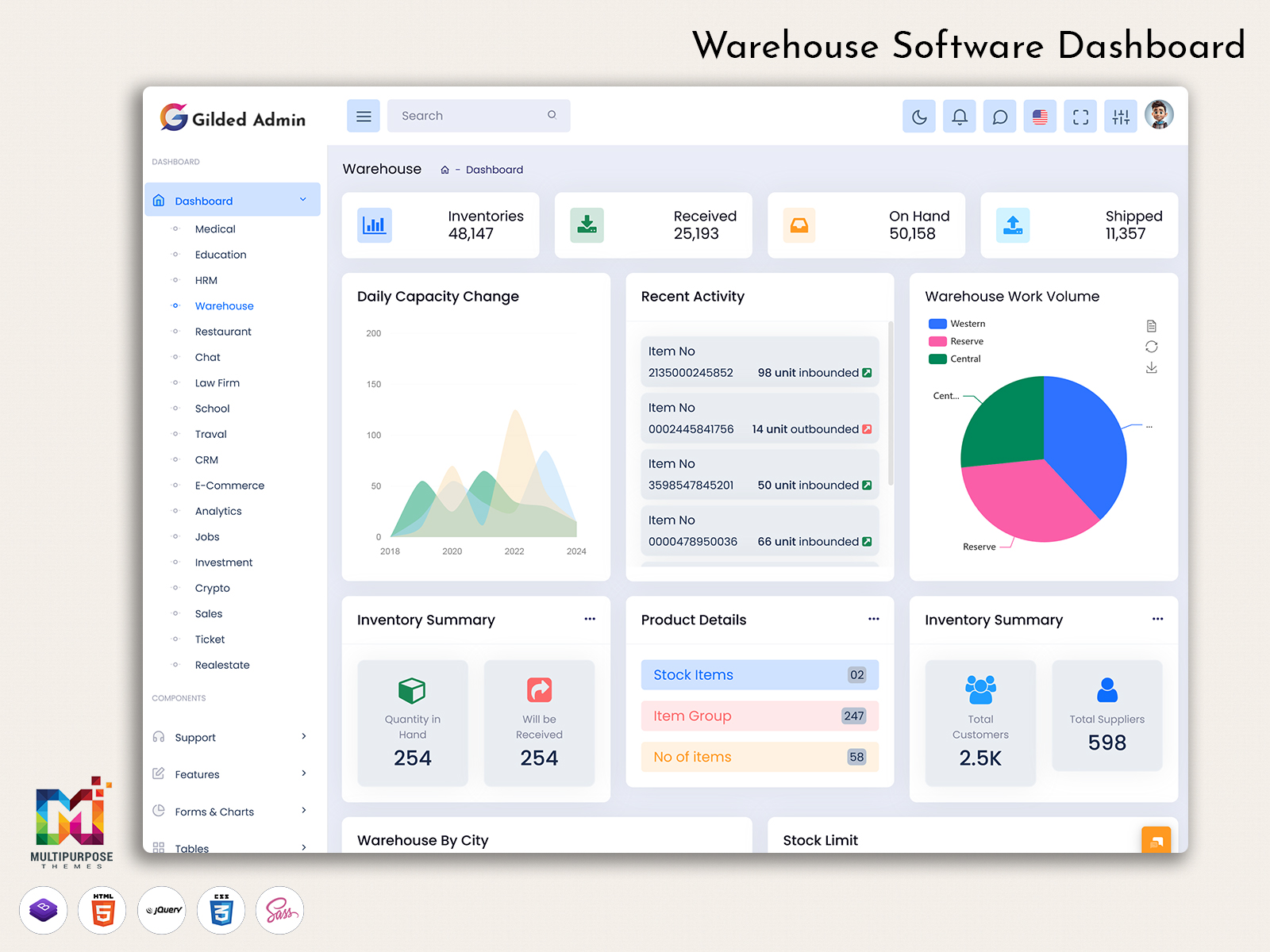
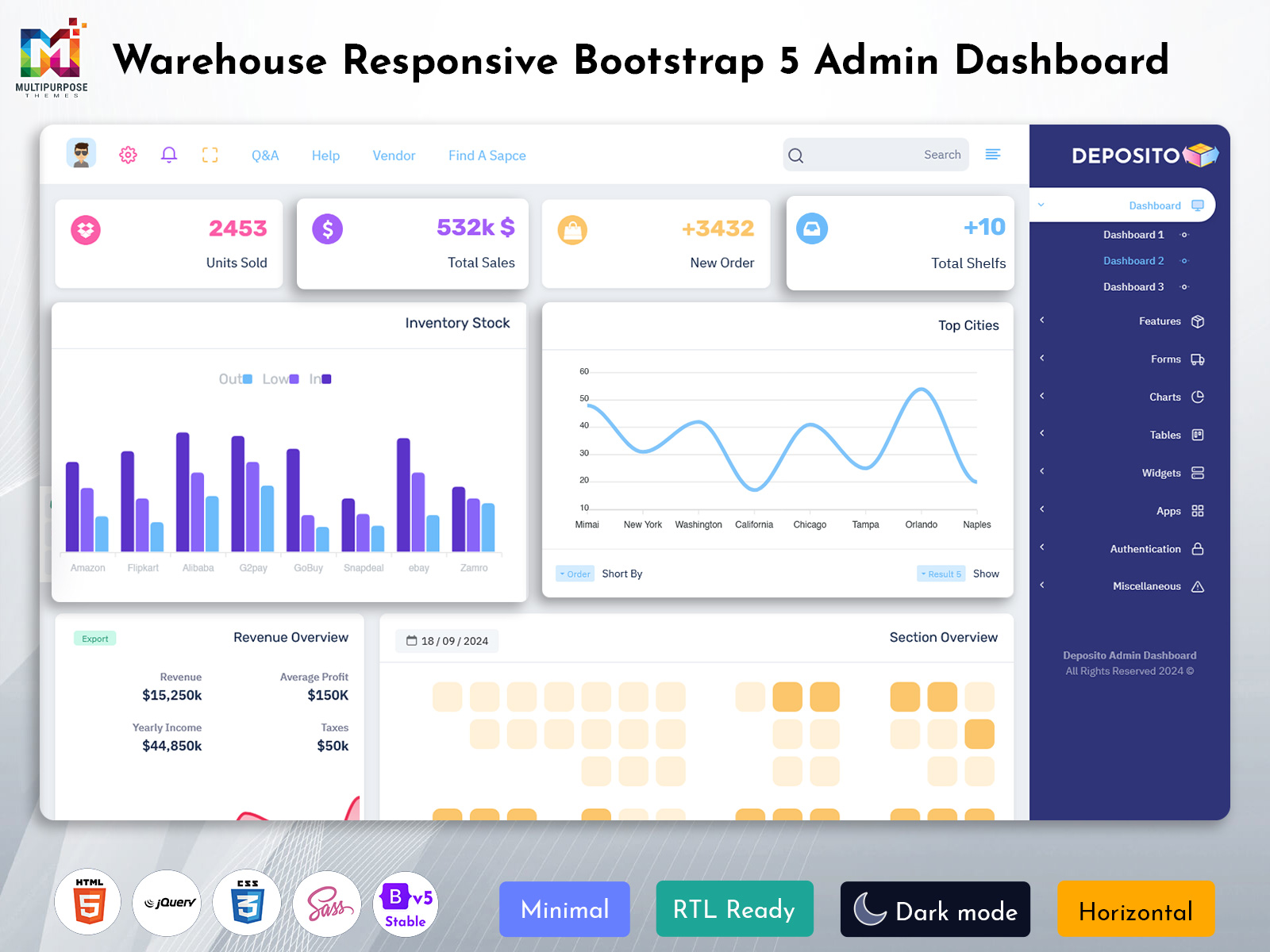
A Warehouse Dashboard is a centralized digital interface that helps businesses understand and manage different warehouse activities from one organized workspace. It brings useful operational information together so managers and teams can get a clearer picture of what is happening inside the warehouse without depending entirely on separate records, spreadsheets, or disconnected systems.
Watch Full Video
Modern warehouses handle a constant movement of goods. Products arrive, items are stored, materials are transferred, orders are prepared, and shipments leave the facility throughout the day. When these activities increase, it becomes difficult to understand the complete warehouse situation by checking individual records. A dashboard provides a more connected way to view this information.
A KPI Dashboard can become an important part of this environment because warehouse performance depends on more than the amount of stock available. Managers may also need to understand how efficiently work is moving, whether operational targets are being achieved, and where attention may be required. Presenting these measurements in one interface can make performance review more practical.
Why is a Warehouse Dashboard Important for Modern Warehouses?
Warehouse operations have become more connected to the wider supply chain. A delay in one part of the process can affect purchasing, production, order fulfillment, transportation, and customer service. Because of this connection, warehouse managers need more than basic stock records to understand how their facility is performing.
A Warehouse Dashboard provides a common management environment where operational information can be reviewed in context. It can help managers understand how different warehouse activities relate to each other and where a change in one area may influence another.
For example, an unexpected increase in incoming goods may require additional storage planning. Similarly, a change in order volume can place additional pressure on warehouse teams. When relevant information is easier to access, managers can respond to these situations with greater awareness rather than relying only on assumptions or delayed reports.
A Work Flow Dashboard can also help businesses understand the movement of work through different stages. This is particularly useful when several teams are involved in warehouse operations. Instead of looking at individual activities in isolation, managers can use a broader view to understand whether the overall process is moving as expected.
VIEW DEMO BUY NOW
How a Warehouse Dashboard Connects Inventory With Daily Operations
Inventory is one of the most important elements of warehouse management, but stock information alone does not always explain what is happening inside a facility. Managers also need to understand how goods are moving, where operational pressure exists, and how current activities affect the wider warehouse process.
An Inventory Dashboard can provide a dedicated view of inventory-related information while remaining connected to the broader warehouse environment. This gives users a more complete understanding of the relationship between available goods and ongoing warehouse activities.
An Inventory Management Dashboard can be especially useful when businesses handle a large number of products or multiple storage locations. Rather than depending on manually prepared information, managers can work with an organized interface that makes relevant inventory information easier to review.
Inventory Management Needs More Than Stock Counting
Inventory management is often associated with knowing how much stock is available, but effective warehouse administration involves much more than counting products. Businesses also need to understand how inventory is being used, how it moves through the facility, and whether current practices support the organization’s operational requirements.
An Inventory Management Dashboard can provide a structured environment for bringing these considerations together. It allows businesses to organize inventory-related information in a way that can support both routine monitoring and broader management decisions.
An Inventory Dashboard can also help reduce dependence on manually maintained information when warehouse activity becomes too large to track comfortably through basic records. A centralized digital interface can make information easier to review and share among authorized users.
The right approach depends on the business. A warehouse storing raw materials may have different inventory requirements from a distribution center handling finished consumer products. This is why dashboard design should be flexible enough to accommodate different inventory models.
When inventory information is presented with the right operational context, managers can gain a better understanding of what their warehouse needs rather than simply seeing isolated stock figures.
Features of Warehouse Dashboard
1. Centralized Warehouse Visibility
A Warehouse Dashboard brings important warehouse information into a single digital workspace, helping managers understand current operations without moving between multiple systems. Instead of reviewing separate records for different activities, users can work with connected information through one interface. This creates a clearer operational picture and makes routine warehouse supervision more organized.
2. KPI-Based Performance View
A KPI Dashboard can help warehouse managers focus on measurements that reflect the actual performance of their facility. By presenting selected indicators in an understandable format, it becomes easier to compare current performance with expected targets. This gives management a practical way to identify areas that may require attention without reviewing unnecessary information.
3. Inventory Information Management
An Inventory Dashboard provides a structured environment for reviewing important inventory information within the warehouse. It can help users understand the current condition of stored goods and follow changes that may affect daily operations. Keeping inventory information accessible through a central interface can make warehouse administration more consistent and easier to coordinate.
4. Workflow Monitoring
A Work Flow Dashboard can help managers understand how warehouse activities progress through different stages. Rather than viewing individual tasks separately, users can develop a broader understanding of the movement of work. This visibility can help teams investigate delays, identify operational pressure, and maintain a more organized approach to managing connected warehouse processes.
5. Inventory Control Support
An Inventory Management Dashboard gives businesses a dedicated environment for working with inventory-related information. It can support managers in maintaining better awareness of stock movement and warehouse requirements. When inventory information is presented in a logical structure, users can spend less time gathering records and more time reviewing situations that need operational attention.
6. Operational Data Organization
A Warehouse Dashboard can organize information from different warehouse activities into an interface that is easier to understand. This helps reduce the difficulty of working with scattered operational records and creates a common reference point for authorized users. Organized information can also support clearer communication between warehouse teams and management during daily operations.
7. Flexible Dashboard Structure
A warehouse management interface needs to accommodate different business models, facility sizes, and operational processes. A flexible KPI Dashboard structure allows businesses to focus on information that matters to their own objectives rather than following a fixed arrangement. This adaptability makes the dashboard more useful when warehouse requirements change or operations expand.
VIEW DEMO BUY NOW
Benefits of Warehouse Dashboard
1. Better Warehouse Visibility
A Warehouse Dashboard gives managers a centralized view of important warehouse activities, making it easier to understand the current operating situation. Instead of depending on scattered information, teams can review relevant data through one organized environment. This improved visibility can help managers notice changes earlier and give attention to areas requiring further review.
2. Improved Inventory Awareness
An Inventory Dashboard helps businesses maintain better awareness of their inventory position and related warehouse activity. Having relevant information available in a structured interface can reduce the effort involved in checking separate records. This allows warehouse teams to spend more time understanding inventory conditions and planning appropriate operational responses.
3. More Focused Performance Monitoring
A KPI Dashboard can help managers concentrate on measurements that are relevant to their warehouse objectives. Rather than reviewing every available data point, users can focus on selected performance indicators. This creates a clearer way to evaluate operational progress and identify situations where additional investigation or management attention may be necessary.
4. Smoother Workflow Management
A Work Flow Dashboard provides greater visibility into the movement of warehouse activities across connected stages. This can help managers understand where work is progressing normally and where operational pressure may be developing. Better workflow awareness supports more organized supervision and can help teams respond to process-related issues with greater clarity.
5. Easier Inventory Administration
An Inventory Management Dashboard creates a common environment for working with inventory information. This can simplify the process of reviewing warehouse records and understanding changes in stored goods. A centralized approach can also reduce repetitive information gathering, allowing employees to focus on the operational decisions that depend on accurate and timely inventory information.
6. Supports Faster Management Review
A warehouse dashboard can make management review more convenient by organizing important information in an accessible format. Managers do not always need to collect information manually before examining warehouse performance. With relevant information already arranged within the interface, they can begin reviewing operational conditions more efficiently and determine which areas deserve closer attention.
7. Helps Manage Growing Operations
As warehouses expand, their processes often become more complicated. A Warehouse Dashboard can provide a structured environment that grows with these requirements. Businesses can adjust the information and workflow presented through the system as their operations change, helping managers maintain visibility even when the facility handles more products, activities, and operational responsibilities.
Conclusion
A Warehouse Dashboard provides businesses with a centralized way to understand warehouse operations, organize information, and support everyday management. It can connect different areas of warehouse activity so that managers and teams have a clearer view of what is happening inside the facility.
A KPI Dashboard can help management focus on meaningful performance measurements, while an Inventory Dashboard can provide a more organized approach to reviewing inventory information. A Work Flow Dashboard adds another useful perspective by helping managers understand how warehouse activities move through different stages.
For businesses handling larger inventories, an Inventory Management Dashboard can also make inventory-related information easier to access and review. The exact structure should always be adapted to the organization’s workflow, warehouse size, products, and operational goals.
Frequently Asked Questions
1. What is a Warehouse Dashboard used for?
A Multi Purpose themes Warehouse Dashboard is used to bring important warehouse information into a centralized interface. It can help managers and authorized employees understand operational conditions, review inventory-related information, monitor selected performance indicators, and follow warehouse activities without depending entirely on separate records or manual reports.
2. How can a KPI Dashboard help warehouse managers?
A Multi Purpose themes KPI Dashboard can help warehouse managers focus on selected performance measurements that are relevant to their operational goals. Instead of reviewing large amounts of unrelated information, managers can use important indicators to understand performance trends, identify areas that may need attention, and support more structured operational reviews.
3. What is the difference between an Inventory Dashboard and an Inventory Management Dashboard?
A Multi Purpose themes Inventory Dashboard generally provides a visual environment for reviewing inventory-related information, while an Inventory Management Dashboard can be designed as a broader management workspace around inventory processes. The exact difference depends on how the software is developed and which inventory activities and workflows are included in the system.
4. Can a Warehouse Dashboard be customized for different industries?
Yes. Warehouse requirements can vary significantly between manufacturing, retail, distribution, pharmaceuticals, food businesses, and other industries. A dashboard can be customized according to the type of goods handled, warehouse processes, user responsibilities, operational measurements, and reporting requirements, making the interface more relevant to the organization’s actual working environment.
5. Why is workflow visibility important in warehouse management?
Warehouse activities are connected, so a delay or change in one stage can influence another. A Work Flow Dashboard can help managers understand how work is progressing through different stages. This broader visibility can make it easier to investigate operational pressure and understand where a process may require additional attention.
6. Can a warehouse dashboard help small businesses?
Yes. Small warehouses can also benefit from having an organized management interface. Even when operations are limited, a centralized Multi Purpose themes dashboard can create better visibility and reduce dependence on scattered records. As the business grows, the system can be expanded or customized to support additional inventory, employees, locations, and operational requirements.
7. Can MultiPurpose Themes be used for warehouse dashboard development?
Yes. Multi Purpose themes provides admin dashboard designs that can be used as a starting point for developing warehouse-related management interfaces. Developers can customize the structure according to the project’s requirements, including inventory processes, workflow visibility, performance information, user access, and the overall visual identity of the business.

Related Posts


This Post Has 0 Comments