

Educational institutions today require efficient digital solutions to manage academic activities, student records, faculty operations,…
Why LMS Dashboard 2026 is Changing Digital Learning Forever
Reading Time: 7 minutes
In today’s fast-moving digital world, education is no longer limited to classrooms and physical books. The way people learn has completely transformed, and online platforms are now at the center of modern education. Whether it’s schools, colleges, coaching institutes, or corporate training programs, everything is shifting toward digital learning systems. This is where an LMS Dashboard becomes an essential part of the ecosystem.
An LMS Dashboard is not just a tool; it acts as the brain of any learning platform. It helps administrators, teachers, and organizations manage courses, track student progress, and create a smooth learning experience. From handling Online Classes Dashboard systems to managing complex Elearning Dashboard data, everything becomes easier and more organized.
With the rise of the Education Dashboard and Onlinecourse Dashboard platforms, users now expect fast, clean, and easy-to-use interfaces. A well-designed Learning Dashboard improves productivity and helps both learners and educators stay on track. At the same time, using an LMS Admin Template can save time and reduce development effort, making it easier to launch powerful education platforms quickly.
As we move into 2026, the demand for smart, flexible, and scalable learning systems continues to grow. This article will help you understand what an LMS Dashboard is, why it matters, its key features, and who can benefit from using it.
Watch Full Video
What is LMS Dashboard
An LMS Dashboard is a centralized interface used to manage, monitor, and control an online learning system. LMS stands for Learning Management System, and the dashboard is the main control panel where all activities are tracked and managed. It acts as a bridge between administrators, instructors, and students.
In simple terms, a Learning Dashboard provides a clear overview of everything happening within an online learning platform. From course creation and student enrollment to performance tracking and reporting, all information is available in one place. This makes it easier for users to access data without confusion.
An Education Dashboard typically includes tools for managing courses, assigning lessons, tracking progress, and analyzing performance. It also allows teachers to upload study materials, conduct assessments, and interact with students. On the other hand, students can view their courses, check their progress, and participate in online classes.
An Onlinecourse Dashboard and Elearning Dashboard are often used by businesses and institutions to deliver structured learning programs. These dashboards are designed to handle multiple users, courses, and data efficiently. They ensure that the learning process remains smooth and well-organized.
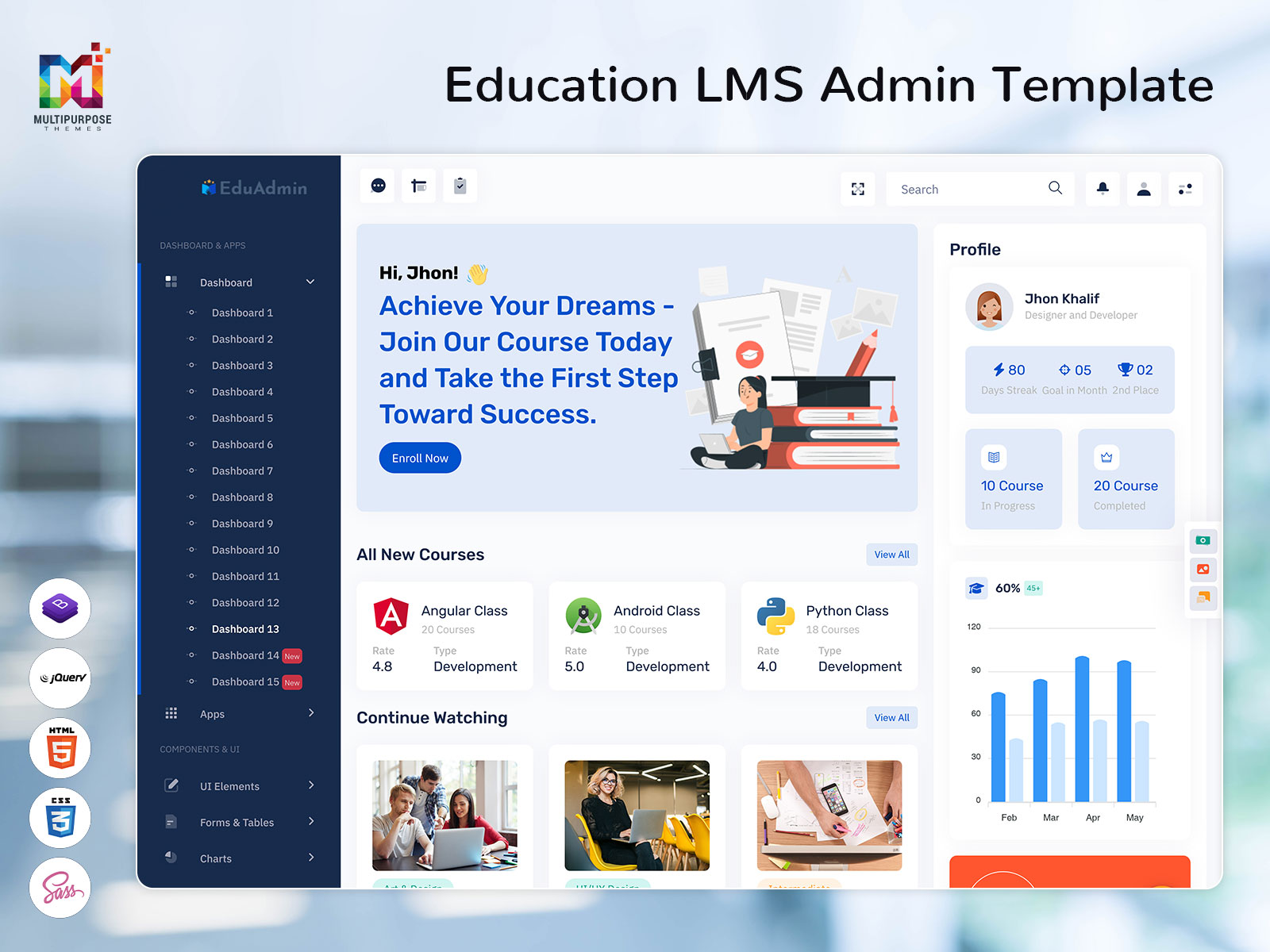
To make development easier, many companies use an LMS Admin Template. This pre-designed template helps developers build a professional dashboard quickly without starting from scratch. It includes ready-made components, layouts, and features that can be customized based on specific needs.
Explore Dashboard Design
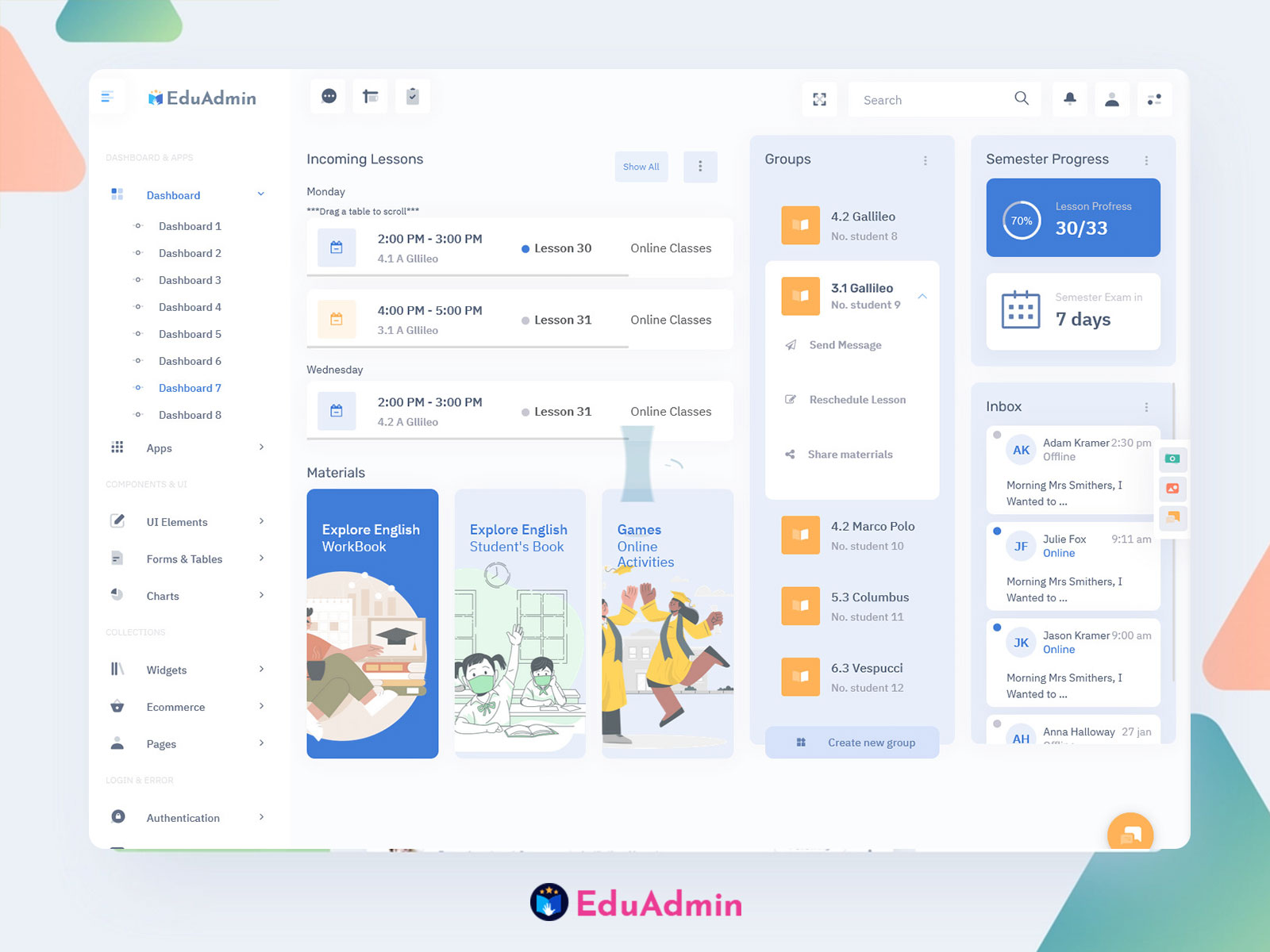
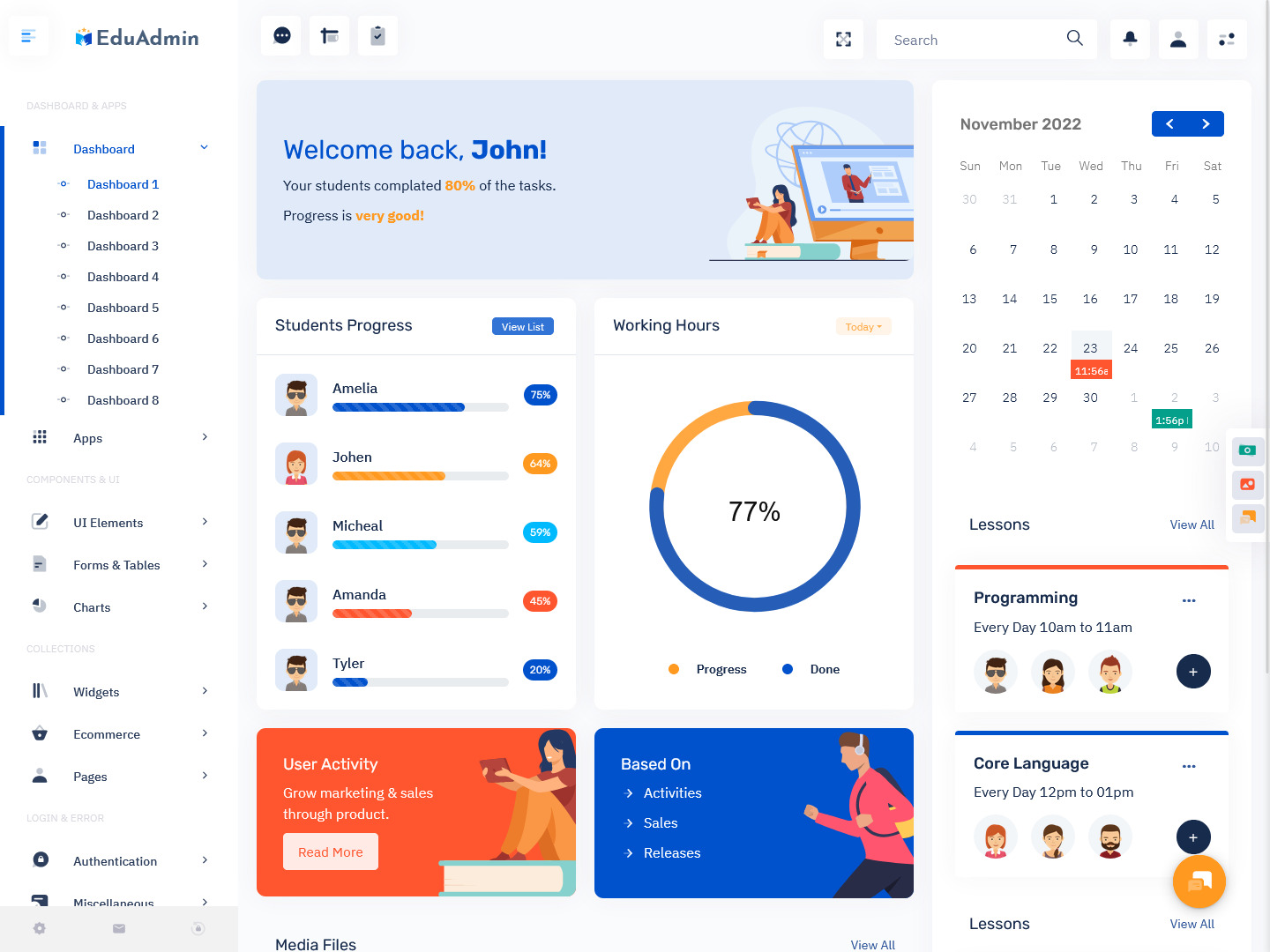
Dashboard: 1
BUY NOW DEMO
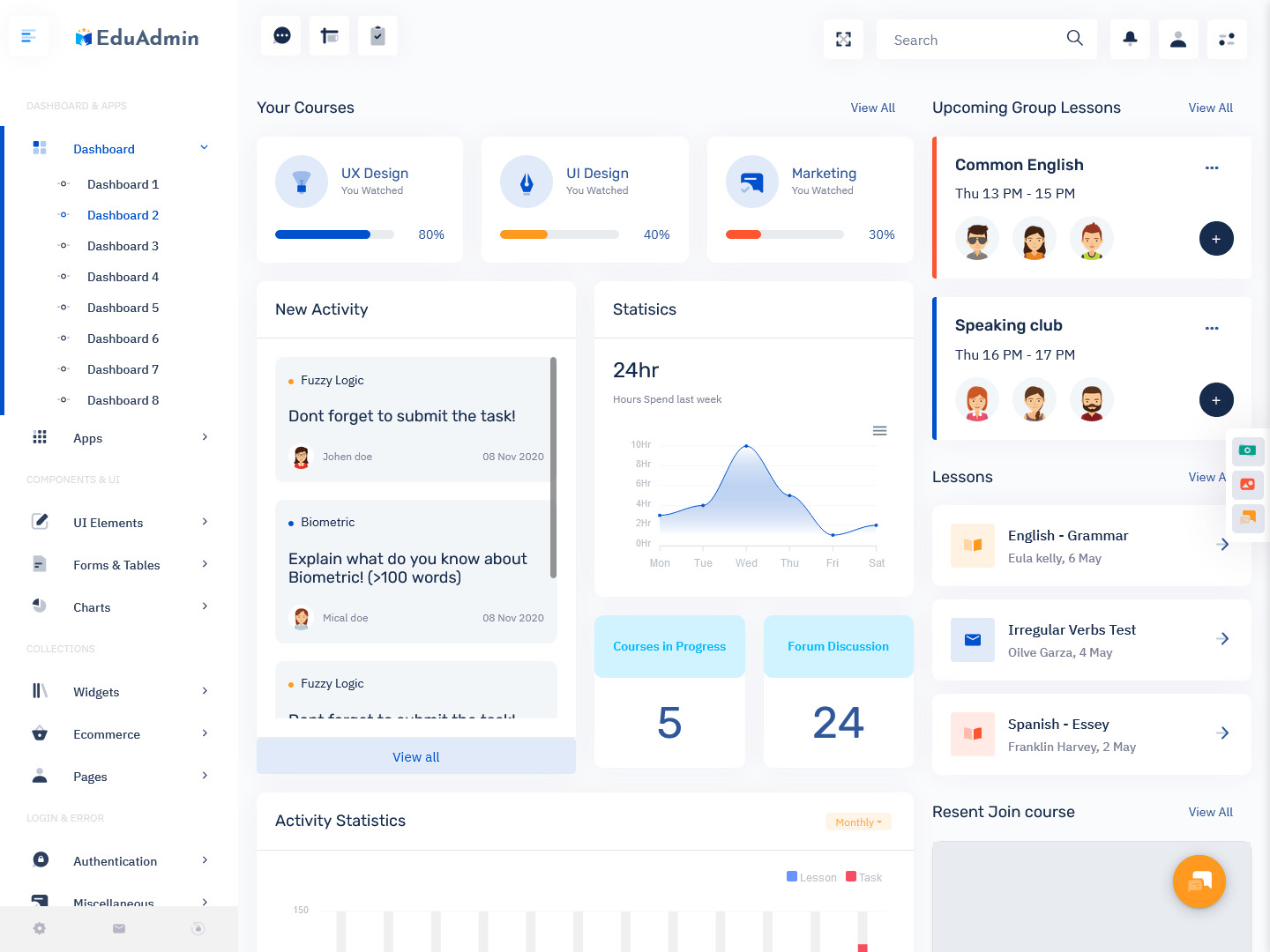
Dashboard: 2
BUY NOW DEMO
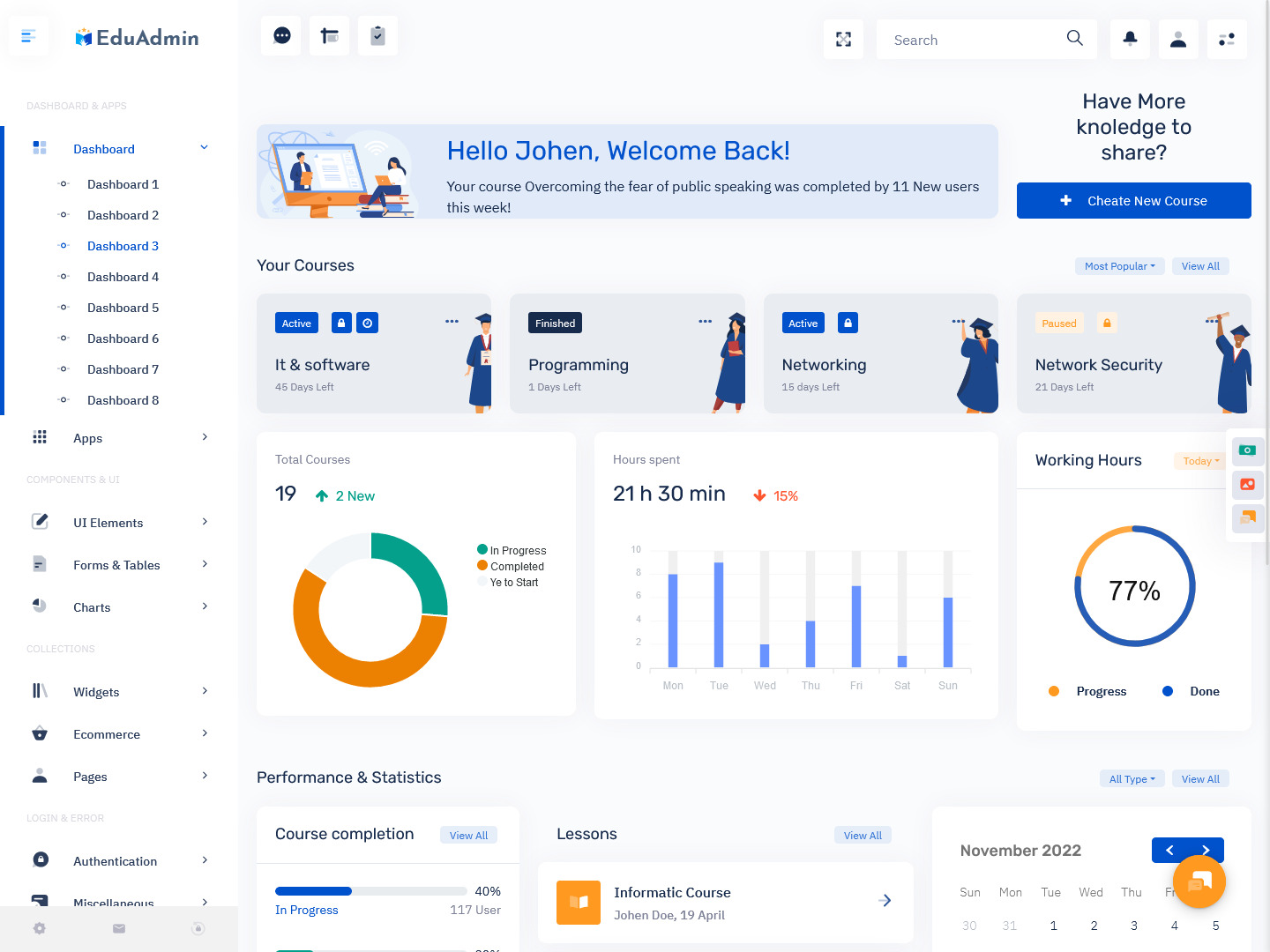
Dashboard: 3
BUY NOW DEMO
Dashboard: 4
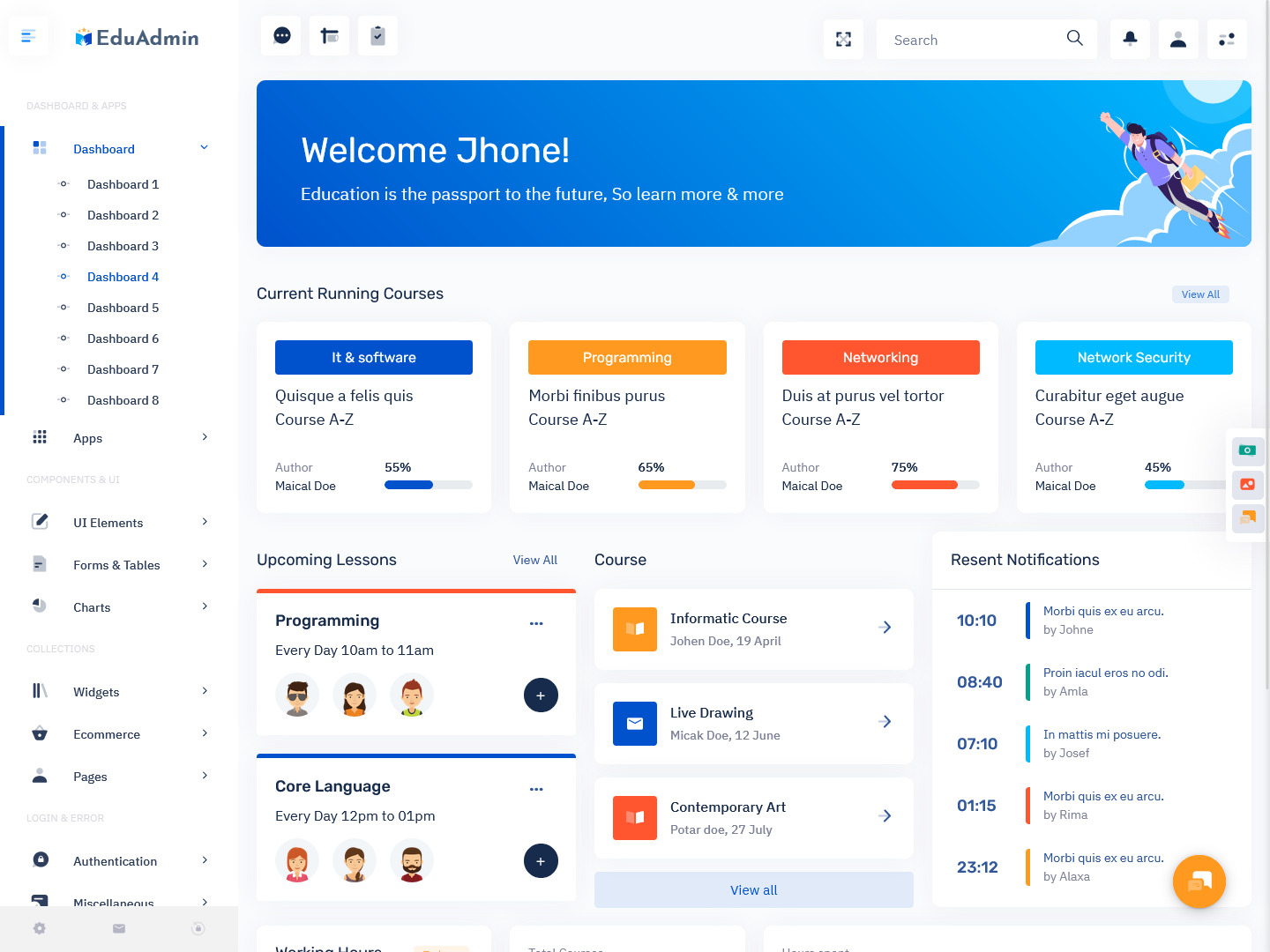
BUY NOW DEMO
Dashboard: 5
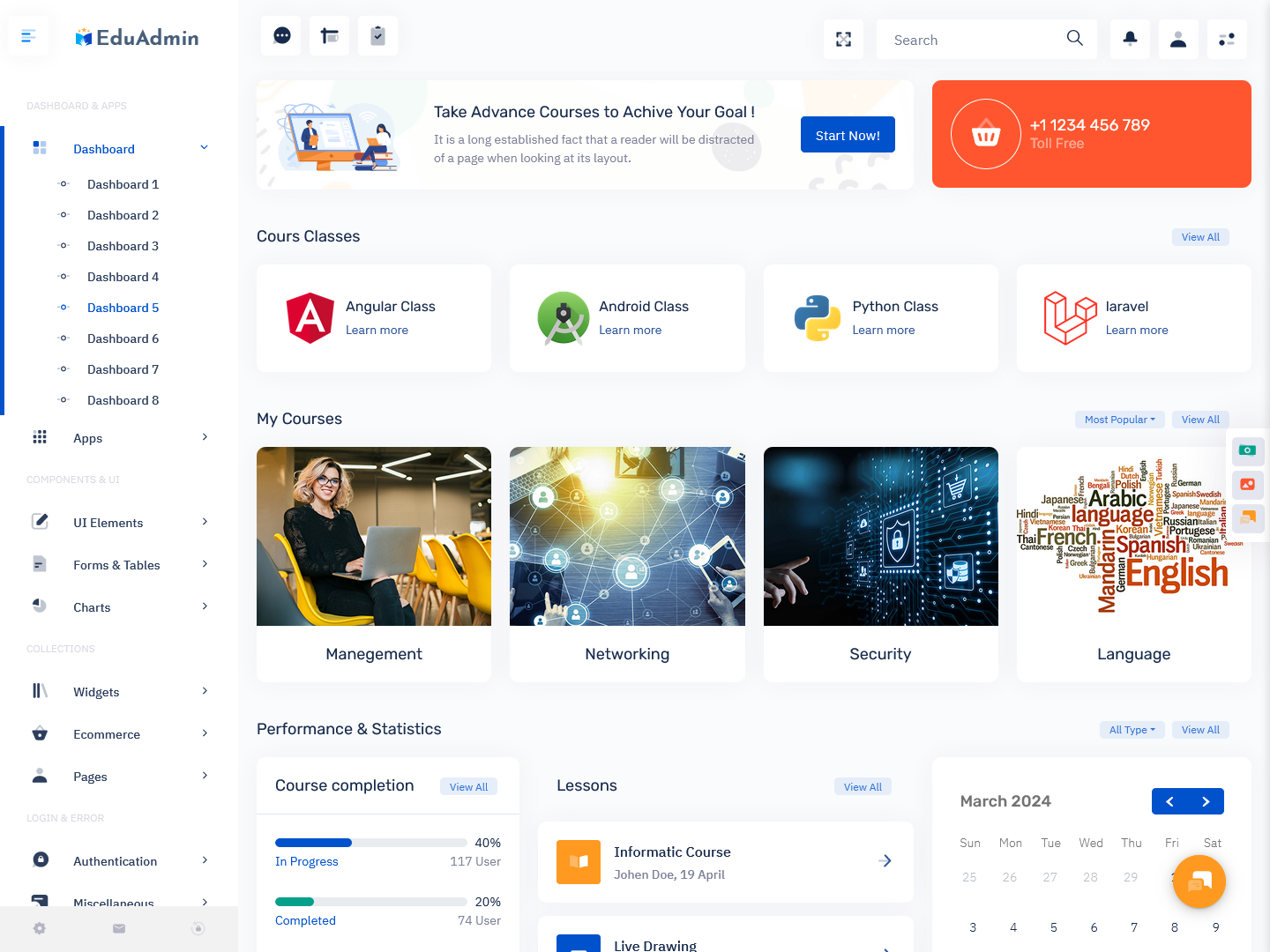
BUY NOW DEMO
Why LMS Dashboard is Most Important Tool in 2026 Web World
In 2026, digital learning is no longer optional—it has become a necessity. With the growth of remote work, online education, and skill-based learning platforms, the LMS Dashboard has become one of the most important tools in the web world.
One of the main reasons for its importance is accessibility. A Learning Dashboard allows users to access courses and data from anywhere at any time. This flexibility is crucial for students and professionals who want to learn at their own pace. The Online Classes Dashboard ensures that learning continues without interruptions, even in remote environments.
Another major factor is efficiency. Managing multiple courses, students, and instructors manually can be very difficult. An Education Dashboard automates these tasks, saving time and reducing errors. It provides real-time updates, making it easier to track performance and make quick decisions.
The rise of data-driven learning is also increasing the importance of the Elearning Dashboard. These dashboards provide insights into student behavior, course performance, and engagement levels. This helps educators improve their teaching methods and deliver better results.
Additionally, businesses are using Onlinecourse Dashboard systems for employee training and development. Companies now rely on digital platforms to upskill their workforce, making LMS solutions a critical part of corporate growth.
Using an LMS Admin Template further enhances efficiency by allowing developers to build and deploy dashboards quickly. Instead of spending months on development, teams can focus on improving user experience and adding advanced features.
Overall, the LMS Dashboard is shaping the future of education by making learning more flexible, efficient, and accessible.
Features of LMS Dashboard
User Management System
A strong LMS Dashboard includes a powerful user management system that allows administrators to control access and roles efficiently. This feature helps in managing students, instructors, and admins within the platform. Each user can be assigned specific permissions based on their role, ensuring smooth operation.
In an Education Dashboard, user management is essential for organizing large numbers of learners. It allows administrators to enroll students, assign instructors, and monitor activity. This becomes even more important in an Onlinecourse Dashboard where multiple courses and users are involved.
The system also helps in tracking login activity, managing profiles, and maintaining security. With an LMS Admin Template, this feature is often pre-built, making it easier to implement and customize.
Course Management
Course management is one of the core features of any Learning Dashboard. It allows administrators and instructors to create, update, and organize courses easily. This includes adding lessons, uploading materials, and setting course structures.
An Elearning Dashboard simplifies course management by providing tools to schedule classes, manage assignments, and conduct assessments. In an Online Classes Dashboard, this feature ensures that classes run smoothly and students receive all necessary resources.
With an LMS Admin Template, developers can quickly integrate course management tools without building everything from scratch. This saves time and ensures a professional setup.
Analytics and Reporting
Analytics is a key feature that makes an LMS Dashboard truly powerful. It provides detailed insights into student performance, course progress, and overall engagement. This helps educators make informed decisions and improve learning outcomes.
An Education Dashboard with strong analytics can show completion rates, test scores, and user activity. In an Onlinecourse Dashboard, these insights are valuable for understanding which courses are performing well.
The Elearning Dashboard uses data visualization tools like charts and graphs to present information clearly. This makes it easier for administrators to track progress and identify areas that need improvement.
Responsive Design
In today’s mobile-first world, having a responsive LMS Dashboard is very important. Users access learning platforms from different devices, including smartphones, tablets, and desktops. A responsive design ensures that the dashboard works smoothly on all screen sizes.
An Online Classes Dashboard with responsive design allows students to attend classes and access materials anytime, anywhere. This flexibility improves user experience and increases engagement.
Most modern LMS Admin Template options come with built-in responsive layouts. This helps developers create user-friendly dashboards without additional effort.
Content Management System
A content management system is another essential feature of a Learning Dashboard. It allows users to upload, organize, and manage educational content efficiently. This includes videos, documents, quizzes, and other learning materials.
In an Elearning Dashboard, content management plays a crucial role in delivering structured learning experiences. It ensures that students can easily access the resources they need.
An Education Dashboard with a strong content system helps instructors update materials regularly and keep courses relevant. With an LMS Admin Template, this feature is often included, making it easy to handle large amounts of content.
Who Can Use This Admin Dashboard
An LMS Dashboard is designed to be flexible and can be used by a wide range of users across different industries. It is not limited to schools or colleges; in fact, many sectors benefit from using a Learning Dashboard.
Educational institutions like schools, colleges, and universities use an Education Dashboard to manage students, courses, and faculty. It helps them digitize their learning systems and improve efficiency.
Coaching centers and online tutors rely on Online Classes Dashboard platforms to conduct live sessions and share study materials. This makes learning more interactive and accessible.
Businesses and corporate organizations use an Onlinecourse Dashboard for employee training and development. They can create custom courses and track employee progress through the Elearning Dashboard.
EdTech startups and developers use an LMS Admin Template to build scalable learning platforms quickly. This allows them to focus on innovation rather than starting from scratch.
Even individual instructors and content creators can use a Learning Dashboard to sell and manage their courses online. This opens up new opportunities for earning and sharing knowledge.
Conclusion
The LMS Dashboard has become a powerful and essential tool in the modern digital learning environment. It simplifies complex processes, improves efficiency, and enhances the overall learning experience for both educators and students.
With features like user management, course management, analytics, responsive design, and content management, a Learning Dashboard provides everything needed to run a successful online learning platform. The use of an LMS Admin Template further makes it easier to build and deploy these systems quickly.
As we move forward in 2026, the demand for Education Dashboard and Onlinecourse Dashboard solutions will continue to grow. Businesses, institutions, and individuals are all shifting toward digital learning, making LMS platforms more important than ever.
Investing in a well-designed Elearning Dashboard is not just a smart choice—it is a necessary step toward the future of education.
FAQs
1. What is an LMS Dashboard used for?
An LMS Dashboard is used to manage online learning systems, track student progress, organize courses, and monitor performance in a centralized and user-friendly interface.
2. Who can use an LMS Dashboard?
An LMS Dashboard can be used by schools, colleges, businesses, trainers, and individuals who want to manage and deliver online learning programs effectively.
3. What is the benefit of using an LMS Admin Template?
An LMS Admin Template helps developers build dashboards quickly with ready-made designs and features, saving time and reducing development effort.
4. Is an LMS Dashboard suitable for online classes?
Yes, an LMS Dashboard works perfectly as an Online Classes Dashboard, allowing teachers to conduct classes, share materials, and track student progress easily.
5. How does an Education Dashboard improve learning?
An Education Dashboard improves learning by organizing data, providing analytics, and making it easier for students and teachers to stay connected and informed.
6. Can businesses use an Onlinecourse Dashboard?
Yes, businesses use Onlinecourse Dashboard systems for employee training, skill development, and performance tracking in a structured way.
7. Why is analytics important in an Elearning Dashboard?
Analytics in an Elearning Dashboard helps track progress, measure performance, and improve course quality by providing valuable insights into user behavior and engagement.

Related Posts


This Post Has 0 Comments