

In today’s fast-moving digital landscape, data is one of the most valuable assets for any…
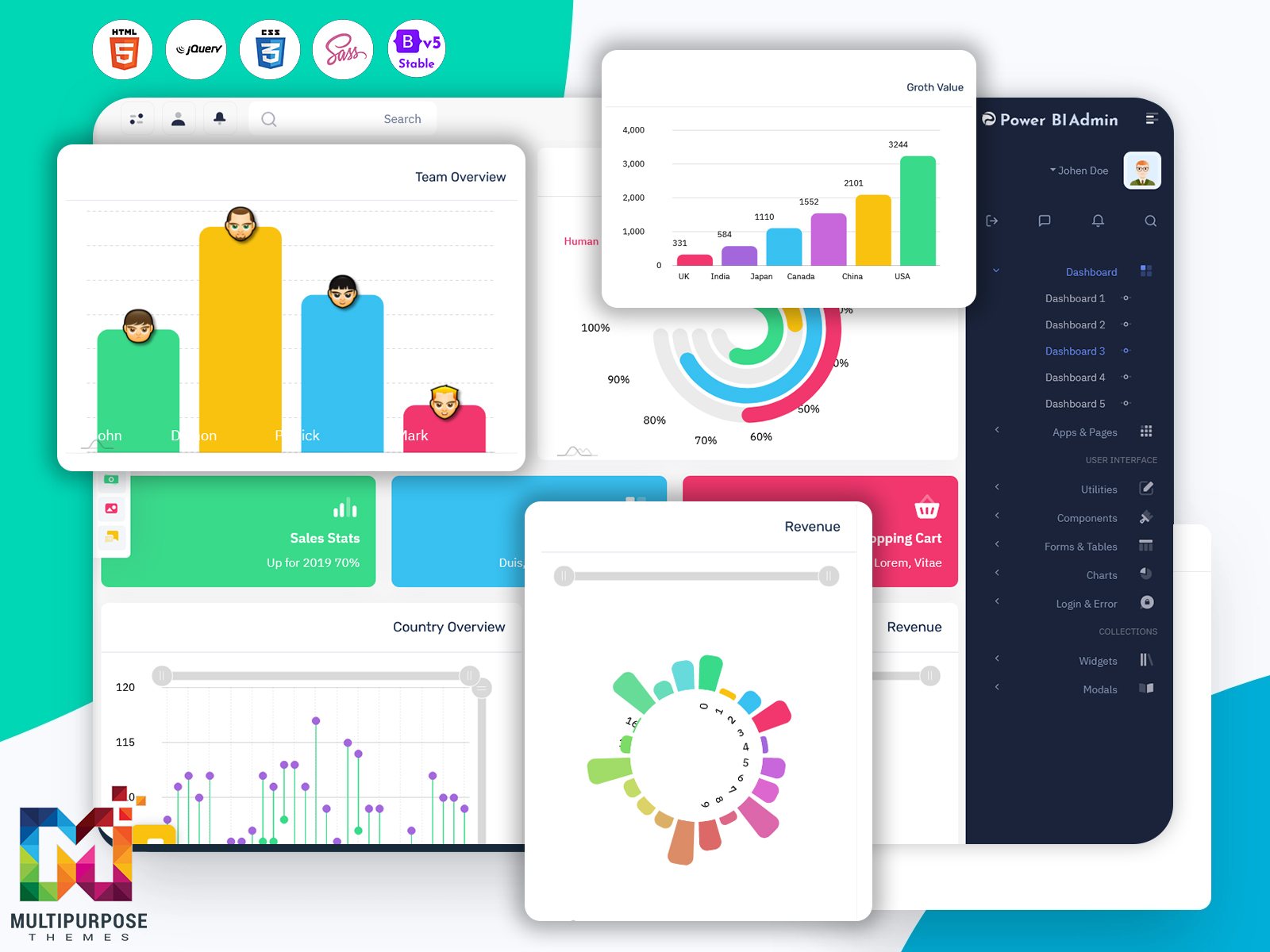
Power BI Admin Dashboard 2026 – Because Spreadsheets Needed an Upgrade
Reading Time: 7 minutes
Data has become one of the most valuable assets for modern businesses. Companies today rely on data to understand performance, track operations, and make informed decisions. However, raw data alone cannot provide useful insights unless it is organized and presented in a clear and meaningful way. This is where dashboards and analytics tools play a major role.
A well-designed Power BI Admin Dashboard helps businesses transform complex datasets into visual insights that are easier to understand and manage. With an intuitive interface and organized layout, administrators can monitor reports, manage users, and control data sources in a single environment. This type of dashboard helps teams focus on decision-making instead of spending time navigating complicated data structures.
The purpose of a Power BI Admin Panel is to provide a centralized place where administrators can manage data visualization systems and reporting tools. Instead of managing multiple tools separately, the admin panel brings everything together into one simple interface. This allows organizations to control reports, dashboards, and data access more efficiently.
A modern Power BI Dashboard also requires a clean and professional interface to make data easier to explore. This is where design frameworks become important. By using a modern Bootstrap UI Kit, developers can create responsive and visually appealing dashboards that work smoothly across devices. This approach improves both functionality and user experience.
In addition to design benefits, a well-structured Admin Panel improves workflow efficiency for businesses and development teams. It ensures that administrators can easily manage reports, track metrics, and monitor system activity without confusion. The goal is to create a powerful dashboard environment where data insights are always accessible.
In this article, we will explore the concept of a Power BI Admin Dashboard, understand how it works, and discuss why Bootstrap 5 is widely used for building modern admin dashboards. We will also examine who can benefit from using a Power BI Dashboard and the key advantages of using a professional Admin Panel for data management.
Watch Full Video of Dashboard
What is Power BI Admin Dashboard?
A Power BI Admin Dashboard is a centralized management interface used to monitor, control, and manage Power BI reports, datasets, and analytics tools. It acts as the administrative layer of a data visualization system, allowing administrators to oversee how data is displayed, shared, and used across an organization.
In simple terms, the Power BI Admin Panel works as the control center for managing dashboards and reports. It helps administrators manage data sources, configure access permissions, monitor system performance, and track the usage of reports. By having everything in one place, businesses can manage their analytics environment more efficiently.
The primary function of a Power BI Dashboard is to present data visually using charts, graphs, and other visual components. These visualizations allow users to quickly understand trends, patterns, and key performance indicators. However, behind every dashboard there must be a system that manages and organizes these reports. That system is handled through the Admin Panel.
A well-designed Power BI Admin Dashboard provides a structured environment where administrators can view system statistics, manage report access, and monitor how dashboards are used within the organization. It simplifies administrative tasks and ensures that important data is easily accessible.
Another important aspect of the Power BI Admin Panel is data control. Businesses often deal with large amounts of data coming from multiple sources such as databases, cloud services, and applications. The admin dashboard helps manage these data sources and ensures that reports remain accurate and updated.
User management is another essential feature of a Power BI Dashboard environment. Organizations often need to control who can access specific reports or datasets. Through the Admin Panel, administrators can manage user permissions and maintain data security across the system.
The visual design of the dashboard is equally important. A clean interface built with a modern Bootstrap UI Kit ensures that the system remains easy to navigate. When administrators can clearly see reports, charts, and data controls, they can manage analytics systems more efficiently.
Overall, a Power BI Admin Dashboard acts as the backbone of a data analytics platform. It organizes reports, manages data access, and provides a structured environment where businesses can monitor their performance through visual insights.
Why Bootstrap 5 is the Best Framework for Admin Dashboards?
When building modern dashboards, choosing the right development framework is essential. A strong front-end framework ensures that the dashboard remains responsive, visually consistent, and easy to customize. This is why many developers choose Bootstrap 5 when creating an Admin Panel or analytics dashboard.
Bootstrap 5 provides a flexible and powerful structure for building user interfaces. With its grid system and ready-made components, developers can create professional dashboards without spending excessive time on layout design. This makes it an excellent choice for building a Power BI Admin Dashboard.
One of the most important benefits of Bootstrap 5 is responsive design. Dashboards are often accessed on different devices such as desktops, laptops, tablets, and mobile phones. Using a Bootstrap UI Kit, developers can ensure that the Power BI Dashboard automatically adapts to different screen sizes without affecting usability.
Another advantage of Bootstrap 5 is its collection of UI components. Elements such as navigation menus, forms, cards, buttons, and modals are already available in the framework. These components help developers quickly create a structured Admin Panel without building every element from scratch.
Performance is another reason why Bootstrap 5 is widely used. The framework is optimized for modern web development and ensures fast loading and smooth interaction. When integrated into a Power BI Admin Panel, it helps maintain a responsive experience even when large amounts of data are displayed.
Customization is also an important factor. Every organization may require a different design style for its dashboard. A Bootstrap UI Kit allows developers to easily adjust layouts, colors, typography, and components to match the branding of the project.
Another benefit of Bootstrap 5 is its compatibility with modern browsers and development tools. This ensures that the Power BI Dashboard works consistently across various platforms and devices.
Because Bootstrap is widely used across the web development community, developers can easily find documentation, tutorials, and support resources. This makes it easier to develop and maintain an advanced Admin Panel without facing unnecessary technical challenges.
Overall, Bootstrap 5 provides the flexibility, performance, and design structure needed to build modern dashboards. It helps developers create professional interfaces for systems like the Power BI Admin Dashboard while keeping the development process efficient.
Who Can Use this Power BI Dashboard
A Power BI Admin Dashboard can be useful for a wide range of industries and professionals. Since data analytics has become an important part of decision-making, many organizations require tools that allow them to manage and visualize their data efficiently.
Business analysts are one of the primary users of a Power BI Dashboard. They rely on dashboards to monitor business performance, track metrics, and analyze trends. With a centralized Power BI Admin Panel, analysts can access reports quickly and ensure that data remains organized.
Data teams also benefit greatly from an organized Admin Panel. Data engineers and analysts often work with multiple datasets and reports. A well-designed Power BI Admin Dashboard helps them manage these resources and maintain accurate data visualization systems.
Companies that rely on data-driven decisions also find value in a professional Power BI Dashboard. Executives and managers often need quick insights into business performance. Dashboards help present complex information in a visual format that is easy to understand.
Software developers and product teams can also use this dashboard when building analytics platforms. By using a structured Bootstrap UI Kit, developers can integrate reporting systems into their applications while maintaining a consistent interface.
Startups and SaaS platforms can also benefit from a modern Power BI Admin Panel. Many online platforms rely on analytics to monitor user activity and product performance. A centralized Admin Panel helps them manage these analytics tools efficiently.
Educational institutions and training platforms may also use dashboards to monitor performance metrics and analyze student data. A structured Power BI Dashboard can help administrators understand trends and improve decision-making processes.
Because of its flexible design, this Admin Panel can be adapted for many different industries that rely on analytics and reporting.
Benefits of Using Our Power BI Dashboard
Using a ready-made Power BI Admin Dashboard provides several advantages for businesses and developers. Instead of building a dashboard from scratch, teams can start with a structured design that already includes essential components for managing data.
One major benefit is improved data visualization. A professional Power BI Dashboard organizes charts, graphs, and reports in a clear layout. This helps users quickly understand trends and insights without spending time analyzing raw data.
Another advantage is centralized management. The Power BI Admin Panel allows administrators to control reports, manage user access, and monitor system activity from a single interface. This improves workflow efficiency and reduces the complexity of managing analytics systems.
The use of a modern Bootstrap UI Kit also improves the visual experience of the dashboard. Clean layouts, responsive design, and structured components make the interface easier to navigate.
Another important benefit is scalability. As organizations grow and collect more data, the dashboard must handle larger datasets and more reports. A well-designed Admin Panel ensures that the system remains organized even as data volume increases.
Customization is also an important feature. Businesses often need dashboards that match their brand identity or workflow requirements. With a flexible Bootstrap UI Kit, developers can modify the design to meet these needs.
Another advantage is faster development. By starting with a ready-made Power BI Admin Dashboard, developers can focus on integrating analytics tools rather than building the entire interface from scratch.
Overall, using a professional Power BI Dashboard helps organizations manage their analytics systems more efficiently while providing a better user experience.
Conclusion
In today’s data-driven world, dashboards have become essential tools for understanding and managing information. Businesses rely on analytics platforms to track performance, analyze trends, and make strategic decisions.
A well-designed Power BI Admin Dashboard provides the structure needed to manage these analytics systems effectively. By organizing reports, datasets, and visualizations in one place, it allows administrators to monitor data and maintain control over reporting environments.
The use of modern design frameworks such as a Bootstrap UI Kit ensures that the Admin Panel remains responsive, customizable, and visually appealing. This combination of functionality and design makes it easier for organizations to manage complex analytics systems.
Whether used by analysts, developers, startups, or enterprises, a professional Power BI Dashboard helps transform data into actionable insights.
FAQs
What is a Power BI Admin Dashboard?
A Power BI Admin Dashboard is a management interface used to control and monitor Power BI reports, datasets, and analytics systems within an organization.
What is a Power BI Admin Panel?
A Power BI Admin Panel is the administrative section where administrators manage reports, data access, and dashboard configurations.
What is a Power BI Dashboard?
A Power BI Dashboard is a visual interface that displays data insights using charts, graphs, and reports to help users understand business performance.
Why use Bootstrap UI Kit for dashboards?
A Bootstrap UI Kit helps developers create responsive and structured interfaces quickly, making it ideal for building modern dashboards and admin panels.
Who can use a Power BI Dashboard?
Business analysts, developers, startups, enterprises, and data teams can use a Power BI Dashboard to analyze and manage business data effectively.

Related Posts
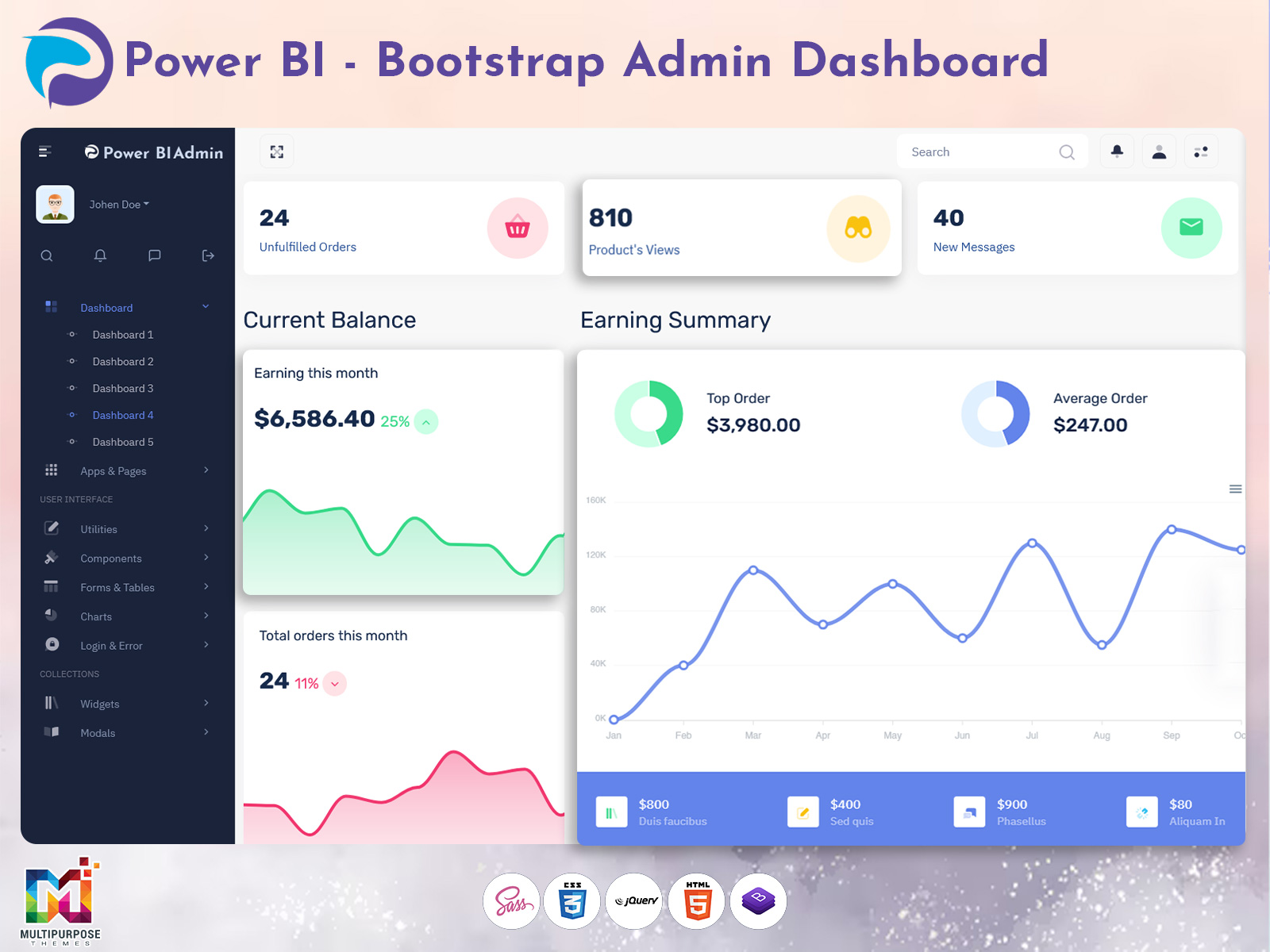
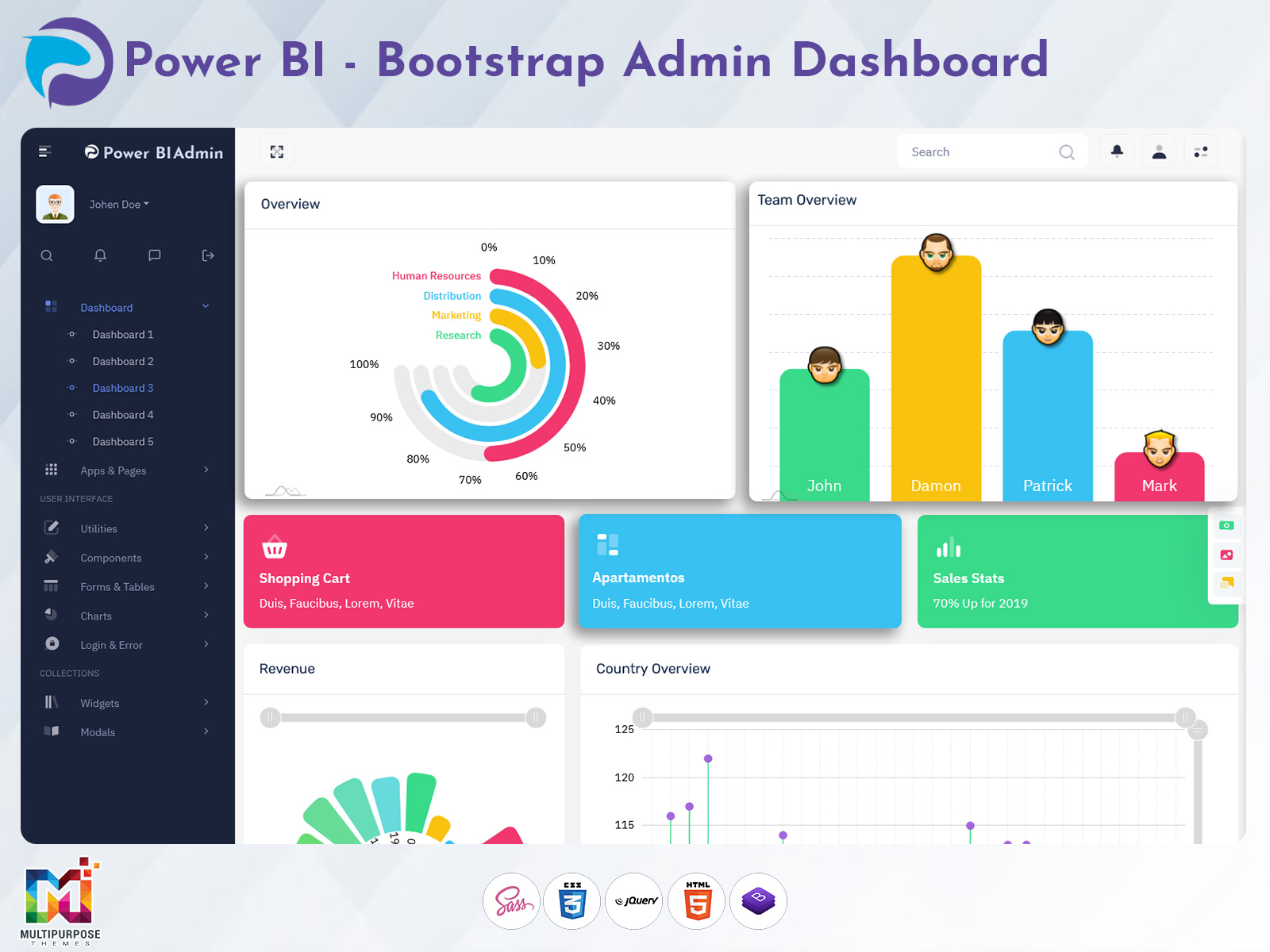
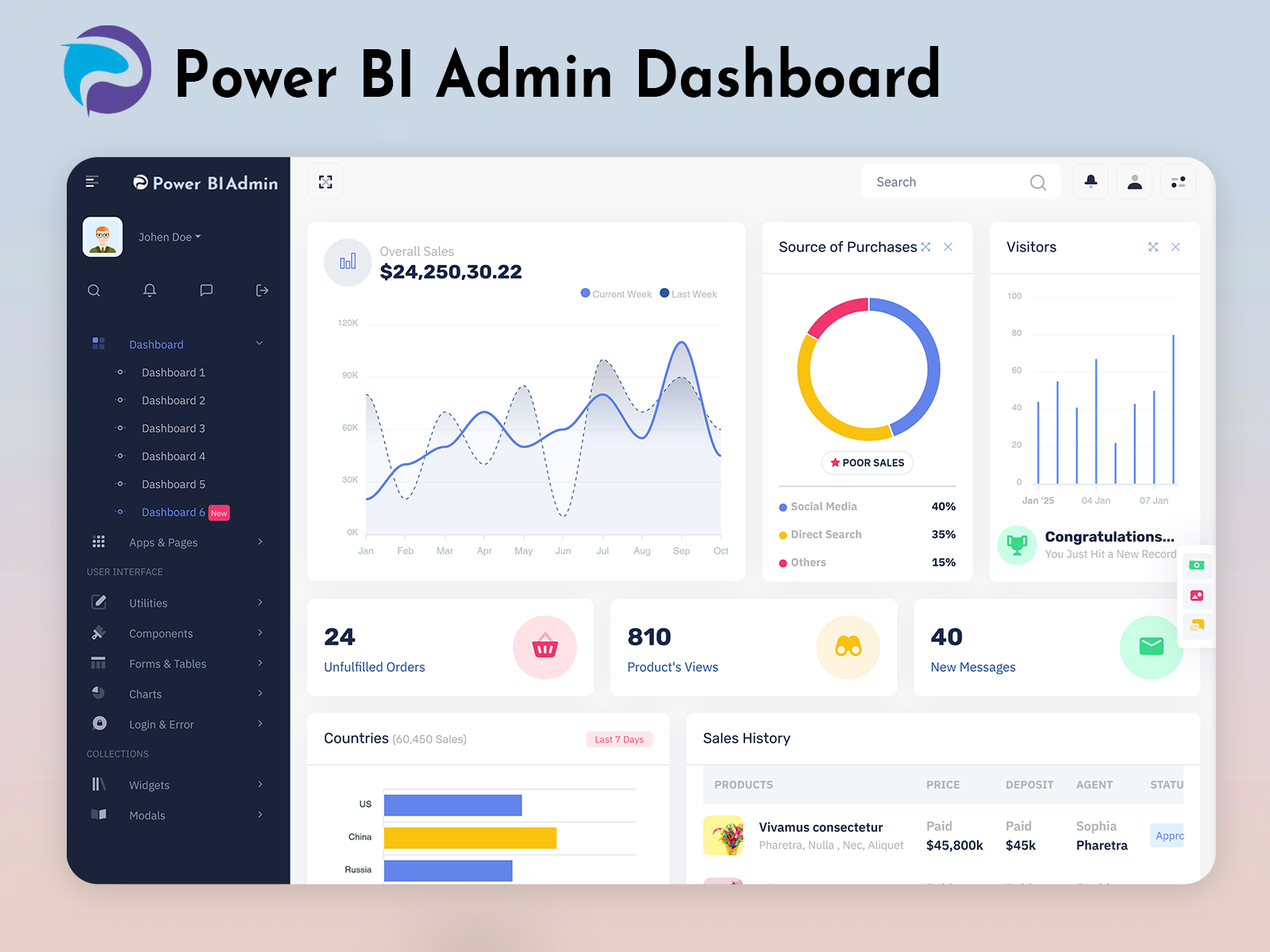


This Post Has 0 Comments