

Introduction to CRM Dashboard A CRM Dashboard is an essential part of modern business operations…
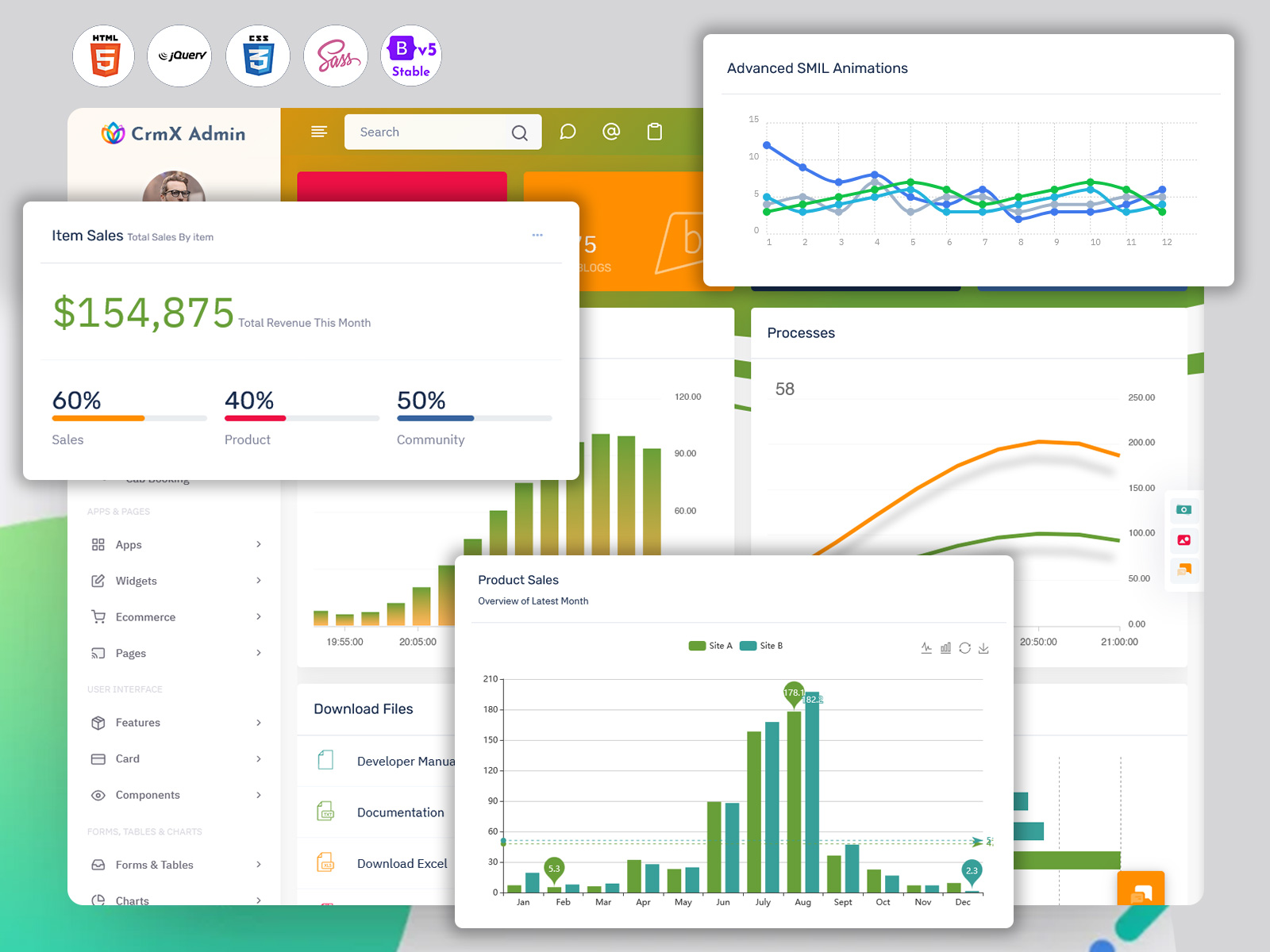
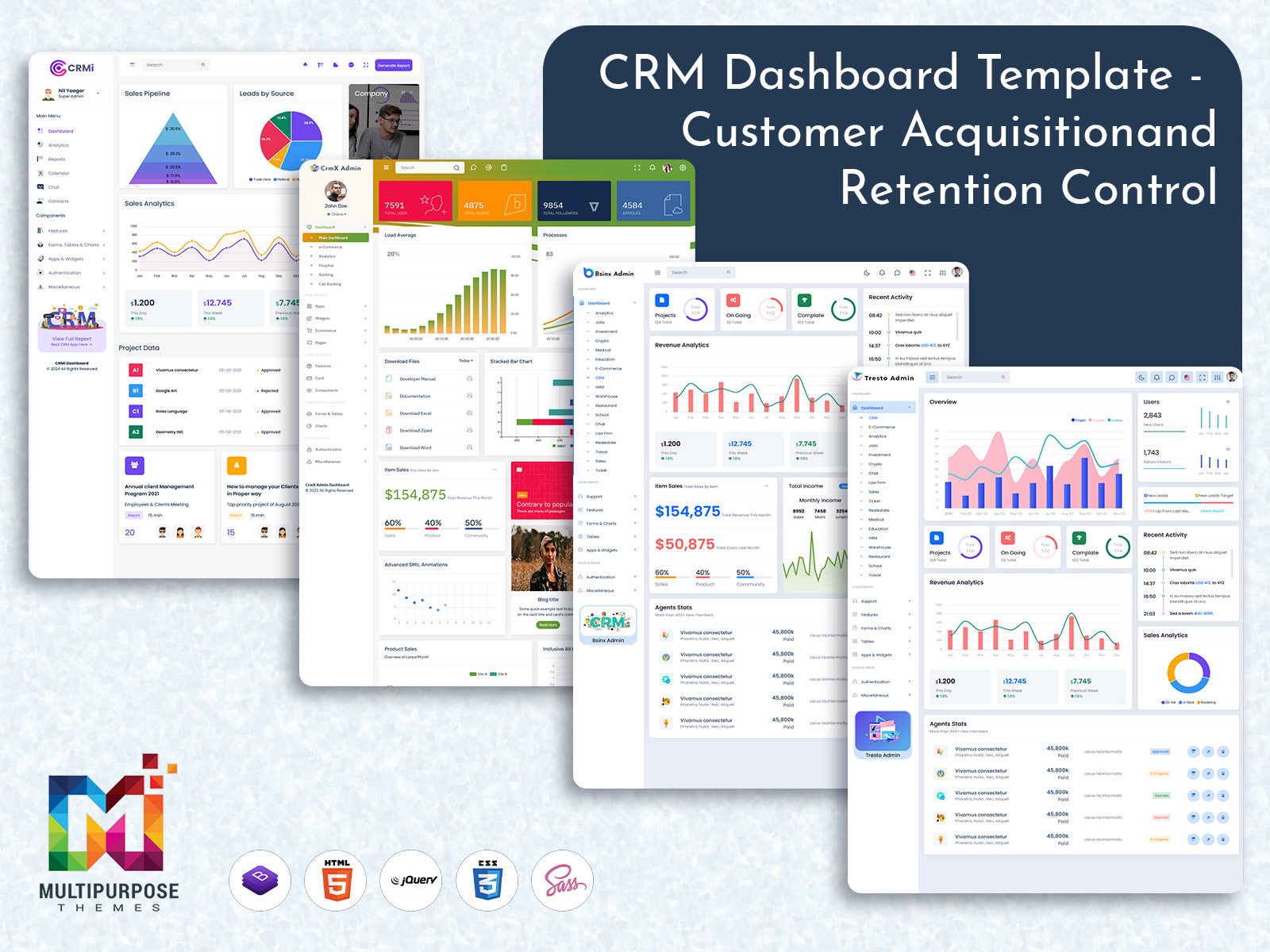
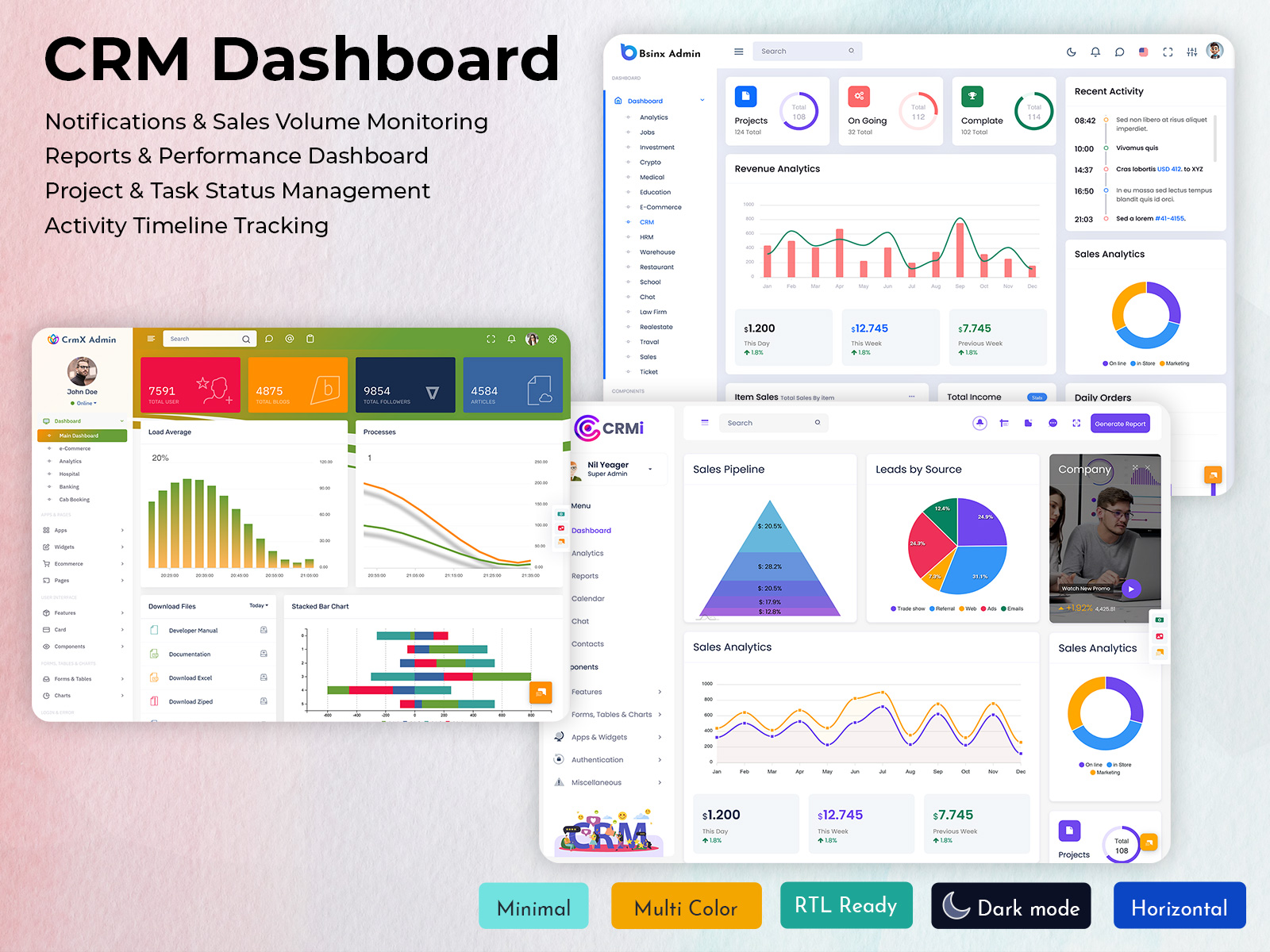
CRM Dashboard Using CRM UI Framework for Modern Applications
Reading Time: 3 minutes
In today’s competitive business environment, companies must manage customer relationships efficiently to stay ahead. Businesses interact with customers through multiple channels such as websites, emails, social media, and direct communication. Managing all this information without the right system can become complicated. This is where a CRM Dashboard plays an important role in simplifying customer relationship management.
A well-designed CRM Dashboard helps businesses organize customer data, monitor sales performance, and track team activities from a single interface. With the support of a powerful CRM UI Framework, companies can build intuitive and responsive dashboards that present data clearly. Modern businesses also rely on a CRM Admin Panel to control operations, manage leads, and analyze customer behavior effectively.
Many organizations use a Bootstrap 5 Admin Dashboard to create professional and responsive CRM interfaces. These dashboards not only improve data visualization but also help teams make better decisions by providing real-time insights. As businesses grow, having a reliable CRM dashboard becomes essential for maintaining strong customer relationships and improving operational efficiency.
Watch Full Video
Real-Time Customer Data Management
A major advantage of using a CRM Dashboard is the ability to access customer information instantly. Businesses can view customer profiles, past interactions, purchase history, and service requests all in one place.
With the help of a modern CRM UI Framework, this information is displayed in an organized and user-friendly interface. A well-structured CRM Admin Panel ensures that employees can quickly retrieve important data without searching through multiple systems. Many companies implement this functionality through a Bootstrap 5 Admin Dashboard, which offers responsive design and efficient data presentation.
Sales Monitoring and Performance Tracking
Tracking sales performance is crucial for business growth. A CRM Dashboard helps managers and sales teams monitor leads, opportunities, and deal progress in real time.
Using a powerful CRM Admin Panel, teams can analyze which strategies are working and which areas need improvement. The visual components available in a Bootstrap 5 Admin Dashboard, such as charts and graphs, help present sales data clearly. Combined with a flexible CRM UI Framework, businesses can customize dashboards to highlight important sales metrics.
Task and Activity Management
Businesses often handle multiple customer interactions every day. A CRM Dashboard helps teams manage tasks, follow-ups, and communication schedules efficiently.
Through the CRM Admin Panel, managers can assign responsibilities, monitor team progress, and ensure that no client inquiry is overlooked. The structured layout offered by a Bootstrap 5 Admin Dashboard makes it easy to organize tasks and deadlines. Additionally, the use of a reliable CRM UI Framework ensures that these features remain easy to navigate.
Data Visualization and Analytics
Understanding customer behavior requires clear insights and analytics. A CRM Dashboard provides visual reports that help businesses analyze trends, customer preferences, and engagement levels.
With advanced charting tools included in a Bootstrap 5 Admin Dashboard, data can be displayed through graphs, reports, and performance summaries. The flexibility of a CRM UI Framework allows companies to customize these visualizations based on their needs. A well-designed CRM Admin Panel ensures that decision-makers always have access to the latest business insights.
Customizable and Responsive Interface
Modern businesses require dashboards that work across different devices and adapt to changing requirements. A CRM Dashboard built using a Bootstrap 5 Admin Dashboard provides responsive design that works smoothly on desktops, tablets, and mobile devices.
Using a flexible CRM UI Framework, developers can customize layouts and features according to business needs. The CRM Admin Panel can also be adjusted to display specific metrics for different teams such as sales, marketing, or customer support. This customization ensures that every department gets relevant insights.
Conclusion
A CRM Dashboard is an essential tool for businesses that want to manage customer relationships efficiently. By combining customer data, sales tracking, and analytics in a single interface, companies can improve productivity and provide better customer service.
The integration of a modern CRM UI Framework, a structured CRM Admin Panel, and a responsive Bootstrap 5 Admin Dashboard helps create a powerful system that supports business growth. These technologies make it easier to visualize data, monitor performance, and organize daily operations.
As businesses continue to adopt digital tools, implementing an effective CRM dashboard will play a major role in improving customer engagement, strengthening relationships, and driving long-term success.

Related Posts


This Post Has 0 Comments