

Cybersecurity teams deal with information coming from different places—login activity, security alerts, network events, devices,…
Cybersecurity Analytics Dashboard for Security Risk Monitoring
Reading Time: 5 minutes
Overview
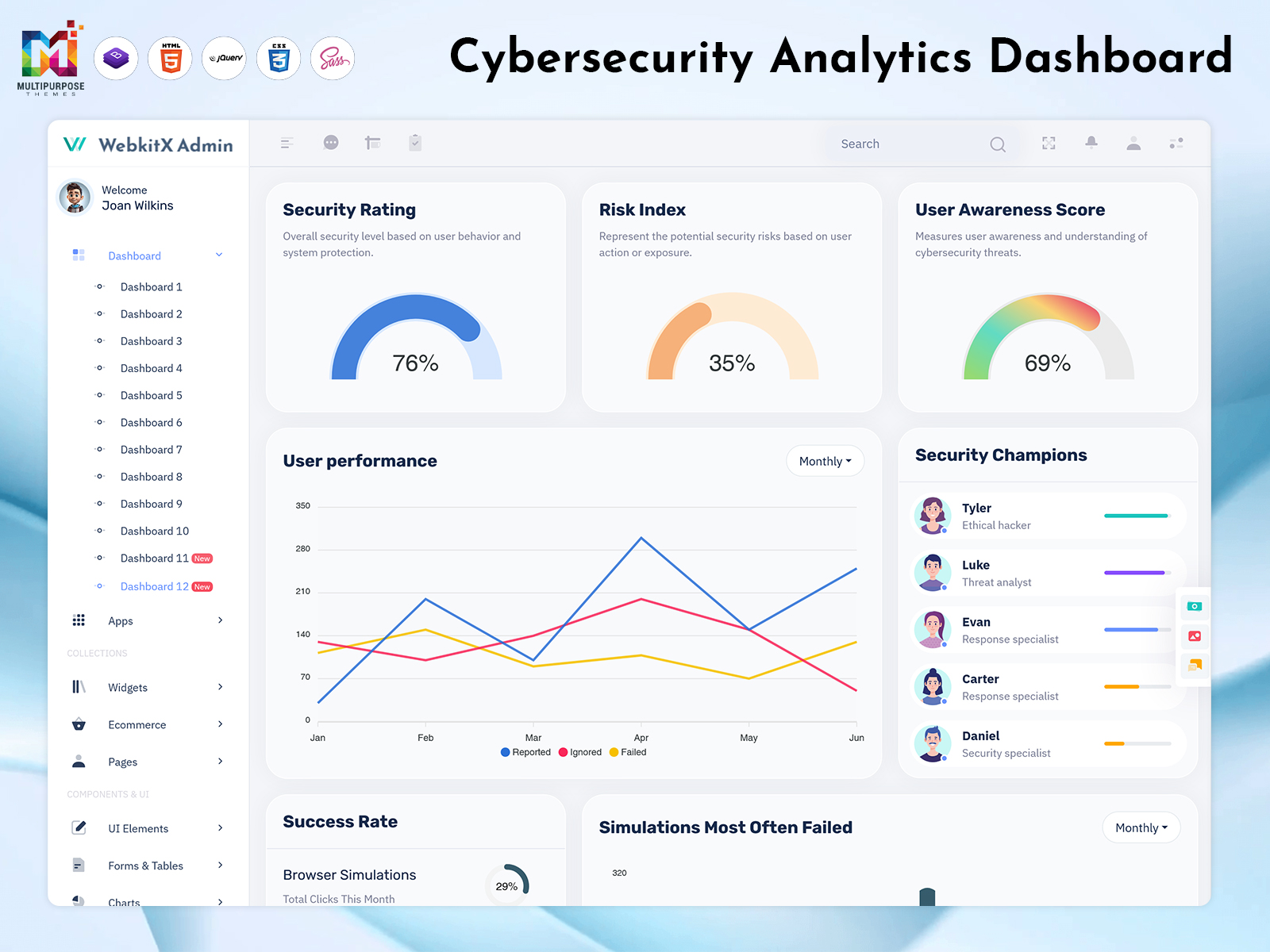
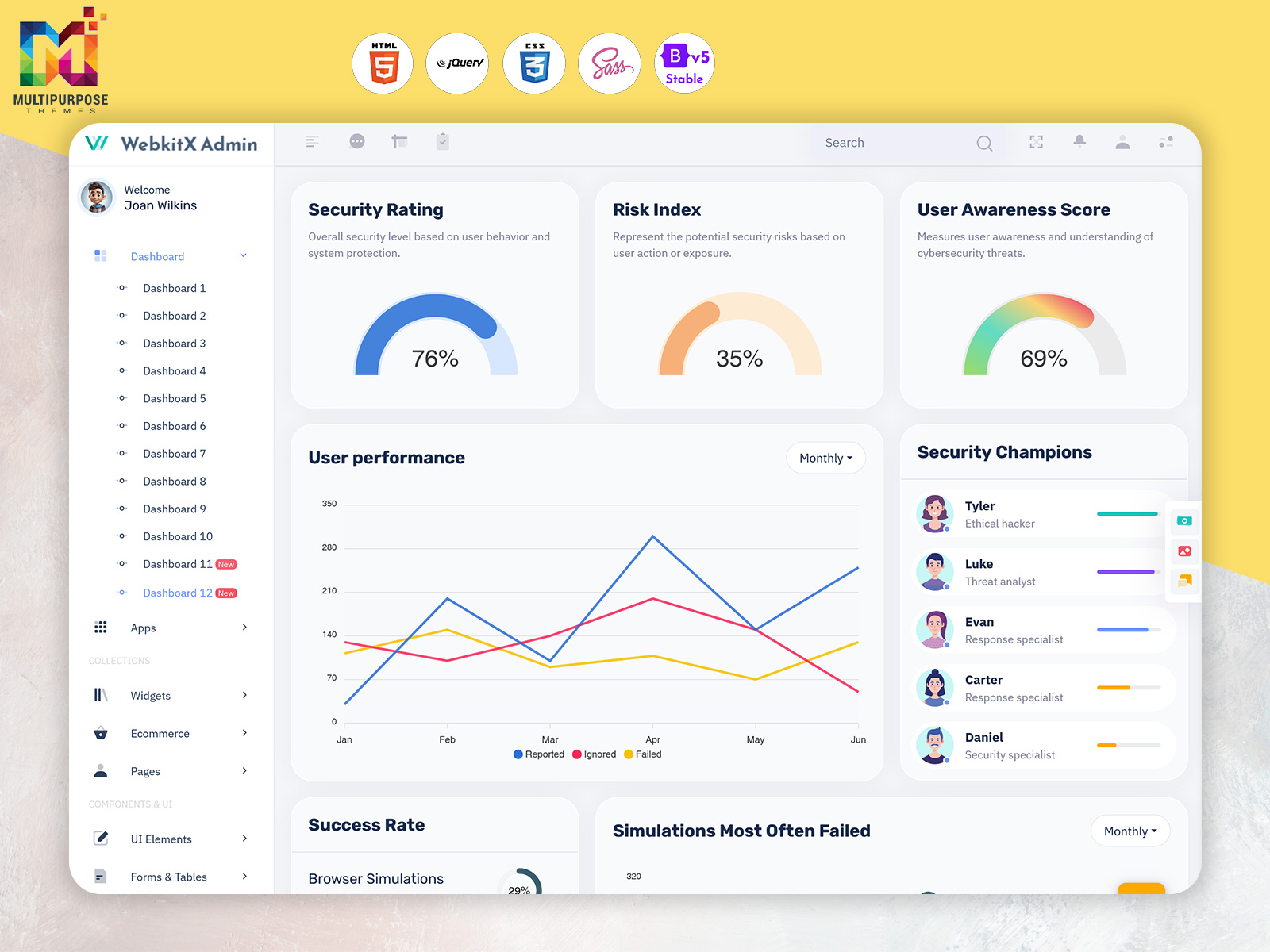
Cybersecurity is an important part of protecting business data, digital systems and online operations. As organizations use more applications, devices and connected services, keeping track of security risks can become challenging. A Cybersecurity Analytics Dashboard helps bring important security information together in one place, making it easier for teams to review activity, monitor risks and understand their security status.
Watch Full Video
Cybersecurity Analytics Dashboard
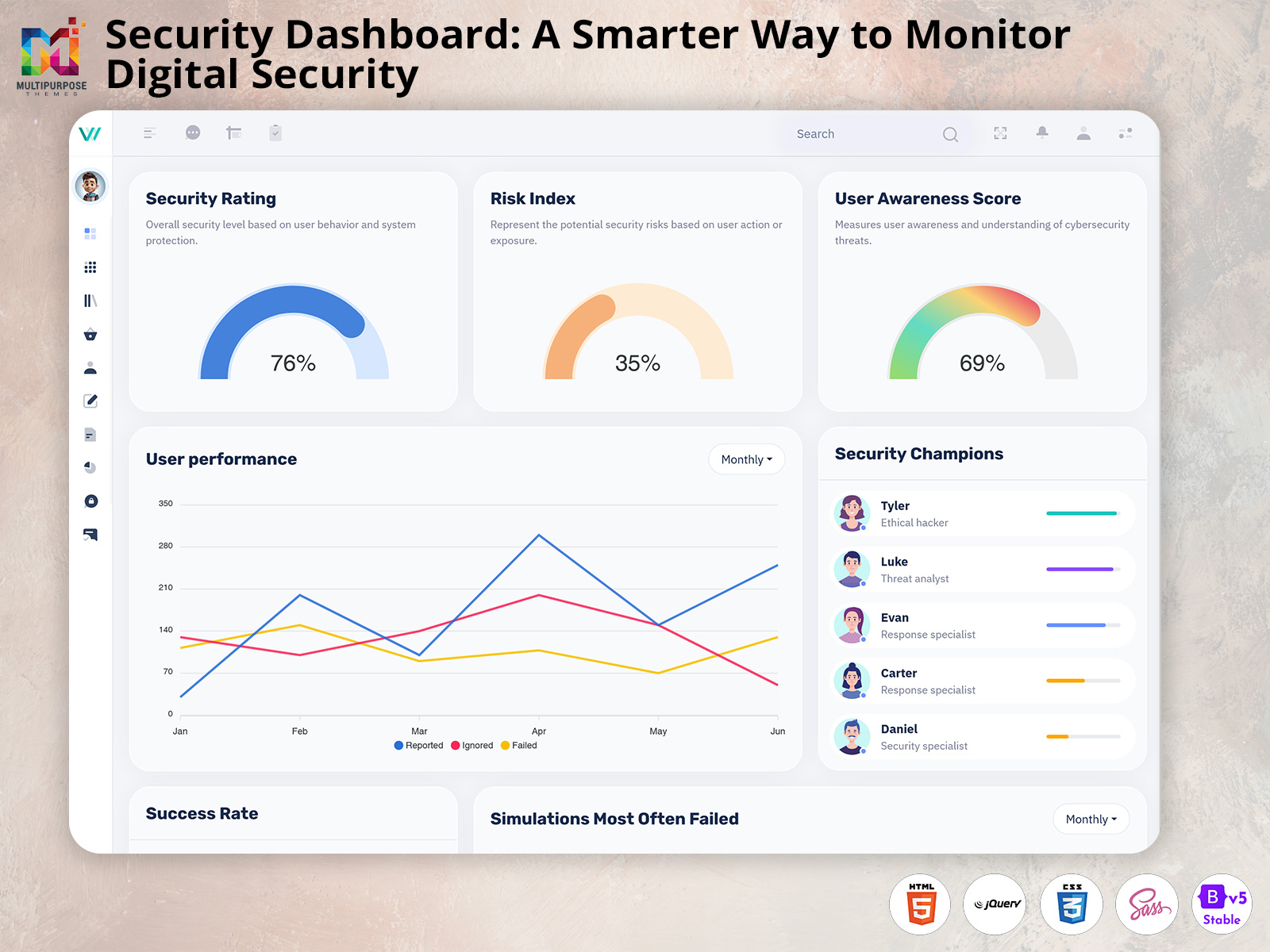
This dashboard will gather security data through metrics, trends and alerts.
Provide insight into security incidents, vulnerabilities, scores, awareness and performance.
Features
Security Monitoring
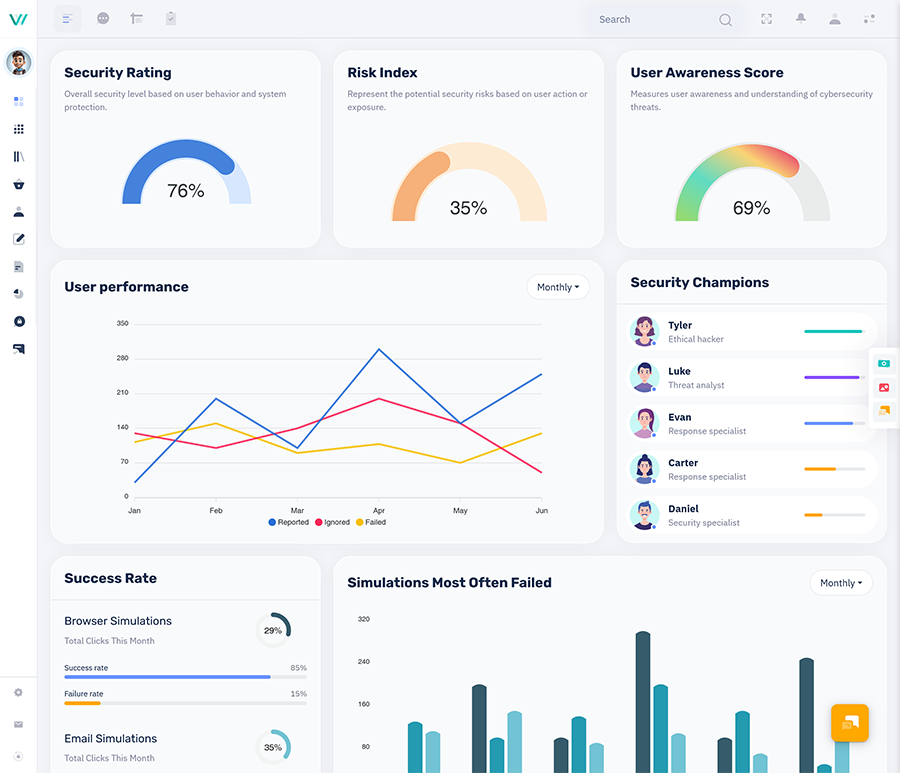
This dashboard provides monitoring of security incidents, alerts and activity to allow security teams to identify any issues.
Security Awareness
This dashboard provides insights into how security aware your employees are. It will show results from training and phishing simulations so that you can identify where training may be needed.
Security Rating
This dashboard provides security ratings based on your data to allow teams to see their performance.
Security Score
This dashboard provides insight into security performance.
Risk & Vulnerability Monitoring
This dashboard provides monitoring of any risks, vulnerabilities and remediation.
Visualisations
Data will be presented through charts, graphs and tables which will help identify trends.
Filter
This dashboard allows you to filter data based on date categories and severity to allow different teams to focus on what they need to.
Responsive
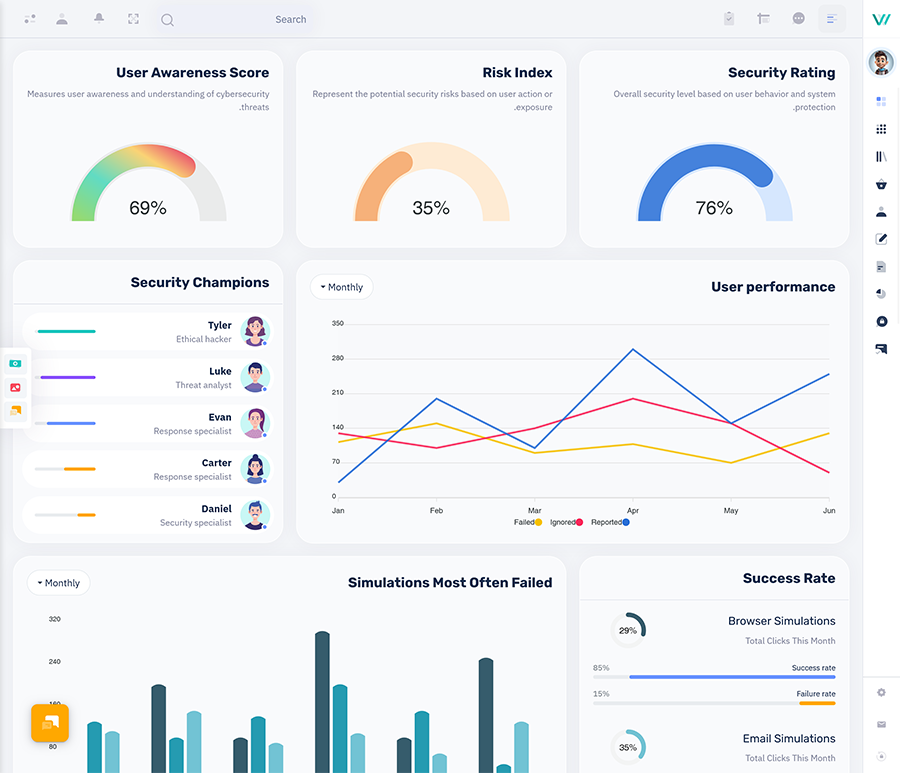
If this dashboard is made to be responsive, it will work across desktop, tablet and mobile.
VIEW DEMO BUY NOW
Metrics
Depending on your security goals you can track:
- Security Incident – How many incidents were reported.
- Vulnerability – How many vulnerabilities were found.
- Risk Score – Track risks based on categories.
- Security Awareness – How much training was completed.
- Phishing Simulation – How employees responded to phishing attacks.
- Alerts – Track any alerts that were resolved/escalated.
- Remediation – Track how many issues are being remediated.
Make sure your metrics are clearly defined and actually align with your security goals.
How a Cybersecurity Analytics Dashboard Works
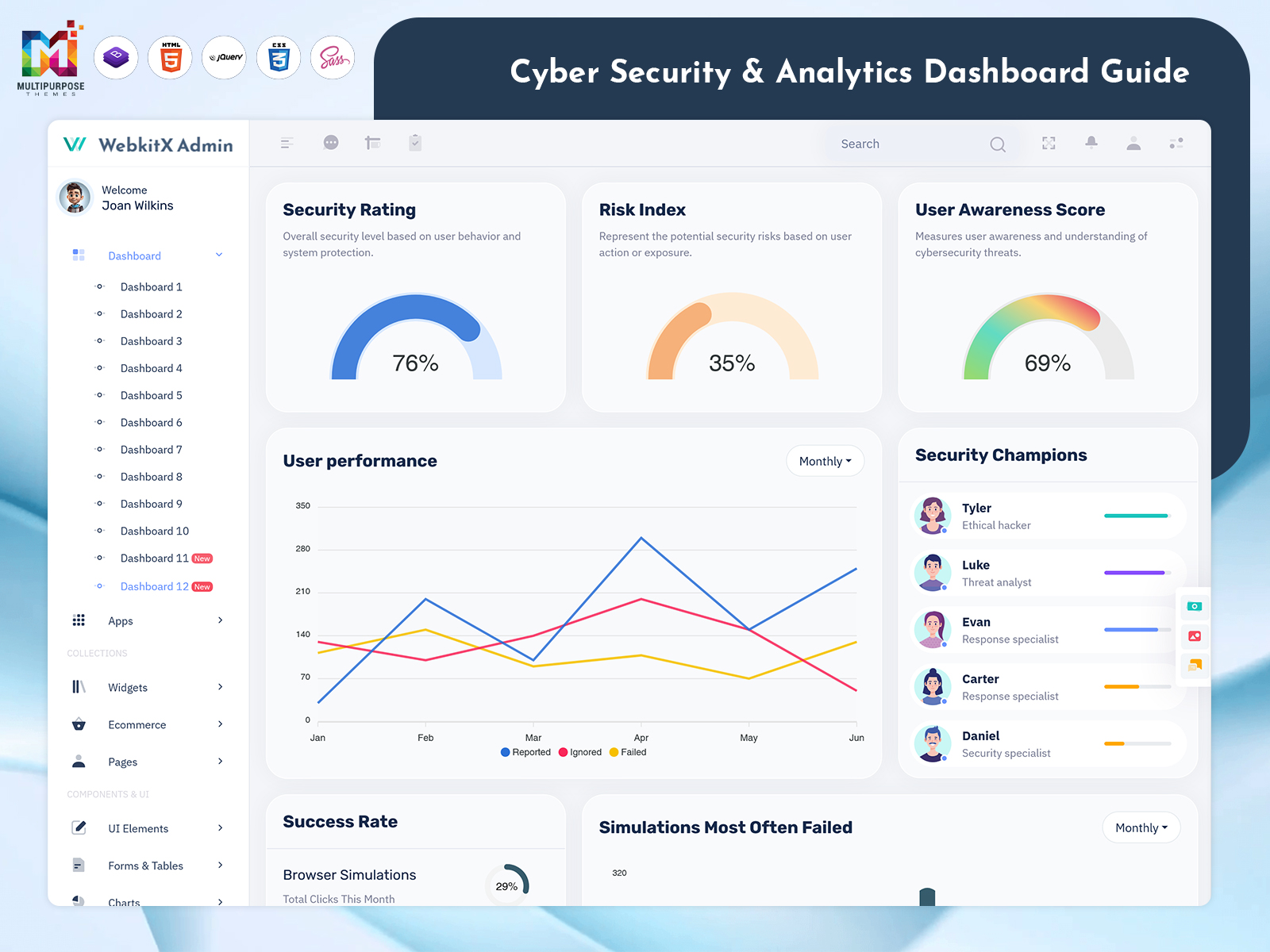
A Cybersecurity Analytics Dashboard collects security-related information from connected data sources and presents it in a structured interface. Depending on the implementation, data may come from security tools, monitoring systems, vulnerability scanners and awareness platforms.
The dashboard organizes this information into charts, tables, metrics and alerts. Security teams can use these views to review activity, investigate unusual patterns and understand which issues may require attention.
VIEW DEMO BUY NOW
Benefits
- All Security Data – This dashboard provides one place for all security data.
- Better Insights – Charts and graphs will provide security teams with the ability to identify trends.
- Prioritisation – Teams can prioritise issues based on the risk and vulnerability data.
- Better Awareness – The security awareness dashboard will show employees how they have performed on training.
- Better Reporting – Charts and reports can help provide better understanding of security data.
Who Can Use A Cybersecurity Analytics Dashboard?
- Security Teams – track alerts. Security Teams track risks. Security Teams track vulnerabilities. Security Teams track remediation.
- IT Administrators – View security data.
- Security Managers – Track security performance.
- Business Leaders – Get an overview of security metrics.
- Developers – Create security monitoring and analytics applications.
- Consultants & Agencies – Create dashboard solutions.
What To Include In A Cybersecurity Dashboard
This dashboard can include:
- Overview – Overview of security and metrics.
- Incidents – Information on incidents including status and severity.
- Vulnerabilities – Track vulnerabilities.
- Awareness – Track training and phishing results.
- Security Ratings – View security ratings.
- Security Score – Track security scores.
- Reports – View charts and analytics and download reports.
- Settings – Update dashboard settings.
Ensure that these sections are relevant to your users, data sources and security requirements.
Types of Cybersecurity Dashboard Views
Different dashboard views can help users focus on specific areas of security management.
Security Operations Dashboard
A security operations view focuses on incidents, alerts and ongoing investigations. It can help teams review the status and severity of reported issues.
Vulnerability Management Dashboard
A vulnerability management view presents discovered vulnerabilities, their severity, remediation status and related information. This can help teams organize remediation work.
Security Awareness Dashboard
A Security Awareness Dashboard presents employee training activity and phishing simulation results. It can help organizations identify areas where additional awareness training may be useful.
Security Rating Dashboard
A Security Rating Dashboard displays security ratings based on defined criteria and available data. Clear scoring definitions help users understand what each rating represents.
Security Score Dashboard
A Security Score Dashboard presents security scores and related metrics. Organizations should explain how scores are calculated so users can interpret them consistently.
Best Practice
- Easy to Read – Easy to read information.
- Highlight Key Data – Highlight key metrics.
- Easy to Understand – Charts and tables.
- Easy to Navigate – Different sections for functions.
- Consistent Scoring – Provide guidance on how scoring works.
- Filter – Allow filtering of data based on date, severity and category.
- User Specific – Display data based on user role.
- Secure – Ensure data is secure.
- Responsive – Dashboard works across all devices.
Choosing A Cybersecurity Dashboard Template
This template can help developers get started. Consider:
- Functionality – Charts, tables, cards and alerts.
- Customisable – Choose a customizable template.
- Responsive – Template must work across all devices.
- Reusable – Can components be reused?
- Compatibility – Must be compatible with your tech stack.
- Clean – Easy to manage and update.
This will help speed up development and provide additional features.
Data Sources and Integration Considerations
A cybersecurity dashboard is only as useful as the information available to it. Before implementation, identify the systems that will provide data and determine how that information will be collected and updated.
Potential data sources include:
- Security monitoring and alerting tools
- Vulnerability assessment systems
- Incident management platforms
- Employee training systems
- Phishing simulation tools
- Internal security reporting systems
When connecting data sources, consider data quality, update frequency, access permissions and compatibility with the dashboard’s technology stack.
Understanding Security Alerts and Incident Priorities
Security alerts can vary in severity and urgency. A dashboard can help teams organize alerts using categories such as severity, status, source and assigned team.
Useful alert information may include:
- Alert title and description
- Severity or priority
- Detection time
- Current status
- Assigned team or owner
- Related incident or vulnerability
- Resolution or escalation details
Consistent alert classification can make it easier for teams to review outstanding issues and coordinate follow-up.
VIEW DEMO BUY NOW
Conclusion
This dashboard will help organisations gather security data. With features such as monitoring, awareness, rating, scoring and reporting, you can provide insights into security.
This template will help developers get started creating bespoke security applications. Focus on your metrics. I want to remind you to keep your data secure.
I encourage you to build dashboards that keep track of your data.
I urge you to keep your data safe. Your monitoring reliable.
FAQs
1. What is a cybersecurity analytics dashboard?
A control panel that gathers security data, numbers and warnings in one location. It helps monitor dangers and makes it simpler to find them fast. A control panel that gathers security data, numbers and warnings in one location. It helps monitor dangers and makes it simpler to find them fast. This tool gives a view of what’s happening across systems so you can respond fast. It makes monitoring easier. Helps identify risks quickly.
2. What is a security awareness dashboard?
A Multipurpose Themes dashboard that shows how aware employees are regarding security. It will include training records and phishing simulation results.
3. What is a security rating dashboard?
A dashboard that provides security ratings based on gathered data to provide the organisation with an idea of how they are performing.
4. What is a security score dashboard?
A Multipurpose Themes dashboard that provides security scores and metrics to provide the organisation with an idea of how they are performing.
5. Who can use a cybersecurity analytics dashboard?
Security teams, IT administrators, security managers, business leaders, developers and consultants.
6. What can a cybersecurity analytics dashboard track?
Security incidents, vulnerabilities, risk scores, awareness training, phishing simulations, alerts and remediation.
7. Can a cybersecurity analytics dashboard be customized?
Yes, you can customize the layout, metrics, charts and sections.
8. What should I look for in a cybersecurity dashboard template?
Components, responsive, customizable, reusable, compatible and clean.

Related Posts

This Post Has 0 Comments