

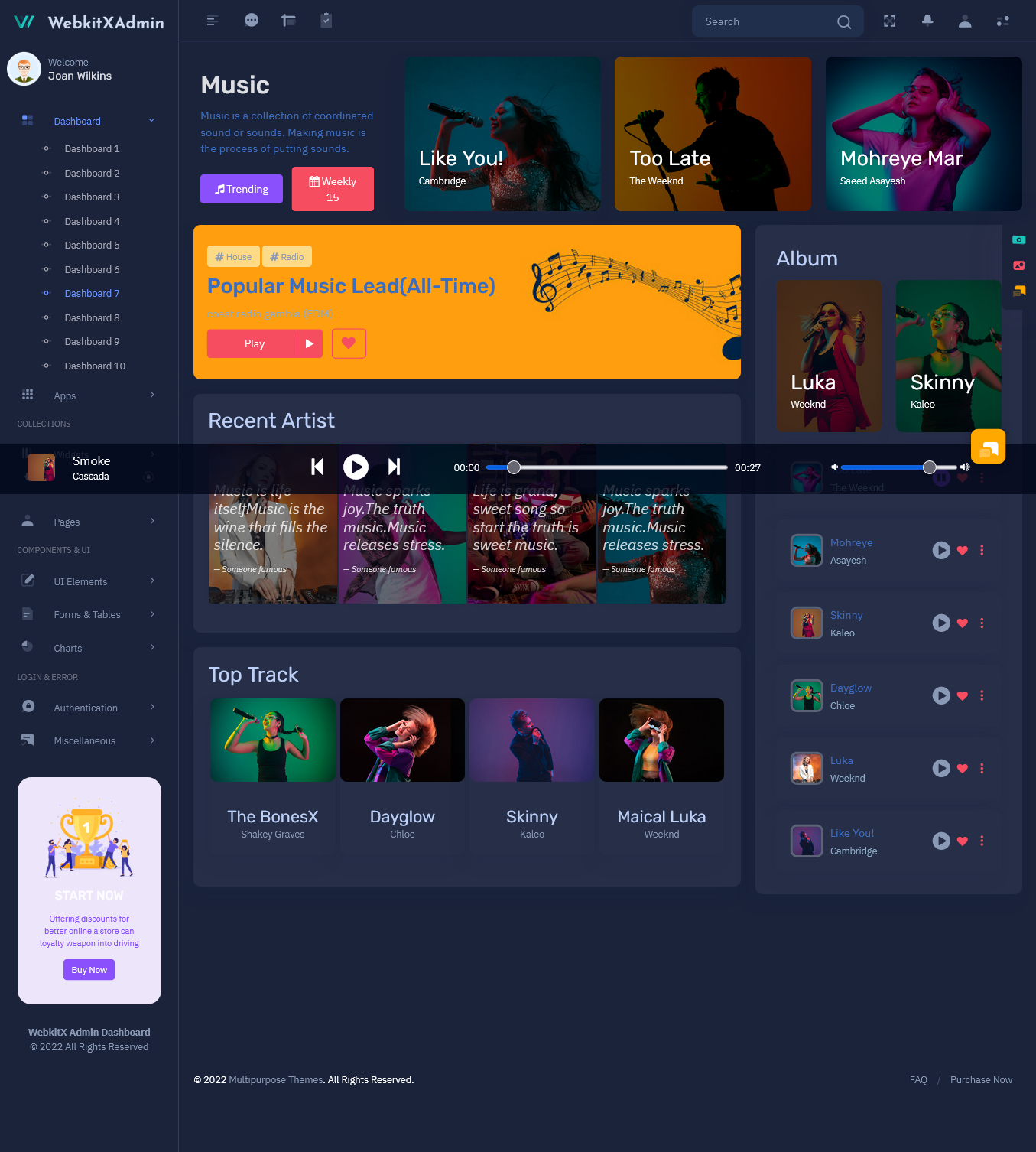
Digital music platforms can store a number of songs, albums, artists, playlists and records of…

Audio Player Dashboard for Music Apps & Artists
Reading Time: 5 minutes
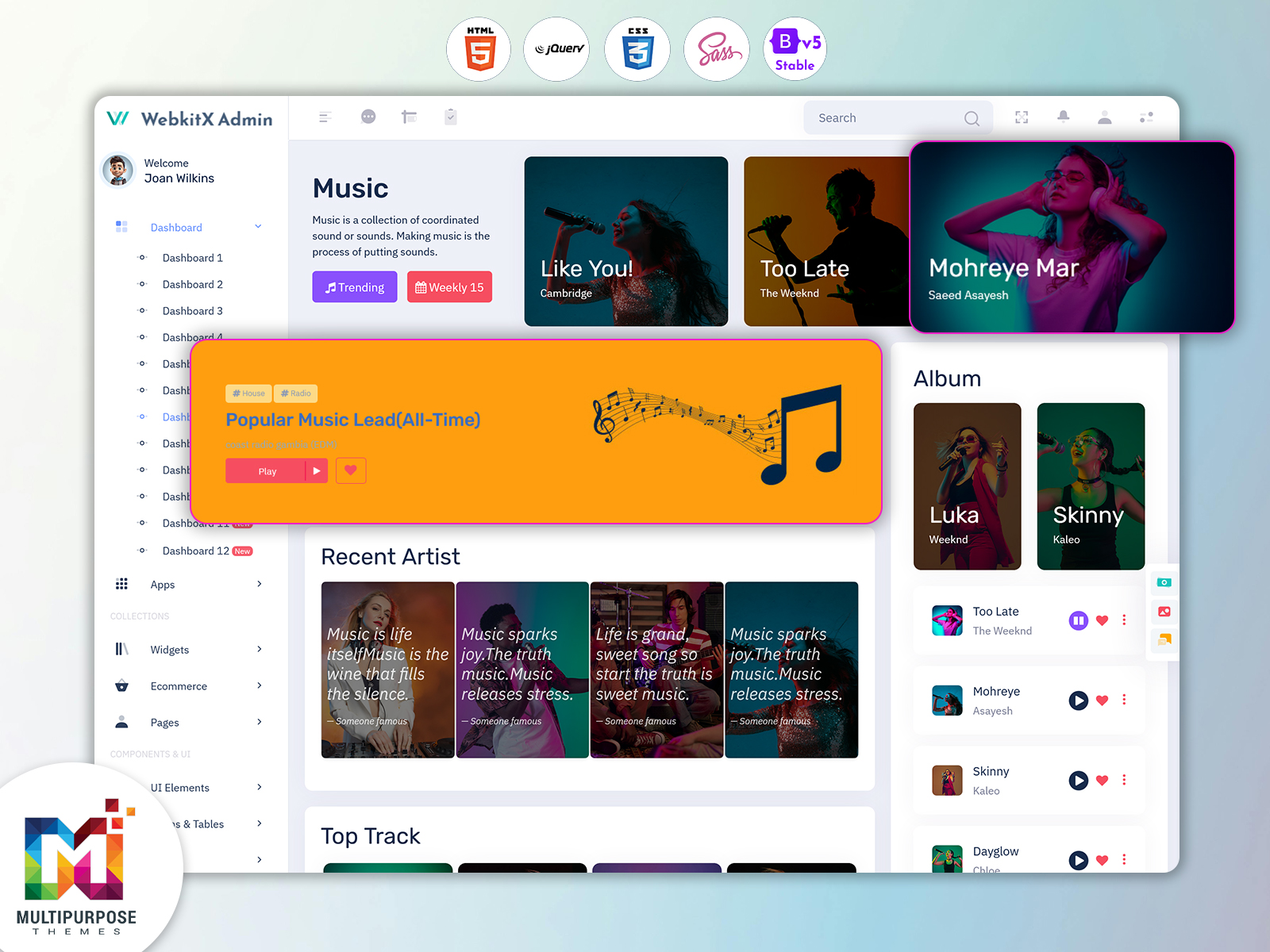
Music platforms will require an Audio Player Dashboard so your developers and music companies can manage their content.
A Music App Dashboard can help you easily manage your music content. This includes tracks, artist information and monitoring. The dashboard can be designed to make it easy to manage your music tools.
Watch Full Video
What is an Audio Player Dashboard?
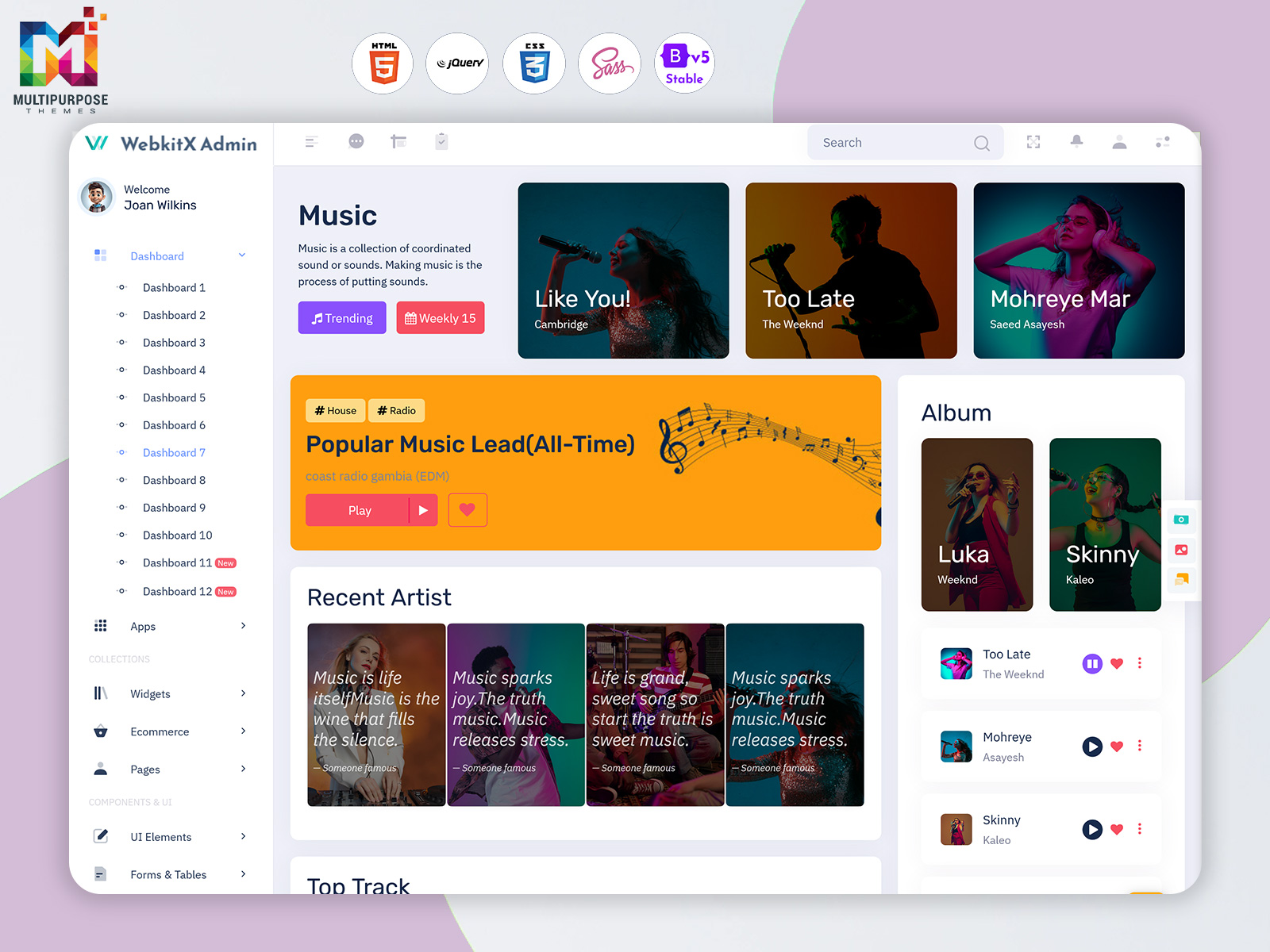
An Audio Player Dashboard will help you manage your music content. This includes managing your tracks, playlists, albums, artist information and activity.
Using an Audio Player Dashboard template can help your developers to easily manage your music streaming, audio and music management platform. This can be personalised.
Key Features
Audio Player
- Play, pause and skip tracks
- View track details
- Manage controls
Music Management
- Manage tracks, albums and playlists
- Search music
- Manage audio
Playlists
- Manage playlists
- Add/remove tracks
Artist & Album Management
- Manage artist and album information
- Organise music by artist/album/genre
- Quickly view artist/album information
Analytics
- View. Engagement.
- View music information through charts and reports.
- Help admins to understand activity.
User Friendly
- Customise the dashboard to be used on desktop, tablet and mobile.
- Use navigation and consistent elements.
- Easily find music management tools.
VIEW DEMO BUY NOW
What is a Music App Dashboard?
A Music App Dashboard can help you take control of your music application. This involves handling your music content creating and organizing playlists updating artist profiles tracking user activity and much more.
A well organised dashboard can help admins manage their music content. Developers can use this as a base for their music apps.
Important Metrics to Track in an Audio Player Dashboard
An Audio Player Dashboard can help administrators monitor music platform activity through useful metrics and reports. These metrics can provide an overview of content performance and user engagement.
- Track Plays – Monitor how often individual tracks are played.
- Playlist Activity – Review playlist creation and listening activity.
- Popular Tracks – Identify tracks that receive frequent plays.
- Artist Engagement – Review activity associated with artist profiles and releases.
- User Activity – Monitor how users interact with music content.
- Content Growth – Track changes in the number of tracks, albums and playlists.
Benefits of a Music Management Dashboard
A Music Management Dashboard can help to simplify your music processes.
1. Central Music Management
- Manage your tracks, albums, playlists and artist information.
2. Organised Content
- Keep your music content organised.
3. Efficient
- Easily find music management tools.
4. Clear Overview
- View your music content and activity.
5. Customisable
- Customise sections to suit your application.
VIEW DEMO BUY NOW
The Role of Analytics in Music Management
Analytics can help music teams understand how their content is being used. By reviewing listening activity, popular tracks and playlist engagement, administrators can identify patterns and make informed decisions about content organization and platform improvements.
Charts and reports can present this information in a clear format, helping teams review activity over time.
Who can use an Artist Dashboard?
- Independent Artists – Manage artist profiles, releases and artist information.
- Record Labels – Manage artist information and music.
- Music Streaming – Manage tracks, albums, playlists and artist content.
- Music Producers – Manage projects and music information.
- Developers – Create music apps and audio management.
Sections to Include
- Overview – View music content, artists and activity.
- Tracks – Manage your track file information and audio.
- Albums – Manage your albums.
- Playlists – Create, update and manage your playlists.
- Artists – Manage artist profiles.
- Users – Manage user information.
- Reports – View music and platform data through charts.
How an Audio Player Dashboard Supports Music Platform Workflows
A Music App Dashboard can bring common music management tasks into one interface. Administrators can organize tracks, update artist information, manage playlists and review platform activity without switching between separate tools.
A centralized workflow can also help teams keep music content organized and make it easier to locate the information they need.
How to Choose a Music Dashboard Template
When selecting an Audio Player Dashboard Template, consider the requirements of your music application and the needs of its users.
- Relevant Components – Look for track tables, playlist layouts, artist profiles and audio controls.
- Customization – Choose a template that can be adapted to your application’s branding and workflows.
- Responsive Design – Ensure the layout works across different screen sizes.
- Reusable Elements – Check whether common interface components can be reused.
- Maintainability – Prefer an organized structure that developers can understand and update.
- Scalability – Consider whether the interface can accommodate additional content and features as the platform grows.
Tips for Creating an Effective Music App Dashboard
Make your Music App Dashboard easy to use organized and responsive.
- Easy to Navigate – Use labels and logical navigation.
- Easy to Find Music – Easily find tracks, playlists and artist information.
- Clear Visuals – Use charts, labels and icons to display music data.
- Responsive – Ensure dashboard can be used on desktop, tablet and mobile.
- Consistent – Ensure there is spacing, font and interface.
- Roles – Ensure users have access to the correct information. This could be admins, artists etc.
Why use an Audio Player Dashboard Template?
Using an Audio Player Dashboard template can help your developers to create music related applications. Using the pre-designed elements you can easily manage your audio, music, playlists and artist information.
Ensure the template you choose is well laid out, responsive, contains the right elements and can be personalised. A flexible template can help give a base for your music platform.
Audio Player Dashboard vs. Music App Dashboard
An Audio Player Dashboard and a Music App Dashboard may share many features, but their focus can differ depending on the application.
| Audio Player Dashboard | Music App Dashboard |
| Focuses on audio playback and audio content management | Supports broader music application management |
| May emphasize track controls and audio organization | May include users, artists, playlists and platform activity |
| Helps manage playback-related information | Helps manage multiple music app workflows |
The exact features depend on the needs of the music platform and the dashboard implementation.
Audio Player Dashboard Design Best Practices
A well-designed Audio Player Dashboard should make music management straightforward for its users.
- Clear Navigation – Organize menus around common tasks such as tracks, albums, playlists and artists.
- Readable Track Information – Display track names, artists, album details and other relevant information clearly.
- Consistent Controls – Keep audio playback controls easy to locate and use.
- Useful Search and Filters – Help users find music by track, artist, album or genre.
- Responsive Layout – Make the dashboard usable across desktop, tablet and mobile screens.
- Accessible Interface – Use clear labels and readable text to support different users.
VIEW DEMO BUY NOW
Conclusion
An Audio Player Dashboard can help you manage your audio, playlists, artists and activity. A Music App Dashboard with features and responsive design can help you with your music apps. A flexible Music Management Dashboard template can help your developers to get started with creating customised music platforms and artist focussed applications.
FAQs
1. What is an Audio Player Dashboard?
An Multipurpose Themes Audio Player Dashboard is an interface that can help you manage your audio, music, playlists etc.
2. What are the key features of a Music App Dashboard?
Some common features include controls, music management, organising playlists, artist/album information and activity reports.
3. Who can use a Music Management Dashboard?
A Multipurpose Themes Music Management Dashboard can be used by music platforms, record labels, independent artists, producers and developers to manage their music related information.
4. What is an Artist Dashboard used for?
An Artist Dashboard can help you manage your artist profiles, releases, albums and tracks.
5. Can you manage playlists using an Audio Player Dashboard?
Yes you can manage your playlists using the tools within the Audio Player Dashboard.
6. What should developers look for in an Audio Player Dashboard template?
Ensure the design is good, easy to navigate, contains elements, can be personalised and has the right features for your music app.

Related Posts

This Post Has 0 Comments