

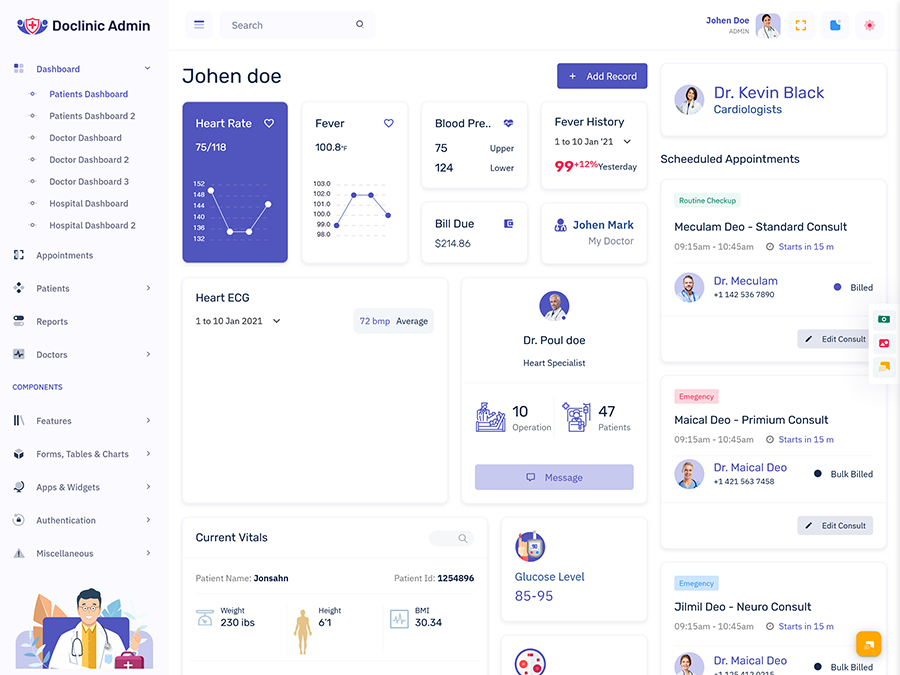
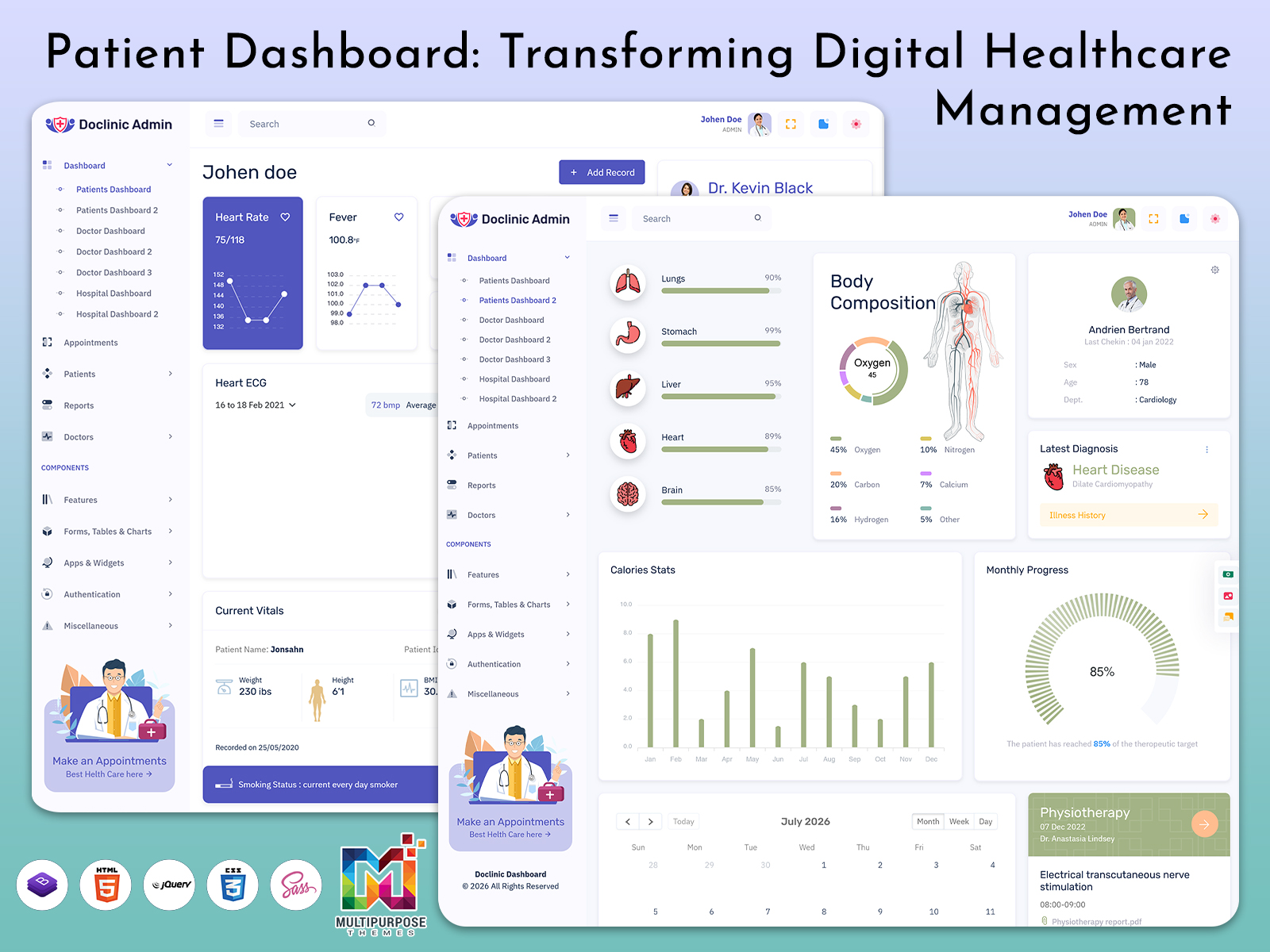
What is a Patient Dashboard? This patient dashboard is a virtual platform which helps patients…
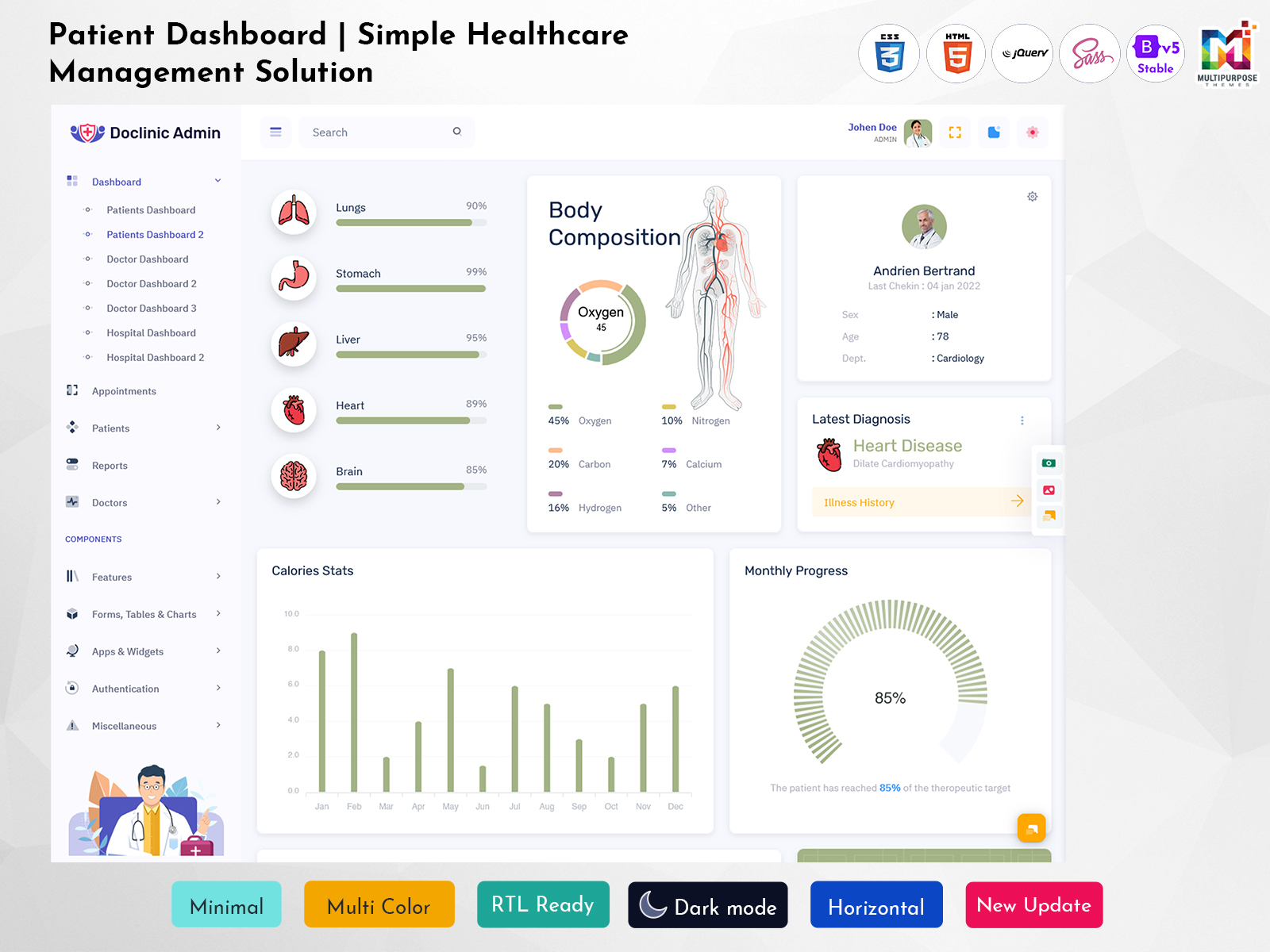
Patient Dashboard for Simple and Efficient Healthcare Management
Reading Time: 6 minutes
Healthcare is no longer limited to visits at a clinic or hospital. Patients now use digital platforms to check appointments, review medical information, communicate with healthcare providers, and manage different parts of their healthcare journey. As these digital services become more common, a well-organized Patient Dashboard can make the experience easier to understand and use.
A patient-focused dashboard brings relevant information into one place instead of making users search through different sections. This can be especially helpful for people who are not familiar with healthcare software. A simple interface can guide users toward the information they need without making the process feel complicated.
For healthcare companies and developers, a Patient Dashboard Template can provide a useful starting point for creating such an experience. A properly designed interface can be adapted for hospitals, clinics, telemedicine platforms, diagnostic services, and other healthcare applications while keeping the patient experience at the center.
Watch Full Video
What is a Patient Dashboard?
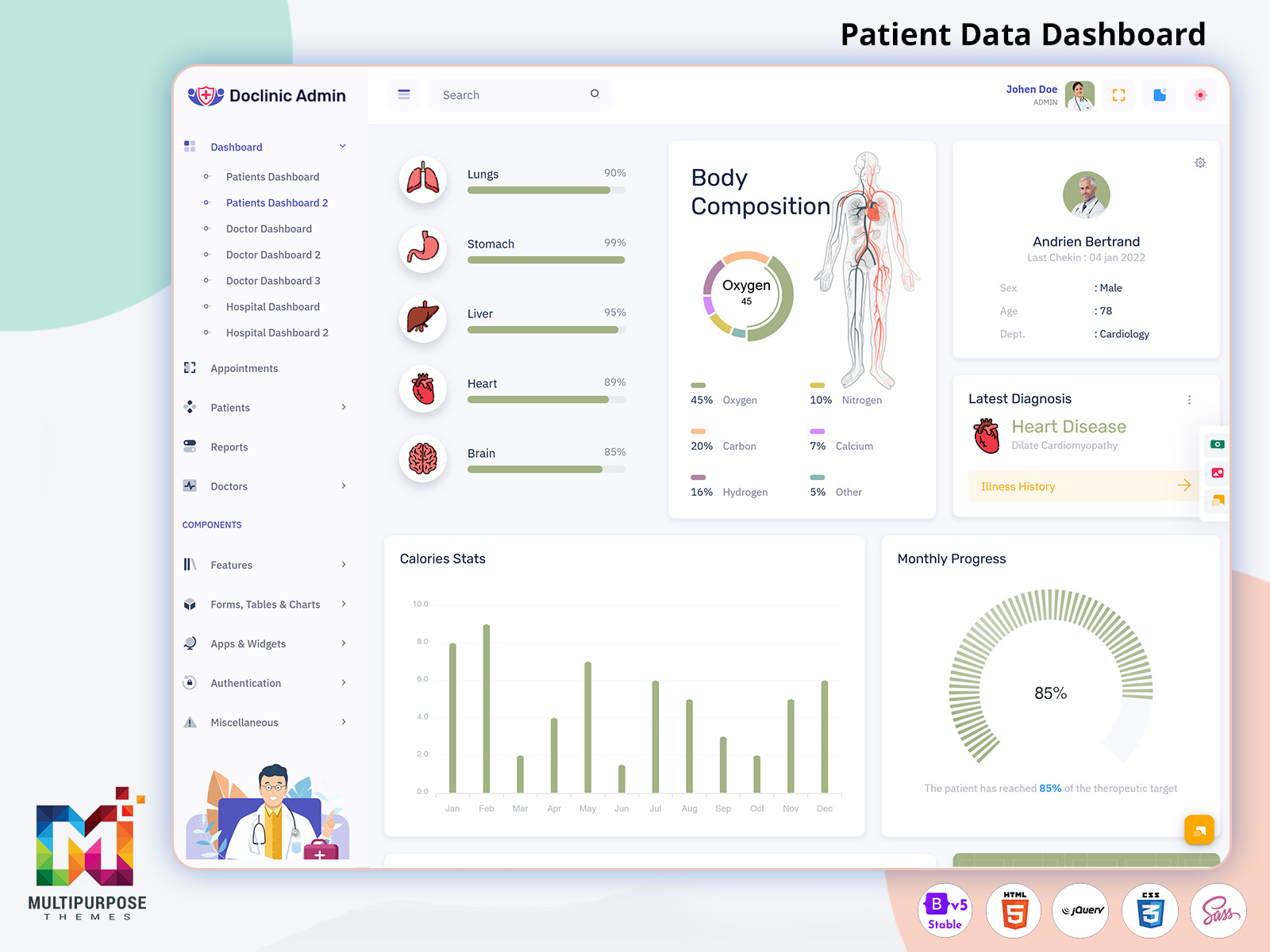
A Patient Dashboard is a digital interface that allows patients to access and manage information related to their healthcare activities from one place. Depending on the platform, it may provide access to appointments, patient records, healthcare communication, reports, account information, and other relevant services.
The main purpose is to make healthcare information easier for patients to access. Instead of depending on multiple pages or separate communication channels, a dashboard can give users a clear starting point where they can understand what is available and move to the required section.
A Patient Admin Dashboard serves a different but connected purpose. It is generally designed for administrators or healthcare staff who manage patient-related information within a healthcare system. While the patient-facing interface focuses on convenience and access, the administrative side focuses more on managing the information and processes behind the service.
A good Patient Dashboard UI should therefore be designed around the user’s needs. Patients should not have to understand the technical structure of the healthcare platform to use it effectively. The interface should guide them naturally through the information and actions available to them.
VIEW DEMO BUY NOW
Features of Patient Dashboard
1. Personalized Patient Access
A Patient Dashboard can provide users with a dedicated space connected to their healthcare account. This creates a more personal experience because relevant information can be presented within the user’s own environment, reducing the need to navigate through general healthcare pages before reaching useful information.
2. Appointment Information
Appointments are an important part of many healthcare platforms. A dashboard can provide patients with an organized view of their scheduled activities, helping them understand upcoming visits and access relevant information without searching through emails, messages, or separate sections of the application.
3. Medical Information Access
Patients may need to access healthcare-related information after a consultation or service. A dashboard can create a structured route toward relevant records and documents, making the information easier to locate while keeping the main interface focused and understandable for people with different levels of technical experience.
4. Patient Communication
A healthcare platform may need to support communication between patients and providers. A Patient Dashboard UI can provide an organized environment for accessing available communication options, helping patients understand where to go when they need to interact with the healthcare service.
5. Account Management
Patients often need to manage personal account information when using digital healthcare services. A dashboard can provide a convenient place for handling relevant account details and preferences, creating a more complete user experience while reducing the need to search through unrelated parts of the platform.
6. Responsive Interface
Patients may access healthcare portals through computers, tablets, or smartphones. A responsive Patient Dashboard Template can adjust to different screen sizes while maintaining a clear structure. This helps users access important information comfortably without creating a completely different experience for every device.
7. Simple Navigation
A Patient Portal Template can provide a structured foundation for organizing patient-facing healthcare information. Clear navigation helps users understand where different services are located and reduces confusion. The interface should use familiar patterns so patients can move between sections without needing extensive instructions.
Building Trust Through Simple Patient Dashboard Design
The most important part of a Patient Dashboard is trust. Patients are using the interface to access information connected with their healthcare, so the experience needs to feel clear, reliable, and predictable.
Complicated interfaces can make users uncertain about where to find data or what action to take next. A thoughtful dashboard can reduce this uncertainty by maintaining consistent navigation and presenting information in an understandable order.
This is especially important because healthcare applications may be used by people with very different levels of digital experience. Some users may be comfortable with online platforms, while others may prefer straightforward interfaces with minimal complexity.
A patient-centered design therefore focuses on clarity rather than adding as many features as possible. The dashboard should help users complete their intended task without making them work through unnecessary screens or confusing terminology.
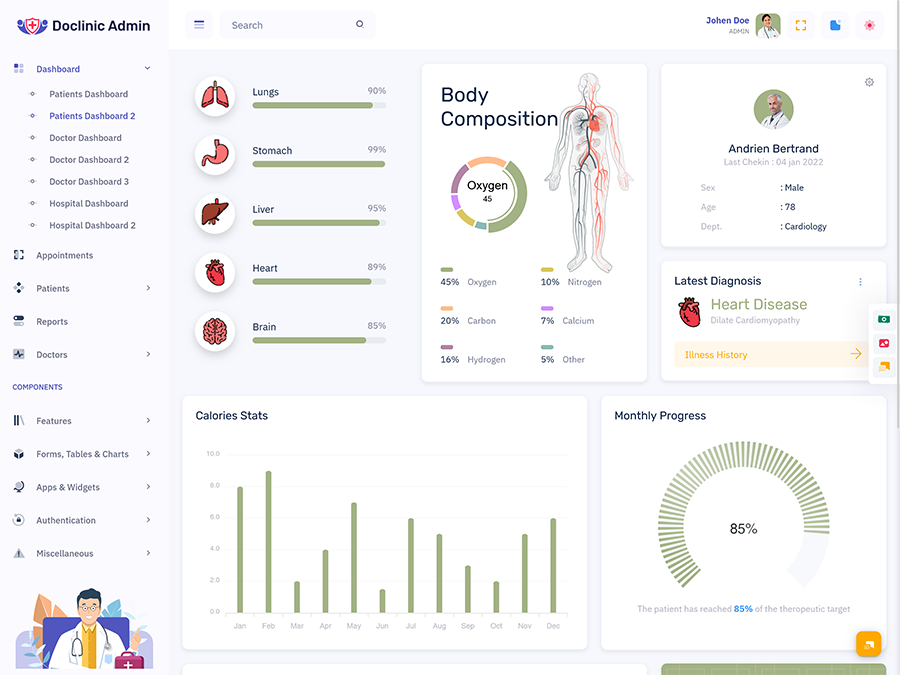
VIEW DEMO BUY NOW
Benefits of Patient Dashboard
1. Improves Patient Convenience
A Patient Dashboard brings commonly needed healthcare information into one organized location. Patients can access relevant sections without repeatedly searching across different pages. This creates a more convenient digital experience and makes routine healthcare-related tasks easier to manage.
2. Makes Healthcare Information Easier to Access
Important information becomes more useful when patients can locate it without unnecessary effort. A dashboard provides a structured route to relevant areas, helping users understand where information is available and reducing the frustration that can come from navigating complicated healthcare websites.
3. Supports Better Patient Engagement
A patient-facing dashboard can give users a more active role in managing their digital healthcare activities. Easy access to appointments, available information, and communication options can encourage patients to interact with healthcare services more regularly and remain informed about their ongoing activities.
4. Reduces Navigation Complexity
Healthcare applications can contain many different services, which may make them difficult to navigate. A focused dashboard can bring the most important areas together and create a logical flow. This helps patients move through the platform without becoming overwhelmed by unnecessary options.
5. Creates a Consistent Experience
A well-designed dashboard gives patients a familiar environment whenever they return to the platform. Consistent layouts and navigation patterns make repeated use more comfortable. Patients can learn where information is located and spend less time figuring out how the interface works.
6. Helps Healthcare Teams Serve Patients
A connected patient interface can reduce some basic information-access requests by allowing patients to find available information independently. This can help healthcare teams and support staff spend more time handling tasks that genuinely require personal assistance or professional attention.
7. Supports Digital Healthcare Services
As clinics and healthcare organizations expand their online services, patient dashboards can provide a central interface for digital interaction. They can connect different patient-facing services within one environment and create a more organized experience for people using modern healthcare platforms.
Conclusion
A Patient Dashboard can provide a simple and organized digital environment for people using modern healthcare services. By bringing relevant information and available services together, it can make online healthcare interactions more convenient and easier to understand.
For developers, a Patient Dashboard Template can provide a practical starting point for building a healthcare application. A Patient Portal Template can support broader patient-facing platforms, while a Patient Admin Dashboard can provide a separate workspace for administrative users.
The success of a patient dashboard depends on more than its appearance. Clear navigation, readable information, responsive design, and a strong focus on patient needs are essential for creating a useful experience.
VIEW DEMO BUY NOW
Frequently Asked Questions
1. What is the purpose of a Patient Dashboard?
A Multi Purpose Themes Patient Dashboard provides patients with a central digital space for accessing healthcare-related information and services. Depending on the platform, it may connect users with appointments, available records, communication options, account information, and other services. The main purpose is to make digital healthcare interactions easier to navigate and understand.
2. What is the difference between a Patient Dashboard and a Patient Admin Dashboard?
A Multi Purpose Themes Patient Dashboard is designed for patients and focuses on their personal healthcare experience. A Patient Admin Dashboard is intended for authorized healthcare staff or administrators who manage information and processes behind the system. The two interfaces have different responsibilities and therefore should be designed around different user requirements.
3. What should a good Patient Dashboard UI include?
A Multi Purpose Themes Patient Dashboard UI should provide clear navigation, readable information, responsive behavior, and an organized way to access important services. The exact content depends on the healthcare platform. The interface should avoid unnecessary complexity and make it easy for patients to understand where they need to go.
4. Is a Patient Dashboard Template useful for healthcare developers?
Yes. A Multi Purpose Themes Patient Dashboard Template can provide developers with a starting interface for a healthcare project. It can reduce initial front-end design work and allow teams to focus on customization and application functionality. Developers should still check whether the template can accommodate the project’s specific workflows and technical requirements.
5. Can a Patient Dashboard work on mobile devices?
Yes, provided the dashboard is built with responsive design principles. Patients may access healthcare services through smartphones and tablets, so the interface should adjust to smaller screens while keeping important information readable and navigation practical. Mobile usability should be considered during the design and development stage rather than added later.
6. Can Multi Purpose Themes be used for creating a Patient Dashboard?
Multi Purpose Themes can be considered as a starting point for a Patient Dashboard project when its available template structure and technology match the project’s requirements. Developers should review responsiveness, customization options, code structure, and integration possibilities before selecting a template for a healthcare application.

Related Posts


This Post Has 0 Comments