

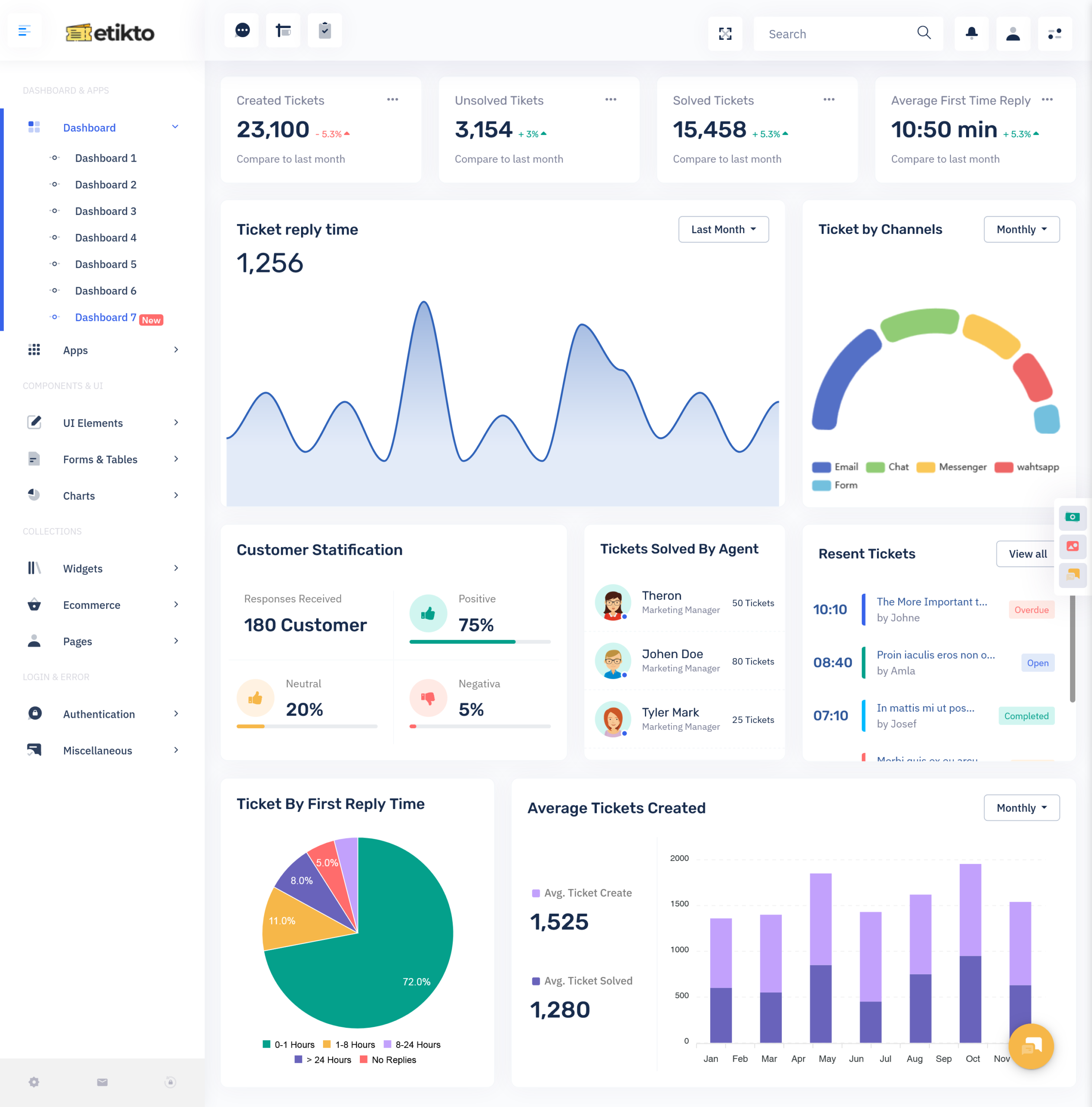
What is a Ticket Dashboard? A Ticket Dashboard is a centralized interface that helps businesses…
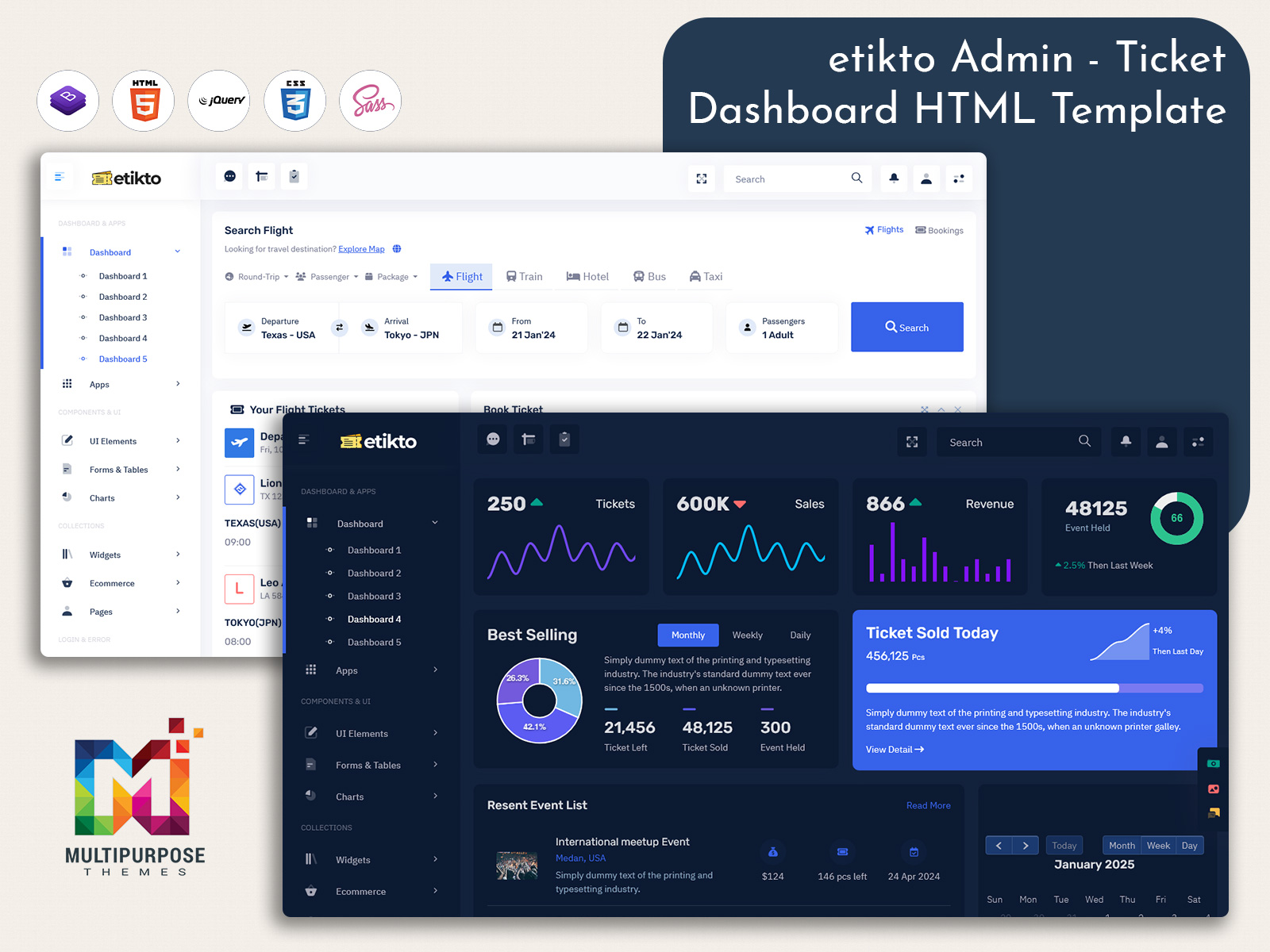
Scalable Ticket Admin System for Customer Support Operations
Reading Time: 5 minutes
A modern Ticket Admin plays a key role in managing customer issues in a structured and organized way. It allows businesses to handle incoming requests efficiently by categorizing, assigning, and tracking every ticket from start to finish. This system helps reduce confusion and improves communication between support teams and customers.
Watch Full Video
A well-designed Support Ticket Admin system ensures that no customer query is missed or delayed. It provides a centralized platform where all complaints, feedback, and service requests are stored and managed in real time. This improves visibility and helps teams respond faster with better accuracy.
In today’s fast-paced digital environment, businesses rely heavily on a strong support Ticket dashboard to maintain service quality. It streamlines operations, reduces workload pressure on agents, and ensures smooth coordination across departments for better customer satisfaction.
System Overview & Working Process
A modern Support Ticket system is designed to simplify how customer issues are received, tracked, and resolved in a single platform. It collects all incoming requests from email, chat, or web forms and converts them into structured tickets. This helps teams avoid confusion and maintain a clear record of every customer interaction.
The Ticket admin interface works as a control center where support agents can view, assign, prioritize, and update tickets based on urgency. Each ticket moves through different stages like open, in-progress, and resolved, ensuring a smooth workflow and better visibility for managers.
In a Ticket Management Dashboard, automation and real-time updates play a major role. It reduces manual effort by sorting tickets intelligently and sending alerts for pending tasks. This ensures faster resolution and improves overall service efficiency.
Features of Modern Support Ticket System
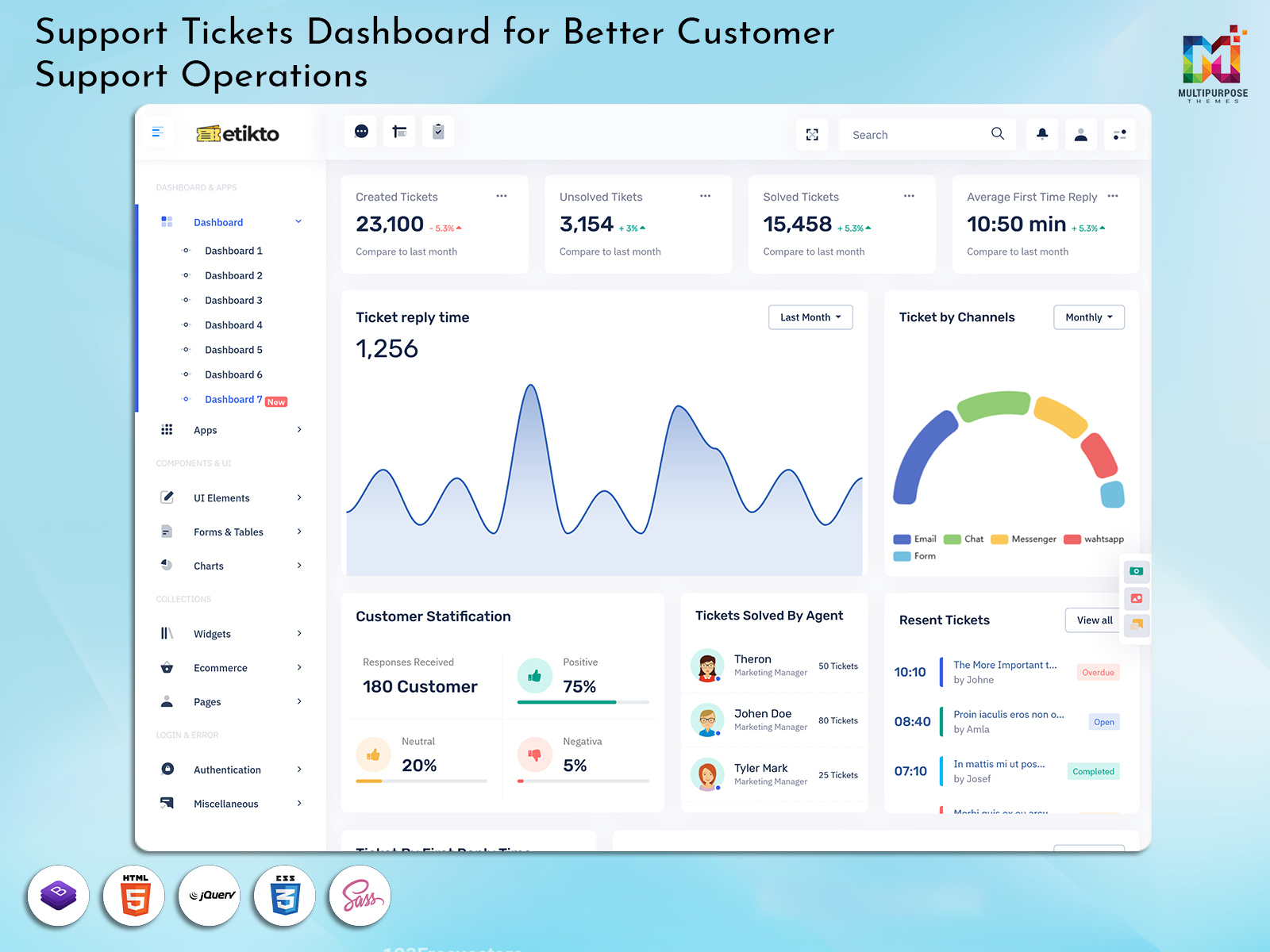
A well-designed Ticket Management Admin Template provides a clean and organized interface where all customer issues can be managed in one place. It includes features like ticket creation, categorization, priority tagging, and real-time status tracking. This makes it easier for support teams to handle large volumes of requests without losing control over workflow.
Another strong feature of a Ticket Booking Dashboard is automation and smart assignment. It automatically routes tickets to the right department or agent based on issue type and urgency. This reduces manual effort, improves response speed, and ensures every customer query gets proper attention.
VIEW DEMO BUY NOW
Key Benefits of Ticket Management System
1. Faster Response Time Improvement
A ticket management system helps support teams respond to customer queries more quickly by organizing all requests in a structured queue. It prioritizes urgent issues and reduces delays in handling complaints. This improves overall service speed and ensures customers receive timely assistance. As a result, businesses can maintain better communication and deliver faster solutions without confusion or missed requests in daily operations.
2. Better Workflow Organization
A support system brings clear structure to daily operations by arranging all incoming requests in a systematic order. It allows teams to track each issue from start to finish without losing important details. This organized approach reduces workload pressure and avoids duplication of tasks. Employees can easily understand their responsibilities, which improves coordination and ensures smooth handling of customer service activities.
3. Enhanced Team Productivity
A centralized system helps team members focus only on assigned tasks instead of searching for scattered information. It improves workflow efficiency by reducing manual tracking and unnecessary communication delays. Agents can manage more tickets in less time with better accuracy. This structured process increases overall productivity and allows teams to deliver consistent performance while handling multiple customer issues effectively throughout the day.
4. Improved Customer Satisfaction
A well-managed system ensures every customer request is acknowledged and resolved in a proper manner. It provides timely updates and clear communication, which builds trust and confidence among users. Customers feel valued when their issues are handled quickly and professionally. This consistent service experience leads to stronger relationships and increases overall satisfaction, helping businesses retain more customers in the long term.
5. Centralized Control System
A ticket system provides complete control over all support activities from a single dashboard. Managers can monitor ticket status, assign work, and track performance easily without switching platforms. This centralized approach improves decision-making and ensures better coordination between teams. It also helps maintain transparency in operations and allows businesses to manage customer support more efficiently with clear visibility of every process.
Present and Future Workflow in Support System
In the present business workflow, a Ticket Management Dashboard is used to organize all customer issues in a structured format. Support teams receive requests from multiple channels and convert them into tickets for proper tracking. Each issue is assigned, monitored, and resolved step by step, which helps maintain clarity in daily operations. This system improves coordination but still depends on human effort for prioritization and handling complex cases, making the process efficient but partially manual.
In the future, a Ticket Booking Dashboard will become more advanced with automation and intelligent systems. It will automatically categorize issues, suggest solutions, and route tickets to the right agents without manual intervention. AI-based tools will reduce response time and improve accuracy. This evolution will create a faster, smarter, and more scalable support workflow for businesses handling large customer volumes.
Importance of Ticket Management in Modern Business
In today’s digital-first environment, businesses deal with a high volume of customer interactions across multiple channels. A modern Ticket Dashboard becomes essential because it organizes all incoming queries into a structured system. This ensures no request is lost and every customer issue is tracked properly from submission to resolution.
The support Ticket dashboard also plays a crucial role in improving communication between teams and customers. It allows real-time updates, faster coordination, and transparent progress tracking. This reduces delays and helps businesses maintain consistent service quality even during high demand situations.
Another important factor is scalability. As companies grow, handling support manually becomes difficult. A strong Ticket admin system adapts easily to increasing workloads, ensuring smooth operations, better resource management, and long-term efficiency in customer support processes.
Conclusion
A modern Ticket Management Dashboard Template helps businesses create a structured and efficient support environment where every customer request is properly tracked and managed. It reduces operational confusion and ensures that teams can focus on resolving issues quickly with better clarity and coordination across departments.
The use of a Ticket Management Admin Template further enhances scalability and control in customer support operations. It supports automation, real-time monitoring, and smooth workflow handling, making it easier for businesses to maintain high service standards and deliver consistent customer satisfaction in a competitive digital landscape.
FAQs
1. What is a Support Ticket Dashboard?
A Support Ticket Dashboard is a system that organizes customer issues in one place. It helps teams track, manage, and resolve requests efficiently with better visibility and faster response.
2. How does a Ticket Management Dashboard work?
A Ticket Management Dashboard collects customer queries and converts them into structured tickets. It assigns tasks, tracks progress, and ensures smooth communication between support agents and customers.
3. What is a Ticket Admin system used for?
A Ticket Admin system is used to control and manage all support activities. It helps in assigning tickets, monitoring updates, and ensuring timely issue resolution across teams.
4. Why is a Support Ticket system important?
A Support Ticket system is important because it improves service speed, reduces confusion, and ensures every customer request is properly tracked and resolved on time.
5. What is a Ticket Booking Dashboard?
6. A Ticket Booking Dashboard automates ticket creation and assignment. It helps businesses manage customer requests faster and maintain a smooth support workflow.
7. How does it improve team efficiency?
It improves team efficiency by organizing tasks clearly, reducing manual work, and helping agents focus on priority issues without missing important requests.
8. Can it handle large support operations?
Yes, it can handle large support operations by managing high volumes of tickets, automating workflows, and ensuring structured issue tracking.

Related Posts


This Post Has 0 Comments