

In today’s fast-moving digital landscape, data is one of the most valuable assets for any…
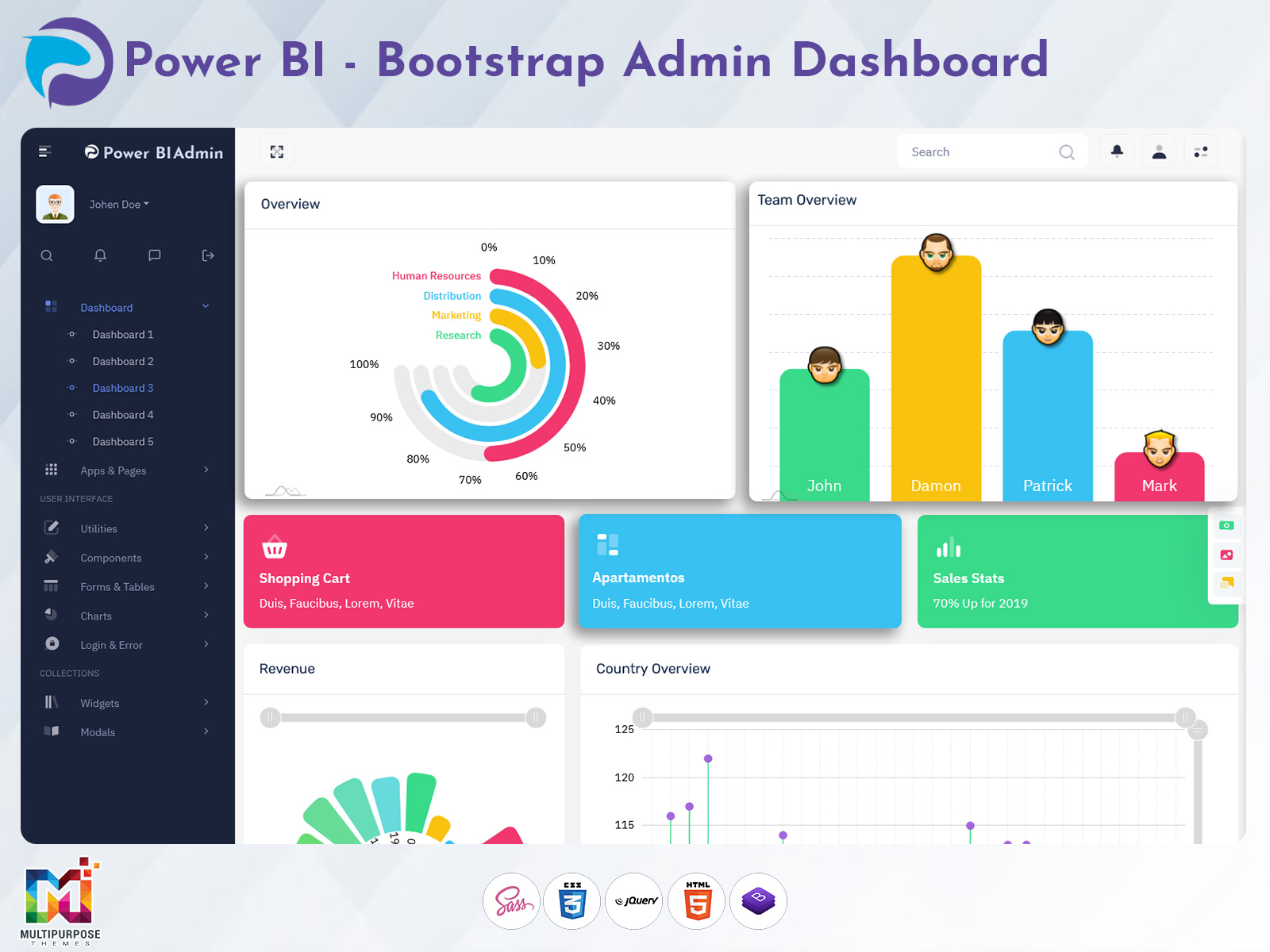
Power BI Software Dashboard: Less Confusion, More Visualization
Reading Time: 2 minutes
In today’s data-driven environment, businesses rely heavily on insights to stay competitive and make informed decisions. A well-structured Power BI Software Dashboard plays a vital role in simplifying complex data and turning it into meaningful visual insights. Instead of dealing with raw spreadsheets and scattered reports, organizations can use a centralized dashboard to monitor performance, track KPIs, and understand trends in real time.
With the power of Reports Power BI, users can create interactive and visually appealing reports that make data easier to interpret. A properly designed Power BI Admin Panel ensures smooth management of users, datasets, and report access, making the entire system more organized and secure. When combined with a modern Bootstrap 5 UI Kit, the dashboard not only becomes powerful but also visually clean, responsive, and user-friendly across all devices.
Watch Full Video
Real-Time Data Insights
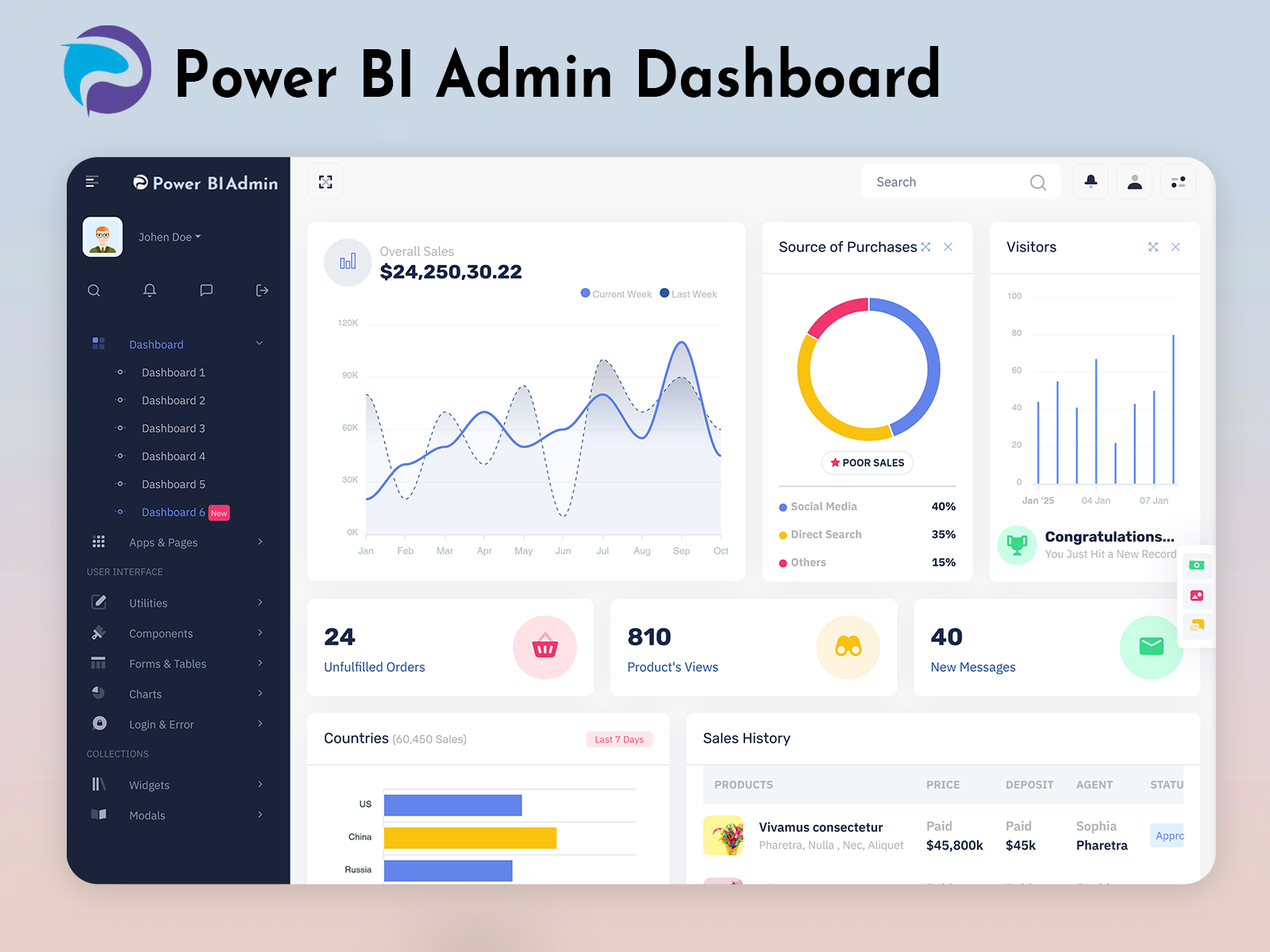
One of the most important features of a Power BI Software Dashboard is real-time data tracking. It allows businesses to monitor live updates and react quickly to changes. With Reports Power BI, users can visualize data instantly, helping teams make faster and more accurate decisions without delays.
Interactive Reports and Visualizations
Using Reports Power BI, data is transformed into interactive charts, graphs, and visuals that are easy to understand. This feature helps users identify patterns, compare performance, and gain deeper insights without needing advanced technical knowledge.
Centralized Admin Management
A strong Power BI Admin Panel provides full control over the dashboard environment. It allows administrators to manage user roles, monitor activity, and control access to sensitive data. This ensures better security and smooth system operations.
Customizable Dashboard Layout
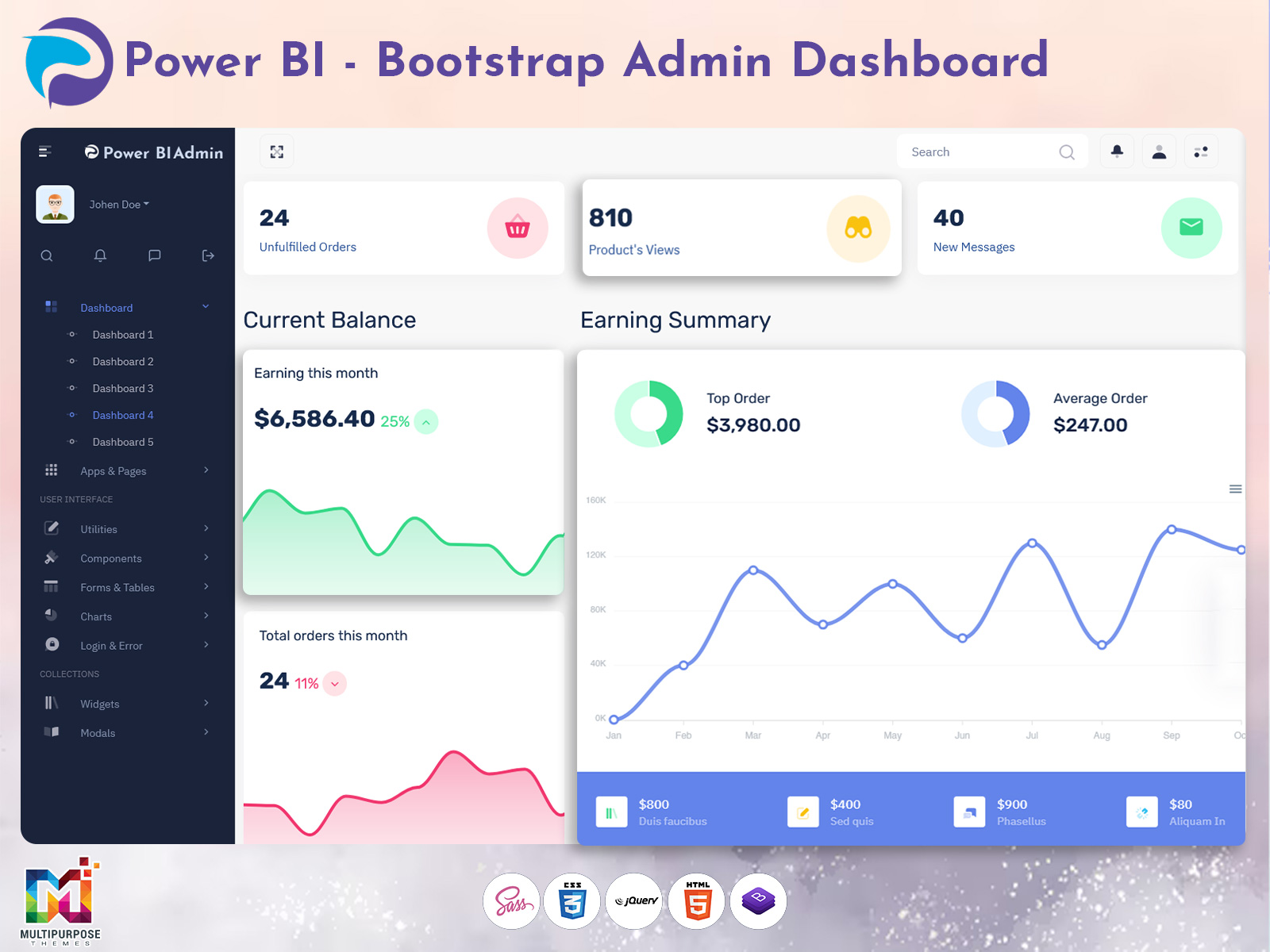
Flexibility is essential in any dashboard. A Power BI Software Dashboard built with a Bootstrap 5 UI Kit allows users to customize layouts, widgets, and components based on their needs. This helps create a personalized experience that aligns with business goals.
Responsive and Modern UI Design
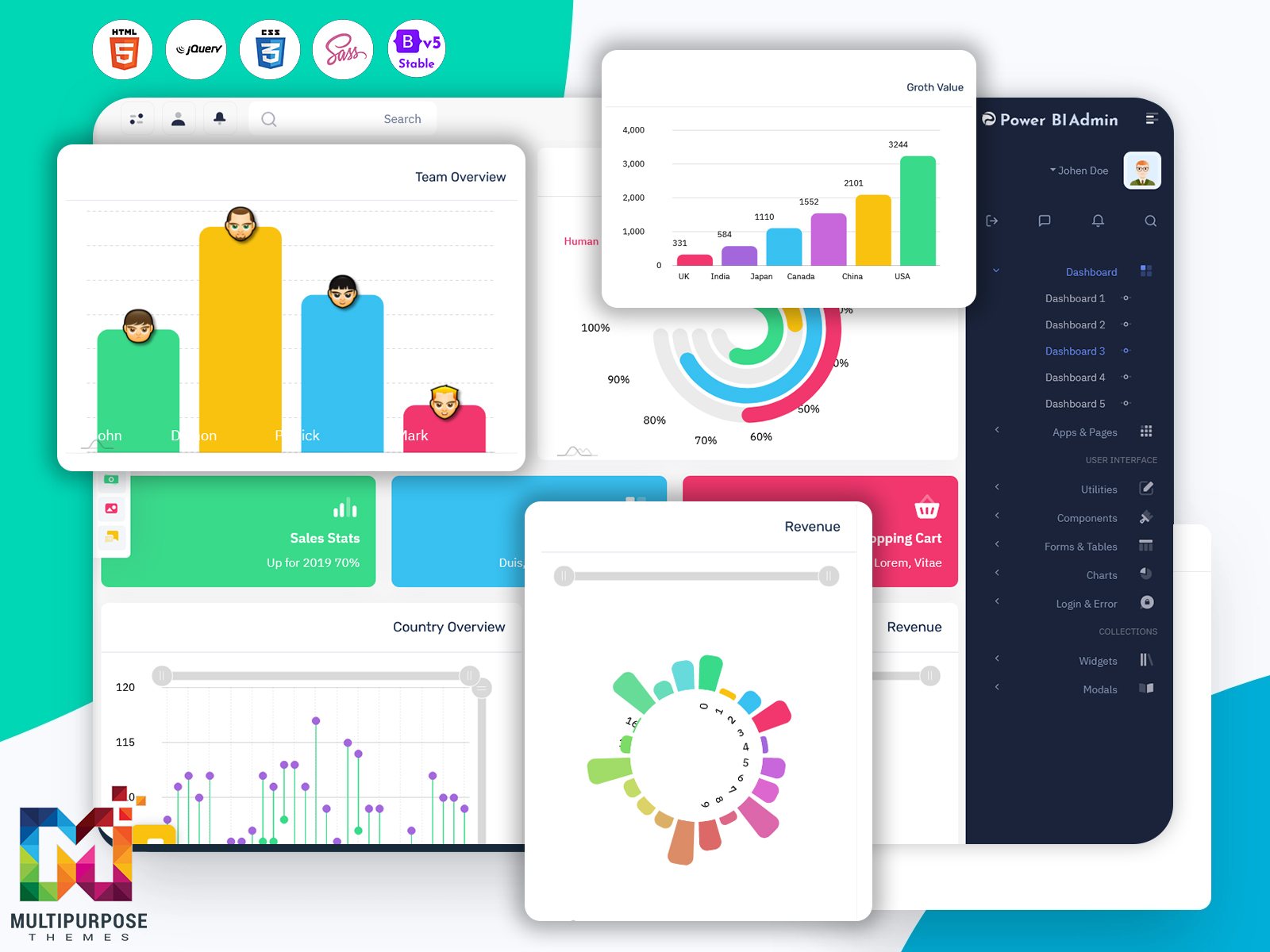
A responsive design ensures that the dashboard works seamlessly across all devices. With a Bootstrap 5 UI Kit, the dashboard adapts to desktops, tablets, and mobile screens, providing a consistent and smooth user experience anytime, anywhere.
Final Words
A powerful Power BI Software Dashboard is an essential tool for businesses looking to make smarter, data-driven decisions. By using Reports Power BI, organizations can turn complex data into clear and actionable insights, improving efficiency and productivity.
The addition of a structured Power BI Admin Panel ensures better control, security, and management of the entire system. Meanwhile, a modern Bootstrap 5 UI Kit enhances the design and usability, making the dashboard easy to navigate and visually appealing.
As businesses continue to rely on data for growth and strategy, investing in a well-designed dashboard becomes a smart move. A reliable Power BI Software Dashboard not only saves time but also helps organizations stay ahead by providing the insights needed to succeed in a competitive market.

Related Posts


This Post Has 0 Comments