What is a Crypto Dashboard? A Crypto Dashboard is a centralized platform that helps cryptocurrency…
Cryptocurrency Dashboard – A New Upgrade for Faster Trading Deals & Live Updates
Reading Time: 6 minutes
The cryptocurrency world changes fast, with prices moving up or down within seconds, making access to the latest information essential. Traders, investors, exchange operators, and developers building crypto tools need a simple and well-organized way to monitor their assets, review market details, and manage digital-asset activities efficiently. A well-designed Cryptocurrency Dashboard brings these essential insights together in one place, making it easier to track market activity and stay informed.
Watch Full Video
BUY NOW DEMO
Crypto Tokenizer is a made cryptocurrency admin and data analysis dashboard template created using Bootstrap 5 HTML5, CSS3 and Sass. It gives a base, for making cryptocurrency platforms Bitcoin dashboards, crypto exchanges, trading tools, wallet dashboards, ICO token selling sites and investment apps. Specialized Crypto Trading Charts and Crypto Analytics Charts make it easier to show market details through a clear and visual way.
Made with a clean user interface, designs and parts that can be used again Crypto Tokenizer helps developers make professional cryptocurrency websites without starting from scratch. Whether it is used for a Crypto Data Dashboard or a Crypto Portfolio Dashboard the template brings all the details and interface features together in a clear mobile-friendly and neat space.
Why Choose Crypto Tokenizer?
The moving crypto market needs a dashboard that keeps complicated information organized easy to get to and simple to understand. Multi Purpose Themes offers Crypto Tokenizer as a made cryptocurrency dashboard template designed for modern crypto and trading apps. It brings together dashboard views, Crypto Trading Charts, portfolio analytics, market data sections and Bitcoin-focused interfaces to help a range of digital-asset projects.
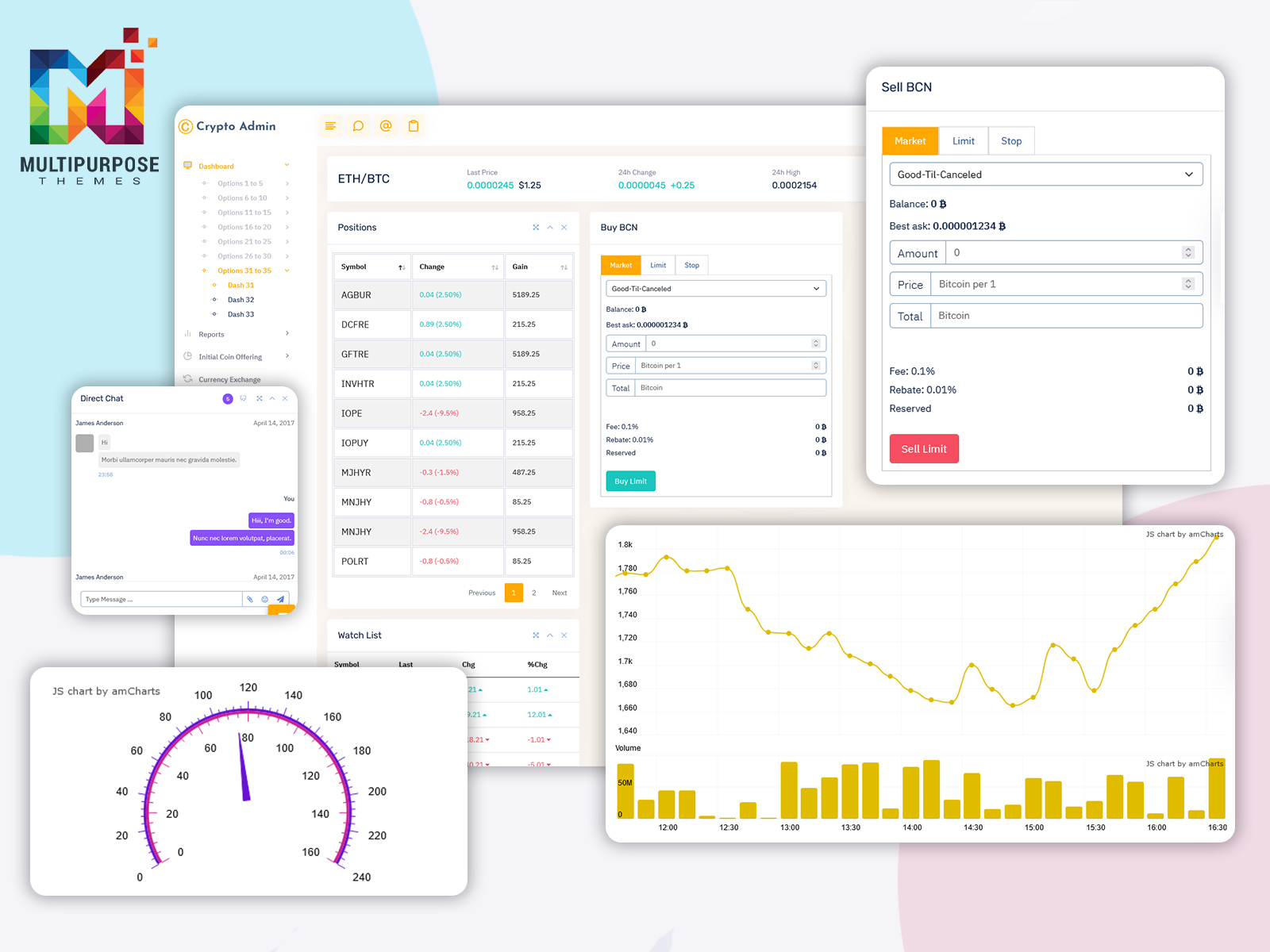
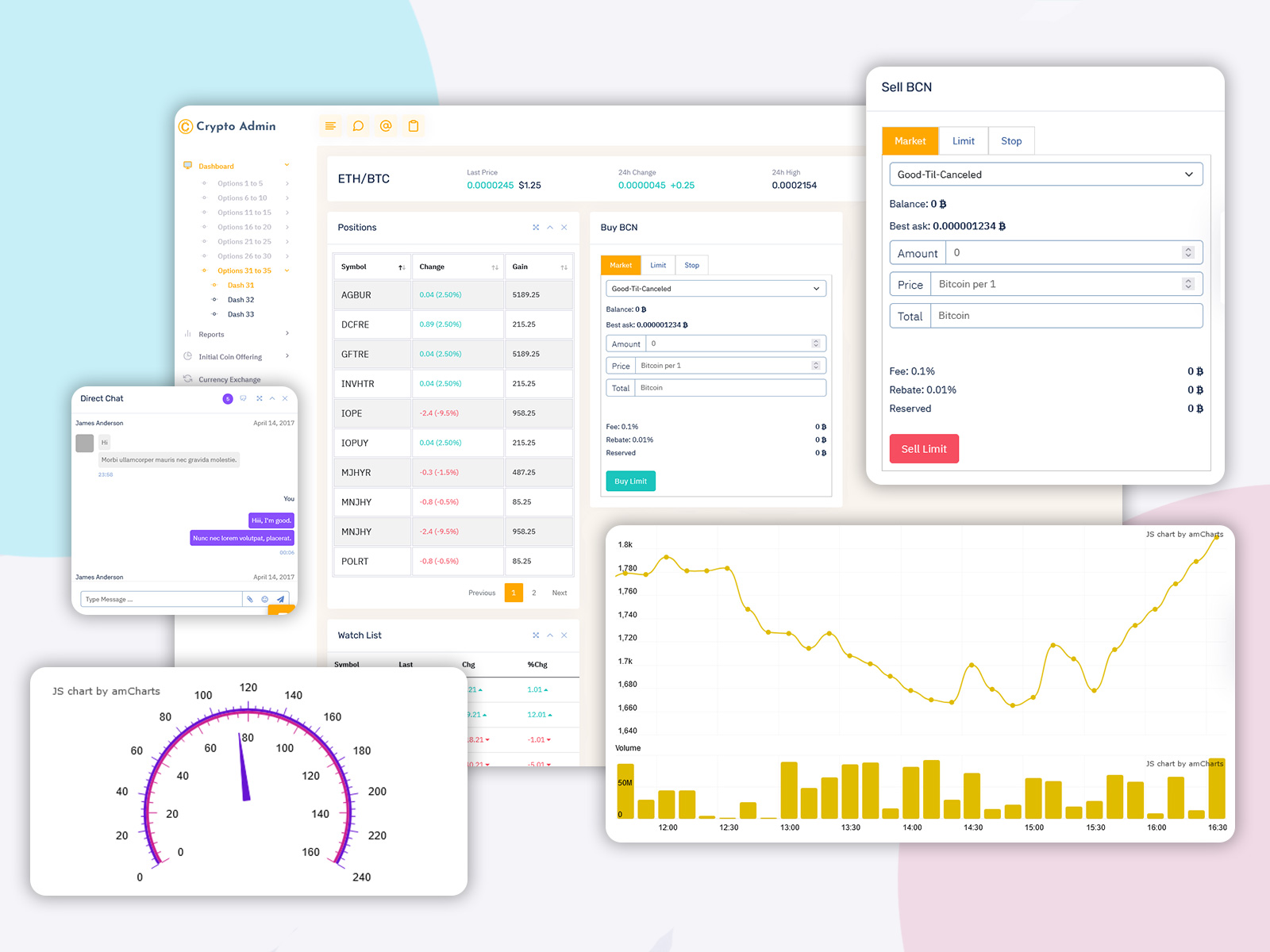
Crypto Tokenizer has interface options for cryptocurrency prices, candlestick charts, wallet balances, buying and selling processes market analysis, ICO and token sale pages order book and market depth views, investment statistics and trading history. By putting these features into a organized dashboard the template helps users track digital-asset information and activity more effectively. With its look well-arranged layouts and parts that can be used again Crypto Tokenizer gives a real base, for developers creating professional cryptocurrency platforms and Crypto Data Dashboards.
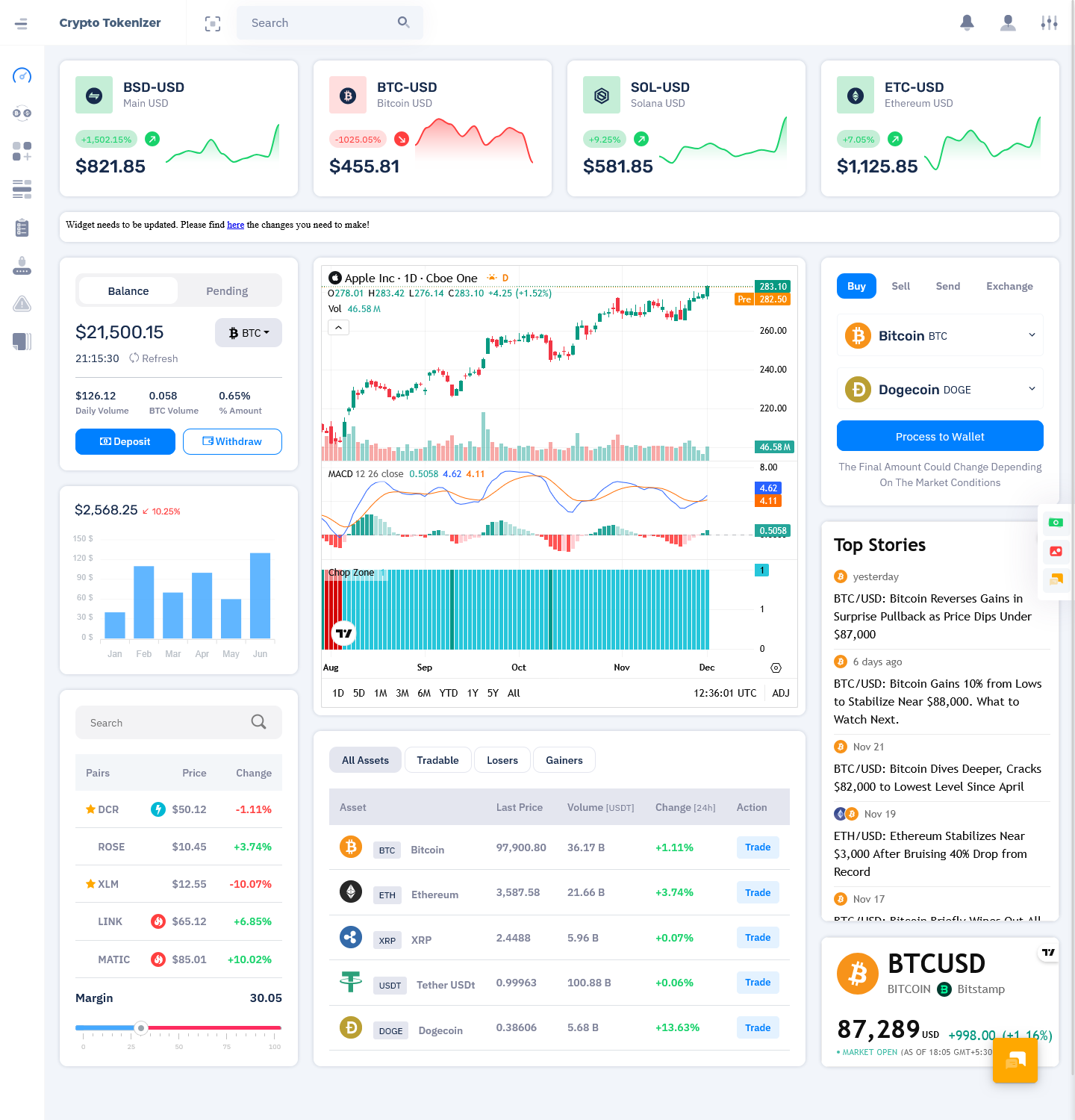
Discover New Dashboard of Crypto Tokenizer Admin
BUY NOW DEMO
Building a Better Crypto Dashboard Experience
A cryptocurrency dashboard is most useful when it helps users understand information without making the interface feel complicated. Crypto platforms often bring together prices, portfolio balances, transactions, trading activity and market data so presenting everything clearly is a part of the user experience. A planned dashboard creates a logical flow between these different areas and makes frequently used information easy to access.
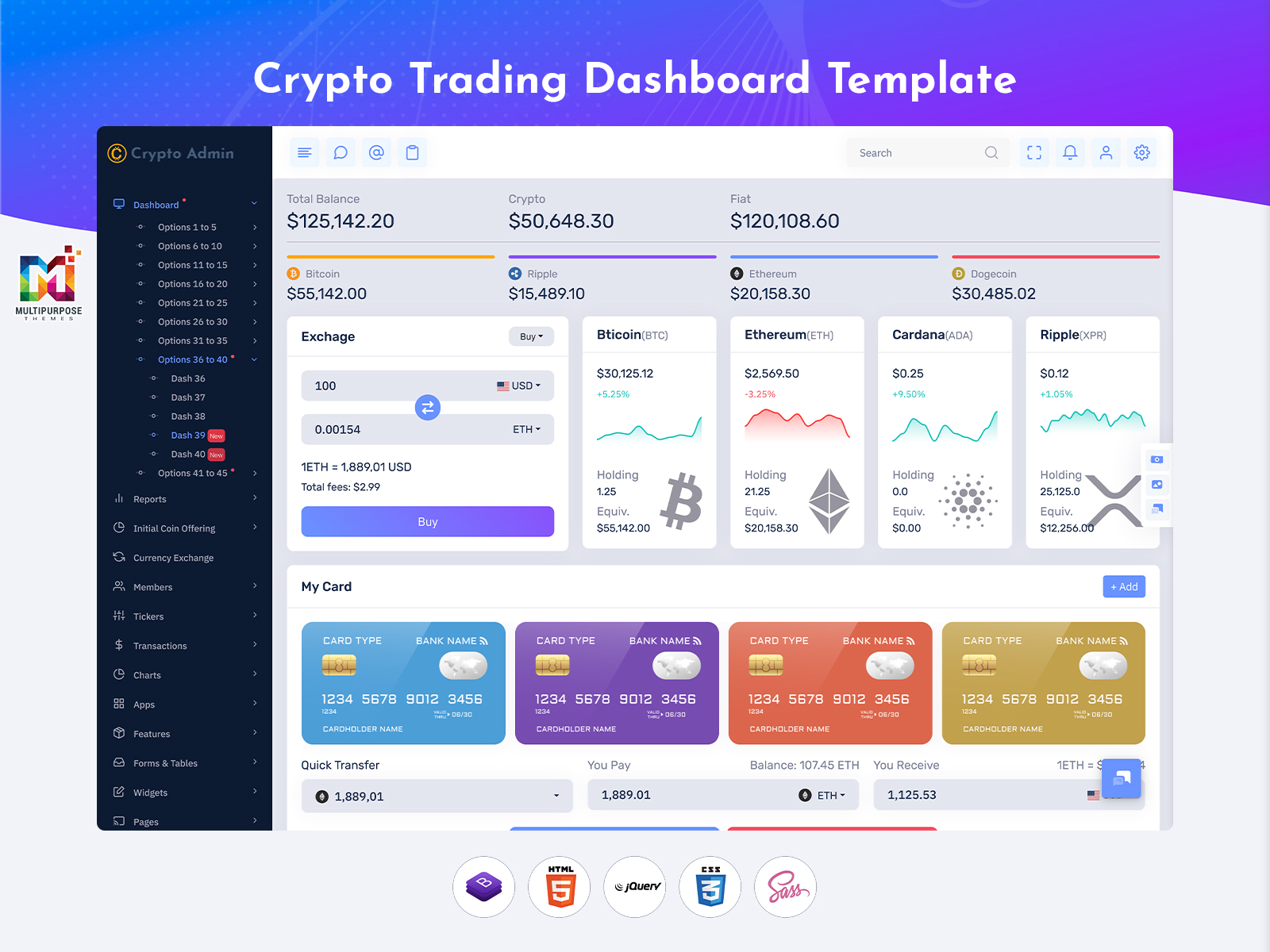
Crypto Tokenizer provides multiple dashboard layouts that can be adapted to cryptocurrency applications. Developers can use sections for portfolio information, trading activity, wallet details, market data and analytics based on the requirements of their project. Crypto Trading Charts and Crypto Analytics Charts add a layer to the interface making market information easier to review and compare.
Another important consideration is design. Users may access cryptocurrency information from desktops, tablets or smartphones so the interface should remain clear across screen sizes. With its Bootstrap 5 foundation and reusable components Crypto Tokenizer provides a starting point for developers.
Created by Multi Purpose Themes the template brings structure, usability and customization together helping developers build crypto-focused interfaces without creating every dashboard element, from the ground up.
Key Features of Crypto Tokenizer
1.Multiple Dashboard Variants
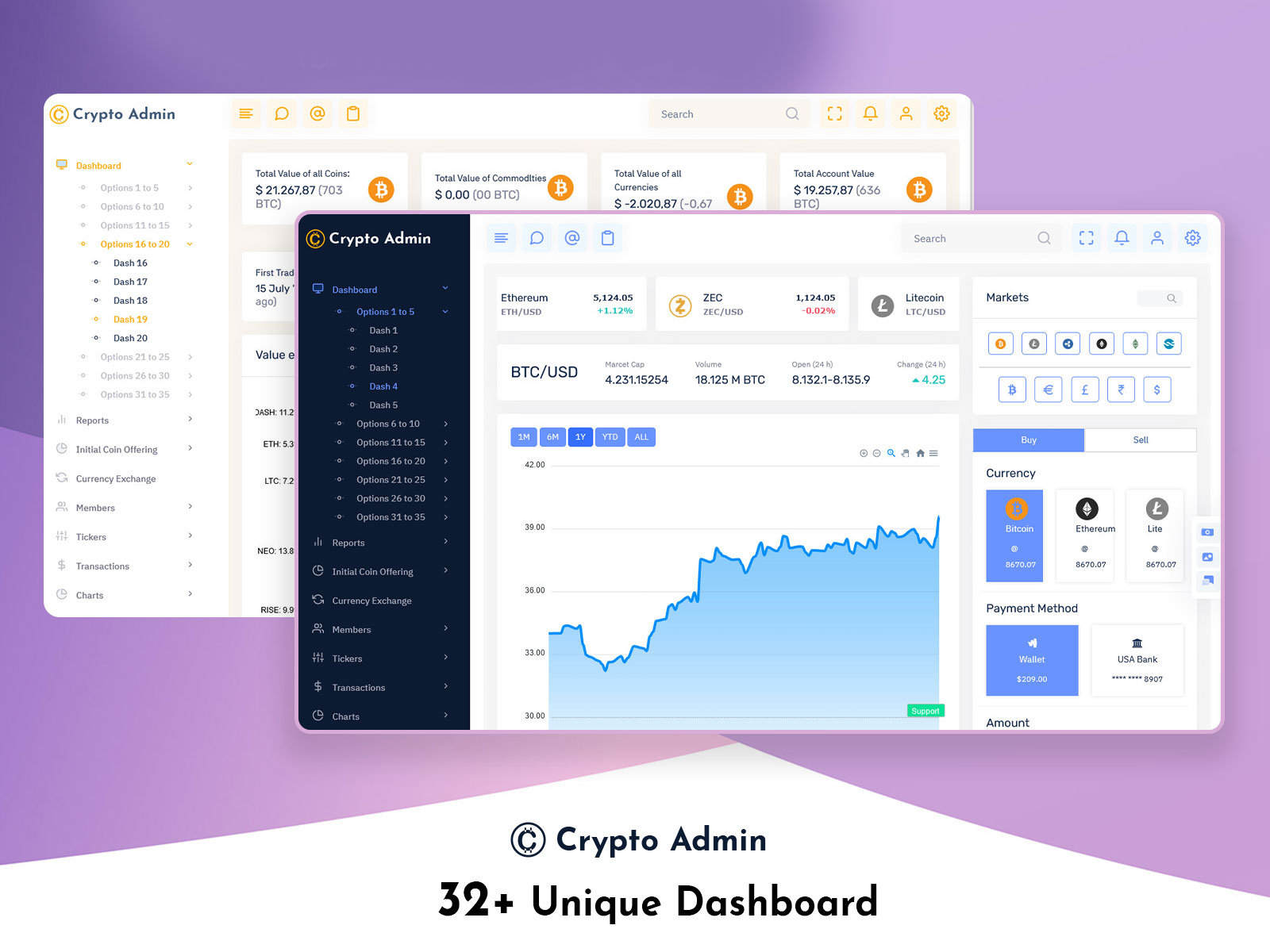
Crypto Tokenizer comes with than nine different dashboard layouts. These layouts are designed for uses related to cryptocurrency, trading, investment and wallet management. Each layout offers a mix of market data, portfolio details, transaction records, trading tools and analytics. This gives developers a base to start building their own projects.
2.Crypto Charts & Analytics
The tool supports a wide range of crypto trading and analytics charts. You can use line charts, bar charts, area charts, candlestick charts donut charts comparison charts and sparkline charts. It works with chart libraries such as ChartJS, Morris, Flot, ApexCharts and Sparkline. This allows users to display data in different ways depending on what they need.
3.Crypto-Focused Modules
The template includes modules that are built for cryptocurrency apps. These include price tickers, wallet summaries, market updates, portfolio tracking, trading history buy and sell panels and ICO token sale interfaces. These ready-to-use sections help developers save time when creating crypto-based dashboards.
4.Order Book & Market Depth
There are tools for trading interfaces. They show order books, market depth, bids, asks and other key trading data. When combined with candlestick charts and market analysis tools these features form the backbone of trading dashboards. They work well for exchange-style apps, educational platforms and trading tools.
5.Wallet & Portfolio Management
The Crypto Portfolio Dashboard organizes information, about holdings, balances, profit and loss transfers, asset allocation and overall performance. These layouts can be used for managing assets tracking investments or handling wallets. The designs keep everything easy to follow.
6.Reusable UI Components
Crypto Tokenizer includes a set of reusable UI components. These include cards, tables, charts, forms, buttons, alerts, modals, notifications, lists and icons. All built using Bootstrap 5 these elements allow developers to create dashboards without starting from scratch each time.
7.Responsive & Mobile-Friendly Design
The entire template is built with Bootstrap 5. This means it adapts smoothly across desktops, tablets and smartphones. It also works well in modern browsers. Because of this flexibility users can access dashboard content from any device without losing functionality or design quality.
8.Clean & Developer-Friendly Structure
Crypto Tokenizer uses HTML5, CSS3, Bootstrap 5 and Sass. The structure is clean, modular and well-organized. Developers can easily change layouts adjust components, update colors and tweak styles. The organized setup makes it simple to add custom features and connect data sources.
Benefits of Using a Crypto Dashboard Template
A made Crypto Dashboard Template can make it easier to create a professional cryptocurrency web application. Of building every page, chart, table and interface element from the beginning developers can start with a well-organized base and change it based on what their project needs.
One of the benefits is faster development. Pre-made dashboard designs and parts that can be used again give a starting point for cryptocurrency platforms wallet interfaces, investment dashboards and trading apps. Built-in Crypto Trading Charts and Crypto Analytics Charts also help to show market and portfolio details using visual parts.
A design that works on devices is another benefit. It lets dashboard interfaces change to desktops, tablets and phones. Developers can also change layouts, colors, parts and other visual things to make an interface that works for their app.
Crypto Tokenizer by Multi Purpose Themes puts all these things together in a dashboard solution based on Bootstrap 5. Its different layouts, parts that can be reused -focused sections and charting choices can help cut down on repeated design work while giving a steady base, for building.
For groups making related apps a dashboard template is a good way to start with a known interface setup and put their work into the apps special features and what users need.
Explore Other Dashboard Design of Crypto Tokenizer Admin
Dashboard: 1
BUY NOW DEMO
Dashboard: 2
BUY NOW DEMO
Dashboard: 3
BUY NOW DEMO
Dashboard: 4
BUY NOW DEMO
Dashboard: 5
BUY NOW DEMO
Dashboard: 6
BUY NOW DEMO
Dashboard: 7
BUY NOW DEMO
Dashboard: 8
BUY NOW DEMO
Dashboard: 9
BUY NOW DEMO
Dashboard: 10
BUY NOW DEMO
Dashboard: 11
BUY NOW DEMO
Dashboard: 12
BUY NOW DEMO
Conclusion
Crypto Tokenizer offers a foundation for building cryptocurrency-focused web applications. It includes tools, for creating cryptocurrency dashboards Bitcoin dashboards, trading interfaces, wallet systems, ICO pages and investment apps. With dashboard options, responsive designs, reusable UI elements and features like Crypto Trading Charts and Crypto Analytics Charts it helps developers start strong and build modern crypto platforms quickly.
Created by Multi Purpose Themes Crypto Tokenizer combines dashboard layouts with crypto-specific design elements in a single flexible template. Whether you are building a crypto exchange interface, a fintech project, a blockchain application, a portfolio platform or a trading website Crypto Tokenizer gives you the pieces you need. It supports a professional look and saves time by reducing the need to design the dashboard from the ground up.
Frequently Asked Questions (FAQs)
1. What is Crypto Tokenizer?
Crypto Tokenizer is a cryptocurrency admin and trading dashboard template built with Bootstrap 5. It includes crypto trading charts, Bitcoin dashboard features, portfolio tracking tools, and modules for crypto analytics and wallet management.
2. Is Crypto Tokenizer responsive and mobile-friendly?
Yes, the dashboard is fully responsive and optimized for desktop, tablet, and mobile devices, ensuring smooth usability everywhere.
3. What type of charts are included?
It includes candlestick charts, line charts, bar charts, area charts, sparkline mini-charts, and real-time crypto analytics charts to visualize market movement and trading performance.
4. Can developers customize the dashboard?
Absolutely. The template uses clean Bootstrap & Sass-based code, making it easy to customize colors, layouts, modules, and features as needed.
5. Does it support multiple dashboard layouts?
Yes, it comes with multiple dashboard variants suitable for trading dashboards, wallet systems, bitcoin dashboards, crypto dashboards, and investment dashboards.
6. Who can use Crypto Tokenizer?
Crypto exchanges, blockchain startups, crypto traders, investors, DeFi developers, ICO platforms, financial analytics systems, and app developers.

Related Posts