

What is a Hospital Dashboard? Hospital dashboard is a centralized online platform which helps hospitals…
22+ Hospital Dashboard Design Powering Smart Healthcare Systems 2026
Reading Time: 7 minutes
A modern Hospital Admin Dashboard plays a vital role in transforming traditional healthcare operations into a smart digital system. It helps hospitals manage Hospital Data Dashboard processes in a structured way by centralizing Patient information, reports, and administrative workflows. With a strong Hospital Dashboard UI Kit, medical teams can access real-time insights and improve decision-making across different departments.
Watch Full Video
In today’s digital environment, a Hospital Admin Dashboard or Hospital Admin Template makes it easier to handle complex operations like scheduling, billing, and monitoring. The integration of Hospital WebApp Dashboard and Hospital Software Template ensures smooth performance across systems. Using a Hospital and Medical Dashboard Template, healthcare organizations can improve efficiency, reduce manual tasks, and create a more connected Hospital and Medical Dashboard Design ecosystem.
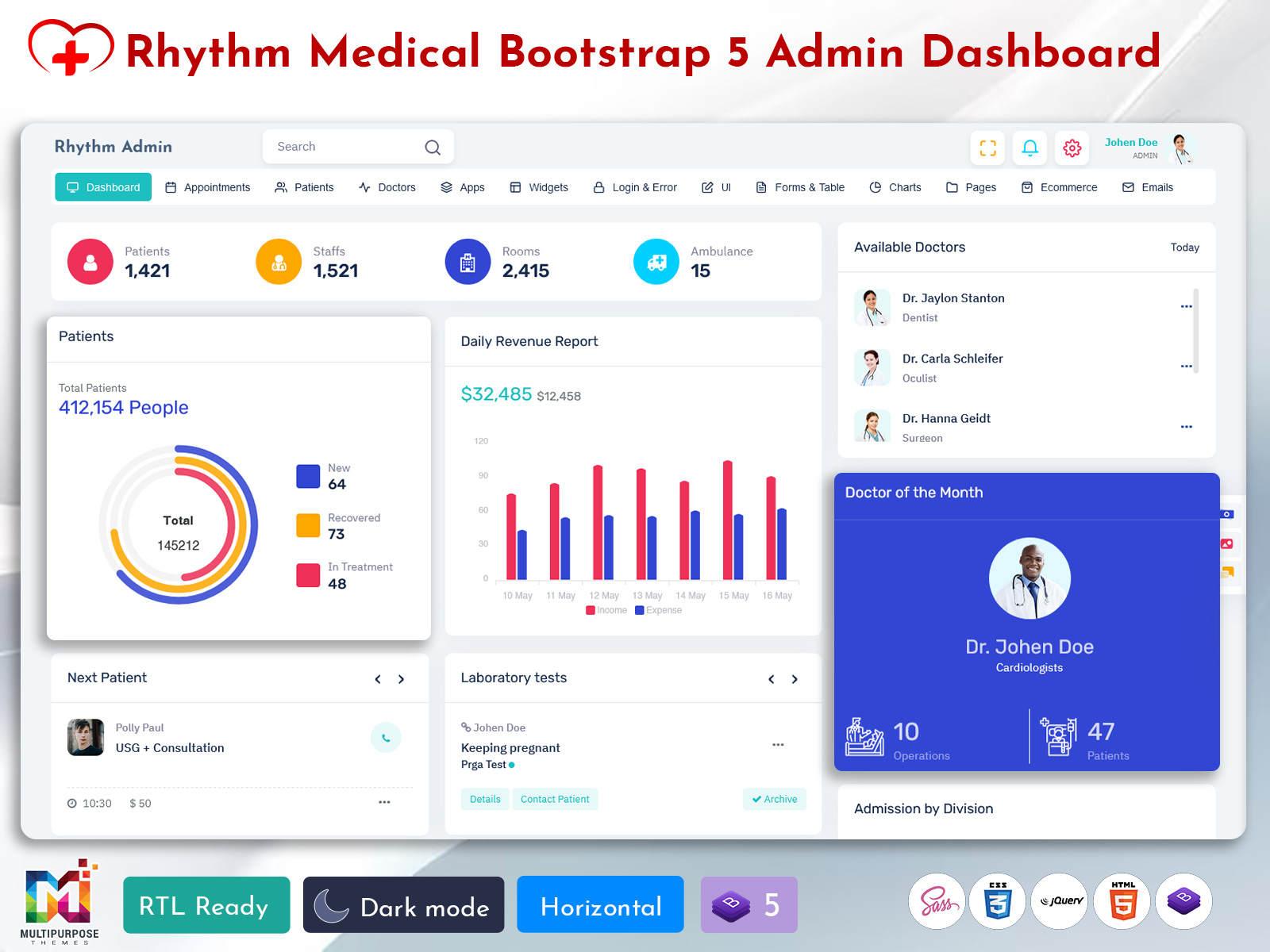
Daily Revenue Report in Hospital Dashboard Design UI
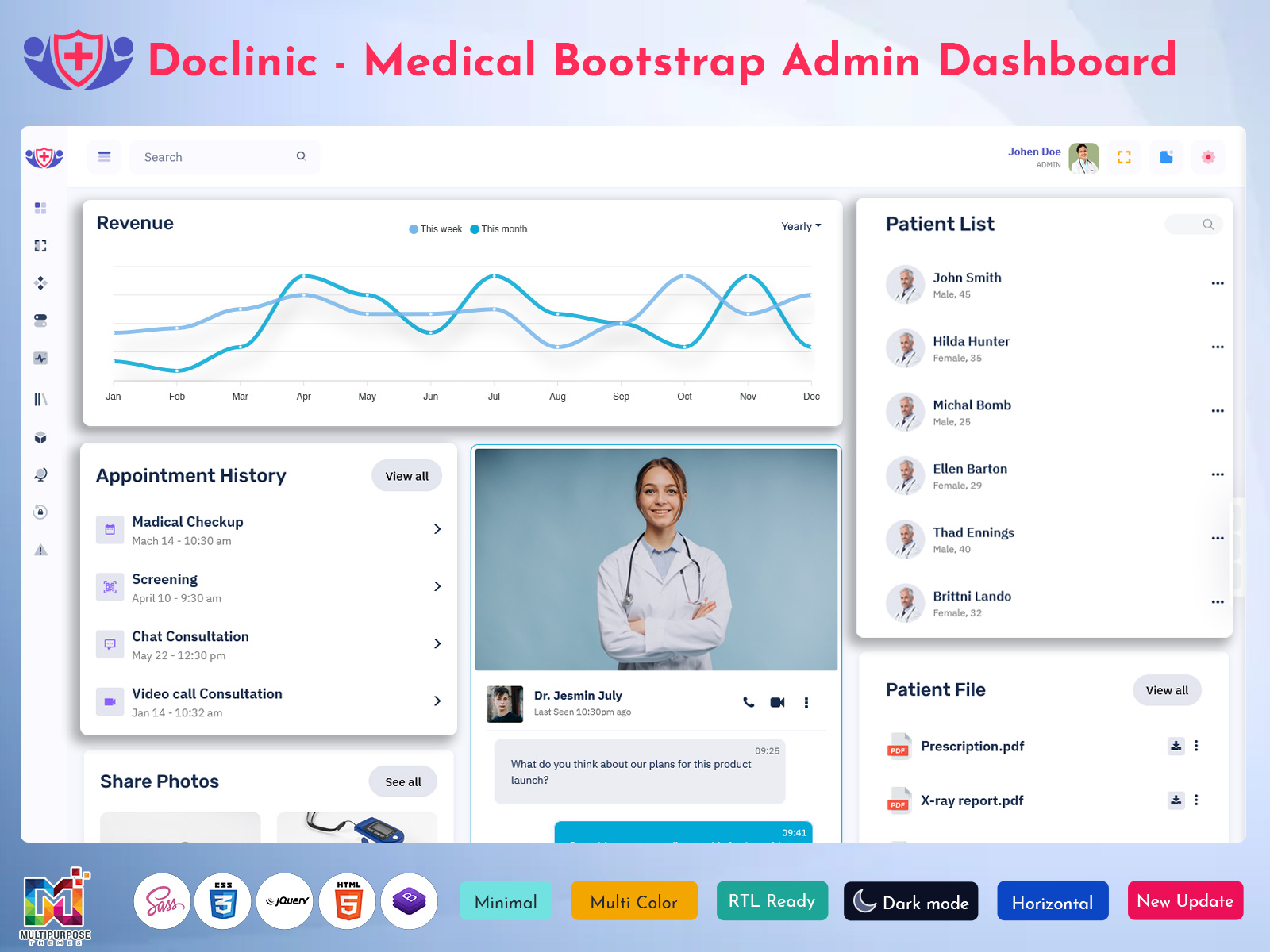
The Daily Revenue Report in Hospital Dashboard Design UI helps hospitals track financial performance in a clear and organized way. It collects all income data from different departments and displays it inside a Hospital Data Dashboard, making it easier for management to understand daily earnings. This feature in a Hospital Admin Dashboard improves transparency and supports better financial planning.
With a Hospital Dashboard UI Kit, the revenue report becomes more visual and easy to analyze using Hospital Charts and summary cards. It also connects with the Hospital Software Template and Hospital WebApp Dashboard to ensure real-time updates. This allows administrators to monitor cash flow, billing status, and performance trends within the Hospital and Medical Dashboard system.
VIEW DEMO BUY NOW
Doctor List in Hospital Admin Dashboard Template System
The Doctor List in a Hospital Admin Dashboard Template System helps organize all medical professionals in a structured and accessible format. It allows hospital staff to view doctor profiles, specialties, and availability inside the Hospital Dashboard Design interface. This improves coordination and ensures that the right doctor can be assigned quickly based on patient needs within the Hospital and Medical Dashboard environment.
Using a Hospital Dashboard UI Kit, the doctor list becomes more interactive and easy to manage with filters, search options, and profile cards. It integrates smoothly with the Hospital Software Template and Hospital WebApp Dashboard, making it simple to update doctor information in real time. This feature enhances overall workflow efficiency in the Hospital Admin Template and supports better patient management across departments.
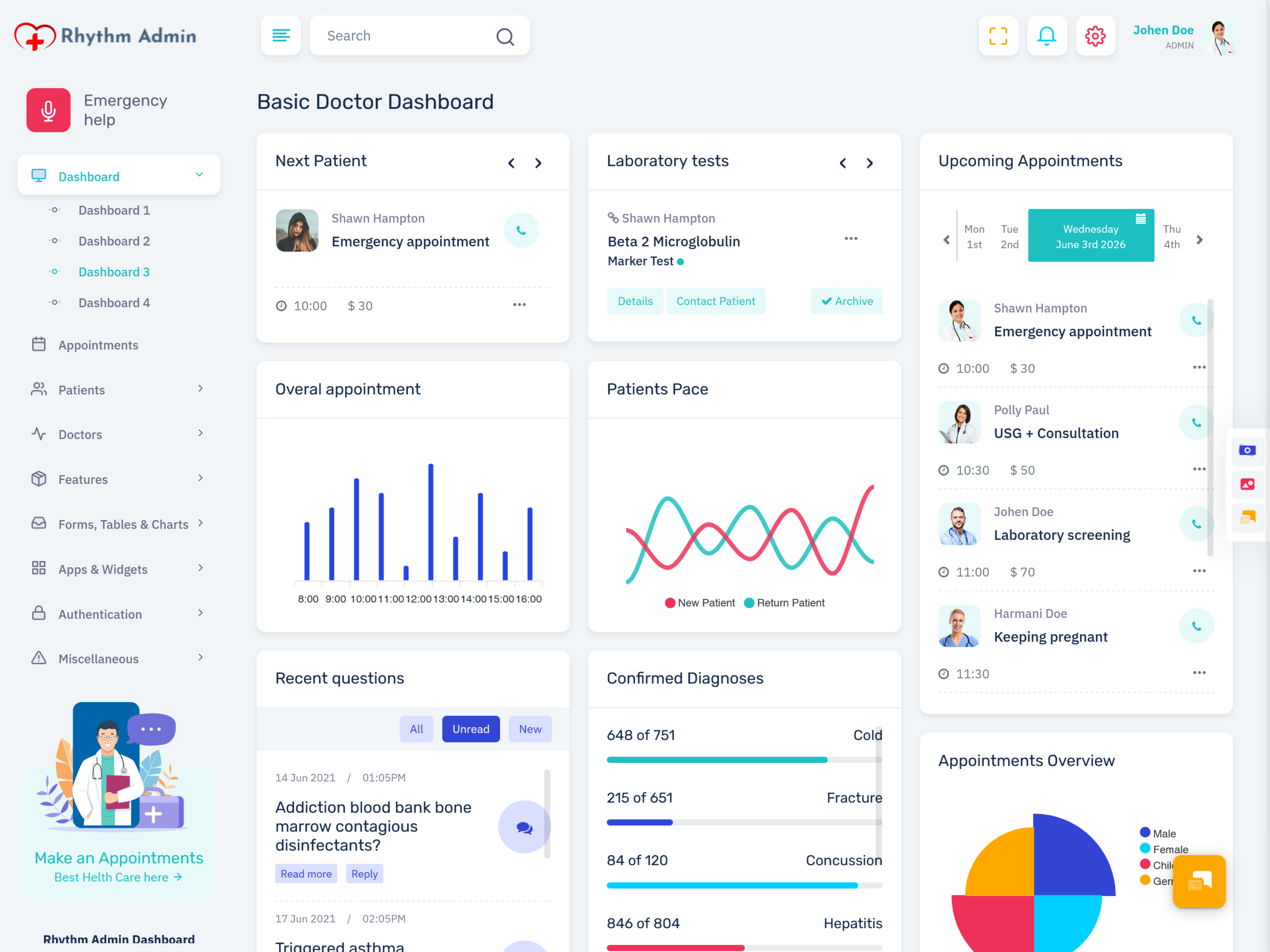
Upcoming Appointments in Hospital WebApp Dashboard UI
The Upcoming Appointments module in a Hospital WebApp Dashboard UI helps hospitals manage patient scheduling in a clear and organized way. It provides a real-time view of all planned visits, ensuring that doctors and staff can easily prepare for consultations. Within a Hospital Dashboard Design system, this feature improves coordination between departments and reduces missed appointments in daily operations.
In a Hospital and Medical Dashboard Template, upcoming appointments are displayed using a structured layout powered by the Hospital Dashboard UI Kit and Hospital Charts. It connects with the Hospital Software Template and Hospital Admin Dashboard to ensure smooth updates across all records. This makes the Hospital Data Dashboard more efficient by keeping schedules accurate and accessible at all times.
Balance Tracking in Hospital Software Template System
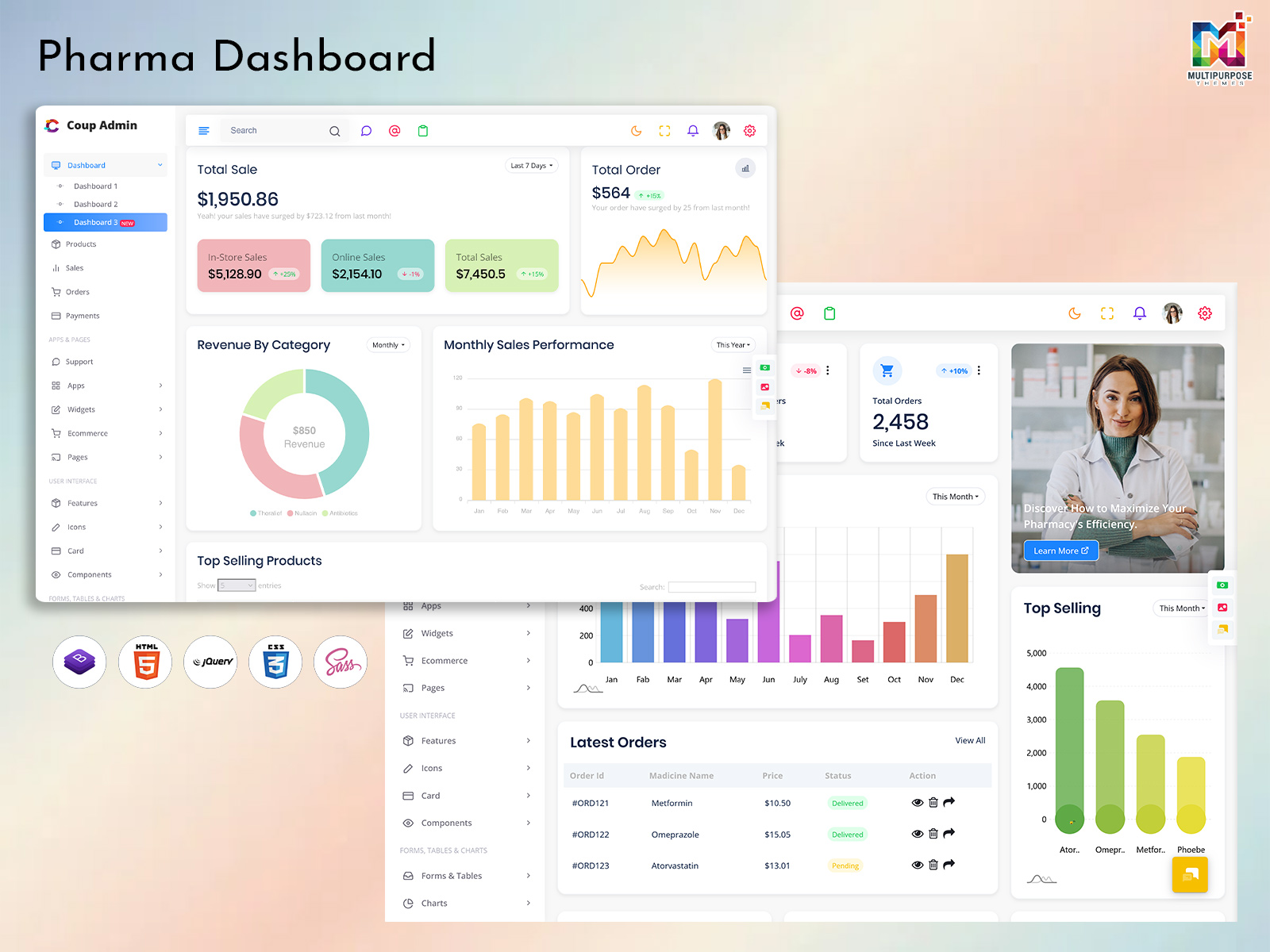
Balance Tracking in a Hospital Software Template System helps hospitals monitor financial status in a clear and structured manner. It shows remaining balances, pending payments, and transaction summaries inside the Hospital Data Dashboard. This improves transparency and ensures that the Hospital Admin Dashboard always reflects updated financial information for better decision-making.
Within a Hospital Dashboard Design environment, balance tracking connects with the Hospital WebApp Dashboard and Hospital Software UI Framework to provide real-time updates. It also integrates with the Hospital and Medical Dashboard Design to maintain accurate financial records across departments. This feature enhances overall control in the Hospital Admin Template and supports smooth operational flow in daily hospital activities.
VIEW DEMO BUY NOW
Advantages of Hospital Dashboard Design
1. Centralized Healthcare Data System
A Hospital Dashboard Design brings all medical and administrative information into one place. It helps manage Hospital Data Dashboard operations efficiently by reducing scattered records and improving accessibility across departments.
2. Improved Operational Efficiency
With Hospital Admin Dashboard and Hospital Software Template integration, daily hospital tasks become faster and more organized. Staff can easily handle scheduling, billing, and reporting without system delays.
3. Real Time Data Monitoring
The Hospital WebApp Dashboard and Hospital Charts allow live tracking of patient status and hospital performance. This ensures accurate decision-making and timely medical responses in critical situations.
4. Better User Experience for Medical Teams
Using a Hospital Dashboard UI Kit and Hospital Admin UI Kit, the interface becomes simple and easy to navigate. Doctors and staff can quickly access modules like reports, appointments, and patient details.
5. Scalable and Flexible System Structure
A Hospital and Medical Dashboard Template supports hospitals of all sizes. It can scale easily with new features, making it suitable for small clinics as well as large healthcare institutions.
Appointments Overview in Hospital Dashboard UI Kit
The Appointments Overview in a Hospital Dashboard UI Kit provides a clear snapshot of all scheduled patient visits in one organized interface. It helps hospitals manage time slots, doctor availability, and patient bookings efficiently within the Hospital Dashboard Design system. This ensures that no appointment is missed and daily operations remain well-structured.
In a Hospital Admin Dashboard environment, the appointments overview connects with the Hospital WebApp Dashboard and Hospital Software Template to deliver real-time scheduling updates. It also works with the Hospital Data Dashboard and Hospital Charts to visualize booking patterns and patient flow. This improves coordination across departments and enhances overall workflow efficiency in the Hospital and Medical Dashboard system.
Features Card in Hospital Admin UI Kit Design System
1. Modular Feature Card Layout
The Hospital Dashboard UI Kit provides a modular card system that organizes hospital functions in a clean structure. It improves readability inside the Hospital Dashboard Design and helps users quickly access important tools in the Hospital Data Dashboard.
2. Quick Access Medical Modules
This feature in the Hospital Admin Dashboard allows instant access to core functions like patient records, billing, and scheduling. It enhances performance in the Hospital Software Template by reducing navigation time.
3. Interactive UI Components
The Hospital WebApp Dashboard uses interactive feature cards that respond smoothly to user actions. It improves usability and makes the Hospital and Medical Dashboard more engaging for doctors and staff.
4. Real Time Data Integration
Feature cards are connected with live updates from the Hospital Charts and backend system. This ensures accurate information display in the Hospital Admin UI Kit and supports better decision-making.
5. Responsive Design System
The Hospital Dashboard UI Kit ensures feature cards adapt to all screen sizes. It improves accessibility across desktop and mobile devices within the Hospital and Medical Dashboard Design environment.
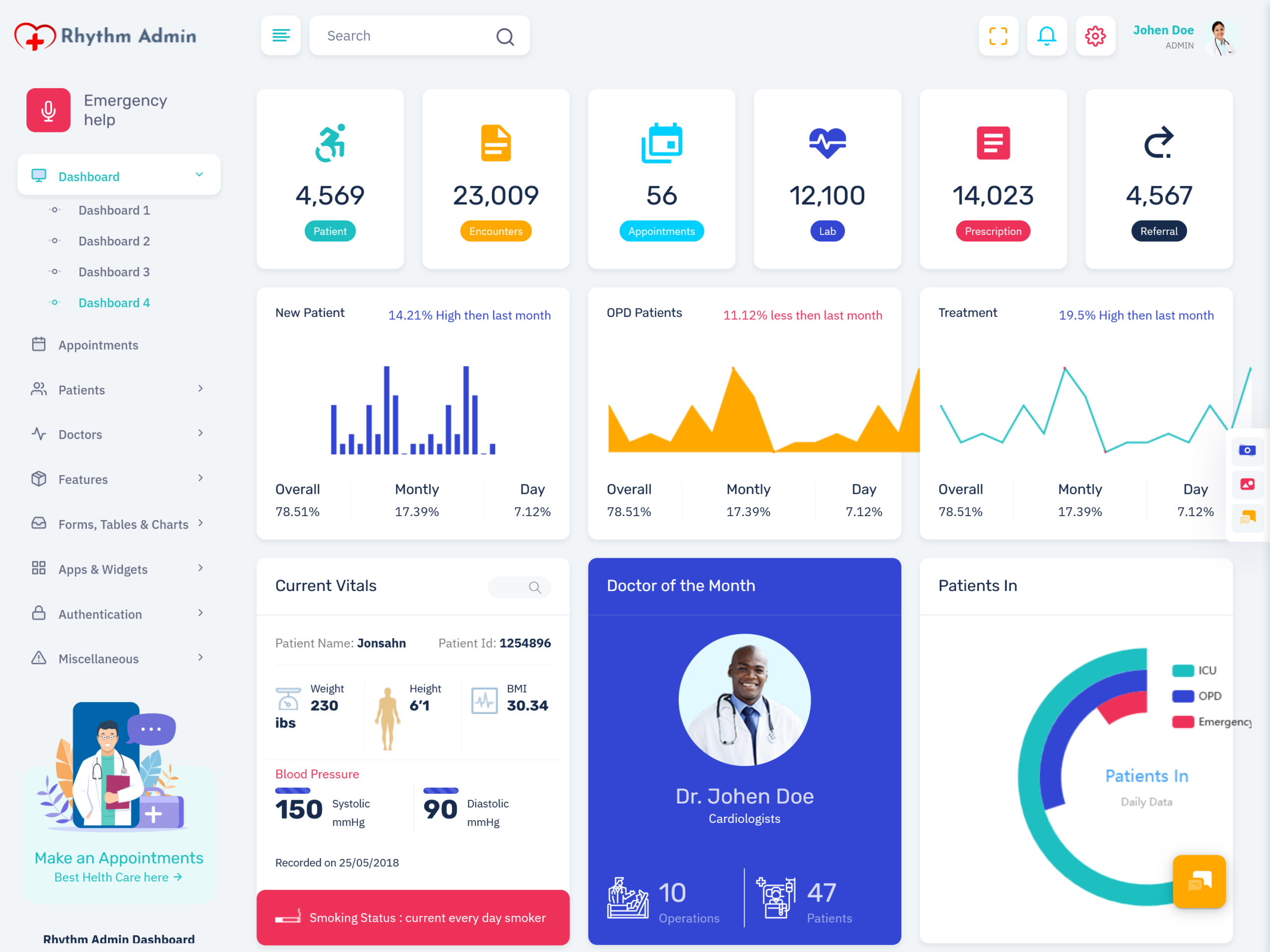
Patient Statistics in Hospital and Medical Dashboard
Patient Statistics in a Hospital and Medical Dashboard help healthcare teams understand patient trends in a structured and visual way. It displays key Patient Data such as admission count, recovery rate, and treatment progress inside the Hospital Data Dashboard. This makes it easier for doctors and administrators to analyze overall hospital performance using a clear Hospital Dashboard Design system.
Within a Hospital Admin Dashboard, patient statistics are powered by the Hospital Dashboard UI Kit and Hospital Charts for better visualization. It integrates with the Hospital Software Template and Hospital WebApp Dashboard to provide real-time updates. This ensures that medical staff can monitor patient flow and outcomes efficiently across the Hospital and Medical Dashboard Template environment.
Patient Review in Hospital Dashboard Design Template
Patient Review in a Hospital Dashboard Design Template helps hospitals collect and analyze feedback from patients in a structured way. It displays Patient Data related to satisfaction, treatment experience, and service quality inside the Hospital Data Dashboard. This allows healthcare teams to understand patient expectations and improve service quality through a clear Hospital Dashboard Design system.
In a Hospital Admin Dashboard, patient reviews are managed using the Hospital Dashboard UI Kit and integrated with Hospital Charts for visual feedback analysis. It connects with the Hospital WebApp Dashboard and Hospital Software Template to maintain updated review records in real time. This improves overall hospital performance and strengthens trust within the Hospital and Medical Dashboard environment.
Conclusion
A well-structured Hospital Dashboard Design helps hospitals manage operations in a simple and organized way. It brings together Patient Data, scheduling, reporting, and analytics into one unified system. With the support of a Hospital Data Dashboard, healthcare teams can access real-time insights and improve daily decision-making across departments.
The integration of Hospital Admin Dashboard, Hospital Dashboard UI Kit, and Hospital Software Template ensures smooth workflow and better coordination between doctors and staff. Features like Hospital Charts, patient statistics, and review systems make the Hospital and Medical Dashboard more powerful and efficient. Overall, this modern Hospital WebApp Dashboard approach improves patient care, reduces manual effort, and supports a smarter healthcare system.
FAQs
1. What is a hospital management system used for?
A hospital management system is used to manage patient records, appointments, billing, reports, and daily hospital operations from a single platform. Solutions available on MultiPurpose Themes help healthcare providers organize these activities more efficiently.
2. How do hospitals manage patient records digitally?
Hospitals use digital software to store medical histories, prescriptions, test reports, and treatment details. Hospital dashboard templates from MultiPurpose Themes support organized and secure patient data management.
3. What features should a hospital dashboard have?
A hospital dashboard should include patient management, appointment scheduling, doctor records, billing, reports, and analytics. MultiPurpose Themes offers dashboard solutions with these essential healthcare management features.
4. Is hospital management software useful for small clinics?
Yes, small clinics can use hospital management software to streamline appointments, patient records, and billing processes. MultiPurpose Themes provides scalable dashboard templates suitable for both clinics and hospitals.
5. Can hospital software manage appointments and scheduling?
Yes, hospital software helps healthcare providers schedule, track, and manage patient appointments efficiently. Hospital dashboard designs from MultiPurpose Themes include dedicated appointment management modules.
6. How does a hospital dashboard improve efficiency?
A hospital dashboard centralizes data, automates routine tasks, and reduces manual paperwork. MultiPurpose Themes healthcare dashboards help improve operational efficiency and decision-making.
7. What is the difference between a hospital dashboard and hospital software?
A hospital dashboard is the visual interface used to view and manage information, while hospital software includes the complete backend system. MultiPurpose Themes provides modern dashboard interfaces for healthcare platforms.
8. Can hospital management systems generate reports?
Yes, hospital systems can generate reports related to patients, appointments, billing, and performance metrics. Templates from MultiPurpose Themes support data visualization and reporting features.
9. Is hospital data secure in management systems?
Most modern hospital systems use authentication controls and secure databases to protect patient information. MultiPurpose Themes dashboard designs can be integrated with secure healthcare software environments.
10. Why do hospitals use digital dashboards instead of paper records?
Digital dashboards provide faster access to information, reduce administrative errors, and improve workflow management. MultiPurpose Themes offers user-friendly hospital dashboard templates that support modern healthcare operations.

Related Posts


This Post Has 0 Comments