

What is a Law Firm Dashboard? A Law Firm Dashboard is a centralized digital interface…
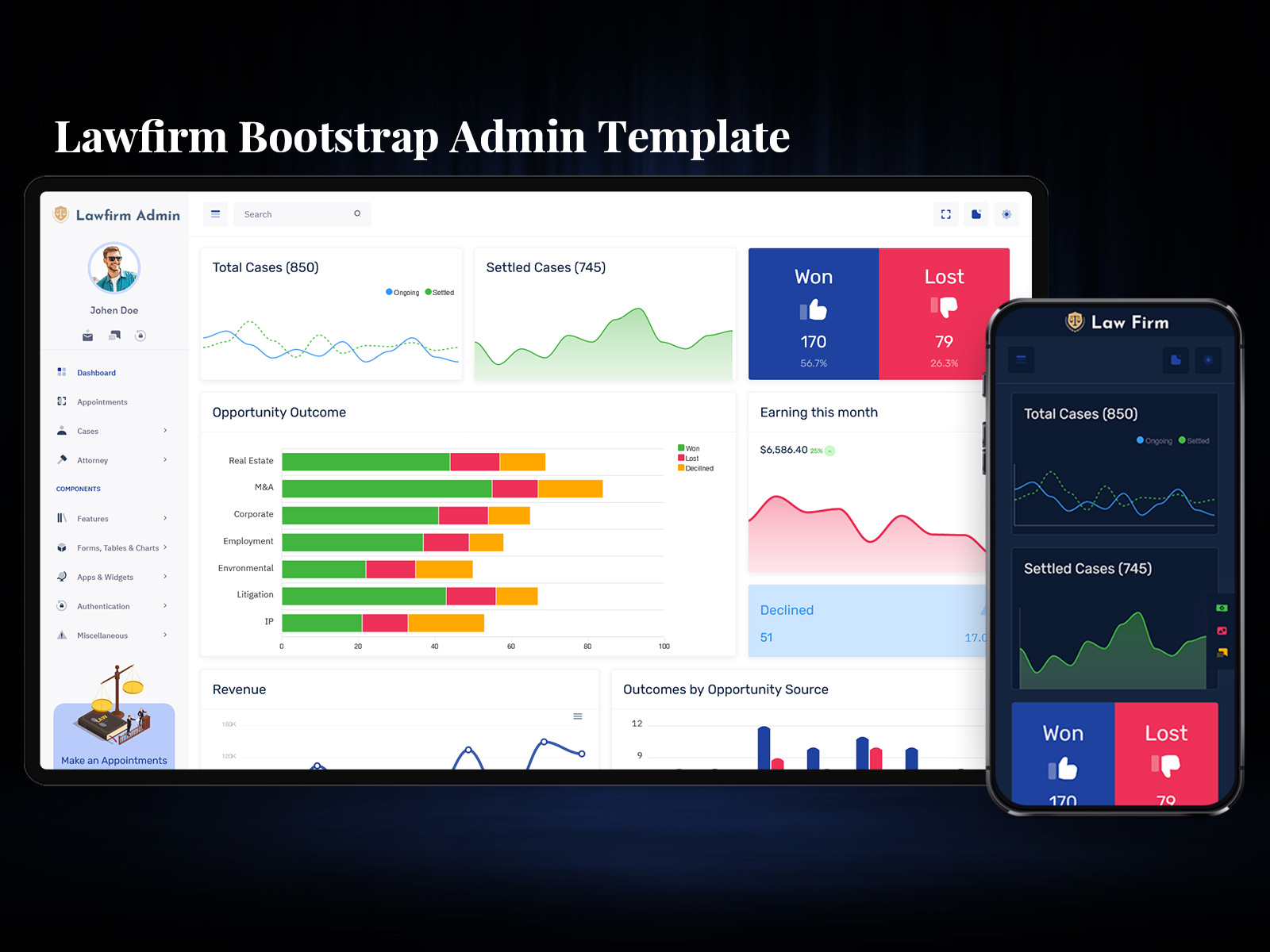
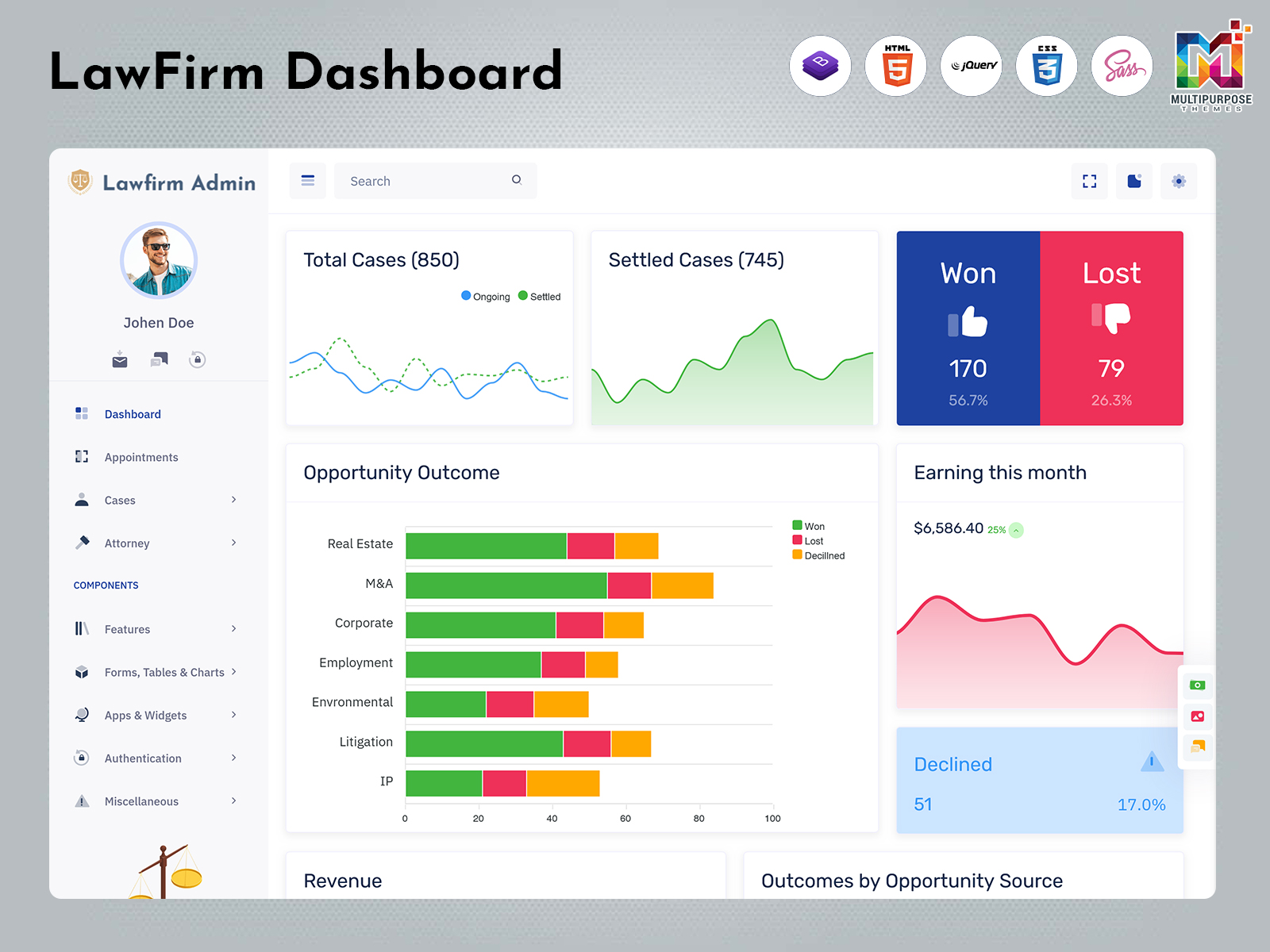
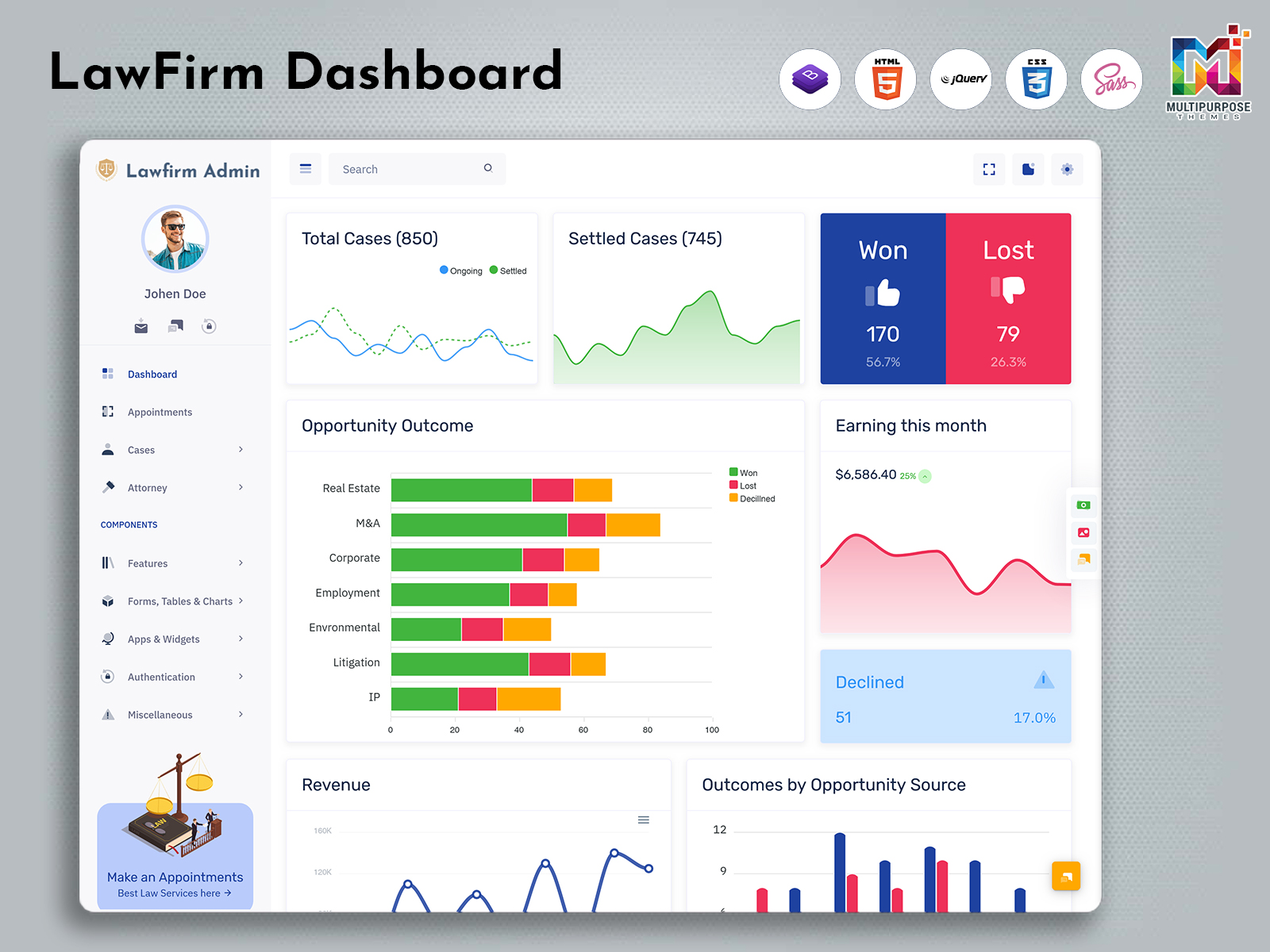
2026 Upgraded Law Firm Dashboard for Smart Legal Admin Control Panel
Reading Time: 8 minutes
In today’s fast-paced legal environment, managing multiple clients, cases, and documents can become overwhelming without the right system in place. This is where a Law Firm Dashboard plays a vital role. It acts as a centralized platform that helps law firms streamline operations, improve efficiency, and maintain better control over daily activities. A well-designed Law Firm Dashboard simplifies complex legal workflows and provides a clear overview of everything happening within the firm.
A modern Admin Dashboard is not just a tool but a complete solution that brings together technology and legal expertise. It helps legal professionals stay organized, make informed decisions, and deliver better services to their clients. With the support of advanced UI frameworks and smart design, managing a law firm becomes more structured and less time-consuming.
Explore Dashboard Design for Law Firm & Legal Web Portals
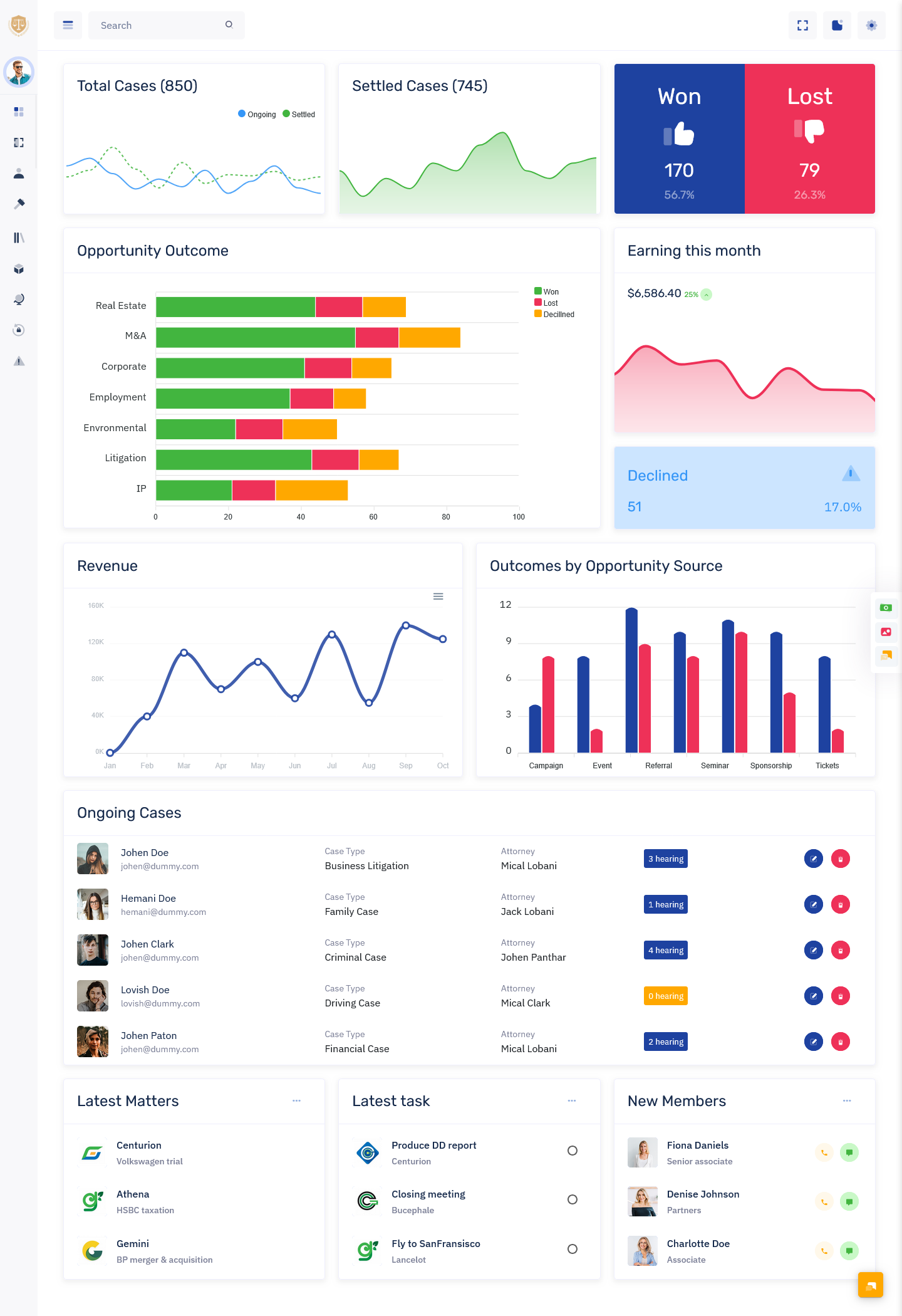
Light Dashboard
BUY NOW DEMO
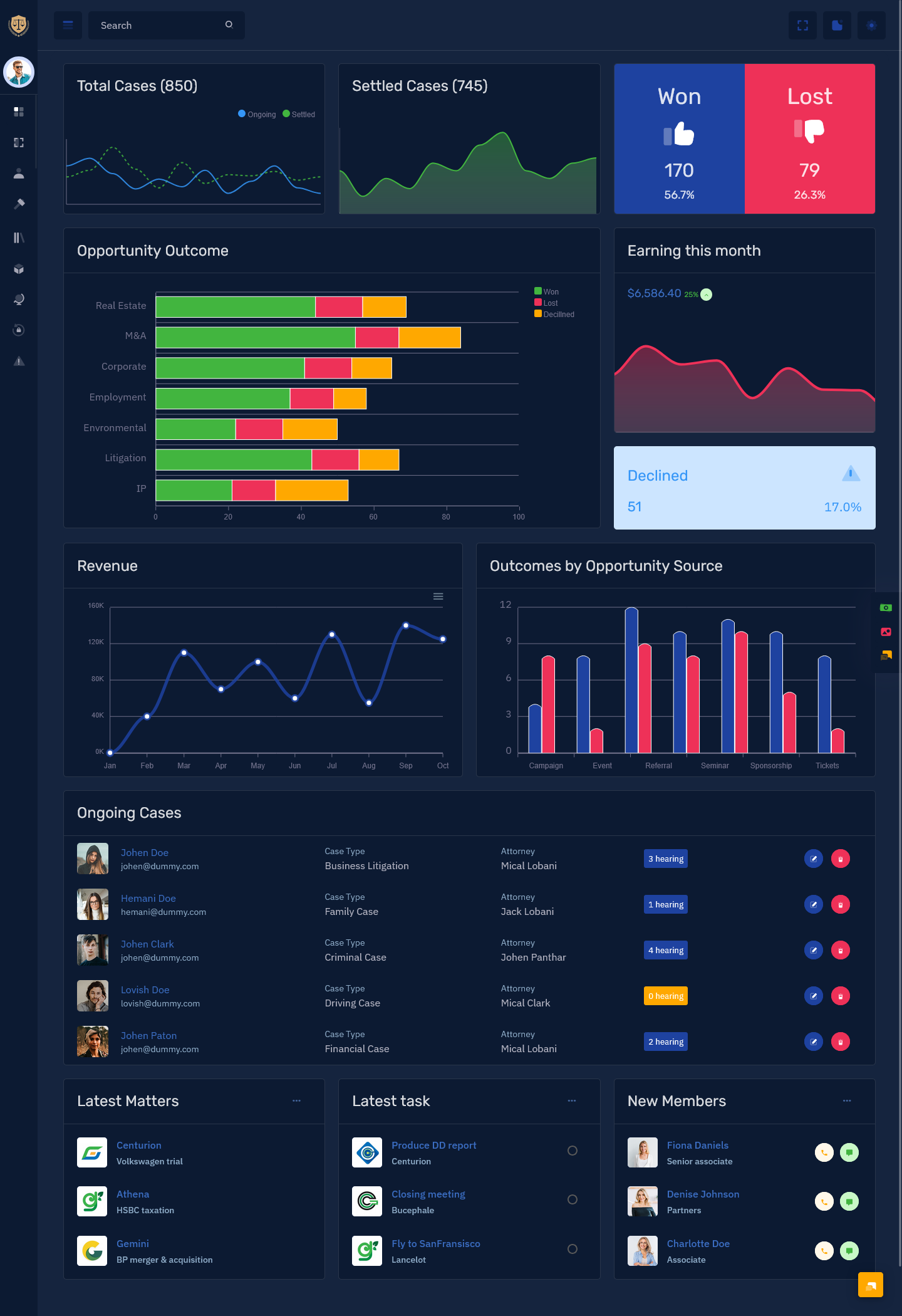
Dark Dashboard
BUY NOW DEMO
Understanding the Importance of Law Firm Dashboard
A Law Firm Dashboard is designed to handle the unique challenges of legal operations. Law firms deal with sensitive data, strict deadlines, and complex case structures. Without a proper system, managing all these elements can lead to confusion and inefficiency.
The Bootstrap 5 Dashboard provides a single interface where all important information is easily accessible. It allows legal teams to track cases, manage client interactions, and monitor progress without switching between multiple tools. This level of organization improves productivity and ensures that nothing important is missed.
By using a Law Firm Dashboard, firms can also reduce manual work and focus more on strategic tasks. It creates a structured workflow that helps teams work more efficiently and collaboratively.
Modern Design with Bootstrap Legal Admin
Design plays a crucial role in how users interact with any system. A Bootstrap Legal Admin framework ensures that the dashboard is clean, responsive, and easy to use. It provides a modern interface that adapts smoothly to different devices, including desktops, tablets, and mobile phones.
The Bootstrap Legal Admin approach focuses on simplicity and functionality. It includes pre-designed components that make navigation easy and intuitive. This helps legal professionals quickly access the information they need without wasting time.
Using Bootstrap Legal Admin also ensures consistency in design. This creates a professional appearance and improves user experience across the entire dashboard. It allows developers to build a Admin Dashboard that is both visually appealing and highly functional.
Watch Full Video
Role of Admin Panel Dashboard in Legal Operations
An Admin Panel Dashboard is the backbone of any Law Firm Dashboard. It provides complete control over all operations and allows administrators to manage users, data, and system settings efficiently.
The Admin Panel Dashboard offers a clear overview of ongoing cases, client activities, and important deadlines. It helps administrators monitor performance and make quick decisions when needed. This level of control ensures that the firm operates smoothly without any disruptions.
The Admin Panel Dashboard also supports data organization. It keeps all information structured and easily accessible, which is essential for maintaining accuracy in legal work. This makes it easier for teams to collaborate and stay aligned.
Building with Bootstrap 5 Admin Template
A Bootstrap 5 Admin Template provides the technical foundation for creating a modern Bootstrap 5 Admin Dashboard. It includes ready-to-use components and layouts that simplify the development process.
The Bootstrap 5 Admin Template is designed for flexibility and performance. It allows developers to customize the dashboard according to the specific needs of a law firm. This ensures that the system is tailored to match the firm’s workflow and requirements.
With a Bootstrap 5 Admin Template, developers can create a responsive and scalable Law Firm Dashboard without starting from scratch. This saves time and ensures a high-quality result.
Legal Admin Control Panel for Better Management
A Legal Admin Control Panel is an essential part of a Law Firm Dashboard. It acts as the command center where all administrative activities are managed. From user permissions to data monitoring, everything is controlled through this panel.
The Legal Admin Control Panel ensures that sensitive information is handled securely. It allows administrators to set access levels and manage user roles effectively. This is especially important in the legal industry, where data privacy is critical.
The Legal Admin Control Panel also provides insights into system performance. It helps identify areas that need improvement and ensures that the dashboard runs efficiently at all times.
Flexible Development with WebApp Template
A WebApp Template makes it easier to develop and deploy a Law Firm Dashboard. It provides a structured layout that can be customized to meet specific requirements. This flexibility allows businesses to create a solution that fits their workflow perfectly.
The WebApp Template ensures that the dashboard is user-friendly and easy to navigate. It supports modern design principles and enhances the overall user experience. This makes it easier for legal professionals to adopt and use the system effectively.
With the help of a WebApp Template, developers can focus on functionality while maintaining a clean and professional design.
Efficient Operations with Law Firm Admin Panel
A Law Firm Admin Panel is the operational core of the UI Dashboard. It brings together all essential features and tools needed to manage a law firm effectively. It simplifies daily tasks and ensures that everything is organized.
The Law Firm Admin Panel allows legal teams to manage clients, cases, and schedules in one place. It reduces the need for multiple systems and improves overall efficiency. This makes it easier to handle complex legal operations without confusion.
The Law Firm Admin Panel also supports collaboration. It allows team members to share information and work together seamlessly. This improves communication and ensures better outcomes for clients.
Client Management for Strong Relationships
Client Management is a key feature of any Law Firm Dashboard. It helps law firms maintain detailed records of their clients, including contact information, case history, and communication logs.
With Client Management, legal professionals can easily access client data and provide personalized services. It improves communication and builds stronger relationships with clients.
The Admin Dashboard UI ensures that all client information is organized and secure. This makes it easier to manage multiple clients without any confusion.
Case Management for Organized Workflow
Case Management is another essential feature of a Law Firm Dashboard. It allows legal teams to track the progress of each case from start to finish. This includes managing documents, deadlines, and case details.
The Law Firm Dashboard provides a clear view of all ongoing cases. This helps legal professionals stay updated and ensure that no deadlines are missed.
Case Management also improves efficiency by organizing all case-related information in one place. This reduces the time spent searching for documents and increases productivity.
Legal Calendar for Better Scheduling
A Legal Calendar is an important part of the Law Firm Dashboard. It helps legal professionals keep track of important dates, including court hearings, meetings, and deadlines.
The Legal Calendar ensures that all schedules are organized and easily accessible. It reduces the risk of missed appointments and improves time management.
With the Law Firm Dashboard, the Legal Calendar can be integrated with other features. This creates a seamless scheduling system that keeps everyone informed.
Legal Research Integration for Smarter Decisions
Legal Research Integration enhances the capabilities of a Bootstrap Admin Dashboard by providing access to legal databases and resources. This allows legal professionals to find relevant information quickly and make informed decisions.
The integration simplifies the research process and saves time. It ensures that legal teams have access to accurate and up-to-date information.
With Legal Research Integration, the Law Firm Dashboard becomes a powerful tool for both management and analysis.
Access Control for Data Security
Access Control is a critical feature of any Law Firm Dashboard. It ensures that sensitive information is protected and only accessible to authorized users.
The Dashboard allows administrators to define user roles and permissions. This ensures that each team member has access to the information they need without compromising security.
Access Control helps maintain data privacy and builds trust with clients. It is an essential component of any legal management system.
Reporting & Analytics for Insights
Reporting & Analytics provide valuable insights into the performance of a law firm. The Law Firm Dashboard includes tools that help track key metrics and analyze data.
These insights help law firms identify trends, measure performance, and make better decisions. It improves transparency and supports strategic planning.
With Reporting & Analytics, the Law Firm Dashboard becomes a data-driven platform that supports growth and improvement.
Workflow Automation for Efficiency
Workflow Automation simplifies repetitive tasks and improves efficiency. The Law Firm Dashboard allows legal teams to automate processes such as case updates, notifications, and document management.
Automation reduces manual work and minimizes errors. It ensures that tasks are completed on time and improves overall productivity.
With Workflow Automation, the Law Dashboard creates a smooth and efficient working environment.
Client Portal for Better Communication
A Client Portal is an important feature of a Law Firm Dashboard. It provides clients with a secure platform to access case updates, documents, and communication.
The Client Portal improves transparency and keeps clients informed. It reduces the need for constant follow-ups and enhances client satisfaction.
With a Client Portal, the Law Firm Dashboard creates a better communication experience for both clients and legal teams.
Future of Law Firm Dashboard
The future of Law Firm Dashboard is driven by technology and innovation. As legal operations become more complex, the need for efficient management systems will continue to grow.
Modern dashboards will include advanced features such as artificial intelligence and predictive analytics. These technologies will further enhance the capabilities of a Law Firm Dashboard.
The integration of smart tools and modern design will make dashboards more powerful and user-friendly. This will help law firms stay competitive and deliver better services.
Conclusion
A Law Firm Dashboard is an essential tool for modern legal management. It brings together all aspects of a law firm into one unified platform, making operations more efficient and organized. With the support of Bootstrap Legal Admin, Admin Panel Dashboard, Bootstrap 5 Admin Template, Legal Admin Control Panel, WebApp Template, and Law Firm Admin Panel, businesses can create a powerful and flexible system.
By incorporating features like Client Management, Case Management, Legal Calendar, Legal Research Integration, Access Control, Reporting & Analytics, Workflow Automation, and Client Portal, the Law Firm Dashboard becomes a complete solution for managing legal operations. It not only simplifies processes but also enhances productivity and client satisfaction, making it a valuable asset for any law firm.
Unlock Other Legal Dashboards
BsinX Admin – Legal Dashboard

BUY NOW DEMO
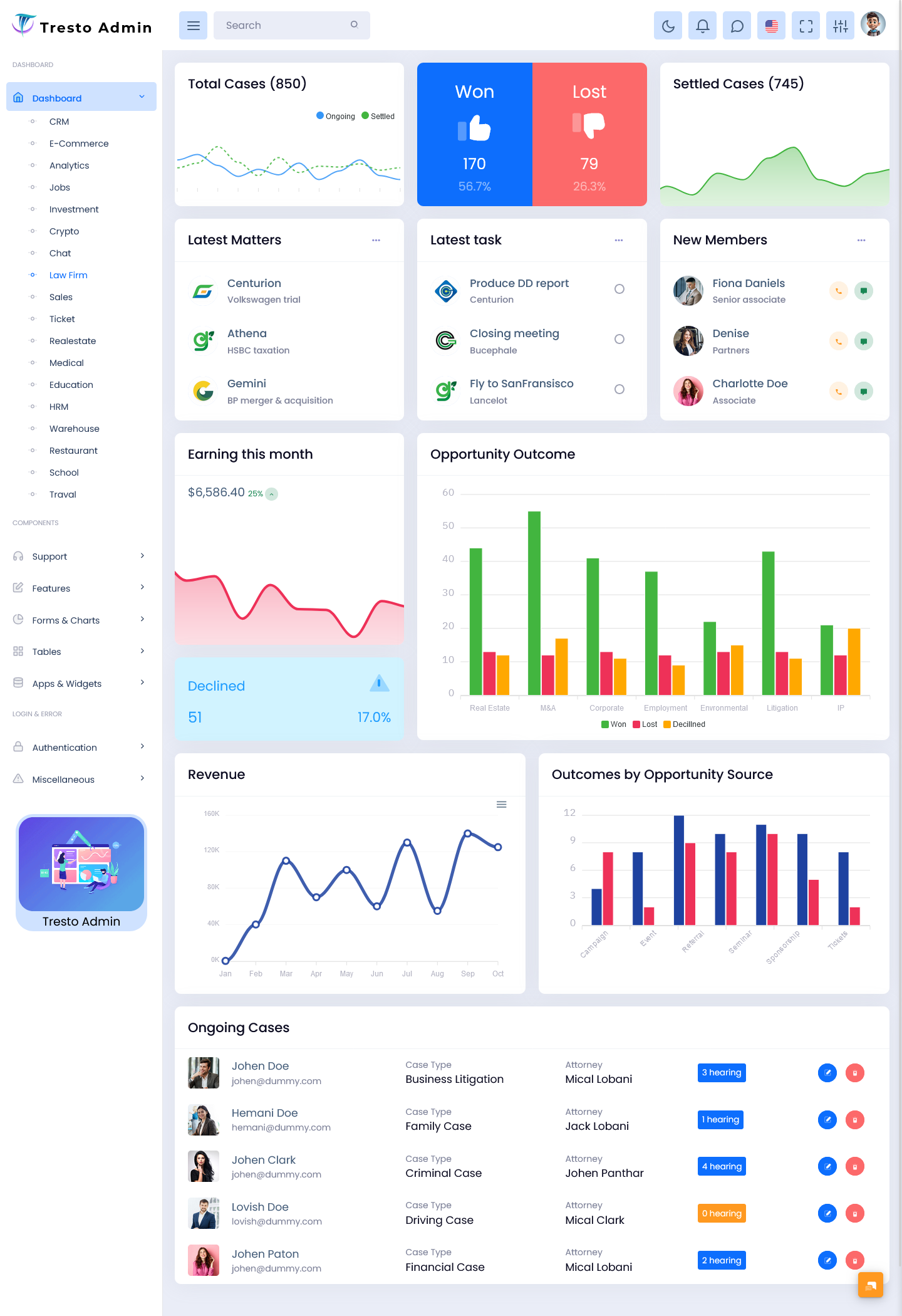
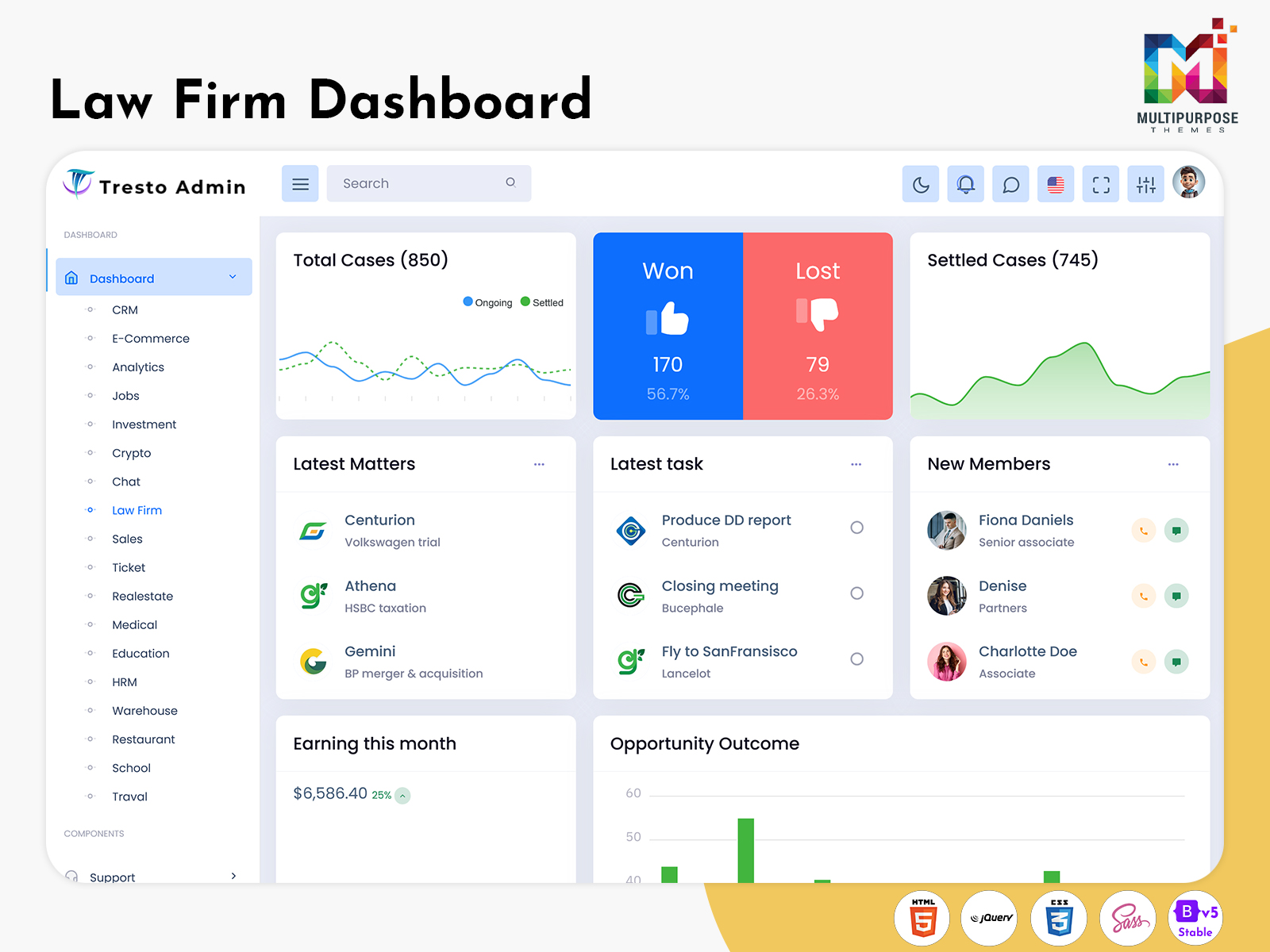
Tresto Admin – LawFirm Dashboard
BUY NOW DEMO
Gilded Admin – Law Cases UI Dashboard
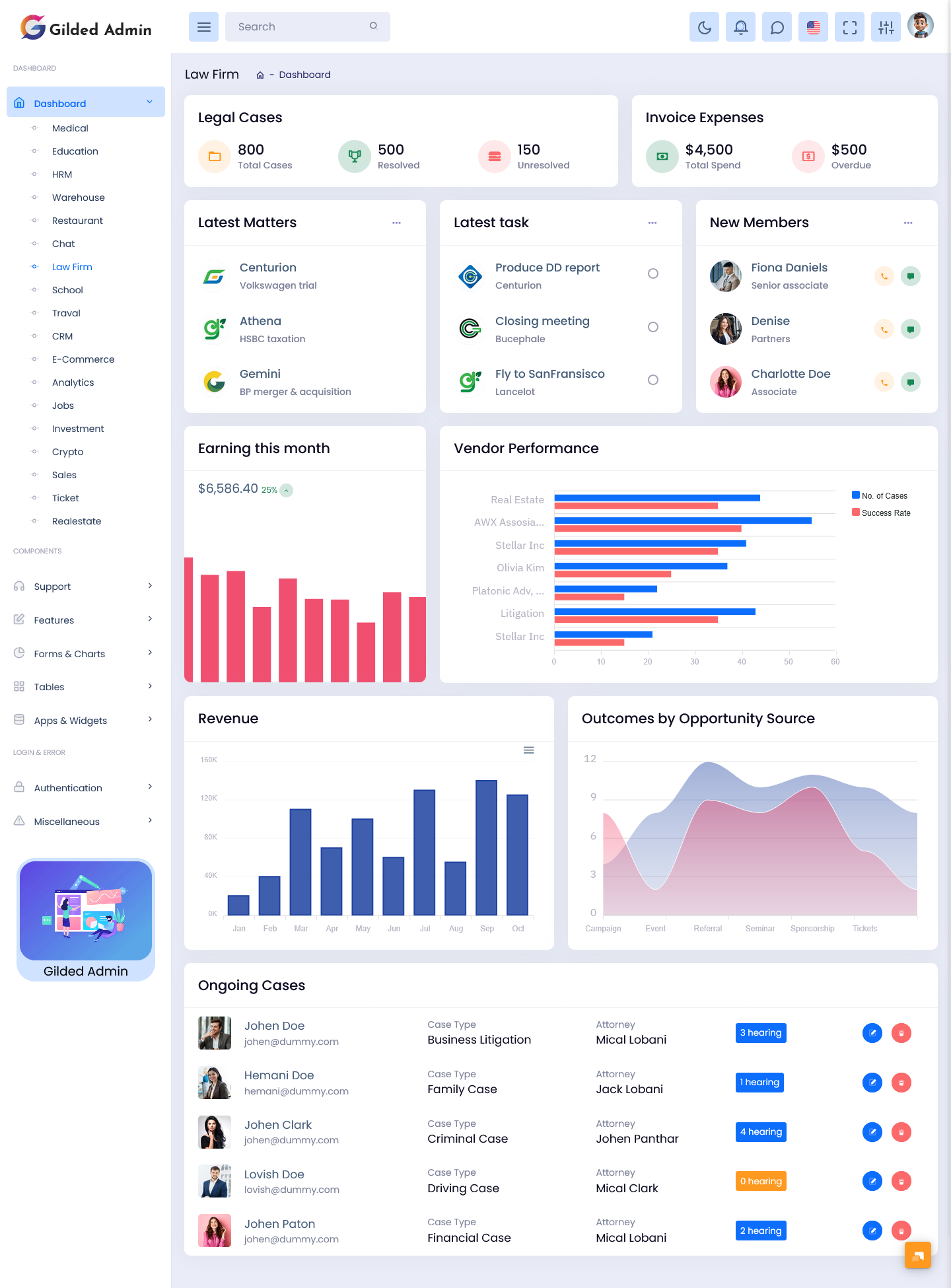
BUY NOW DEMO
FAQs
What is a Law Firm Dashboard?
A Law Firm Dashboard is a centralized system that helps legal professionals manage clients, cases, schedules, and documents in one place. It improves workflow efficiency and simplifies daily legal operations.
How does a Law Firm Dashboard help legal professionals?
A Law Firm Dashboard helps legal professionals by organizing case data, tracking deadlines, improving communication, and reducing manual work. It allows faster decision-making and better case handling.
What is included in a Law Firm Admin Panel?
A Law Firm Admin Panel includes tools for Client Management, Case Management, Legal Calendar, Access Control, Reporting & Analytics, and Workflow Automation to manage all legal operations efficiently.
Is the Law Firm Dashboard mobile friendly?
Yes, a modern Legal Dashboard is fully responsive and works smoothly on desktops, tablets, and mobile devices using frameworks like Bootstrap 5 Admin Template.
Can multiple users access the Law Firm Dashboard?
Yes, with Access Control features, different users can access the system based on their roles and permissions while keeping sensitive data secure.
What is Client Management in Law Firm Admin Panel?
Client Management helps law firms store, organize, and manage client details, communication history, and case-related information in a structured way.
Does the dashboard support case tracking?
Yes, Case Management allows legal teams to track case progress, deadlines, documents, and updates in real time.
What is the use of Legal Calendar?
The Legal Calendar helps manage important dates such as court hearings, meetings, and deadlines to ensure no schedule is missed.
Can the Law Firm Dashboard generate reports?
Yes, Reporting & Analytics features allow users to generate detailed reports on cases, performance, and overall firm activity.
Is the system customizable?
Yes, the Law Firm Admin Panel is highly customizable using Bootstrap Legal Admin, WebApp Template, and UI components to match business needs.
What is Workflow Automation in this system?
Workflow Automation reduces manual tasks by automating case updates, notifications, and repetitive legal processes.
Does it include a Client Portal?
Yes, the Client Portal allows clients to view case updates, upload documents, and communicate securely with the law firm.

Related Posts


This Post Has 0 Comments