

A Bootstrap 5 Admin Dashboard is one of the most essential tools for modern web…
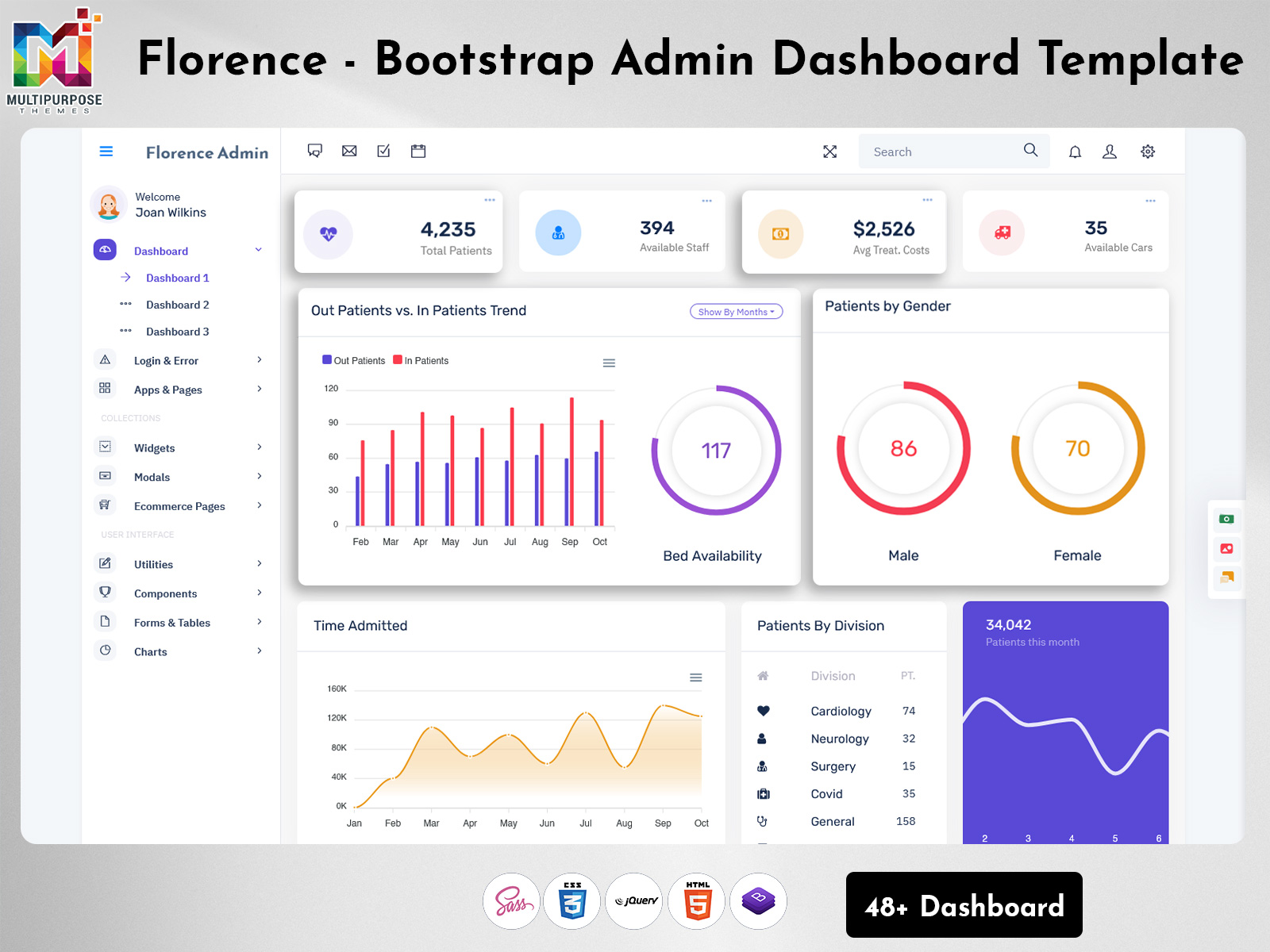
Bootstrap 5 Admin Dashboard: Key Features for Modern WebApps in 2026
Reading Time: 2 minutes
In the fast-paced world of web development, managing applications efficiently requires a powerful and user-friendly interface. A Bootstrap Admin Panel is the ultimate tool to streamline backend operations and provide a seamless user experience. Built with the Bootstrap 5 Admin Dashboard framework, these panels are fully responsive, visually appealing, and highly customizable. Whether you are developing a small project or a large-scale enterprise application, a Bootstrap Admin Dashboard ensures organized data management, easy navigation, and real-time analytics. By leveraging pre-designed components from a Bootstrap UI Kit, developers can save time while maintaining a professional and consistent design across the application. With the increasing demand for intuitive and feature-rich interfaces in 2026, investing in a robust WebApp Template has become essential for businesses and developers alike.
Watch Full Video
Key Features of a Bootstrap Admin Panel
1. Responsive Design
A Bootstrap 5 Admin Dashboard adapts perfectly to all screen sizes, ensuring your WebApp Template is accessible on desktops, tablets, and smartphones. This responsiveness enhances usability and allows users to manage their data anytime, anywhere without layout issues.
2. Pre-Built Components
Bootstrap Admin Dashboards include ready-to-use UI elements like tables, charts, forms, and widgets from a Bootstrap UI Kit. These pre-built components accelerate development and maintain consistency across the interface, allowing developers to focus on functionality instead of design from scratch.
3. Easy Customization
With a Bootstrap Admin Panel, customization is simple. You can modify themes, colors, layouts, and components according to your brand or project needs. This flexibility ensures your WebApp Template looks unique while keeping the backend professional and intuitive.
4. Integrated Plugins
Modern Bootstrap Admin Dashboards come with integrated plugins such as calendars, notifications, and data visualization tools. These plugins improve productivity, allow real-time monitoring, and make managing complex data easier and more efficient for users.
5. Cross-Browser Compatibility
A reliable Bootstrap 5 Admin Dashboard functions smoothly across all modern browsers, ensuring that your WebApp Template delivers the same performance and visual quality for every user, whether on Chrome, Firefox, Safari, or Edge.
Conclusion
A Bootstrap Admin Panel is a vital asset for any modern web application. With a fully responsive Bootstrap 5 Admin Dashboard, pre-built components from a Bootstrap UI Kit, and a customizable WebApp Template, developers can create powerful and user-friendly admin interfaces quickly. Investing in a feature-rich Bootstrap Admin Dashboard not only streamlines backend operations but also improves productivity, efficiency, and user experience. In 2026, leveraging these modern tools is crucial to stay ahead in web development and deliver professional, scalable applications that meet the demands of today’s dynamic digital environment.

Related Posts




This Post Has 0 Comments