

In today’s fast-moving digital world, education is no longer limited to classrooms and physical books.…
Why Your LMS Dashboard Is the Quiet Engine Behind Every Successful Online Course
Reading Time: 5 minutes
Most people obsess over course content. They spend weeks recording videos, writing scripts, and designing slides. But here is the truth: the content is only half the battle. What keeps learners coming back, finishing courses, and actually learning something? It is the experience. And that experience starts with a well-built LMS dashboard.
If you run online courses, manage a training program, or build learning platforms, your Learning Management System dashboard deserves more attention than it gets. Let’s break down why it matters and how to get it right.
What Is an LMS Dashboard?
An LMS dashboard is the central screen learners and admins see when they log into a learning platform. Think of it as the homepage of your entire learning experience. It shows progress, upcoming lessons, grades, announcements, and quick links to course content.
A good LMS dashboard does not just display information. It guides the learner. It tells them where they left off, what comes next, and how close they are to finishing. It removes confusion and replaces it with direction.
Without a clear dashboard, learners feel lost. They click around, lose motivation, and eventually quit. With a clean, organized dashboard, they stay focused and keep moving forward.
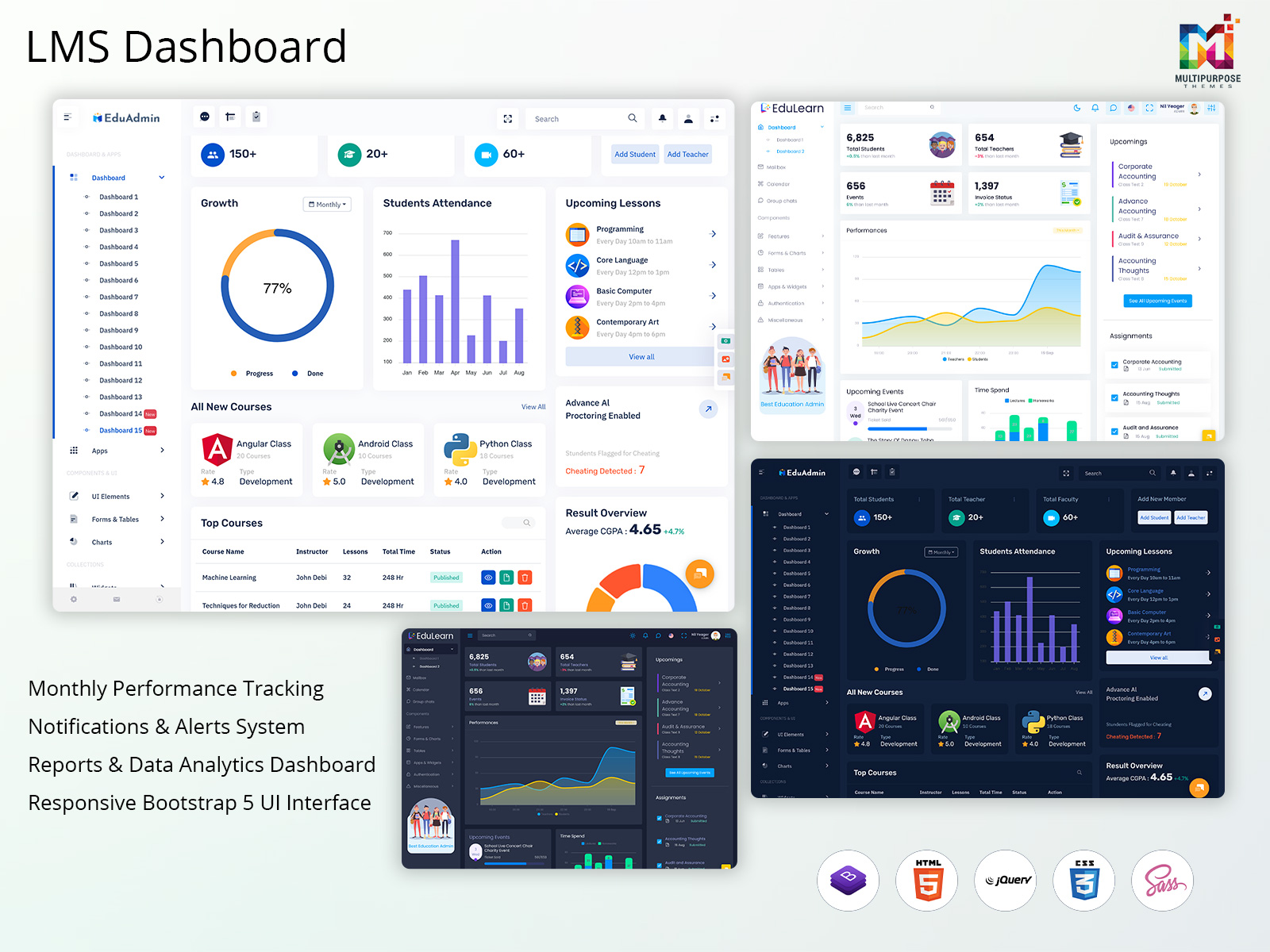
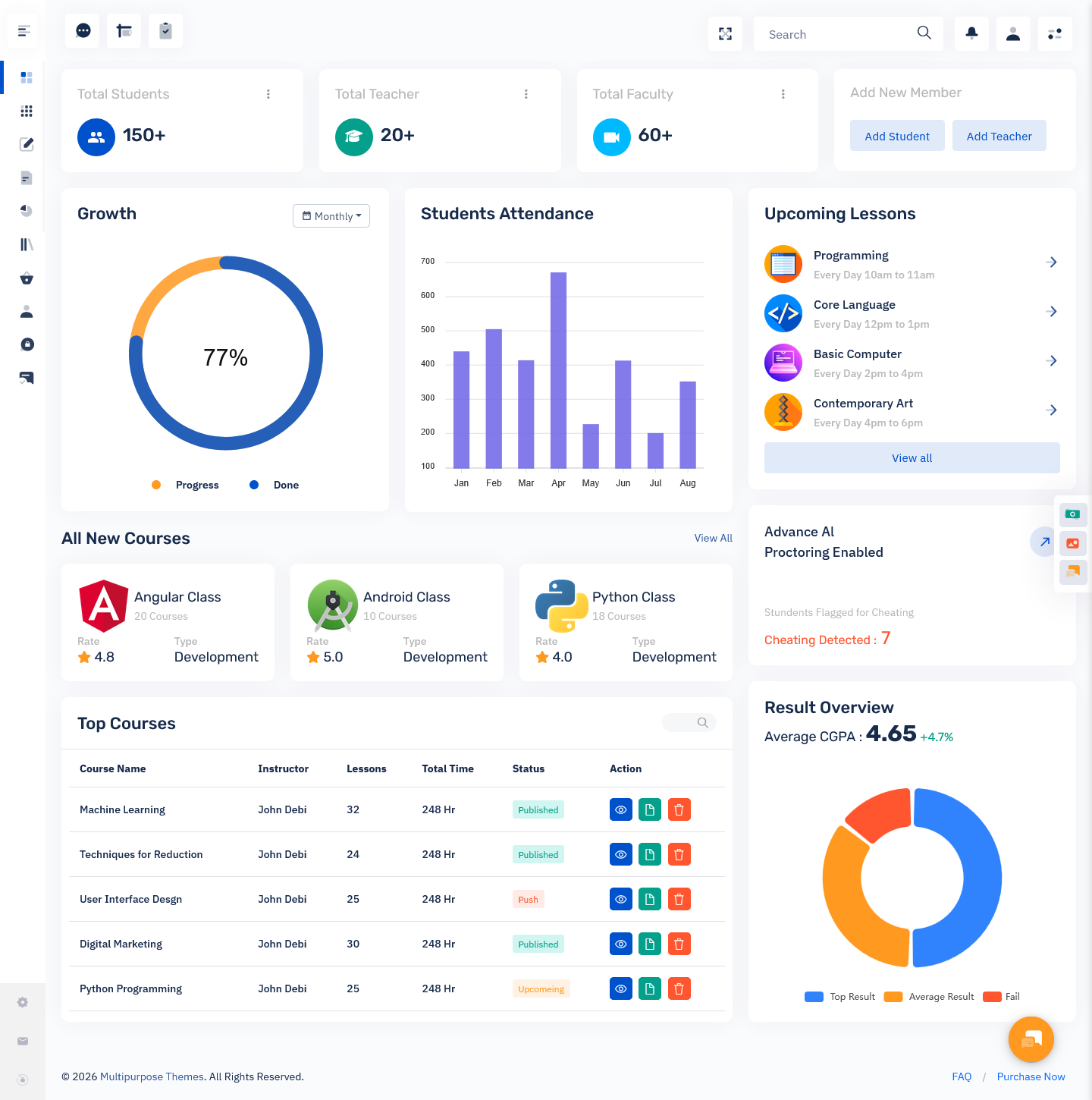
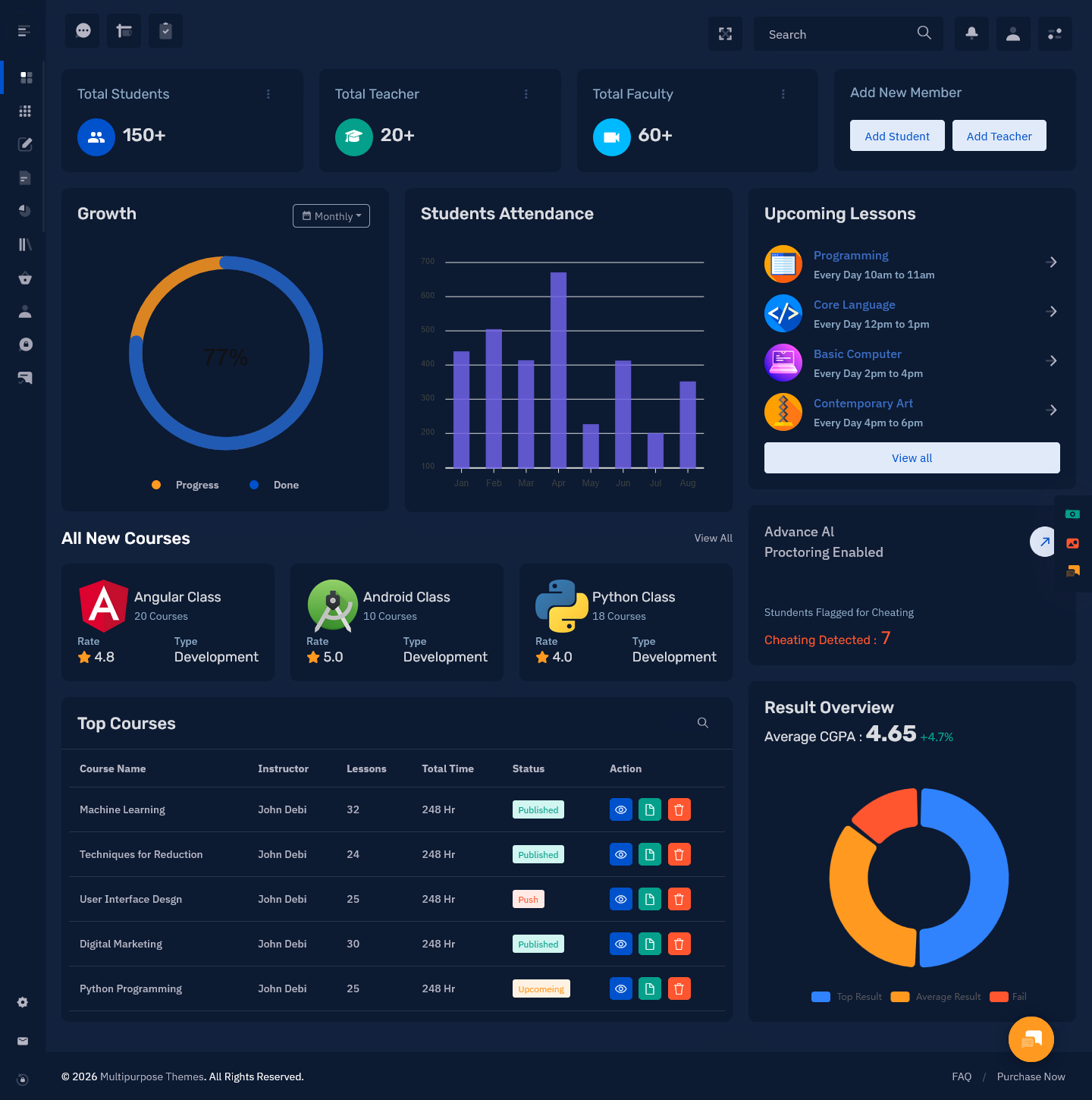
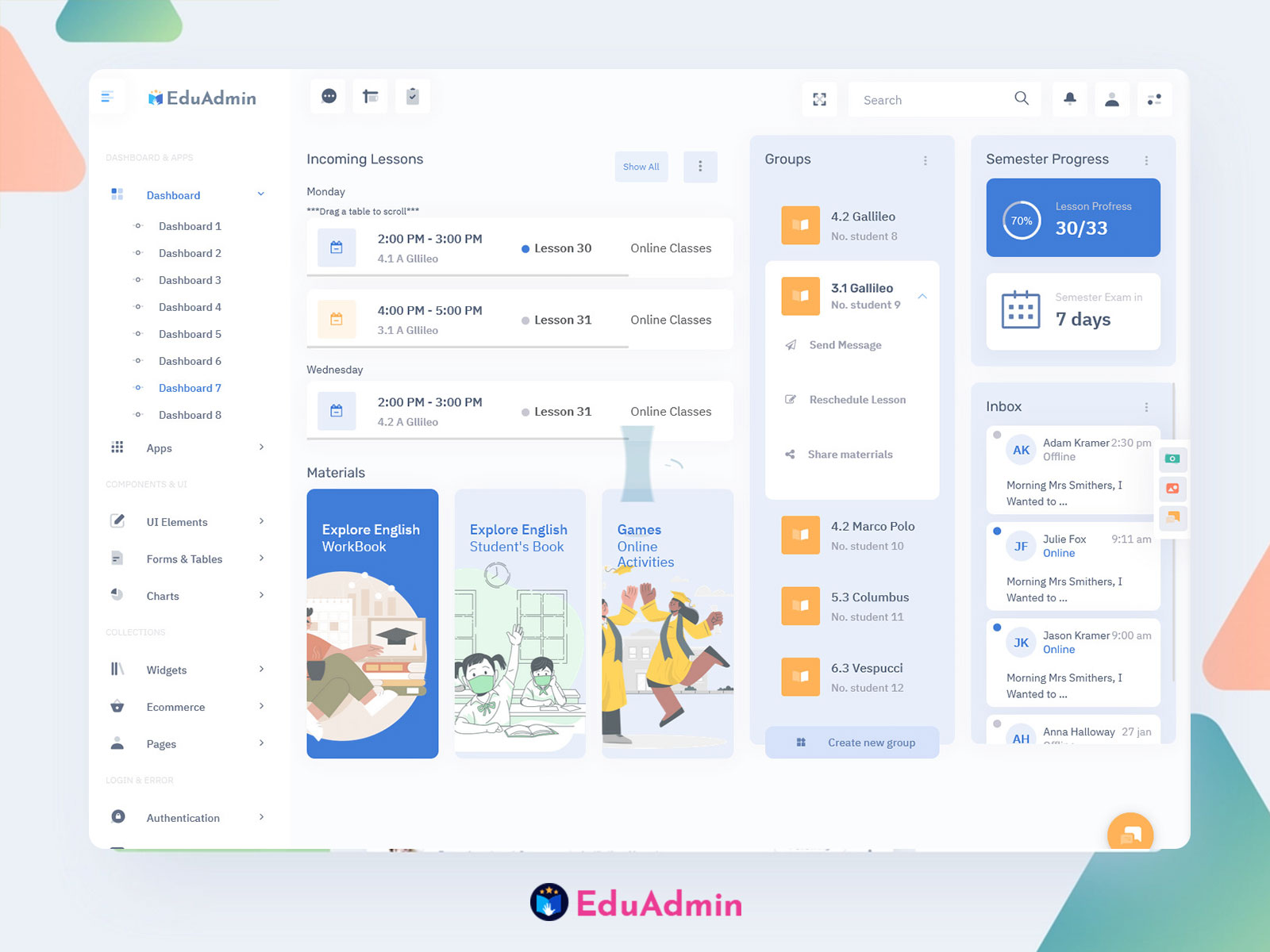
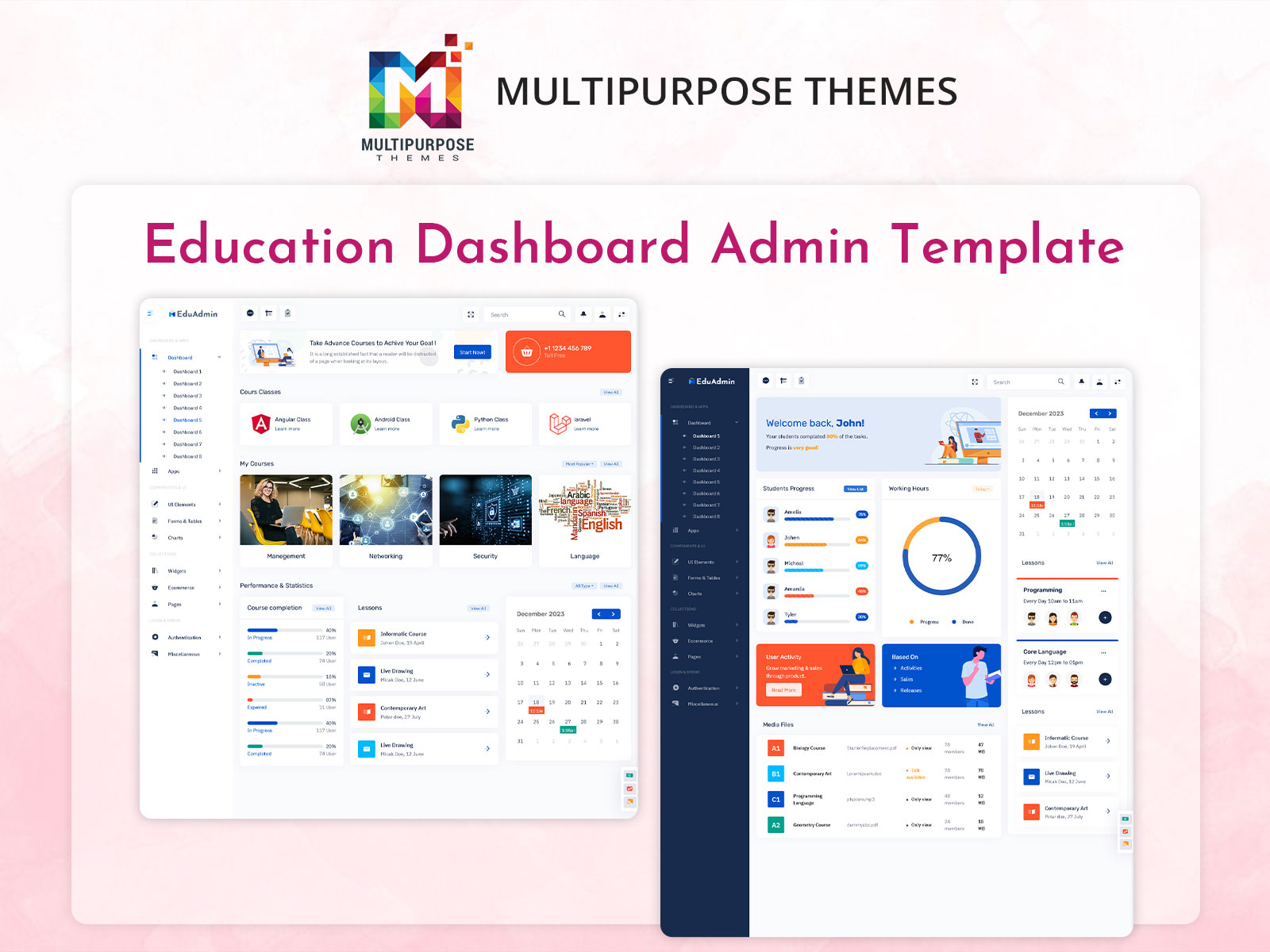
EduAdmin – Education Admin Template
Light Dashboard
BUY NOW DEMO
Dark Dashboard
BUY NOW DEMO
The Problem With Most Learning Platforms
Here is a common issue. Many online course platforms are built with features in mind, not people. Developers add tools, metrics, and settings panels. The result is a cluttered screen that overwhelms the average learner.
Instructors also suffer. When an admin view is too complex, managing courses becomes a chore. Tracking student progress, sending updates, and updating content takes longer than it should. Time gets wasted on navigation instead of teaching.
This is why the design of your online course dashboard matters so much. A messy Admin dashboard creates friction. Friction kills engagement. Low engagement means poor course completion rates. Poor completion rates hurt your reputation and your revenue.
What a Strong LMS Dashboard Template Looks Like
A good LMS dashboard template follows a few simple rules.
It shows the most important information first. Learners should see their active courses, current progress, and next steps the moment they log in. No scrolling required.
It uses clean visual design. Avoid clutter. Use white space. Stick to two or three colors. Make buttons easy to find and tap, especially on mobile devices.
It gives learners a sense of momentum. Progress bars, completion percentages, and streak counters motivate learners. Seeing that they are 70% done with a course pushes them to finish.
It supports quick navigation. Learners should be able to jump to any lesson in two clicks or less. A slow or confusing navigation kills the learning flow.
It separates learner and admin views. A learner does not need to see backend settings. An admin needs reporting tools and management options. A smart LMS dashboard template gives each user exactly what they need, nothing more.
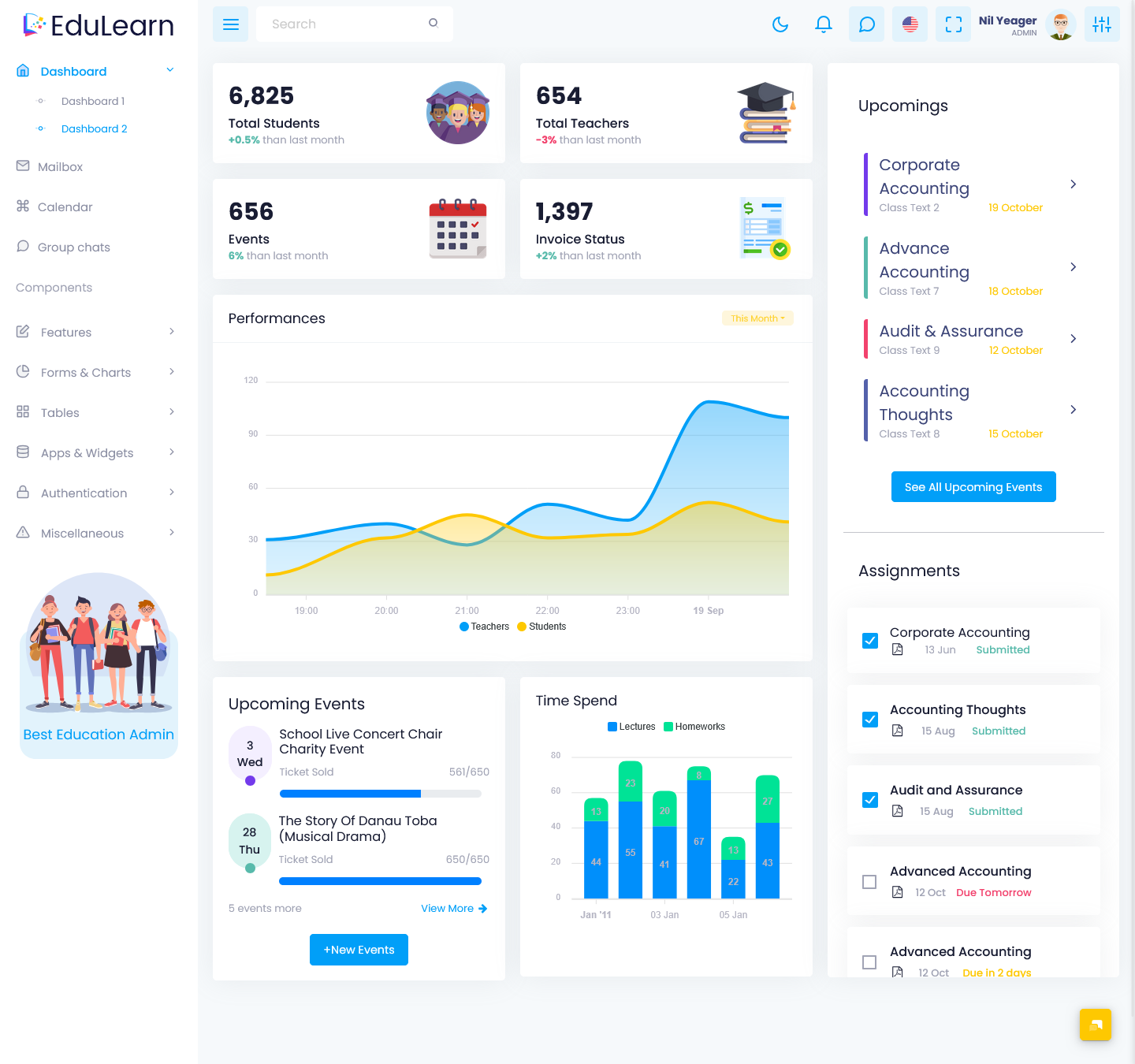
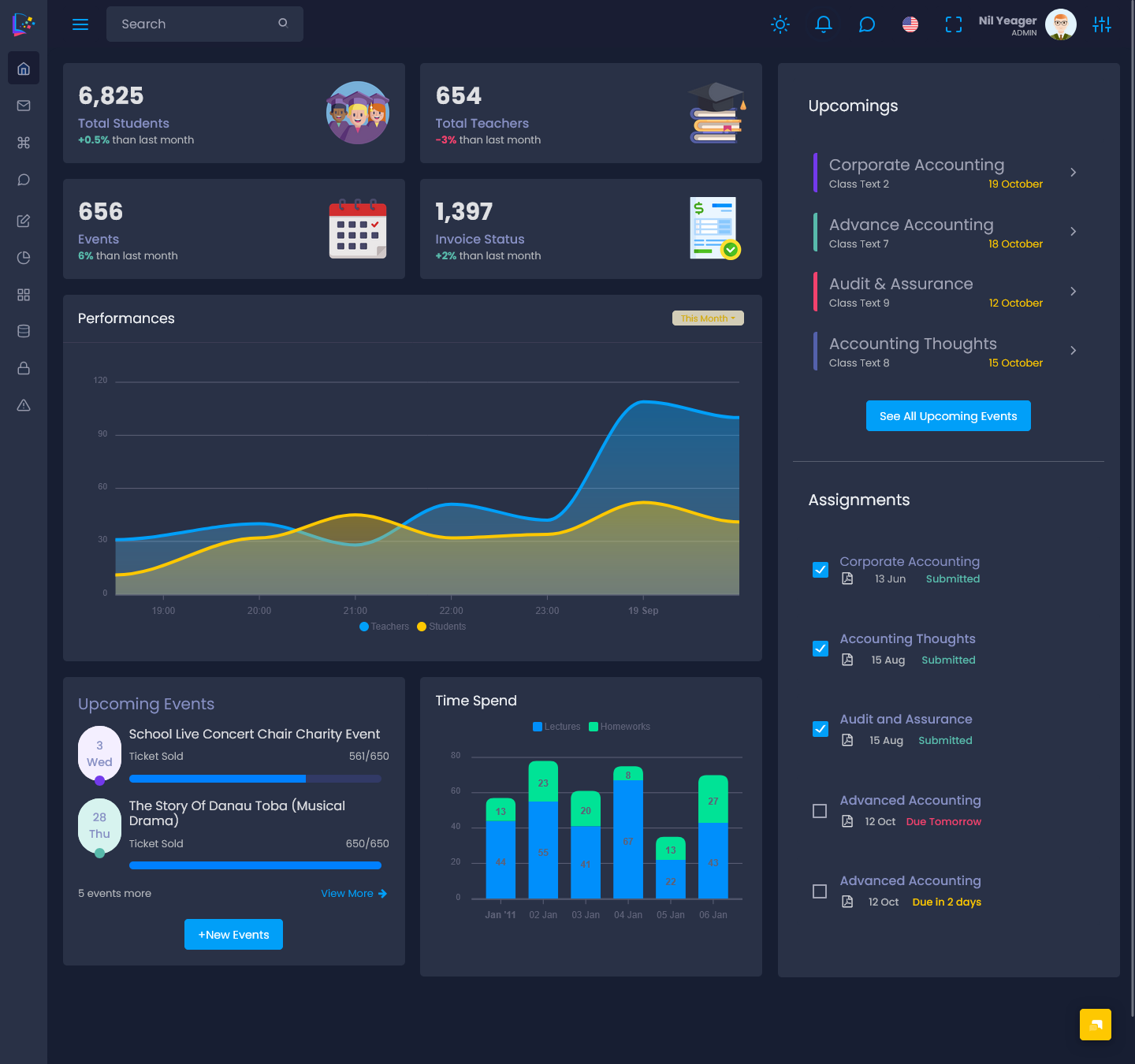
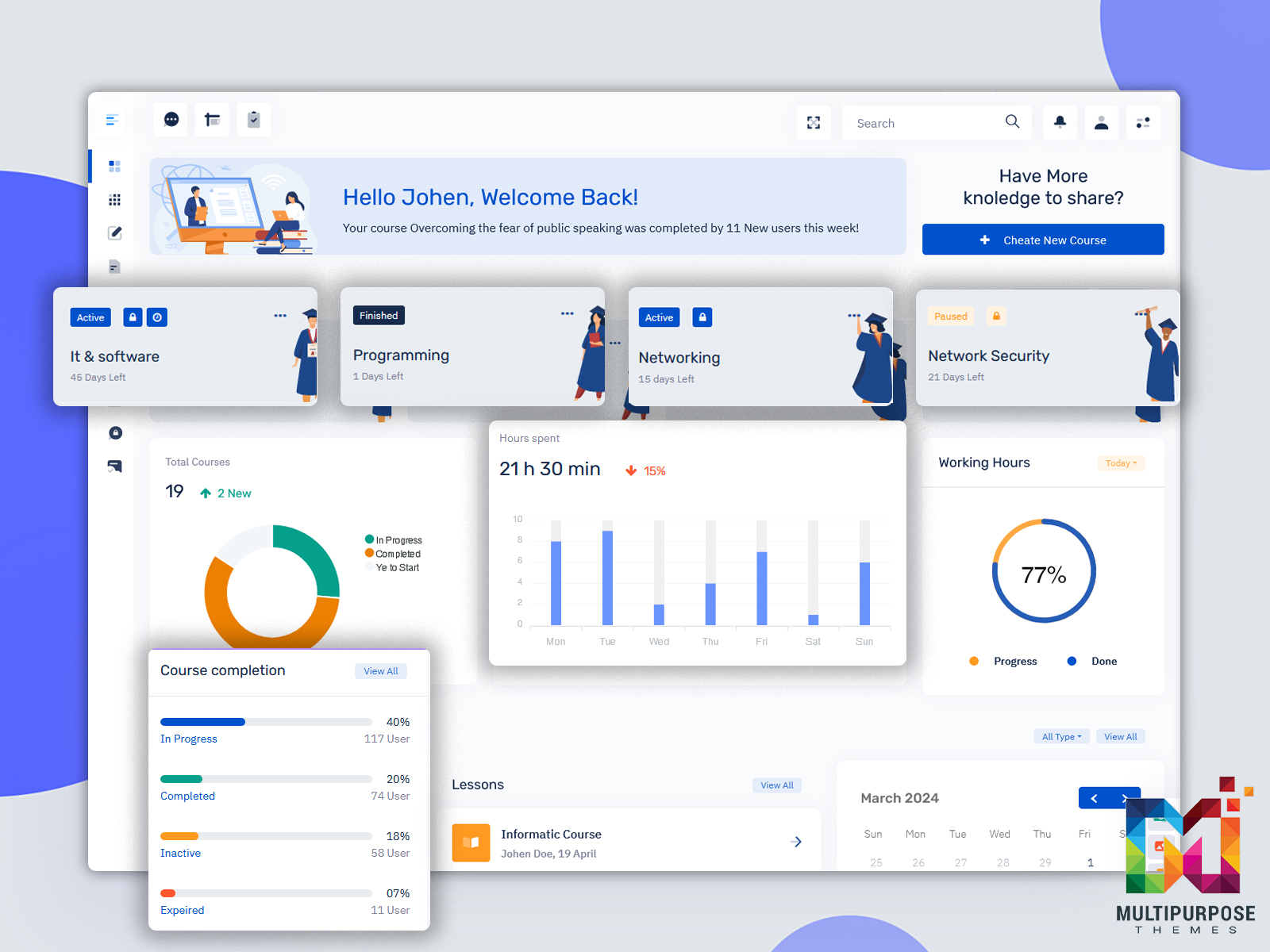
EduLearn Admin – LMS Admin Template
Light Dashboard
BUY NOW DEMO
Dark Dashboard
BUY NOW DEMO
Why the Admin Side of the Dashboard Matters Too
Most blog posts focus on the learner experience. But the admin side of a Learning Management System dashboard is just as important.
As a course creator or training manager, you need to see the full picture fast. How many students enrolled this week? Which lessons have the highest drop-off rate? Who has not logged in for over seven days? Which quiz is failing too many people?
A strong admin dashboard answers all of these questions at a glance. It uses charts, tables, and filters to make data easy to read. You should not need a data analyst to understand your course performance. The dashboard should do that work for you.
When you have clear data, you can make smart decisions. You can improve weak lessons, reach out to struggling students, and adjust your content strategy. This turns your online course dashboard into a growth tool, not just a display screen.
How to Choose the Right LMS Dashboard Template
If you are building or upgrading your learning platform, choosing the right LMS dashboard template is a key step. Here is what to look for.
Customization options. Your brand matters. Look for a template that lets you change colors, add your logo, and adjust layouts without needing a developer.
Mobile responsiveness. More than half of learners access courses on their phones. Your dashboard must look and work great on small screens.
Integration support. Your LMS dashboard needs to connect with tools you already use. This includes payment gateways, email platforms, video hosting services, and analytics tools.
Speed and performance. A slow Admin dashboard frustrates users. Make sure the template is built for fast load times, even with lots of enrolled users.
Accessibility features. Good design works for everyone. Look for templates that support screen readers, high contrast modes, and keyboard navigation.
The Link Between Dashboard Design and Course Completion
Research consistently shows that user experience affects learning outcomes. When students find a platform easy to use, they spend more time on it. More time on the platform means more lessons completed. More lessons completed means better results.
A thoughtful Learning Management System dashboard reduces the mental effort required to learn. When learners do not have to think about where to click or how to find their next lesson, they can focus on the actual content. That is the goal.
On the flip side, a confusing online course dashboard creates what psychologists call cognitive overload. The brain gets tired trying to navigate the interface before it even starts learning. This leads to shorter sessions, lower retention, and higher dropout rates.
Small Changes That Make a Big Difference
You do not always need a full redesign to improve your LMS dashboard. Sometimes small tweaks create big results.
- Add a “Continue Where You Left Off” button to the top of the learner dashboard
- Show a weekly goal tracker to encourage daily learning habits
- Use a course card layout instead of a plain list for visual appeal
- Add an announcement banner so learners never miss important updates
- Include a simple help or support button that is always visible
These small changes reduce confusion and add motivation. They signal to learners that the platform was built with them in mind.
Building a Learning Platform Worth Coming Back To
Your content gets learners to enroll. Your LMS dashboard gets them to finish. It is that simple.
Whether you are picking a new LMS dashboard template, redesigning an existing platform, or building from scratch, treat the dashboard as a priority. It is the first thing learners see and the screen they return to every single session.
Invest in a clean, fast, and intuitive Learning Management System dashboard. Your learners will notice, and your course completion numbers will show it.

Related Posts


This Post Has 0 Comments