

In today’s fast-moving digital world, communication is everything. Businesses, startups, and even individual creators are…

Build a Powerful Chatbot Dashboard for Modern Businesses: 2026 Edition
Reading Time: 6 minutes
In today’s fast-paced digital environment, businesses rely heavily on real-time communication to engage customers, resolve queries, and improve user satisfaction. A Chatbot Dashboard plays a crucial role in managing and monitoring these interactions efficiently. Whether integrated into a website, mobile app, or customer support system, a well-designed dashboard helps streamline conversations, automate workflows, and provide actionable insights.
This article explores everything you need to know about a chatbot dashboard, including its features, benefits, design principles, and how it compares with a Chat Application Dashboard, Chat Software Template, Web Chatbot UI, and Bootstrap 5 Admin Dashboard solutions.
Watch Full Video
What is a Chatbot Dashboard?
A Chatbot Dashboard is a centralized interface that allows administrators, developers, or support teams to manage chatbot interactions, monitor performance, and analyze user behavior. It acts as the control panel for configuring chatbot responses, viewing conversations, and tracking analytics.
Instead of manually handling each user query, the dashboard provides tools to:
- Monitor active conversations
- Configure automated responses
- Analyze user interactions
- Improve chatbot performance
- Manage integrations with other platforms
A chatbot dashboard is essential for businesses that want to maintain efficient communication without compromising user experience.
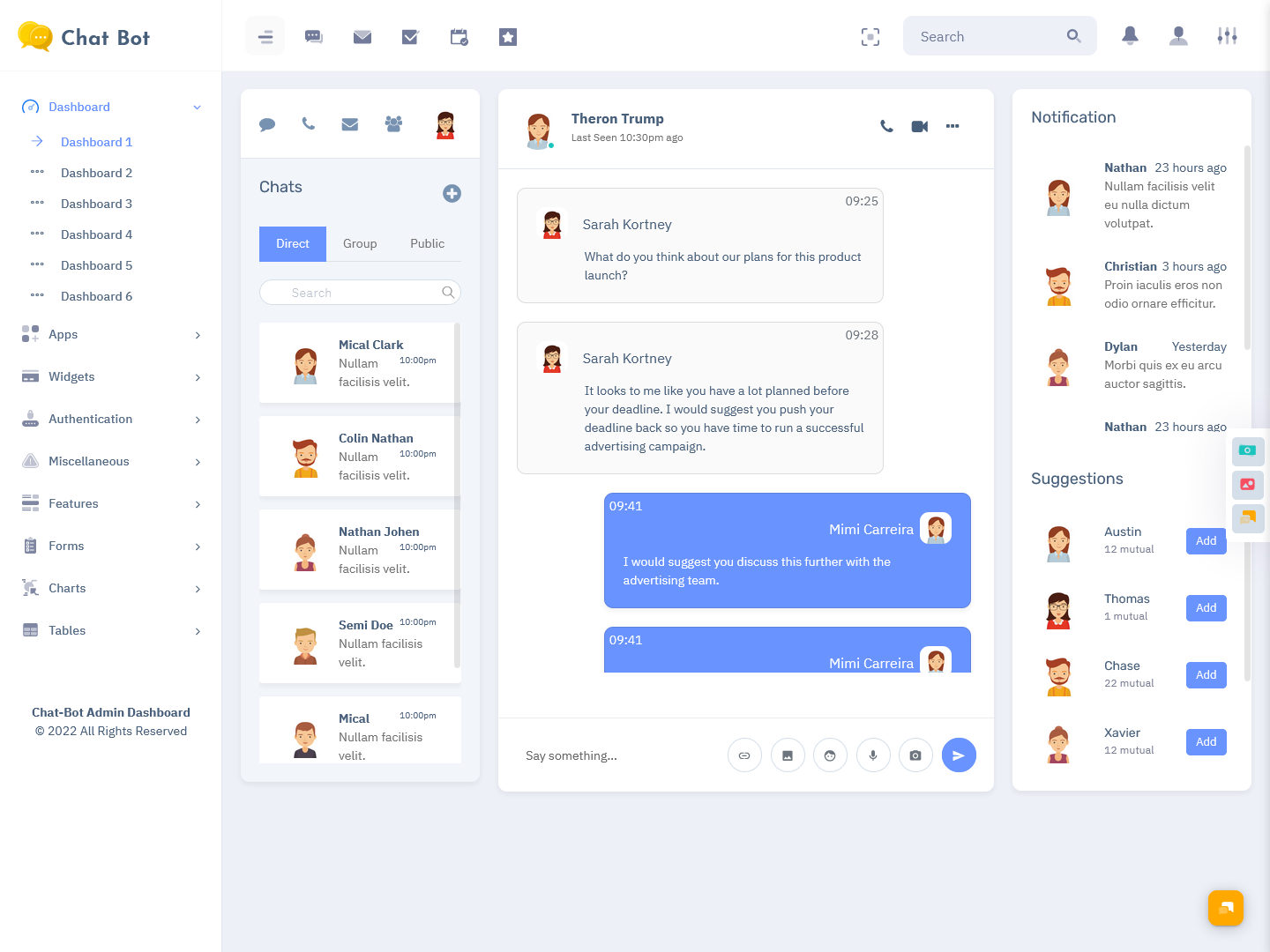
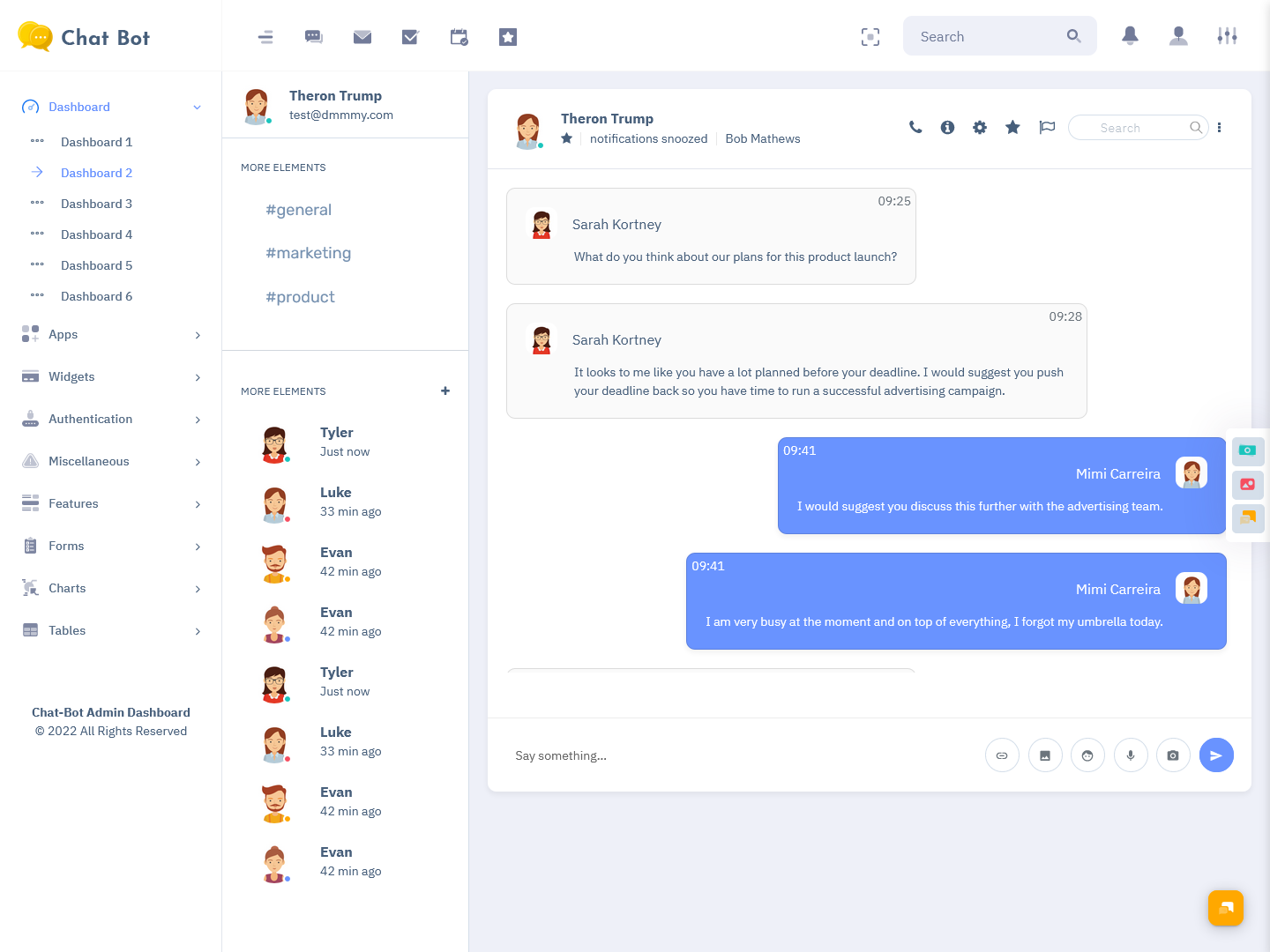
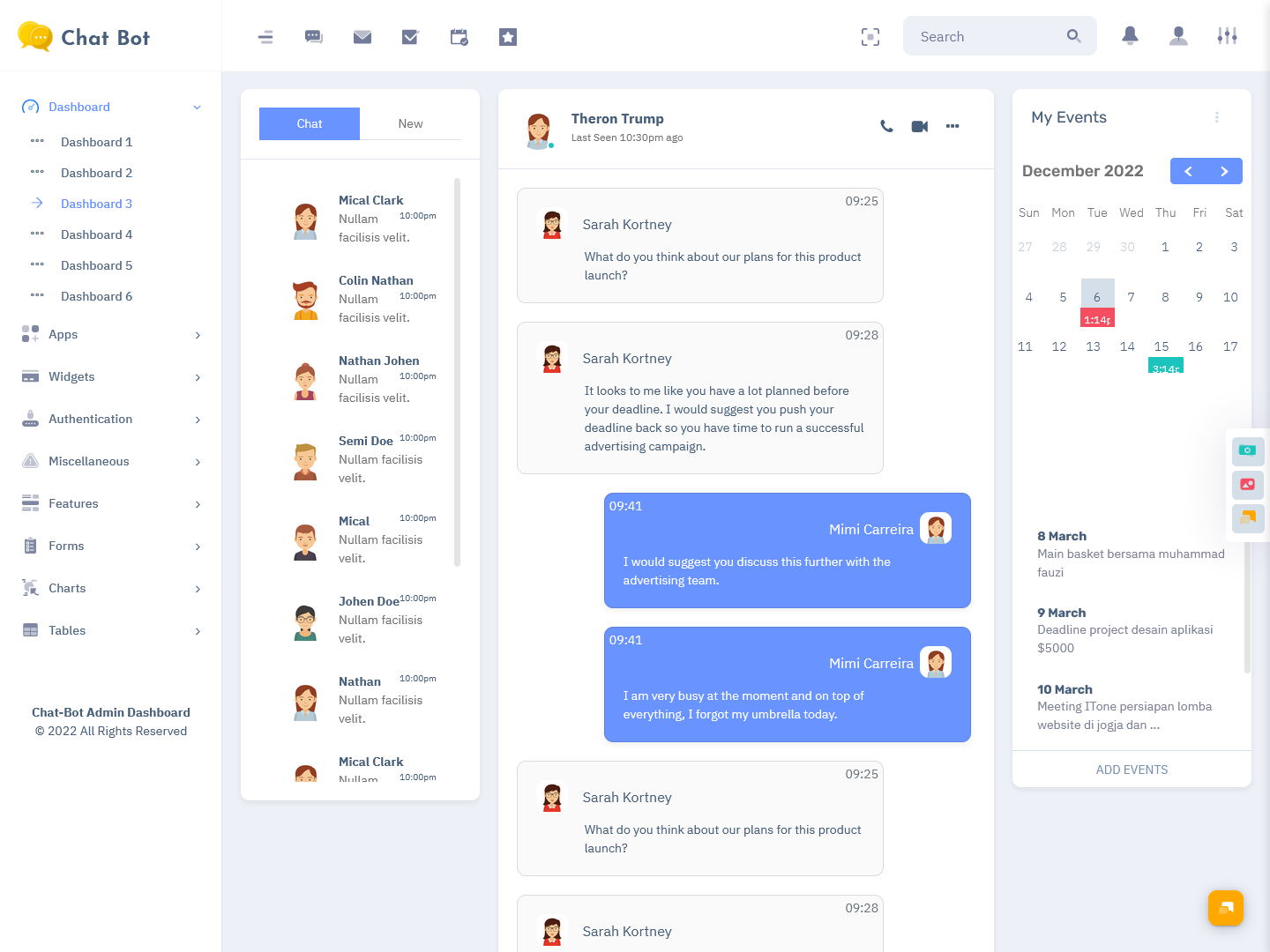
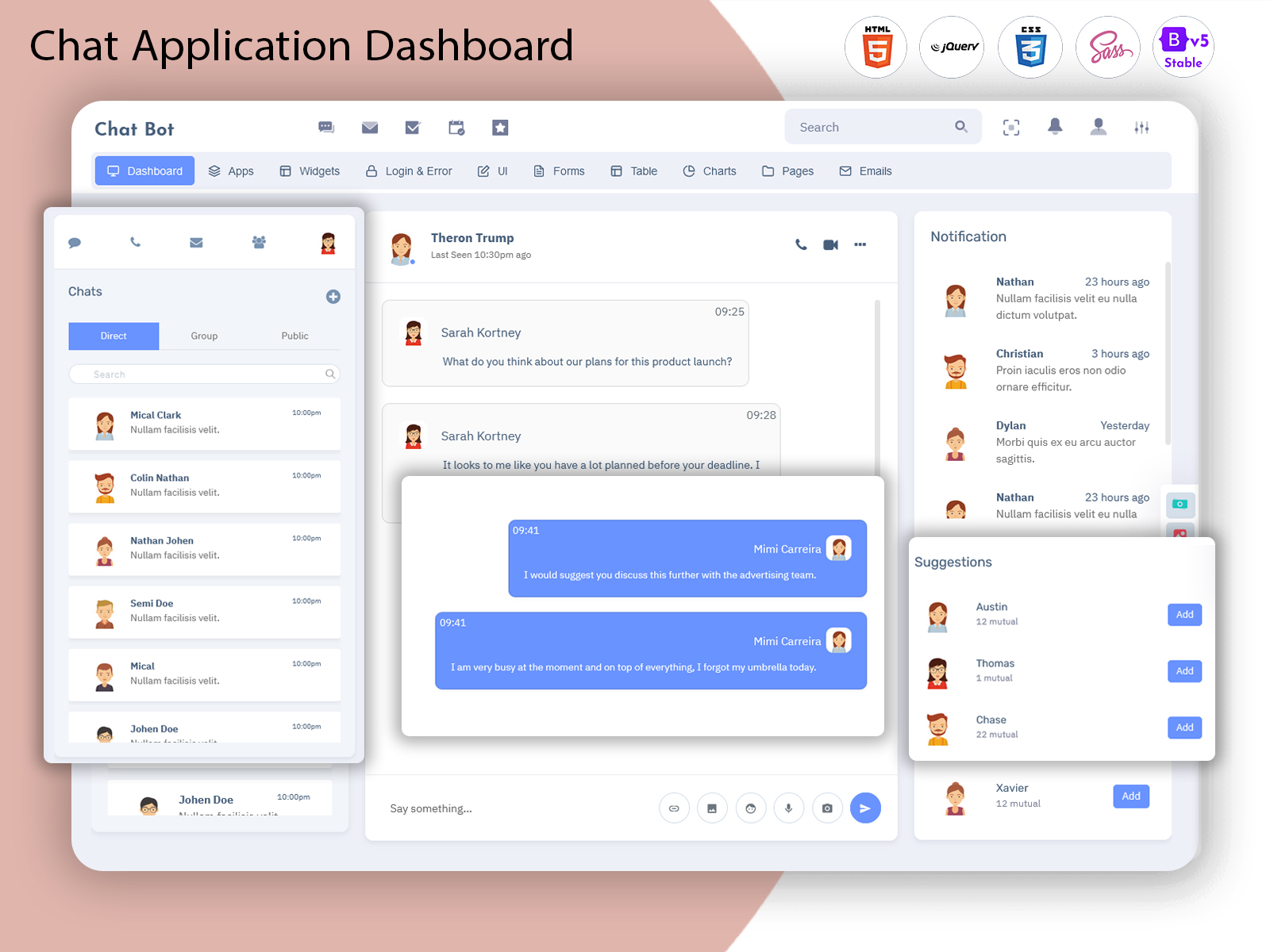
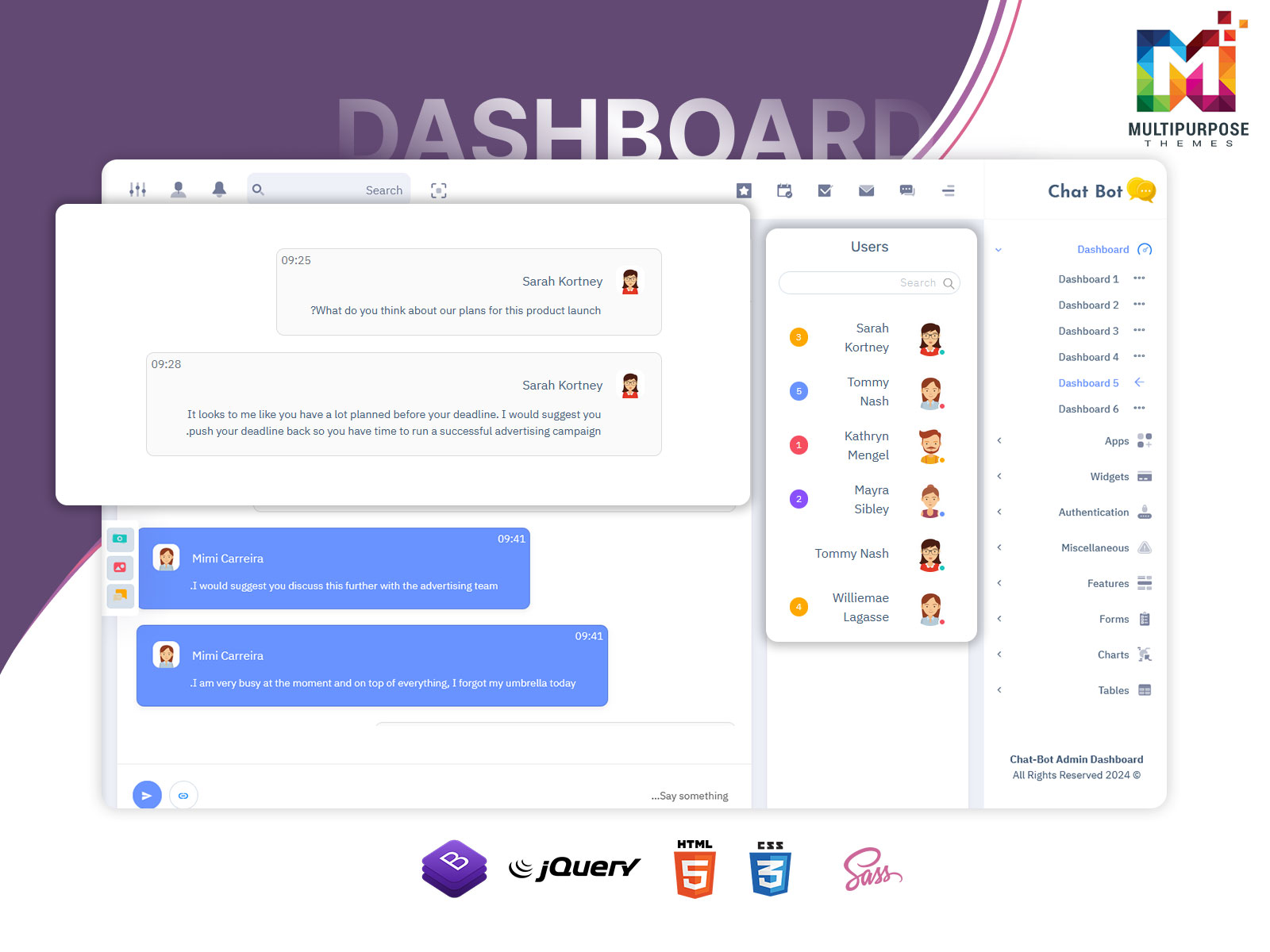
Explore Dashboard Design of Chatbot
Dashboard – 1
BUY NOW DEMO
Dashboard – 2
BUY NOW DEMO
Dashboard – 3
BUY NOW DEMO
Key Features of a Chatbot Dashboard
A modern chatbot dashboard typically includes a variety of features designed to enhance usability and functionality.
1. Conversation Management
Admins can view, filter, and manage all ongoing and past conversations. This helps in identifying issues, resolving queries, and ensuring smooth communication.
2. Real-Time Monitoring
The dashboard provides real-time insights into active users, chat sessions, and chatbot responses. This is especially useful for support teams handling high traffic.
3. Analytics and Reporting
Data visualization tools help track:
- User engagement
- Response time
- Conversation success rate
- Drop-off points
These insights help improve chatbot efficiency over time.
4. Chatbot Configuration
Admins can customize:
- Welcome messages
- Automated replies
- Trigger-based responses
- Conversation flows
5. User Management
Manage user profiles, track behavior, and maintain records of interactions for better personalization.
6. Integration Options
A chatbot dashboard often integrates with:
- CRM systems
- Email platforms
- Payment gateways
- Third-party APIs
7. Multi-Channel Support
Modern dashboards allow chatbot deployment across multiple channels such as websites, mobile apps, and social platforms.
Benefits of Using a Chatbot Dashboard
Implementing a chatbot dashboard offers several advantages for businesses of all sizes.
1. Improved Efficiency
Automating repetitive queries reduces workload on human agents, allowing them to focus on complex issues.
2. Enhanced Customer Experience
Quick responses and 24/7 availability ensure customers receive timely support.
3. Cost Savings
By reducing dependency on large support teams, businesses can significantly lower operational costs.
4. Better Decision Making
Analytics and reports provide valuable insights into customer behavior and chatbot performance.
5. Scalability
A chatbot dashboard can handle increasing volumes of conversations without requiring proportional increases in staff.
Chatbot Dashboard vs Chat Application Dashboard
A Chat Application Dashboard is similar in concept but focuses more on managing live chat applications rather than automated chatbots.
Key Differences:
- Chatbot Dashboard: Focuses on automation, bot configuration, and analytics
- Chat Application Dashboard: Focuses on real-time human conversations and chat management
While both dashboards share similar interfaces, their purpose differs:
- Chatbot dashboards prioritize automation and workflows
- Chat application dashboards prioritize human interaction and messaging control
In many modern systems, both functionalities are combined into a single platform for better flexibility.
Chat Software Template: Building a Ready-Made Solution
A Chat Software Template is a pre-designed framework used to build chat applications or dashboards quickly. It provides ready-to-use UI components, layouts, and backend structures.
Advantages of Chat Software Templates:
- Saves development time
- Provides consistent UI/UX design
- Easy to customize
- Includes pre-built components like chat windows, user lists, and message threads
Developers often use chat software templates as a foundation to build scalable chatbot dashboards or chat applications without starting from scratch.
Web Chatbot UI: Importance of User Interface Design
The Web Chatbot UI is the front-end interface that users interact with when communicating with a chatbot on a website.
Key Elements of Web Chatbot UI:
- Chat window interface
- Message bubbles
- Typing indicators
- Input fields
- Quick reply buttons
- Emojis and media support
Why UI Matters:
A well-designed chatbot UI ensures:
- Smooth user experience
- Easy navigation
- Faster interaction
- Higher engagement rates
A clutter-free and intuitive interface increases the likelihood of users completing conversations and achieving desired outcomes.
Bootstrap 5 Admin Dashboard for Chatbot Systems
A Bootstrap 5 Admin Dashboard is one of the most popular choices for building chatbot dashboards due to its flexibility, responsiveness, and modern design components.
Why Bootstrap 5?
Bootstrap 5 offers:
- Responsive grid system
- Pre-designed UI components
- Mobile-first design
- Cross-browser compatibility
- Easy customization
Benefits for Chatbot Dashboards:
- Quickly build responsive dashboards
- Use ready-made UI elements like cards, tables, modals, and forms
- Maintain consistency across different screen sizes
- Reduce development effort
Developers often use Bootstrap 5 admin templates as the foundation for creating chatbot dashboards with professional-grade UI.
Designing an Effective Chatbot Dashboard
Creating a successful chatbot dashboard requires a balance between functionality and usability.
1. Keep the Interface Clean
Avoid clutter by organizing sections logically. Use tabs, cards, and menus to separate different functionalities.
2. Focus on Navigation
Ensure that users can easily navigate between conversations, analytics, and settings.
3. Use Data Visualization
Charts, graphs, and dashboards help present data in a meaningful way.
4. Ensure Responsiveness
The dashboard should work seamlessly across desktops, tablets, and mobile devices.
5. Optimize Performance
Fast loading times and smooth interactions improve user experience significantly.
Use Cases of Chatbot Dashboards
Chatbot dashboards are widely used across industries:
1. E-commerce
- Order tracking
- Product recommendations
- Customer queries
2. Healthcare
- Appointment scheduling
- Patient inquiries
- Medical support
3. Banking & Finance
- Account inquiries
- Transaction support
- Fraud alerts
4. Education
- Student support
- Course information
- Enrollment assistance
5. Customer Support
- Ticket management
- Live chat integration
- Automated responses
Future of Chatbot Dashboards
As digital communication continues to evolve, chatbot dashboards are becoming more advanced and intelligent. Future trends include:
- More advanced analytics and predictive insights
- Omnichannel communication support
- Voice-enabled chatbot interfaces
- Enhanced personalization features
- Deeper integration with business tools
With these advancements, chatbot dashboards will continue to play a key role in customer engagement strategies.
Conclusion
A Chatbot Dashboard is an essential tool for managing modern communication systems efficiently. It provides businesses with the ability to automate interactions, monitor performance, and improve customer experiences. When combined with a Chat Application Dashboard, supported by a robust Chat Software Template, and enhanced through a well-designed Web Chatbot UI, businesses can create powerful chat systems.
Using a Bootstrap 5 Admin Dashboard further simplifies development by offering responsive design and ready-to-use components. Together, these technologies help businesses build scalable, user-friendly, and efficient chat solutions.
In an era where customer expectations are higher than ever, investing in a well-structured chatbot dashboard is not just an option—it’s a necessity for staying competitive and delivering exceptional digital experiences.
FAQS
1. What is a chatbot dashboard?
A chatbot dashboard is a centralized interface used to manage, monitor, and analyze chatbot interactions. It allows businesses to configure responses, track conversations, view analytics, and improve overall chatbot performance efficiently.
2. What are the main features of a chatbot dashboard?
A chatbot dashboard typically includes conversation management, real-time monitoring, analytics, user tracking, integration options, and chatbot configuration tools. These features help businesses streamline communication and enhance user experience.
3. How does a chatbot dashboard benefit businesses?
A chatbot dashboard improves efficiency by automating repetitive tasks, reducing response time, and providing 24/7 support. It also helps businesses gain insights through analytics and deliver better customer service at lower operational costs.
4. Is a chatbot dashboard suitable for small businesses?
Yes, chatbot dashboards are highly suitable for small businesses. They help manage customer queries without needing a large support team, making operations more efficient while maintaining consistent communication and improving customer satisfaction.
5. What technologies are used to build a chat dashboard?
Chatbot dashboards are commonly built using frontend technologies like HTML, CSS, JavaScript, and frameworks such as Bootstrap 5, along with backend systems, APIs, and databases to manage data, users, and chatbot interactions effectively.

Related Posts


This Post Has 0 Comments