

In today’s fast-moving digital environment, businesses rely heavily on data to make smart and timely…
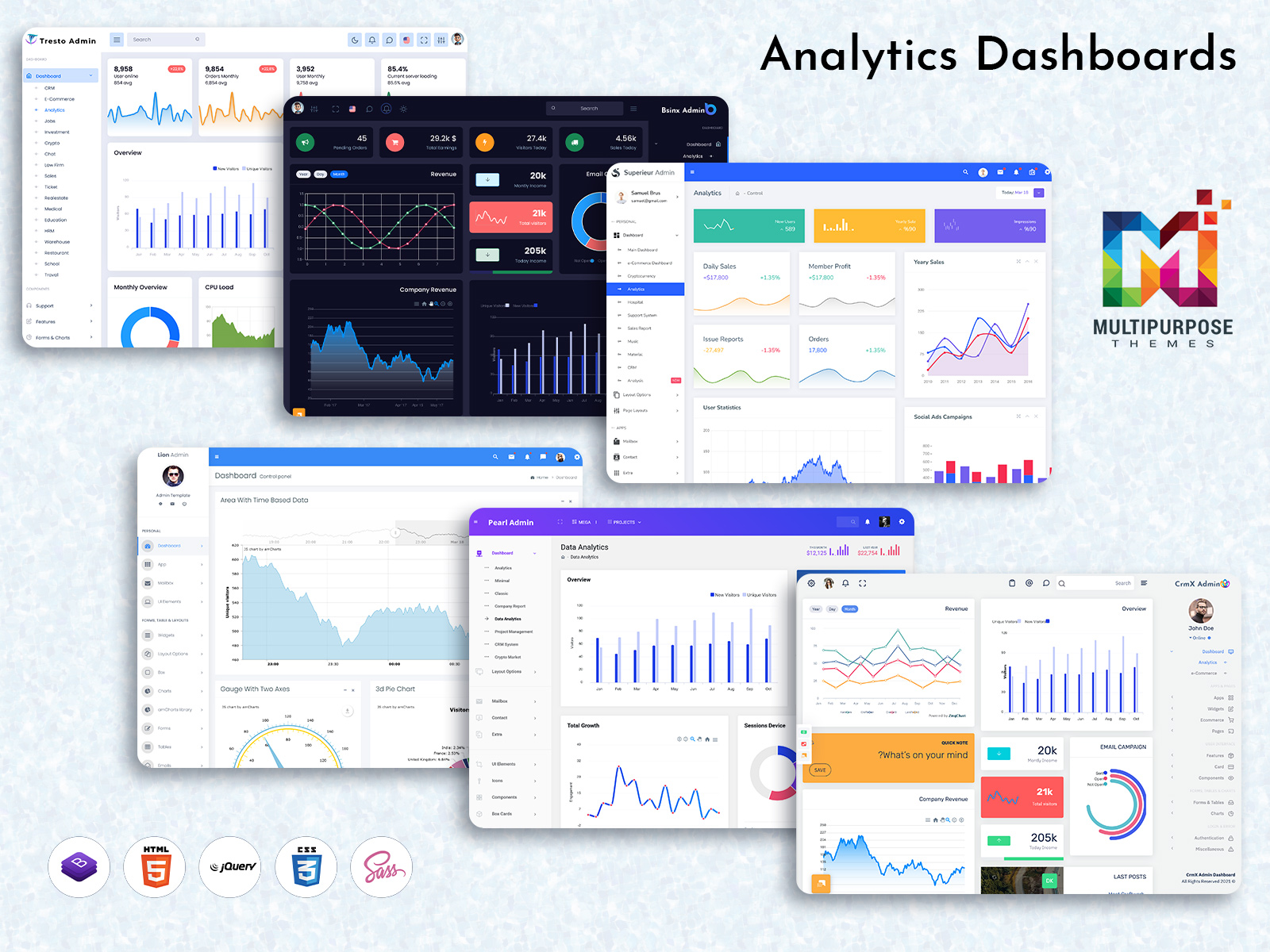
Analytical Dashboard: Your Data’s Favorite Hangout Spot
Reading Time: 5 minutes
An Analytical Dashboard is the heart of modern digital systems. Today, businesses depend heavily on data to make smart decisions, track performance, and improve daily operations. Whether it is sales numbers, customer behavior, website traffic, or financial reports, everything runs on insights. That is where an Analytical Dashboard becomes essential. It gathers data from different sources and presents it in a clean and easy-to-understand format.
In many modern WebApps Template designs, the Analytical Dashboard plays a central role. It is not just about charts and graphs. It is about clarity. It is about giving managers, teams, and business owners the right information at the right time. A powerful Admin Panel combined with a well-designed Analytical Admin Template can completely transform how a business monitors its growth.
Today’s businesses prefer ready-to-use Analytics Admin Dashboard solutions that are flexible, responsive, and user-friendly. These dashboards help teams focus on growth instead of wasting time on spreadsheets and manual reports.
What is Analytics Dashboard
An Analytics Dashboard is a digital interface that displays important business data in one place. It shows performance metrics, trends, comparisons, and reports using visual elements like graphs, tables, progress bars, and charts. Instead of checking multiple systems, users can view everything from one dashboard screen.
An Analytical Dashboard is usually part of an Admin Panel. It connects with databases and software systems to collect real-time information. For example, it can show total sales, active users, revenue growth, website visits, or customer engagement statistics.
An Analytical Admin Template makes this process even easier. It provides a pre-designed layout where developers and companies can quickly integrate their data. With the help of a WebApps Template, businesses can launch their Analytics Dashboard faster without building everything from scratch.
In simple words, an Analytics Admin Dashboard converts complex numbers into meaningful insights that anyone can understand.
Why Is an Analytics Dashboard Used?
Businesses use an Analytical Dashboard to simplify decision-making. Without a dashboard, managers need to gather reports from different departments. This takes time and increases the chances of mistakes. An Analytics Dashboard solves this problem by centralizing information.
It helps businesses monitor performance daily. Instead of waiting for monthly reports, companies can track progress in real time. If sales drop, the dashboard shows it immediately. If traffic increases, the team knows right away.
Another reason companies use an Analytics Admin Dashboard is transparency. When data is visible, teams can work more efficiently. Everyone knows what is happening and what needs improvement.
An Analytical Admin Template also helps in automation. It updates data automatically, reducing manual effort. This saves time and improves productivity. Businesses can focus more on strategy instead of reporting.
Dashboard Design of Analytics
Tresto Admin – Analytics Dashboard
BUY NOW DEMO
BsinX Admin – Analytics Dashboard
BUY NOW DEMO
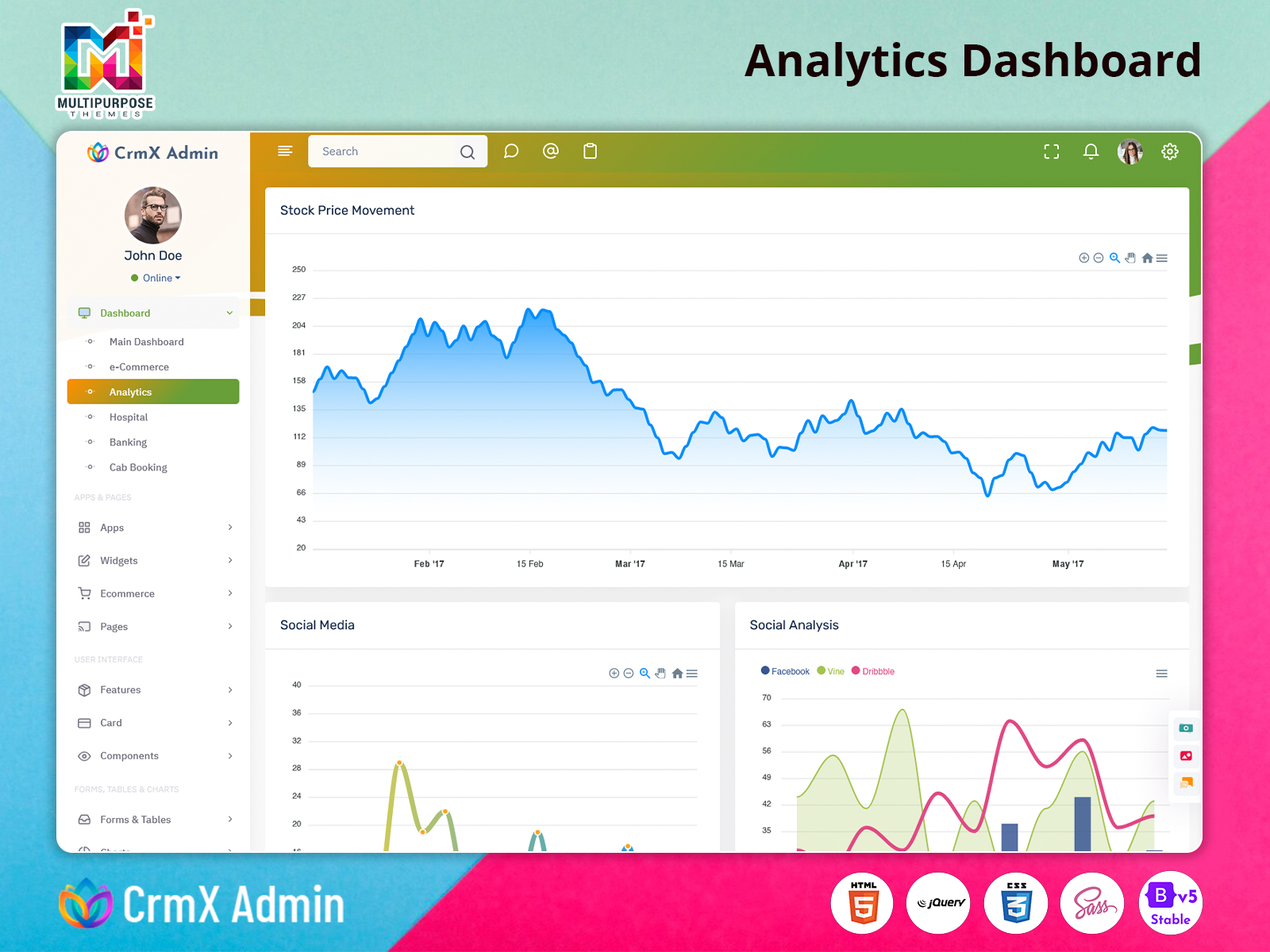
CrmX Admin – Analytics Dashboard
BUY NOW DEMO
Superieur Admin – Analytics Dashboard
BUY NOW DEMO
Lion Admin – Analytics Dashboard
BUY NOW DEMO
Pearl Admin – Analytics Dashboard
BUY NOW DEMO
Explore Wide Range Analytics Admin Dashboard of Admin Templates
Today, the market offers a wide range of Analytical Dashboard designs within Admin Panel systems. Each Analytics Admin Dashboard is created to meet different industry needs. Some focus on financial data, while others are designed for marketing, healthcare, education, or eCommerce platforms.
Modern WebApps Template solutions provide responsive dashboards that work smoothly on desktops, tablets, and mobile devices. This flexibility ensures that business owners can check their performance anytime and anywhere.
An Analytical Admin Template often includes ready-made widgets, interactive charts, and customizable layouts. This allows businesses to adjust the Analytics Dashboard based on their goals. They can add or remove data blocks according to their requirements.
The best part about using a professional Admin Panel with an Analytical Dashboard is scalability. As a business grows, the dashboard grows with it. New metrics can be added without redesigning the entire system.
Which Types of Companies Use an Analytics Dashboard for WebApps
eCommerce Companies
eCommerce businesses depend heavily on data. They track product sales, customer behavior, cart abandonment rates, and revenue growth daily. An Analytical Dashboard helps them monitor everything in real time. With an Analytics Admin Dashboard, they can identify best-selling products and understand which marketing campaigns are performing well. A well-designed Analytical Admin Template inside their Admin Panel ensures smooth tracking of inventory, orders, and payments. Using a WebApps Template with built-in analytics allows eCommerce brands to grow faster and make smart pricing decisions.
Healthcare Organizations
Hospitals and clinics use an Analytics Dashboard to manage patient records, appointment schedules, and billing systems. An Analytical Dashboard helps administrators monitor patient flow and staff performance. With an Analytics Admin Dashboard, healthcare providers can track treatment efficiency and operational costs. A secure Admin Panel ensures data privacy and accuracy. An Analytical Admin Template makes it easier for healthcare systems to organize reports and improve service quality.
Financial Institutions
Banks and financial companies rely on an Analytical Dashboard to monitor transactions, risk management, and performance metrics. An Analytics Dashboard helps them detect unusual activities and analyze financial trends. Using a structured Admin Panel with an Analytical Admin Template allows better control over financial data. A WebApps Template designed for finance includes secure reporting tools that improve transparency and compliance.
Educational Institutions
Schools, colleges, and online learning platforms use an Analytics Dashboard to track student performance, attendance, and course completion rates. An Analytical Dashboard helps administrators understand learning patterns. With an Analytics Admin Dashboard, institutions can evaluate teacher performance and academic progress. A modern Admin Panel built with a flexible Analytical Admin Template supports better planning and resource management.
Marketing Agencies
Marketing agencies handle multiple campaigns at once. They use an Analytical Dashboard to track impressions, clicks, conversions, and ROI. An Analytics Dashboard provides insights into customer engagement and campaign success. Through an Admin Panel powered by an Analytical Admin Template, agencies can compare performance across platforms. A WebApps Template with built-in analytics helps marketers create data-driven strategies and improve results.
IT and SaaS Companies
Software companies use an Analytical Dashboard to monitor application performance, server uptime, and user activity. An Analytics Dashboard helps track subscriptions, renewals, and customer growth. Using a scalable Admin Panel allows companies to manage system health efficiently. An Analytical Admin Template simplifies monitoring technical metrics, ensuring smooth operations and better customer experience.
Logistics and Transportation Companies
Logistics companies rely on an Analytics Dashboard to track deliveries, fleet performance, and route efficiency. An Analytical Dashboard helps them reduce delays and manage fuel costs. With an Analytics Admin Dashboard integrated into their Admin Panel, managers can monitor shipment status in real time. A WebApps Template with advanced tracking analytics improves operational efficiency and customer satisfaction.
Core Features of Analytics Dashboard
An Analytical Dashboard includes several important features that make it powerful and useful. One of the main features is real-time data updates. Businesses can view live performance without refreshing manually.
Another core feature is data visualization. Charts, graphs, and visual reports make complex information easier to understand. An Analytics Admin Dashboard also provides filtering options, allowing users to customize reports based on date, region, or department.
A secure Admin Panel ensures role-based access. This means different team members can see only the information they need. An Analytical Admin Template usually supports integration with third-party tools, making data collection smoother.
Mobile responsiveness is another key feature. Modern WebApps Template designs ensure that the Analytical Dashboard works on all devices. Export and reporting options also allow users to download insights for presentations and meetings.
Customization and scalability make the Analytics Dashboard flexible for growing businesses.
Conclusion
An Analytical Dashboard is more than just a reporting tool. It is a powerful system that supports smart decision-making. From small startups to large enterprises, every business benefits from a structured Analytics Admin Dashboard.
With the help of a professional Admin Panel and a flexible Analytical Admin Template, companies can manage operations efficiently. A well-designed WebApps Template ensures faster development and smooth performance.
In today’s data-driven world, an Analytics Dashboard is not optional. It is essential for growth, transparency, and success.
FAQs
What is an Analytical Dashboard used for?
An Analytical Dashboard is used to monitor business performance, track metrics, and analyze data in real time.
Is an Analytics Admin Dashboard suitable for small businesses?
Yes, small businesses can use an Analytics Admin Dashboard to understand growth trends and improve decision-making.
Can an Analytical Admin Template be customized?
Yes, most Analytical Admin Template designs allow full customization based on business needs.
Does an Admin Panel include an Analytics Dashboard?
Most modern Admin Panel systems include an integrated Analytics Dashboard for reporting and insights.
Is a WebApps Template helpful for building an Analytical Dashboard?
Yes, a WebApps Template provides a ready structure that makes building an Analytical Dashboard faster and easier.

Related Posts



This Post Has 0 Comments