

What is a CRM Dashboard? A CRM Dashboard is a centralized interface that helps businesses…
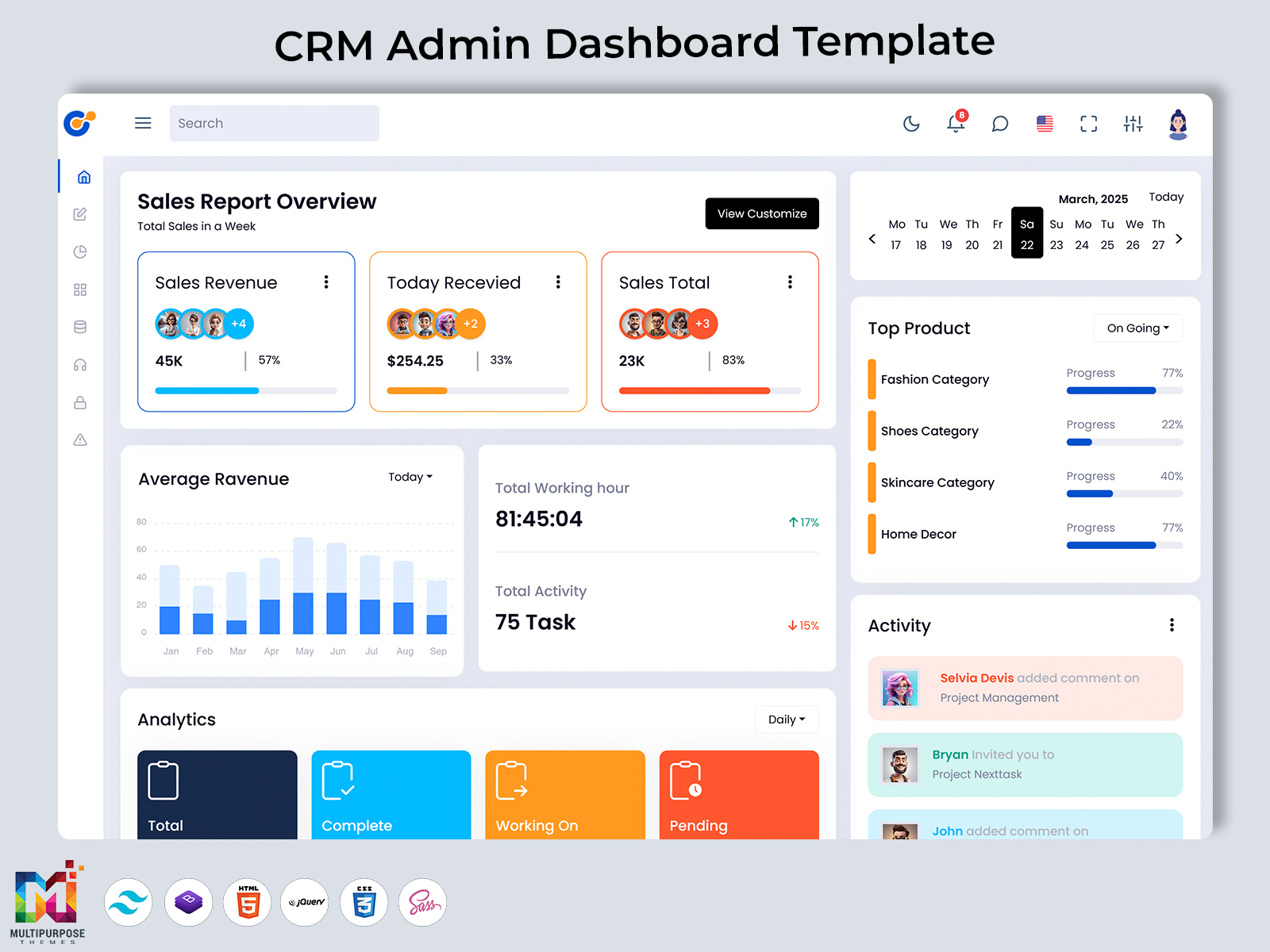
CRM Dashboard – Because Spreadsheets Deserve Retirement
Reading Time: 4 minutes
Managing customer relationships is one of the most important parts of running a successful business. But when your data is scattered across spreadsheets, emails, and different tools, it becomes difficult to see the bigger picture. Even strong sales and marketing strategies can lose impact without proper visibility. This is where a modern CRM Dashboard becomes essential. It works as a central hub where you can monitor performance, understand trends, and make better business decisions with confidence.
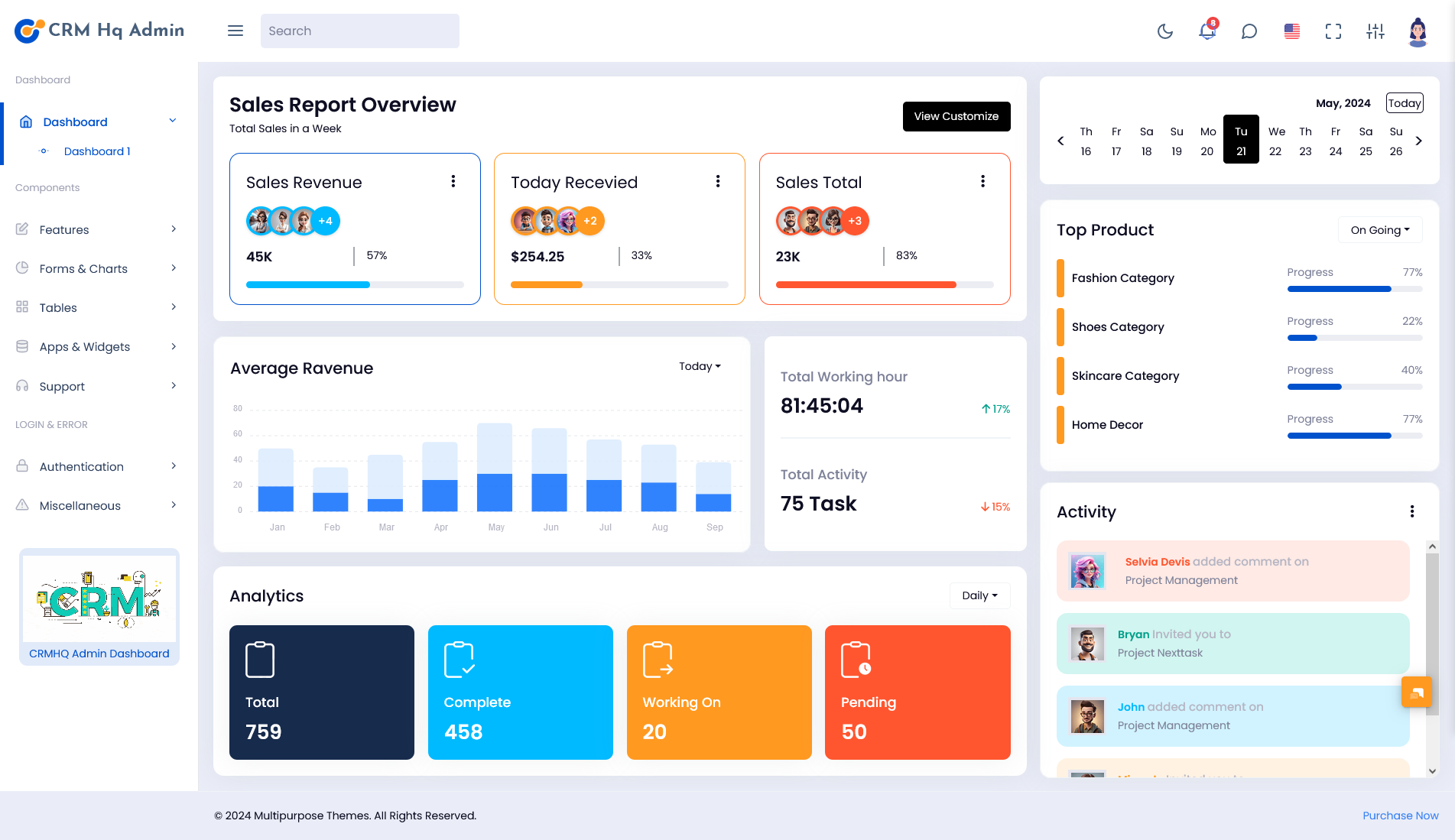
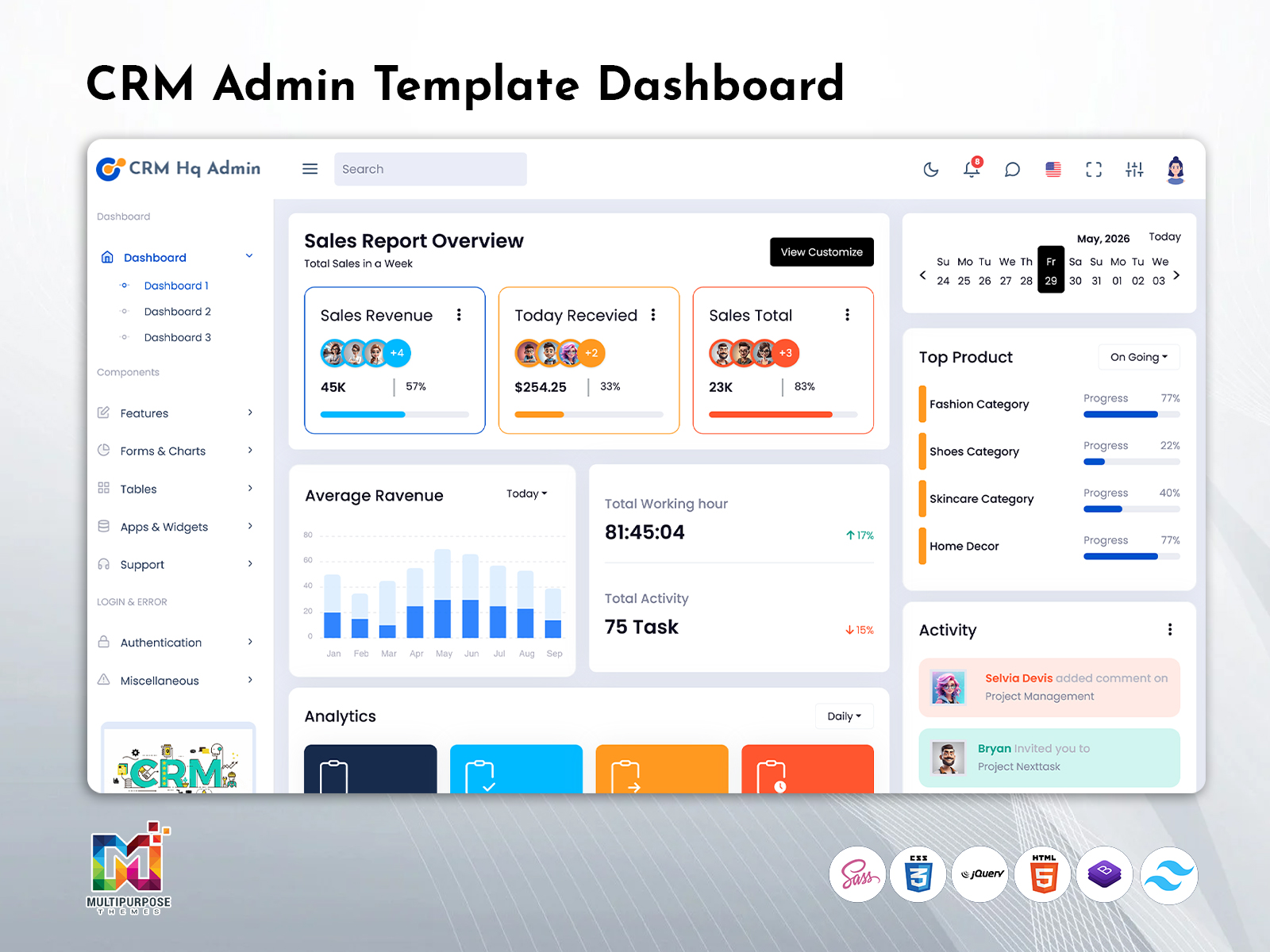
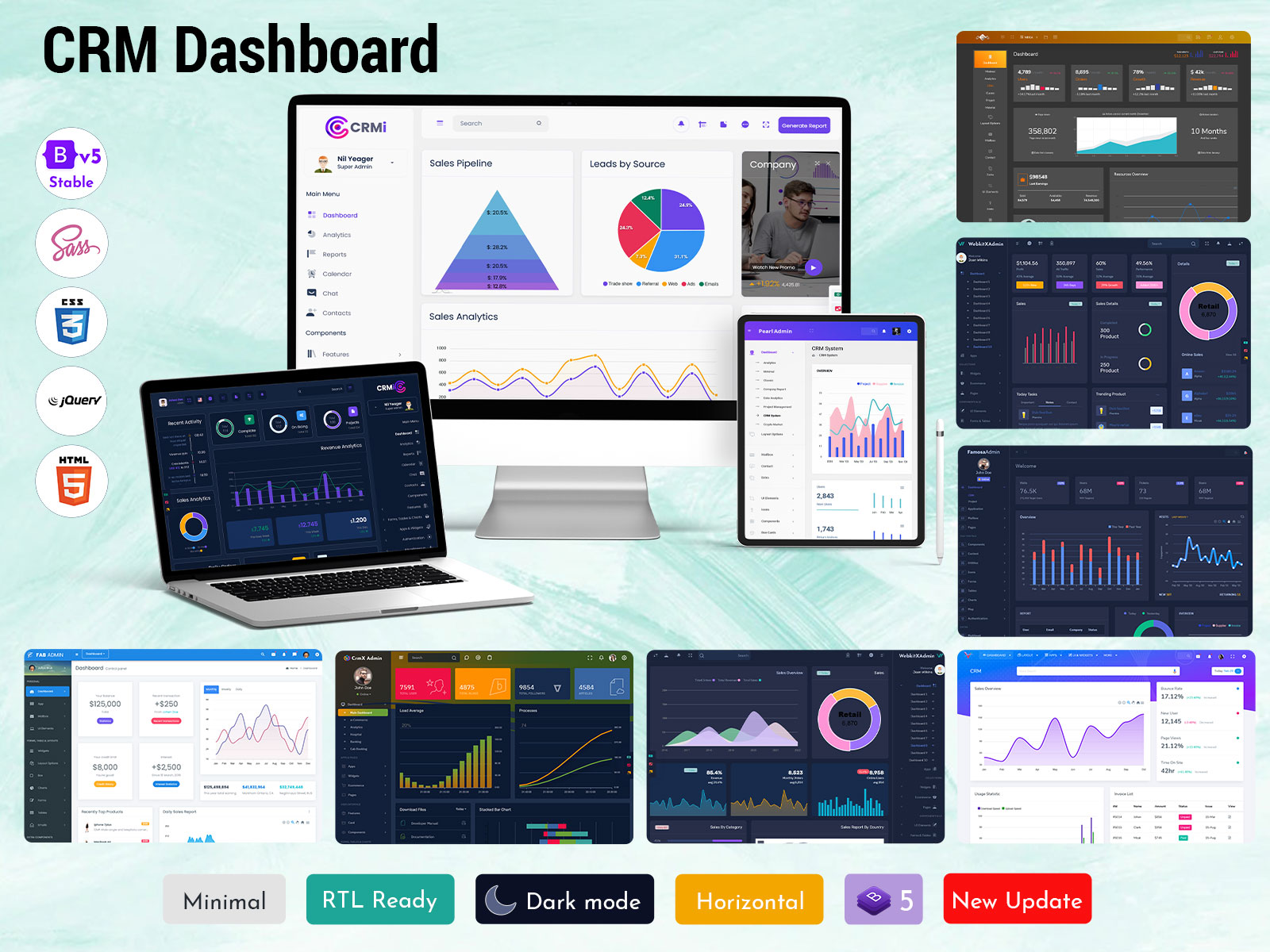
Whether you are handling customers, guiding a sales team, or managing marketing campaigns, a powerful CRM Admin Dashboard Template simplifies everything. Instead of checking multiple platforms, you get all your key numbers in one clean and organized view. Let’s understand what it really is, why it matters, and how it can improve the way you manage your business.
Watch Full Video
A CRM Admin Template is a ready-made and customizable admin panel designed to help businesses track important CRM metrics easily. Unlike a basic dashboard, a professional CRM Admin focuses on user-friendly design and real-time insights. It shows you essential data such as leads, conversions, and customer activities without confusion.
You can think of it as your business control center. Rather than switching between tools, your CRM Admin Dashboard Template gives you quick access to insights like TOTAL USERS, TOTAL BLOGS, TOTAL FOLLOWERS, and other performance indicators in one place. Many organizations connect it with their CRM Software Dashboard, HRM Dashboard, and Sales Admin Dashboard so they can manage operations smoothly from one unified system.
Having a dedicated CRM Dashboard Template saves time and increases productivity. When all your reports are automatically updated and displayed in charts and graphs, you avoid wasting hours creating manual reports. Features such as Stacked Bar Chart, Item Sales tracking, and Total Income summaries allow you to make quick and informed decisions.
It also helps you monitor multiple areas of your business at the same time. From Load Average and Processes to Download Files and engagement metrics, everything becomes easier to track. If you are using a Smart Sales Admin Panel or managing several workflows through CRM Dashboards, this clarity becomes even more valuable.
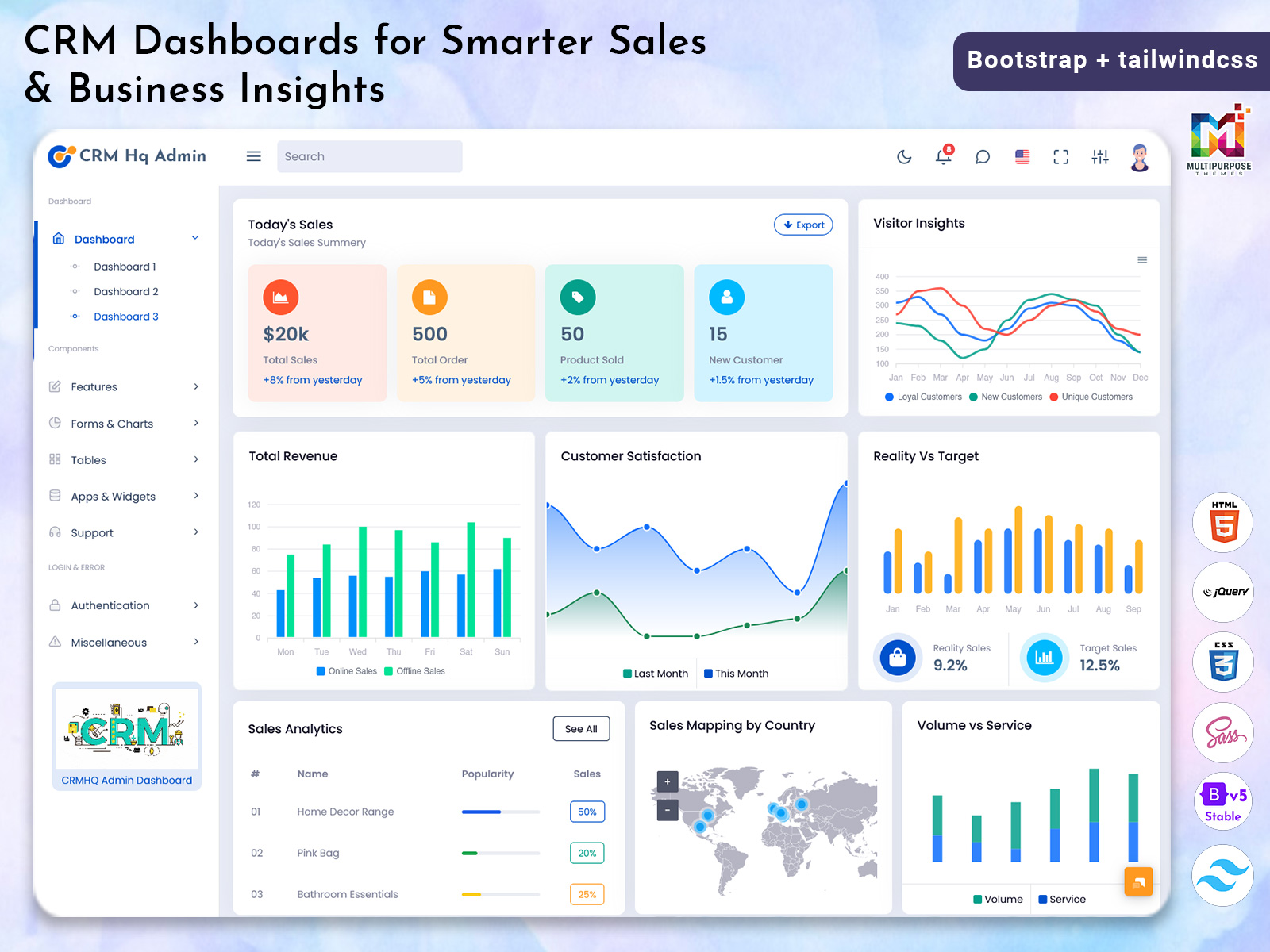
Sales performance improves significantly when teams can clearly see their goals and results. Sales Dashboards built into a Sales Admin Dashboard provide insights into Product Sales, Inclusive All Earnings, and revenue trends. Managers can identify what is working and where improvements are needed. This level of transparency boosts motivation and helps teams stay aligned.
Explore CRM Dashboard
BUY NOW DEMO
Customer management also becomes more effective. A CRM Admin does more than display numbers; it turns data into meaningful insights. You can quickly understand which content performs best, who your most engaged followers are, and what resources are downloaded most often. With well-designed CRM Dashboards, important answers are always visible.
One of the biggest advantages of a CRM Dashboard Template is flexibility. Different industries have different priorities, and a good template adapts easily. A retail company may focus on Product Sales, Item Sales, and Total Income. A media platform may track TOTAL BLOGS, Articles, and TOTAL FOLLOWERS. A SaaS company might monitor Load Average, Processes, and Download Files more closely. Because the CRM Software Dashboard is modular and customizable, you can highlight the metrics that matter most to your business model.
No matter if you run an e-commerce store, a B2B service company, an HR agency, or a fast-growing startup, the right CRM Dashboard Template grows along with your business. It evolves as your data increases and your team expands.
A high-quality CRM Admin Dashboard Template usually includes powerful built-in features. You can view TOTAL USERS to understand your overall audience size. You can track TOTAL BLOGS and ARTICLES to measure content performance. TOTAL FOLLOWERS shows how your brand is growing across platforms. For technical operations, Load Average and Processes give insight into system performance. Download Files tracking helps you understand user behavior. Visual elements such as Stacked Bar Chart simplify complex trends, while Item Sales, Product Sales, and Inclusive All Earnings clearly show revenue performance. These features make a CRM Admin more than just a design element; it becomes a strong decision-making tool.
Businesses use a CRM Admin Dashboard Template in many practical ways. Every morning, leaders can review daily performance to see how leads, sales, and engagement are progressing. Sales managers rely on a Sales Admin Dashboard or Smart Sales Admin Panel to assign targets and track achievements. Marketing teams use the CRM Software Dashboard to study content results and improve campaigns. HR teams combine it with an HRM Dashboard to monitor employee performance alongside business growth. Because many templates are responsive and mobile-friendly, you can access your CRM Dashboard anytime and from anywhere.
In today’s competitive environment, making decisions based on guesswork is risky. A structured CRM Admin Dashboard Template gives you clear data, organized insights, and better control over your operations. When integrated with CRM Dashboards, Sales Dashboards, and a CRM Software Dashboard, it provides a complete view of customer behavior and revenue performance.
Investing in a reliable CRM Dashboard, especially one that works smoothly with your Smart Sales Admin Panel, saves valuable time and improves efficiency across teams. It keeps everyone aligned with shared goals and accurate data. For businesses looking to scale and stay competitive in 2025 and beyond, adopting a professional CRM Admin Dashboard Template is a smart and strategic move.
FAQs
Q1: What is a CRM Admin Dashboard Template?
A: It is a ready-made and customizable admin panel that displays real-time CRM, sales, and performance data in one organized interface.
Q2: How is it different from a regular CRM Dashboard?
A: A CRM Admin Dashboard Template comes pre-designed with charts, tracking tools, and performance metrics, reducing development time and setup effort.
Q3: Is it useful for small businesses?
A: Yes, small businesses and startups can benefit greatly. It works efficiently with Sales Dashboards and HRM Dashboard systems.
Q4: Can it be customized for different industries?
A: Yes, a flexible CRM Dashboard Template allows you to adjust metrics and layouts based on your industry needs.
Q5: Do I need coding skills to use it?
A: Most templates are built on Bootstrap Admin Dashboard frameworks, making them easy to set up even without advanced technical knowledge.

Related Posts


This Post Has 0 Comments