

In today’s fast-paced digital world, customer support and issue resolution have become more important than…
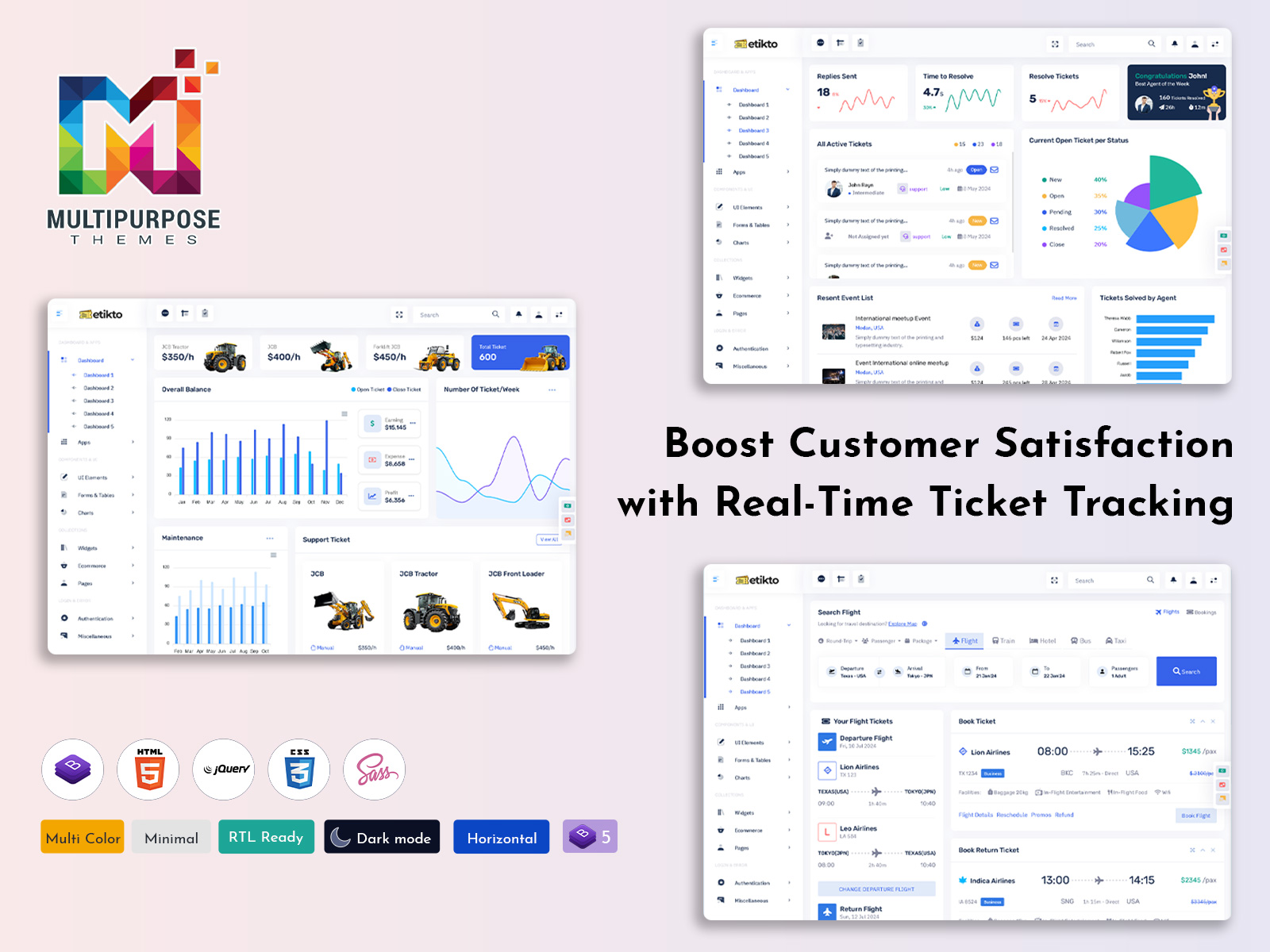
Ticket Dashboard 2026: Chaos Tamed, Tickets Sorted!
Reading Time: 2 minutes
A Ticket Dashboard is an essential tool for businesses that handle customer queries, complaints, or technical issues. It provides a clear and organized view of all support tickets in one place. With the help of a Support Ticket Dashboard, support teams can easily track incoming requests, monitor ticket status, and respond to customers faster. This helps improve customer satisfaction and keeps the support process smooth.
Most modern systems integrate the Admin Panel Dashboard inside an Admin Panel, allowing administrators to manage tickets, assign tasks to team members, and check performance metrics. When the dashboard is built using a Bootstrap Admin Dashboard, it becomes responsive, clean, and easy to use across different devices. A well-designed Ticket Dashboard not only saves time but also helps teams prioritize urgent issues and maintain better communication with customers.
Watch Full Video
Features of a Ticket Dashboard
Real-Time Ticket Overview
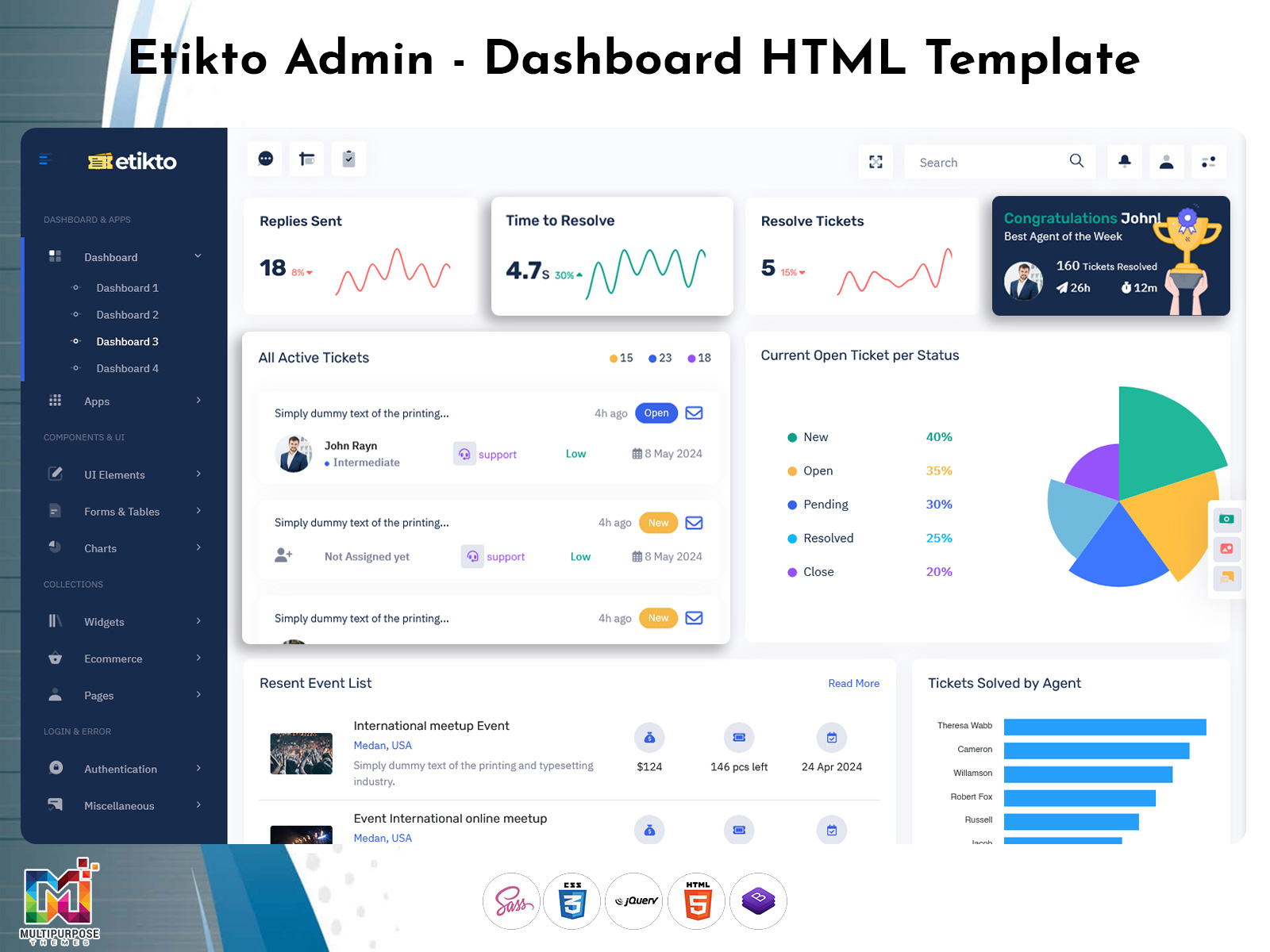
A good Admin Dashboard provides a real-time overview of all support requests. Administrators and support agents can quickly see how many tickets are open, pending, or resolved. This instant visibility helps teams manage workload efficiently and respond to urgent issues faster. In a Bootstrap Admin Dashboard, this data is often displayed using charts, counters, and simple widgets.
Easy Ticket Assignment
The Support Ticket Dashboard allows administrators to assign tickets to specific team members. Through the Admin Panel, managers can distribute tasks based on team availability or expertise. This feature ensures that every ticket is handled by the right person and reduces delays in resolving customer problems.
Status Tracking and Updates
Tracking ticket status is one of the most important features of a Bootstrap 5 Admin Dashboard. Users can easily update ticket progress such as open, in progress, pending, or resolved. A modern Bootstrap Admin Dashboard displays these updates clearly so the support team always knows the current status of each request.
Customer Communication Management
A Support Ticket Dashboard helps maintain clear communication between support agents and customers. Agents can reply to messages, add notes, and share updates directly through the Admin Panel. This keeps all conversations organized in a single place and prevents miscommunication.
Performance Monitoring and Reports
A well-designed Ticket Admin Dashboard also includes reporting tools that help administrators monitor team performance. Managers can view metrics such as response time, resolution rate, and ticket volume. In a Bootstrap Admin Dashboard, these insights are usually shown with graphs and analytics to make decision-making easier.
Last Words
A Ticket Dashboard is a powerful tool that simplifies the process of managing customer support requests. By using a structured Support Ticket Dashboard, businesses can track issues, assign tasks, and communicate with customers more effectively. When this system is integrated into a modern Admin Panel, it becomes even more useful for support teams and administrators.
Using a Bootstrap Admin Dashboard ensures the interface is responsive, clean, and easy to navigate. This allows support teams to work efficiently from both desktop and mobile devices. Overall, a well-designed Ticket Dashboard improves productivity, reduces response time, and helps businesses deliver better customer service experiences.

Related Posts



This Post Has 0 Comments