

In today’s fast moving digital environment, businesses rely heavily on well designed backend systems to…
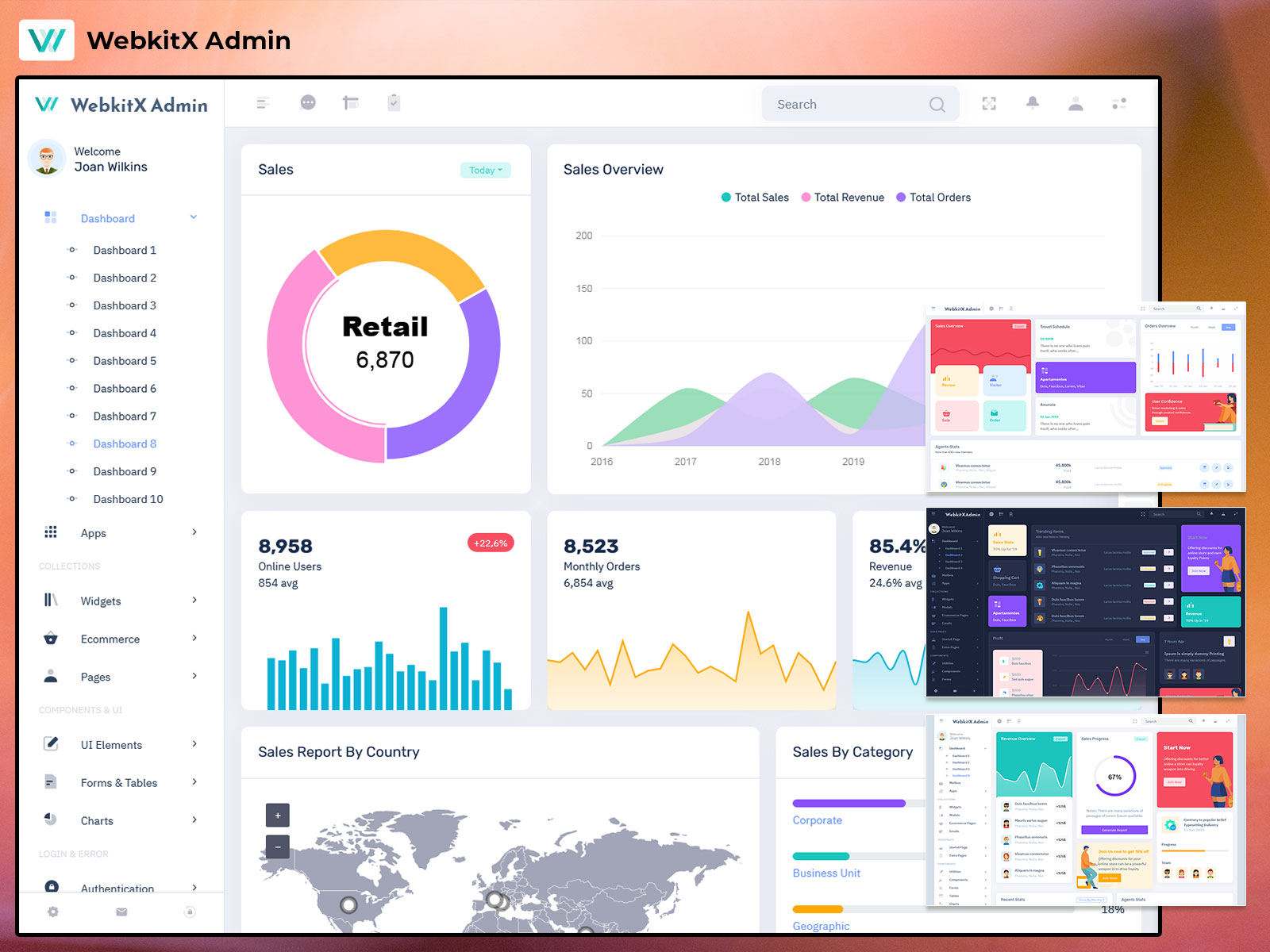
Smart Bootstrap 5 Admin Template for CRM and Sales Analytics
Reading Time: 5 minutes
In today’s fast-moving digital world, data is everything. Businesses depend on dashboards to track sales, manage customers, analyze performance, and make smarter decisions every day. An Bootstrap 5 Admin Template is built to simplify this process by turning complex business data into clear, easy-to-understand visuals.
This Dashboard Template is specially designed for CRM, sales, and analytics web apps, where accuracy, speed, and clarity matter the most. Instead of switching between multiple tools and reports, users can manage everything from one powerful Admin Dashboard UI.
Built with a modern Bootstrap 5 Admin Template, this dashboard focuses on clean design, usability, and scalability. It offers 9 unique dashboard designs, making it suitable for startups, enterprises, SaaS platforms, and internal business tools. Whether you are tracking leads, revenue, or performance metrics, this UI Dashboard helps teams stay aligned and productive.
Watch Video
What is a Bootstrap 5 Admin Template?
A Bootstrap 5 Admin Template is a ready-to-use frontend framework designed to build admin panels, dashboards, and management systems faster. It uses Bootstrap 5 components like grids, cards, tables, charts, and forms to create responsive and consistent layouts.
Instead of building everything from scratch, developers and businesses use a Dashboard Template to save time and reduce development costs. A well-structured Bootstrap Admin Panel provides reusable UI elements, pre-built layouts, and flexible components that work across all devices.
In a Dashboard, the Bootstrap 5 Admin Template ensures smooth performance, mobile responsiveness, and modern design standards. It allows teams to focus on business logic while the Dashboard UI handles presentation, navigation, and user experience. This makes it ideal for CRM systems, sales dashboards, and analytics platforms.
Explore Types of Dashboard
CRM Dashboard
The CRM Dashboard is dedicated to customer and lead management. It gives a clear view of leads, contacts, deal stages, follow-ups, and customer activity. Sales and support teams can easily track where each lead stands in the pipeline and what action is needed next.
This Dashboard UI helps improve customer relationships by keeping all interactions organized in one place. With simple charts and tables, teams can monitor conversion rates, response times, and customer engagement. For CRM-based web apps, this dashboard ensures better coordination, faster responses, and improved customer satisfaction.
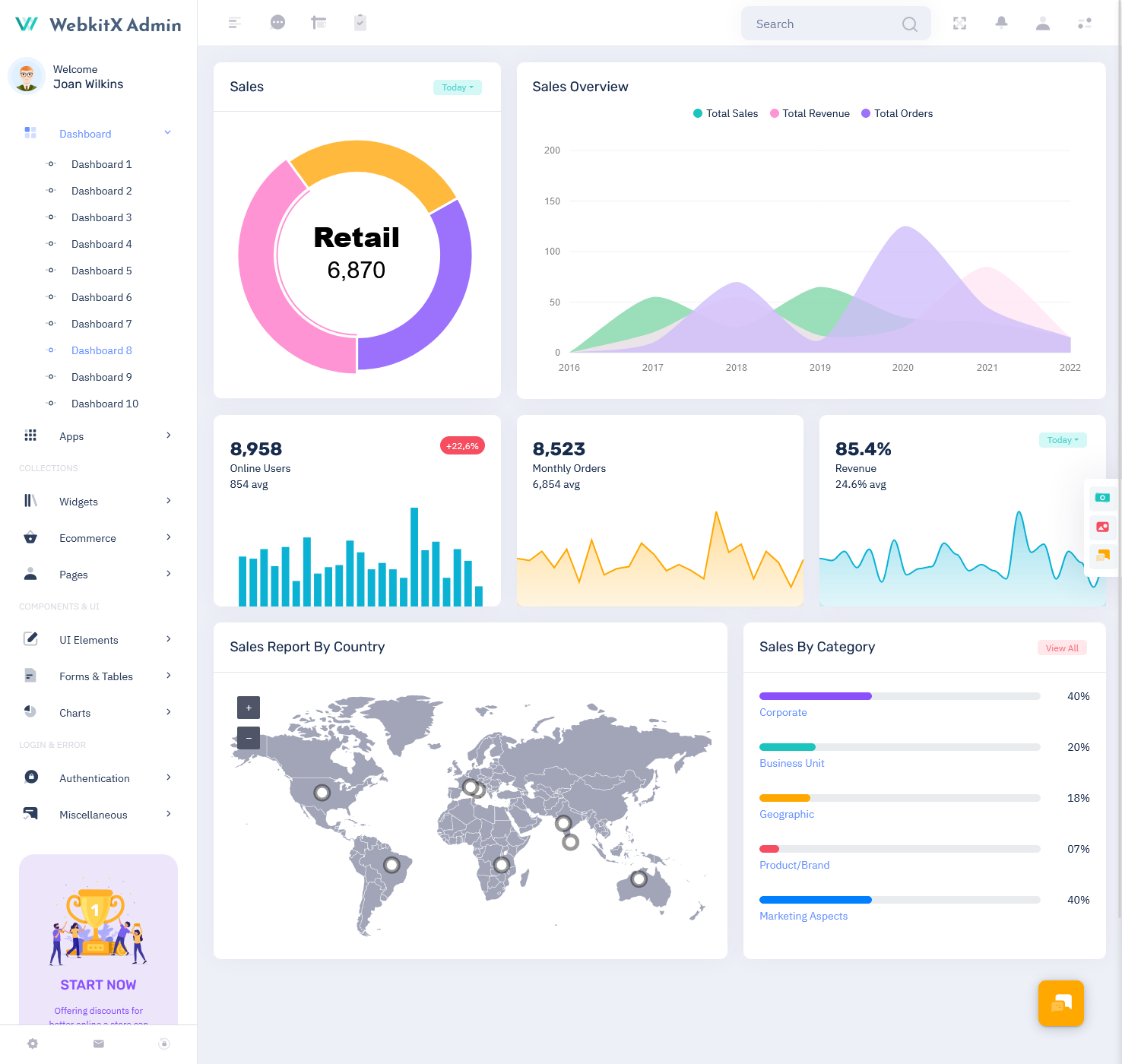
BUY NOW DEMO
Sales Dashboard
The Sales Dashboard focuses on revenue, targets, and sales performance. It shows daily, weekly, and monthly sales data in an easy-to-read format. Managers can quickly see total revenue, completed deals, pending opportunities, and sales growth trends.
Using this UI Dashboard, sales teams can compare performance across products, regions, or team members. It helps identify top performers and areas that need improvement. As part of the Bootstrap Admin Panel, the Sales Dashboard supports smarter forecasting, better planning, and more confident decision-making.
Analytics Dashboard
The Analytics Dashboard is designed for deep data insights. It transforms raw business data into visual reports that highlight trends, patterns, and performance metrics. This dashboard is ideal for tracking user behavior, conversions, growth rates, and overall business health.
With clean graphs and structured layouts, the Dashboard Template makes analytics easy to understand, even for non-technical users. Teams can use this dashboard to measure success, optimize strategies, and make data-driven decisions. It plays a key role in turning information into action.
Explore Other Dashboard Designs
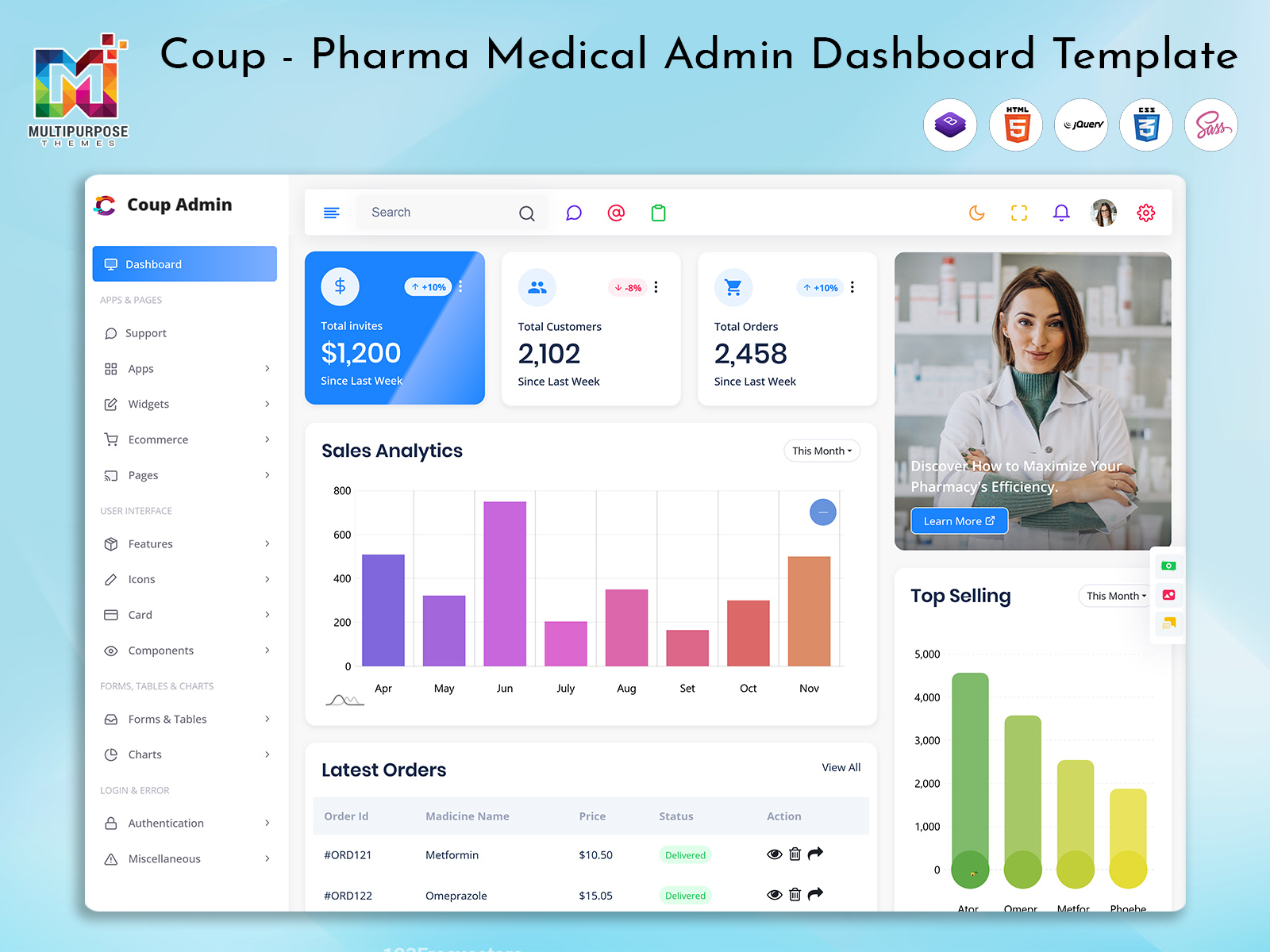
Dashboard: 1
BUY NOW DEMO
Dashboard: 2
BUY NOW DEMO
Dashboard: 3
BUY NOW DEMO
Dashboard: 4
BUY NOW DEMO
Dashboard: 5
BUY NOW DEMO
Dashboard: 6
BUY NOW DEMO
Benefits of Bootstrap Dashboard
1. Centralized Business Control
An Bootstrap 5 Admin Dashboard brings all CRM, sales, and analytics data into one place. Instead of using separate tools, teams manage everything from a single Admin Dashboard UI.
This centralized control reduces confusion and improves collaboration. With a unified Dashboard Template, businesses save time and avoid data duplication.
It helps organizations stay organized and focused on growth.
2. Better Data Visualization
The Dashboard UI converts complex data into simple charts, tables, and cards. This makes insights easier to understand and act on.
With clear visuals, teams can identify trends, risks, and opportunities faster. A good UI Dashboard supports smarter and quicker decision-making.
This benefit is crucial for analytics-driven businesses.
3. Faster Decision-Making
Real-time insights allow teams to respond quickly to changes. The Bootstrap 5 Admin Template provides instant visibility into sales, CRM activity, and performance metrics.
With accurate data always available, managers avoid guesswork. This Bootstrap Admin Panel supports confident and informed decisions every day.
Faster decisions lead to better business outcomes.
4. Scalable and Flexible Design
Built with a Bootstrap 5 Admin Template, this dashboard is highly scalable. As businesses grow, new modules and features can be added easily.
The flexible Dashboard Template adapts to startups, SMEs, and enterprises alike. It supports long-term growth without redesigning the system.
This makes it a future-ready solution.
5. Improved Team Productivity
A clean and intuitive Admin Dashboard UI reduces learning time and boosts productivity. Teams spend less time searching for data and more time acting on it.
With role-based dashboards and organized layouts, users work more efficiently. This leads to better performance and smoother workflows across departments.
Who Can Use This Dashboard
1. CRM Software Companies
CRM software providers can use this Dashboard UI to offer powerful admin panels to their clients. It helps manage leads, customers, and engagement data efficiently.
The Dashboard UI improves usability and customer satisfaction. It also reduces development time for CRM platforms.
2. Sales-Driven Organizations
Sales-focused companies rely heavily on performance data. This Admin Dashboard UI helps them track targets, revenue, and team performance in real time.
It supports better planning, forecasting, and accountability across sales teams.
3. SaaS Product Companies
SaaS platforms need scalable and flexible dashboards. This Bootstrap Admin Panel fits perfectly into subscription-based web apps.
It helps manage users, analytics, and business metrics from one Master Dashboard.
4. Marketing Agencies
Marketing agencies handle multiple clients and campaigns. The Admin Panel helps track performance, analytics, and ROI in one system.
This improves reporting, transparency, and client communication.
5. Enterprises and Corporate Teams
Large organizations use dashboards to manage operations, performance, and analytics. This Dashboard Template supports complex workflows and large datasets.
It helps enterprises maintain clarity and efficiency across departments.
Conclusion
The Bootstrap 5 Admin Dashboard is a complete solution for CRM, sales, and analytics-based web apps. Built on a modern Bootstrap 5 Admin Template, it combines clean design, scalability, and powerful features.
With 9 unique dashboard designs, a flexible Dashboard UI, and centralized control, it meets the needs of modern businesses. Whether you are a startup or an enterprise, this Admin Dashboard UI helps you manage data smarter and grow faster.
FAQs
Q1. What is an Admin Dashboard used for?
Admin Dashboard is used to manage CRM data, sales performance, analytics, and business insights from a single admin panel.
Q2. Is this dashboard suitable for SaaS platforms?
Yes, this Bootstrap 5 Admin Template is scalable and ideal for SaaS, CRM, and analytics web apps.
Q3. Can it be customized for different businesses?
Absolutely. The Dashboard Template is flexible and can be customized to match different business needs and branding.
Q4. Does it support multiple dashboard layouts?
Yes, it includes 9 unique dashboard designs, including a Master Dashboard and specialized dashboards.
Q5. Is the dashboard mobile-friendly?
Yes, built with Bootstrap 5, the Admin Dashboard UI is fully responsive across devices.

Related Posts


This Post Has 0 Comments