

In today’s fast-moving digital world, communication is everything. Businesses, startups, and even individual creators are…

Chat Application Dashboard for New Messaging Platforms
Reading Time: 2 minutes
At the top of this blog, you can watch a complete Chat Application Dashboard demo video. The video shows how the dashboard looks, how chats are managed, and how admins can control conversations in real time. Watching the video first helps users quickly understand the product before reading the details below.
Watch Full Video
📝 What Is a Chat Application Dashboard?
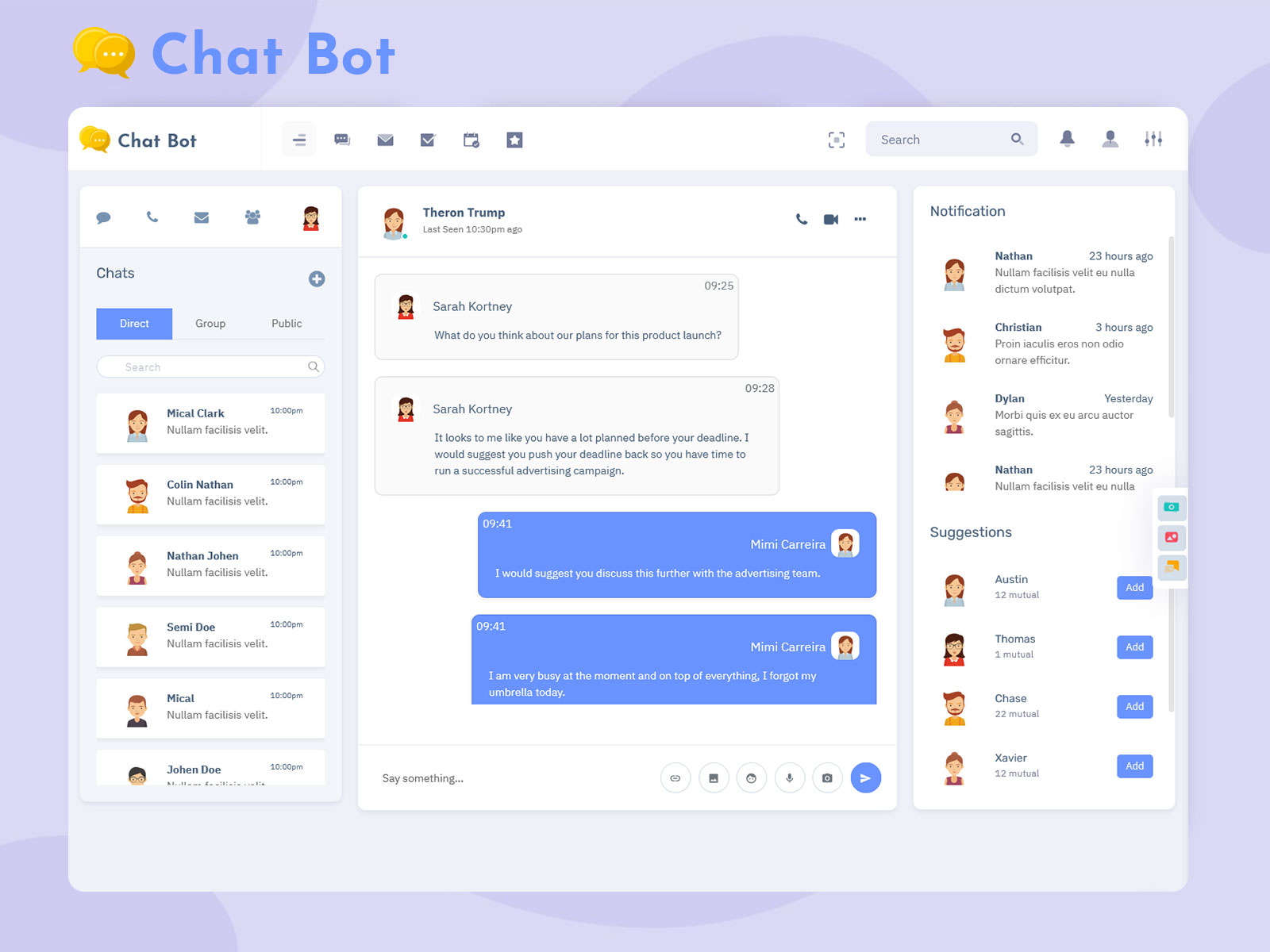
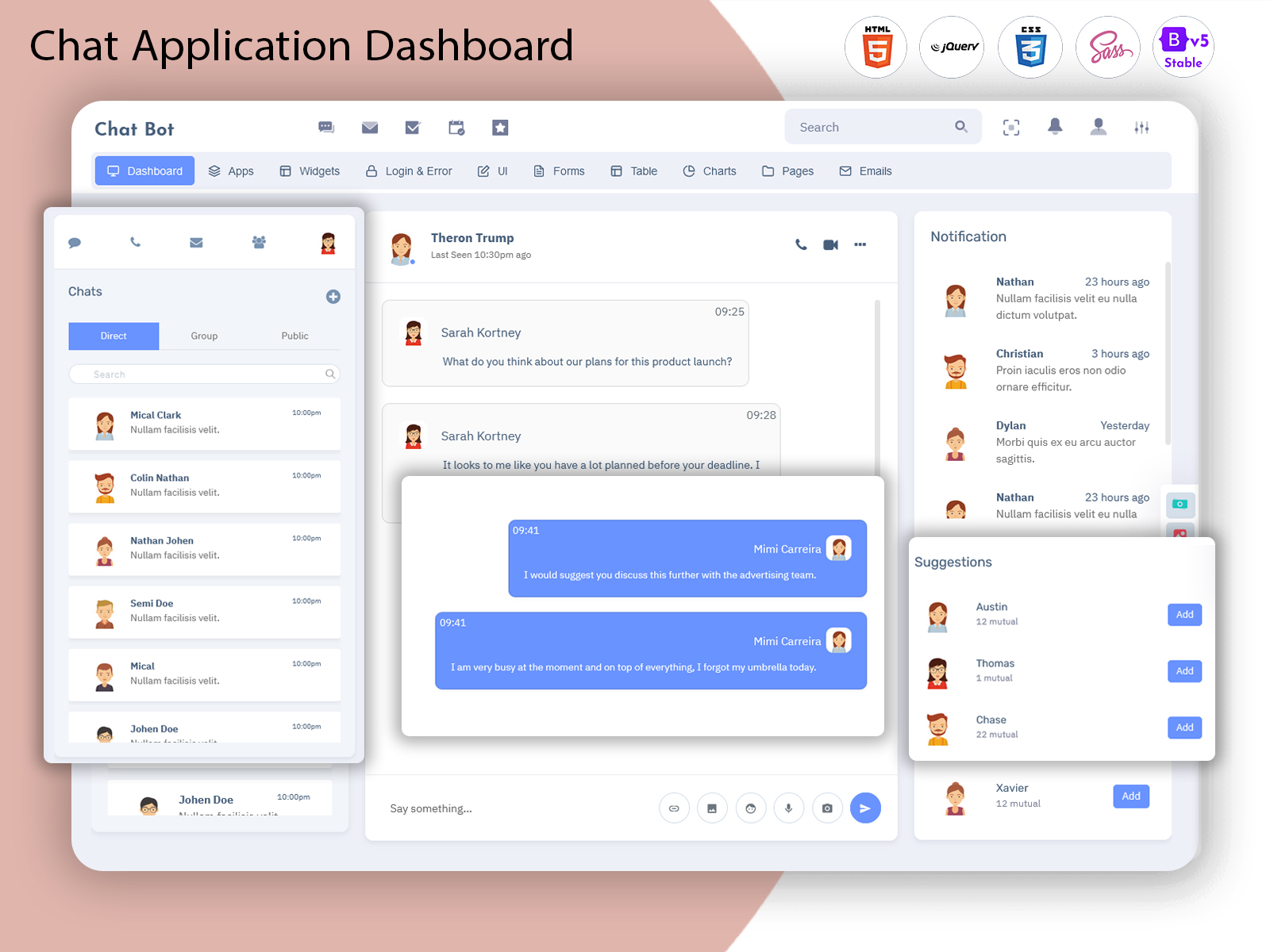
A Chatbot Dashboard is an admin panel designed to manage chats, users, messages, and communication activities from one place. It helps admins monitor conversations, handle user activity, and maintain smooth communication across chat platforms.
This Bootstrap 5 Admin Dashboard of Chat WebApps is commonly built using modern web technologies like HTML, CSS, JavaScript, Bootstrap, React, or Vue, depending on the project. The main purpose of this dashboard is to provide full control, visibility, and efficiency for chat-based applications.
Whether it is a messaging app, customer support system, or internal team chat, this dashboard simplifies daily operations and improves communication management.
⭐ Key Features of Chat Application Dashboard
User Management – View, block, or manage active and inactive users easily
Real-Time Chat Monitoring – Track live conversations as they happen
Chat History & Logs – Access previous messages for review and moderation
Admin & Moderator Controls – Assign roles and manage permissions
Responsive Design – Works smoothly on desktop, tablet, and mobile devices
Clean & Modern UI – Simple layout that is easy to understand
Customizable Layout – Modify colors, components, and sections as needed
Notification Panel – Get alerts for new messages or flagged content
These features help admins save time and manage large volumes of chats efficiently.
💡 Use Cases of Web Chatbot UI Dashboard
A Web Chatbot UI can be used in many real-world scenarios:
Messaging Applications – Manage users, chats, and conversations in real time
Customer Support Systems – Monitor support chats and improve response time
SaaS Platforms – Integrate chat support and communication tools
Startups & Tech Products – Build scalable chat systems for growing users
Internal Team Communication – Manage company-wide chat tools
Community & Social Platforms – Moderate chats and user interactions
This makes the dashboard suitable for both small projects and large-scale applications.
👥 Who Should Use This Dashboard?
This Chatbot Web UI is ideal for:
Developers building chat or messaging applications
Startups launching communication-based products
SaaS Companies adding chat support features
Agencies working on client chat solutions
Freelancers creating admin dashboards for projects
Product Owners who need full control over chat systems
If your product involves communication or messaging, this dashboard is a perfect fit.
🎯 Why Choose a Video-First Blog Approach?
Using a video-first blog format helps users quickly understand the Admin Dashboard visually. Many visitors prefer watching a short demo before reading long content. This approach improves:
User engagement
Time spent on the website
SEO performance
YouTube watch time and subscribers
It creates a better experience for both readers and viewers.
👉 Call to Action
Watch the full Chat Application Dashboard demo and subscribe to our YouTube channel for more admin dashboard and UI template videos.

Related Posts



This Post Has 0 Comments