

In today’s fast-paced digital environment, businesses rely heavily on real-time communication to engage customers, resolve…
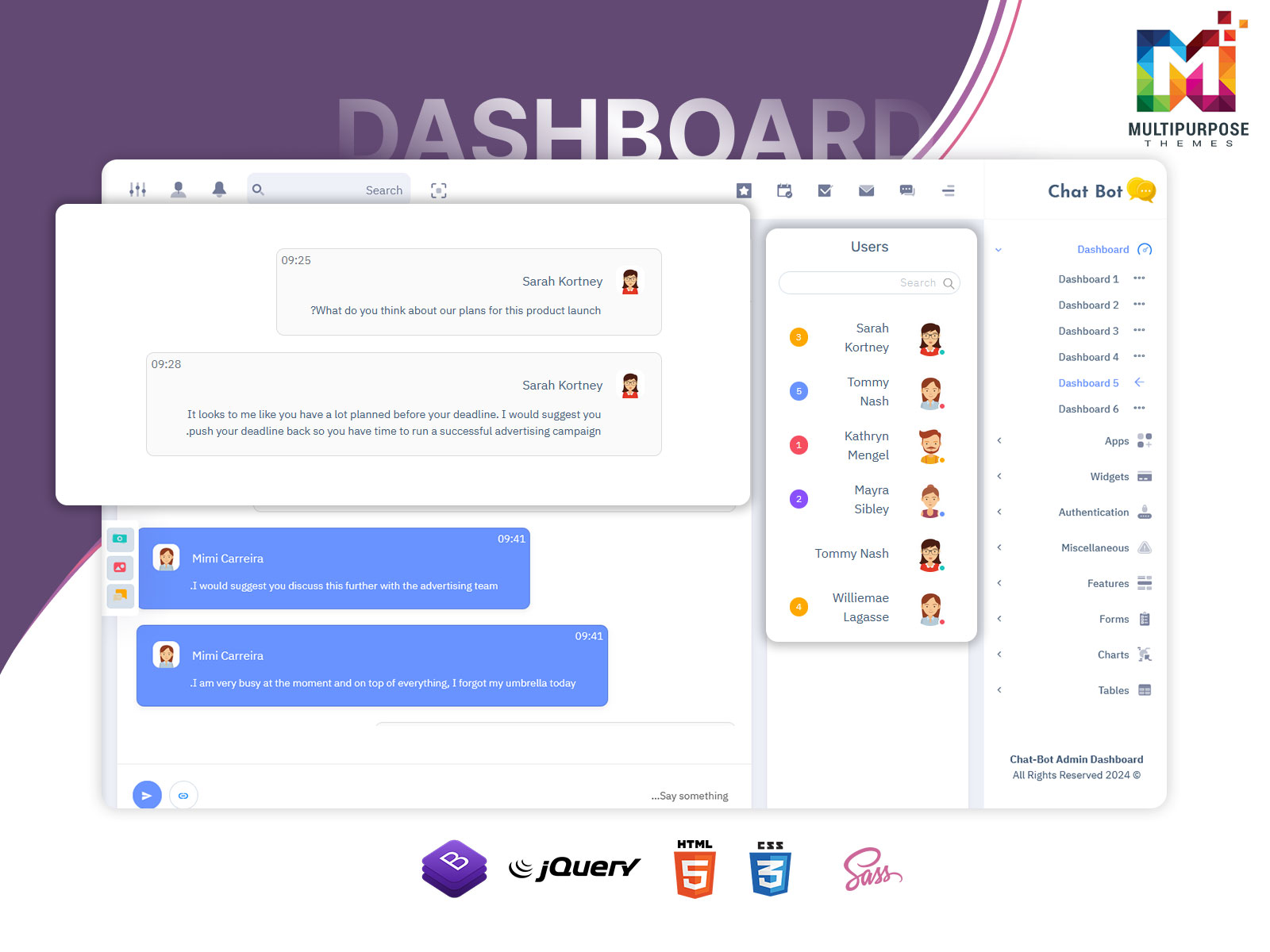
Chat Application Dashboard – Build a Modern Chatbot Web UI
Reading Time: 2 minutes
A modern Chat Application Dashboard plays an important role in managing messaging platforms and chatbot systems. As communication tools continue to grow across websites, apps, and customer support platforms, having a structured dashboard helps administrators monitor conversations and manage chat activity efficiently. Instead of handling multiple chat channels separately, a centralized dashboard allows teams to control everything from one organized interface.
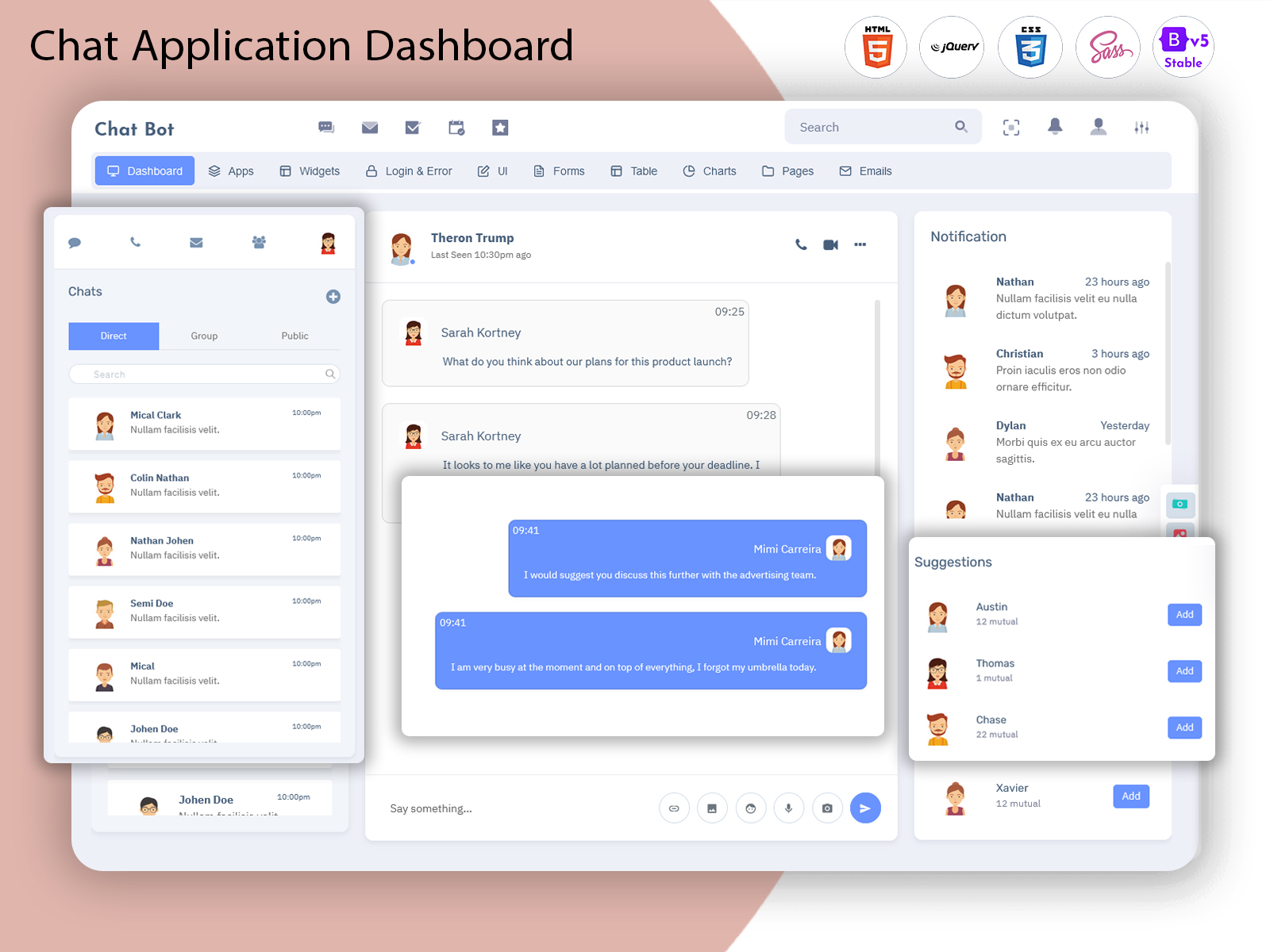
A well-designed Chatbot Web UI provides a clean and easy-to-use environment where conversations, users, and notifications can be managed smoothly. With a modern interface, administrators can quickly view chat threads, respond to messages, and track communication performance. This improves both productivity and user experience.
Another important element is the Web Chatbot UI, which ensures that the chat interface is visually clear and easy to navigate. A good UI design helps reduce confusion and allows teams to focus on communication rather than dealing with complex systems. Overall, a professional chat dashboard helps businesses maintain better interaction with their users.
Watch Video
Real-Time Chat Monitoring
One of the most important features of a Chat Application Dashboard is real-time chat monitoring. This feature allows administrators to track ongoing conversations as they happen. It helps support teams respond to messages quickly and ensures that no important user queries are missed. With real-time monitoring, businesses can improve response time and provide better communication experiences for users.
Organized Chat Interface
A clean and organized Chatbot Web UI makes chat management much easier. When conversations are displayed in a structured format, administrators can quickly find messages, view chat history, and manage conversations without confusion. An organized interface improves workflow and helps teams handle multiple chats efficiently.
User Management System
A powerful Chat Application Dashboard often includes a user management system that allows administrators to control chat access and monitor user activity. This feature helps track user interactions, manage permissions, and ensure that conversations remain organized within the platform.
Responsive Web Chatbot UI
A modern Web Chatbot UI should work smoothly on different devices such as desktops, tablets, and mobile phones. Responsive design ensures that administrators can access the dashboard from anywhere without facing layout or usability issues. This flexibility improves productivity and makes the dashboard more accessible.
Clean and Modern Design
The design of the Chatbot Web UI plays a major role in improving user experience. A modern dashboard layout ensures that messages, notifications, and chat panels are easy to read and navigate. A clean design also helps administrators focus on conversations without unnecessary distractions.
Last Words
A well-designed Chat Application Dashboard is essential for managing chat systems and maintaining smooth communication with users. By providing real-time monitoring, organized chat interfaces, and a responsive Web Chatbot UI, businesses can handle conversations more effectively. A professional Chatbot Web UI not only improves workflow but also enhances the overall user experience. As chat technology continues to grow, having a reliable dashboard system will become even more important for businesses that rely on messaging platforms and chatbot communication tools.

Related Posts




This Post Has 0 Comments