

A Ticket Dashboard is an essential tool for businesses that handle customer queries, complaints, or…

Brand-New Ticket Dashboard Update for High-Performance Support Teams
Reading Time: 7 minutes
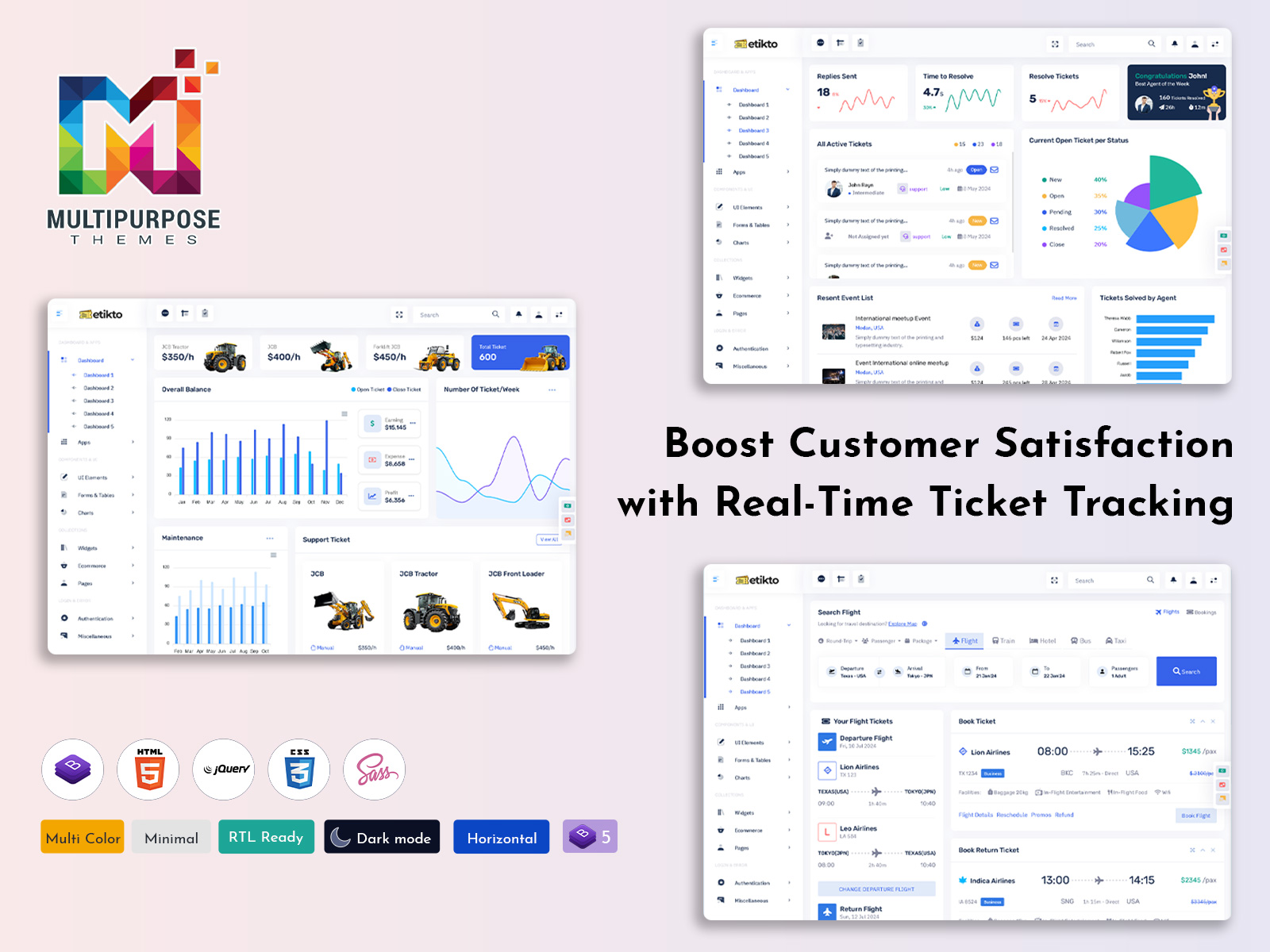
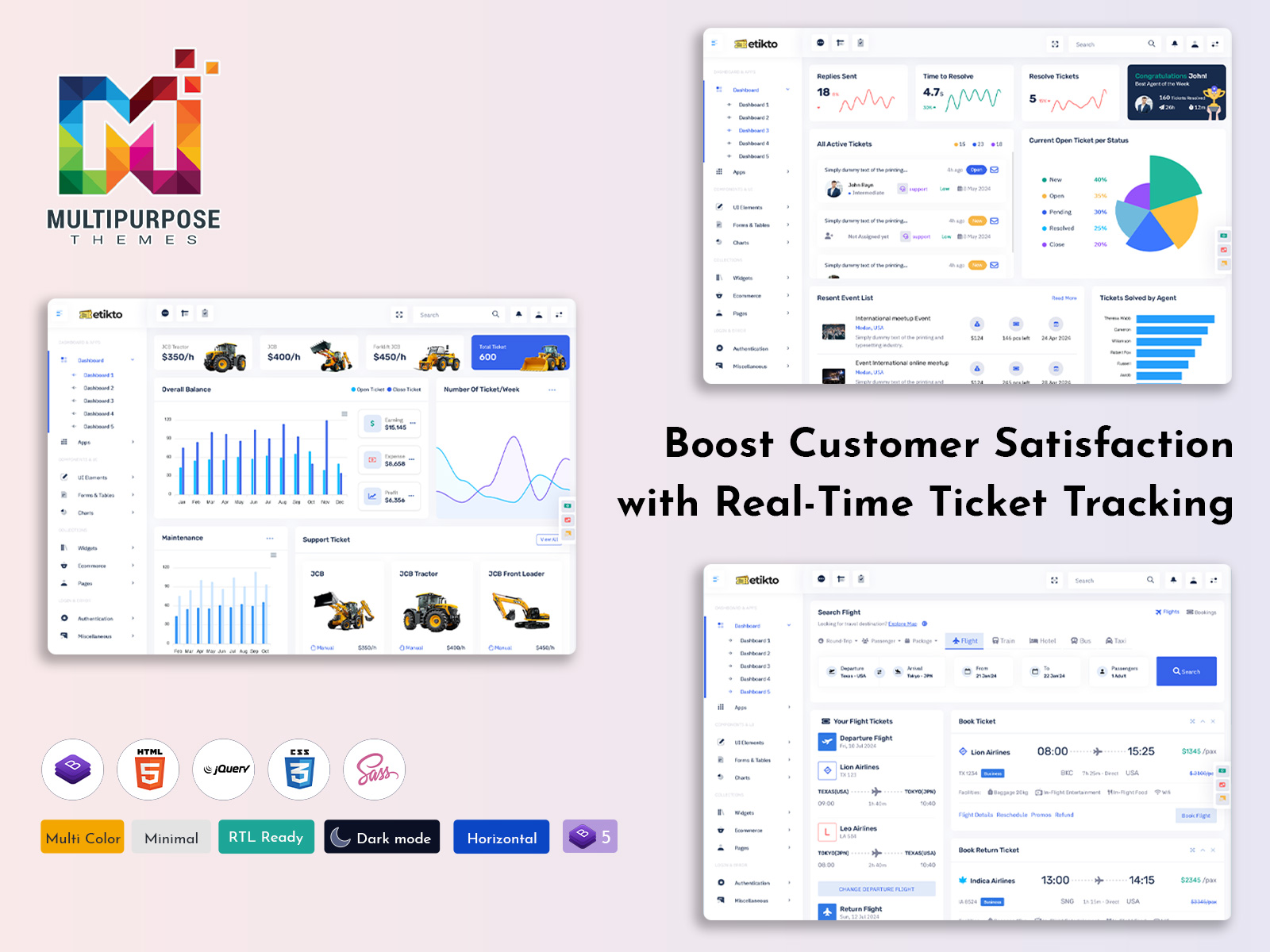
Managing support requests efficiently is essential for every organization that deals with customers, internal teams, service operations, or technical maintenance workflows. The newly added Ticket Dashboard brings a modern approach to support ticket handling with a clean UI, fast navigation, and deep insights powered by real-time analytics. Built on the Bootstrap 5 Admin Dashboard structure, this new Dashboard Template helps companies streamline ticket resolution processes, improve communication, and strengthen customer satisfaction by simplifying the entire lifecycle of ticket management. Instead of juggling multiple tools, manual tracking, or outdated systems, the Support Ticket Dashboard centralizes everything into one place, giving full visibility of ticket statuses, workloads, revenue insights, category performance, and response analytics. It is designed for businesses that want to elevate operational efficiency while maintaining clarity and speed.
The Ticket Dashboard focuses on delivering transparency, usability, and performance for support teams and service-based organizations. It offers a visually rich and intuitive interface where decision-makers, support agents, and managers can view support KPIs, active ticket statuses, priority flags, resolution times, customer feedback ratings, backlog queues, and performance comparisons. The Ticket Dashboard helps reduce response delays, identify bottlenecks, distribute workload accurately, and evaluate service quality. With a simple and structured UI approach, every action feels easy, productive, and meaningful. Whether dealing with customer support inquiries, machine maintenance tasks, helpdesk workflows, or booking and scheduling-based ticketing processes, this Support Ticket Dashboard is designed to scale, adapt, and support multiple industries.
The Dashboard Template ensures organizations never lose track of what matters most: solving customer problems quickly, identifying opportunities for improvement, and maintaining strong service outcomes. With a deeply integrated metrics overview, the dashboard highlights ongoing trends and performance metrics that influence productivity. Managers get a high-level view of operations while agents work in a structured and focused environment. Real-time ticket insights help teams stay proactive rather than reactive, improving both workflow speed and customer expectations. By combining ease-of-use with powerful functionality, the new Ticket Dashboard becomes a complete control panel for support operations and ticket management excellence.
Explore New Dashboard of Ticket management

BUY NOW DEMO
Main Features Fully Explained
Ticketing & Support Management Modules
The Ticketing & Support Management module is the heart of this Ticket Dashboard. It displays essential ticket insights, including created tickets, active tickets, unresolved tickets, solved tickets, and escalation records. Agents can track real-time updates and quickly analyze which issues need immediate attention. The Support Ticket Dashboard visualizes first-reply time, average resolution time, customer satisfaction ratings, and overall service health. Managers can monitor agent performance to allocate workload efficiently and identify improvement opportunities. Recent ticket lists provide a quick snapshot of urgent cases and activity history, helping streamline collaboration and response flow across the support team while improving service delivery quality.
Revenue & Performance Tracking
The Revenue and Performance tracking section transforms this Bootstrap 5 Admin Dashboard from a standard helpdesk tool into a powerful business intelligence system. Organizations that manage service-based operations, maintenance resources, or ticket-based billing can easily analyze monthly growth patterns, service revenue, profit and loss trends, departmental performance, and operational efficiency. This Dashboard Template helps managers understand financial performance alongside ticket activity, offering transparency on how support operations contribute to business success. Visual analytics graphs simplify forecasting, planning, and budgeting, enabling companies to make informed decisions based on real-time data rather than guesswork. For service agencies or paid support businesses, this feature becomes a crucial part of everyday monitoring.
Support-Ticket & Maintenance Management System
Designed specifically for companies that manage technical support, issue tracking, or machine maintenance scheduling, this feature centralizes all reported issues into a single structured environment. The Support Ticket Dashboard ensures that every request is logged, prioritized, and assigned to an agent or technician based on urgency and category. Teams can follow the complete request journey from ticket creation to task completion, keeping communication and status tracking in sync. This capability ensures that no request is overlooked and helps reduce downtime and customer frustration. Detailed tracking improves service accountability and long-term performance evaluation, enabling companies to maintain productivity and deliver uninterrupted services across all departments and service teams.
Service-Oriented Admin Panel
The service-oriented Admin Panel provides unified visibility for businesses that manage bookings, customer support tickets, maintenance operations, or service scheduling workflows. Instead of switching between disconnected systems, everything is structured within this Dashboard Template so managers can monitor bookings, evaluate performance, check revenues, analyze customer satisfaction, and measure workload distribution. With clearly presented dashboards and user-friendly UI elements built on the Bootstrap 5 Admin Dashboard architecture, it enables smooth navigation for both technical and non-technical users. Agents, supervisors, and executives can collaborate efficiently while having complete real-time control over operational activities. This seamless integration is built to enhance productivity, customer experience, and service performance management.
Explore Other Dashboard Ticket Admin
Dashboard: 1
BUY NOW DEMO
Dashboard: 2
BUY NOW DEMO
Dashboard: 3
BUY NOW DEMO
Dashboard: 4
BUY NOW DEMO
Dashboard: 5
BUY NOW DEMO
Dashboard: 6
BUY NOW DEMO
Who Uses This New Ticket Dashboard
Customer Support & Helpdesk Service Companies
Customer support centers and helpdesk outsourcing agencies rely heavily on real-time tracking and fast resolution workflows, and the new Ticket Dashboard makes this process more efficient and transparent. These firms often receive hundreds of support requests daily, and managing all of them manually becomes complex. With the Support Ticket Dashboard, support teams can view ticket priorities, assign issues to the right agents, monitor response time, analyze customer satisfaction, and track escalation patterns—all in one structured interface. The dashboard improves agent productivity, supports workload balancing, and ensures customers receive faster and more meaningful responses that strengthen support satisfaction and service trust.
IT Support & Technical Maintenance Companies
IT service providers, computer repair teams, data center operators, and technical maintenance agencies use ticketing systems to manage hardware failures, software issues, network outages, and preventive maintenance tasks. The Ticket Dashboard provides them a centralized space where every issue is logged with status, priority level, and assigned engineer. Teams can track ongoing fixes, pending troubleshooting steps, and overall performance metrics. With real-time monitoring and automated workflow clarity, IT managers can reduce system downtime, schedule maintenance more accurately, and deliver proactive support rather than reactive problem solving. The dashboard helps improve accountability, track repair timelines, and maintain transparent communication with clients.
SaaS, Hosting & Cloud Service Providers
Software-as-a-Service companies and cloud hosting service providers manage large volumes of customer inquiries related to subscriptions, billing, server issues, login problems, and feature requests. The Ticket Dashboard helps SaaS support teams categorize issues, assign requests to technical experts, identify repeated problem patterns, analyze customer feedback, and track service uptime performance. Managers gain analytics such as first-response time and issue closure rate, enabling them to continuously enhance user experience. With structured data and visual reports, they can anticipate needs and scale resources efficiently. The dashboard creates a professional support environment where every user issue is tracked and resolved with transparency.
Event Management & Online Booking Agencies
Event and booking agencies handle ticket status inquiries, refunds, booking confirmations, vendor communication, and customer support requests related to event attendance, transportation, or venue services. The Support Ticket Dashboard gives them a clear view of active requests, booking-related queries, and payment or refund statuses. Team members can assign cases to different departments such as reservation support, venue support, or vendor coordination. Real-time analytics help them prevent delays and improve service experience during high-demand periods like festival seasons or corporate event days. With faster issue handling and complete visibility, agencies deliver a smoother customer experience while keeping operations fully controlled.
Facilities Management & Maintenance Service Providers
Companies responsible for building infrastructure, equipment repairs, housekeeping, and facility operations rely on a maintenance ticketing system to manage internal and external service requests. The Ticket Dashboard helps them categorize service issues, track repair progress, assign technicians, monitor material usage, and maintain timelines for completion. It also prevents job duplication and workforce overload by ensuring requests are properly distributed. Real-time analytics and performance tracking help supervisors make better decisions about resource allocation and preventive maintenance scheduling. This streamlined workflow reduces downtime and ensures facility services function efficiently across commercial buildings, factories, educational campuses, hospitals, resorts, and public spaces.
Healthcare & Hospital Support Administration
Hospitals and healthcare institutions manage internal support requests like medical equipment issues, patient room service requests, maintenance requirements, IT support, and supply chain assistance. The Ticket Dashboard helps streamline request logging from multiple hospital departments and allows support teams to track completion status in real time. With clear ticket associations, administrators can prioritize urgent medical tasks, reduce waiting times, and improve hospital response coordination. Tracking KPIs like resolution time, department performance, and staff efficiency ensures improved care services. This structured support environment strengthens internal collaboration and improves patient safety and satisfaction through faster and well-managed support services.
Government Service Departments & Public Assistance Offices
Government departments and public service centers manage thousands of citizen service requests, complaints, approvals, and documentation inquiries. The Ticket Dashboard enables them to organize and track requests efficiently, ensuring nothing is lost or delayed. It provides visibility for supervisors to monitor pending cases, processing speed, employee performance, and issue resolution patterns. Citizens receive timely updates and improved service transparency, reducing physical queues and repetitive follow-ups. With the Support Ticket Dashboard, departments can track trends, strengthen accountability, and allocate staff based on demand. This results in a more reliable and digitally managed public-service experience for communities.
Conclusion
The new Ticket Dashboard transforms support operations by offering an intelligent, analytical, and highly intuitive experience built on a responsive and modern Bootstrap 5 Admin Dashboard framework. It brings together advanced ticket tracking, live performance metrics, customer satisfaction visibility, financial monitoring, and agent productivity insights into one powerful Dashboard Template. Designed to handle both customer support and internal service management, it provides an organized way to process requests, prioritize work, improve resolution speed, and enhance customer relationships. Businesses gain the clarity they need to refine service efficiency, reduce operational challenges, and consistently deliver reliable results. This Ticket Dashboard is more than just a tracking interface; it is a complete performance-driven ecosystem designed to strengthen support delivery and business growth.
Frequently Asked Questions
What is a Ticket Dashboard?
A Ticket Dashboard is a centralized platform used to manage and track support requests, customer complaints, maintenance issues, and service workflows. It offers live insights into ticket volumes, resolution progress, agent performance, and customer satisfaction.
How does the Support Ticket Dashboard improve efficiency?
It helps teams manage requests more accurately, assign responsibilities, reduce errors caused by manual tracking, and resolve issues faster with real-time visibility.
Is this Dashboard Template built on Bootstrap 5?
Yes, the Ticket Dashboard is created using the Bootstrap 5 Admin Dashboard structure, offering responsive design, modern UI components, powerful performance, and seamless browser compatibility.
Who can use the Support Ticket Dashboard?
It is suitable for customer support teams, IT helpdesks, maintenance services, consulting agencies, internal corporate departments, service booking companies, and SaaS-based businesses.
Does it support revenue tracking?
Yes, the dashboard includes revenue and performance analytics, allowing businesses to evaluate financial results related to support or service operations.

Related Posts



This Post Has 0 Comments