

In today’s digital world, every business depends on powerful web applications to manage operations, users,…
Admin Template: A Beginner’s Guide to Choosing the Perfect One
Reading Time: 4 minutes
Starting your first web project can feel overwhelming. You need a control center to manage users, track data, and keep everything organized. That’s where admin template come in. These ready-made solutions save time and money while giving you a professional dashboard. This guide will help you pick the right one for your needs.
What Are Admin Templates?
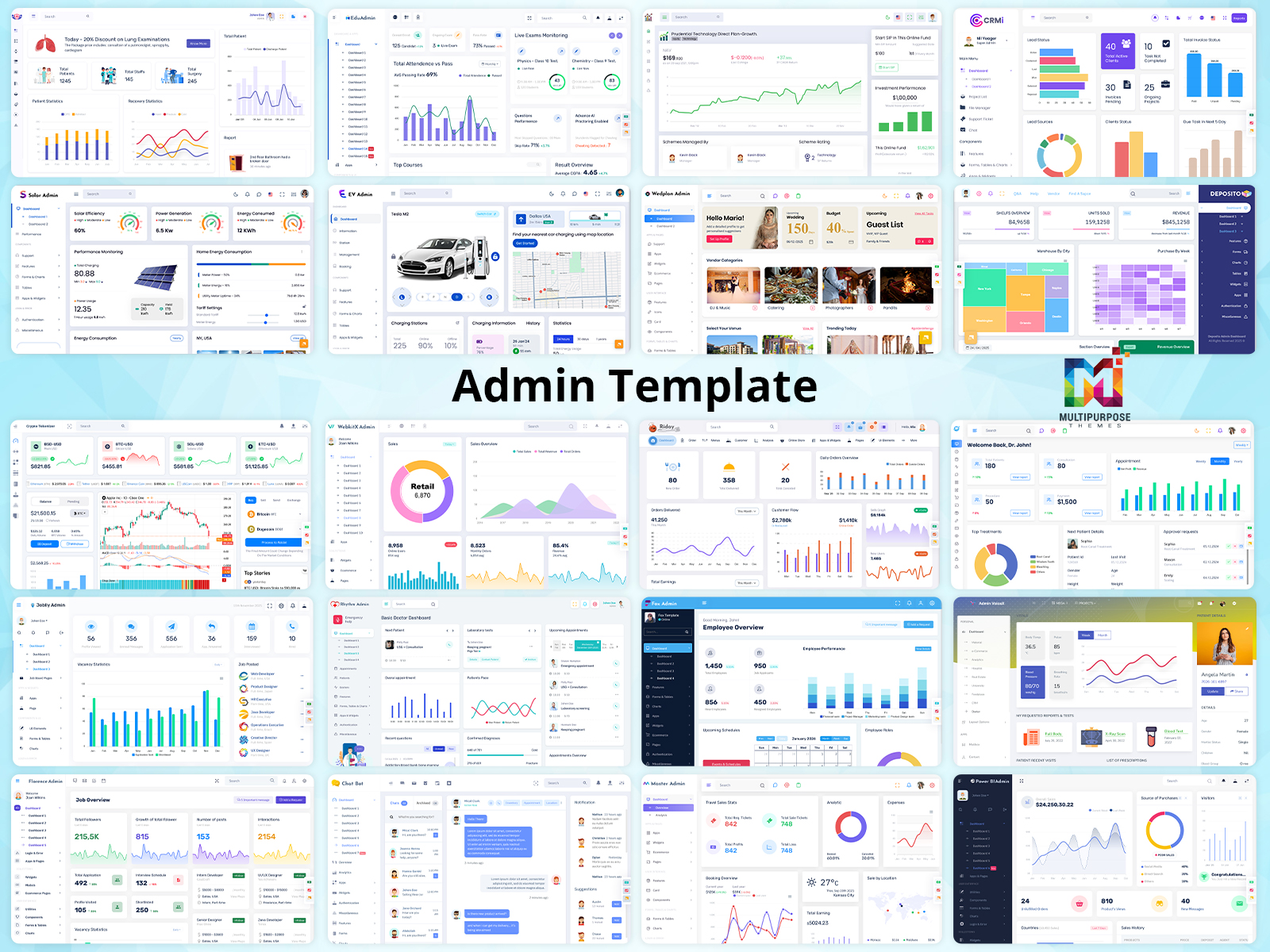
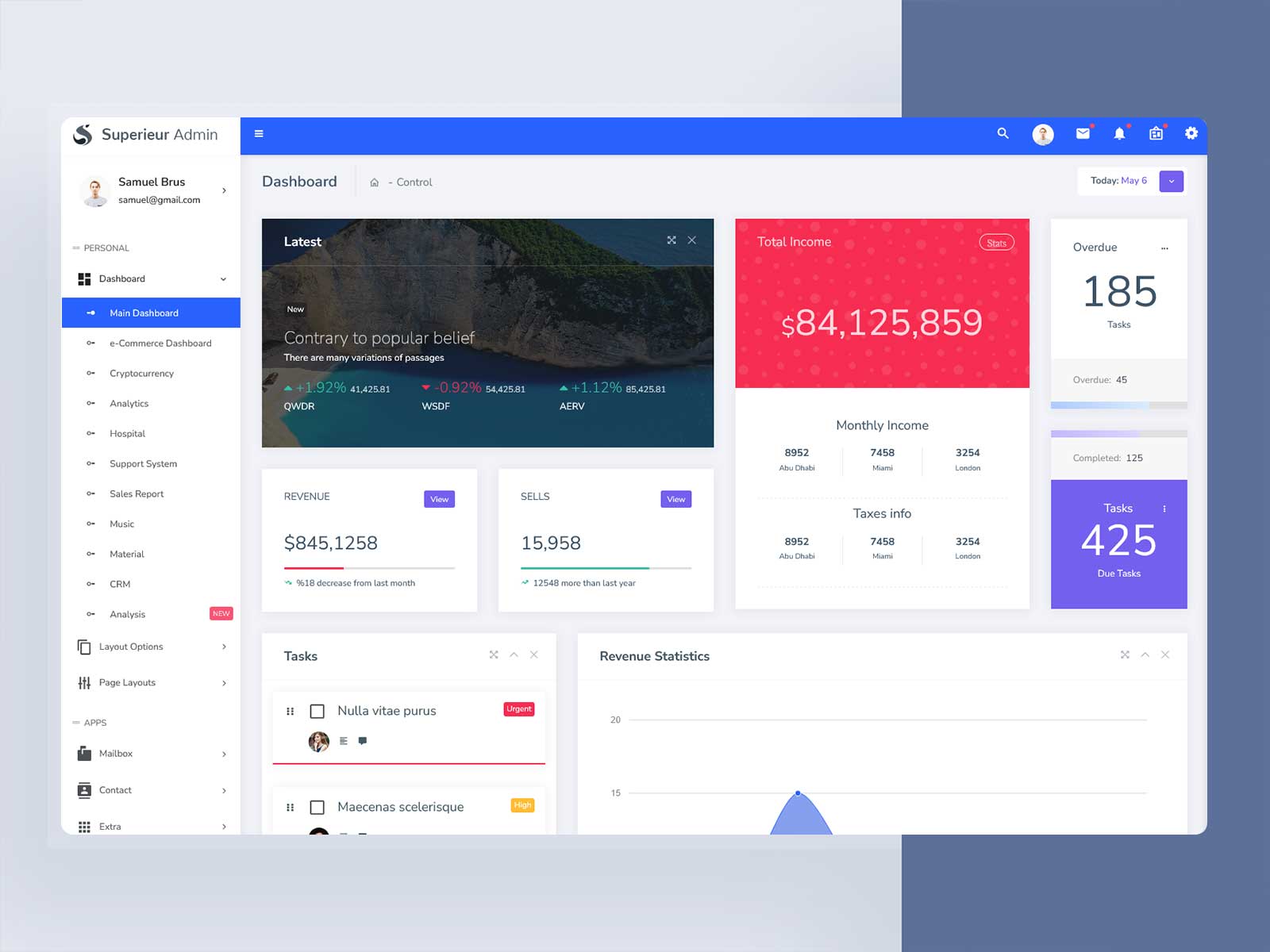
Admin templates are pre-built interfaces that help you manage your website or application. Think of them as the control room of your business. They display data through charts and tables. They let you add or remove users. They help you track sales and monitor activity. Most importantly, they work right out of the box.
These templates use popular frameworks that developers know well. A bootstrap admin template is the most common type. Bootstrap powers about 17% to 21% of all websites. This means finding help and resources is easy. You can also choose templates built with React, Vue, or Angular based on your tech stack.
An admin dashboard is more than just pretty graphs. It’s where you make critical decisions. You control settings, visualize trends, and manage your entire operation from one place. Choosing the wrong template can slow down your team and frustrate users.
Why You Need the Right Admin Dashboard
The right admin dashboard improves your workflow in several ways. First, it offers ease of use. Your team can find features quickly without training. Second, it provides responsive design. Your dashboard works on phones, tablets, and computers. Third, it saves time. Pre-built components mean you don’t start from scratch.
Good templates also grow with your business. As you add features, the template adapts. Poor templates break when you customize them. This creates headaches and delays.
Define Your Project Needs First
Before browsing templates, ask yourself key questions. What data will you display? Do you need charts, tables, or reports? What features are essential? Think about user management, data filtering, and activity logs. Who will use this dashboard? Admins need different tools than analysts or managers.
Writing down these requirements narrows your search. If you run an online store, you need inventory tracking and sales reports. If you manage a blog, you need content scheduling and user comments. Match the template to your actual needs, not just what looks cool.
Look for Clean Design and Simple Navigation
Design matters more than you might think. A cluttered dashboard confuses users and wastes time. Look for clean layouts where features are easy to find. Check that colors, fonts, and icons stay consistent throughout the Bootstrap 5 Admin Template. This consistency makes learning the system faster.
Navigation should be logical and accessible. Menus should expand and collapse smoothly. Important features should sit where users expect them. The best admin templates use minimal designs because they’re easier to customize later. Avoid flashy templates with too many animations or complicated structures.
Prioritize Customization Options
Every project is unique. Your bootstrap admin template should bend to your needs. Can you change layouts easily? Can you adjust colors and fonts to match your brand? Can you add or remove features without breaking the code?
Templates built with frameworks like Bootstrap, React, or Tailwind CSS offer more flexibility. These frameworks give you control over every element. You can rearrange sections, change button styles, and modify charts without starting over.
Check for Responsive Design
Your team won’t always work from desktop computers. Someone might check reports from their phone during lunch. Another person might review data on a tablet during a meeting. Your admin dashboard must work perfectly on all screen sizes.
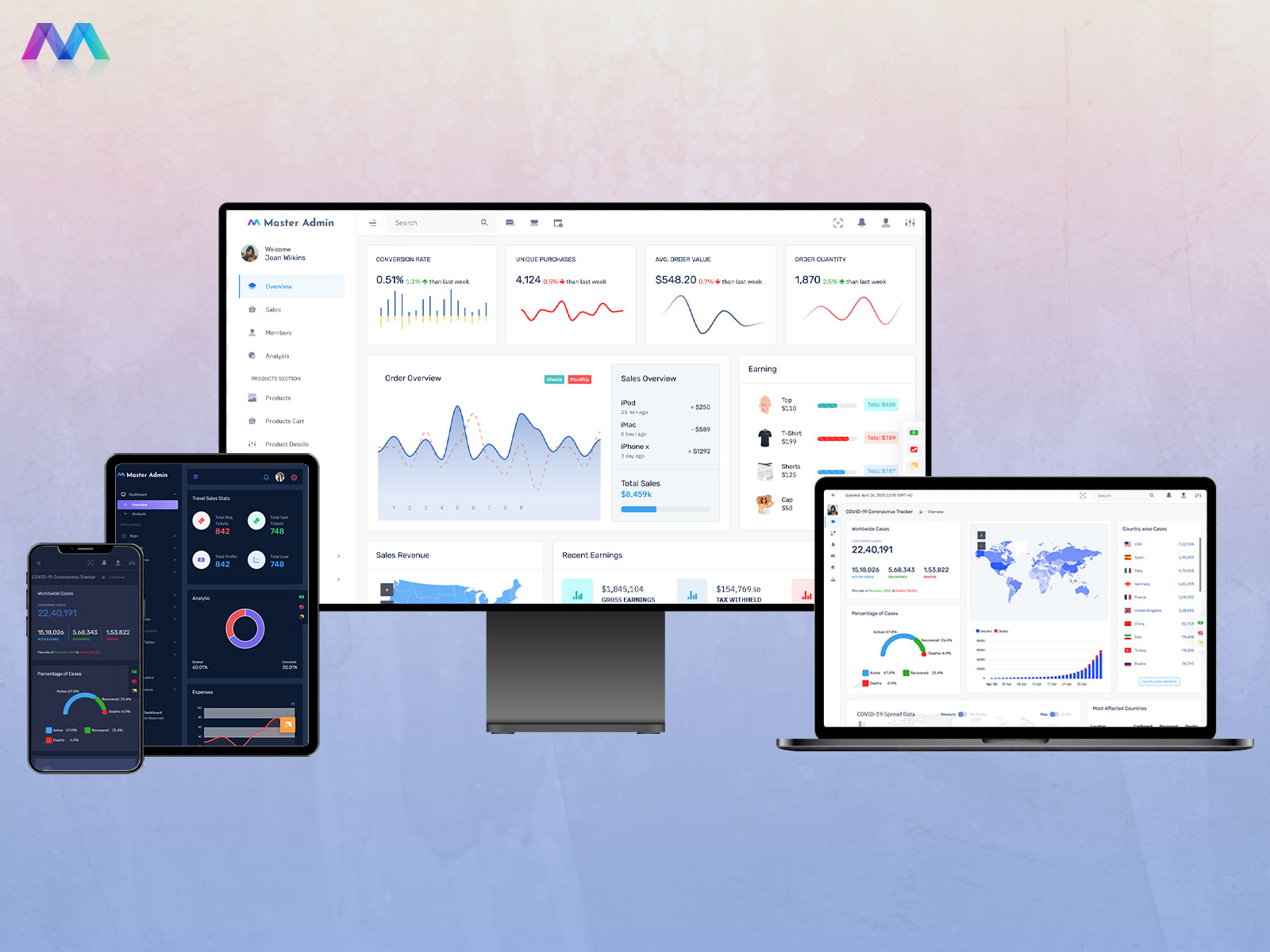
Responsive design means the layout adjusts automatically. Menus collapse on small screens. Charts shrink but stay readable. Buttons remain easy to tap. Test any template on multiple devices before committing to it.
Consider Performance and Speed
A slow dashboard kills productivity. If graphs take forever to load, your team will get frustrated. If filters lag, making decisions becomes painful. Choose templates optimized for performance, especially if you handle large datasets.
Look for templates with efficient code. Files should be minified to reduce size. Images should be optimized. Components should load on demand rather than all at once. These technical details make a huge difference in daily use.
Understand Different Framework Options
Bootstrap remains the most popular choice for admin templates. It’s simple, well-documented, and widely supported. Most developers already know how to use it. This makes finding help easy when you get stuck.
React-based templates offer superior performance for dynamic features. If your dashboard needs real-time updates, React handles that smoothly. Next.js builds on React to add server-side rendering for faster loading times. Vue templates provide simplicity with a gentle learning curve. Angular templates work best for large enterprise applications that need structure.
Choose your framework based on your team’s skills and project scale. Don’t pick a complex framework just because it’s trendy.
Evaluate Template Quality
Not all admin templates are created equal. Check the code quality before buying. Well-structured code is easier to maintain and customize. Messy code causes problems down the road.
Read the documentation carefully. Good documentation explains how to install, customize, and troubleshoot the Bootstrap Admin Template. Poor documentation leaves you guessing. Check if the template receives regular updates. Updates fix security issues and keep the template compatible with new browsers.
Look at community reviews and ratings. Popular templates like AdminLTE have massive communities. This means you’ll find tutorials, plugins, and answers to common questions. Templates with few downloads might lack support.
Consider Free vs Premium Options
Free admin templates work great for learning or small projects. AdminLTE offers comprehensive features without costing anything. It includes layouts, components, and examples that help you get started quickly.
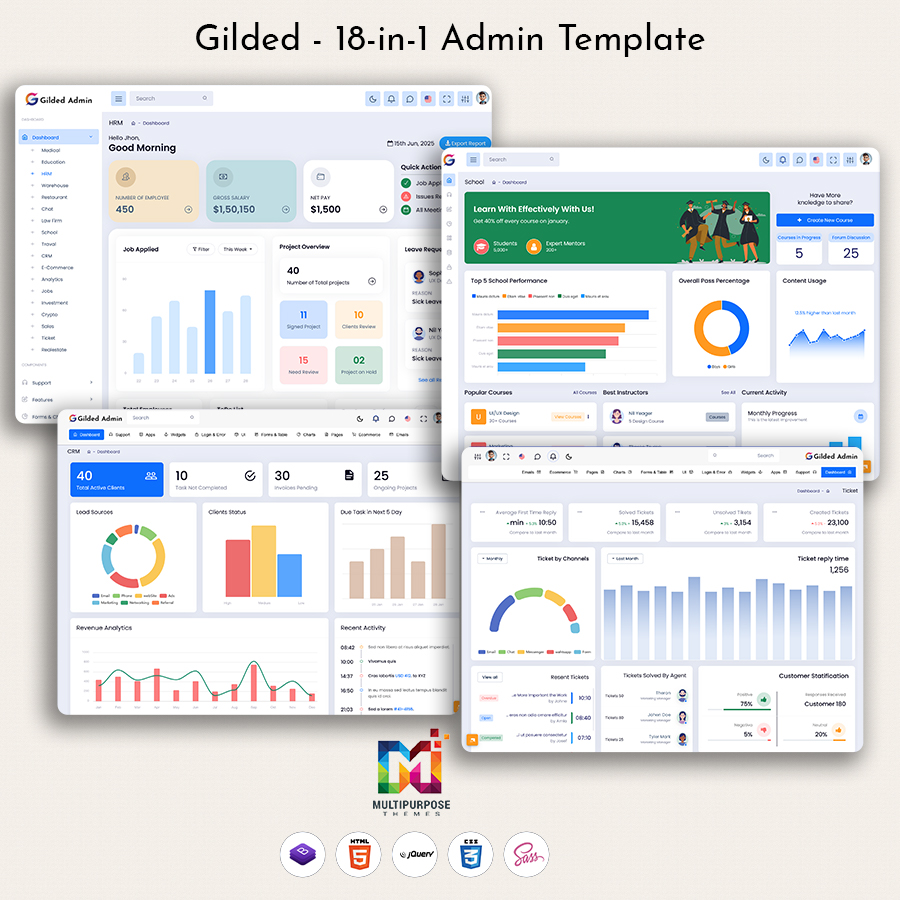
Premium templates provide more polish and support. They often include multiple dashboard types for different industries. You might get CRM dashboards, e-commerce dashboards, and finance dashboards in one package. Premium templates also come with dedicated support when you encounter problems.
Make Your Final Choice
Choosing the right Dashboard Template comes down to matching features with your needs. Don’t get distracted by fancy designs that don’t serve your purpose. Focus on usability, performance, and customization.
Start with your requirements list. Eliminate templates that miss key features. Test your top choices thoroughly. Read documentation twice before deciding. Remember that the best template is both visually appealing and functionally efficient. Taking time to evaluate your options now saves months of frustration later.

Related Posts


This Post Has 0 Comments