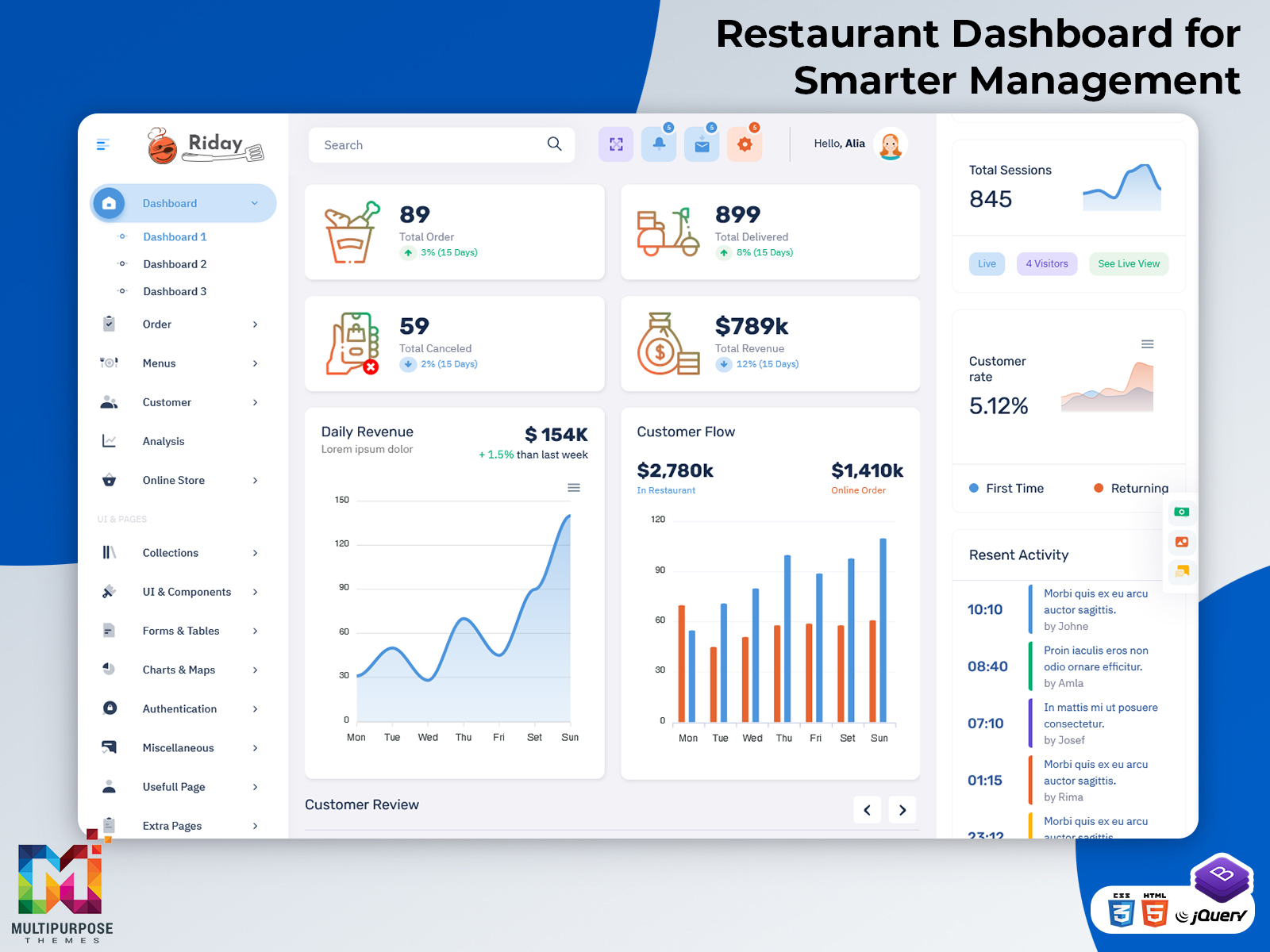
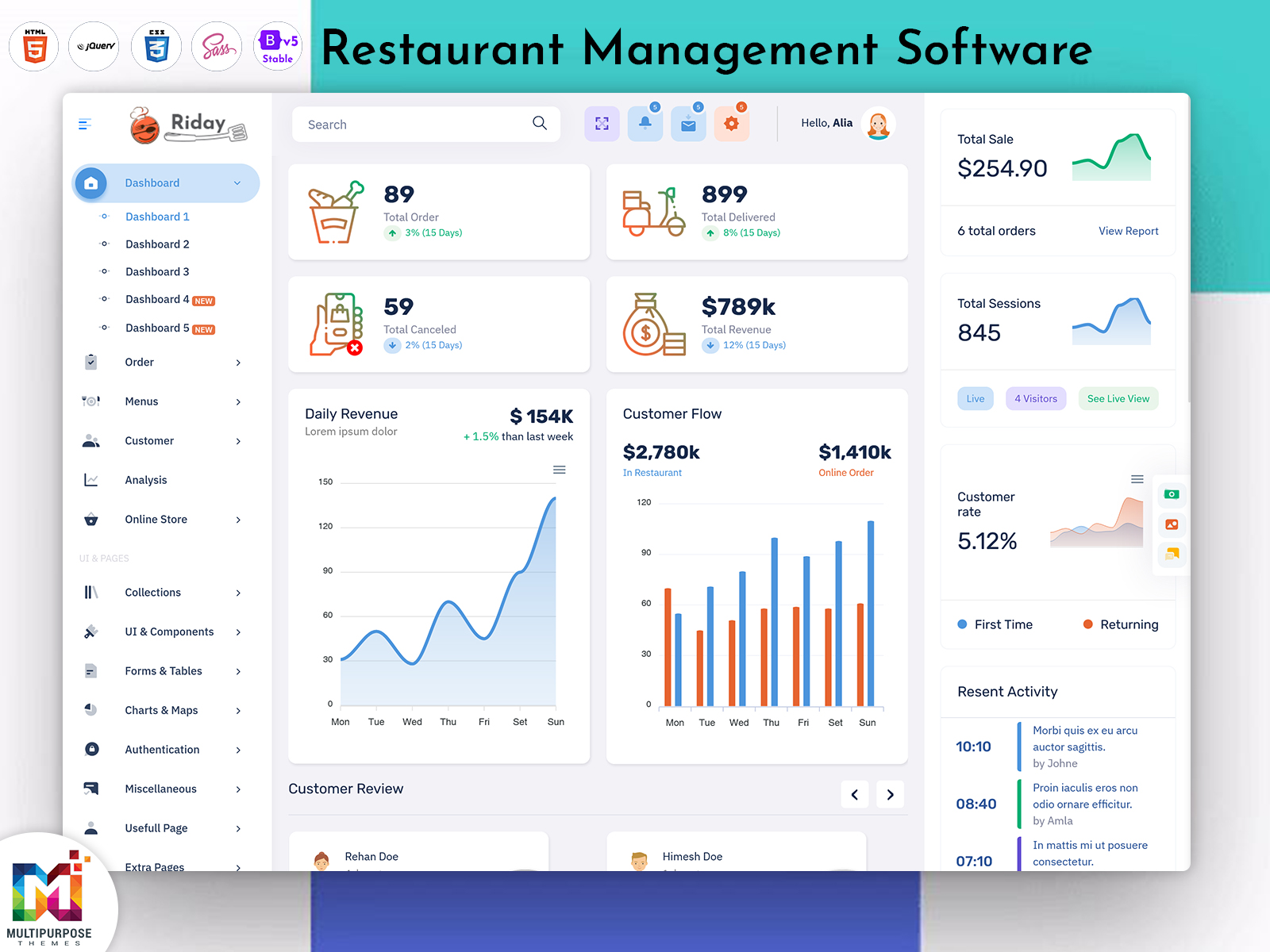
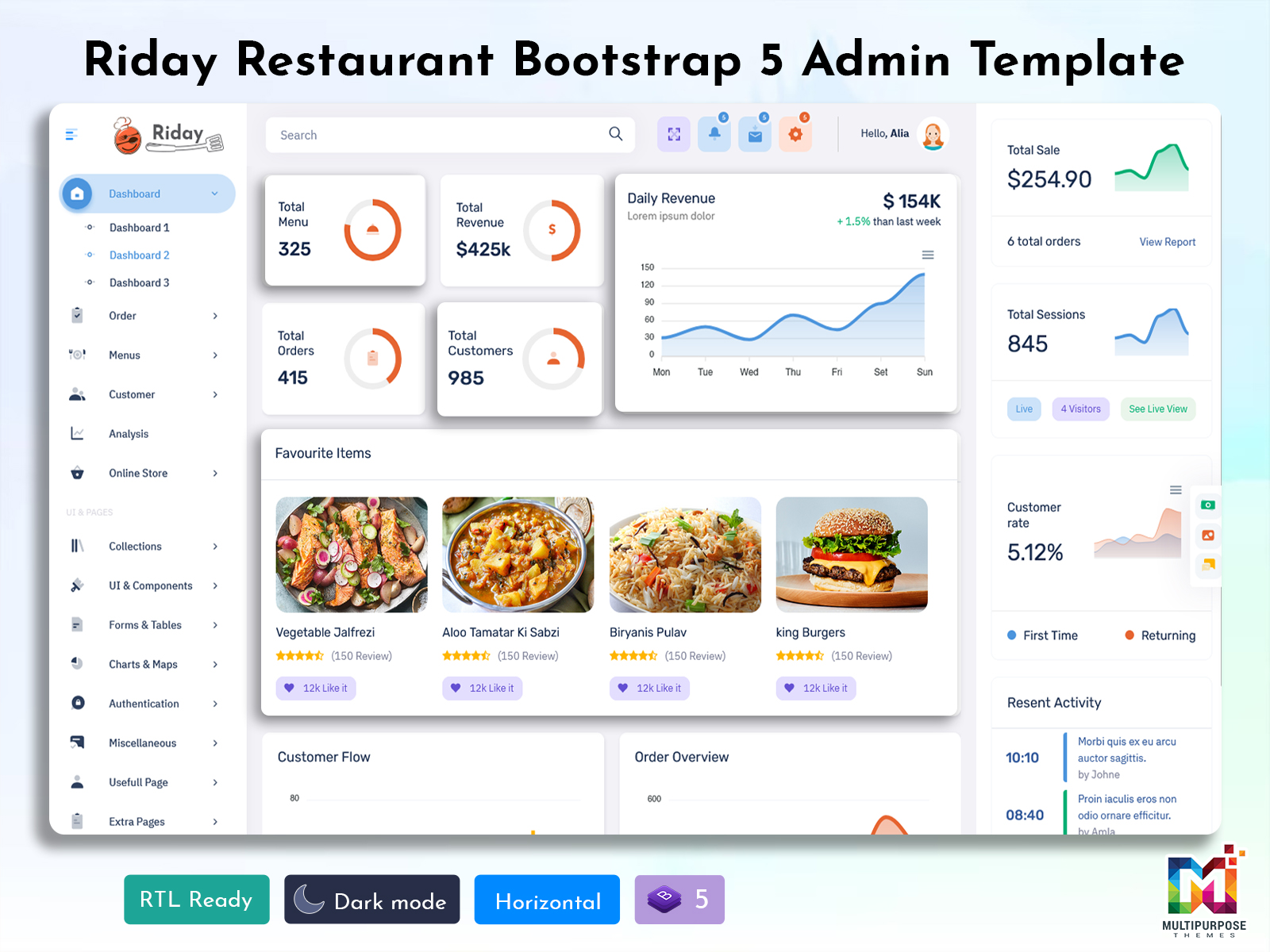
What is a Restaurant Dashboard? A Restaurant Dashboard is a digital interface that brings important…
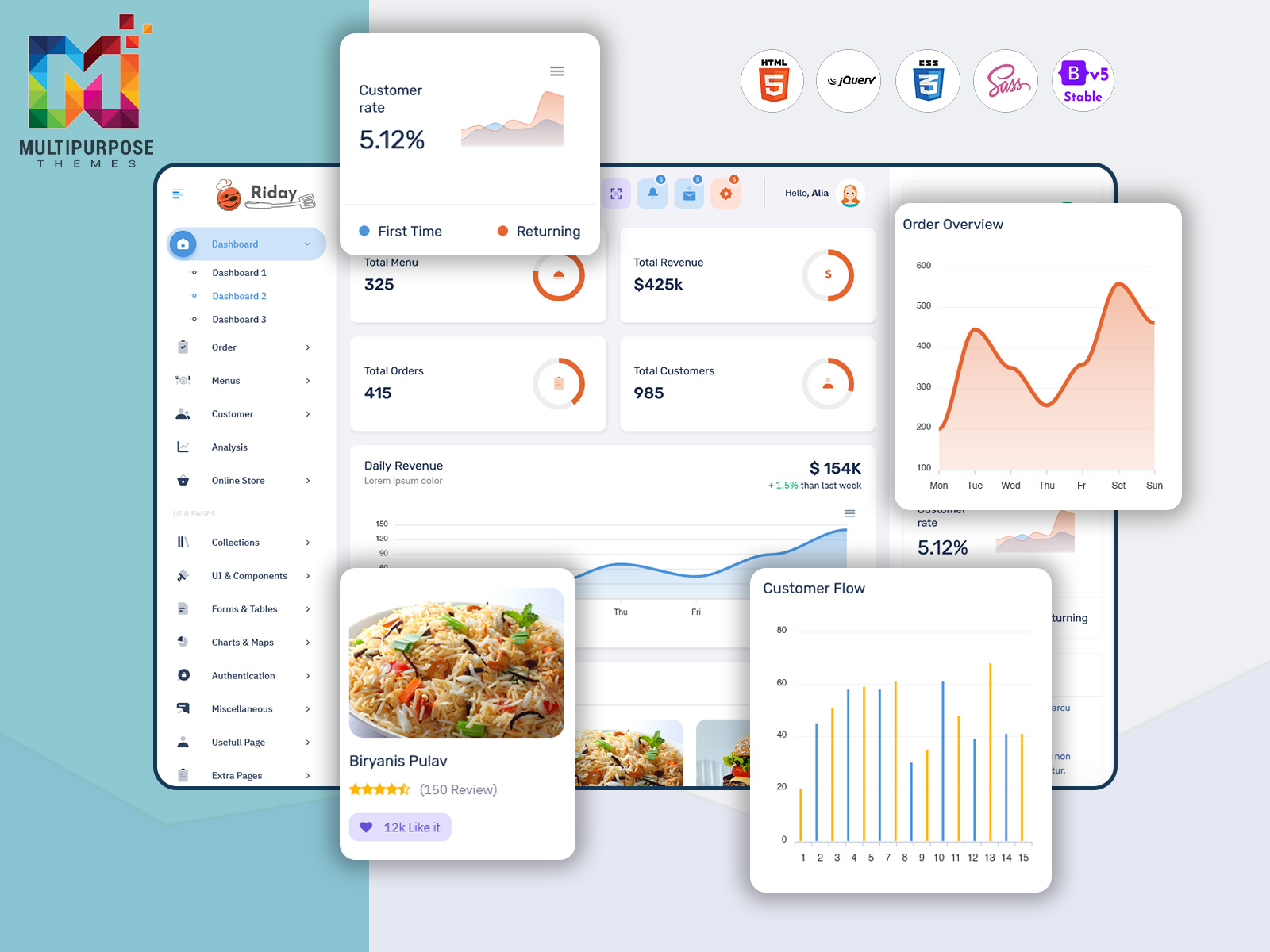
Restaurant Dashboard for Orders, Sales & Management
Reading Time: 2 minutes
At the top of this blog, you can watch a complete Restaurant Dashboard demo video. The video shows how the dashboard looks, how restaurant data is organized, and how admins can manage daily operations from one place. Watching the video first helps visitors quickly understand the dashboard before reading the details below.
This video-first format keeps users engaged and makes complex features easy to understand.
Watch Full Video
What Is a Restaurant Dashboard?
A Restaurant Dashboard is an Admin Dashboard designed to manage restaurant operations efficiently. It allows restaurant owners and managers to track orders, sales, menu items, staff activity, and overall performance in real time.
This dashboard is often built as a Bootstrap 5 Admin Dashboard, using modern front-end technologies like HTML, CSS, JavaScript, and Bootstrap 5. The goal is to provide a clean, fast, and responsive interface that works smoothly on all devices.
Whether you run a small café or a large restaurant chain, a Bootstrap Admin Dashboard helps centralize all important data and simplifies decision-making.
Key Features of Restaurant Dashboard
Order Management Panel – Track live, completed, and pending orders
Sales & Revenue Analytics – View daily, weekly, and monthly sales reports
Menu Management – Add, update, or remove menu items easily
Staff & Role Management – Monitor staff performance and assign roles
Dashboard Charts & Graphs – Visual insights into restaurant performance
Responsive Design – Works perfectly on desktop, tablet, and mobile
Bootstrap 5 Admin Dashboard UI – Clean layout with modern components
Customizable Admin Dashboard – Easy to modify based on business needs
These features help restaurants improve efficiency and reduce manual work.
Use Cases of Restaurant Dashboard
A Bootstrap 5 Admin Dashboard can be used in many real-world scenarios:
Restaurants & Cafés – Manage orders, menu, and daily sales
Food Chains – Monitor multiple Food locations from one dashboard
Cloud Kitchens – Track online orders and kitchen performance
SaaS Food Platforms – Offer restaurant analytics to business users
Developers – Build restaurant management systems using a Bootstrap Admin Dashboard
Startups – Launch food-tech products with a ready-to-use Admin Dashboard
This Admin dashboard adapts easily to different Food business models.
Who Should Use This Bootstrap 5 Dashboard?
This Admin Dashboard is ideal for:
Restaurant Owners who want better control over operations
Managers handling orders, staff, and sales
Developers building restaurant or food-ordering applications
Startups working on restaurant management software
Agencies & Freelancers creating Admin Dashboards for clients
Product Owners looking for a scalable Bootstrap 5 Admin Dashboard
If your business involves food service or order management, this dashboard is a strong choice.
Why Video-First Content Works for Food Dashboards
Bootstrap Dashboards are highly visual, with charts, tables, and real-time data. A video demo clearly shows how the Admin Dashboard works in real situations, which text alone cannot explain easily.
This approach helps with:
Better SEO performance
Higher user engagement
Increased YouTube watch time
More trust and conversions
Using a Bootstrap Admin Dashboard demo video makes your content more effective and user-friendly.
👉 Call to Action (CTA)
Watch the full Restaurant Dashboard demo and subscribe to our YouTube channel for more Bootstrap 5 Admin Dashboard and admin template videos.

Related Posts