Running a hospital is a job. It includes all the tasks that need to be…

Hospital Dashboard: A Complete Guide to Transforming Your Healthcare Data
Reading Time: 5 minutes
Healthcare facilities generate massive amounts of data daily. However, raw numbers alone don’t drive better patient outcomes. This is where Hospital Dashboard come into play. They transform complex medical data into clear, actionable insights.
Understanding Hospital Dashboards
A hospital dashboard serves as a central hub for critical healthcare metrics. Think of it as your facility’s command center. It displays real-time information about patient care, resource allocation, and operational efficiency. Moreover, it helps healthcare professionals make informed decisions quickly.
Modern healthcare demands quick responses. Consequently, hospital administrators need instant access to vital statistics. A well-designed Admin dashboard of Healthcare provides this access at a glance. It eliminates the need to dig through countless reports and spreadsheets.
buy now
Key Components of Effective Patient Dashboards
Patient dashboards focus specifically on individual care metrics. They track admission rates, treatment progress, and discharge timelines. Additionally, they monitor patient satisfaction scores and readmission rates.
These tools benefit multiple stakeholders. Doctors use them to track treatment effectiveness. Meanwhile, nurses monitor vital signs and medication schedules. Administrative staff analyze patient flow and bed availability. Furthermore, executives review overall performance metrics.
The best patient dashboard includes several essential features. Real-time data updates ensure accuracy. Clear visualizations make complex information digestible. Customizable views allow different users to see relevant metrics. Alert systems notify staff of critical changes immediately.
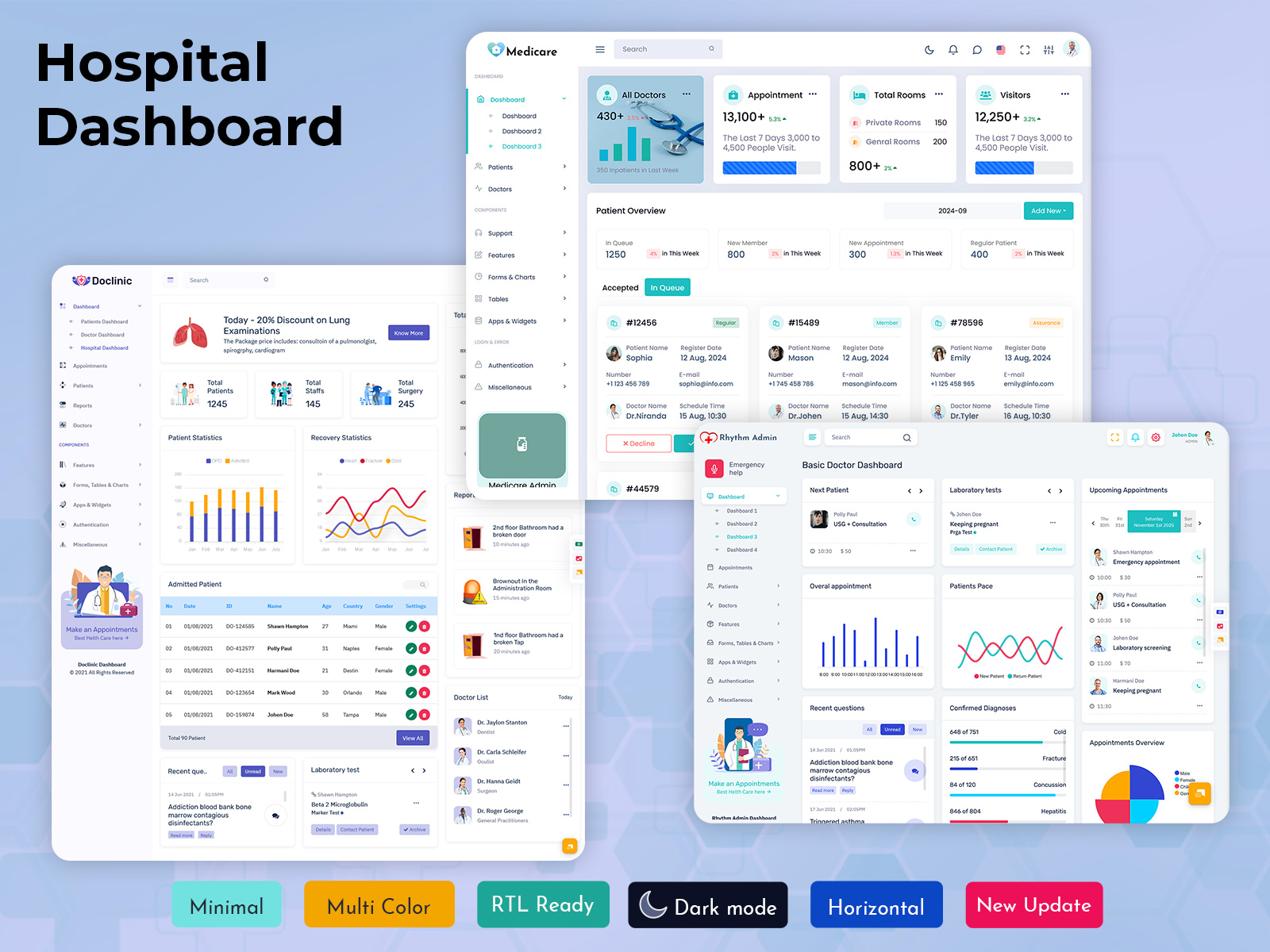
Explore Healthcare Admins – Click Button for Live Demo
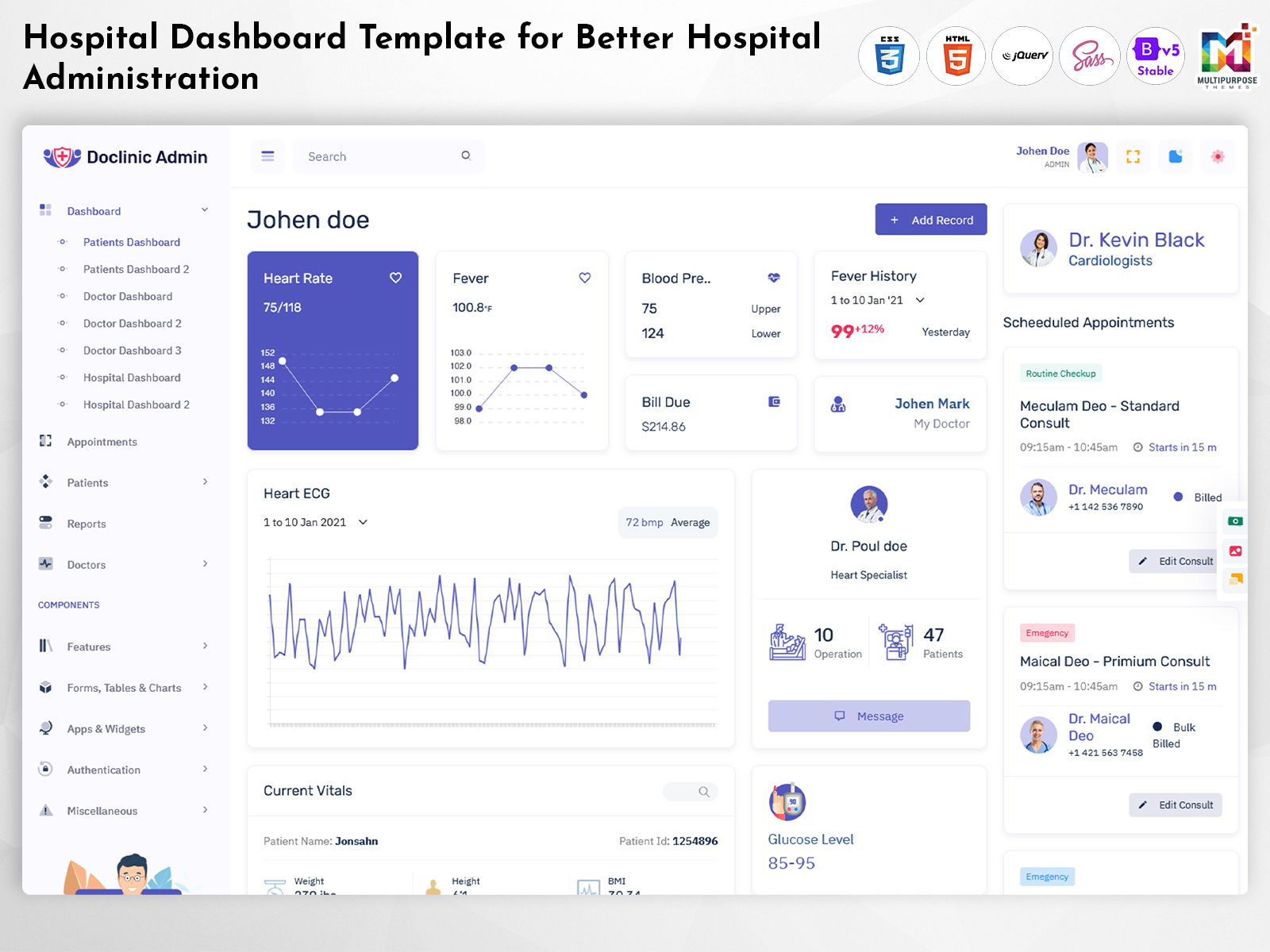
Doclinic Admin – Hospital Dashboard
BUY NOW DEMO
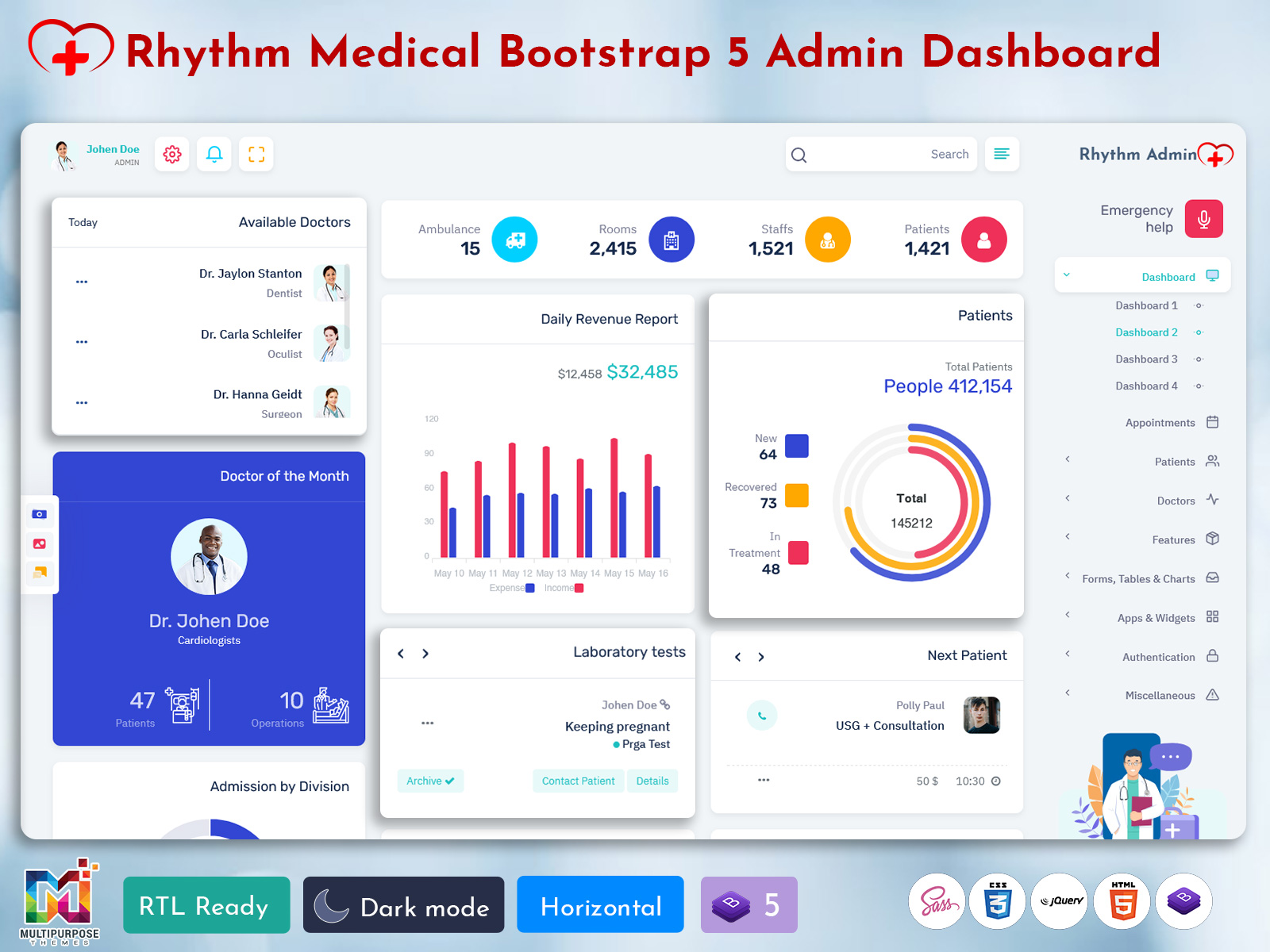
Rhythm Admin – Hospital Dashboard
BUY NOW DEMO
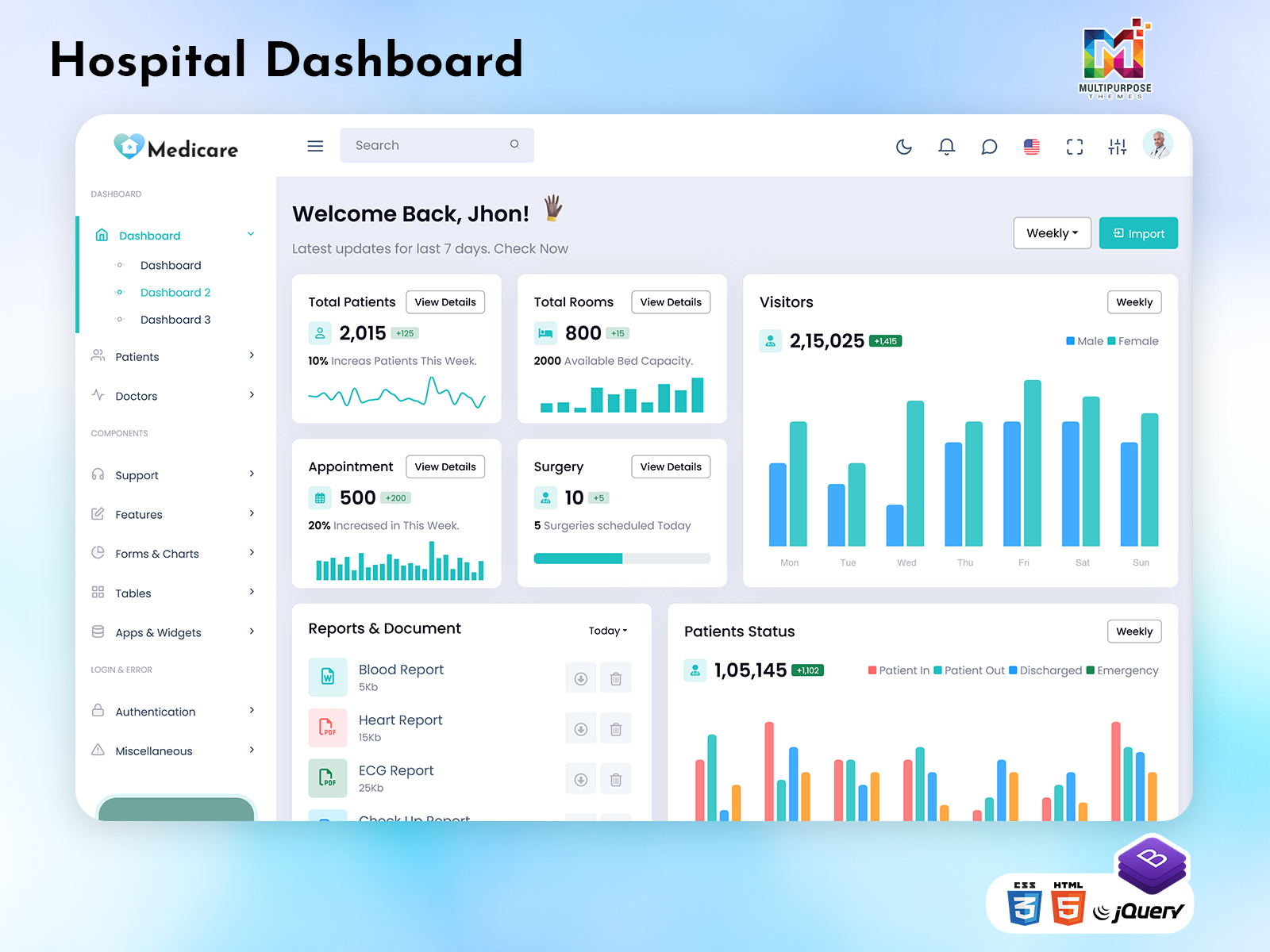
Medicare Admin – Hospital Dashboard
BUY NOW DEMO
CRMi Admin – Hospital Dashboard
BUY NOW DEMO
Gilded Admin – Hospital Dashboard
BUY NOW DEMO
Tresto Admin – Hospital Dashboard
BUY NOW DEMO
BsinX Admin – Hospital Dashboard
BUY NOW DEMO
Benefits of Hospital Dashboard Templates
Starting from scratch takes considerable time and resources. Instead, hospital dashboard templates offer ready-made solutions. They come pre-configured with industry-standard metrics. As a result, facilities can deploy them quickly.
Admin Templates save money too. Custom development costs thousands of dollars. In contrast, templates provide professional designs at a fraction of the cost. They also incorporate best practices from successful healthcare organizations.
Another advantage is consistency. Bootstrap 5 Admin Templates ensure standardized reporting across departments. This uniformity makes it easier to compare performance metrics. It also simplifies training for new staff members.
Admin Templates are flexible as well. Most allow customization to match specific needs. You can add facility-specific metrics. Similarly, you can remove irrelevant data points. This adaptability makes templates suitable for various healthcare settings.
Essential Metrics for Hospital Dashboards
Every effective hospital dashboard tracks certain core metrics. Patient occupancy rates show bed availability. This information helps manage admissions efficiently. It also reveals capacity planning needs.
Average length of stay indicates efficiency levels. Shorter stays often mean better resource utilization. However, premature discharges can increase readmission rates. Therefore, finding the right balance is crucial.
Emergency department wait times directly impact patient satisfaction. Long waits lead to poor experiences. They also indicate potential staffing or process issues. Monitoring these times helps identify improvement opportunities.
Medication administration tracking prevents errors. It ensures patients receive correct dosages on schedule. This feature significantly enhances patient safety. It also provides documentation for compliance purposes.
Staff productivity metrics optimize workforce management. They show which shifts need additional coverage. Likewise, they reveal underutilized resources. This data supports better scheduling decisions.
Financial indicators matter too. Revenue per patient helps assess profitability. Cost per procedure reveals efficiency opportunities. Insurance reimbursement rates affect financial planning. Together, these metrics guide strategic decisions.
Implementing Your Hospital Dashboard Template
Successful implementation requires careful planning. First, identify your facility’s specific needs. Different hospitals prioritize different metrics. Small clinics focus on basics. Large medical centers need comprehensive tracking.
Next, involve key stakeholders early. Get input from doctors, nurses, and administrators. Their feedback ensures the Doctor Dashboard meets actual needs. It also increases user adoption rates.
Data integration comes next. Your hospital dashboard must connect to existing systems. Electronic health records provide patient information. Financial software supplies billing data. HR systems offer staffing metrics. Seamless integration prevents data silos.
User training is equally important. Even intuitive Medical Dashboards require some orientation. Schedule hands-on training sessions. Create simple reference guides. Offer ongoing support as users adapt.
Security cannot be overlooked. Patient data requires strict protection. Ensure your dashboard complies with HIPAA regulations. Implement strong access controls. Regular security audits maintain compliance.
Choosing the Right Dashboard Solution
Multiple options exist for hospital dashboard templates. Cloud-based solutions offer accessibility from anywhere. Staff can check metrics from home or mobile devices. They also handle automatic updates seamlessly.
On-premise solutions provide more control. Some facilities prefer keeping data in-house. This approach may suit organizations with strict security policies. However, it requires more IT resources.
Consider scalability when choosing. Your needs will grow over time. Pick a solution that expands easily. This prevents costly migrations later.
Integration capabilities are critical. The dashboard should work with your current software. Compatibility issues create headaches. They also limit functionality.
Cost varies widely among options. Free templates exist for basic needs. Premium solutions offer advanced features. Calculate total cost of ownership. Include implementation, training, and maintenance expenses.
Real-World Applications
Emergency departments benefit greatly from Patient Dashboard. They track incoming ambulances. They monitor available beds. Staff can see which doctors are available. This coordination improves response times.
Intensive care units rely on continuous monitoring. Dashboards display vital signs for multiple patients. They alert nurses to concerning trends. This constant vigilance saves lives.
Operating rooms use dashboards for scheduling. They show which rooms are available. They track surgical times and equipment. This organization reduces delays. It also maximizes room utilization.
Outpatient clinics manage appointments better. Dashboards show daily schedules. They flag potential conflicts. They remind staff of follow-up appointments. This organization improves patient flow.
Future Trends in Healthcare Dashboards
Artificial intelligence is transforming hospital dashboards. Predictive analytics forecast patient volumes. Machine learning identifies potential complications early. These capabilities enable proactive care.
Mobile optimization is becoming standard. Healthcare professionals want dashboard access on smartphones. Responsive designs adapt to different screen sizes. This mobility supports modern workflows.
Voice commands are emerging too. Hands-free operation suits clinical environments. Doctors can query data while treating patients. This convenience enhances efficiency.
Patient portals are integrating with hospital dashboards. Patients can view their own data. They can track recovery progress. This transparency improves engagement.
Getting Started Today
Implementing a hospital dashboard template doesn’t have to be overwhelming. Start small with one department. Test and refine before expanding. Learn from early experiences. Document your requirements clearly. List must-have features first. Identify nice-to-have additions second. This prioritization guides selection.
Request demonstrations from vendors. See the dashboard in action. Ask tough questions about limitations. Compare multiple options carefully. Remember that dashboards are tools. They support better decisions. However, human expertise remains essential. Use dashboards to enhance, not replace, clinical judgment. The right Hospital Dashboard transforms healthcare delivery. It provides clarity amid complexity. It empowers staff with information. Most importantly, it helps deliver better patient care. Start exploring hospital dashboard templates today. Your patients and staff will benefit tomorrow.

Related Posts