

The logistics and supply chain industry in 2026 is rapidly evolving, driven by automation, artificial…
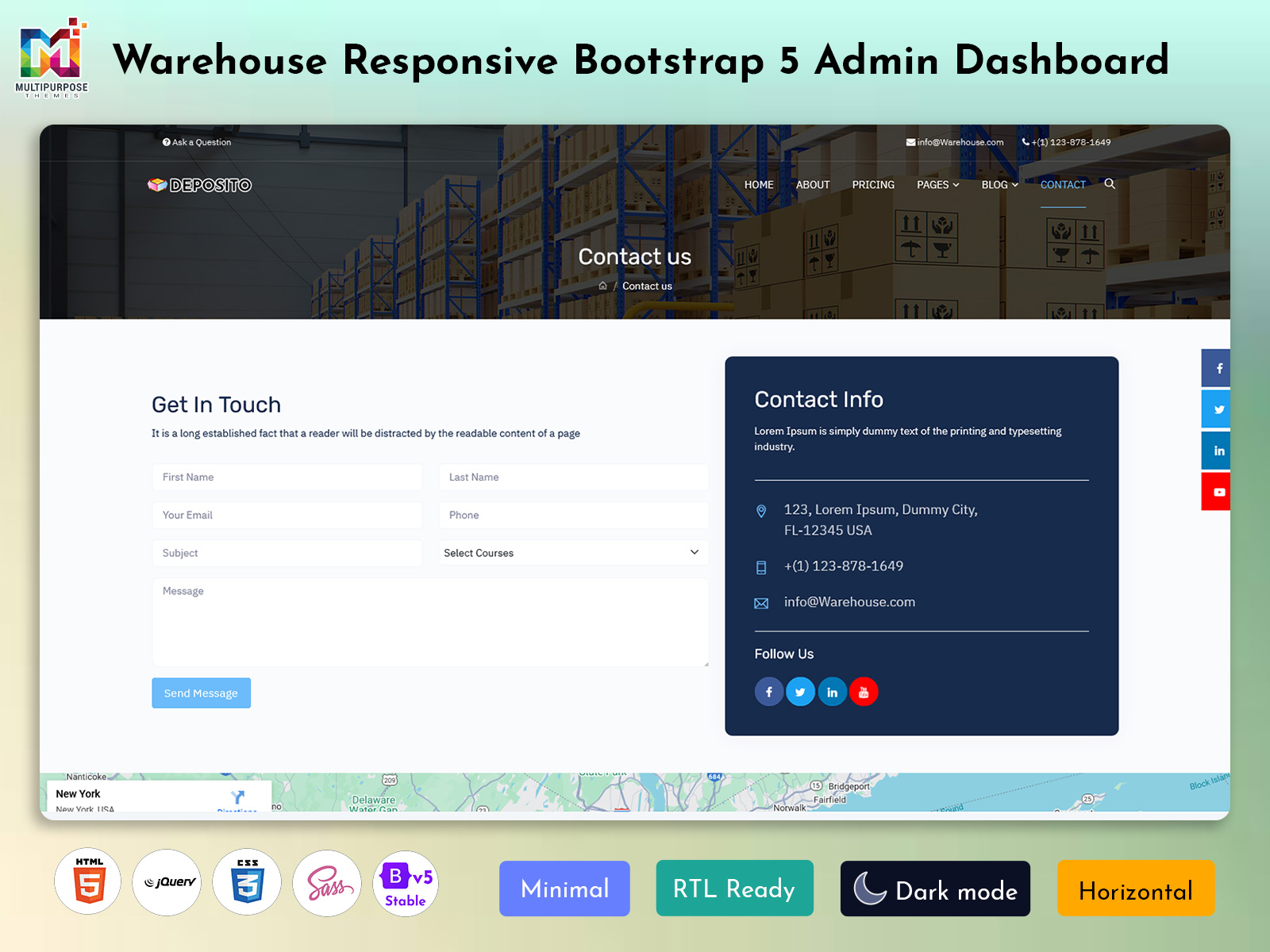
Inventory Management Dashboard – Stop Losing Boxes in 2026
Reading Time: 2 minutes
Managing a warehouse efficiently requires accurate data, real-time tracking, and smart decision-making tools. A Warehouse Inventory Management Dashboard system is designed to help businesses monitor inventory, track performance, and manage warehouse operations from a single dashboard. With modern technology, companies now rely on digital dashboards to simplify complex warehouse processes and improve productivity.
An Inventory Management Dashboard provides a clear overview of stock levels, incoming shipments, and outgoing orders. This helps warehouse teams avoid stock shortages and reduce unnecessary inventory costs. At the same time, tools like the Warehouse KPI Dashboard and Warehouse Metrics Dashboard help businesses measure operational performance and identify areas for improvement.
For warehouse supervisors and logistics teams, a Warehouse Manager Dashboard offers valuable insights that support faster and better decision-making. It displays real-time data, operational trends, and productivity metrics that allow managers to keep everything running smoothly. A well-designed Warehouse Admin dashboard helps organizations improve efficiency, reduce errors, and maintain full control over warehouse operations.
Watch Full Video
Real-Time Inventory Tracking
One of the most important features of a Warehouse Admin system is real-time inventory tracking. The Inventory Management Dashboard allows warehouse teams to monitor stock levels instantly. This feature shows available items, low-stock alerts, and product movement within the warehouse. By providing up-to-date information, it helps businesses avoid stock shortages and overstocking. Real-time visibility also improves order accuracy and ensures that warehouse operations run smoothly without delays.
Performance Monitoring with Warehouse KPI Dashboard
A Warehouse KPI Dashboard helps managers track key performance indicators related to warehouse operations. These indicators may include order processing speed, picking accuracy, inventory turnover, and delivery timelines. By monitoring these KPIs, warehouse managers can easily identify performance gaps and take action to improve productivity. This feature provides a clear picture of operational efficiency and helps companies make data-driven decisions to optimize warehouse performance.
Data Insights with Warehouse Metrics Dashboard
The Warehouse Metrics Dashboard provides detailed analytics and reports that help businesses understand their warehouse operations better. It displays useful data such as storage utilization, order fulfillment rates, and daily activity reports. With visual charts and graphs, warehouse teams can quickly analyze trends and identify operational challenges. This feature allows companies to make strategic improvements and maintain smooth warehouse workflows.
Centralized Control with Warehouse Manager Dashboard
The Warehouse Manager Dashboard acts as the main control center for warehouse supervisors. It combines data from different systems and displays everything in one easy-to-understand interface. Managers can track staff productivity, monitor shipments, and oversee inventory performance from a single screen. This centralized control helps warehouse managers stay organized and manage operations more effectively.
User-Friendly Interface
A modern Warehouse Admin dashboard is designed with a simple and user-friendly interface. Clear navigation, visual charts, and customizable panels make it easy for warehouse staff to access important information quickly. Even non-technical users can understand warehouse data without difficulty. This feature improves team productivity and ensures that warehouse teams can focus more on operations rather than complex software tools.
Last Words
A powerful Warehouse Admin system plays an important role in improving warehouse efficiency and productivity. With tools like the Inventory Management Dashboard, Warehouse KPI Dashboard, Warehouse Metrics Dashboard, and Warehouse Manager Dashboard, businesses can easily monitor operations and make smarter decisions.
These Inventory Management Dashboard provide real-time insights into inventory levels, warehouse performance, and operational trends. As warehouses continue to grow and handle larger volumes of products, digital management tools become essential. By using a well-designed warehouse dashboard, companies can reduce errors, improve workflow efficiency, and maintain better control over their supply chain operations.
buy now
Canal warehousesInformation Management DashboardLogistics Admin TemplateLogistics And Warehouse DashboardLogistics And Warehouse DashboardsLogistics And Warehouse SoftwareLogistics And Warehouse Software DashboardLogistics And Warehouse TemplateLogistics dashboardLogistics Dashboard TemplateLogistics DashboardsLogistics Software TemplateLogistics Software Ui KitLogistics Ui FrameworkLogistics WebApp DashboardLogistics WebApp Templatematerial dashboardMaterial Report DashboardMaterial stock DashboardOverseas warehousesPacking warehousesRailway warehousesStock DashboardTransportation DashboardWarehouse Admin DashboardWarehouse Admin PanelWarehouse Admin Ui FrameworkWarehouse Admin ui KitWarehouse And Logistics DashboardWarehouse And Logistics Dashboard TemplateWarehouse And Logistics Dashboard Ui KitWarehouse And Logistics SoftwareWarehouse And Logistics Software Design TemplateWarehouse Bootstrap 5 Dashboardwarehouse Bootstrap TemplatesWarehouse DashboardWarehouse Dashboard Designwarehouse dashboard templateWarehouse Dashboard Templateswarehouse dashboard trackWarehouse Dashboard Ui Kitwarehouse KPI Admin Dashboardwarehouse KPI templateWarehouse Management DashboardWarehouse Management Dashboard TemplateWarehouse management systemwarehouse management web appswarehouse managerswarehouse operationsWarehouse Report DashboardWarehouse Service DashboardWarehouse Software DashboardWarehouse Software DesignWarehouse Software TemplateWarehouse WebApp TemplateWarehouse Webpage

Related Posts
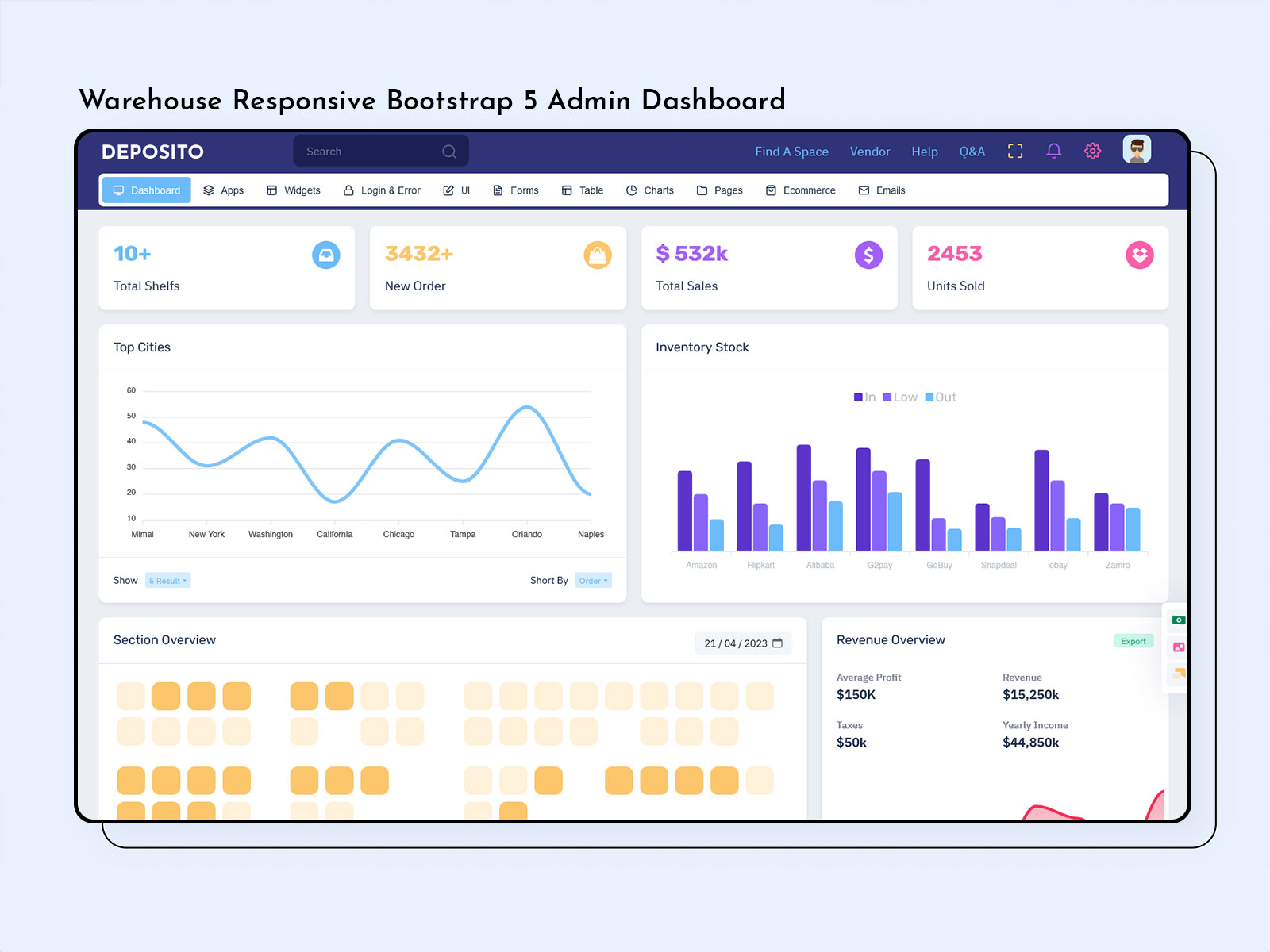

Managing a warehouse today is no longer just about storing goods. It is about speed,…
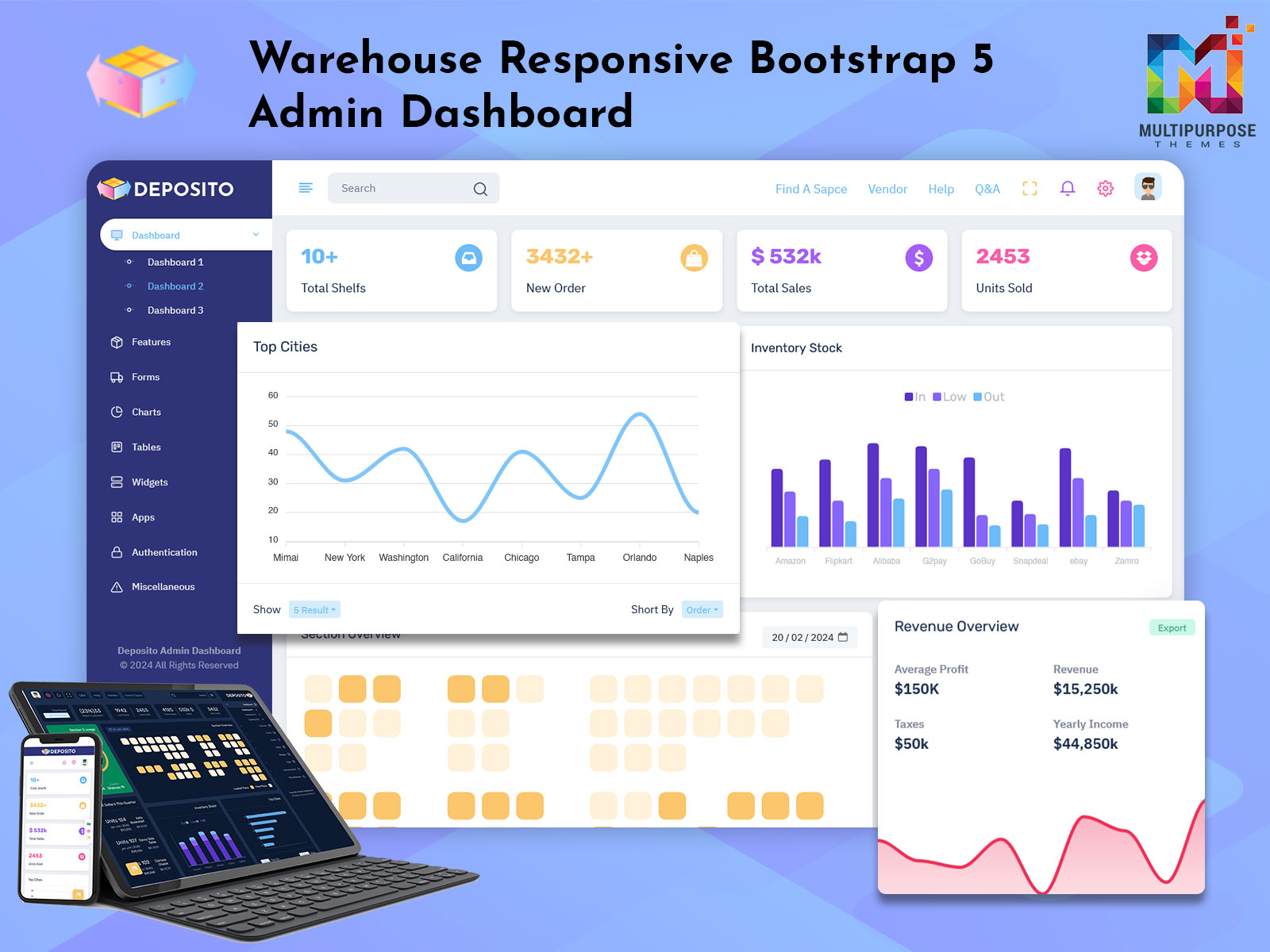
At the top of this blog, you can watch a complete Warehouse Metrics Dashboard demo…


This Post Has 0 Comments